

مدونة WeddingAI.video
فيديو خطوبة بالذكاء الاصطناعي: كيف تصنع لحظة لا تُنسى
تعرف على كيفية إنشاء فيديو ذكرى مقترح جميل باستخدام أدوات الذكاء الاصطناعي. حوّل صور ومقاطع اقتراحك إلى تذكار سينمائي في دقائق، وليس ساعات.
10 دقائق قراءة
الخطوبة هي واحدة من أهم اللحظات في حياتك. لحظة الركوع، فتح علبة الخاتم، النظر في عينيها وسؤالها: "هل تتزوجيني؟" هذه اللحظة تستحق أكثر من مجرد ذكرى ضبابية في الذاكرة. تستحق أن تُحفظ بشكل سينمائي مذهل يمكنكم مشاركته مع العالم وإعادة مشاهدته مرات لا نهائية.
لكن التحدي الحقيقي: كيف تُصوّر لحظة خطوبة دون أن تكتشفها شريكتك؟ وكيف تجعل الفيديو يبدو احترافياً ومؤثراً وليس مجرد مقطع هاتف عشوائي؟ هذا هو المكان الذي يتألق فيه الذكاء الاصطناعي.
في هذا الدليل الشامل، سنأخذك في رحلة لإنشاء فيديو خطوبة مذهل باستخدام تقنيات الذكاء الاصطناعي — سواء كنت تريد توثيق اللحظة الفعلية أو إنشاء فيديو إبداعي يحكي قصتكما.
---
لماذا فيديو الخطوبة مهم جداً؟
أكثر من مجرد مقطع فيديو
كثير من الناس يعتقدون أن فيديو الخطوبة هو مجرد توثيق للحظة. لكن الحقيقة أنه يمكن أن يكون:
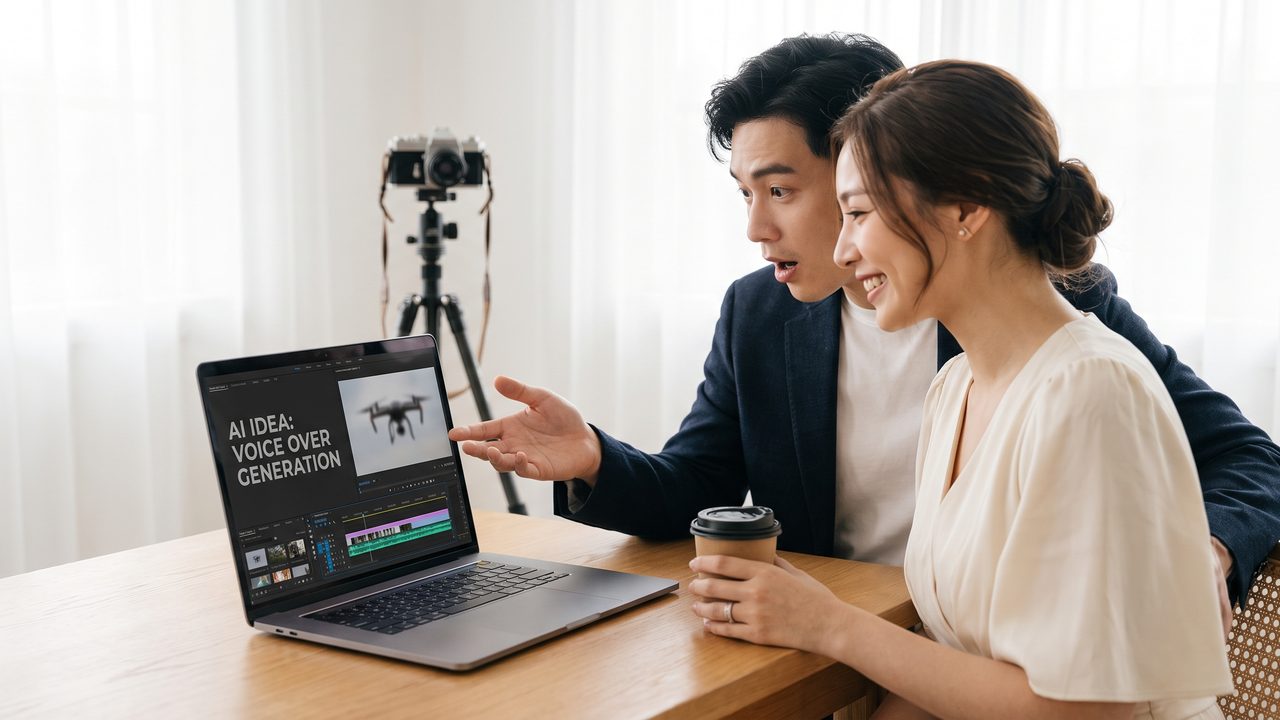
- ذكرة خالدة — ستُشاهده معاً كل عام في ذكرى خطوبتكما
- قصة تحكيها لأطفالك — "هكذا طلبت يد أمكِ"
- محتوى للمشاركة — لحظات سعيدة تُشاركها مع العائلة والأصدقاء
- جزء من فيديو زفاف — يمكن دمجه لاحقاً في فيديو زفاف
الإحصائيات تتحدث
- 85% من الأفراد الذين صوّروا خطوبتهم يقولون أن سعدوا جدًا لذلك
- تحصل مقاطع الفيديو المشاركة على 3 أجزاء من وسائل التواصل الاجتماعي مقارنة بالصور
- 72% من الأفراد يستخدمون فيديو الخطوبة في حفل زفافهم
---
أنواع فيديوهات الخطوبة
1. لحظة اللحظة
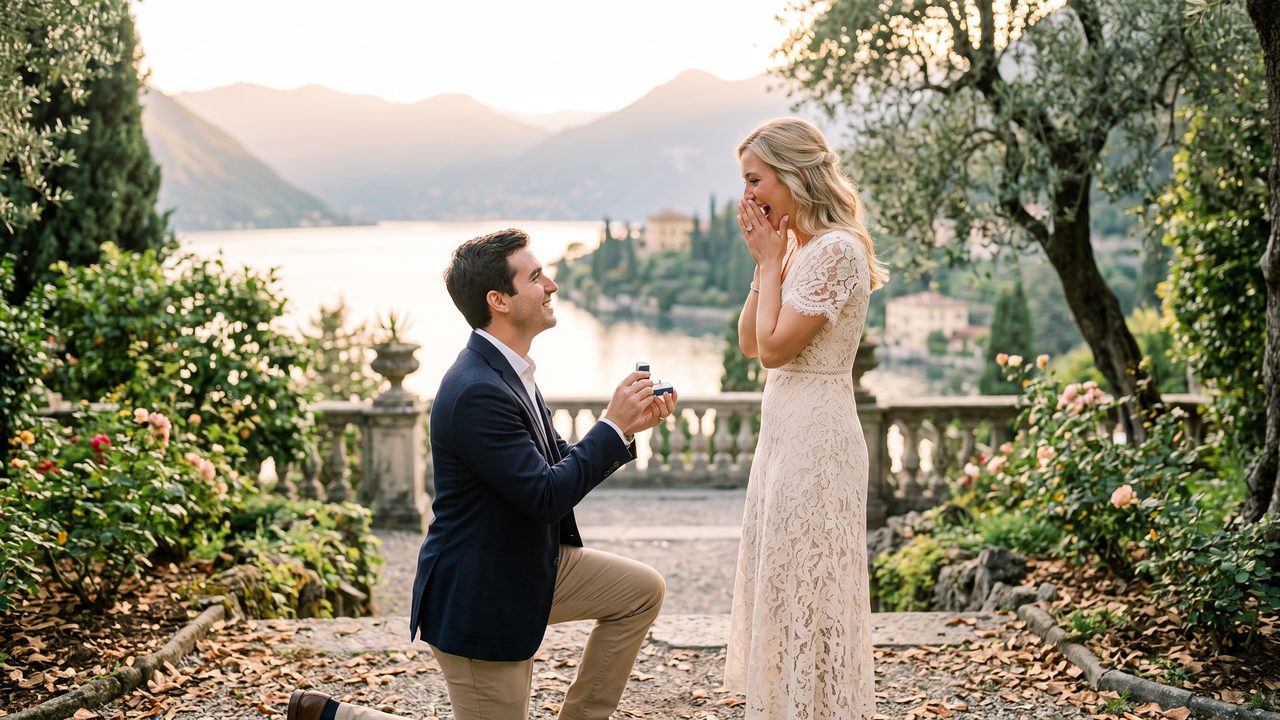
هذا النوع يلتقط لحظة الخطوبة الفعلية — أنت راكع على ركبتك وهي تتفاجأ. يتطلب تخطيطاً دقيقاً للكاميرا وشخصاً يُصوّر دون أن يُكتشف.
المميزات:
- عاطفي وصادق بشكل لا يصدق
- تعبيرات طبيعية حقيقية
- ذكرى حقيقية للحظة الفعلية
التحديات:
- يحتاج تخطيطاً دقيقاً
- صعب التصوير بجودة عالية بدون اكتشاف
- قد يتأثر بالإضاءة والصوت
2. فيديو القصة المصور
هذا النوع يحكي قصة حبكما من البداية باستخدام صوركما ومقاطع الفيديو السابقة، ثم ينتهي بلحظة الخطوبة (الحقيقية أو المصممة). يُشبه فيلماً قصيراً رومانسياً.
المميزات:
- يمكن إنشاؤه قبل أو بعد الخطوبة
- جودة سينمائية احترافية
- يحكي القصة الكاملة
3. تاريخ ميلادي
فيديو يبدأ من لحظة اختيار الخاتم ويتبعك في التحضيرات — اختيار المكان، التدريب على الخطاب، شراء الزهور — ثم ينتهي بلحظة الخطوبة الكبرى.
4. اقتراحات فيديوهات إبداعية
يستخدم فيديو تقنيات إبداعية مثل الرسوم المتحركة أو أسلوب الرسوم المتحركة الكاريكاتورية لسرد قصة حبكما بطريقة فريدة تقليدية وغير ذلك.
---
كيفية إنشاء فيديو خطوبة بالذكاء الاصطناعي
الخيار الأول: توثيق اللحظة الحقيقية
#### التخطيط المسبق
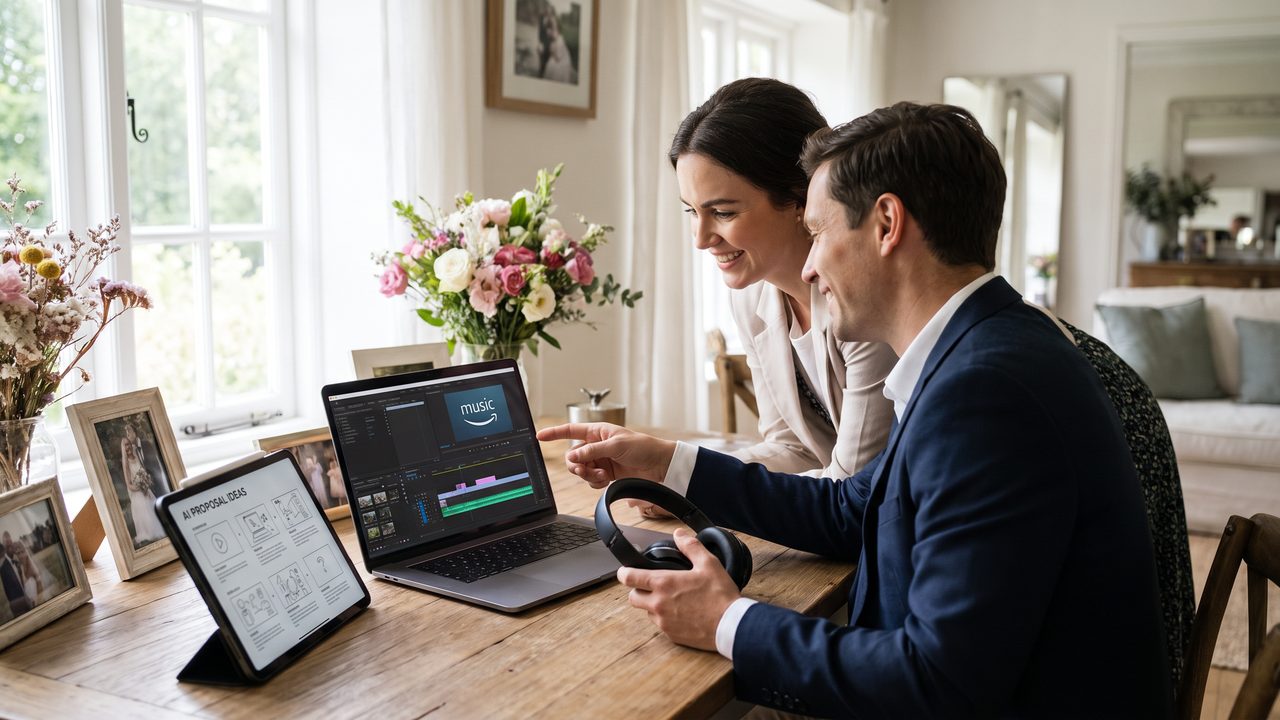
- اختر المصور — صديق موثوق أو مصور محترف يعرف المكان مسبقاً
- حدد الزوايا — خطط لكاميرات متعددة إذا أمكن (واحدة قريبة وأحد بعيدة)
- اختبر الأجهزة — تأكد من الشحن والذاكرة والإضاءة
- اختر الوقت — الغروب أو الإضاءة الطبيعية تعطي أفضل نتائج
#### نصائح للتصوير السري
- استخدم هاتفك في وضع الطيران لتجنب الأصوات المفاجئة
- اطلب من المصور أن يكون على بُعد مناسب (ليس قريباً جداً)
- حدد إشارة واضحة لبدء التصوير (مثل لمس أنفك)
#### بعد التصوير
هنا يتألق الذكاء الاصطناعي. بعد الحصول على اللقطات الخام:
- تحسين الجودة — الذكاء الاصطناعي يُحسّن الإضاءة والألوان تلقائياً
- إزالة التشويش — يُزيل أي تشويش من الحركة أو الإضاءة
- إضافة حركة البطيئة — تطبيق حركة البطيئة على لحظة الركوع والتفاجؤ
- إضافة الموسيقى — مزامنة مع أغنية ذات معنى خاص لكما
الخيار الثاني: إنشاء فيديو من الصور
إذا لم تتمكن من توثيق اللحظة الحقيقية، يمكنك إنشاء فيديو مذهل من الصور:
- اجمع الصور — صور من علاقتكما: أول موعد، رحلات، لحظات خاصة
- أضف صور الخطبة — صور الخاتم، لحظة الخطوبة (إذا وُجدت)، صور الاحتفال
- اختر السرد — هل تريد قصة خطية أم فيديو عاطفي بدون ترتيب زمني؟
- اترك الباقي للذكاء الاصطناعي — المنصة ستُنشئ فيديو سينمائي من صورك
---
أفكار إبداعية لفيديو خطوبة مميز
الفكرة 1: "كيف تصل إلى هنا"
فيديو يحكي قصة علاقتكما من أول لقاء إلى لحظة الخطوبة. يبدأ بصور قديمة ويتطور تدريجياً إلى لحظة الركوع على الركبة.
الفكرة 2: "عد عطلات الحظية"
فيديو يبدأ من "اليوم 30" (قبل شهر من الخطوبة) ويتبعك في كل الاستعدادات: اختيار الخاتم، اختيار المكان، التدريب على الخطاب.
الفكرة 3: "ردود الفعل"
إذا صوّرت لحظة الخطوبة الحقيقية، أنشئ فيديو يركز على ردود فعل العائلة والأصدقاء عند سماع الخبر.
الفكرة 4: "الخطاب"
فيديو يركّز على كلماتك — الخطاب الذي وجهته لها عند الخطوبة — مع صور من علاقتكما في الخلفية.
الفكرة 5: "قصة حب متحركة"
استخدم تقنيات تحويل الصور إلى فيديو إنشاء فيديو متحرك من صوركما مع تعليق صوتي يحكي قصتكما.
---
قصص نجاح حقيقية
خالد من دبي
"أردت أن أجعل لحظة خطوبتي مميزة. صوّرت اللحظة بهاتف صديقي، لكن الجودة كانت سيئة جداً — الإضاءة مظلمة والصوت مشوش. استخدمت أداة الذكاء الاصطناعي لتحسين الفيديو وأضفت حركة بطيئة على لحظة الركوع. النتيجة كانت سينمائية! خطيبتي بكت حين رأتها. والآن نُشاهد هذا الفيديو كل شهر."
سارة من القاهرة
"لم يثبت وجود علاقة تفاعلية مؤكدة بشكل عفوي في عشاء رومانسي. لكن لدينا صور كثيرة من علاقتنا. تم إنشاء فيديو 3 دقائق من الصور باستخدام الذكاء الاصطناعي بأغنية 'أول مرة' لعمرو دياب. كان أجمل هدية لك خطيبي."
ياسر ونورة من الرياض
"أردت شيئاً مختلفاً — فيديو خطوبة بأسلوب كرتوني. استخدمت تقنية الرسوم المتحركة لتحويل صورنا إلى شخصيات كرتونية تحكي قصة حبنا. كان الفيديو مرح ومؤثراً في نفس الوقت. أصدقاؤنا على السناب شات جنّوا عليه!"
---
الأخطاء الشائعة وكيفية تجنبها
1. الهدف في التخطيط
لا تُعقّد الأمور. أحياناً أبسط اللحظات هي الأكثر جمالاً. لا تحتاج إلى إنتاج هوليوودي —ما تحتاجه هو المشاعر الحقيقية.
2. إهمال الصوت
الصوت لا يقل أهمية عن الصورة. تأكد من:
- إزالة الضوضاء الخلفية
- إضافة موسيقى مناسبة
- الحفاظ على الكلمات واضحة (إذا وُجدت)
3. اختر موسيقى غير مناسبة
الموسيقى تُحدد نبرة الفيديو بالكامل. اختاري أغنية تعكس علاقتكما ومشاعركما، وليس فقط أغنية رائجة.
4. إطالة الشعر
فيديو الخطوبة المثالي مدته 2-5 بعد الظهر. لتخفيف من ذلك السبب الملل للمراقبين.
---
الأسئلة الشائعة
هل يمكن إنشاء فيديو خطوبة بدون لقطات حقيقية؟
نعم بالتأكيد! يمكنك إنشاء فيديو مذهل من صوركما السابقة باستخدام تقنيات الذكاء الاصطناعي. كثير من الأزواج يفعلون ذلك بنجاح.
كم يكلف إنشاء فيديو خطوبة بالذكاء الاصطناعي؟
تكلفة التكلفة تتراوح بين 20-100$ حسب اختيارك والاختيارات. أقل بكثير من مصور محترف (500-2,000$).
هل يمكن إضافة فيديو الخطوبة إلى فيديو الزفاف؟
نعم! يمكنك إنشاء فيديو زفاف لقطات الخطوبة كمقدمة مؤثرة.
ما أفضل وقت لإنشاء فيديو الخطوبة؟
يمكنك إنشاؤه فوراً بعد الخطوبة لمشاركته، أو قبل الزفاف لاستخدامه في الحفل. الخياران ممتازان.
---
خلاصة: لحظتك تستحق الأفضل
لحظة خطوبتك هي بداية فصل جديد من حياتك. لا تدعها تمر دون توثيق سينمائي مذهل. سواء صوّرت اللحظة الحقيقية أو أنشأت فيديو من صوركما، فإن تقنيات الذكاء الاصطناعي الحديثة تضمن لكِ نتائج احترافية بأسعار معقولة.
ابدأ موجود فيديو خطوبتك الآن واجعل هذه اللحظة تُحفظ للأبد والآن الذي تستحقه.
---
ابدأ اليوم
هل أنت مستعد لرئاسة الانتخابات الرئاسية لا تُنسى؟ جرّب أداة إنشاء الفيديو بالذكاء الاصطناعي مجاناً واكتشف كيف يمكن تحويل ذكرياتك إلى فيديو سينمائي مذهل.
هل أنت على استعداد لتغيير ذكريات حفل الزفاف الخاص بك؟
أخبرنا عن مشروعك وسنرد عليك خلال 24 ساعة بعرض أسعار مجاني.
احصل على عرض أسعار مجاني →