

WeddingAI.video 博客
如何使用人工智能修复抖动的婚礼视频片段
使用 AI 稳定功能修复抖动的婚礼视频片段。分步指南可平滑不稳定的剪辑并保存您的婚礼影片。立即稳定您的视频!
9 min read
您的婚礼日很完美。您的素材却不是。也许您的叔叔自愿拍摄仪式,而他的手在圣坛前抖得比您还厉害。也许您雇的 DIY 摄像师使用的云台没调好。也许舞池的素材看起来像在地震中拍摄的。
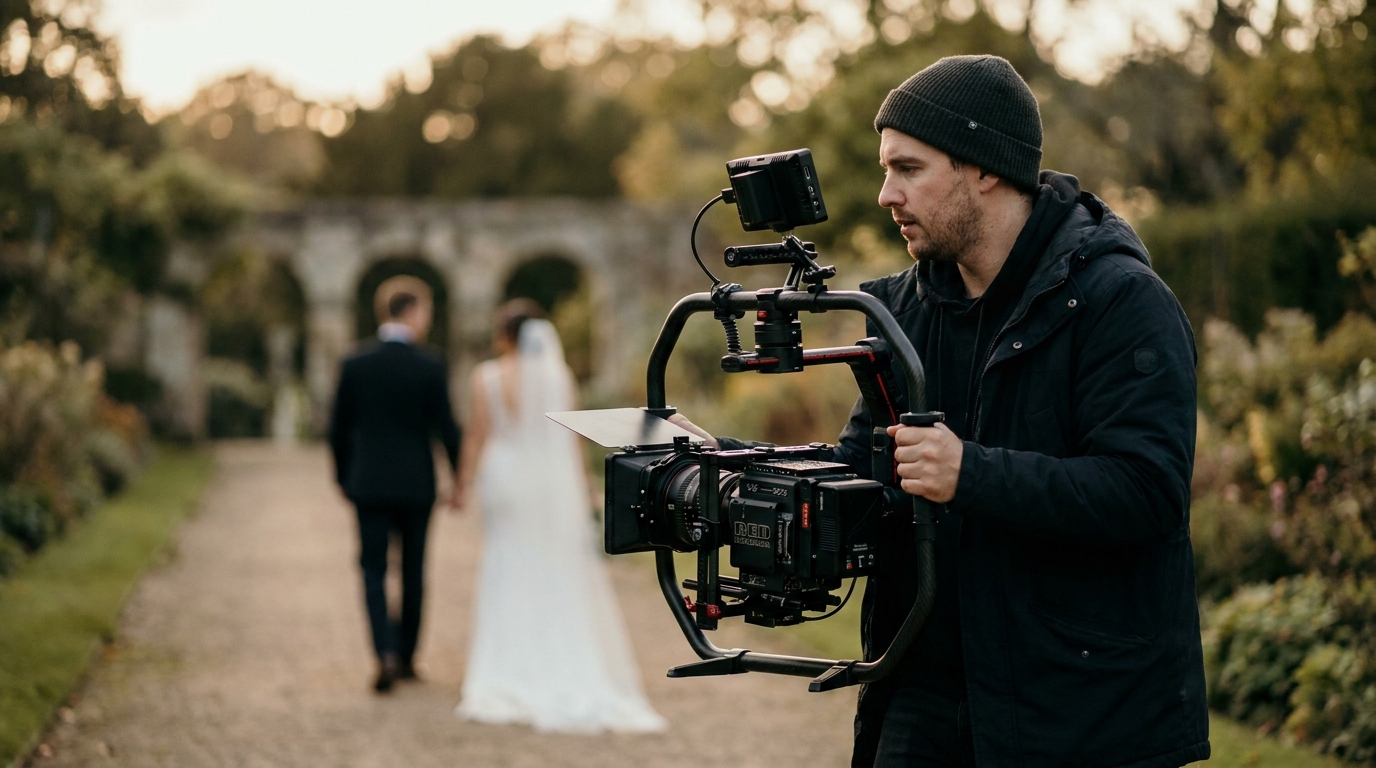
镜头抖动是最常见的婚礼视频问题之一,直到最近,它还是最难修复的问题之一。传统的稳定方法会显著降低视频质量,但现代 AI 工具可以解决。
人工智能驱动的稳定性改变了一切。现代工具可以分析摄像机的运动,预测有意的平移与无意的抖动,并平滑镜头,同时保留原始帧和自然运动。以下是如何使用它们。
为什么婚礼镜头变得不稳定
了解原因有助于您选择正确的解决方案。
婚礼视频不稳定的常见原因
- 手持拍摄无稳定- 最常见的原因,尤其是智能手机或消费相机
- 万向节或稳定器不足— 廉价的万向节会引入自己的抖动
- 边走边拍— 跟随这对夫妇沿着过道,穿过接待处
- 弱光条件— 相机在光线昏暗的场所中表现不佳,较慢的快门速度会放大抖动
- 变焦镜头完全伸展— 长焦镜头放大每一次颤抖
- 兴奋和情感— 即使是专业摄影师在情绪激动的时刻也会颤抖
严重程度从几乎无法察觉的微抖动到导致视频无法观看的极度晃动不等。好消息:人工智能稳定性可以解决大部分问题。
AI 视频稳定的工作原理
传统的稳定工作原理是分析帧到帧的运动并应用反变换——本质上是移动每一帧以补偿相机抖动。这种方法可以工作,但会降低视频质量。
AI 稳定有着根本的不同。
人工智能方法
Adobe 的技术文档,现代稳定可以分析整个剪辑,而不仅仅是相邻的帧。系统:
- 分析整个剪辑- 不仅仅是相邻帧,还有相机随时间的轨迹
- 区分有意运动和无意运动— 保留慢锅;手部颤抖被消除
- 预测丢失的帧边缘— 人工智能可以使用周围帧的上下文信息,生成相机稳定时可能存在的像素,而不是裁剪
- 保持自然运动— 主体仍然自然移动;仅消除了相机抖动
结果是看起来像是用专业稳定器拍摄的镜头,即使原始镜头是手持的并且不稳定。AI 还可以添加轻微的模拟抖动,使外观更加电影化。
人工智能与传统稳定
| 特性 | 传统 | AI 驱动 | |------|------|----------| | 画面裁剪 | 需要裁剪 10-30% | 几乎或无需裁剪 | | 故意平移处理 | 常被当作抖动 | 自然保留 | | 扭曲伪影 | 严重抖动时常见 | 罕见 | | 边缘重建 | 不可能 | AI 生成缺失像素 | | 处理速度 | 快 | 中等(推荐 GPU)| | 质量 | 适用于轻度抖动 | 适用于严重抖动 |
一步一步:修复抖动的婚礼视频
以下是如何稳定摇晃的婚礼镜头的具体方法。
第 1 步:评估损坏情况
在应用稳定之前,请检查您的镜头并对抖动进行分类:
- 轻微抖动— 轻微的手部颤抖,全速行驶时几乎察觉不到。轻松修复。
- 适度摇晃— 步行拍摄或手持拍摄时出现明显的晃动。适度修复。
- 剧烈摇晃- 极端的运动,卷帘快门伪影,几乎无法观看。更难修复,可能需要多次通过。
- 混合镜头— 有些剪辑是稳定的,有些则不稳定。单独固定每个剪辑。
第 2 步:选择您的工具
有多种 AI 稳定工具可供使用,每种工具都有不同的优势:
免费选项:
- 达芬奇决心— 具有内置稳定功能的专业视频编辑器(“稳定器”工具使用先进的算法)
- Adobe After Effects 中的变形稳定器— 行业标准(需要 Adobe 订阅)
- 谷歌照片— 短片的基本稳定性,效果出奇的好
付费选项:
- 黄玉视频人工智能— 最佳整体人工智能增强和稳定性(一次性 299 美元)
- Adobe Premiere Pro— 具有高级设置的扭曲稳定器
- 最终剪辑专业版— 编辑套件内置稳定功能
专业服务:
- AI增强服务— 我们将稳定、色彩校正和增强作为一个完整的包来处理
第 3 步:应用稳定化
以DaVinci Resolve(免费)为例:
- 将晃动的镜头导入时间线
- 选择剪辑并打开检查器面板
- 滚动到“稳定”部分
- 选择您的方法:
- 看法— 最适合一般抖动、分析位置、旋转和缩放
- 相似— 适合轻微摇晃,处理速度更快
- 翻译— 最简单,仅校正水平和垂直移动
- 设置裁剪比例(较低 = 较少裁剪,但可能会留下边缘)
- 单击“稳定”并等待分析完成
- 查看结果并根据需要调整设置
对于严重震动,您可能需要在适度设置的多次通过中应用稳定性,而不是一次激进的通过。
第 4 步:微调结果
稳定后,检查:
- 裁剪边缘- 如果稳定裁剪太多,请降低校正强度
- 翘曲— 如果框架边缘看起来呈波浪状,请改用不太激进的稳定方法
- 运动抖动- 如果稳定的镜头看起来不自然平滑,请添加少量自然的相机运动
- 音频同步— 稳定性不应影响音频,但应验证是否保持同步
第 5 步:导出并比较
应对剧烈震动的先进技术
有些镜头非常摇晃,标准稳定功能无法完全修复它。以下是高级方法。
多通道稳定
分阶段应用稳定化。第一遍:纠正主要的抖动。第二遍:平滑剩余的抖动。第三遍:微调任何残留的运动。每遍使用比单遍方法更温和的设置。
速度斜坡
慢动作增强,这种技术产生了令人惊讶的电影效果。
选择性稳定
如果只有剪辑的一部分摇晃,则不要稳定整个剪辑。仅在需要时使用关键帧来应用稳定性。这保留了稳定部分的自然感觉,同时固定了摇晃的部分。
帧插值
对于掉帧或卡顿运动的素材(在旧摄像机素材中常见),AI 帧插值可以生成中间帧以创建平滑的运动。 Topaz Video AI 和 RIFE 等工具可以从标准 30fps 素材中插值高达 60fps 甚至 240fps。
防止未来视频中的晃动
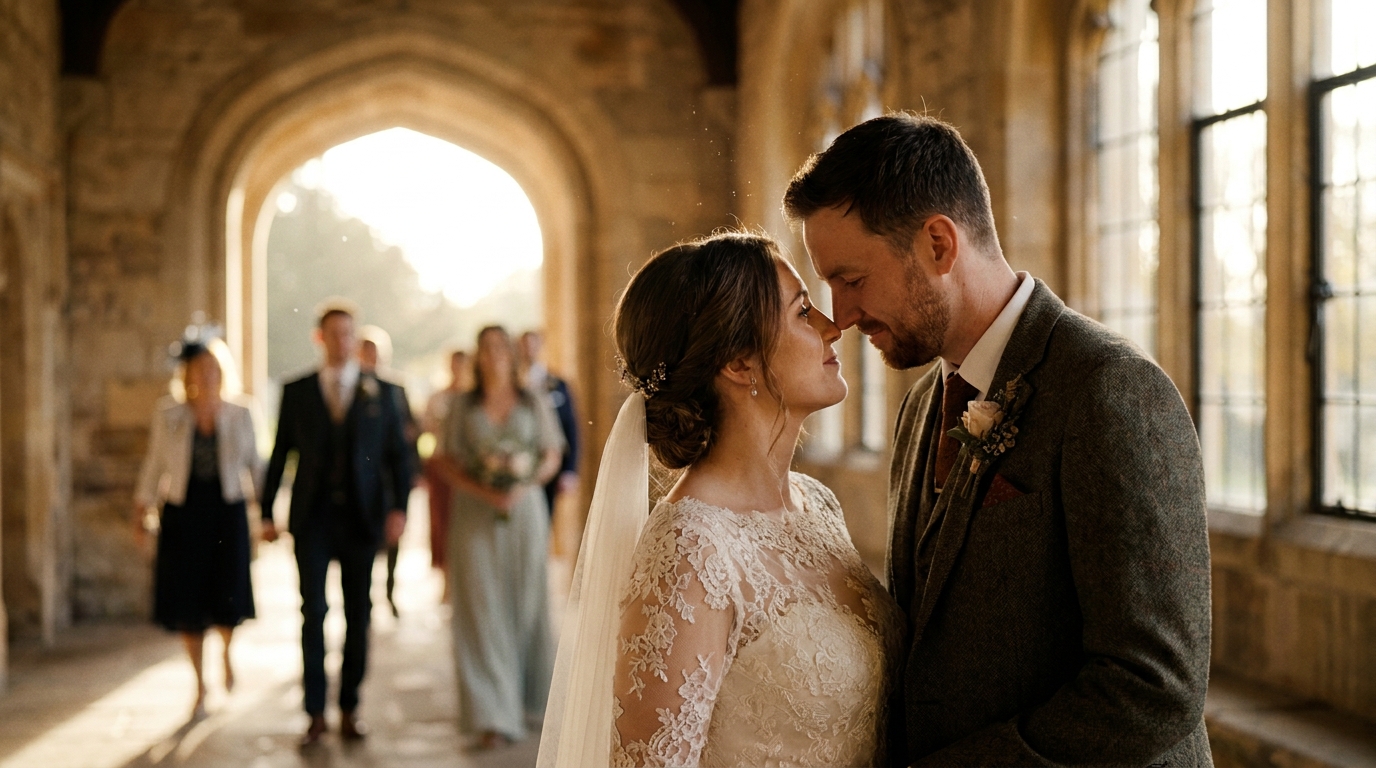
如果您仍在计划婚礼或即将举办活动,预防胜于治疗。
设备推荐
- 智能手机云台(80-150 美元) — 将晃动的手机镜头转变成流畅、专业的视频
- 具有机内稳定 (IBIS) 功能的相机- 大多数现代无反光镜相机都包含此功能
- 独脚架(30-80 美元) — 轻便、便携,并显着减少震动
- 仪式用三脚架— 将仪式摄像机锁定在三脚架上,拍摄稳定的镜头
拍摄技巧
- 弯曲你的膝盖走路时——这会吸收弹跳
- 使用双手然后将肘部抵住身体
- 靠在墙壁或柱子上在远射时提供支撑
- 呼吸平稳— 屏住呼吸会导致紧张和颤抖
- 拍摄范围比您认为需要的范围更广— 为稳定软件提供更多框架以供使用
何时聘请专业人士
DIY 稳定适用于大多数镜头,但有些情况需要专业帮助:
- 不可替代的镜头无法重拍的(仪式、亲人的讲话)
- 画面严重退化需要稳定性以及色彩校正、降噪和音频修复
- 大量素材— 手动稳定 50 多个剪辑既繁琐又耗时
- 复杂的编辑- 当稳定需要与过渡、效果和颜色分级集成时
视频增强服务。我们将人工智能稳定与色彩校正、降噪和音频增强相结合,以改造您的整个婚礼视频,而不仅仅是修复单个片段。
常见问题解答
你能修复极其摇晃的婚礼视频片段吗?
是的,人工智能稳定可以修复大多数晃动的镜头,包括严重的抖动。改善的程度取决于严重程度——轻微的抖动可以完全消除,而剧烈的抖动可以显着减少,但可能会留下一些残留的运动。多通道稳定和专业工具可为严重晃动的镜头带来最佳效果。
稳定性会改变我的视频质量吗?
现代 AI 稳定化可以保持甚至提升视频质量。与激进裁剪和缩放(降低分辨率)的旧稳定化方法不同,AI 工具可以使用上下文信息重建帧边缘。最终结果通常比原始素材更好,尤其是与色彩校正和降噪结合时。
婚礼视频需要多长时间才能稳定?
处理时间取决于剪辑长度、震动严重程度和您的硬件。在具有 GPU 加速功能的现代计算机上,一个 5 分钟的剪辑可能需要 5-15 分钟。完整的婚礼视频(2-4 小时的镜头)可能需要几个小时。专业服务通常会在 3-5 个工作日内提供稳定的视频。
我可以稳定手机上的视频吗?
可以。Google 相册包含一个基本的稳定功能,对短片段效果出奇地好。如需更多控制,CapCut 和 InShot 等应用提供稳定化工具。但对于完整婚礼视频的专业级效果,桌面软件或专业服务可产生显著更好的结果。
剪辑时稳定好还是拍摄时稳定好?
预防总是更好。拍摄时使用云台、三脚架或带机身稳定化的相机。然而,AI 后期稳定化已经进步到即使严重抖动的素材也能挽救。如果拍摄时无法稳定,AI 后期处理是您的最佳选择。
不要扔掉摇晃的镜头
您第一支舞的抖动片段?可修复。过道上的摇晃步伐?可挽救。手持拍摄的宴会素材让您晕动?AI 可以将其平滑。
您的婚礼镜头——无论是否摇晃——都包含着不可替代的时刻。不要让相机抖动夺走您的记忆。
AI增强服务将稳定、色彩校正、慢动作和降噪集成到一个无缝的过程中。将您颤抖的剪辑发送给我们 - 我们会发回一些美丽的内容。