

WeddingAI.video Blog
Include Remote Family — AI Wedding Video (Post-Wedding Share)
Include remote family and virtual guests in your wedding video seamlessly. Ideas and tools for long-distance loved ones. Get started today!
9 min read · Updated 2026-10-03
How to Include Remote Family in Your Wedding Video (When They Can't Attend)
Zoom's wedding report, virtual wedding participation increased by 500% between 2020 and 2025 and has remained a permanent feature of modern weddings. Every wedding has loved ones who can't be there in person — and that absence is felt deeply by everyone.
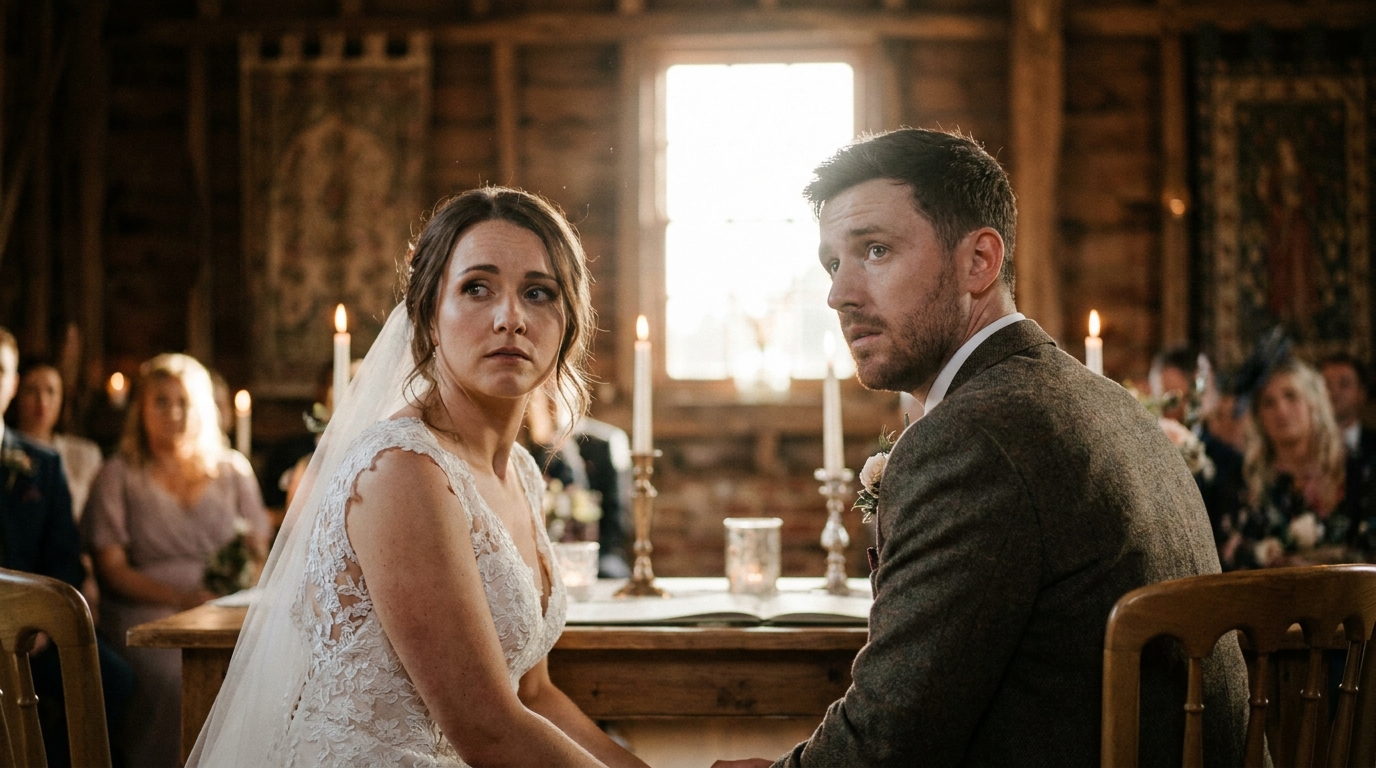
In 2026, technology offers solutions that go far beyond a FaceTime call propped up on a chair. You can now seamlessly integrate remote family members into your wedding video in ways that make them feel genuinely present, not just virtually observed.
Here's how to bridge the distance and ensure every important person is part of your wedding story — regardless of where they are in the world.
The Problem With "Just Video Call Them"
Let's be honest about the typical virtual wedding experience: someone props a phone on a table, the audio is terrible, the video is shaky, the remote guest can barely see or hear anything, and they end up feeling more isolated than if they'd just waited for the photos.
This approach fails because:
- Audio quality is poor— venue acoustics, background noise, and phone microphones make speech nearly unintelligible
- Video quality is limited— a phone camera can't capture the venue, the ceremony, and the crowd simultaneously
- The experience is passive— remote guests are watching, not participating
- It's not captured professionally— the phone call isn't integrated into the wedding video
- Technical issues are constant— WiFi drops, dead batteries, muted microphones
The goal isn't just to let remote guests watch — it's to make them feel included and to capture their presence as part of your wedding story.
Ways to Include Remote Guests in Your Wedding Video
Pre-Recorded Video Messages
The most reliable approach: ask remote family members to record video messages before the wedding, then integrate those messages into your wedding video.
How it works:
- Send remote family members a simple recording guide (good lighting, quiet background, speak from the heart)
- They record 1-3 minute messages — advice, memories, well-wishes, or simply "I wish I was there"
- A professional editor weaves these messages into your wedding video at appropriate moments
Why it works:No technical risks on the day. Messages can be refined and re-recorded. The quality is consistent and controllable. The result feels intentional, not improvised.
Best placement in the video:Pre-ceremony messages work well as an emotional opening. Post-ceremony congratulations fit naturally during reception footage. Messages from parents or grandparents can bookend the video for maximum emotional impact.
family message integration servicespecializes in seamlessly incorporating pre-recorded messages into professional wedding videos.
Live-Stream Integration
For remote guests who want to participate in real time, professional live-streaming goes beyond a phone on a tripod:
Professional setup includes:
- Multiple camera angles streamed to a private link
- High-quality audio feed from the venue's sound system
- A dedicated screen at the venue showing remote guests' faces
- A technical operator managing the stream
- Recorded backup in case of internet issues
Capturing for the video:Professional live-stream integration means the remote guests' reactions and messages are recorded at broadcast quality, ready to be edited into your final wedding video.
The Virtual Toast
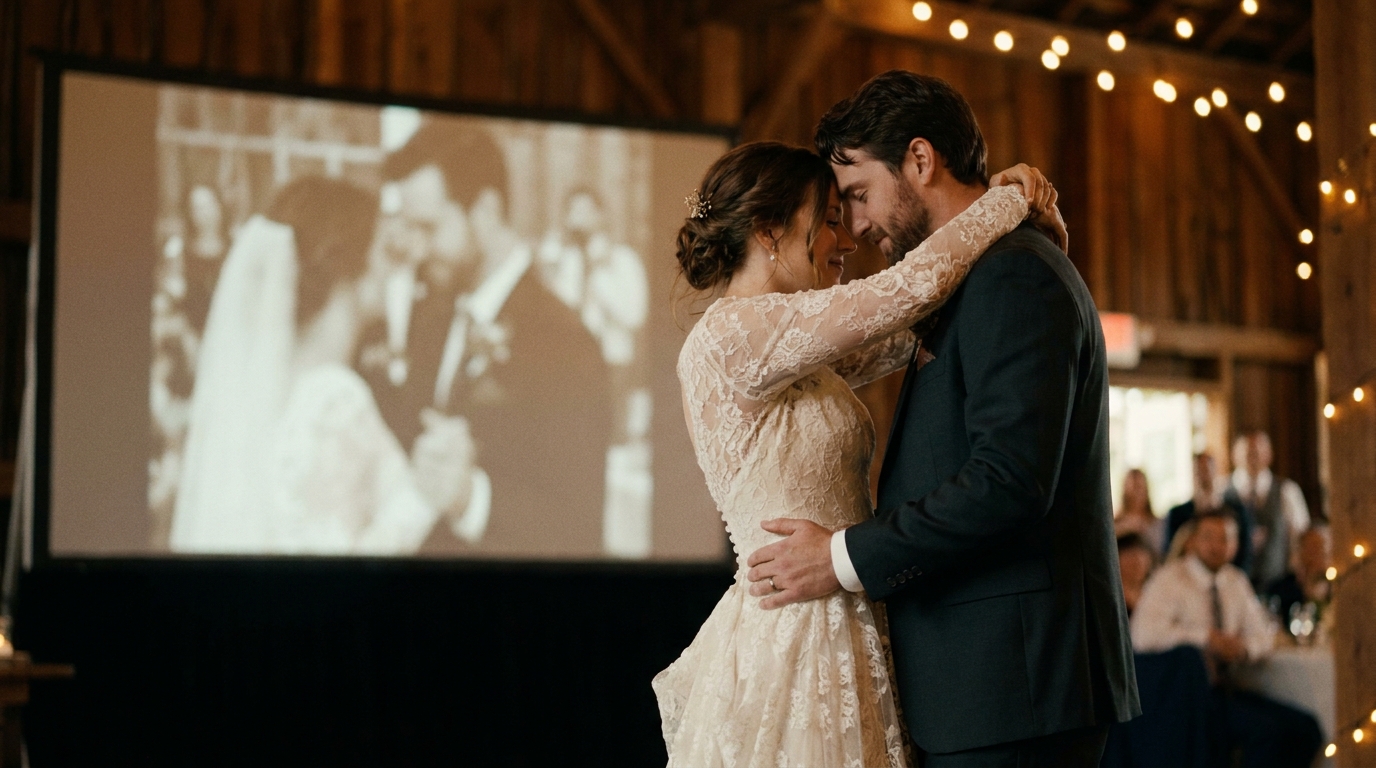
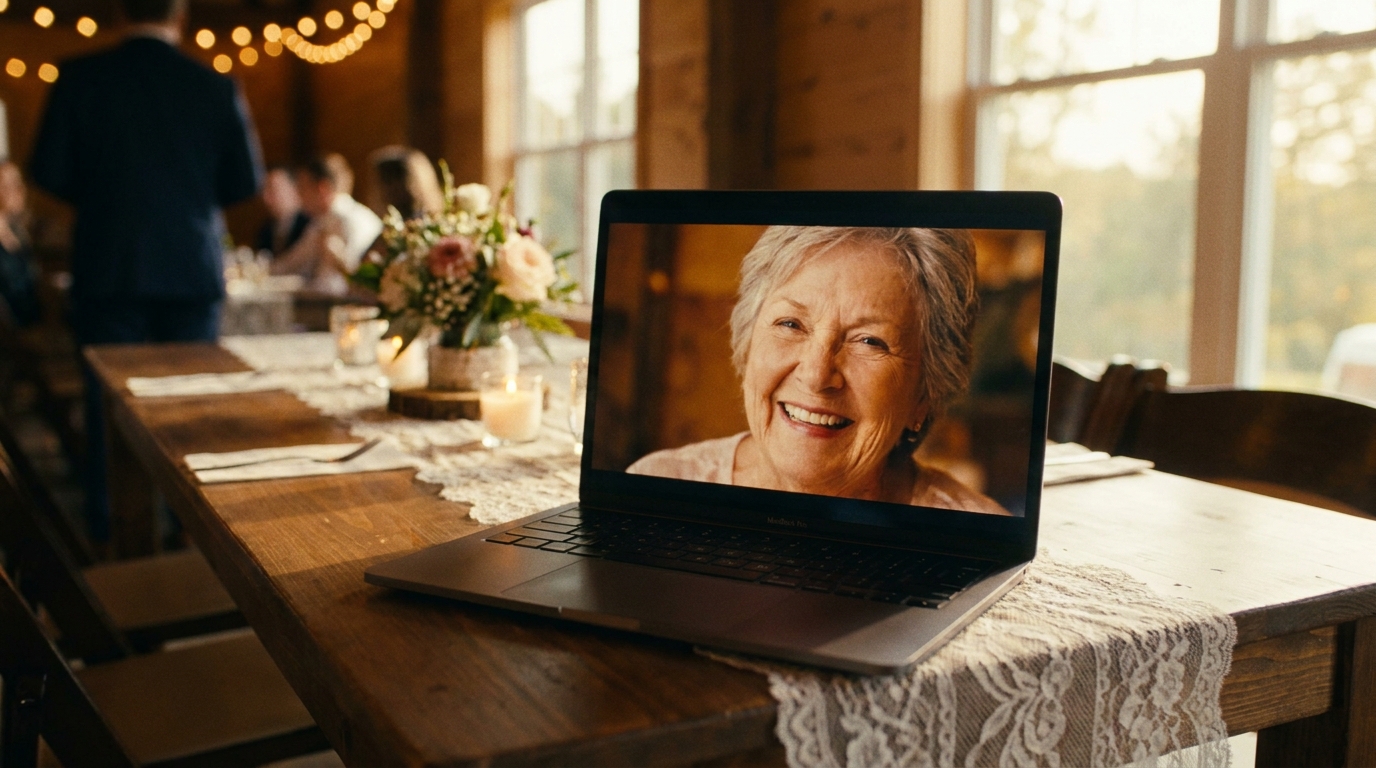
One of the most emotional integration methods: a remote family member delivers a toast via video that's played on screens at the reception.
Setup:
- The remote person records or live-streams their toast
- It's projected on a screen at the reception venue
- Guests react in real time
- The entire moment — the toast, the crowd's reaction, the couple's response — is captured on video
This creates one of the most powerful moments in a wedding video: a loved one speaking directly to the couple and crowd, even from thousands of miles away.
Photo and Video Montage Integration
If remote family members can't participate live or record messages, you can still include them through a montage:
- Compile photos and video clips of the remote guests with the couple
- Include screenshots from video calls, text messages, or letters
- Add text overlays with their names and locations ("With us in spirit from Tokyo, Japan")
- Set the montage to meaningful music and integrate it into the wedding video
The "Empty Chair" Tribute
Some couples set up a dedicated space at the venue for remote family members — a screen showing a live feed, a chair with their photo, or a table with mementos. Capturing this space on video acknowledges their presence and absence simultaneously, creating a poignant moment in the wedding film.
honoring deceased parents at weddings— many of the same emotional principles apply to distant living relatives.
Technical Setup for Remote Integration
What You Need at the Venue
- Reliable internet:This is non-negotiable. Test the venue's WiFi or bring a mobile hotspot. For live streaming, you need upload speeds of at least 10 Mbps.
- Screens or projectors:At least one screen visible to guests for displaying remote participants.
- Quality camera and microphone:For capturing remote guests at the venue end, a dedicated camera with an external microphone outperforms a phone.
- Backup plans:A second internet connection, a pre-recorded backup message, and someone designated to troubleshoot technical issues.
What Remote Guests Need
- A quiet, well-lit space:Natural light facing them (not behind them) and minimal background noise.
- A stable internet connection:WiFi is preferred over cellular data.
- A device with a good camera:A laptop is better than a phone for stability. A phone on a tripod works too.
- Headphones with a microphone:Earbuds with a built-in mic dramatically improve audio quality.
- A simple briefing:Send them instructions 2-3 days before — what time to log in, what to expect, and tips for looking and sounding their best.
The Professional Advantage
While DIY remote integration is possible, professional services handle the technical complexity so you don't have to worry about it on your wedding day. A dedicated tech operator manages the stream, troubleshoots issues, and ensures remote guests are captured at quality suitable for the final wedding video.
family message integration serviceincludes technical setup, remote coordination, and professional editing to create seamless virtual participation.
Integrating Remote Guests Into Different Video Formats
The Full Wedding Video
In a comprehensive wedding film (15-60 minutes), remote guests can be woven throughout:
- Pre-ceremony messages as an emotional opening
- Live-stream reactions during key ceremony moments
- Virtual toast during the reception section
- Closing messages as the video wraps up
The Cinematic Trailer (60-90 seconds)
In a short trailer, be selective:
- One powerful pre-recorded message as the emotional hook
- A quick shot of the screen showing remote family during the ceremony
- The virtual toast as the emotional climax
cinematic wedding trailer servicecan seamlessly integrate remote guest footage into a 90-second trailer.
Social Media Clips
For Instagram, TikTok, and YouTube:
- Create a dedicated 30-60 second clip focused on the remote integration moment
- The virtual toast or surprise message works perfectly as standalone content
- These clips often outperform standard wedding content because the emotional reaction is genuine and relatable
wedding video social media guidefor platform-specific optimization tips.
Making Remote Guests Feel Truly Included
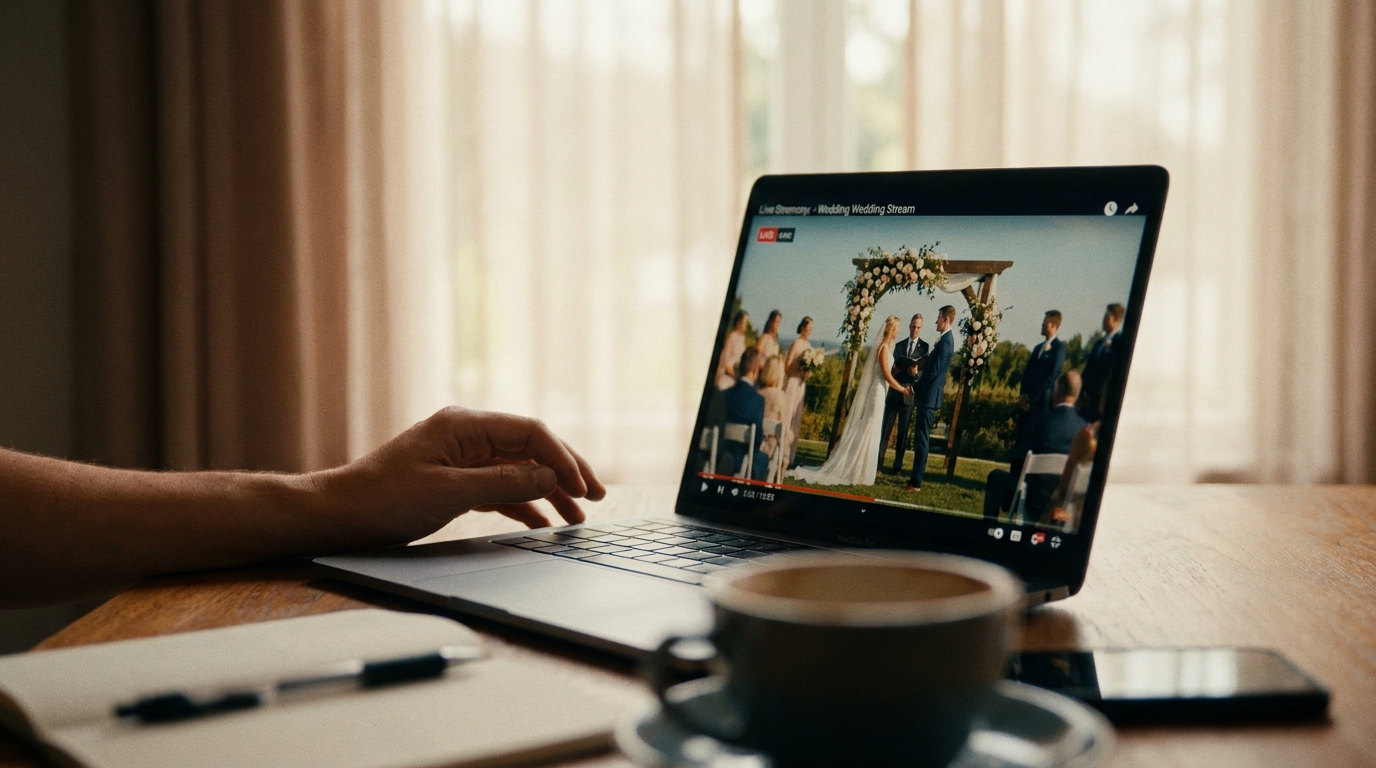
Technical integration is only half the equation. The emotional experience matters just as much:
Before the Wedding
- Send them a wedding programso they know what to expect and when
- Include them in pre-wedding events— virtual bridal shower, rehearsal dinner stream
- Give them a role— reading, giving a virtual toast, or sending a message to be played at the reception
- Send a care package— a small gift, snacks, and a printed program so they can "attend" in style
During the Wedding
- Acknowledge them publicly— have the officiant or MC mention remote guests by name
- Designate a greeter— someone at the venue who interacts with remote guests, points the camera at key moments, and makes them feel seen
- Create interaction moments— a group cheer where both in-person and remote guests participate, a synchronized toast, or a moment where the couple speaks directly to the camera
After the Wedding
- Share the video quickly— remote guests are often the most eager to see the final video
- Create a personal edit— a short clip featuring their message and the crowd's reaction, sent directly to them
- Include them in the thank-you— acknowledge their virtual participation in thank-you notes
Real Stories: Remote Guests Who Became the Highlight
Grandma Rosa in Buenos Aires:Rosa couldn't travel to her granddaughter's wedding in New York due to health issues. The family set up a professional live stream, and Rosa watched from her living room in a beautiful dress, surrounded by family in Argentina. When the couple said "I do," Rosa burst into tears and blew kisses at the screen. That moment — Rosa's face on the venue screen, the couple waving back — became the most emotional scene in the wedding video.
The Military Deployment:Jake was deployed overseas during his sister's wedding. He recorded a video message that was played during the reception. "I'm sorry I can't be there to walk you down the aisle," he told his sister, "but I want you to know that I'm the proudest brother in the world right now." The room was in tears. The clip went viral after the wedding, resonating with military families everywhere.
The Surprise Appearance:A couple told their guests that the bride's parents couldn't attend from their home country due to visa issues. Midway through the reception, the MC announced a "special message." On the screen appeared the parents — but they weren't at home. They'd secretly traveled and were waiting in a back room of the venue. The video captured the parents walking out onto the dance floor. The bride's reaction is one of the most-watched wedding moments on social media.
Frequently Asked Questions
Can I include remote guests in my wedding video if they couldn't join the live stream?
Absolutely. Pre-recorded video messages can be submitted before the wedding and edited into your video at any point. This is actually more reliable than live streaming because there are no technical risks on the day, and the messages can be polished and properly integrated during editing.
What's the best way to handle time zone differences for remote guests?
Record messages in advance rather than relying on live participation. For live-streaming, share the ceremony schedule well in advance and offer a private stream link that guests can watch at their convenience if they can't join live. Many streaming platforms also record automatically, so guests who miss the live event can watch later.
How do I make sure remote guests don't feel like an afterthought?
Give them a specific role (reading, toast, or message), acknowledge them publicly during the ceremony or reception, assign someone to interact with them during the event, and send them a personalized thank-you afterward. The difference between feeling included and feeling forgotten is intentional attention.
What equipment do I need for professional remote guest integration?
At minimum: reliable internet (10+ Mbps upload), a screen or projector, quality audio setup, and a camera dedicated to capturing the venue. For the best results, a professional service handles all technical aspects — equipment, streaming, troubleshooting, and post-production editing to integrate remote guests seamlessly into your wedding video.
Can remote guest messages be in a different language?
multilingual wedding video servicehandles translation and subtitle creation for video messages in any language.
No One Should Miss Your Story
Distance shouldn't determine who's part of your wedding story. With thoughtful planning and the right technology, your remote family members can be woven into your wedding video so naturally that viewers won't realize they weren't physically there.
The technology exists. The question isn't whether it's possible — it's whether you'll take the step to make it happen.
Ready to Transform Your Wedding Memories?
Tell us about your project and we'll get back within 24 hours with a free quote.
Get a Free Quote →