
مدونة WeddingAI.video
How to Design Wedding Video Subtitles: A Complete Guide to Beautiful Captions
Learn how to design stunning wedding video subtitles. From font selection to placement and animation, this guide covers everything for perfect captions.
10 دقائق قراءة
*Reading time: 10–11 minutes*
You've selected your photos. You've chosen your music. Your wedding video is taking shape beautifully. But something's missing — the text.
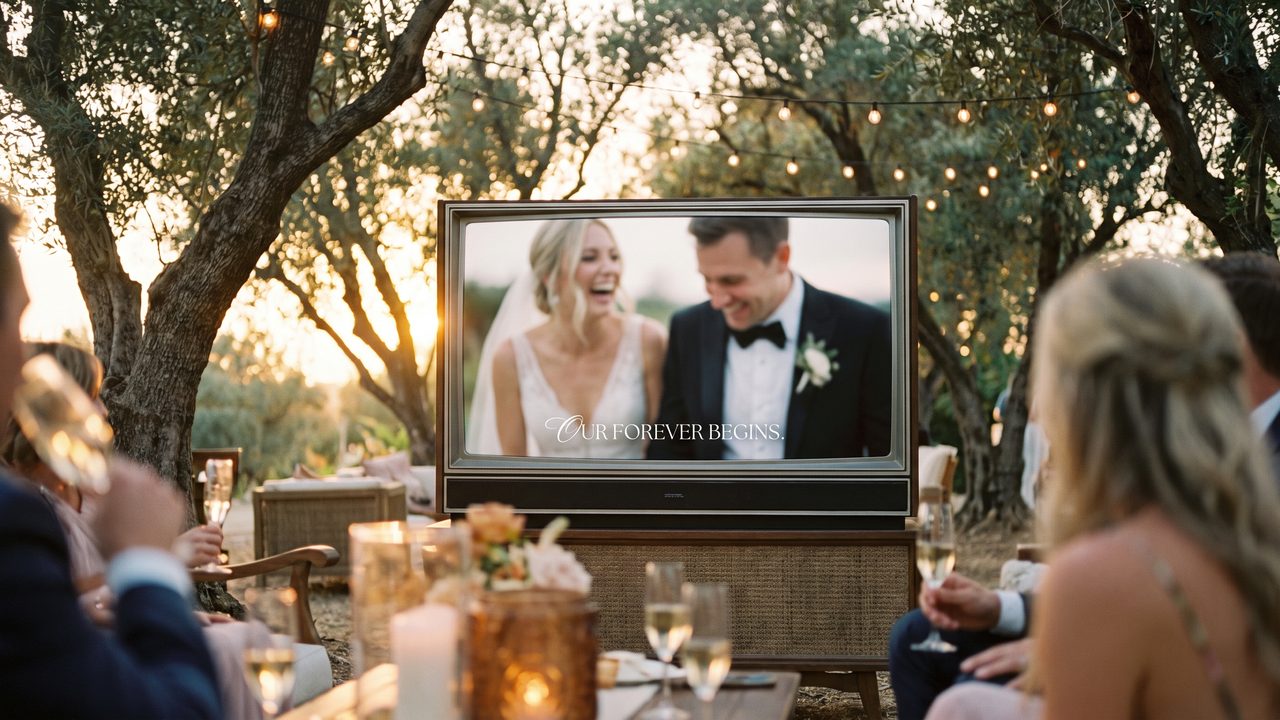
Wedding video captions and subtitles do more than display information. They add personality, guide the viewer's eye, and create moments of connection that photos alone can't achieve. A well-placed quote from your vows, your names elegantly displayed, or a meaningful date — these textual elements transform a good video into a polished, professional production.
But poorly designed text can ruin an otherwise beautiful video. Tiny fonts, clashing colors, awkward placement, or distracting animations can make your video look amateur rather than cinematic.
This guide will teach you everything you need to know about designing wedding video captions that enhance rather than distract.
---
The Role of Text in Wedding Videos
Why Include Text at All?
Text serves several important functions in a wedding video:
**Identification** — Names, dates, and locations help viewers (especially those who weren't there) understand the context. This is particularly important for videos shared on social media.
**Emotional punctuation** — A meaningful quote, a line from your vows, or a lyric that captures the moment adds emotional depth.
**Structure** — Text can serve as chapter markers, guiding viewers through the narrative: "Getting Ready," "The Ceremony," "The Celebration."
**Personalization** — Custom text makes your video uniquely yours. It's the difference between a generic slideshow and a personal story.
**Accessibility** — Multilingual subtitles make your video accessible to family members who speak different languages.
---
Types of Text in Wedding Videos
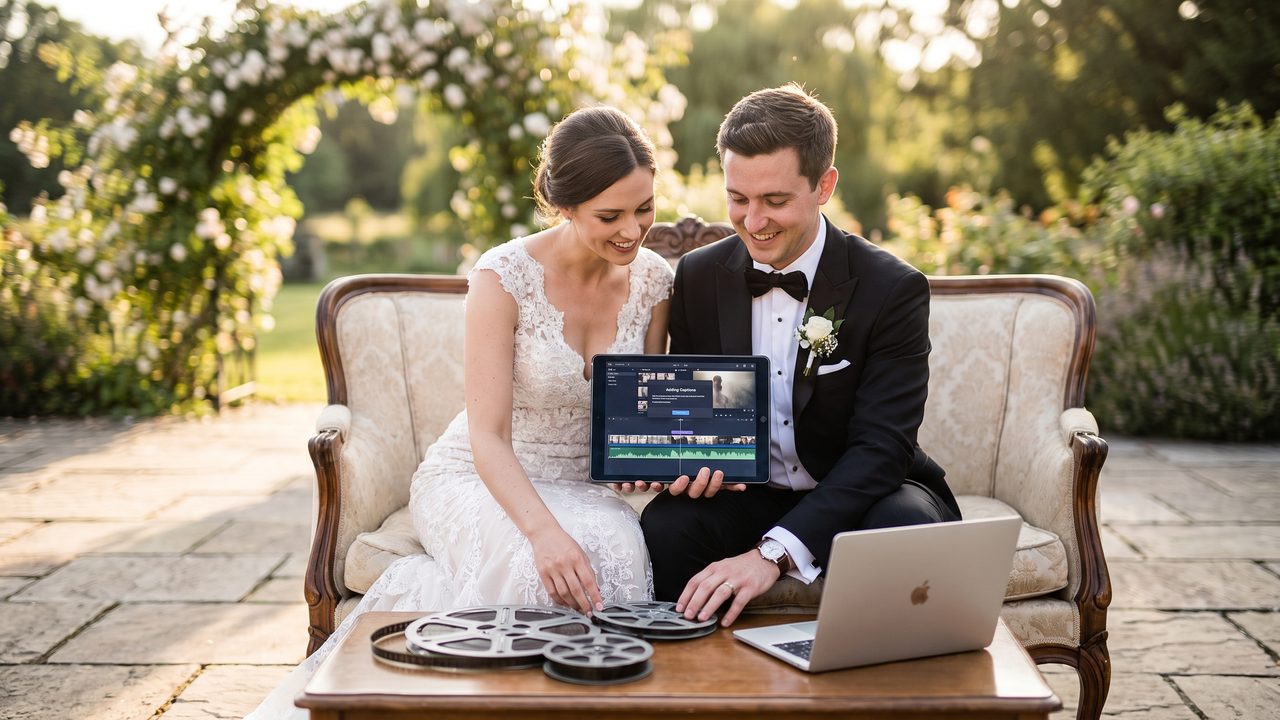
1. Title Cards
The opening text that introduces your video. Typically includes:
- Couple's names
- Wedding date
- Venue name (optional)
- A short tagline or quote (optional)
**Design principles:** Large, elegant, centered. This is your video's first impression — make it count.
2. Chapter Markers
Short text labels that indicate a new section:
- "Getting Ready"
- "The First Look"
- "I Do"
- "The Party"
**Design principles:** Subtle, quick to read, positioned consistently (usually bottom-center or top-left).
3. Quotes and Vows
Meaningful text pulled from:
- Wedding vows
- Love poems
- Song lyrics
- Personal messages
- Readings from the ceremony
**Design principles:** Elegant typography, sufficient display time for reading, often with a subtle background or overlay for readability.
4. Captions and Descriptions
Brief explanatory text:
- "The moment he first saw her"
- "Dad's speech had everyone in tears"
- "Our first dance as husband and wife"
**Design principles:** Conversational, warm, positioned to not obscure the main subject.
5. Credits and Closing
End-of-video text:
- Thank-you messages
- Credits for photographer/videographer
- Social media handles
- A final quote or dedication
**Design principles:** Clean, readable, with a sense of finality.
---
Font Selection: The Foundation of Good Typography
Font Categories for Wedding Videos
**Serif fonts** (Times New Roman, Garamond, Playfair Display)
- *Character:* Traditional, elegant, formal
- *Best for:* Classic weddings, formal events, traditional aesthetics
- *Tip:* Use for titles and quotes; avoid for small text (serif details can get lost at small sizes)
**Sans-serif fonts** (Helvetica, Montserrat, Lato)
- *Character:* Modern, clean, minimalist
- *Best for:* Contemporary weddings, urban settings, minimalist aesthetics
- *Tip:* Excellent readability at all sizes. Great for both titles and body text.
**Script fonts** (Great Vibes, Dancing Script, Allura)
- *Character:* Romantic, personal, handwritten feel
- *Best for:* Names, titles, romantic quotes
- *Tip:* Use sparingly — script fonts are beautiful for display text but hard to read in long passages. Never use for small captions.
**Display fonts** (Cinzel, Cormorant, Libre Baskerville)
- *Character:* Dramatic, cinematic, high-contrast
- *Best for:* Opening titles, dramatic moments, cinematic videos
- *Tip:* These fonts command attention. Use them for your most important text only.
Font Pairing
The most professional-looking videos use two complementary fonts:
- **One display/script font** for titles and names
- **One clean sans-serif or serif font** for captions and longer text
**Example pairings:**
- Playfair Display (titles) + Lato (captions)
- Great Vibes (names) + Montserrat (descriptions)
- Cinzel (titles) + Open Sans (body text)
Fonts to Avoid
- **Comic Sans** — Unless your wedding was intentionally whimsical and humorous
- **Papyrus** — The most mocked font in design history
- **Overly decorative fonts** — Hard to read, distract from photos
- **Thin, light fonts** — Disappear against busy photo backgrounds
- **Multiple script fonts** — One is romantic; two is chaotic
---
Color and Contrast
The Readability Rule
Text must be readable. This sounds obvious, but it's the most commonly violated rule in wedding video captions. If viewers have to squint to read your text, the design has failed.
Color Strategies
**White text with subtle shadow** — The most versatile option. Works on nearly any background. Add a subtle drop shadow or outline for extra readability.
**Dark text with light overlay** — Place a semi-transparent white or light-colored rectangle behind dark text. Clean and professional.
**Color-matched text** — Pull a color from your wedding palette (bridesmaid dress color, floral arrangement, invitation accent color). This creates visual cohesion.
**Gold or champagne** — A popular choice for elegant, upscale wedding videos. Works beautifully on darker backgrounds.
Contrast Checklist
- [ ] Text is clearly readable against every background it appears on
- [ ] No text over similarly-colored backgrounds (white text on light sky, dark text on dark shadows)
- [ ] Shadows or outlines are used when text crosses varying backgrounds
- [ ] Semi-transparent overlays are used for busy backgrounds
---
Text Placement and Positioning
The Rule of Thirds for Text
Just like in photography, the rule of thirds applies to text placement. Position key text at intersection points of the imaginary grid that divides your frame into thirds.
Safe Zones
Video text should stay within the "title safe" area — approximately 10% inset from each edge of the frame. This ensures text isn't cut off on different screens or platforms.
Common Positions
**Bottom-center** — The most traditional and expected position. Works well for captions, subtitles, and descriptions. Viewers naturally look here for text.
**Center-screen** — Best for title cards, names, and impactful quotes. Commands full attention.
**Lower-left or lower-right** — Good for secondary information that shouldn't compete with the main visual. Works well for location labels or timestamps.
**Top-center** — Useful for chapter markers or section headers. Less common but effective for structural text.
Consistency Is Key
Once you choose a position for a type of text, keep it consistent throughout the video. All chapter markers in the same position. All captions in the same position. Inconsistency looks sloppy and disorienting.
---
Text Animation: Adding Life Without Distracting
Subtle Animations (Recommended)
**Fade in/out** — Text gently appears and disappears. The most elegant and versatile animation. Use this as your default.
**Slow drift** — Text slowly moves upward or to the side. Creates a gentle, organic feel. Works well with cinematic music.
**Reveal** — Text appears character by character or word by word. Creates anticipation and draws attention. Best for titles and key quotes.
**Scale** — Text gently grows from slightly smaller to full size. Subtle but effective for emphasis.
Animations to Avoid
**Bouncing text** — Looks playful but distracting. Save it for meme videos, not wedding videos.
**Spinning or rotating** — Disorienting and unprofessional.
**Multiple animations combined** — Fading while sliding while scaling is overwhelming. One animation per text element.
**Fast animations** — Text that appears and disappears too quickly to read. Give viewers at least 3 seconds for short text, 5+ seconds for longer quotes.
---
Sizing Guidelines
Hierarchy
Your text should have a clear visual hierarchy:
- **Primary text** (names, main title) — Largest, most prominent
- **Secondary text** (dates, locations, chapter names) — Medium size
- **Tertiary text** (captions, descriptions, credits) — Smallest but still readable
Size Recommendations (for 1080p video)
- **Names/Title:** 60–100px
- **Date/Location:** 36–48px
- **Chapter markers:** 32–40px
- **Captions/Quotes:** 28–36px
- **Credits:** 24–32px
Testing for Readability
Always test your text at the size it will be viewed:
- Watch on a phone screen (most common viewing device)
- View from normal viewing distance on a laptop
- If possible, test on a TV screen
If text isn't easily readable on a phone screen, increase the size.
---
Special Caption Scenarios
Multilingual Subtitles
If you're creating multilingual versions of your wedding video for international family members:
- Position subtitles in the lower third of the frame
- Use a clean, highly readable sans-serif font
- Ensure sufficient display time for longer translated text (some languages require more words)
- Consider a subtle background bar for readability
- Test with native speakers before finalizing
Vow Text Overlays
Displaying your wedding vows as text is incredibly powerful, but requires careful execution:
- Break vows into short, digestible phrases (5–8 words per screen)
- Time each phrase to the natural reading pace
- Use a refined, elegant font
- Position text to not obscure the couple in the photo
- Consider a subtle vignette or darkened overlay behind the text
Song Lyrics as Captions
If your video features a song with meaningful lyrics:
- Sync text precisely with the audio
- Only highlight key phrases, not the entire song
- Use a different style than your informational captions to distinguish them
- Time the appearance to match the vocal performance
---
AI-Assisted Caption Design
Modern AI tools are revolutionizing how captions are designed and implemented:
Automatic Text Styling
When you use WeddingAI Video, the AI can automatically:
- Select complementary fonts based on your chosen video style
- Apply optimal text sizing for different screen types
- Position text to avoid obscuring key subjects in photos
- Time text appearance to sync with music beats
Smart Text Placement
AI algorithms analyze each photo to identify the best position for text overlays — avoiding faces, key details, and busy areas. This solves one of the most tedious aspects of manual caption design.
Style Consistency
AI maintains perfect consistency across all text elements, something that's surprisingly difficult to achieve manually, especially when working with different photos that have varying compositions.
---
Common Caption Mistakes
1. Too Much Text
Resist the urge to include lengthy descriptions. Wedding video captions should be brief and impactful. If your text takes more than 3 seconds to read, it's probably too long.
2. Font Overload
Using more than 2–3 fonts throughout your video looks chaotic. Stick to a consistent font pairing.
3. Ignoring Background Variation
A caption that looks great on a light photo may be invisible on a dark one. Use shadows, outlines, or overlays to maintain readability across all backgrounds.
4. Poor Timing
Text that appears too quickly, disappears too slowly, or appears at the wrong moment disrupts the viewing experience.
5. Distracting Animations
Your text should enhance the viewing experience, not compete with it. When in doubt, fade in and fade out.
6. Inconsistent Style
Changing fonts, colors, positions, or animation styles throughout the video looks unprofessional. Establish your style in the opening and maintain it throughout.
---
Tools for Adding Captions
Professional Software
- **Adobe Premiere Pro** — Full-featured titling with Motion Graphics templates
- **Final Cut Pro** — Powerful text tools with built-in templates
- **DaVinci Resolve** — Fusion page for advanced text effects
Mobile Apps
- **CapCut** — Excellent text tools with trending styles
- **InShot** — Simple but effective caption tools
- **VN Video Editor** — Good text customization options
AI-Powered
- **WeddingAI Video** — Automatic caption styling and placement based on your video content
- **Canva Video** — Template-based with good text options
---
What Couples Are Saying
> *"I'm not a designer, but the captions in our WeddingAI video looked like they were done by a professional. The font matched our wedding invitations perfectly."* — **Rachel & Tom, married August 2025**
> *"Adding our vows as text overlays made the video so much more emotional. My grandmother doesn't speak English well, and the multilingual subtitles meant she could follow along. She cried happy tears."* — **Yuki & Daniel, married June 2025**
> *"The AI placed our names so they didn't cover our faces in any photo. I would have spent hours trying to do that manually."* — **Fatima & Alex, married April 2025**
---
Your Captions, Your Story
Well-designed captions are the finishing touch that elevates your wedding video from a photo slideshow to a cinematic experience. Whether you craft every detail by hand or let AI handle the design, the goal is the same: text that enhances your story without stealing the spotlight from your photos.
**Create your wedding video with beautiful, professionally designed captions →**
Upload your photos, add your names and dates, and let AI create stunning text overlays that complement your unique style. From elegant title cards to heartfelt vow displays, every word will look as beautiful as the moments it describes.
*Want to learn more about video creation? Check out our complete step-by-step tutorial or explore our music selection guide for the perfect soundtrack.*
هل أنت على استعداد لتغيير ذكريات حفل الزفاف الخاص بك؟
أخبرنا عن مشروعك وسنرد عليك خلال 24 ساعة بعرض أسعار مجاني.
احصل على عرض أسعار مجاني →