
مدونة WeddingAI.video
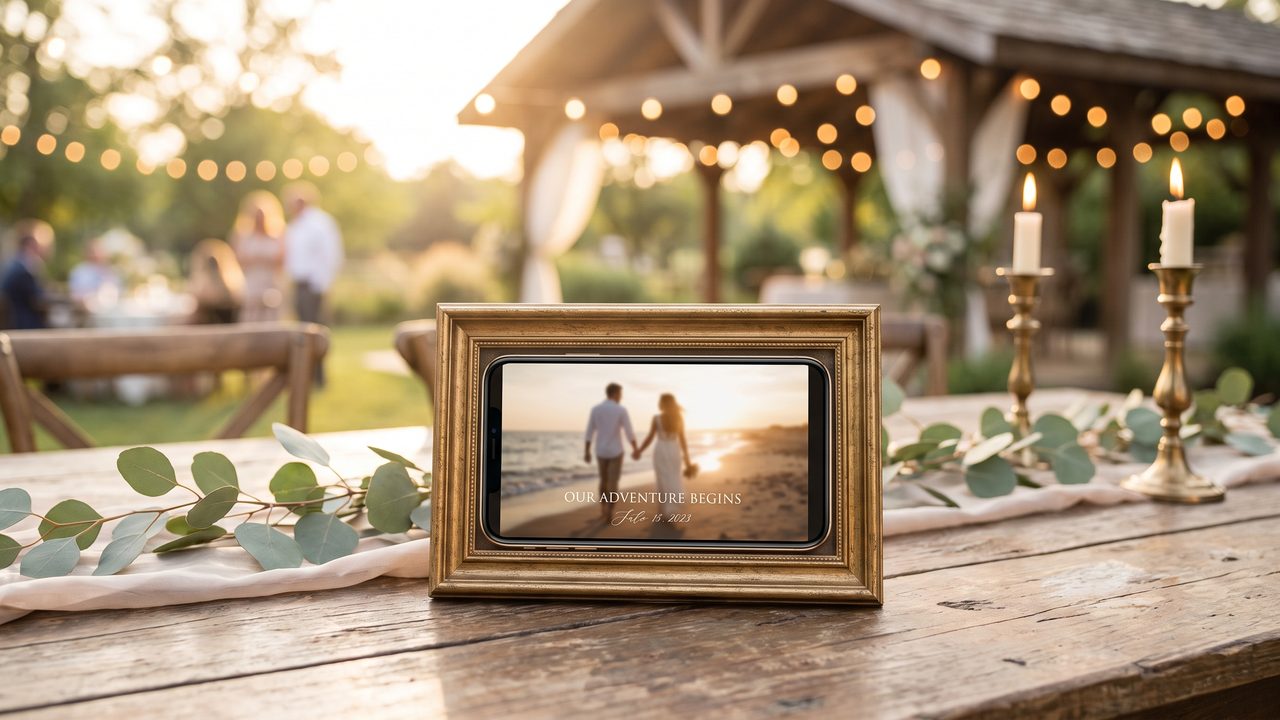
Wedding Invitation Video Creation Guide for 2026
Step-by-step guide to creating stunning wedding invitation videos. Learn how to design, customize, and share digital video invitations that wow your guests in 2026.
11 دقيقة قراءة
Paper invitations are lovely. They're traditional, tactile, and elegant. But let's be honest — they're also expensive, environmentally questionable, and easily forgotten on a fridge. In 2026, more couples than ever are choosing wedding invitation videos as a modern, memorable alternative.
A video invitation does something paper can't: it tells a story. It shows your faces, plays your music, and captures your personality in a way that ink on cardstock simply cannot. And with AI video tools, creating a professional-quality invitation video is now as easy as uploading your photos and clicking a button.
This guide will walk you through everything you need to know about creating a wedding invitation video — from concept to distribution.
Why Choose a Video Invitation?
It's Memorable
A beautifully designed video invitation stands out. While paper invitations get stacked on a counter, a video invitation gets watched, rewatched, and shared. Your guests will remember it.

It's Personal
Video lets you include your voice, your faces, and your story. A quick message from the two of you adds warmth that no printed card can match.
It's Cost-Effective
Professional paper invitations with calligraphy, quality card stock, and custom design can cost $500-$2,000 (≈ د.إ1,835)+. A video invitation costs a fraction of that and reaches every guest instantly.
It's Eco-Friendly
No paper, no ink, no shipping. If sustainability matters to you, a digital video invitation is the clear choice.
It's Instant
No waiting for printing, no addressing envelopes, no trips to the post office. Create it today, send it today.
What to Include in Your Wedding Invitation Video
Essential Information
Every wedding invitation video should include:
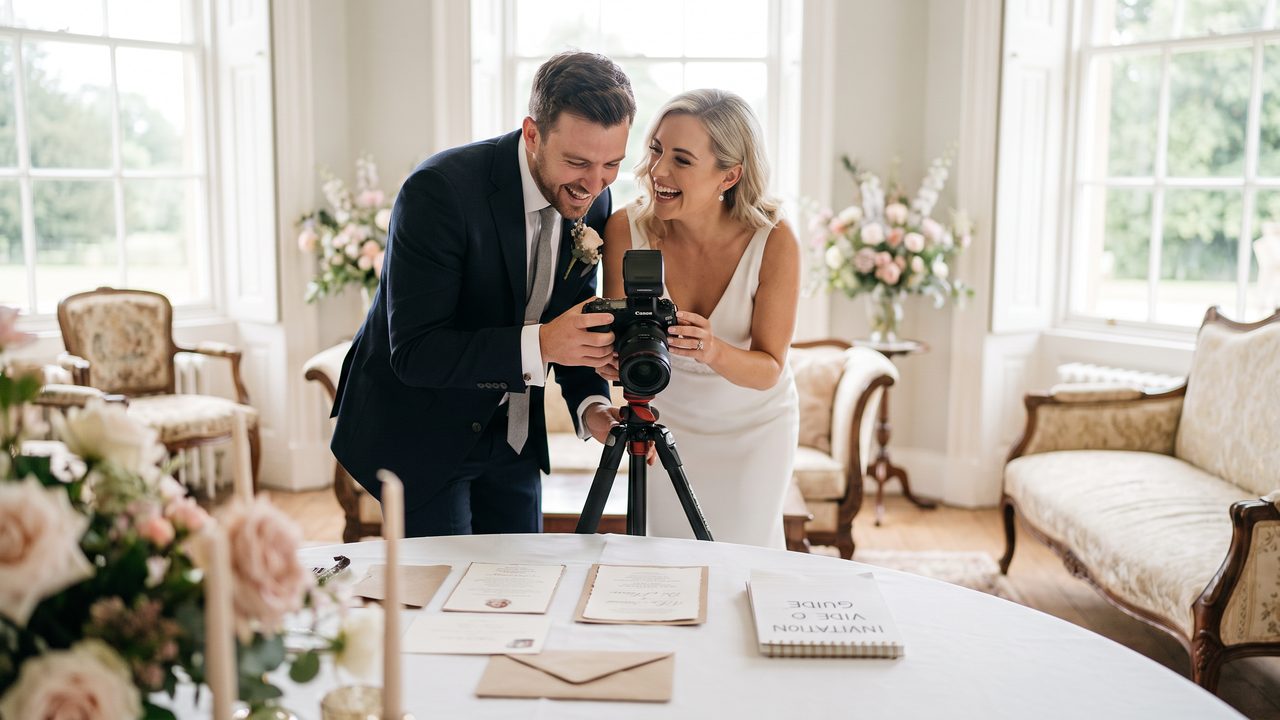
- **Your names** — Both partners, prominently displayed
- **Wedding date** — The full date, clearly readable
- **Ceremony time and location** — Venue name and address
- **Reception details** — If different from ceremony location
- **RSVP information** — How and when to respond
- **Wedding website** — URL for additional details
Nice-to-Have Elements
- **Your love story** — A brief "how we met" segment
- **Engagement photos or video** — Visual content that sets the tone
- **Dress code** — Formal, casual, themed
- **Accommodation info** — Hotel blocks for out-of-town guests
- **Registry information** — Though some etiquette guides suggest including this on the website only
- **A personal message** — A short, heartfelt note from the couple
Types of Wedding Invitation Videos
The Cinematic Trailer
A 60-90 second cinematic video that feels like a movie trailer. Dramatic music, sweeping shots of your engagement photos, elegant text reveals, and a final "save the date" frame. This style works beautifully for formal or destination weddings.
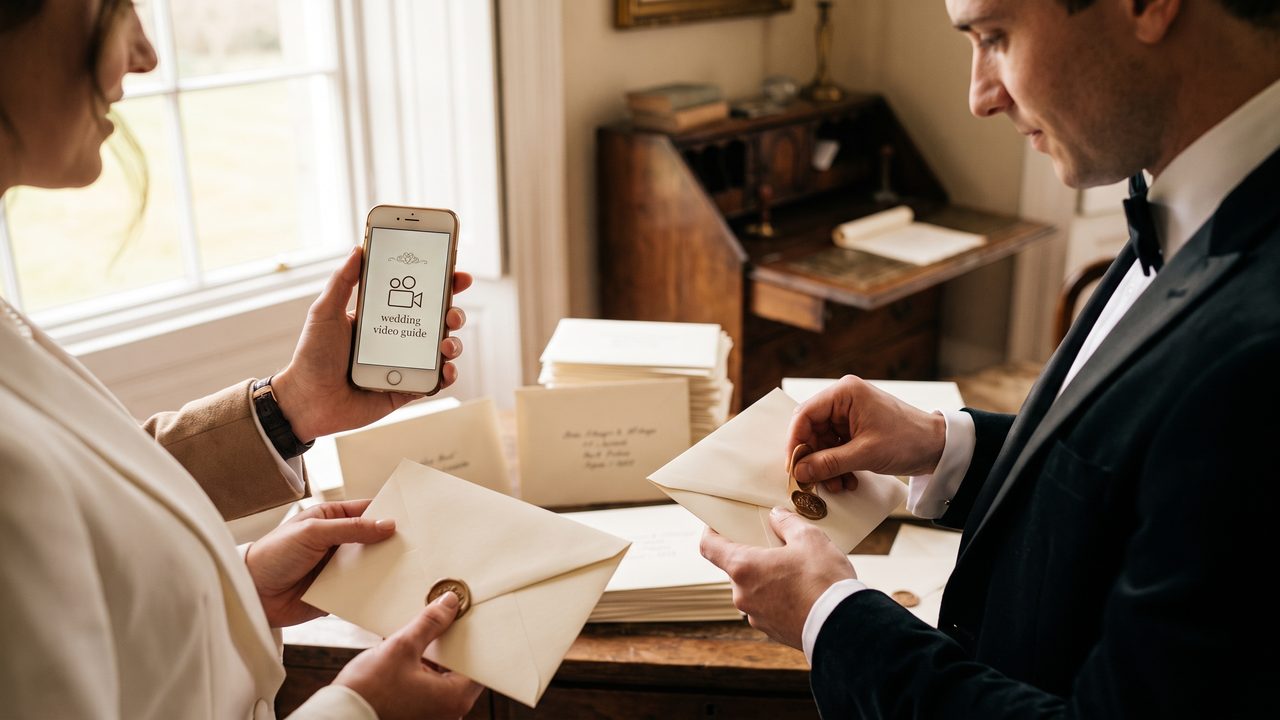
If this style appeals to you, our wedding trailer guide has detailed instructions on creating cinematic video content.
The Animated Card
A digital version of a traditional invitation — animated text, decorative elements, and subtle motion graphics. Think of it as a paper invitation that comes to life. This style works well for couples who want a modern but not overly dramatic approach.
The Personal Message
A simple, heartfelt video of the two of you speaking directly to camera. "Hey everyone! We're getting married and we'd love you to be there." This is the most personal option and works especially well for intimate weddings.
The Photo Montage
A slideshow of your best couple photos with invitation details overlaid as text. Beautiful, personal, and relatively simple to create. AI video generators excel at this format — learn more in our AI wedding photo to video guide.
The Story Video
A mini-movie that tells your love story — how you met, your journey together, and the proposal — ending with the invitation details. This is the most time-intensive option but creates the biggest impact.
Step-by-Step: Creating Your Video Invitation
Step 1: Define Your Style and Tone
Before you start creating, decide on the overall feel:
- **Formal and elegant** — Muted colors, serif fonts, classical music
- **Fun and playful** — Bright colors, casual fonts, upbeat music
- **Romantic and dreamy** — Soft pastels, script fonts, acoustic music
- **Modern and minimalist** — Clean lines, sans-serif fonts, ambient music
Your style should match your wedding's overall aesthetic. If your wedding is black-tie, your invitation video should feel sophisticated. If it's a casual backyard celebration, keep it relaxed and fun.
Step 2: Gather Your Content
Collect the materials you'll need:
- **Engagement photos** (5-15 high-quality images)
- **Video clips** (engagement shoot footage, casual couple videos)
- **Music** (a track that matches your style)
- **Text content** (all invitation details, written out)
Step 3: Choose a Template or Start from Scratch
Most AI video platforms offer invitation templates. These are pre-designed layouts where you simply plug in your content. Templates are a great starting point because:
- They handle design decisions (fonts, colors, transitions) for you
- They're optimized for the correct duration and pacing
- They include placeholder text for all essential information
Alternatively, if you have a specific vision, you can start from a blank canvas and build everything custom.
Step 4: Upload and Arrange Your Content
Upload your photos and video clips. Arrange them in a logical order:
- **Opening** — A stunning photo or video clip to grab attention
- **Introduction** — Your names and "We're getting married!"
- **Story** (optional) — A brief montage of your relationship
- **Details** — Date, time, location, dress code
- **RSVP** — How to respond
- **Closing** — A final beautiful image with your wedding website
Step 5: Add Text and Typography
Text is critical in an invitation video — it carries the essential information. Follow these guidelines:
- **Use readable fonts** — Decorative fonts look beautiful but must be legible
- **Ensure sufficient contrast** — Text should stand out from the background
- **Hold text long enough** — Give viewers time to read each detail (minimum 3-4 seconds per screen)
- **Include text on screen AND in voiceover** — If you're adding a personal message
Step 6: Select Music
Music sets the mood for your entire invitation. Consider:
- **Duration** — Match the music length to your video length
- **Mood** — Should reflect your wedding style
- **Volume** — If you have voiceover or spoken messages, the music should be lower
- **Licensing** — Use royalty-free music or tracks from the platform's library
Step 7: Preview and Refine
Watch your invitation video multiple times. Check for:
- **Spelling errors** — Names, dates, locations must be perfect
- **Pacing** — Does it feel too rushed or too slow?
- **Readability** — Can all text be easily read on a phone screen?
- **Audio balance** — Is music too loud? Is voiceover clear?
- **Overall flow** — Does the video tell a cohesive story?
Step 8: Export and Distribute
Export in multiple formats for different platforms:
- **Full resolution** (1080p or 4K) — For email and wedding website
- **Social media optimized** — For Instagram, WhatsApp, etc.
- **Compressed version** — For easy sharing via messaging apps
Distribution Strategies
Direct Messaging
Send the video directly to guests via WhatsApp, iMessage, or your preferred messaging app. Personal and direct, but requires sending to each guest individually.
Attach the video or include a link to a hosted version. Email allows you to include additional information alongside the video.
Wedding Website
Embed the video on your wedding website. This is the most professional approach and gives guests a central location for all wedding information.
Social Media
Post the video on Instagram, Facebook, or TikTok. Great for reaching a wide audience, but make sure all guests see it (not everyone is on social media).
QR Code on Save-the-Dates
Send a simple paper save-the-date with a QR code that links to your video invitation. This combines the traditional feel of paper with the impact of video.
Design Tips for Professional Results
Use Consistent Branding
Choose 2-3 colors and 2 fonts and use them throughout. Consistency makes your invitation look polished and intentional.
Keep It Short
A wedding invitation video should be 60-120 seconds maximum. Anything longer and guests will lose interest. You can include additional details on your wedding website.
Optimize for Mobile
Most guests will watch your invitation on their phones. Design for small screens:
- Large, readable text
- High-contrast colors
- Simple, uncluttered layouts
- Vertical or square format for mobile-first viewing
Test on Multiple Devices
Before sending, watch your video on different phones, tablets, and computers. Make sure everything looks good across devices.
Include a Call to Action
End with a clear next step: "Visit our website," "RSVP by [date]," or "Save the date!" Don't leave guests wondering what to do next.
Common Mistakes to Avoid
Too Much Information
Don't try to cram every detail into the video. Include the essentials and direct guests to your wedding website for everything else.
Too Long
Respect your guests' time. A 5-minute invitation video will not get watched to the end. Keep it under 2 minutes.
Poor Audio
Bad audio ruins a great video. If you're recording a personal message, do it in a quiet room with good acoustics. Avoid windy outdoor recordings.
Ignoring Accessibility
Consider guests who may have hearing impairments. Include text overlays for any spoken content. Some couples also add subtitles in multiple languages — our multilingual video service can help with this.
Not Proofreading
Triple-check every name, date, time, and address. A typo in your wedding invitation is embarrassing whether it's on paper or video.
How WeddingAI Makes It Easy
WeddingAI's invitation video generator takes the complexity out of the process:
- **Professional templates** designed by wedding industry experts
- **AI-powered arrangement** that selects your best photos and arranges them optimally
- **Automatic text animation** — your invitation details appear with elegant motion
- **Music library** with licensed tracks perfect for wedding invitations
- **Multi-format export** — One creation, multiple output formats for every platform
- **Quick turnaround** — A finished invitation video in under 10 minutes
Real Couples, Real Invitation Videos
**Maria & Carlos, Miami:**
*"We wanted something tropical and fun for our beach wedding. WeddingAI created this gorgeous invitation video with our engagement photos from the beach, palm tree animations, and the perfect reggae-acoustic track. Everyone loved it — several guests said it was the best invitation they'd ever received."*
**Yuki & Hiroshi, Tokyo:**
*"We needed our invitation in both Japanese and English for our international guest list. The AI handled both languages beautifully, creating elegant text overlays for each. We sent it via email and it was so much easier than printing bilingual paper invitations."*
**Emma & Sophie, London:**
*"We're not 'wedding video' people — we wanted something fun and quirky, not overly romantic. The AI let us customize everything — the colors, the music, the pacing. Our invitation video felt like us, not like a generic wedding template."*
Your Invitation Sets the Tone
Your wedding invitation is the first impression your guests will have of your celebration. A video invitation sets a modern, personal, and memorable tone that paper simply can't match.
Whether you want a cinematic trailer, a heartfelt personal message, or a fun animated card, WeddingAI has the tools to bring your vision to life.
**Create your wedding invitation video →**
Your guests deserve an invitation as special as the day itself.
هل أنت على استعداد لتغيير ذكريات حفل الزفاف الخاص بك؟
أخبرنا عن مشروعك وسنرد عليك خلال 24 ساعة بعرض أسعار مجاني.
احصل على عرض أسعار مجاني →