

WeddingAI.video Blog
Wedding Countdown Video — 30-Day AI Reveal From Your Photos
Create a stunning wedding countdown video to build excitement for your big day. Step-by-step guide with AI tools, templates, and creative ideas for 2026.
7 min read
The engagement is official. The date is set. The venue is booked. Now comes the fun part — building anticipation for the biggest day of your life. And nothing builds excitement quite like a wedding countdown video.
A countdown video is a short, shareable clip that announces how many days, weeks, or months remain until your wedding. It's perfect for social media, wedding websites, and sharing with your guest list. Think of it as a teaser trailer for the main event.
In 2026, creating a beautiful wedding countdown video doesn't require video editing skills, expensive software, or a professional videographer. AI tools can help you create something stunning in minutes. Here's how.
Why Make a Wedding Countdown Video?
Build Excitement
A countdown video isn't just for your guests — it's for you too. Watching the days tick down builds anticipation and makes the journey to your wedding feel like an event, not just a waiting game.
Keep Guests Engaged
Your guests marked the date on their calendar months ago. A periodic countdown video reminds them that the celebration is approaching and keeps your wedding top of mind.
Social Media Content
Let's be honest — engagement content performs well on social media. Countdown videos get shared, liked, and commented on. They're a natural way to celebrate your journey without oversharing.
Create a Timeline
If you release countdown videos at regular intervals (monthly, then weekly, then daily), you create a content timeline that documents your entire engagement period. This becomes a beautiful archive of the lead-up to your wedding.
Types of Wedding Countdown Videos
The Simple Number Reveal
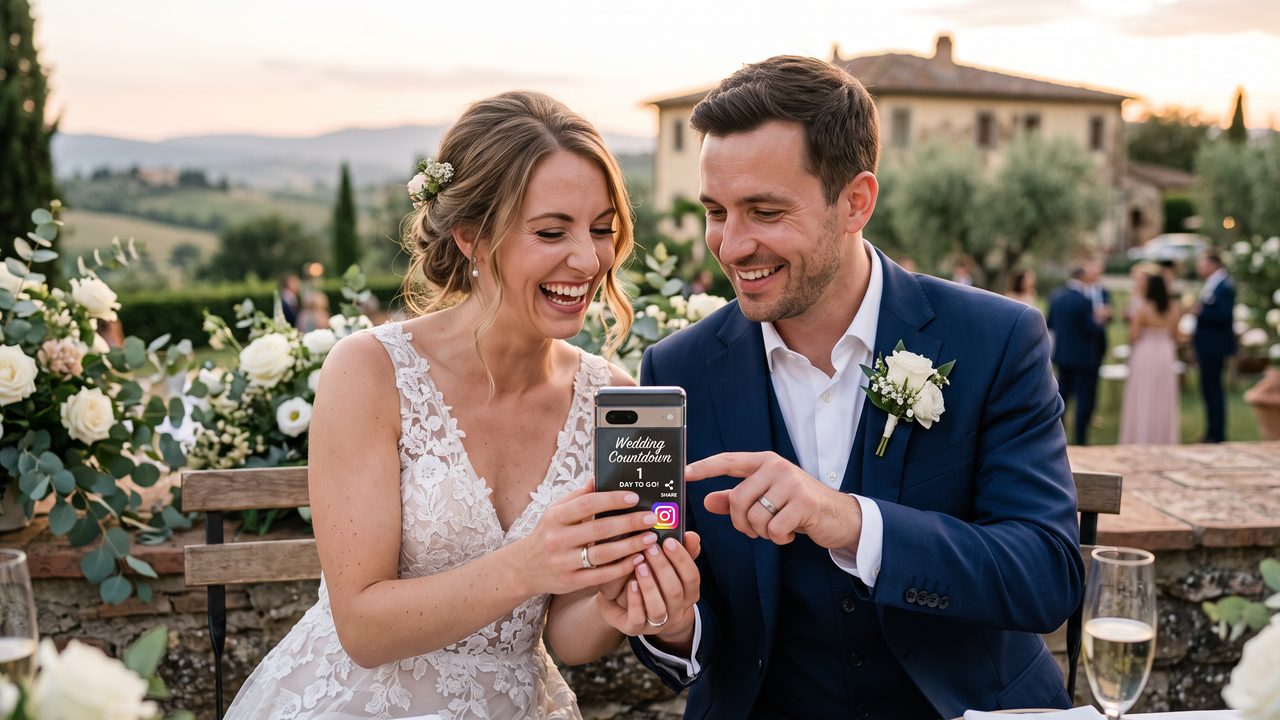
The most straightforward format: a beautiful background (your engagement photo, a venue shot, or a scenic image) with the number of days remaining prominently displayed. Add your names, the wedding date, and a short message.
The Photo Slideshow Countdown
A montage of your favorite couple photos with a countdown timer overlay. Each photo represents a different chapter of your relationship, building to the final frame: the wedding date.
If you're interested in creating beautiful photo-based videos, our guide on how AI turns wedding photos into cinematic videos covers this process in detail.
The Video Message Countdown
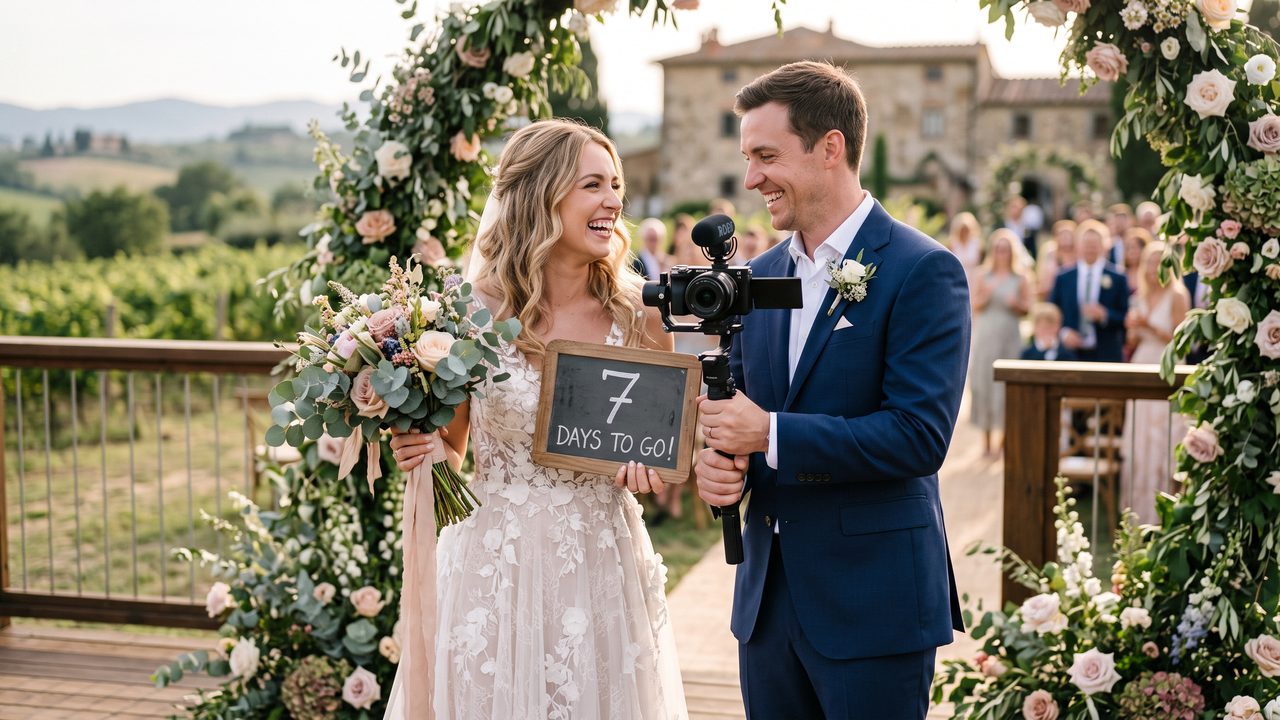
Record a short video message for each countdown: "30 days to go!" "Two weeks until we're married!" "Tomorrow is the day!" These personal messages create a vlog-style countdown that's warm and authentic.
The Milestone Countdown
Instead of counting every day, release videos at key milestones: 6 months, 3 months, 1 month, 1 week, 1 day. Each video can feature a different theme — venue reveal, dress preview, menu tasting, etc.
The Animated Countdown
Use motion graphics, animated text, and creative transitions to make your countdown visually dynamic. AI video generators can create animated countdown sequences from your photos and text.
Step-by-Step: Creating Your Wedding Countdown Video
Step 1: Choose Your Format
Decide what kind of countdown video you want to create:
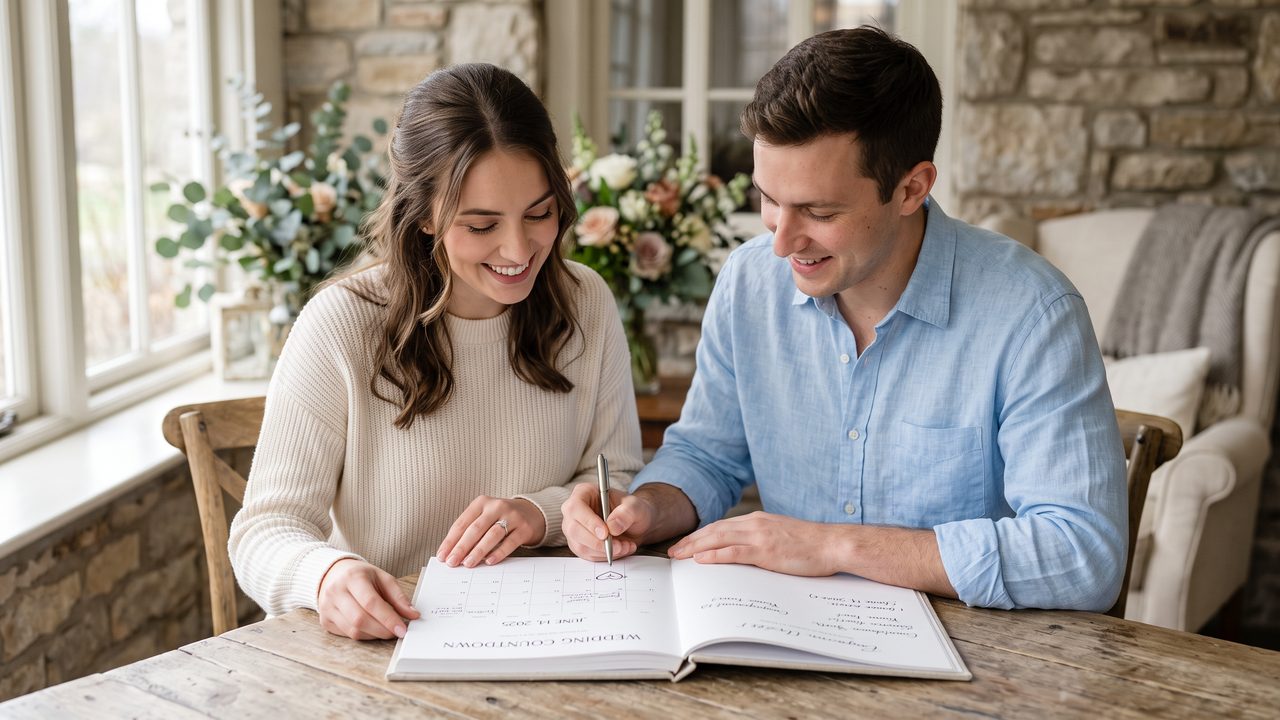
- Daily countdown — Best for the final 30 days
- Weekly countdown — Good for the last 2-3 months
- Monthly countdown — Start from 6-12 months out
- Milestone countdown — Key moments only
Your format determines how many videos you'll create and how much content you need.
Step 2: Gather Your Materials
For each countdown video, you'll need:
- Photos or video clips — Engagement photos, couple selfies, venue shots
- Text/numbers — The countdown number and your wedding date
- Music — An upbeat, romantic track (or rotate between songs)
- Your names — For personalization
Step 3: Use an AI Video Generator
Upload your content to an AI video platform. The AI will:
- Analyze your photos and select the best frames
- Create smooth transitions between images
- Add animated text overlays for the countdown number
- Sync everything to your chosen music
- Generate a polished, professional-looking video
This process typically takes 3-5 minutes per video. If you're creating a series, you can batch them — upload all your content at once and generate multiple countdown videos in a single session.
Step 4: Add Personal Touches
Customize your AI-generated video:
- Add your names and wedding date as a persistent overlay
- Include a short message — "Can't wait to say I do!" or "Counting down to forever!"
- Choose the right music — Match the energy to the countdown number (more excited as you get closer)
- Add fun elements — Emojis, stickers, or themed graphics
Step 5: Export and Schedule
Export in social media-friendly formats:
- Instagram Stories/Reels — 9:16 vertical, 15-60 seconds
- TikTok — 9:16 vertical, 15-60 seconds
- Facebook — 1:1 square or 16:9 landscape
- Wedding website — 16:9 landscape, higher resolution
Many couples schedule their countdown videos in advance using social media scheduling tools. Create all your videos at once, schedule them, and forget about it.
Creative Countdown Video Ideas
The "How We Met" to "How We're Getting Married" Arc
Create a series that tells your love story in reverse countdown order. At 30 days, show how you met. At 20 days, show your first trip together. At 10 days, show the proposal. Each video builds on the last, creating a complete narrative by the time you reach zero.
The Guest Countdown
Have different wedding party members or family members hold up countdown signs in short video clips. Edit them together into a fun, energetic countdown video. This gets your wedding party involved and creates variety in your content.
The Venue Progress Video
If your venue allows visits, film short clips during each visit as the countdown progresses. Show the empty venue, then the decorations arriving, then the setup in progress. This builds real anticipation for the actual space.
The Daily Photo Countdown
Take one new photo together every day during the countdown period. Compile them into a time-lapse-style video that shows the days flying by. AI tools can create smooth transitions between the daily photos, making the progression look seamless.
The "Things We're Excited About" Countdown
Each countdown video features one thing you're excited about: the food, the music, seeing family, the first dance, the honeymoon. This gives each video a unique theme while maintaining the countdown structure.
Tips for Engaging Countdown Videos
Keep Them Short
Countdown videos should be 15-60 seconds. They're meant to be quick, snackable content that builds excitement without demanding too much attention.
Be Consistent
If you're doing a daily countdown, post at the same time each day. Your followers will start to expect and look forward to the daily update.
Use Hashtags
Create a unique wedding hashtag and include it in every countdown video. This makes it easy for guests to find all your wedding content in one place.
Mix Up the Format
Don't use the exact same template for every countdown video. Vary the photos, music, and style to keep things fresh. AI tools make it easy to experiment with different looks quickly.
Involve Your Partner
Countdown videos are more fun when both partners participate. Take turns recording messages, include photos from both perspectives, or create playful "his and hers" countdown content.
Technical Tips for Countdown Videos
Resolution and Aspect Ratios
- Instagram Stories/TikTok: 1080 x 1920 (9:16)
- Instagram Feed: 1080 x 1080 (1:1) or 1080 x 1350 (4:5)
- Facebook/Twitter: 1280 x 720 (16:9) or 1080 x 1080 (1:1)
- Wedding website: 1920 x 1080 (16:9)
File Size
Social media platforms compress video, so export at the highest quality your platform supports. For Instagram, keep files under 250MB. For TikTok, under 287MB.
Text Readability
Make sure your countdown number is large and readable, even on small phone screens. Use high-contrast colors and clean fonts. Avoid placing text near the edges where it might be cropped.
Music Licensing
Use royalty-free music or tracks from the platform's built-in music library to avoid copyright issues. Many AI video generators include licensed music libraries.
How WeddingAI Can Help
Creating a countdown video series might sound like a lot of work, but WeddingAI's AI video generator makes it effortless:
- Batch creation — Upload all your content once, generate multiple videos
- Consistent branding — AI maintains the same style, fonts, and color palette across all videos
- Smart cropping — Automatically adjusts photos and videos for different aspect ratios
- Music matching — AI selects or suggests music that fits each video's mood
- Quick turnaround — Each video takes minutes, not hours
Your wedding countdown should be exciting, not stressful. Let AI handle the technical work while you enjoy the anticipation.
From Countdown to Wedding Day
The countdown video series is just the beginning of your wedding content journey. As the big day approaches, you'll want to capture everything — and AI tools can help you turn those moments into beautiful keepsakes.
Consider creating:
- An engagement highlight reel from your countdown content
- A wedding trailer using your best photos and clips (see our wedding trailer guide)
- A full wedding video after the big day
Start Your Wedding Countdown Today
Don't let the days slip by without documenting them. Create your first wedding countdown video with WeddingAI and start building excitement for the biggest day of your life.
Create your countdown video now →
The countdown to forever starts today.
Ready to Transform Your Wedding Memories?
Tell us about your project and we'll get back within 24 hours with a free quote.
Get a Free Quote →