

WeddingAI.video Blog
Wedding Video With ZERO Editing Skills — $9.9 AI Does It All
No video editing experience? No problem. Learn how AI tools let anyone create professional wedding videos — no technical skills required in 2026.
8 min read
"I have no idea how to edit a video." If that's what you're thinking right now, you're in the majority. Most people have never opened a video editing application, let alone tried to create a polished wedding film. The idea of learning editing software, understanding timelines and keyframes, and spending hours cutting and arranging clips feels overwhelming — especially when you're already dealing with the stress of planning a wedding.
Here's the good news: in 2026, you don't need editing skills to make a beautiful wedding video. AI has eliminated the technical barrier entirely. If you can upload photos and click a button, you can create a professional-quality wedding video.
Let us show you exactly how.
Why Traditional Video Editing Was So Hard
To appreciate how far we've come, it helps to understand why video editing used to be such a barrier:
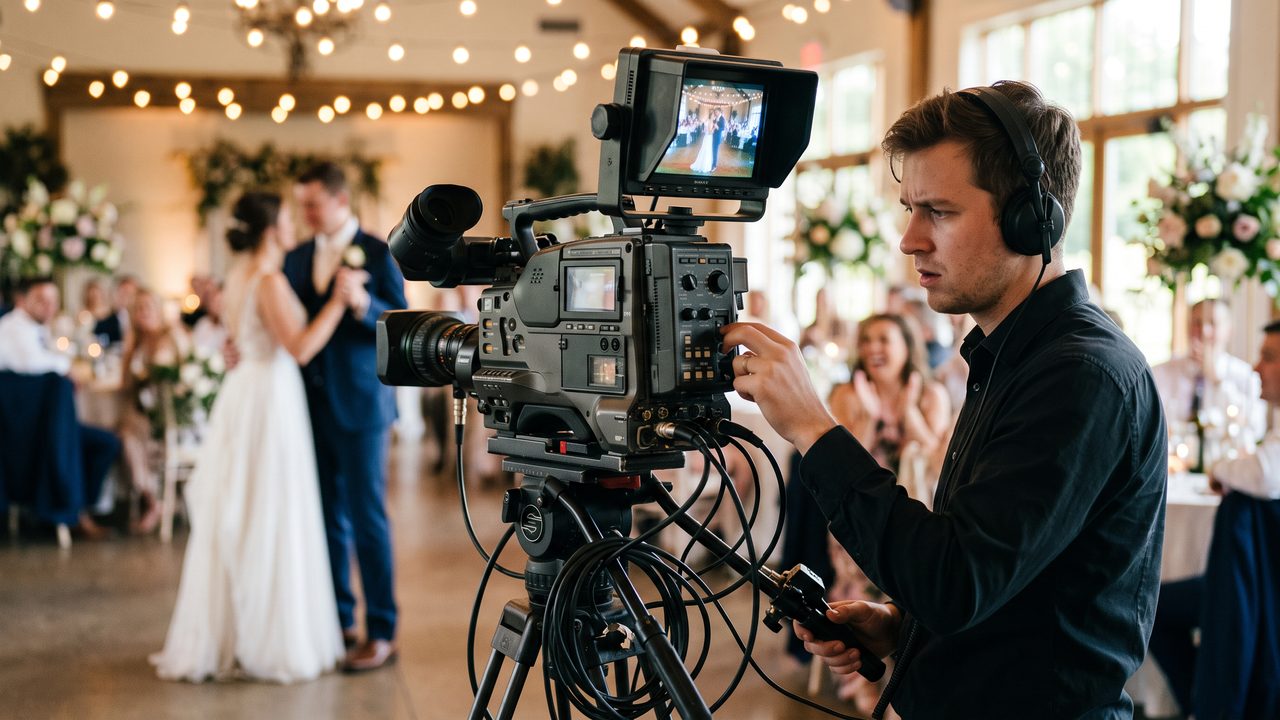
The learning curve was steep. Professional editing software like Adobe Premiere Pro or Final Cut Pro has hundreds of features, menus, and settings. Even basic editing requires understanding concepts like timelines, tracks, keyframes, rendering, codecs, and color spaces. Most people take weeks or months to become proficient.
It was time-consuming. A professional editor might spend 40-80 hours editing a single wedding video. Even a simple highlight reel could take a beginner 10-20 hours of work.
It required expensive software. Professional editing tools cost $200-$600 per year. Add in plugins, music licenses, and effects packages, and you're looking at significant investment before you even start.
The results were inconsistent. Without experience, it's hard to know what looks good. Pacing, transitions, color grading, and music synchronization are skills that take years to develop. A beginner's attempt at a wedding video often looks amateurish.
Tom from Seattle tried editing his own wedding video: "I downloaded a free editor and spent three weekends trying to make a highlight reel. The result was... not great. The cuts were jarring, the pacing was off, and I couldn't figure out how to sync the music properly. I eventually gave up and just shared the raw clips."
That frustration is exactly what AI eliminates.
How AI Makes Video Editing Effortless
AI wedding video tools handle every aspect of the editing process automatically:
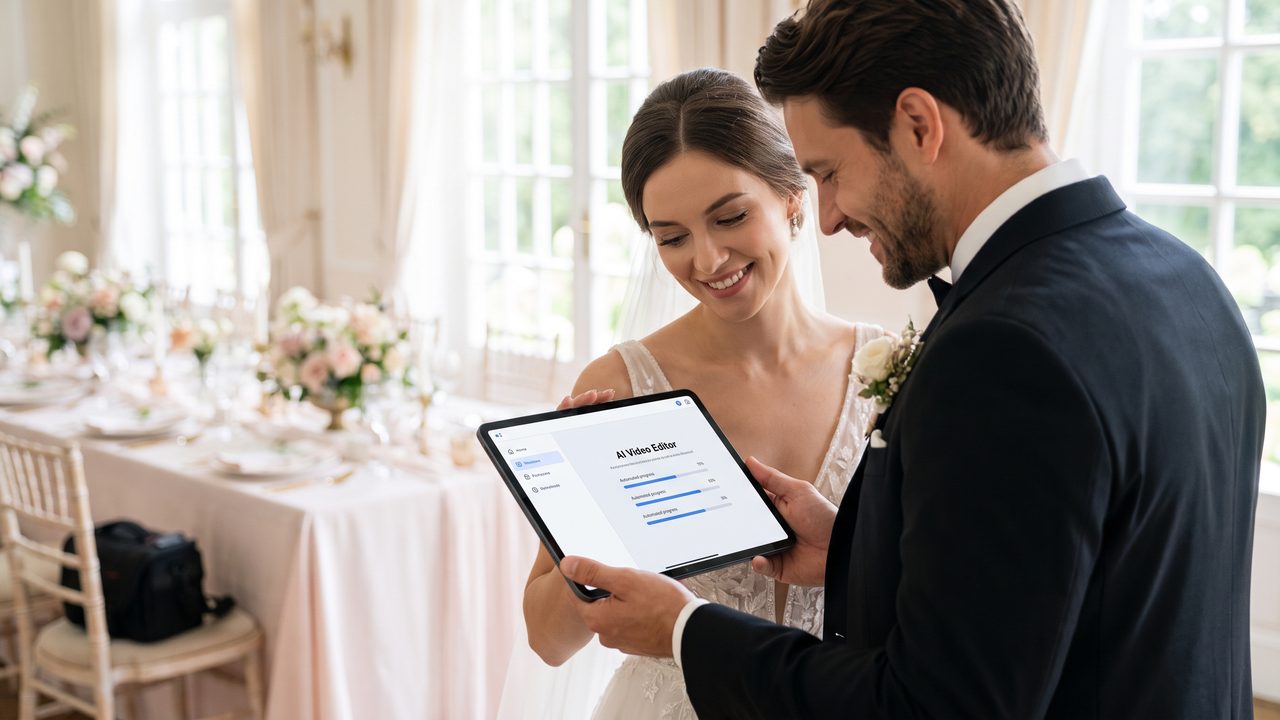
Automatic Moment Detection
The AI analyzes your photos and footage, identifying the most important and emotionally impactful moments. It knows that a first kiss matters more than a random crowd shot, and it prioritizes accordingly.
Intelligent Editing
The AI makes professional editing decisions automatically:
- Cut points: Where to start and end each clip
- Pacing: When to slow down for emotional moments and speed up for energetic ones
- Transitions: Which transitions work best between specific types of clips
- Order: How to arrange clips for maximum narrative impact
Automatic Color Correction
The AI adjusts color, exposure, contrast, and white balance across all your footage to create a consistent, professional look. This alone used to require hours of manual work and a trained eye.
Music Synchronization
The AI matches cuts and transitions to the beat of the music, creating that satisfying, rhythmic flow that characterizes professional wedding videos. This is one of the hardest aspects of manual editing, and AI does it instantly.
Effects and Enhancement
Professional effects like slow motion, stabilization, and cinematic filters are applied automatically based on the content and style you choose.
Our AI Wedding Video Production Flow guide walks through each of these steps in detail.
The Simplest Possible Workflow
Here's the absolute simplest way to create a wedding video in 2026:
Method 1: Photos Only (Easiest)
- Gather your best wedding photos (30-50 images)
- Upload them to an AI video generator
- Choose a style (cinematic, romantic, modern, vintage)
- Select music
- Click "Generate"
- Wait 10-30 minutes
- Download your video
That's it. Seven steps, no editing required. Our AI Video Generator from Photos makes this process as simple as possible.
Jessica from Denver used this method: "I uploaded 35 photos during my lunch break, chose the romantic style, picked a song, and had a beautiful 4-minute wedding video by the time I got home from work. I literally cried at my desk."
Method 2: Photos + Phone Footage (Still Easy)
- Gather your photos and phone video clips
- Upload everything to the AI editor
- Choose your style and music
- Let the AI organize and edit everything
- Review the preview and make simple adjustments (optional)
- Download your video
The AI handles the complex part — figuring out which clips to use, how to order them, and how to blend photos with video footage seamlessly.
Method 3: Full Package (Most Comprehensive)
For the most complete wedding video, combine multiple AI services:
- Create a highlight video from photos
- Edit phone footage from guests
- Add slow-motion effects to key moments
- Create a social media trailer
- Add a family tribute section
- Include multilingual subtitles
Each of these is a separate service, but they're all equally easy to use. Our WeddingAI Video Guide shows you how to build a complete package.
What If I Want More Control?
"But what if I want to customize things?" Great question. AI tools aren't just one-click-and-done — they offer customization for people who want more control, without requiring technical expertise:
Rearrange Scenes
Don't like the order? Simply drag and drop scenes to rearrange them. No timeline editing required.
Adjust Pacing
Want a faster or slower video? Use simple sliders to control the overall speed and the length of individual scenes.
Change Music
Swap out the music with a single click. Browse the library by mood, genre, or energy level.
Add Text
Type in your names, wedding date, and location. The AI handles the typography, placement, and animation.
Apply Effects
Toggle effects like slow motion, vintage filters, or cinematic color grading with simple on/off switches.
Add Subtitles
Enter your vows or speech text and the AI generates perfectly timed subtitles. Or use automatic transcription for video clips.
None of these customizations require editing skills. They're all designed to be intuitive and accessible.
Comparing: AI vs. DIY Editing vs. Hiring a Pro
Let's put this in perspective by comparing the three options:
| Factor | AI Video | DIY Editing | Professional Editor |
|--------|----------|-------------|-------------------|
| Time Required | 15-30 minutes | 10-40 hours | 0 hours (you wait) |
| Skill Required | None | Moderate to High | None (they do it) |
| Cost | $50-$500 | $0-$600 (software) | $1,000-$5,000 |
| Quality | Professional | Varies widely | Professional to Premium |
| Customization | Moderate | Full | Full |
| Revisions | Easy | Time-consuming | Easy but costly |
| Turnaround | Minutes to hours | Days to weeks | Weeks to months |
The clear winner for most couples is AI video — professional quality, minimal time, no skills required, and affordable pricing.
Real Stories: Couples Who Made Videos Without Editing Skills
Maria and Carlos, Phoenix: "Neither of us has any video editing experience. We thought our only option was hiring a videographer we couldn't afford. Then a friend showed us the AI video tool. We uploaded our photos and some phone clips, and the AI created a video that made us both cry. It looked professionally edited — smooth transitions, perfect pacing, great music sync. We couldn't believe a machine did it."
Emily and Jake, Nashville: "I'm a photographer, so I understand composition and lighting, but video editing is a completely different skill. I tried learning Premiere Pro once and gave up after a week. The AI tool let me create a wedding video in 20 minutes that would have taken me 20 hours to edit manually — and it probably looks better than what I could have done."
Priya and Raj, London: "We wanted a bilingual wedding video with English and Hindi subtitles. A professional editor quoted us £2,000 for that service alone. The AI did it automatically for a fraction of the cost. And we didn't have to explain the concept of dual subtitles to anyone — we just selected both languages and it handled everything."
Common Questions from Non-Editors
"What format should my photos/videos be in?"
Most AI tools accept common formats: JPEG and PNG for photos, MP4 and MOV for videos. You don't need to worry about codecs, resolutions, or frame rates — the AI handles all of that.
"Do I need a computer, or can I use my phone?"
Most AI video tools work on both. You can upload content and create videos directly from your phone, which is incredibly convenient. Some tools even have dedicated mobile apps.
"What if my photos are different sizes and qualities?"
The AI automatically handles variations in size, quality, and aspect ratio. It crops, scales, and enhances as needed to create a consistent-looking video.
"Can I add my own music?"
Yes. Most platforms let you upload your own music files or choose from a library of licensed tracks. Just be aware of copyright restrictions if you plan to share the video publicly. Our wedding video music guide covers this in detail.
"What if I don't like the result?"
Most platforms offer preview capabilities and revision options. You can regenerate the video with different settings, rearrange scenes, or change the style. Some services offer satisfaction guarantees.
"Can I create different versions for different platforms?"
Yes. AI tools can export in multiple formats and aspect ratios — horizontal for YouTube, vertical for TikTok and Reels, square for Instagram. This used to require separate manual exports; now it's automatic.
Beyond the Basics: Special AI Features
Once you've created your basic wedding video, AI offers additional features that would have required advanced editing skills:
Slow motion: Apply professional slow-motion effects to any footage. AI Slow Motion →
Vintage restoration: Incorporate restored family footage. Vintage Restoration →
Cartoon styles: Transform segments into animated art. Cartoon Style →
Multilingual subtitles: Add subtitles in 50+ languages. Multilingual →
Pet features: Create adorable pet-focused content. Pet Wedding →
All of these require zero editing skills. You simply select the feature, choose your preferences, and let the AI do the work.
The Bottom Line: You Can Do This
The days of needing technical skills to create a wedding video are over. AI has made professional video editing accessible to everyone — regardless of experience, skill level, or technical knowledge.
If you can select photos on your phone, you can make a wedding video. It really is that simple.
Don't let the fear of "not knowing how" stop you from preserving your wedding memories in the most powerful format possible. Your future self will thank you.
Start Creating — No Skills Required
Ready to make your wedding video? It's easier than you think.
Try WeddingAI.video → — upload your photos, choose a style, and let AI create your perfect wedding video. No experience necessary.
Ready to Transform Your Wedding Memories?
Tell us about your project and we'll get back within 24 hours with a free quote.
Get a Free Quote →