
Blog de WeddingAI.video
Traditional Video Editing Software vs. AI Automatic Editing: Which Is Better for Your Wedding Video?
Compare traditional video editing software vs. AI automatic editing for wedding videos. Discover which approach saves time, money, and delivers stunning results.
10 minutos de lectura
*Reading time: 10–12 minutes*
You've just returned from the most magical day of your life. Your photographer delivered thousands of gorgeous photos. Your videographer handed over hours of raw footage. Now comes the part nobody warns you about — the editing.
Traditional video editing software like Adobe Premiere Pro, Final Cut Pro, and DaVinci Resolve are powerful tools used by Hollywood professionals. But for the average couple who simply wants a beautiful wedding video to share with family and friends, these programs present a steep learning curve, a significant time investment, and often a hefty price tag.
Enter AI automatic editing. Platforms like WeddingAI Video promise to transform your wedding photos and footage into cinematic videos in minutes, not weeks. But is the quality comparable? Can AI truly replace the human touch?
In this comprehensive comparison, we'll break down the differences between traditional editing and AI-powered editing so you can make the best choice for your wedding memories.
---
The Traditional Editing Workflow
What Does Traditional Editing Involve?
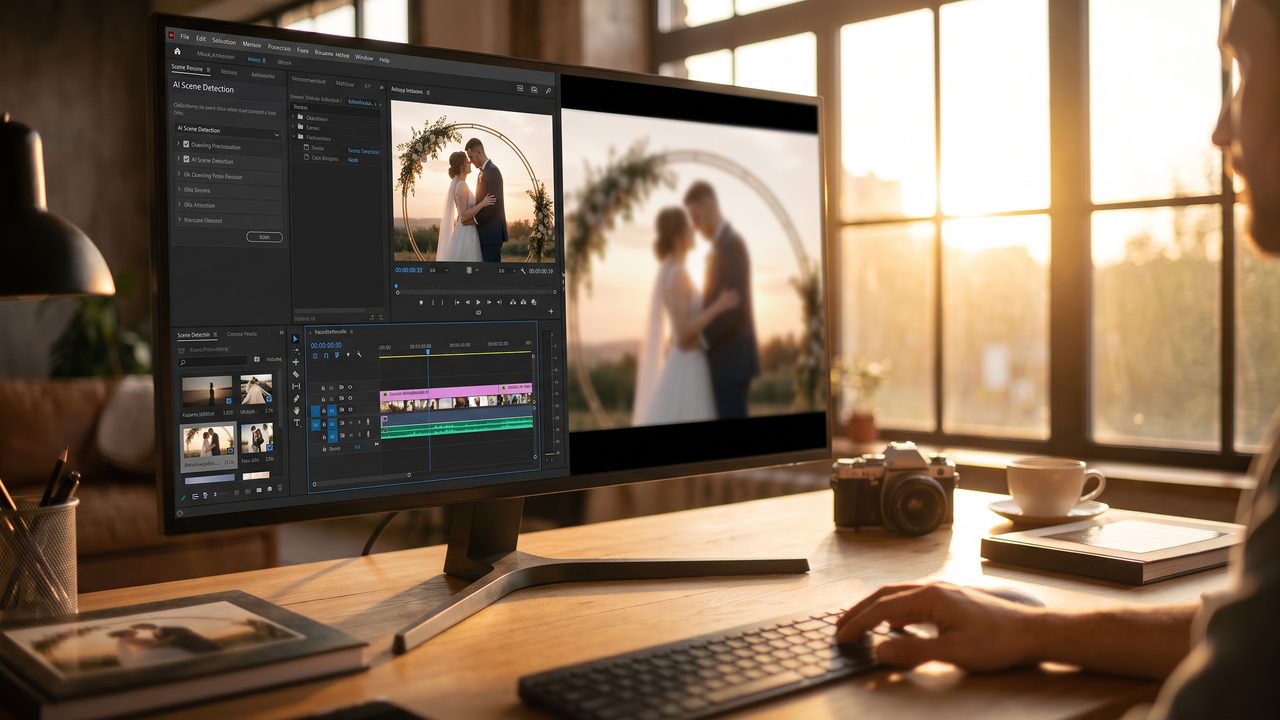
Traditional video editing is a multi-step, labor-intensive process. Even a simple 3-minute wedding highlight reel can take anywhere from 8 to 20 hours of work. Here's what a typical workflow looks like:
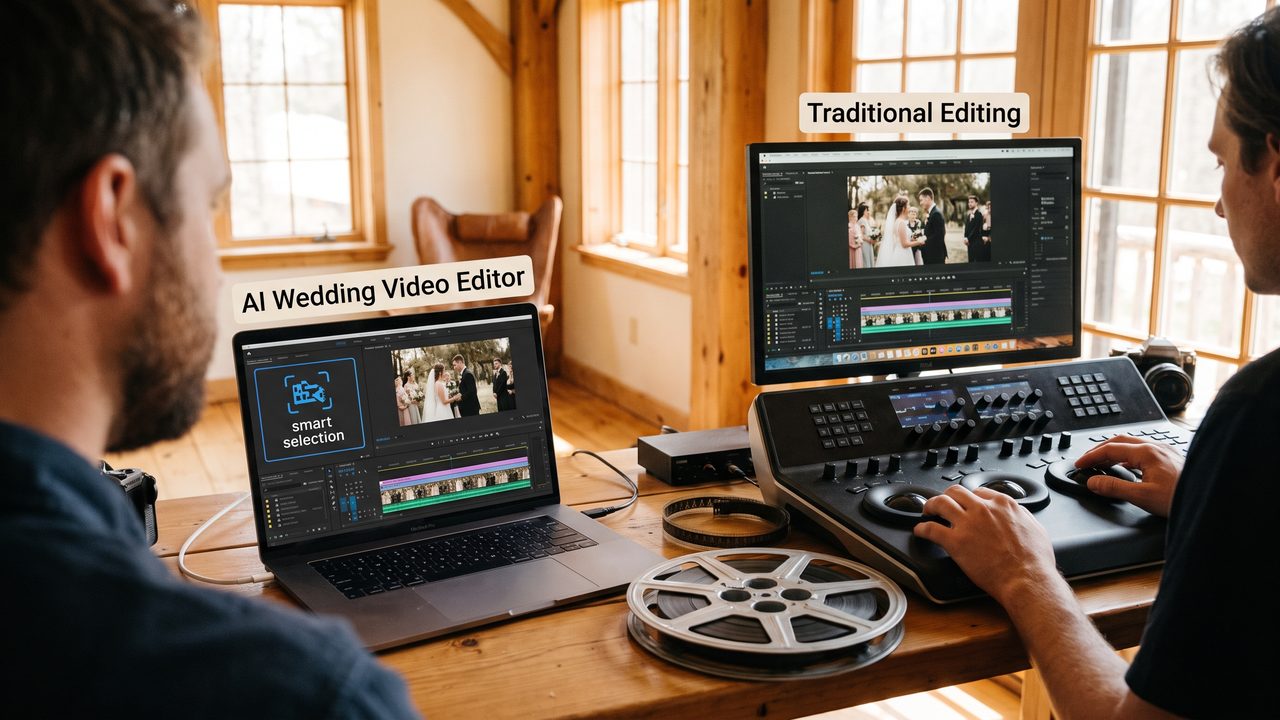
- **Importing and organizing footage** — Sorting through hours of raw video and hundreds of photos to select the best material.
- **Creating a rough cut** — Laying out clips in chronological order on a timeline.
- **Trimming and refining** — Cutting out awkward moments, adjusting pacing, and ensuring smooth transitions.
- **Color grading** — Adjusting the color, contrast, and tone to create a consistent visual style.
- **Adding music and audio** — Syncing background music, adjusting audio levels, and possibly adding voiceover.
- **Adding titles and effects** — Creating text overlays, transitions, and special effects.
- **Exporting and rendering** — Converting the final project into a shareable video format.
Each of these steps requires technical knowledge, creative judgment, and patience.
The Software Learning Curve
Professional editing software is designed for professionals. Here's a realistic look at what it takes to learn each major platform:
- **Adobe Premiere Pro** — Industry standard with a subscription model ($20.99 (≈ €19)/month). Beginners typically need 40–80 hours of practice before producing polished results.
- **Final Cut Pro** — Apple's professional editor ($299.99 (≈ €276) one-time). Slightly more intuitive but still requires 30–60 hours of learning.
- **DaVinci Resolve** — Free version available, but the professional features that make it worthwhile require the paid version ($295 (≈ €271)). Famous for its color grading capabilities but notoriously complex.
For most couples, the question isn't whether these tools *can* produce amazing results — they absolutely can. The question is whether investing dozens of hours learning software makes sense when you could be enjoying married life.
The Cost Factor
Beyond the software itself, traditional editing carries hidden costs:
- **Hardware requirements** — Professional editing software demands a powerful computer with dedicated graphics, at least 16GB of RAM, and fast storage. If your laptop can't handle it, you're looking at a $1,500–$3,000 (≈ €1380) upgrade.
- **Stock music licenses** — Professional-quality wedding music tracks cost $15–$50 (≈ €14) each.
- **Plugin costs** — Color grading LUTs, transition packs, and effect plugins can add $100–$500 (≈ €92) to your project.
- **Your time** — Even at minimum wage, 20 hours of editing represents hundreds of dollars in opportunity cost.
Or, you could hire a professional editor — which typically costs $500–$2,000 (≈ €460) for a wedding highlight video, with turnaround times of 4–12 weeks.
---
The AI Automatic Editing Approach
How Does AI Editing Work?
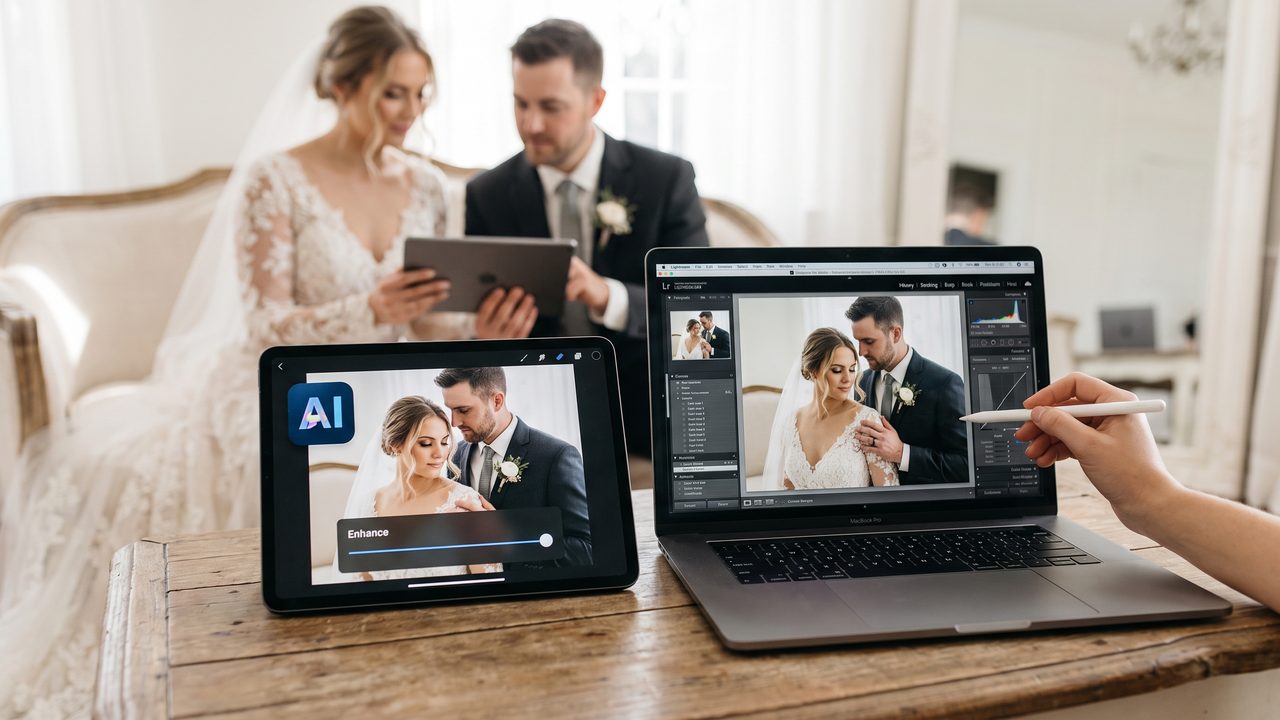
AI automatic editing uses machine learning algorithms trained on thousands of professionally edited wedding videos. The technology analyzes your photos and footage, identifies key moments, and applies cinematic techniques automatically.
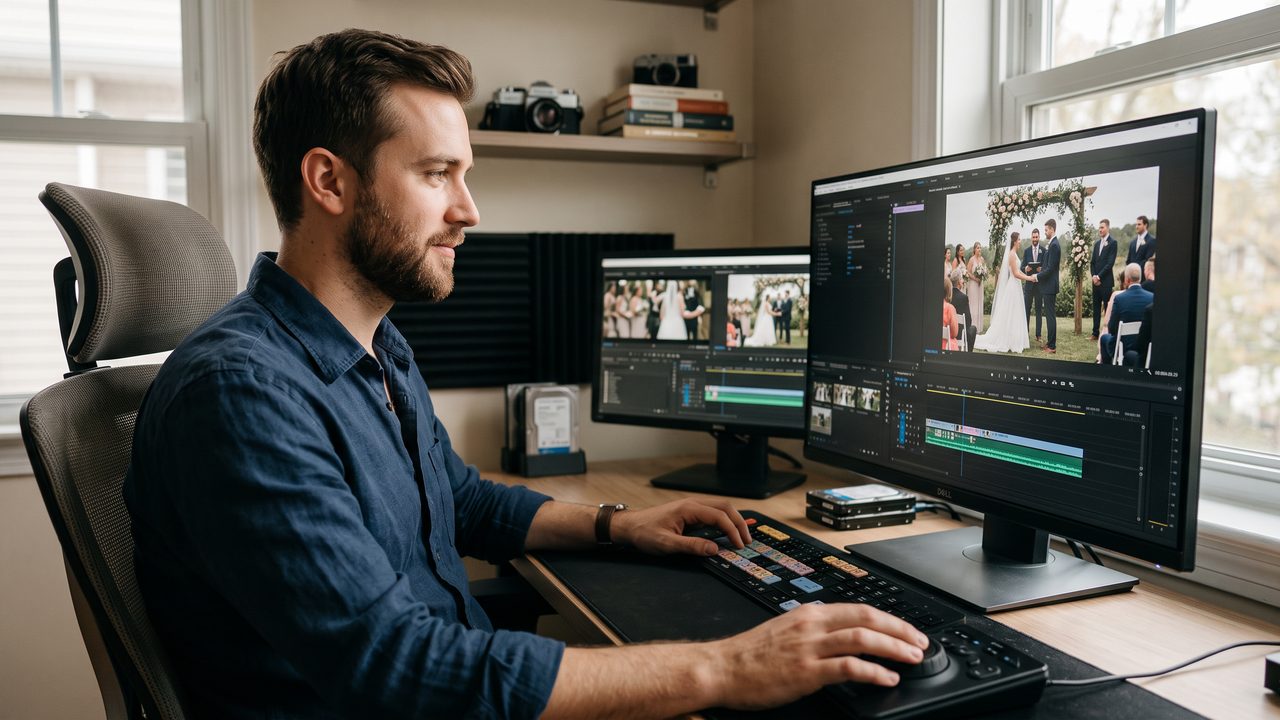
With WeddingAI Video's AI Video Generator, the process is remarkably simple:
- **Upload your photos** — Select your favorite wedding photos (typically 20–50 images).
- **Choose a style** — Pick from cinematic, vintage, romantic, modern, and other visual styles.
- **Select music** — Choose from a curated library of licensed wedding-appropriate tracks.
- **Let AI work its magic** — The algorithm handles transitions, pacing, color grading, and effects.
- **Review and customize** — Make any adjustments you'd like before finalizing.
The entire process takes approximately 5 minutes. Compare that to 20 hours of traditional editing.
What AI Does Well
AI editing excels in several areas that are particularly relevant to wedding videos:
**Consistency** — AI applies uniform color grading and transitions throughout the entire video. Traditional editors sometimes struggle with consistency, especially when working with footage from multiple cameras or lighting conditions.
**Pacing** — Modern AI algorithms are trained on professionally edited content, meaning they understand the rhythm and pacing that makes a wedding video feel cinematic. The slow motion effects applied by AI are precisely timed to emotional peaks in the music.
**Accessibility** — You don't need a film degree, expensive software, or a powerful computer. If you can upload photos and click a button, you can create a professional-quality wedding video.
**Speed** — What takes a professional editor days or weeks takes AI minutes. This is especially valuable when you want to share your video quickly after the wedding, while the memories are still fresh.
**Cost-effectiveness** — AI editing costs a fraction of professional editing or even the cumulative cost of software, plugins, and your own time.
Where AI Has Limitations
To be fair, AI editing isn't perfect for every situation:
- **Complex storytelling** — If you want a deeply narrative video with specific scenes arranged in a particular order to tell a unique story, traditional editing gives you more granular control.
- **Highly customized effects** — While AI offers numerous styles, truly bespoke visual effects still require manual craftsmanship.
- **Audio mixing** — If your video includes speech, interviews, or complex audio, traditional editing provides more precise audio control.
- **Very long videos** — AI is optimized for highlight reels and shorter formats. Feature-length wedding films may still benefit from traditional editing.
---
Head-to-Head Comparison
| Feature | Traditional Editing | AI Automatic Editing |
|---------|-------------------|---------------------|
| **Time to complete** | 8–20 hours (DIY) or 4–12 weeks (professional) | 5–30 minutes |
| **Learning curve** | Steep (40–80 hours) | Minimal (upload and click) |
| **Software cost** | $20 (≈ €18)–300+ | Free or low-cost |
| **Hardware requirements** | Powerful computer needed | Any device with a browser |
| **Customization** | Unlimited | Template-based with customization options |
| **Consistency** | Depends on skill level | Highly consistent |
| **Output quality** | Depends on skill level | Professional-grade |
| **Best for** | Filmmakers, professionals, complex projects | Couples, families, quick sharing |
---
Real-World Scenarios: Which Should You Choose?
Scenario 1: The Tech-Savvy Couple
If you're already comfortable with video editing software and enjoy the creative process, traditional editing might be a rewarding experience. You'll have complete control over every frame. However, even experienced editors often use AI tools for initial drafts and then refine from there — a hybrid approach that combines the best of both worlds.
Consider using AI to create a beautiful wedding trailer quickly, then use traditional software for your full-length feature if you want additional customization.
Scenario 2: The Busy Couple
Between thank-you cards, name changes, and settling into married life, most couples don't have 20 hours to spare. AI editing lets you create a stunning video during your honeymoon flight home. Upload your photos, choose a style, and have a polished video ready to share before you even land.
Scenario 3: The Budget-Conscious Couple
Weddings are expensive. The average American wedding costs over $30,000 (≈ €27.600), and many couples are looking for ways to cut costs without sacrificing quality. AI editing delivers professional results at a fraction of the cost of hiring an editor or purchasing professional software.
Scenario 4: The Couple Who Wants Something Unique
Want to turn your wedding photos into a vintage film restoration? Or create a cartoon-style animated video? These specialized effects would cost hundreds or thousands of dollars from a traditional editor but are available as standard options through AI platforms.
---
The Hybrid Approach: Best of Both Worlds
Many savvy couples are discovering that the answer isn't either/or — it's both. Here's how a hybrid approach works:
- **Use AI for your highlight reel** — Create a quick, shareable 1–2 minute video using AI for social media and family sharing.
- **Use AI for special projects** — Generate a pet wedding video featuring your furry friend, or create multilingual versions for international family members.
- **Hire a professional for your feature film** — If you want a full 20–60 minute wedding film with interviews, speeches, and complex storytelling, invest in a professional editor.
- **Use traditional software for personal touches** — Add your own creative flourishes to AI-generated content using free tools like DaVinci Resolve.
This approach gives you the speed and accessibility of AI for everyday sharing, while preserving the option for traditional craftsmanship where it matters most.
---
What Couples Are Saying
> *"I spent two weekends trying to learn Premiere Pro and gave up. WeddingAI Video gave me a better result in 5 minutes than I could have achieved in 50 hours."* — **Sarah & James, married October 2024**
> *"As a professional videographer, I was skeptical. But I now use AI editing for quick client previews while I work on their full feature. It's changed my workflow completely."* — **Michael T., Wedding Videographer**
> *"We wanted something unique — a vintage-style video that looked like it was filmed in the 1960s. The vintage restoration effect was incredible. No amount of YouTube tutorials could have taught us to do that ourselves."* — **Priya & David, married March 2025**
---
The Future of Wedding Video Editing
The gap between AI and traditional editing is closing rapidly. What AI produces today would have been impossible just two years ago. As the technology continues to evolve, we can expect:
- **More customization options** — AI will offer increasingly granular control while maintaining its ease of use.
- **Better storytelling** — AI will become more sophisticated at understanding narrative structure and emotional beats.
- **Real-time editing** — Imagine your wedding video being edited and ready to share *during* the reception.
- **Personalization at scale** — AI will be able to create personalized versions of the same video for different audiences (detailed version for family, fun version for friends, short version for social media).
Traditional editing will always have its place for filmmakers and professionals. But for the vast majority of couples who simply want beautiful, shareable memories of their wedding day, AI editing represents a revolutionary leap forward.
---
Ready to Experience the Difference?
Why spend weeks wrestling with complicated software when you could have a stunning, professional-quality wedding video in minutes?
**Try WeddingAI Video for free →**
Upload your photos, choose your style, and see for yourself why thousands of couples are choosing AI to preserve their most precious memories. No experience required. No expensive software. Just beautiful results.
*Have questions? Check out our complete usage guide or explore our family tribute services for adding loved ones who couldn't attend.*
¿Listo para transformar los recuerdos de su boda?
Cuéntanos tu proyecto y te responderemos en 24 horas con un presupuesto gratuito.
Obtenga una cotización gratuita →