
Blog WeddingAI.video
What Photos Do You Need for a Wedding Video? The Ultimate Material Preparation Checklist
Discover exactly what photos you need for a stunning wedding video. Use this complete material preparation checklist to organize your best wedding memories.
10 minutes de lecture
*Reading time: 10–11 minutes*
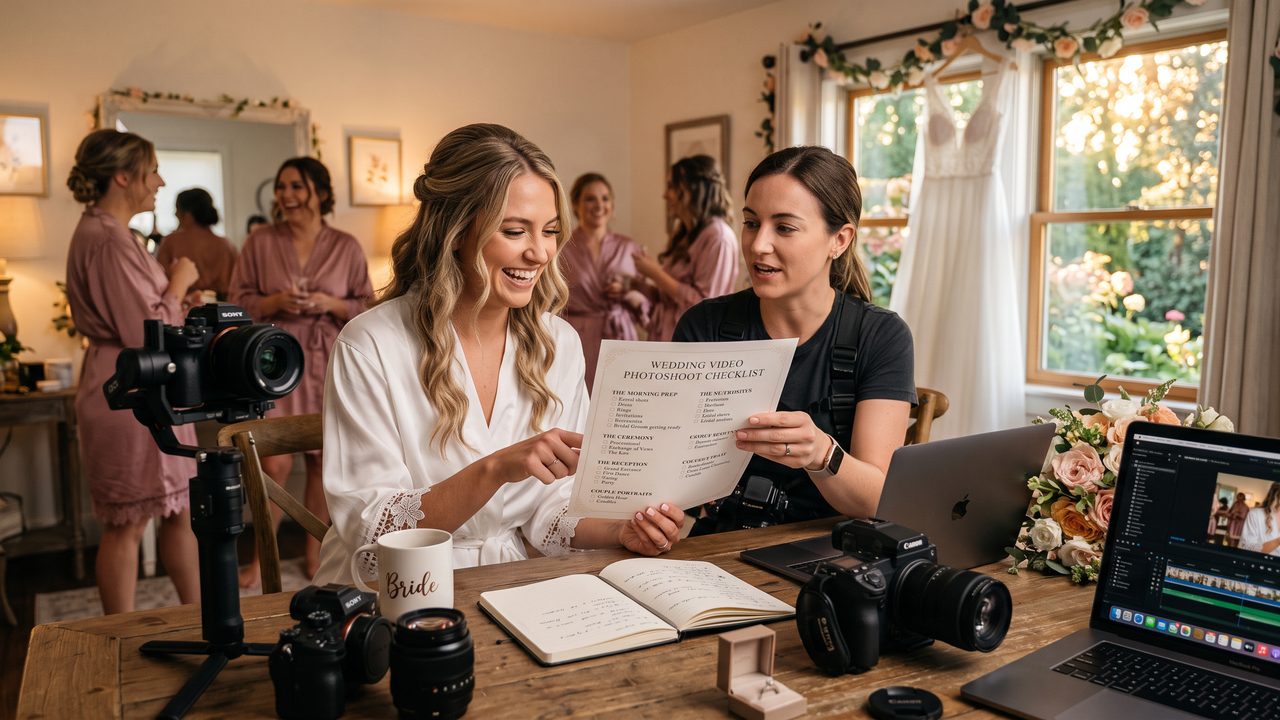
You've decided to create a wedding video — wonderful! But now you're staring at a folder with 2,000 photos from your photographer, another 500 from your guests' phones, and you have no idea which ones to use.
Sound familiar?
Choosing the right photos is arguably the most important step in creating a wedding video. The best editing tools in the world — whether AI-powered or traditional software — can only work with what you give them. A carefully curated selection of 40–60 photos will always produce a better video than a random dump of 200.
This comprehensive checklist will walk you through exactly what photos to gather, how to select the best ones, and how to organize them for a seamless video creation experience.
---
The Essential Photo Categories
Think of your wedding video as a story with chapters. Each chapter needs specific types of photos to tell its part of the narrative. Here's your complete checklist:
Chapter 1: Getting Ready (6–10 Photos)
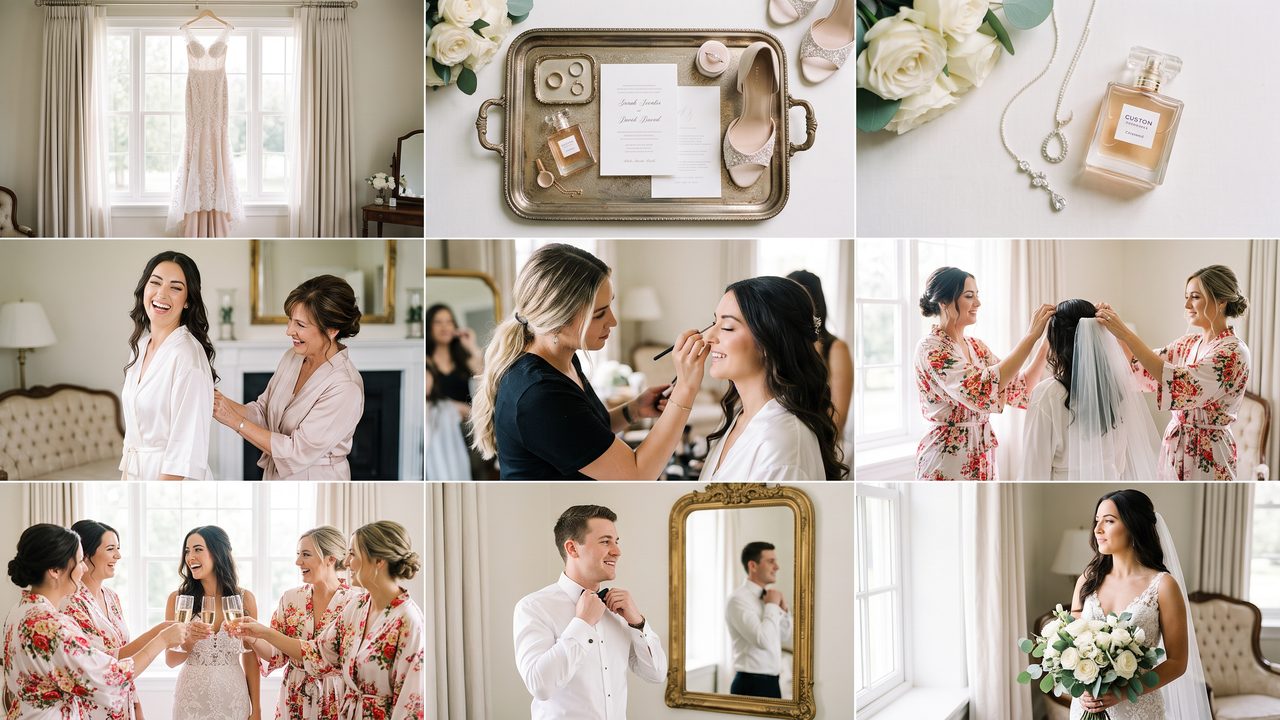
The "getting ready" phase captures the anticipation, excitement, and intimate moments before the ceremony. These photos set the emotional tone for your entire video.
**Must-have shots:**
- [ ] Bride's dress hanging or displayed beautifully
- [ ] Bride putting on or adjusting the dress
- [ ] Close-up of bridal accessories (shoes, jewelry, veil)
- [ ] Bride looking in the mirror — the "reveal" moment
- [ ] Bride with bridesmaids or mother
- [ ] Groom getting ready (adjusting tie, putting on jacket)
- [ ] Groom with groomsmen or father
- [ ] Detail shots: rings, invitation, bouquet, cufflinks
**Nice-to-have shots:**
- [ ] Candid laughter or emotional moments during prep
- [ ] The moment before leaving for the ceremony
- [ ] Pet involvement (your dog watching the preparations, for example)
**Pro tip:** Getting-ready photos work beautifully in slow motion, especially the moment the bride first sees herself in the mirror or when a parent helps with a final detail.
Chapter 2: The Ceremony (8–12 Photos)
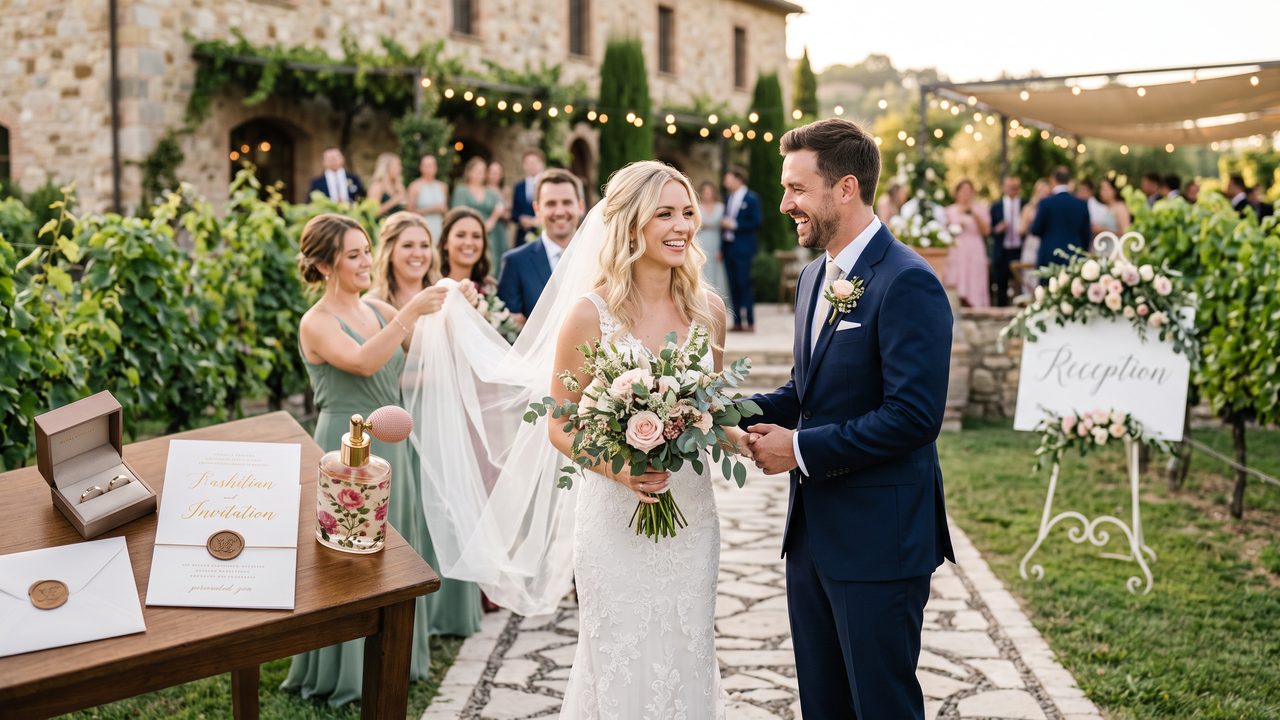
The ceremony is the heart of your wedding day. These photos carry the most emotional weight and will be the centerpiece of your video.
**Must-have shots:**
- [ ] Venue setup (empty, before guests arrive — establishes the location)
- [ ] Guests arriving or seated
- [ ] Processional — walking down the aisle
- [ ] The moment the couple sees each other (first look or at the altar)
- [ ] Exchange of vows
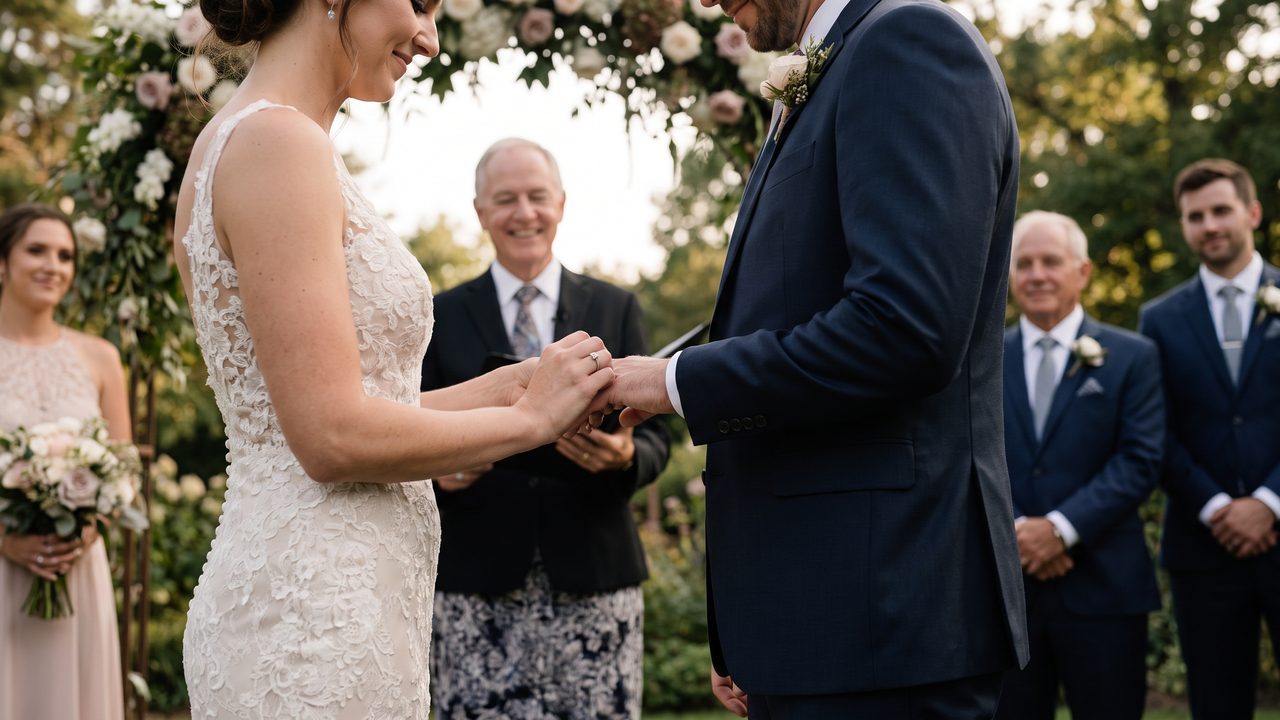
- [ ] Ring exchange — close-up of hands
- [ ] The first kiss as a married couple
- [ ] The recessional — walking back up the aisle together
**Nice-to-have shots:**
- [ ] Officiant or ceremony setting details
- [ ] Parents' emotional reactions
- [ ] Readings or musical performances
- [ ] Unity ceremony (candle lighting, sand pouring, handfasting)
- [ ] Wide shot showing the full ceremony setting
**Pro tip:** If you're using WeddingAI Video to create your video, the AI automatically detects faces and emotional expressions, giving extra weight to moments like the first kiss and tears of joy.
Chapter 3: Couple Portraits (6–10 Photos)
These are your hero shots — the photos that will appear largest and longest in your video, the ones that make people stop scrolling on social media.
**Must-have shots:**
- [ ] Classic portrait — looking at camera, formal pose
- [ ] Romantic portrait — foreheads together, laughing, candid
- [ ] Full-length shot showing the complete bridal look
- [ ] Close-up — faces filling the frame
- [ ] Walking together — natural, movement-based shot
- [ ] Dramatic or artistic shot (silhouette, backlit, landscape)
**Nice-to-have shots:**
- [ ] Fun/casual shots — showing personality
- [ ] Detail shot — hands with rings, intertwined fingers
- [ ] Location-specific — using the venue or scenery creatively
**Pro tip:** Portrait photos are ideal for the vintage restoration effect, which adds a timeless, cinematic quality that transforms beautiful photos into breathtaking video frames.
Chapter 4: Family and Group Photos (4–6 Photos)
Family photos add context and show the community that celebrated with you.
**Must-have shots:**
- [ ] Couple with bride's immediate family
- [ ] Couple with groom's immediate family
- [ ] Full bridal party
- [ ] Couple with both families together
**Nice-to-have shots:**
- [ ] Generational photo (with grandparents)
- [ ] Fun bridal party shots
- [ ] Children or flower girls/ring bearers
Chapter 5: Reception Details (4–6 Photos)
Before the party starts, capture the beautiful details you spent months planning.
**Must-have shots:**
- [ ] Reception venue setup (wide shot)
- [ ] Table settings or centerpieces
- [ ] Wedding cake
- [ ] Signage or personalized details (seating chart, favors, guest book)
**Nice-to-have shots:**
- [ ] Menu cards or place settings
- [ ] Floral arrangements
- [ ] Photo display or memory table
Chapter 6: First Dance and Toasts (4–6 Photos)
These moments combine emotion and celebration — perfect video content.
**Must-have shots:**
- [ ] First dance — wide shot showing the couple
- [ ] First dance — close-up of faces or hands
- [ ] Parent dances (father-daughter, mother-son)
- [ ] Toast/speech moments — speaker and couple's reactions
**Nice-to-have shots:**
- [ ] Guests' reactions during speeches
- [ ] Emotional moments (tears, laughter)
- [ ] Dance floor filling up
Chapter 7: Celebration and Party (6–8 Photos)
The energy of your celebration deserves its own section in the video.
**Must-have shots:**
- [ ] Dance floor — wide shot showing the crowd
- [ ] Candid dancing moments
- [ ] Bouquet or garter toss
- [ ] Cake cutting
- [ ] Guests having fun
**Nice-to-have shots:**
- [ ] Sparkler exit or send-off
- [ ] Fun group shots on the dance floor
- [ ] Late-night moments
Chapter 8: The Send-Off (2–4 Photos)
Your video's grand finale.
**Must-have shots:**
- [ ] Couple leaving — sparklers, confetti, or classic car
- [ ] Final kiss or wave
- [ ] The "just married" moment
---
Photo Quality Checklist
Beyond content, your photos need to meet certain technical standards for video production:
Resolution Requirements
- **Minimum:** 1920 × 1080 pixels (Full HD)
- **Ideal:** 3000+ pixels on the long edge
- **Avoid:** Photos below 1280 × 720 pixels — they'll look blurry in video
Orientation
- **Horizontal (landscape)** photos work best for standard 16:9 video
- **Vertical (portrait)** photos can be used but will have black bars or need background fill
- **Square** photos require cropping or creative framing
Lighting and Exposure
- [ ] No severely underexposed (too dark) photos
- [ ] No severely overexposed (too bright/washed out) photos
- [ ] Consistent white balance across selections
- [ ] No heavy shadows obscuring faces
Focus and Sharpness
- [ ] Main subjects are in sharp focus
- [ ] No motion blur on key moments
- [ ] Intentional shallow depth of field is fine (blurry backgrounds are beautiful)
- [ ] No out-of-focus accidents
File Format
- **Best:** JPEG at high quality (80%+ compression) or PNG
- **Also works:** HEIC/HEIF (from iPhones), TIFF
- **Avoid:** Very low-quality JPEGs with visible compression artifacts
---
How Many Photos Do You Need?
Here's a quick reference based on video length:
| Target Video Length | Recommended Photo Count | Average Display Time Per Photo |
|---------------------|------------------------|-------------------------------|
| 1 minute | 15–20 photos | 3–4 seconds |
| 2 minutes | 25–40 photos | 3–4 seconds |
| 3 minutes | 40–55 photos | 3–4 seconds |
| 5 minutes | 60–80 photos | 3.5–5 seconds |
| 10+ minutes | 100–150+ photos | 4–6 seconds |
**Sweet spot for most couples:** 40–60 photos for a 3–5 minute highlight video. This provides enough variety without feeling rushed.
---
Selection Tips: Choosing the Best Photos
The "Would I Print This?" Test
If a photo isn't good enough to frame and hang on your wall, it might not be good enough for your video. Be selective. Quality always beats quantity.
The Emotion Test
Choose photos that make you *feel* something. If a photo makes you smile, tear up, or laugh every time you see it, it belongs in your video.
The Variety Test
Ensure your selection includes:
- Different people (not 15 photos of just the two of you)
- Different distances (wide, medium, close-up)
- Different emotions (joy, tenderness, celebration, humor)
- Different settings (indoor, outdoor, ceremony, reception)
The Story Test
Lay out your selected photos in order. Do they tell the story of your day? Is there a clear beginning, middle, and end? Are there any gaps?
The Duplicate Test
Avoid including multiple very similar photos. Three nearly identical portraits of the same pose? Pick the best one and move on.
---
Organizing Your Photos for Video Creation
Folder Structure
Create a clear folder structure:
Naming Convention
Rename your selected photos with sequential numbers:
This ensures they import in the correct order regardless of which tool you use.
Create a "Favorites" Collection
Most photo management tools (Apple Photos, Google Photos, Lightroom) let you create collections or mark favorites. Use this feature to build your video selection without moving files.
---
Special Photo Types for Enhanced Videos
Photos for Slow Motion Sections
While you can't slow down a photo, you can select photos that will benefit from extended display time with slow motion effects. Look for:
- Dramatic moments (first kiss, ring exchange)
- Emotional reactions (tears, laughter)
- Action moments (dancing, bouquet toss)
Photos for Vintage Effects
If you're planning to use the vintage restoration effect, prioritize:
- Classic compositions
- Warm-toned photos
- Timeless poses
- Black and white originals (if you have any)
Photos for Multilingual Captions
If you're creating multilingual versions for international family members, select photos that:
- Have clear, uncluttered backgrounds (for text placement)
- Don't rely on text within the image for context
- Work well with caption overlays
---
What About Video Clips?
While this guide focuses on photos, many couples also have video clips. If you have video footage, consider:
- **Ceremony footage** — Vows, first kiss, recessional
- **Speech excerpts** — The most emotional or funny 15–30 seconds
- **Dance footage** — First dance, parent dances
- **Candid moments** — Behind-the-scenes, guest reactions
Video clips can be mixed with photos for a dynamic final product. AI tools like WeddingAI Video can seamlessly integrate both photos and video clips into a single cohesive video.
---
Common Mistakes to Avoid
1. Including Too Many Photos
More isn't better. A video with 200 photos will feel rushed and exhausting. Curate ruthlessly.
2. Using Low-Quality Images
That dark, blurry photo from your cousin's phone might be a cherished memory, but it will look terrible in video. Stick to high-quality images.
3. Forgetting Key Moments
Use the checklist above to ensure you haven't accidentally left out an entire chapter of your day.
4. No Variety
If every photo is a posed portrait, your video will feel static. Mix in candids, details, wide shots, and action moments.
5. Poor Organization
Dumping all photos into one folder and hoping for the best leads to a disorganized video. Take 15 minutes to sort them properly.
---
Quick Reference: Printable Checklist
Photo Count by Category
- [ ] Getting Ready: ___ photos (target: 6–10)
- [ ] Ceremony: ___ photos (target: 8–12)
- [ ] Couple Portraits: ___ photos (target: 6–10)
- [ ] Family & Groups: ___ photos (target: 4–6)
- [ ] Reception Details: ___ photos (target: 4–6)
- [ ] First Dance & Toasts: ___ photos (target: 4–6)
- [ ] Celebration: ___ photos (target: 6–8)
- [ ] Send-Off: ___ photos (target: 2–4)
**Total: ___ photos (target: 40–60)**
Quality Checklist
- [ ] All photos are at least 1920×1080 pixels
- [ ] No blurry or out-of-focus images
- [ ] Consistent lighting and color
- [ ] Good mix of orientations (mostly horizontal)
- [ ] No duplicate or near-duplicate images
- [ ] Photos tell the complete story of the day
---
Ready to Create Your Video?
Now that you have your photo checklist, it's time to bring those memories to life.
**Upload your photos to WeddingAI Video and create your wedding video →**
Simply drag and drop your curated selection, choose a cinematic style, and watch as AI transforms your photos into a professional-quality wedding video in minutes. The hardest part isn't the editing — it's choosing which beautiful photos to include!
*Need help choosing a style? Explore our complete video style guide or see real examples in our case study showcase.*
Prêt à transformer vos souvenirs de mariage ?
Parlez-nous de votre projet et nous vous répondrons dans les 24 heures avec un devis gratuit.
Obtenez un devis gratuit →