

WeddingAI.videoブログ
誰もが飽きない結婚式の写真スライドショーを作成する方法
ゲストが実際に見て楽しめる結婚式の写真のスライドショーを作成します。ペース、音楽、ストーリーテリングに関するプロのヒント。あなたのスライドショーを忘れられないものにしましょう!
9 min read
正直に言うと、ほとんどの結婚式の写真のスライドショーは苦痛なものです。あなたはそれらを乗り越えてきました。何百枚もの写真が 5 秒間隔で循環し、その下で一般的なインストゥルメンタル トラックが再生されます。スライド 47 では、全員が携帯電話をチェックしています。スライド 120 では、人々はバーを訪れる口実を作っています。
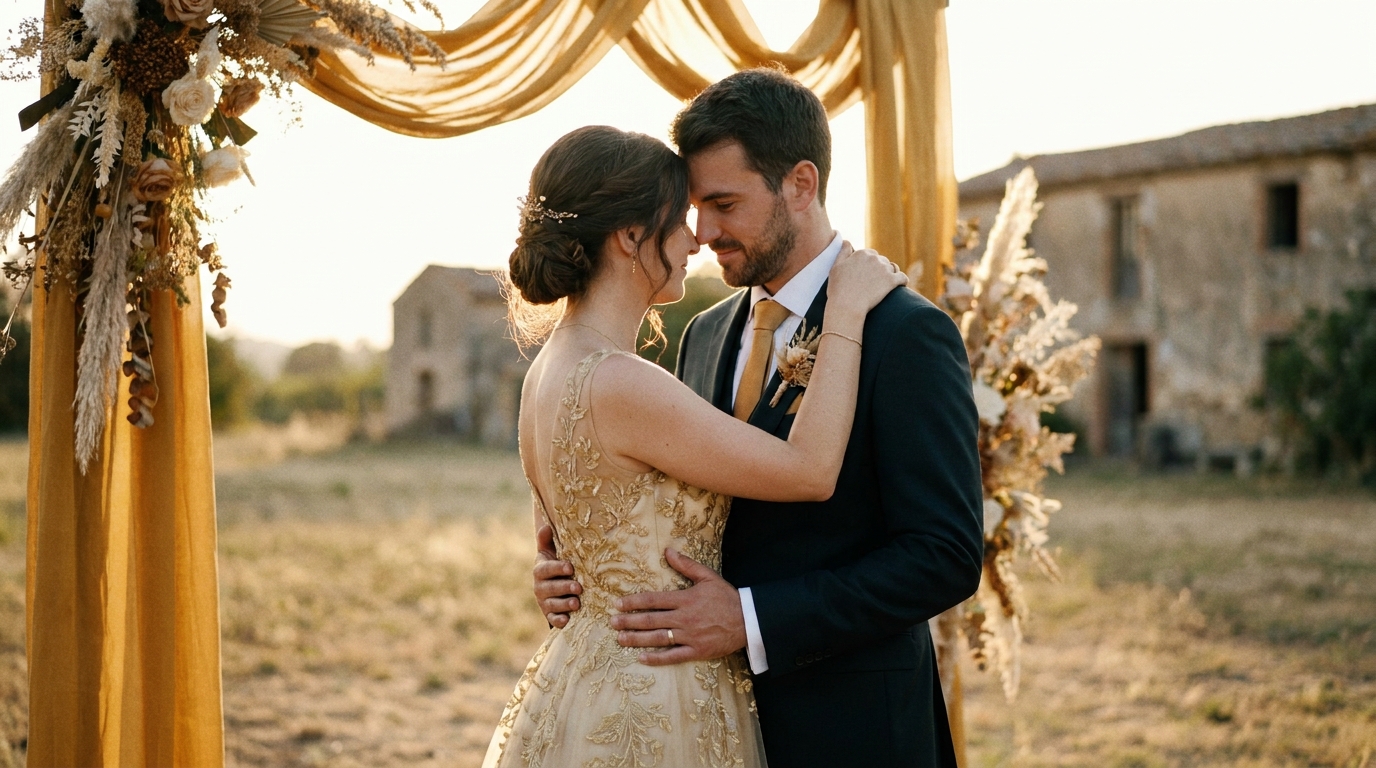
このようにする必要はありません。丁寧に作られた結婚式の写真のスライドショーは、お祝いの中で最も感情的で、楽しく、思い出に残る部分の 1 つとなります。スヌーズフェストと注目のイベントの違いは、キュレーション、ペース、ストーリーテリングの 3 つに集約されます。
ここでは、誰もが見続ける、そしておそらく(良い意味で)泣かせることさえできる結婚式のスライドショーを作成する方法を紹介します。
黄金律: 少ないほど良い
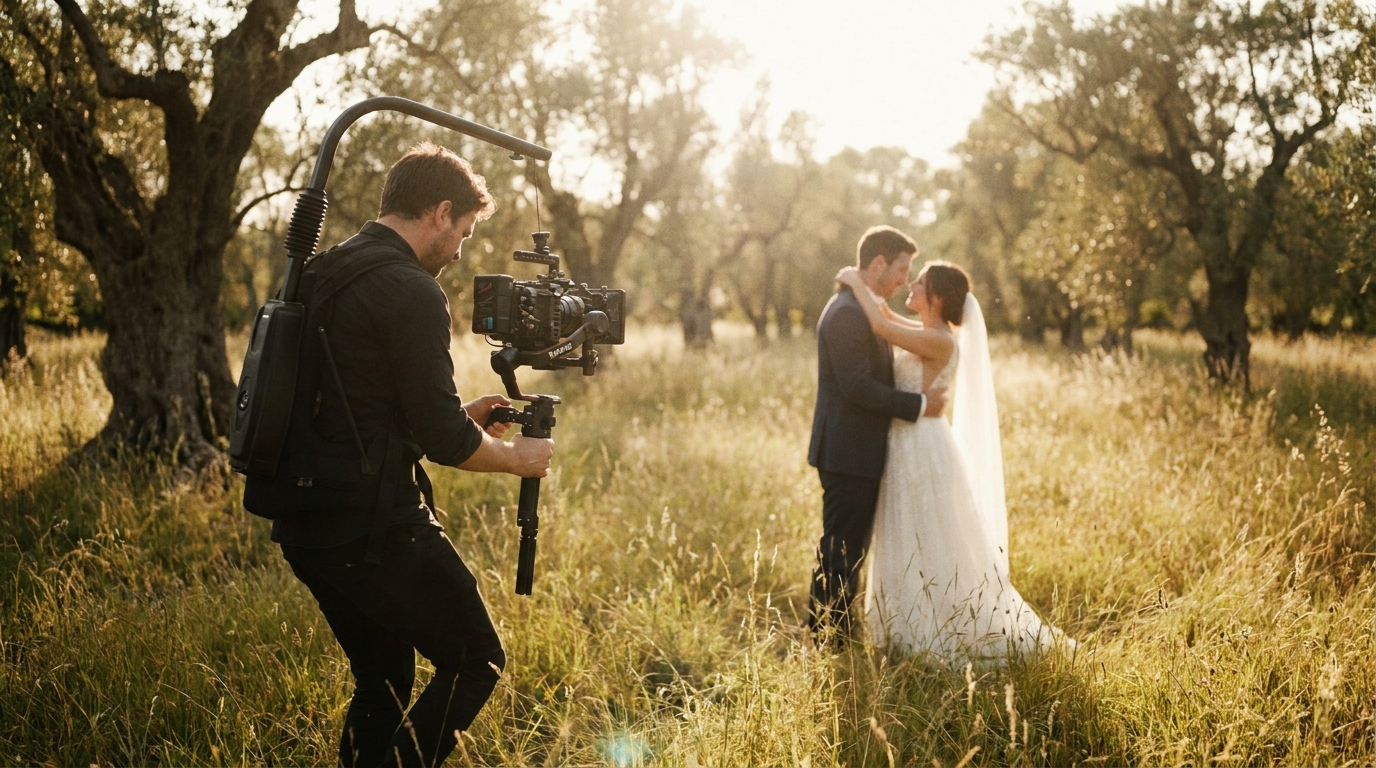
結婚式のスライドショーにおける最大の間違いは、写真が多すぎることです。結婚式の写真家から撮った写真が 3,000 枚あります。それはあなたの個人的なアーカイブにとって素晴らしいことです。スライドショーにとっては拷問だ。
理想的なスライドショーの長さ:
| 場面 | 長さ | 写真枚数 | |---------|------|----------| | リハーサルディナー | 3〜5 分 | 40〜80 枚 | | レセプション(夕食前)| 5〜8 分 | 80〜150 枚 | | レセプション(ダンス中)| 3〜5 分 | 40〜80 枚 | | SNS 共有 | 1〜3 分 | 20〜50 枚 | | 個人的記念 | 8〜12 分 | 150〜250 枚 |
Slidesgoのプレゼンテーションデザインガイド視聴者のエンゲージメントにおいてペースが最も重要な要素であることが確認されました。容赦なくキュレーションを行っているときに写真が採用されなかった場合、その写真はスライドショーには含まれません。
含める写真を選択する方法
すべての写真がスライドショーに適しているわけではありません。これらのフィルターを適用します。
含む:
- ストーリーを伝えたり、特定の感情を捉えたりする写真
- 強力な構成と適切な照明を使用した画像
- 複数の人が関わる瞬間 (グループショット、交流)
- 当日の流れ(準備→挙式→披露宴)をイメージしたもの
- 反応を得る写真(子供時代の思い出、面白い瞬間、驚きの暴露)
除外するもの:
- 重複または重複に近いショット
- 主要人物が目を閉じていたり、気まずそうにしている写真
- 過度にポーズをとったフォーマルなショット(特に印象的でない限り)
- 照明や構図が悪く、修正できない画像
- 本人の同意なく他人に迷惑をかける行為
スライドショーをストーリーのように構成する
最高のスライドショーには物語的な構造があります。彼らはただ写真を見せるだけではなく、観客を旅に連れて行きます。
三幕構成
第 1 幕: セットアップ (スライドショーの 20 ~ 25%)コンテキストから始めます。どうやって出会ったんですか?初期の関係はどのようなものでしたか?幼少期の写真、カップルの初期の写真、付き合っていた頃の画像を使用します。このセクションでは、結婚式の日が始まる前に感情的な投資を構築します。
第 2 幕: 旅 (スライドショーの 50 ~ 60%)これがメインイベントです。準備、初見、挙式、ポートレート、披露宴など、結婚式当日を時系列にまとめます。映画のようなペースで進めましょう。式典の前に緊張感を高め、誓いの最中に感情を解放し、披露宴中に祝いましょう。
第 3 幕: 祝賀会 (スライドショーの 20 ~ 25%)大盛況のうちに終了。ダンス、笑い、率直な喜び、そしてその日を要約する最後のイメージ。 「私たちが今いる場所」の写真、つまり一緒に生活が続いていることを示す最近の写真で終わることを検討してください。
ペーシングテクニック
リズムを変化させます。すべての写真を同じ速度で表示しないでください。感情的な瞬間(初対面、誓いの言葉、親の反応)には速度を落とし、エネルギッシュな瞬間(ダンス、グループショット、パーティーの瞬間)には速度を上げます。
意図的にトランジションを使用します。感情的な瞬間の間のシンプルなフェード。高エネルギーのショットの間の素早いカット。タイムジャンプを知らせるディゾルブ。安っぽい切り替え(スピン、ページめくり、星のワイプ)は避けてください。写真の邪魔になります。
頂点に向かって構築します。感情の山と谷を考慮してスライドショーを構成します。式典も佳境です。踊りの合間の静かなひとときが谷です。最後のダンスがクライマックスです。このリズムは視聴者を惹きつけます。
適切な音楽を選ぶ
音楽はスライドショーの成否を左右します。間違った曲は感情的な瞬間を背景の騒音に変えます。適切な曲はすべての写真を向上させます。
音楽選択の原則
ジャンルだけでなく、雰囲気に合わせて。ロマンチックなアコースティックバラードがセレモニーセクションにぴったりです。明るいインディーズトラックがレセプションに効果的です。さまざまな感情的なビートをサポートするのに十分なダイナミック レンジがない限り、スライド ショー全体に 1 つの曲を使用しないでください。
個人的な意味のある曲を選びましょう。初めてのダンスソング、出会った時に流れていた曲、車の中でいつも歌っている曲。個人的な重要性は、一般的な「結婚式のスライドショー」プレイリストよりも強く影響します。
集中するにはインストゥルメンタルを検討してください。写真を主役にしたい場合は、インストゥルメンタル トラックで画像に焦点を当てましょう。歌詞は視覚的な物語と競合することができます。
テンポを気にしてください。写真のペースを音楽のビートに合わせます。ビートに乗った写真は意図的で洗練されているように感じられます。ビートを無視した写真はランダムに感じられます。
音楽ライセンス
スライドショーを一般公開 (ソーシャル メディア、YouTube) で共有する場合は、適切にライセンスされた音楽が必要です。オプションには次のものが含まれます。
- ロイヤリティフリーの音楽ライブラリ— エピデミック サウンド、アートリスト、ミュージックベッド
- クリエイティブ コモンズ トラック— 無料ですが帰属要件があります
- あなたの個人的な音楽コレクション— 個人的な上映には問題ありませんが、一般公開には問題があります
スライドショーを作成するためのツール
美しいスライドショーを作成するのに専門的なソフトウェアは必要ありません。シンプルなものから高度なものまで、オプションをご紹介します。
初心者に優しいツール
Googleフォト— 無料、シンプル、そして驚くほど高機能。写真を選択し、テーマを選択すると、Google の AI がトランジションと音楽付きのスライドショーを作成します。こんな用途に最適: 最小限の労力で簡単にスライドショーを作成できます。
Apple フォト (iMovie)— Mac と iPhone では無料。タイミング、トランジション、音楽をより細かく制御できます。こんな方に最適: 複雑さを避けてさらにカスタマイズしたい Apple ユーザー。
カンバ— 結婚式のスライドショー用に特別に設計されたテンプレートを備えた無料枠が利用可能です。ドラッグ アンド ドロップ インターフェイスにより、誰でもアクセスできます。こんな用途に最適: デザイン要素を備えた視覚的に洗練されたスライドショー。
中間ツール
キャップカット— 優れたスライドショー機能、ビート同期、エフェクトを備えた無料のビデオエディター。無料ツールとしては驚くほど強力です。こんな用途に最適: モダンな効果を備えたソーシャル メディア対応のスライドショー。
アドビエクスプレス— プロフェッショナルなテンプレートを備えた簡素化された Adobe ツール。手軽さと品質のバランスが良い。こんな用途に最適: ブランドと一貫したスタイルを備えた洗練されたスライドショー。
プロフェッショナルツール
Adobe プレミア プロ— ビデオ編集の業界標準。スライドショーのあらゆる側面を完全に制御します。最適な用途: 高度な効果を備えた複雑なマルチトラックのスライドショー。
ダヴィンチ リゾルブ— カラー グレーディングとオーディオ ツールを備えた無料のプロフェッショナル エディター。用途: 映画のようなカラー処理を施したハイエンドのスライドショー。
ファイナルカットプロ— 優れたスライドショー テンプレートを備えた Apple のプロフェッショナル エディター。最適な用途: プロレベルのプレゼンテーションを作成する Mac ユーザー。
AI を活用したオプション
AIビデオジェネレーターインテリジェントなペーシング、プロフェッショナルなトランジション、音楽同期を使用して、写真コレクションを映画のようなスライドショーに変換できます。 AI が写真の構図、感情、主題を分析し、自然に流れる物語を作成します。手動で編集する必要はありません。
スライドショーのよくある間違い (およびその回避方法)
間違い 1: 終わりのないスライドショー
問題:それぞれ 5 秒の写真 300 枚 = 25 分間の視聴者拷問。解決:受付スクリーニングの場合は 5 ~ 8 分でキャップを付けます。個人的に閲覧するために完全なコレクションを保存します。
間違い 2: 物語のアークがない
問題:感情的な構造を持たない、ランダムな順序のランダムな写真。解決:時系列またはテーマ別に整理します。感情のピークに達します。物語を語ってください。
間違い 3: 一般的なストックミュージック
問題:歯科医院のようなサウンドのロイヤリティフリーのピアノ音楽。解決:個人的な意味を持つ音楽、または少なくとも各セクションの感情的なトーンに一致する音楽を選択してください。
間違い 4: 似たような写真が多すぎる
問題:同じポーズのほぼ同じショット 15 枚。解決:それぞれの瞬間の最高のバージョンを 1 つだけ選んでください。バラエティは視聴者の関心を引きつけます。
間違い 5: 技術的な品質を無視する
問題:大画面に低解像度の写真を表示すると、ピクセル感があり、プロフェッショナルらしく見えません。解決:高解像度のオリジナルを使用してください。イベント前に大型ディスプレイでスライドショーの見え方を確認してください。
間違い 6: バックアップ計画がない
問題:スライドショーファイルは会場の機器では再生できません。解決:複数の形式 (MP4、MOV) でエクスポートし、ラップトップとケーブルを持参して、ゲストが到着する前にセットアップをテストします。
高度なスライドショーテクニック
フォトアニメーション
静止画像の代わりに、写真に微妙な動きを加えます。Ken Burns エフェクト(ゆっくりとしたズームとパン)は、目を引き続ける動きを作り出します。最近のツールではこれが簡単になり、ほとんどのスライドショーソフトウェアにアニメーションプリセットが組み込まれています。
AIビデオジェネレーター写真に映画のようなモーションを適用して、静止画からビデオのような体験を作成できます。
写真と混ぜたビデオクリップ
写真の間に短いビデオ クリップ (3 ~ 10 秒) を散りばめます。最初のダンス、セレモニーのキス、またはブーケトスのビデオは、写真から写真へのリズムを壊すダイナミックなエネルギーを加えます。
スローモーション強化サービスAI を使用して写真からスローモーション クリップを作成し、スライドショーに別の次元を加えることができます。
前後のシーケンス
結婚式の日の隣に初めてのデートの写真、大人の写真の隣に子供時代の写真、あなたの写真の隣に両親の結婚式の写真など、時間の経過とともに並行する瞬間を表示します。
テキストオーバーレイ
短いテキストのオーバーレイは、邪魔にならずにコンテキストを追加できます。
- 日付と場所
- 集合写真の人の名前
- 短い引用や内輪ジョーク
- マイルストーン マーカー (「3 年後...」)
テキストは最小限で読みやすいものにしてください。微妙な影のある白いテキストは、ほとんどの背景で機能します。
スライドショーを共有する
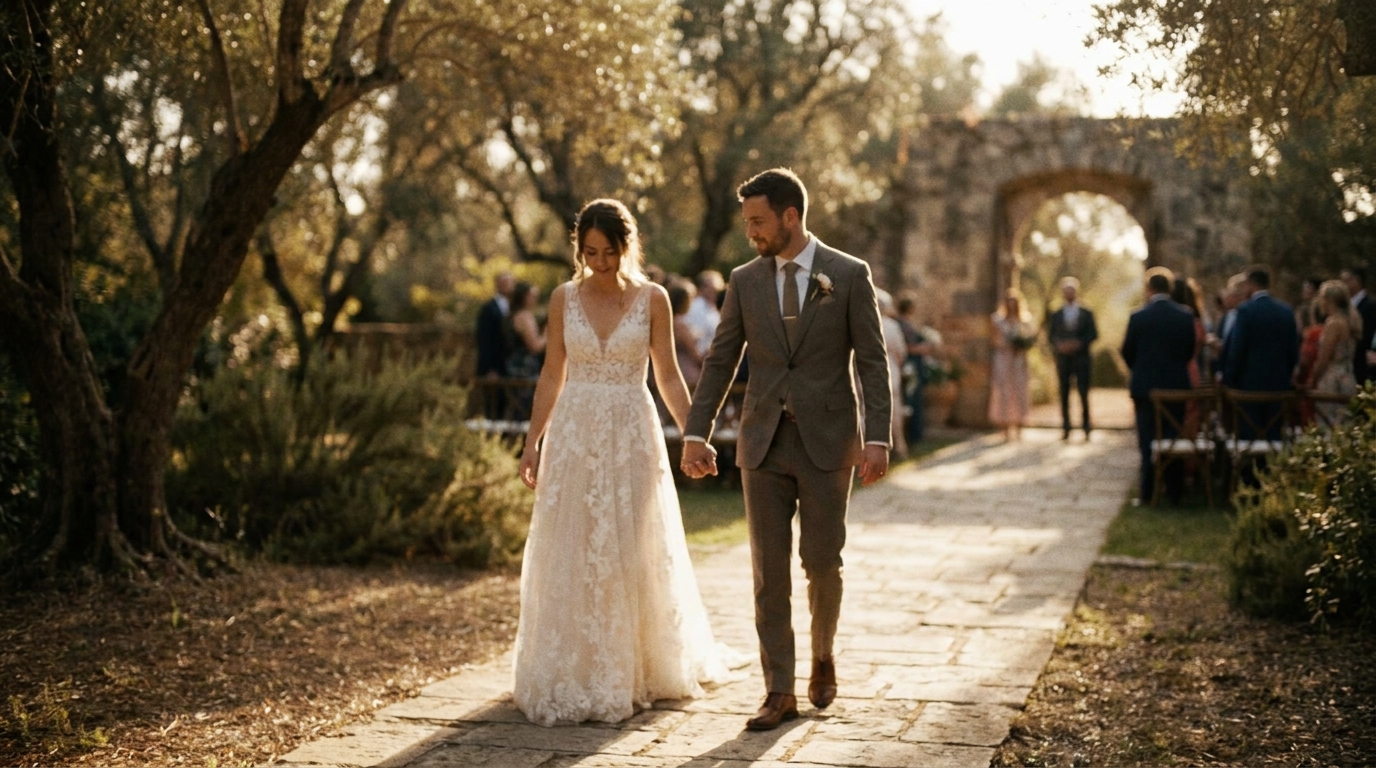
スライドショーを作成すると、結婚式の思い出を共有するための多用途な資産になります。
受付にて
カクテルアワー中、ディナー前、またはイベント間の移行時に表示してください。プロジェクターまたは大きなテレビ画面が最適です。タイミングやオーディオについては会場や DJ と調整してください。
ギフトとして
両親への結婚式ビデオプレゼントプレゼンテーションのアイデアに。
ソーシャルメディアについて
Instagram、TikTok、または Facebook 用の短いバージョン (1 ~ 2 分) をエクスポートします。アスペクト比を調整し(ストーリー/TikTok の場合は 9:16、Instagram フィードの場合は 1:1、YouTube/Facebook の場合は 16:9)、音声なしで視聴している視聴者向けにキャプションを追加します。
記念品として
完全なスライドショーを高品質のビデオ ファイルとして保存し、公式の結婚式のビデオや写真と一緒に結婚式のアーカイブに含めます。
よくある質問
結婚式のスライドショーには何枚の写真を入れるべきですか?
受付上映の場合は、5 ~ 8 分のスライドショーで 80 ~ 150 枚の写真を目指します。ソーシャル メディアで共有する場合は、20 ~ 50 枚の写真を 1 ~ 3 分で共有するのが最適です。鍵となるのは、徹底的なキュレーションです。ストーリーを前進させたり、感情を呼び起こしたりする写真のみを含めます。迷った場合はさらにカットしてください。タイトで魅力的なスライドショーは、長くてさまようスライドショーを毎回打ち破ります。
結婚式の写真のスライドショーを作成するのに最適なソフトウェアは何ですか?
AIビデオジェネレーター写真からプロ仕様のスライドショーを自動的に作成します。
結婚式のスライドショーの音楽はどのように選択すればよいですか?
結婚式のビデオ音楽ガイド詳細な推奨事項については、
結婚式のスライドショーに子供時代の写真を含めるべきですか?
はい、子供の頃の写真は、結婚式のスライドショーで最も魅力的なコンテンツの一部です。それらは背景、ユーモア、そして感情的な深みを提供します。冒頭のセクションでこれらを使用して、結婚式当日の前にあなたのストーリーを伝えます。ペースをしっかり保つために、子供時代の写真は最高の写真を 10 ~ 15 枚に制限します。
携帯電話から結婚式のスライドショーを作成できますか?
AIビデオジェネレーターあらゆるデバイスからアップロードされた写真にも対応します。
見る価値のあるスライドショーを作成する
結婚式の写真は、退屈な無限ループに値するものではありません。思慮深いキュレーション、意図的なペーシング、適切な音楽があれば、スライドショーは映画のような体験となり、観客を魅了し、最も魅力的な形式で思い出を保存します。
AIビデオジェネレーター写真の構図と感情を分析し、プロが編集したかのような、プロのペースで音楽と同期したスライドショーを作成します。編集スキルは必要ありません。