

WeddingAI.video Blog
Wedding Video Social Media: $9.9 AI Reels/TikTok vs $1,500/day Creator
Learn how to make a wedding video for TikTok and Instagram Reels that goes viral. Tips on format, music, editing, and trends for 2026. Start creating today!
9 min read · Updated 2026-10-22
How to Make a Wedding Video for TikTok and Instagram Reels
Your wedding day was incredible. Now you want the world to see it. But here's the problem: what works in a 5-minute highlight reel doesn't work on TikTok or Instagram Reels. Social media has its own rules — different formats, different attention spans, different algorithms. A wedding video for social media needs to be fast, vertical, and emotionally punchy in the first two seconds.
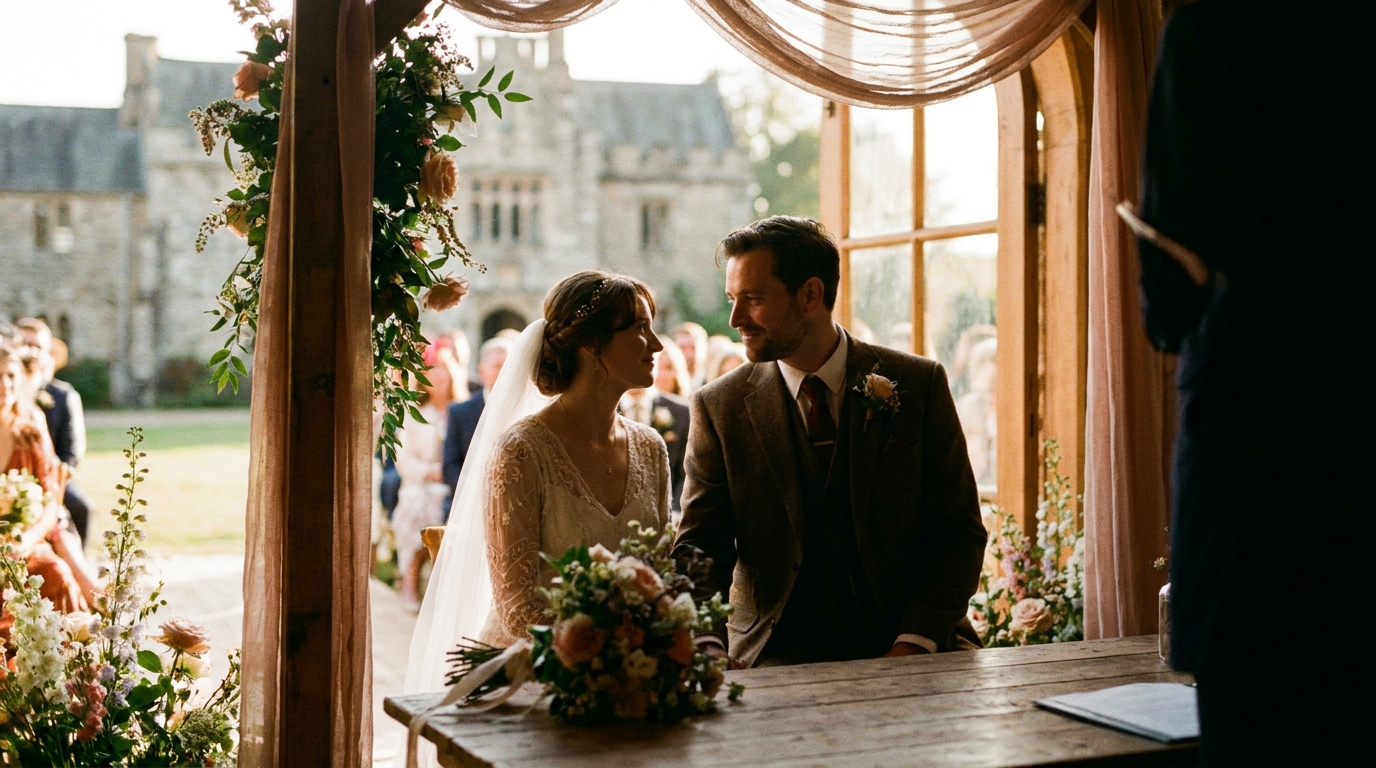
If you've been wondering how to turn your wedding footage into scroll-stopping content, this guide covers everything from aspect ratios to trending audio. Whether you're working with professional footage, phone clips, or a mix of both, you can create social media wedding videos that get views, shares, and comments.
Understanding Platform Requirements
Before you start editing, you need to know the technical specifications for each platform. Getting these wrong means your video will be cropped, compressed, or displayed awkwardly.
| Platform | Aspect Ratio | Max Length | Sweet Spot | Resolution | |----------|-------------|------------|------------|------------| | TikTok | 9:16 (vertical) | 10 min | 30-45 sec | 1080×1920 | | Instagram Reels | 9:16 (vertical) | 90 sec | 30-60 sec | 1080×1920 | | YouTube Shorts | 9:16 (vertical) | 60 sec | 30-45 sec | 1080×1920 | | Facebook | 1:1 or 4:5 | 240 min | 1-3 min | 1080×1080 or 1080×1350 | | Pinterest | 2:3 or 9:16 | 5 min | 30-60 sec | 1080×1350 |
vertical video is non-negotiablefor TikTok, Reels, and Shorts. If your footage was shot horizontally (which most professional videographers do), you'll need to crop or reframe it for vertical platforms.
The First 2 Seconds: How to Stop the Scroll
On social media, you have roughly 2 seconds to convince someone to keep watching. That means your wedding video needs to open with something visually arresting.
Proven openers for wedding TikTok videos:
- A dramatic dress reveal or veil flip
- The moment right before the first kiss (build anticipation)
- A stunning drone shot of the venue
- An emotional parent reaction
- A quick transition from "before" to "after" (getting ready → ceremony)
- The couple's faces as they see each other for the first time
Avoid opening with slow establishing shots, text cards, or anything that requires context. Save those for the middle. Your opener should be pure visual impact.
Choosing the Right Audio
Hootsuite's social media trends report, videos using trending audio receive significantly higher engagement than those using original or unknown tracks. The right song can push your video into the algorithm's favor; the wrong one can bury it.
Trending Audio Strategy
Check TikTok's "For You" page and Instagram's Reels tab daily in the week before you post. Note which songs are trending — you'll see the same audio clip used across dozens of videos. Using trending audio increases your video's discoverability because the algorithm surfaces content using popular sounds.
However, trending audio changes weekly. By the time you read this guide, today's trending sounds will have shifted. The principle remains: use audio that's currently popular on the platform.
Wedding-Specific Audio Choices
Some audio choices that consistently perform well for wedding content:
- Emotional instrumental builds (cinematic scores)
- Classic love songs with modern remixes
- Voiceover narration of vows over music
- Original audio with ambient wedding sounds (cheering, music, laughter)
- Mashups that transition between moods (calm → energetic)
Pro tip: Record your actual vows and speeches as clean audio. Original audio of real moments often outperforms music because it feels authentic and unique. The algorithm rewards originality.
Editing Techniques That Work
Social media wedding videos require a different editing style than traditional wedding films. Here's what works:
Quick Cuts
Cut every 1-3 seconds. This feels fast compared to a cinematic highlight reel, but it matches the pacing that social media audiences expect. Each cut should show something new — a different angle, a different moment, a different person.
Transitions
Trending transitions can boost engagement:
- Snap transitions: Match the beat of the music with a quick cut
- Hand-over-lens: One partner covers the camera, the other reveals the scene
- Object transitions: Use a ring, bouquet, or shoe to transition between scenes
- Speed ramping: Normal speed → slow motion → normal speed on key moments
Text Overlays
Add short text overlays to provide context without slowing down the pace:
- "POV: You married your best friend" (trending format)
- "The moment I knew" (with a flashback clip)
- "Wait for it..." (building to a reveal)
- Dates and locations (simple, clean typography)
Keep text minimal — 2-4 words per screen, positioned in the center or top third to avoid being covered by platform UI elements.
Content Formats That Go Viral

Certain wedding video formats consistently perform well on social media. Here are the ones worth replicating:
The Transformation Reel
Split-screen or transition video showing the couple before and after getting ready. Start with casual clothes, coffee in hand, then transition to full wedding attire. This format is simple, effective, and endlessly shareable.
The Reaction Video
Film reactions from family members seeing the bride or groom for the first time. Parents, grandparents, and wedding party members often provide the most emotional reactions. These are gold for engagement because viewers project their own emotions onto the reactions.
The "Things I Wish I Knew" Format
Post-wedding advice delivered as text overlays over wedding footage. "Things I wish I knew before my wedding day" followed by quick tips. This format combines personal footage with value-driven content, which the algorithm loves.
The Dance Floor Highlight
A high-energy montage of the best dance floor moments, set to a trending song. Include the embarrassing moves, the coordinated routines, and the spontaneous moments. Dance content performs consistently well across all social platforms.
The Vow Excerpt
A 30-60 second clip of the most emotional part of your vows, with video footage of both partners during the reading. Add subtle background music and captions. Vow content tends to go viral because it's universally relatable emotional content.
what to do with raw wedding footagehas practical tips for organizing and preparing your clips.
Step-by-Step: Creating Your Wedding Social Media Video
Here's a practical workflow for turning your wedding footage into social media content:
Step 1: Select Your Best Clips
Go through your footage and pull 15-20 clips that are each 2-5 seconds long. Focus on:
- Visually striking moments
- Emotional peaks (reactions, tears, laughter)
- Unique or surprising moments
- Beautiful venue/location shots
Step 2: Choose Your Audio
Pick a trending song or decide to use original audio (vows, speeches, ambient sounds). Match your clip selection to the mood of the audio.
Step 3: Edit for Pacing
Arrange your clips to match the beat of the music. Cut on the beat drops, slow down on the emotional moments, and speed up during transitions. Aim for 30-45 seconds total.
Step 4: Add Text and Effects
Add 1-2 text overlays for context. Apply subtle color grading to make the footage pop. Avoid over-filtering — wedding footage looks best with natural, warm tones.
Step 5: Export Correctly
Export at 1080×1920 (9:16 vertical) at 30fps. Use H.264 codec for maximum compatibility. Keep the file size under 100MB for smooth uploading.
Step 6: Write a Captivating Caption
Your caption should complement the video, not describe it. Ask a question, share a brief story, or include a call to action like "Tag someone who needs to see this."
Working With Professional vs. Phone Footage
The type of footage you have affects your approach:
Professional footage advantages:
- Higher resolution (4K allows reframing for vertical without quality loss)
- Better lighting and composition
- Smooth camera movement
- Multiple angles available
Phone footage advantages:
- Already vertical in many cases
- More candid and authentic feel
- Multiple guests = multiple perspectives
- Easier to acquire after the wedding
professional video enhancement servicescan significantly improve quality.
Posting Strategy
Creating the video is half the battle. Posting it effectively matters too:
- Post at peak times: For wedding content, evenings (7-9 PM) and weekends perform best
- Use relevant hashtags: #WeddingTok, #WeddingDay, #WeddingReels, #JustMarried, #WeddingVideo, plus your venue and location hashtags
- Engage with comments: Reply to every comment in the first hour. The algorithm rewards engagement
- Cross-post strategically: Post on TikTok first (tends to be more forgiving of new content), then repurpose for Reels and Shorts
- Create a series: If one video does well, create follow-ups — "Part 2 of our wedding," "The moments you didn't see," etc.
Making Multiple Videos From One Wedding
One wedding can produce 5-10 social media videos if you approach it strategically:
- The highlight reel (30-60 seconds, best-of compilation)
- The getting ready transformation
- The ceremony moments (vows, first kiss)
- The reaction video (parents, wedding party)
- The reception energy (entrance, first dance, party)
- A funny or unexpected moment
- A detail-focused video (dress, flowers, venue decor)
- A "day after" reflection with voiceover
Each video serves a different audience and algorithm niche, maximizing your total reach.
wedding trailer servicecan create social media-ready cuts alongside your full wedding film.
Frequently Asked Questions
What is the best length for a wedding TikTok video?
The ideal length for a wedding TikTok video is 30-45 seconds. This gives you enough time to tell a visual story while maintaining high viewer retention. Videos under 30 seconds often feel rushed, while those over 60 seconds see significant drop-off unless the content is exceptionally compelling.
Can I use copyrighted music in my wedding social media video?
It depends on the platform. TikTok and Instagram have licensing agreements with major music labels, so using songs from their built-in libraries is generally safe. However, uploading copyrighted music as your own audio file can result in the video being muted or taken down. When in doubt, use the platform's native music library.
How do I crop professional horizontal footage for vertical social media?
Most editing apps (CapCut, InShot, Adobe Premiere Rush) allow you to reframe horizontal footage for a 9:16 vertical crop. The key is to manually adjust the crop position for each clip to keep the important subjects centered. AI-powered reframing tools can automate this process by tracking subjects and adjusting the crop dynamically.
Should I post the same video on TikTok and Instagram Reels?
You can cross-post, but remove the TikTok watermark before posting to Instagram — the algorithm deprioritizes content with visible watermarks from competing platforms. Better yet, make slight adjustments to each version (different opening, different text overlays) to avoid being flagged as duplicate content.
How do I make my wedding video stand out on social media?
Focus on emotional authenticity over production polish. The wedding videos that perform best on social media capture genuine moments — real tears, real laughter, real reactions. Combine that authenticity with trending audio, quick editing, and a strong opening hook, and you have a recipe for engagement.
Create Your Social Media Wedding Content
Ready to turn your wedding footage into viral-worthy social media content? Whether you have professional 4K footage or a collection of phone clips from your guests, the right editing can transform raw moments into scroll-stopping videos.
social media-optimized wedding videosalongside your full wedding film. FromTikTok-ready clipsto Instagram Reels, we'll help you share your story with the world.
Ready to Transform Your Wedding Memories?
Tell us about your project and we'll get back within 24 hours with a free quote.
Get a Free Quote →