

WeddingAI.video Blog
Wedding Slow Motion Effect — AI From Any Frame Rate ($9.9)
Add stunning slow motion to your wedding video with AI frame interpolation. No 60fps footage needed. See examples and get started today!
9 min read · Updated 2026-10-10
How to Add Slow Motion to Your Wedding Video (Even If You Didn't Film in 60fps)
The veil catches the wind. The first kiss lingers. Confetti falls like snow. Slow motion transforms ordinary wedding footage into pure cinema — those fleeting seconds become breathtaking, emotional moments that you can actually savor.
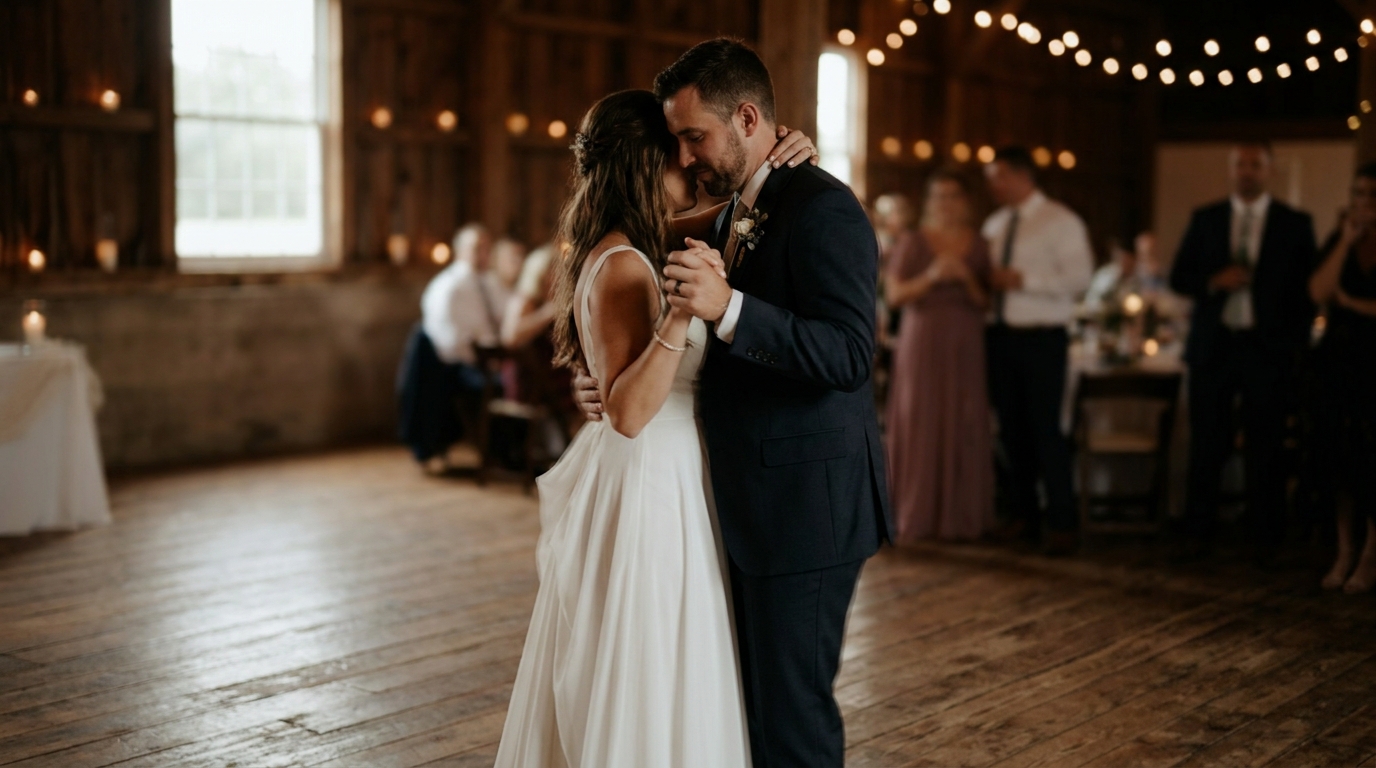
But here's the problem: beautiful slow motion traditionally requires filming at 60fps or higher. If your wedding videographer filmed at standard 24fps or 30fps — or if your footage comes from older cameras or guest phones — slowing it down produces choppy, unusable video. Or at least, it used to.
AI frame interpolation has changed everything. In 2026, you can add stunning slow motion to virtually any wedding video, regardless of how it was originally filmed. Here's how.
What Is Slow Motion and Why Does It Look So Good?
PetaPixel, AI frame interpolation has become so advanced that professional filmmakers now use it in commercial productions. If you film at 120fps and play it back at 30fps, you get 4x slow motion — every second of real time takes four seconds to watch, and every single moment is smooth and detailed.
Why does this look so magical at weddings? Because weddings are full of micro-moments that happen too fast to appreciate in real time:
- The exact moment tears form during vows
- The fabric of a veil or dress flowing through the air
- The first touch during a first look
- Petals, confetti, or rice in flight
- The ring sliding onto a finger
- A parent's reaction watching their child marry
These moments last fractions of a second in real time. Slow motion lets you inhabit those fractions, to see and feel what speed prevented you from noticing.
The Traditional Approach: Why It Was Limited
Before AI, adding slow motion to existing footage was extremely limited:
Frame blendingduplicates existing frames to fill gaps, creating a ghostly, blurred look that's acceptable for mild slowdowns (maybe 50% speed) but falls apart at true slow motion.
Optical flowanalyzes pixel movement between frames and generates intermediate positions. It's better than frame blending but produces visible artifacts around fast-moving objects, edges, and areas where objects appear or disappear.
Twixtor and similar pluginsimproved on optical flow but still required relatively clean footage and struggled with complex scenes — exactly the kind of complex scenes that weddings produce (flowing dresses, multiple moving people, confetti).
The fundamental problem: traditional methods are trying to guess what happened between two frames based on mathematical models. They don't understand the content of the video.
AI Frame Interpolation: The Game Changer
AI frame interpolation takes a fundamentally different approach. Instead of mathematically estimating pixel movement, it uses deep neural networks trained on millions of video frames to understand what objects look like, how they move, and what the space between two frames should actually contain.
How It Works
- The AI analyzes your source videoframe by frame, understanding the content of each image
- It identifies objects, surfaces, and motion patterns— recognizing that a flowing veil behaves differently than a walking person or falling confetti
- It generates new intermediate framesby predicting with high accuracy what the camera would have captured between existing frames
- It synthesizes these framesat pixel level, creating genuinely new visual information that's consistent with the source footage
- The result is smooth, artifact-free slow motionfrom footage that was never designed to be slowed down
What's Possible Now
Modern AI frame interpolation can:
- Convert 24fps footage to 60fps, 120fps, or even 240fps equivalent
- Produce smooth slow motion at 2x, 4x, 8x, or even 10x slowdown
- Handle complex scenes with multiple moving subjects
- Process flowing fabric, hair, and other challenging elements
- Maintain natural motion blur that makes slow motion look cinematic rather than robotic
The results are often indistinguishable from footage that was natively shot at high frame rates. In blind tests, professional editors frequently cannot tell AI-interpolated slow motion from genuine 120fps footage.
Best Moments to Apply Slow Motion
Not every second of your wedding video should be in slow motion. Used strategically, it creates emphasis and emotion. Used excessively, it becomes tedious. Here are the moments that benefit most:
Must-Have Slow Motion Moments
- The first kiss— the single most important moment, and it goes by in seconds. Slow motion lets you relive it fully.
- Walking down the aisle— the bride's entrance deserves to be savored, especially the moment the partner first sees them.
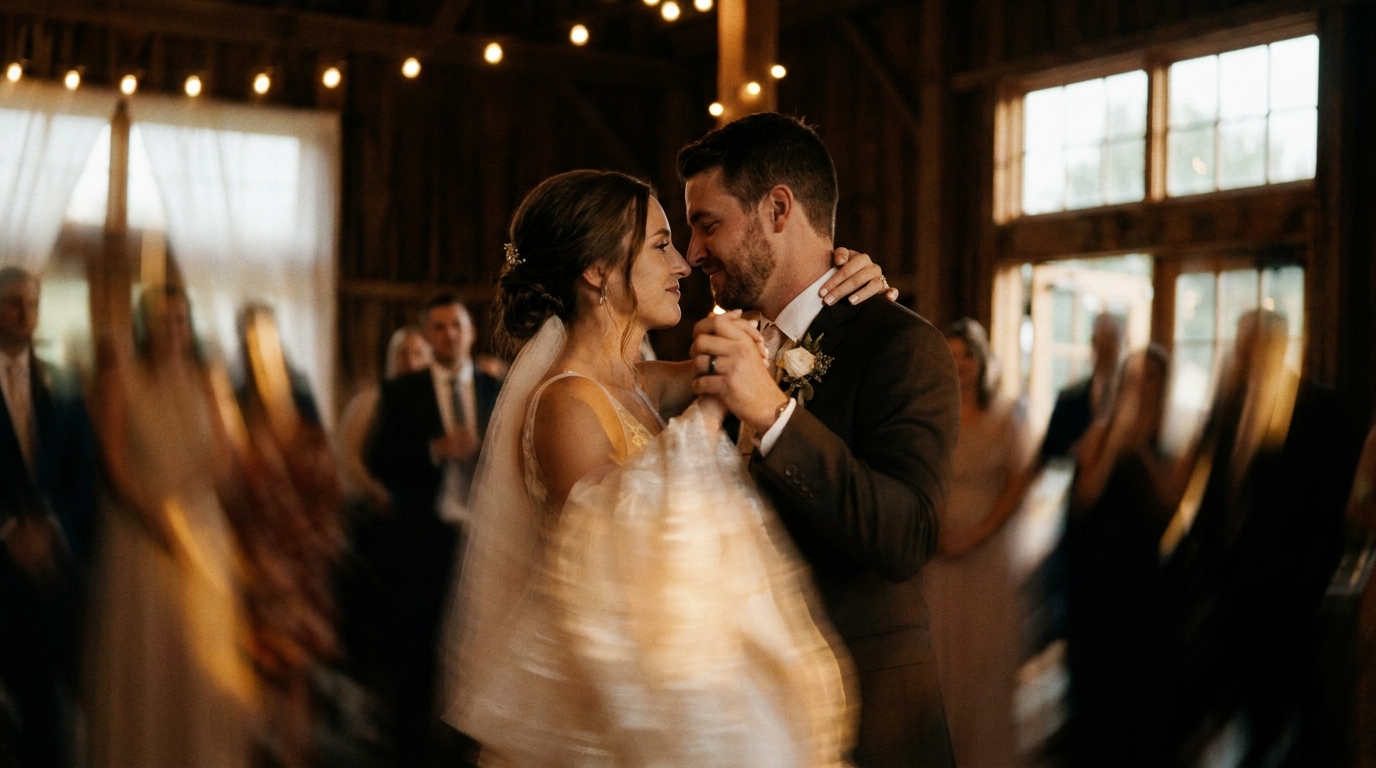
- First dance— slow motion reveals the grace and intimacy that real-time viewing can miss.
- Ring exchange— the detail of sliding the ring on, the hand holding, the expressions.
- The veil or dress in motion— flowing fabric is perhaps the most iconic slow motion wedding shot.
Great Slow Motion Moments
- Confetti or petal toss— dozens of individual pieces suspended in air creates a magical effect
- The dip or liftduring dancing
- A parent's emotional reaction— tears forming, hands clasping
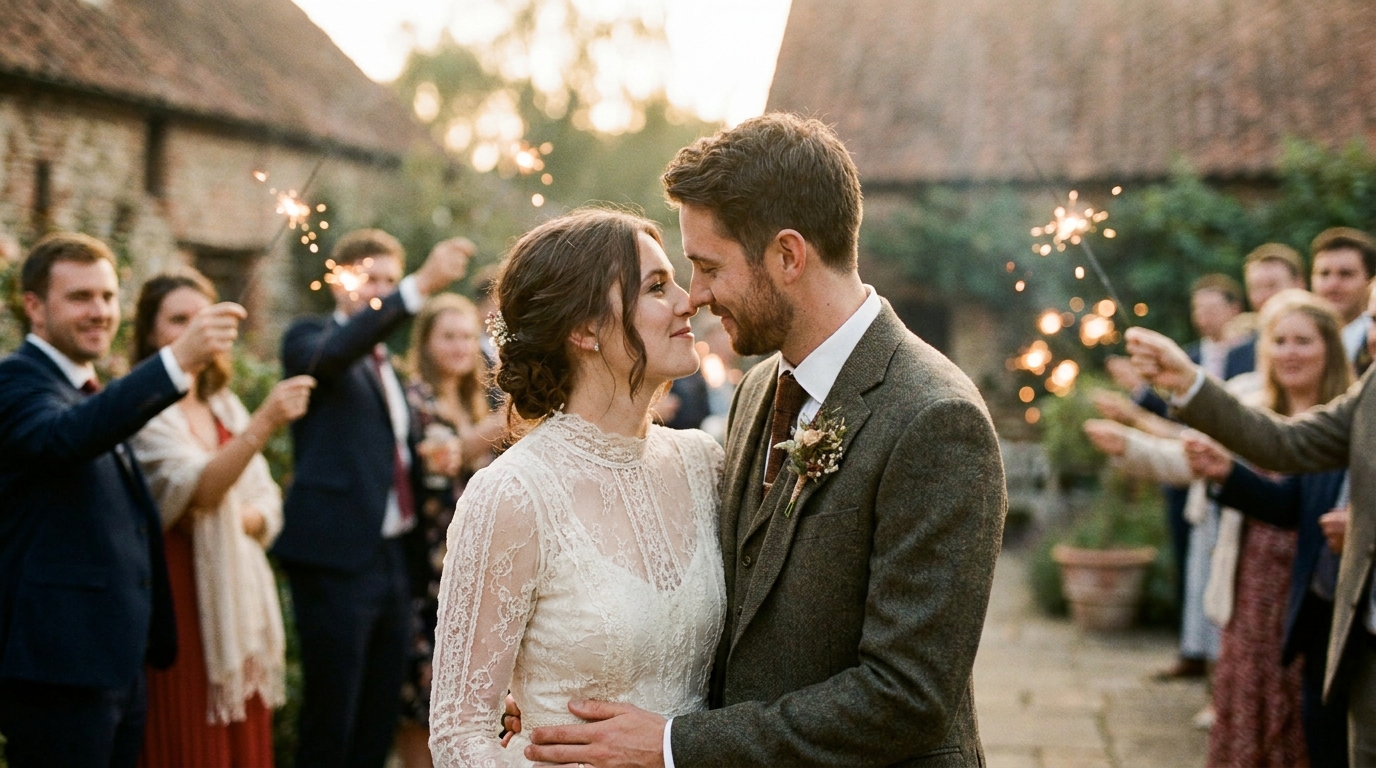
- Sparkler exit— light trails become even more enchanting slowed down
- The bouquet toss— suspense builds as the bouquet arcs through the air
Moments to Keep in Real Time
- Vows and speeches— slow motion makes talking look strange
- Candid group interactions— laughter and conversation feel unnatural slowed
- Walking generally— save slow motion for meaningful walks (aisle, exit), not casual movement
- Toast clinking and eating— trust us on this one
How to Add Slow Motion to Your Wedding Video
Option 1: Professional AI Enhancement Service
The easiest and highest-quality option. Upload your footage, specify which moments you want in slow motion and at what speed, and let professional tools and editors handle the rest.
Best for:Anyone who wants guaranteed professional results without learning video editing.
Typical cost:$9.9-$349 depending on footage length and complexity.
Turnaround:3-7 business days.
AI slow motion enhancement servicespecializes in wedding footage and uses the latest frame interpolation technology.
Option 2: Desktop Software
Several desktop applications now include AI frame interpolation:
- Topaz Video AI— widely considered the best consumer option ($299 one-time)
- DaVinci Resolve(free) with Speed Warp feature
- Adobe Premiere Prowith Optical Flow and AI-enhanced time remapping
- RIFE-NCNN-Vulkan— open source, free, but requires technical knowledge
Best for:Tech-savvy users who want control over the process and plan to do more video editing in the future.
Learning curve:Moderate to high. Expect several hours of learning and experimentation before achieving good results.
Option 3: Mobile Apps
Some mobile apps offer basic AI frame interpolation:
- CapCut— free, includes AI slow motion features
- VN Video Editor— good quality for mobile
- Slow Fast Slow— dedicated slow motion app
Best for:Quick social media edits where perfection isn't required.
Limitations:Mobile processing power limits quality compared to desktop or professional services. Results work for social media but may not hold up on a large screen.
Technical Tips for the Best Results
Source Footage Quality Matters
AI frame interpolation works best with:
- Clean, well-exposed footage— noisy, dark footage produces noisy slow motion
- Minimal compression— heavily compressed video (like low-bitrate phone clips) has less information for AI to work with
- Stable footage— while stabilization can be applied separately, starting with relatively stable footage helps
- Higher original frame rate— 30fps to 120fps interpolation looks better than 24fps to 120fps because there's less guessing required
Speed Selection Guide
| Source FPS | Recommended Max Slowdown | Result FPS | |-----------|-------------------------|-----------| | 24fps | 4x (produces 96fps effective) | Smooth | | 30fps | 4x (produces 120fps effective) | Very smooth | | 60fps | 4x (produces 240fps effective) | Ultra smooth | | 60fps | 8x (produces 480fps effective) | Extreme slow motion |
Avoid These Pitfalls
- Don't slow down everything.Selective slow motion is powerful; constant slow motion is exhausting.
- Don't use extreme slowdowns on fast action.Even AI struggles with 10x slowdown on rapid movement. Stay at 2-4x for most moments.
- Process before color grading.Apply slow motion first, then color grade the output for best results.
- Watch for edge artifacts.Even AI can struggle where moving subjects meet complex backgrounds. Preview carefully before finalizing.
Slow Motion for Social Media
Slow motion wedding clips are among the highest-performing content on social media. Here's how to optimize for each platform:
Instagram Reels:9:16 vertical format, 15-30 seconds, focus on one dramatic slow motion moment. The first kiss or confetti toss performs exceptionally well.
TikTok:Similar to Reels but trending toward faster edits. A 10-second slow motion clip paired with trending audio can go viral.
YouTube Shorts:Vertical, under 60 seconds. Slow motion wedding moments with emotional music perform well in the wedding niche.
Pinterest:Vertical video pins with slow motion are gaining traction. Focus on visually striking moments — veils, sparklers, flower arrangements.
wedding video social media strategyhas more platform-specific tips.
Combining Slow Motion With Other AI Enhancements
Slow motion is most powerful when combined with other AI enhancements:
- AI upscaling + slow motion:First upscale your footage to 4K, then apply slow motion for maximum detail
- Stabilization + slow motion:Stabilize shaky footage, then slow it down for buttery-smooth cinema
- Color grading + slow motion:Apply cinematic color grading to your slow motion sequences for that Hollywood look
- AI video generation + slow motion: Use AI video generationto create video from photos, then apply slow motion effects to the generated footage
The combination of these tools can transform even modest source footage into something that looks professionally produced.
Frequently Asked Questions
Can I add slow motion to video shot on a phone?
Yes — modern AI frame interpolation handles phone footage well, though the results depend on the phone's video quality. Phones from 2020 onwards generally produce good results. Older phones with heavily compressed video may show some artifacts. For best results with phone footage, use a professional service that can pre-process and clean the video before applying slow motion.
Will slow motion make my video look professional?
When used strategically on the right moments, absolutely. Slow motion is one of the most reliable techniques for adding cinematic quality to wedding footage. The key is restraint — use it for 3-5 key moments in a highlight reel, not the entire video. Think of it as emphasis, not the default.
How much does it cost to add slow motion to wedding footage?
Professional AI slow motion enhancement starts at $9.9 for a short clip, with most projects landing at $150-$349 for a full wedding film. DIY software costs $0-$299 (one-time purchase) but requires your time and technical skill. For a one-time project like a wedding video, professional services typically offer better value and guaranteed results.
Can AI slow motion work on black and white footage?
Yes, AI frame interpolation works on footage regardless of color. In fact, black and white slow motion can look particularly cinematic and timeless. The AI analyzes motion patterns, not colors, so the process is essentially the same.
Is there a limit to how much I can slow down footage?
Technically, you can slow footage down as much as you want, but quality degrades with extreme slowdowns. For most wedding footage, 2-4x slowdown produces the best balance of dramatic effect and visual quality. Beyond 6-8x, even AI interpolation starts to show artifacts, and the footage can feel unnaturally slow.
Make Your Wedding Moments Last Forever
Your wedding day passed in a blur. The slow motion effect lets you return to those fleeting moments and truly experience them — the glance, the touch, the tears, the joy. With AI frame interpolation, you don't need expensive high-speed cameras or technical expertise. You just need your footage and the right technology.
Ready to Transform Your Wedding Memories?
Tell us about your project and we'll get back within 24 hours with a free quote.
Get a Free Quote →