

WeddingAI.videoブログ
結婚式のスローモーション効果: 60fps がなくても追加
AI フレーム補間を使用して、結婚式のビデオに見事なスローモーションを追加します。 60fps の映像は必要ありません。例を見て、今すぐ始めましょう!
8 min read
結婚式のビデオにスローモーションを追加する方法 (60fps で撮影していない場合でも)
ベールが風を捕まえます。最初のキスは長く残ります。紙吹雪が雪のように降り注ぎます。スローモーションは、普通の結婚式の映像を純粋な映画に変えます。その一瞬が、実際に味わうことができる息をのむような感動的な瞬間になります。
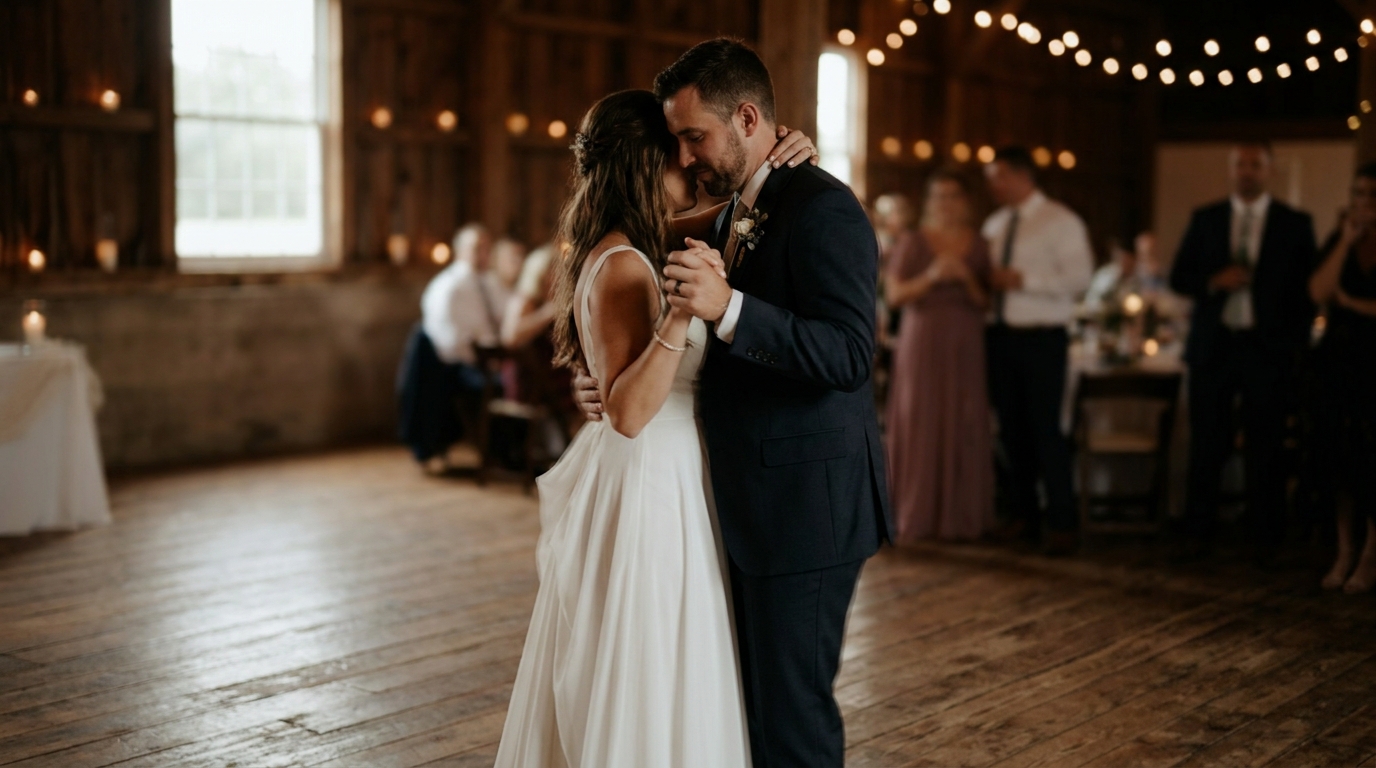
しかし、ここに問題があります。美しいスローモーションを実現するには、伝統的に 60fps 以上で撮影する必要があります。結婚式のビデオ撮影者が標準の 24 fps または 30 fps で撮影した場合、または古いカメラやゲスト用携帯電話からの映像である場合、速度を落とすと途切れ途切れで使い物にならないビデオが生成されます。少なくとも、かつてはそうでした。
AI フレーム補間がすべてを変えました。 2026 年には、元の撮影方法に関係なく、ほぼすべての結婚式ビデオに見事なスローモーションを追加できるようになります。その方法は次のとおりです。
スローモーションとは何ですか? なぜとても良く見えるのでしょうか?
ペタピクセル, AIのフレーム補間は非常に進歩しており、プロの映画製作者が商業作品で使用するようになりました。 120fps で撮影し、30fps で再生すると、4 倍のスローモーションが得られます。リアルタイムで 1 秒ごとに見るのに 4 秒かかり、あらゆる瞬間が滑らかで詳細に表示されます。
なぜ結婚式ではこれがとても魔法のように見えるのでしょうか?結婚式には、リアルタイムでは感謝できないほどの一瞬の出来事がたくさんあるからです。
- 誓いの中で涙が流れるまさにその瞬間
- 空中を流れるベールやドレスの生地
- 初見時のファーストタッチ
- 花びら、紙吹雪、または飛行中の米
- 指輪が指の上に滑り落ちます
- 子どもの結婚を見た親の反応
これらの瞬間はリアルタイムでほんの数秒続きます。スローモーションを使用すると、その部分を生きて、どのようなスピードが気づかなかったのかを確認し、感じることができます。
従来のアプローチ: なぜ制限されていたのか
AI が登場する前は、既存の映像にスローモーションを追加することは非常に限られていました。
フレームブレンディング既存のフレームを複製してギャップを埋め、幽霊のようなぼやけた外観を作成します。これは、軽度の速度低下 (おそらく 50% の速度) では許容できますが、実際のスローモーションでは崩れてしまいます。
オプティカルフローフレーム間のピクセルの動きを分析し、中間位置を生成します。フレーム ブレンディングよりも優れていますが、高速で移動するオブジェクト、エッジ、オブジェクトが表示または非表示になる領域の周囲に目に見えるアーティファクトが生成されます。
Twinxtor および類似のプラグインオプティカル フローは改善されましたが、それでも比較的きれいなフッテージが必要で、複雑なシーン、つまり結婚式で生み出される種類の複雑なシーン(流れるドレス、動く複数の人物、紙吹雪)に苦労しました。
根本的な問題: 従来の手法では、数学的モデルに基づいて 2 つのフレーム間で何が起こったかを推測しようとしています。彼らはビデオの内容を理解していません。
AI フレーム補間: ゲームチェンジャー
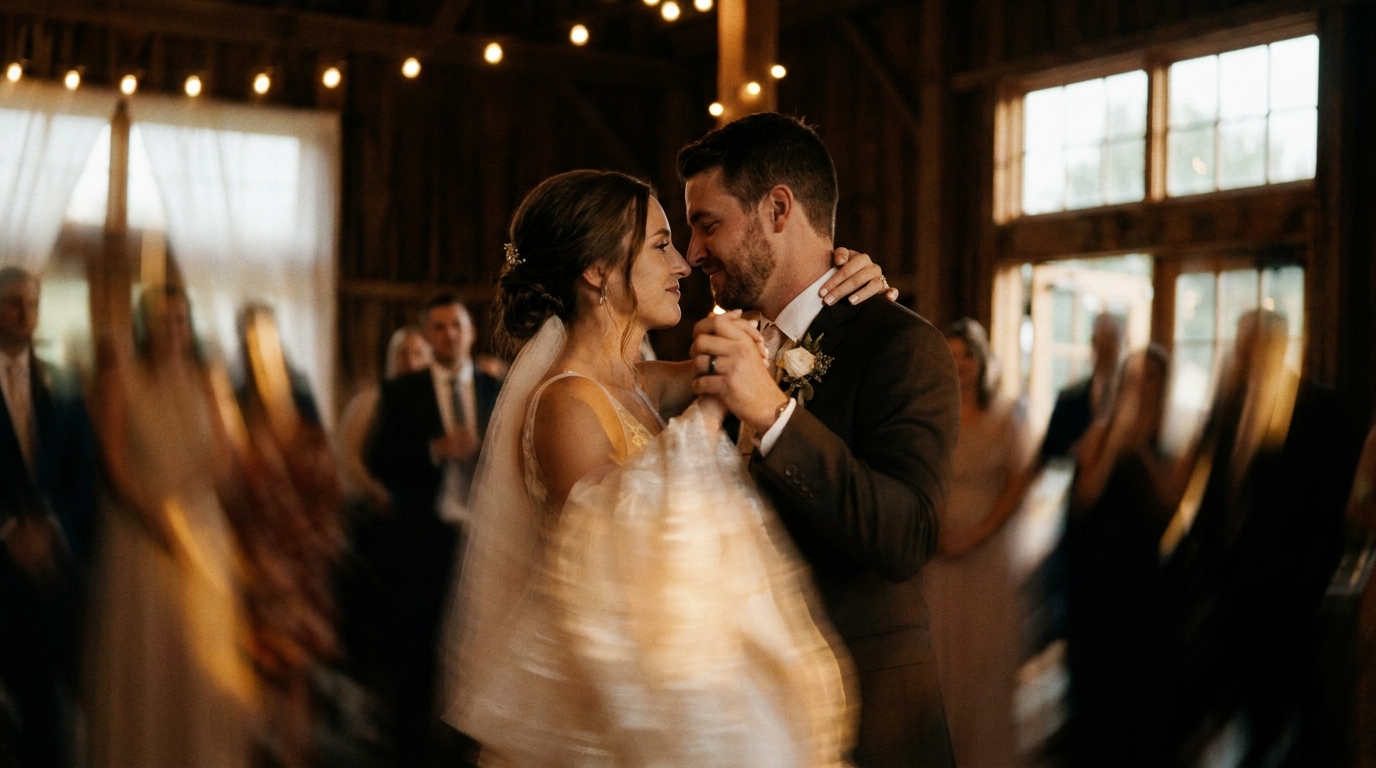
AI フレーム補間は根本的に異なるアプローチを採用します。ピクセルの動きを数学的に推定する代わりに、数百万のビデオ フレームでトレーニングされたディープ ニューラル ネットワークを使用して、オブジェクトがどのように見えるか、どのように動くか、2 つのフレーム間のスペースに実際に何が含まれるべきかを理解します。
仕組み
- AI がソースビデオを分析しますフレームごとに、各画像の内容を理解する
- 物体、表面、動きのパターンを識別します— 流れるベールは、歩いている人や落ちてくる紙吹雪とは異なる振る舞いをすることを認識する
- 新しい中間フレームを生成します既存のフレーム間でカメラが何をキャプチャしたかを高精度で予測することによって
- これらのフレームを合成しますピクセルレベルで、ソース映像と一致する真に新しい視覚情報を作成します
- その結果、滑らかでアーティファクトのないスローモーションが得られます。決してスローダウンするように設計されていない映像から
今できること
最新の AI フレーム補間では次のことが可能です。
- 24fps の映像を 60fps、120fps、さらには 240fps 相当の映像に変換します
- 2 倍、4 倍、8 倍、さらには 10 倍の速度でスムーズなスローモーションを生成します。
- 複数の動く被写体を含む複雑なシーンを処理する
- 生地、髪、その他の困難な要素を流れるプロセス
- 自然なモーションブラーを維持して、スローモーションをロボットではなく映画のように見せます。
多くの場合、結果は高フレーム レートでネイティブに撮影された映像と区別がつきません。ブラインドテストでは、プロの編集者が AI で補間されたスローモーションを本物の 120fps 映像と区別できないことがよくあります。
スローモーションを適用するのに最適な瞬間
結婚式のビデオのすべての秒をスローモーションにする必要はありません。戦略的に使用すると、強調と感情が生まれます。使いすぎると退屈になります。最もメリットが得られる瞬間は次のとおりです。
必見のスローモーションの瞬間
- 最初のキス— 最も重要な瞬間、そしてそれは数秒で過ぎます。スローモーションでそれを完全に追体験できます。
- 通路を歩いている— 花嫁の入場は、特にパートナーが初めて花嫁を見た瞬間に味わう価値があります。
- 最初のダンス— スローモーションは、リアルタイム視聴では見逃してしまう優雅さと親密さを明らかにします。
- 指輪交換— 指輪をはめるときのディテール、握る手の動き、表情。
- 動きのあるベールやドレス— 流れるような生地は、おそらく最も象徴的なスローモーションの結婚式のショットです。
素晴らしいスローモーションの瞬間
- 紙吹雪または花びら投げ— 空中に浮遊した数十の個々の部品が魔法のような効果を生み出します
- ディップまたはリフトダンス中
- 親の感情的な反応— 涙があふれ、手を握り合う
- 線香花火の出口— 光の軌跡は速度を落とすとさらに魅惑的になります
- ブーケトス— 花束が空中に弧を描くにつれてサスペンスが高まります
リアルタイムで記録しておきたい瞬間
- 誓いとスピーチ— スローモーションだと話が奇妙に見える
- 率直なグループ交流— 笑いや会話が不自然に遅く感じる
- 一般的に歩く— 何気ない動きではなく、意味のある散歩(通路、出口)のためにスローモーションを保存します
- トーストを鳴らしながら食べる— これに関しては私たちを信頼してください
結婚式のビデオにスローモーションを追加する方法
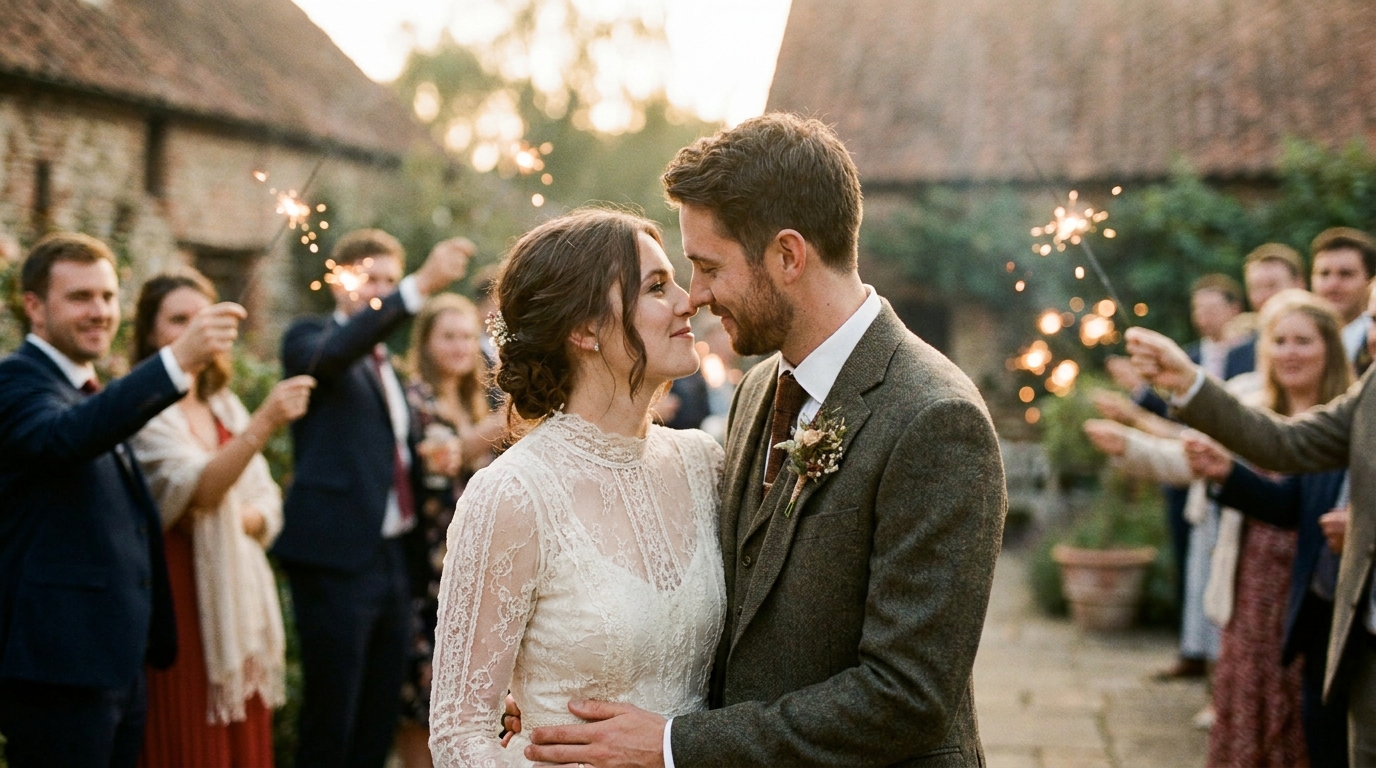
オプション 1: プロフェッショナル AI 強化サービス
最も簡単で最高品質のオプション。映像をアップロードし、スローモーションにしたい瞬間と速度を指定すれば、残りの作業はプロのツールやエディターに任せましょう。
以下に最適:ビデオ編集を学ばずに、プロのような結果を保証したい人なら誰でも。
一般的なコスト:映像の長さと複雑さに応じて $49 (≈ ¥7,350) ~ $349 (≈ ¥52,350)。
振り向く:3~7営業日。
AIスローモーション強化サービスウェディング映像に特化し、最新のフレーム補間技術を使用しています。
オプション 2: デスクトップ ソフトウェア
いくつかのデスクトップ アプリケーションには AI フレーム補間が含まれるようになりました。
- トパーズビデオAI— 消費者にとって最良のオプションと広く考えられています (1 回あたり 299 ドル)
- ダヴィンチ リゾルブ(無料) スピードワープ機能付き
- Adobe プレミア プロオプティカル フローと AI で強化されたタイム リマッピングを使用
- RIFE-NCNN-バルカン— オープンソース、無料ですが、技術的な知識が必要です
以下に最適:プロセスを制御したいと考えており、将来さらにビデオ編集を行う予定がある技術に精通したユーザー。
学習曲線:中程度から高程度。良い結果が得られるまでには、数時間の学習と実験が必要です。
オプション 3: モバイル アプリ
一部のモバイル アプリは、基本的な AI フレーム補間を提供します。
- キャップカット— 無料、AI スローモーション機能が含まれます
- VNビデオエディター— モバイル向けに高品質
- 遅い、速い、遅い— 専用スローモーションアプリ
以下に最適:完璧を必要としないソーシャル メディアの迅速な編集。
制限事項:モバイルの処理能力により、デスクトップまたはプロフェッショナル サービスと比較して品質が制限されます。結果はソーシャル メディアでは機能しますが、大きな画面では耐えられない可能性があります。
最良の結果を得るための技術的なヒント
ソース映像の品質は重要です
AI フレーム補間は次の場合に最適に機能します。
- クリーンで露出の高い映像— ノイズの多い暗い映像ではノイズの多いスローモーションが生成されます
- 最小限の圧縮— 高度に圧縮されたビデオ(低ビットレートの電話クリップなど)には、AI が処理できる情報が少なくなります
- 安定した映像— 安定化は個別に適用できますが、比較的安定した映像から始めると効果的です。
- より高いオリジナルのフレームレート— 30fps から 120fps への補間は、必要な推測が少ないため、24fps から 120fps よりも優れているように見えます。
速度選択ガイド
| ソース FPS | 推奨最大スロー | 結果 FPS | |-----------|------------------|----------| | 24fps | 4 倍(実効 96fps)| スムーズ | | 30fps | 4 倍(実効 120fps)| 非常にスムーズ | | 60fps | 4 倍(実効 240fps)| ウルトラスムーズ | | 60fps | 8 倍(実効 480fps)| 極限スロー |
これらの落とし穴を避けてください
- すべての速度を落とさないでください。選択的なスローモーションは強力です。スローモーションが続くのは疲れます。
- 速いアクションで極端な減速を使用しないでください。AI ですら、急速な動きでは 10 倍の速度低下に悩まされます。ほとんどの場合、2 ~ 4 倍を維持します。
- カラーグレーディング前の処理。最初にスローモーションを適用してから、最良の結果を得るために出力をカラー グレーディングします。
- エッジアーティファクトに注意してください。AI であっても、動く被写体が複雑な背景に遭遇する場合には苦戦する可能性があります。完成させる前に慎重にプレビューしてください。
ソーシャルメディア用のスローモーション
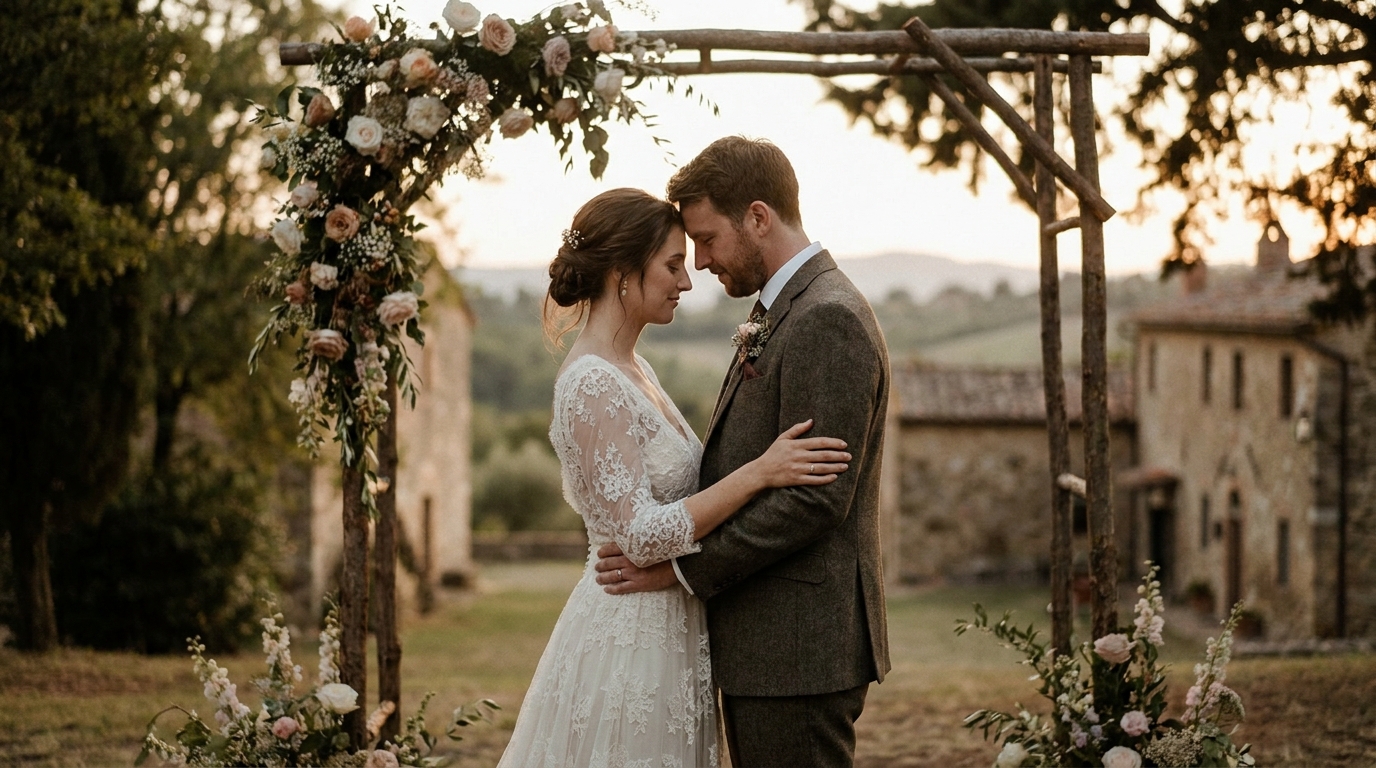
スローモーションのウェディング クリップは、ソーシャル メディアで最もパフォーマンスの高いコンテンツの 1 つです。各プラットフォームに最適化する方法は次のとおりです。
インスタグラムのリール:9 分 16 秒の垂直フォーマット、15 ~ 30 秒、1 つの劇的なスローモーションの瞬間に焦点を当てます。最初のキスや紙吹雪投げは非常にうまくいきます。
ティックトック:Reels に似ていますが、編集が高速化する傾向にあります。 10 秒のスローモーション クリップとトレンドのオーディオを組み合わせると、急速に広まる可能性があります。
YouTube ショート:垂直、60 秒未満。感情的な音楽を伴うスローモーションの結婚式の瞬間は、結婚式のニッチ市場でうまく機能します。
ピンタレスト:スローモーションを備えた縦型ビデオピンが注目を集めています。ベール、線香花火、フラワーアレンジメントなど、視覚的に印象的な瞬間に焦点を当てます。
結婚式ビデオのソーシャルメディア戦略プラットフォーム固有のヒントがさらにあります。
スローモーションと他の AI 強化機能の組み合わせ
スローモーションは、他の AI 拡張機能と組み合わせると最も強力になります。
- AI アップスケーリング + スローモーション:まず映像を 4K にアップスケールし、次にスローモーションを適用してディテールを最大限に高めます
- 安定化 + スローモーション:揺れのある映像を安定させ、速度を落としてバターのように滑らかな映画を実現
- カラーグレーディング + スローモーション:スローモーション シーケンスに映画のようなカラー グレーディングを適用してハリウッド風に仕上げます
- AI動画生成+スローモーション: Use AIビデオ生成写真からビデオを作成し、生成された映像にスローモーション効果を適用します。
これらのツールを組み合わせると、控えめなソース映像でも、プロが制作したように見えるものに変換できます。
よくある質問
携帯電話で撮影したビデオにスローモーションを追加できますか?
はい、最新の AI フレーム補間は携帯電話の映像を適切に処理しますが、結果は携帯電話のビデオ品質に依存します。
スローモーションでビデオをプロフェッショナルに見せることができますか?
適切なタイミングで戦略的に使用すれば、間違いなく効果的です。スローモーションは、結婚式の映像に映画のような品質を加える最も信頼できるテクニックの 1 つです。重要なのは抑制です。ビデオ全体ではなく、ハイライト リールの 3 ~ 5 つの重要な瞬間に使用します。これはデフォルトではなく、強調として考えてください。
結婚式の映像にスローモーションを追加するにはいくらかかりますか?
プロフェッショナルな AI スロー モーション エンハンスメントの範囲は、短いクリップの 49 ドルから、完全なウェディング フィルムの 349 ドルまでです。 DIY ソフトウェアの費用は 0 ~ 299 ドル (1 回限りの購入) ですが、時間と技術的スキルが必要です。結婚式のビデオのような 1 回限りのプロジェクトの場合は、通常、専門的なサービスの方が価値が高く、結果が保証されています。
AI スローモーションは白黒映像でも機能しますか?
はい、AI フレーム補間は色に関係なく映像に対して機能します。実際、白黒のスローモーションは特に映画的で時代を超越したものに見えます。 AI は色ではなく動きのパターンを分析するため、プロセスは基本的に同じです。
映像の速度をどれだけ遅くできるかに制限はありますか?
技術的には、映像の速度を好きなだけ下げることができますが、極端に速度を落とすと品質が低下します。ほとんどの結婚式の映像では、2 ~ 4 倍のスローダウンにより、劇的な効果と視覚的な品質の最適なバランスが得られます。 6 ~ 8 倍を超えると、AI 補間でもアーティファクトが現れ始め、映像が不自然に遅く感じることがあります。
結婚式の瞬間を永遠に残しましょう
あなたの結婚式の日はぼんやりと過ぎました。スローモーション効果を使用すると、一瞬の瞬間に戻り、視線、感触、涙、喜びなどを真に体験することができます。 AI フレーム補間を使用すると、高価な高速カメラや技術的な専門知識は必要ありません。必要なのは映像と適切なテクノロジーだけです。