

WeddingAI.video Blog
Wedding Highlight Reel — AI 2-4 Min for $9.9
Learn how to create the perfect wedding highlight reel. Expert tips on music, pacing, and editing for a 3-minute film you'll watch forever. Get started today!
10 min read · Updated 2026-09-29
Wedding Highlight Reel: How to Create the Perfect 3-Minute Film
The wedding highlight reel is the most rewatched, most shared, and most emotionally powerful format in wedding videography. In just 3 minutes, a great highlight reel captures the entire arc of your wedding day — the anticipation, the ceremony, the celebration — and distills it into a film you'll watch dozens of times over the years.
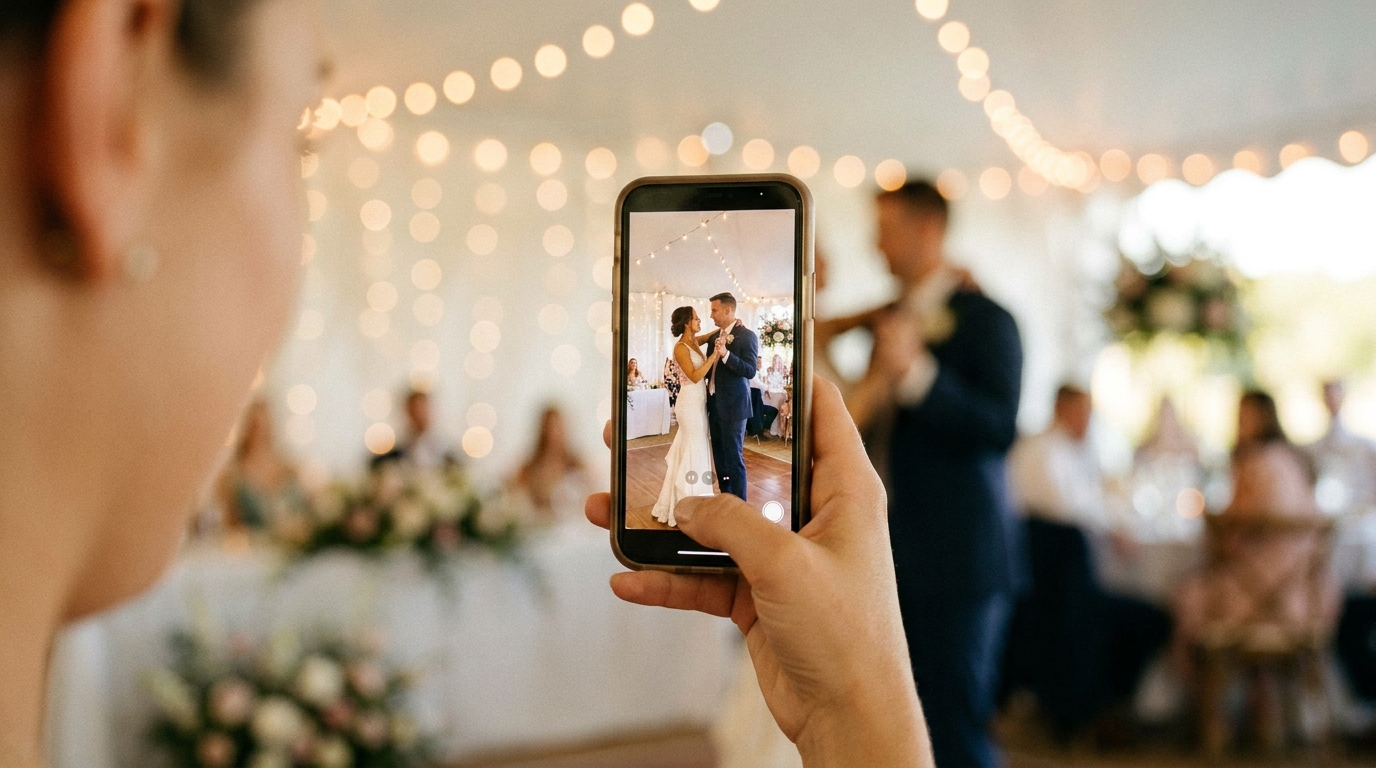
But creating a truly great wedding highlight reel isn't just about picking the best clips and setting them to music. It's about storytelling, pacing, emotional rhythm, and knowing what to leave out. Whether you're working with a videographer, editing footage yourself, or using an AI-powered service, understanding what makes a highlight reel work will help you get the best possible result.
What Makes a Great Wedding Highlight Reel
Before diving into the how, let's define the what. The best wedding highlight reels share these qualities:
Emotional arc: Like any good story, a highlight reel has a beginning (anticipation and preparation), a middle (the ceremony and its emotional peak), and an end (celebration and quiet resolution). Without this arc, you just have a collection of pretty clips.
Pacing: Great highlight reels breathe. They alternate between high-energy moments and quiet ones, fast cuts and lingering shots. A reel that's all energy is exhausting. One that's all slow-motion is boring. The rhythm matters as much as the content.
Audio design: Music is the backbone of a highlight reel, but the best ones also incorporate ambient audio — the sound of your vows, your guests cheering, your first dance music. This blend of scored music and real audio creates emotional authenticity that pure music tracks can't match.
Personal specificity: A great highlight reel couldn't belong to any couple. It captures the moments, expressions, and details that are uniquely yours — the inside joke during the speeches, your grandmother's dance move, the look on your partner's face when they first saw you.
The Ideal Structure: A 3-Minute Breakdown
Here's a proven structure for a 3-minute wedding highlight reel:
Opening (0:00-0:30) — Setting the Stage
The opening establishes mood and context. Start with detail shots and preparation footage:
- Rings, shoes, dress hanging by a window
- Hands adjusting cufflinks, straightening a veil
- The venue before guests arrive
- A quiet moment — a deep breath, a handwritten note being read
Pacing: Slow, deliberate cuts (3-5 seconds each). Build anticipation without rushing.
Audio: Soft instrumental music, possibly with ambient audio layered underneath.
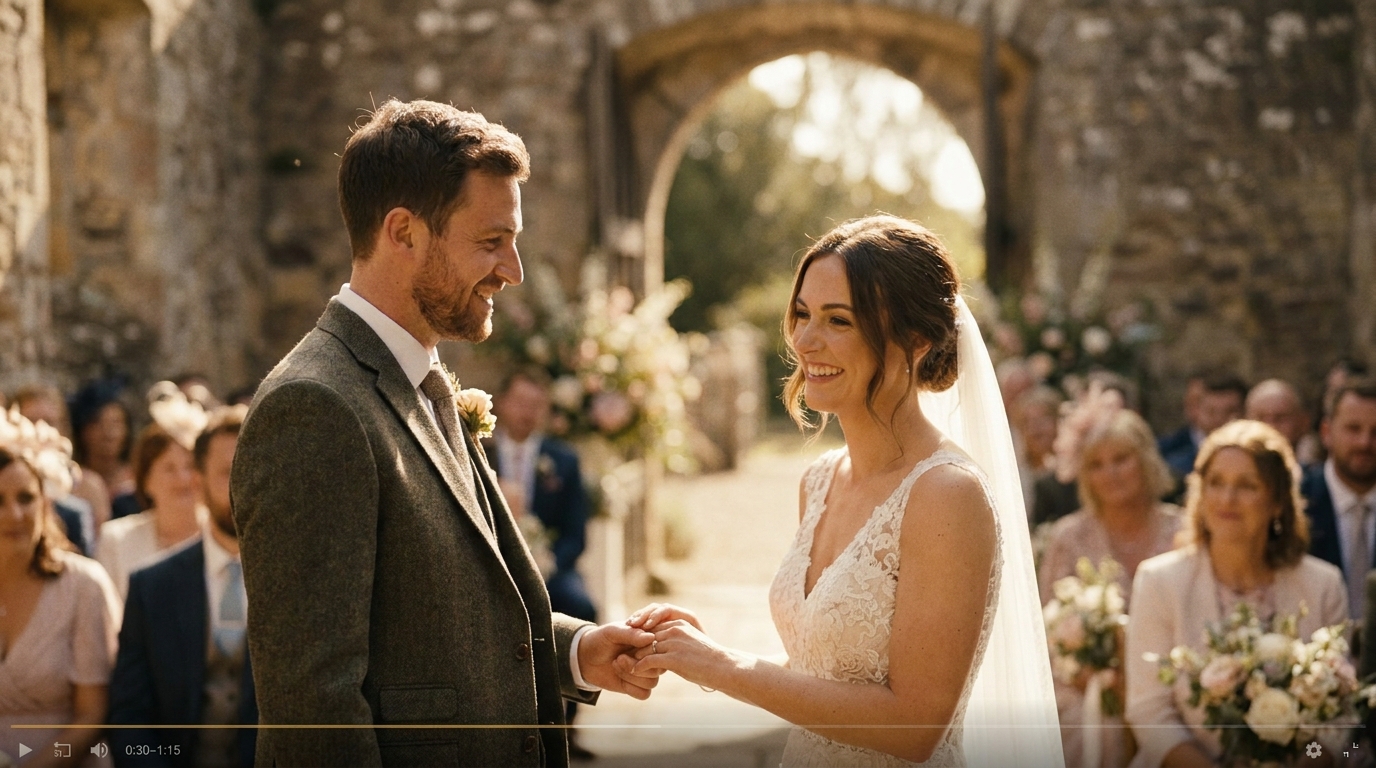
The Build (0:30-1:15) — Anticipation and Ceremony
This section moves from preparation to the ceremony, building emotional momentum:
- Getting into the dress or suit, with a parent's help
- The wedding party gathering
- Guests arriving, the venue filling
- The processional — each member walking down the aisle
- The moment the couple sees each other for the first time
Pacing: Gradually increasing. Cuts get shorter as the energy builds. The first look or processional should be the emotional peak of this section.
Audio: Music builds in intensity. If you have clean audio of the processional or first look, layer it in.
The Peak (1:15-2:00) — Ceremony and Emotion
This is the emotional core of the reel:
- Vow exchange (even a brief audio excerpt)
- Ring exchange
- The first kiss
- The recessional — walking back up the aisle together
- The emotional aftermath — tears, hugs, laughter
Pacing: Mix of slow and fast. Let the vows breathe (longer cuts), then speed up for the recessional and celebration.
Audio: This is where ambient audio shines. The sound of your vows, the applause, the cheering — these real sounds create an emotional connection that background music alone can't achieve. According toVimeo's creator resources, incorporating natural audio is one of the most effective techniques for increasing viewer emotional engagement.
The Celebration (2:00-2:45) — Reception and Joy
Shift from emotional depth to joyful energy:
- Reception entrance
- First dance
- Parent dances
- Toast highlights (the funniest or most emotional line)
- Dance floor moments
- Candid laughter and celebration
Pacing: Fast, energetic cuts (1-3 seconds each). Match the energy of the music and the celebration.
Audio: Upbeat music, layered with reception audio — cheering, clapping, laughter.
The Resolution (2:45-3:00) — The Quiet Ending
End with a moment of quiet beauty:
- A slow dance at the end of the night
- Walking away together
- A final look back at the venue
- A close-up of hands, rings, or a quiet smile
Pacing: Slow. Let the last image linger for 4-5 seconds.
Audio: Music fades to a single instrument or piano. Or silence. The contrast with the preceding energy makes this moment powerful.
Choosing the Right Music
Music selection is arguably the most important creative decision in your highlight reel. Here's how to choose well:
Match the Mood, Not Just the Genre
Don't pick a song just because it's popular or because you like the artist. The music needs to match the emotional arc of your footage. A melancholic indie ballad won't work for a high-energy reception montage. An upbeat pop song won't serve the quiet intimacy of your vows.
Consider Instrumental vs. Lyrics
Instrumental music often works better for highlight reels because it doesn't compete with ambient audio. When you layer vow audio or speech excerpts over music, lyrics create a confusing audio landscape. Instrumental tracks provide emotional texture without cognitive overload.
Use Music With Dynamic Range
The best highlight reel music has built-in dynamics — it starts quietly, builds to a crescendo, and resolves. This natural arc aligns with the reel's structure and makes the editing feel organic rather than forced.
Think About Licensing
If you plan to share your highlight reel online (and you should), music licensing matters. Using copyrighted music without a license can result in your video being muted or taken down on platforms like YouTube, Instagram, and TikTok. Many videographers include music licensing in their packages. If you're editing yourself, use royalty-free music libraries or platforms that offer wedding-specific licensed music.
Editing Techniques for Professional Results
Whether you're editing yourself or guiding a professional, these techniques elevate a highlight reel:
Cut on the Beat
Align your cuts with the rhythm of the music. This doesn't mean every single cut must land on a beat — that feels mechanical — but the majority should. The subconscious alignment between visual cuts and musical rhythm creates a satisfying viewing experience.
Use J-Cuts and L-Cuts
These audio transitions create smooth flow:
- J-cut: The audio from the next clip starts before the video cuts to it. This pulls the viewer forward.
- L-cut: The audio from the current clip continues after the video has cut away. This creates lingering emotion.
These techniques are what separate a professional-feeling reel from an amateur one.
Vary Your Shot Types
Include a mix of:
- Wide shots (establishing context)
- Medium shots (showing action and interaction)
- Close-ups (capturing emotion and detail)
- Detail shots (rings, flowers, textures)
The variety keeps the viewer's eye engaged and prevents visual monotony.
Speed Variation
Don't keep everything at normal speed. Strategic slow motion adds emotional weight to key moments — the first kiss, the veil toss, the confetti throw. Speed ramping (normal → slow → normal) within a single clip creates a dynamic, cinematic feel.
AI slow-motion enhancementcan create smooth slow motion by generating intermediate frames, achieving up to 240fps from standard 30fps footage.
Common Mistakes to Avoid
Even well-intentioned highlight reels can go wrong. Watch out for these pitfalls:
Too long: A highlight reel over 5 minutes loses its "highlight" quality. If you can't cut it to 3-4 minutes, you're trying to include too much. Be ruthless with your selections.
No story: Random beautiful clips set to music isn't a highlight reel — it's a slideshow with a soundtrack. Ensure your clips tell a chronological story with emotional arc.
Over-editing: Too many transitions, effects, and speed changes make the reel feel frantic and dated. Simple cuts, when well-timed, are more effective than flashy effects.
Ignoring audio: A highlight reel with only background music and no ambient audio feels hollow. Even a few seconds of real ceremony audio — your vows, the officiant's pronouncement, the cheering — adds immeasurable emotional depth.
Same shot repetition: If every clip is a medium shot of the couple smiling at the camera, the reel becomes monotonous. Vary your compositions, angles, and subjects.
Working With Your Videographer on the Highlight Reel
If you've hired a videographer, communicate your highlight reel preferences clearly:
- Share reference videos: Send 2-3 highlight reels from other weddings that you love. Explain specifically what you like about each one.
- Flag must-include moments: Tell your videographer which moments are non-negotiable — specific vows, a particular dance, a family member's reaction.
- Discuss music: Share your music preferences or specific songs. Ask about their licensing capabilities.
- Request a draft: Ask to see a rough cut before final delivery so you can provide feedback.
- Be specific with feedback: "The pacing feels slow in the middle" is more useful than "I don't like it."
Creating a Highlight Reel From Existing Footage
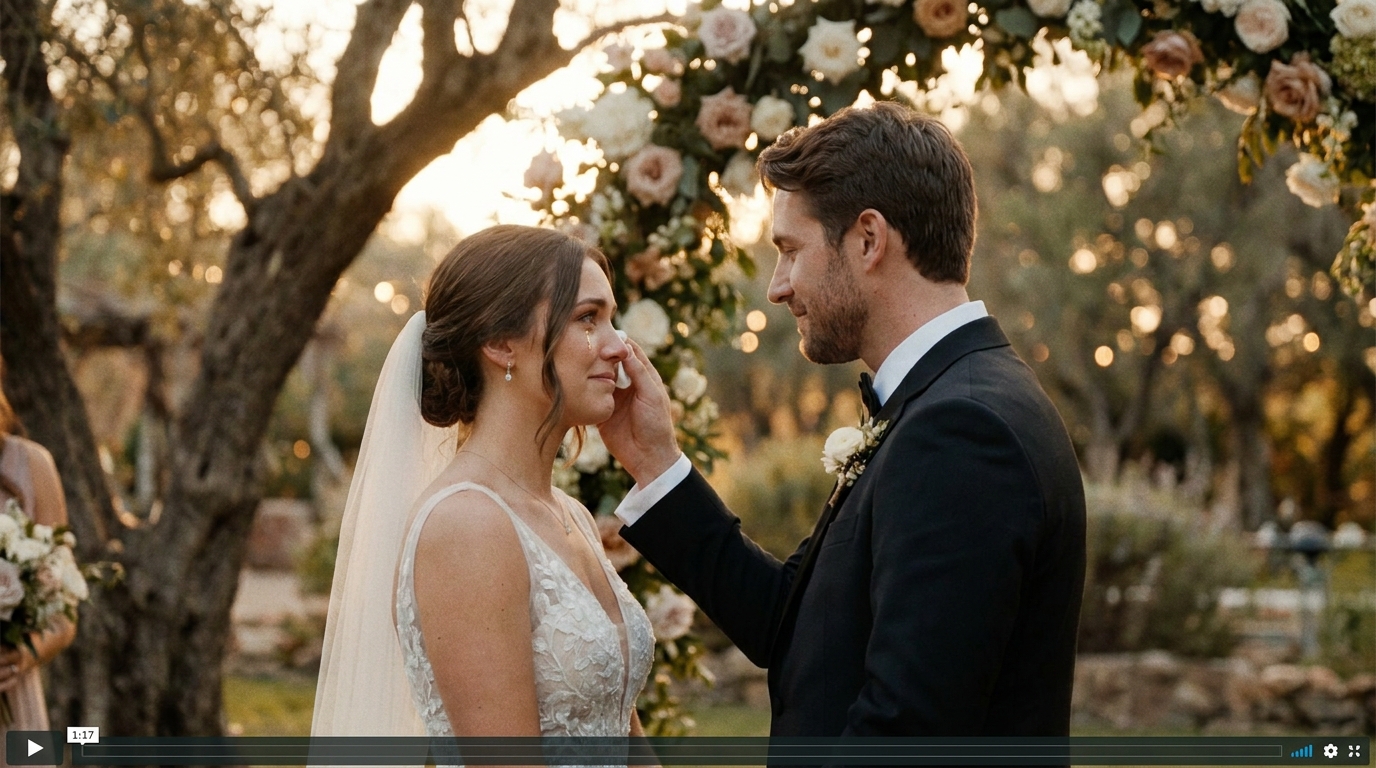
If you already have raw footage — from a videographer, phone recordings, or a DIY setup — you can create a highlight reel yourself or have one made professionally.
For DIY editing, user-friendly tools like CapCut, iMovie, and Adobe Premiere Rush offer templates and guided workflows that make highlight reel creation accessible to beginners.
AI-powered editing servicescan analyze your footage, identify the best moments, and produce a polished highlight reel automatically. This is particularly valuable if you have hours of footage but no editing experience or budget for a professional editor.
Beyond the Highlight Reel: Related Content
Your highlight reel can be the foundation for additional content:
- Social media cuts: Extract 15-60 second clips forTikTok and Instagram Reels
- Wedding trailer: Create a shorter, teaser-style version for sharing before the full reel is ready
- Anniversary versions: Re-edit the reel on each anniversary, adding footage from the past year
- Family tributes: Use highlight reel footage to createtribute videos for family members
Frequently Asked Questions
How long should a wedding highlight reel be?
The ideal wedding highlight reel length is 3-5 minutes. This gives enough time to cover the full arc of your wedding day — preparation, ceremony, and celebration — while keeping viewers engaged. Most couples find that 3 minutes is the sweet spot: long enough to tell the story, short enough to rewatch regularly.
What's the difference between a highlight reel and a wedding trailer?
A highlight reel is a 3-5 minute edited film that captures the best moments of your wedding day. A wedding trailer is typically shorter (1-2 minutes) and more teaser-like, designed to build anticipation rather than tell the complete story. Think of the trailer as a movie preview and the highlight reel as a short film.
How many clips should I include in a 3-minute highlight reel?
Aim for 25-40 clips in a 3-minute highlight reel. Each clip should be 3-8 seconds long, with a mix of shorter cuts during high-energy moments and longer holds during emotional peaks. The exact number depends on your pacing — faster editing uses more clips, slower editing uses fewer.
Can I make a highlight reel from phone footage?
Yes. Phone footage can produce a compelling highlight reel when properly edited. The key is selecting the best clips, stabilizing shaky footage, applying consistent color correction, and choosing the right music. AI-powered editing tools can significantly improve the quality of phone footage through stabilization, color grading, and enhancement.
When will I receive my highlight reel after the wedding?
Traditional videographers typically deliver highlight reels within 4-8 weeks after the wedding, though some offer expedited delivery (1-2 weeks) for an additional fee. AI-powered editing services can deliver highlight reels in as little as 24-72 hours, depending on the complexity of the footage and the service level chosen.
How much does a wedding highlight reel cost?
As part of a full videography package, a highlight reel is typically included in the overall price ($2,000-$5,000+). As a standalone service, highlight reel editing from existing footage ranges from $200-$1,500 depending on the editor's experience and the footage complexity. AI-powered highlight reel services start as low as $49-$199.
Create Your Perfect Highlight Reel
Your wedding highlight reel is the video you'll watch most. It's the one you'll show your friends, your family, and someday your children. It deserves to be done right.
AI-powered editing platformcombines computational precision with human editorial oversight to deliver wedding films that couples treasure for a lifetime.
Ready to Transform Your Wedding Memories?
Tell us about your project and we'll get back within 24 hours with a free quote.
Get a Free Quote →