
Blog WeddingAI.video
Canva vs. AI Wedding Video Tools: Which Creates Better Wedding Videos?
Canva vs. dedicated AI wedding video tools — we compare features, quality, ease of use, and pricing to help you choose the best option for your wedding video.
10 minutos de leitura
Canva has become the default design tool for millions of people. From social media graphics to presentations, it's everywhere — including wedding planning. Many couples turn to Canva's video editor to create their wedding videos, drawn in by its familiar interface and free tier.
But is Canva really the best tool for creating your wedding video? Or are dedicated AI wedding video platforms a better choice? Let's find out.
What Canva Offers for Wedding Videos
The Canva Video Editor
Canva's video editor is designed for simplicity. You drag and drop elements, add text, choose from templates, and export. For wedding videos, Canva offers:
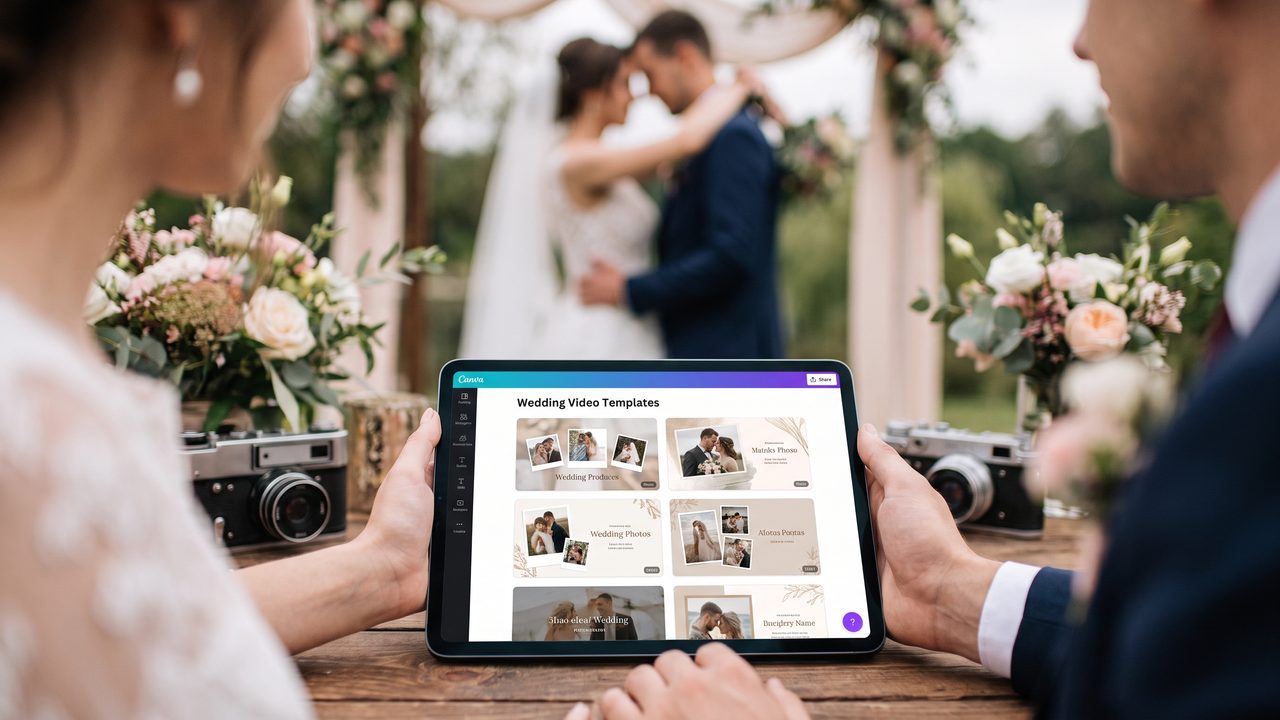
- **Wedding video templates:** Pre-designed layouts with romantic themes
- **Stock music library:** Access to thousands of royalty-free tracks
- **Text and title animations:** Animated text overlays for names, dates, and captions
- **Photo-to-video:** Turn wedding photos into slideshow-style videos
- **Basic transitions:** Fade, slide, and zoom transitions between clips
- **Social media sizing:** Export in Instagram, TikTok, and YouTube dimensions
What Canva Does Well
Canva excels at **template-based creation**. If you want a beautiful photo slideshow with music and text, Canva delivers. Its drag-and-drop interface is genuinely intuitive, and the template library is extensive. For couples who want a simple, elegant photo montage set to music, Canva is a solid choice.
Where Canva Falls Short
Canva's limitations become apparent when you try to do anything beyond templates:
- **No AI-powered editing:** Canva doesn't analyze your footage to find the best moments. You have to manually select and arrange every clip.
- **Limited video editing:** Basic trimming and splitting, but no multi-track editing, no audio ducking, no advanced color grading.
- **No slow-motion or speed effects:** You can't create dramatic slow-motion sequences.
- **No style transfer:** You can't convert your footage to cartoon, vintage, or other artistic styles.
- **Generic output:** Because so many people use the same templates, Canva wedding videos often look similar.
- **No wedding-specific AI:** Canva's AI features (Magic Design, Magic Write) aren't trained on wedding footage.
What Dedicated AI Wedding Video Tools Offer
The AI Advantage
A dedicated AI wedding video platform works fundamentally differently from Canva. Instead of you doing all the work, the AI does the heavy lifting:
- **Upload your footage** — raw clips from phones, cameras, and guests
- **AI analyzes the content** — identifying key moments, faces, emotions, and ceremony milestones
- **AI edits automatically** — selecting the best clips, arranging them chronologically, adding transitions
- **AI enhances the footage** — color grading, stabilization, audio cleanup
- **You review and customize** — make adjustments if needed, then export
Specialized Wedding Features
Dedicated wedding AI tools offer features Canva simply doesn't have:
- **Slow-motion enhancement:** Transform regular footage into cinematic slow-motion for dramatic moments like the first kiss, ring exchange, or first dance
- **Vintage restoration:** Restore old family wedding footage — your parents' or grandparents' wedding videos — and integrate them into your modern video
- **Wedding trailer creation:** Generate a cinematic trailer for social media, complete with dramatic music and pacing
- **Cartoon-style conversion:** Transform your wedding footage into anime, watercolor, or cartoon styles
- **Multilingual subtitles:** Automatically generate subtitles in 30+ languages for international guests
- **Pet wedding features:** Special effects and editing that highlight your pets in the ceremony
- **Family tribute integration:** Seamlessly incorporate video messages from absent family members
Detailed Comparison
Ease of Use
**Canva: 9/10** — Extremely intuitive. If you can use PowerPoint, you can use Canva.
**AI Wedding Tools: 8/10** — Upload and let AI handle it. The initial experience is actually easier than Canva because you don't have to make any creative decisions. Customization options may require a brief learning curve.
**Winner:** Tie. Both are accessible to non-technical users, but in different ways. Canva requires more manual work but feels familiar. AI tools require less work but involve trusting the AI's creative decisions.
Output Quality
**Canva: 6/10** — Output quality depends entirely on the quality of your input and your editing skills. Template-based videos look polished but generic. Custom videos require significant effort to look professional.
**AI Wedding Tools: 8/10** — AI produces consistently professional-looking results because it's trained on thousands of wedding videos. Color grading, transitions, and pacing are automatically optimized.
**Winner:** AI Wedding Tools. The AI's training on wedding-specific footage produces more contextually appropriate and emotionally resonant edits.
Customization
**Canva: 7/10** — Good customization within its template framework. You can change colors, fonts, music, and arrangement. But you're limited to what the platform supports.
**AI Wedding Tools: 8/10** — AI provides a strong starting point, and most platforms allow extensive customization of the AI's output. Plus, features like style conversion offer creative possibilities Canva can't match.
**Winner:** AI Wedding Tools. The combination of AI automation and customization options provides more creative flexibility.
Speed
**Canva: 5/10** — Creating a wedding video in Canva takes hours. You need to import footage, manually select clips, arrange them, add transitions, choose music, add text, and export. For a 10-minute video, expect 4-8 hours of work.
**AI Wedding Tools: 9/10** — Upload footage, wait minutes to hours, review, and export. Total active time: 15-30 minutes.
**Winner:** AI Wedding Tools, by a wide margin.
Specialized Features
**Canva: 3/10** — No slow-motion, no vintage restoration, no style transfer, no AI-powered editing, no multilingual subtitles. Canva is a general-purpose tool trying to serve the wedding market.
**AI Wedding Tools: 9/10** — Purpose-built for weddings with specialized features across the board. Slow-motion, vintage restoration, multilingual subtitles, cartoon conversion, pet features, and family tributes are all available.
**Winner:** AI Wedding Tools, decisively.
Pricing
**Canva: 8/10** — Free tier available. Pro plan at $12.99 (≈ R$70)/month includes most video features.
**AI Wedding Tools: 7/10** — Packages from $29-$299 (≈ R$157) per video. More expensive than Canva but includes specialized features and AI processing.
**Winner:** Canva for budget-conscious couples. But the value proposition of AI tools is strong when you factor in time savings and specialized features.
When to Use Canva
Canva is the right choice when:
- You only have photos (not video footage) and want a slideshow
- You want a simple, template-based video with minimal effort
- You're creating supplementary content (save-the-date, rehearsal dinner slideshow)
- Budget is extremely tight
- You're comfortable spending several hours on manual editing
When to Use AI Wedding Video Tools
AI wedding video tools are the right choice when:
- You have actual video footage (from phones, cameras, or guests)
- You want professional-looking results without hours of manual editing
- You want specialized features like slow-motion, vintage restoration, or cartoon style
- You're creating multiple video versions (highlight reel, full ceremony, social media trailer)
- You want multilingual subtitles for international guests
- You value your time and want fast turnaround
The Best of Both Worlds
There's no rule saying you can't use both. Many couples use:
- **Canva** for static designs (invitations, programs, signage) and simple photo slideshows
- **AI wedding video tools** for their main wedding video, highlight reel, and social media content
This combination leverages each tool's strengths while compensating for their weaknesses.
Testimonials
> "I spent 6 hours making a wedding video in Canva and it still looked amateur. I uploaded the same footage to an AI tool and had a beautiful video in 20 minutes. I wish I'd known sooner." — **Sarah & Michael, married 2025**
> "Canva is great for our wedding invitations and programs, but for the actual video, dedicated AI tools are in a different league." — **Jessica & Tom, married 2026**
> "We used Canva for a quick photo montage for the rehearsal dinner and WeddingAI for the main wedding video. Both served their purpose perfectly." — **Aisha & Daniel, married 2025**
Make the Smart Choice
Canva is an amazing design tool, but it's not a wedding video platform. It's a general-purpose editor that can create decent results if you invest the time. Dedicated AI wedding video tools are built specifically for this purpose, with AI models trained on wedding footage and specialized features that Canva simply can't offer.
Your wedding video is a once-in-a-lifetime creation. Choose the tool that's designed to do it justice.
Pronto para transformar suas memórias de casamento?
Conte-nos sobre o seu projeto e retornaremos em 24 horas com um orçamento gratuito.
Faça um orçamento grátis →