
Blog WeddingAI.video
Complete Guide to Wedding Photo Slideshow Videos (2026)
Learn how to create stunning wedding photo slideshow videos with music, transitions, and cinematic effects. AI-powered guide for modern couples.
10 minutos de leitura
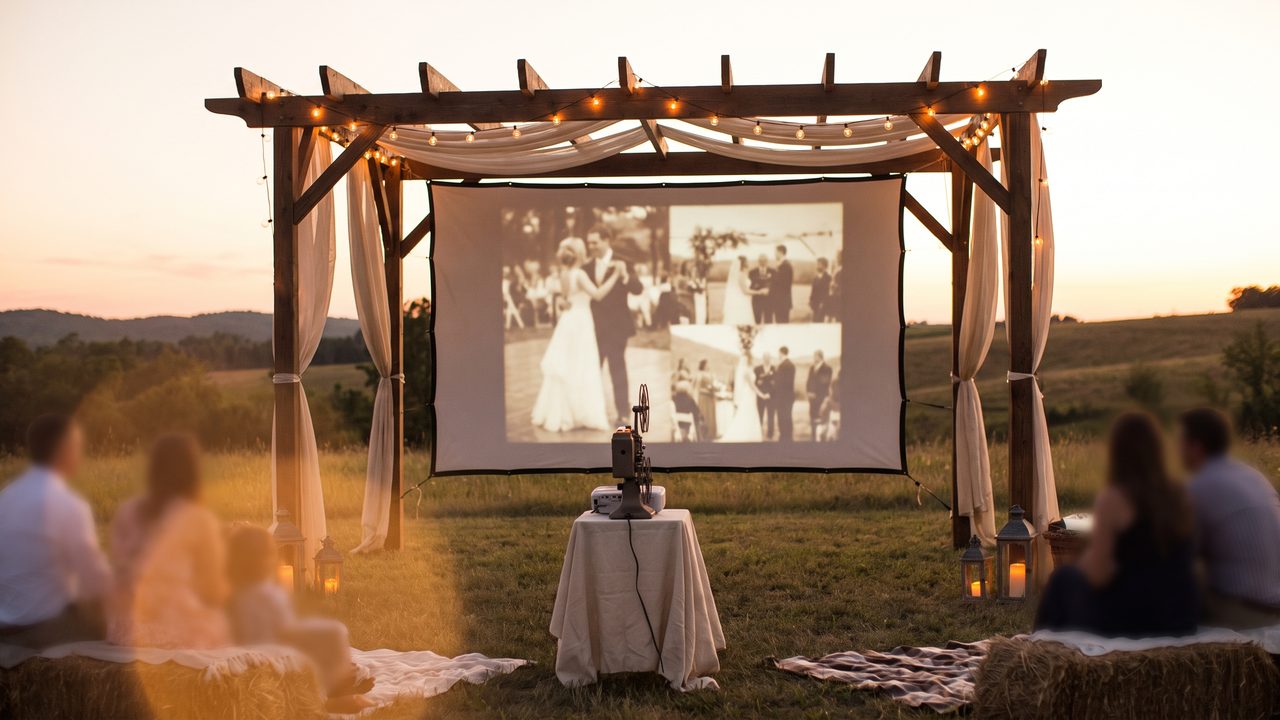
*You have 500 wedding photos sitting on your phone. They're beautiful individually. But imagine watching them flow together in a cinematic video — each photo gently panning, zooming, transitioning to the next — all synchronized to your favorite song.*
That's a wedding photo slideshow video. And in 2026, it's nothing like the clunky PowerPoint-style slideshows of the past.
Modern AI-powered slideshows are cinematic, emotional, and virtually indistinguishable from professional video. Here's everything you need to know about creating one.
What Is a Wedding Photo Slideshow Video?
A wedding photo slideshow video is a video created by compiling your wedding photos into a sequential presentation with transitions, camera movements, music, and visual effects. Unlike a static photo album, it brings your images to life with motion and sound.
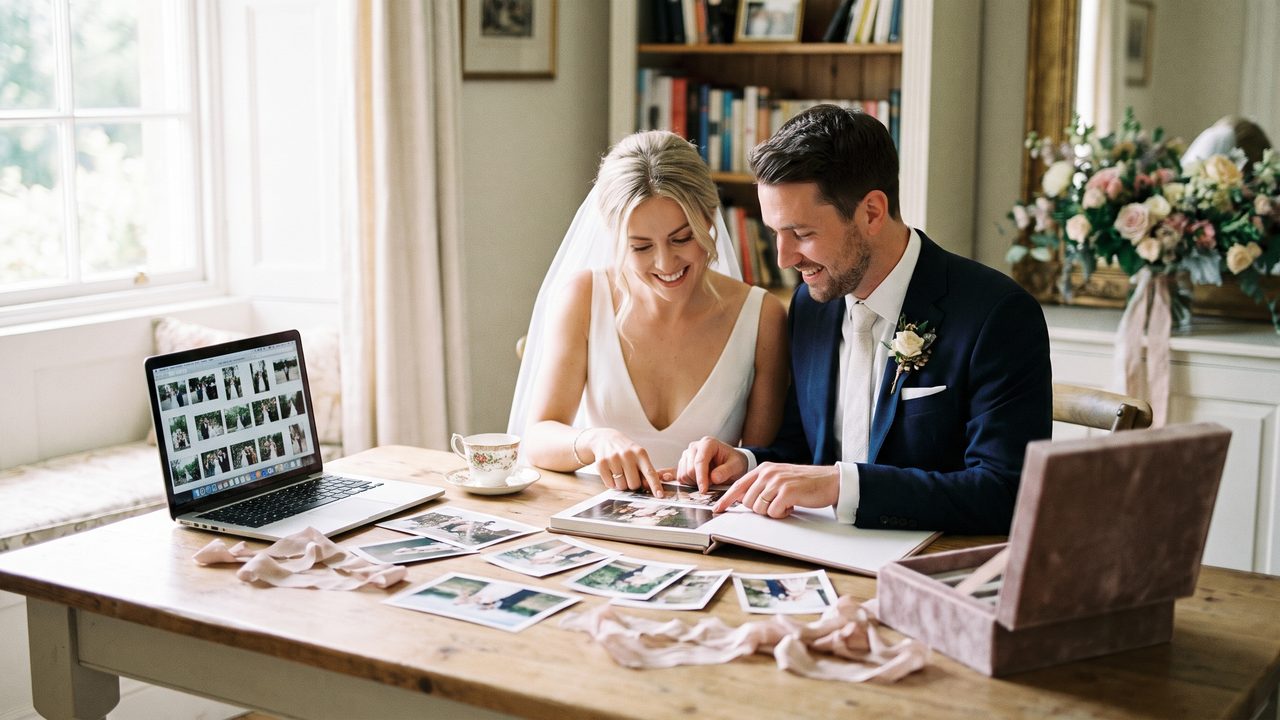
The key difference between a modern slideshow and a traditional one? **Cinematic movement**. Instead of photos appearing and disappearing on screen, modern tools add:
- Smooth pan and zoom effects (the "Ken Burns effect")
- Parallax depth (foreground and background moving at different speeds)
- Seamless crossfades and transitions
- Dynamic camera movements that feel like video footage
- Music synchronization that matches visual beats
The result is something that feels less like a slideshow and more like a movie.
Why Slideshow Videos Are More Popular Than Ever
1. You Already Have the Photos
Most couples have a photographer but not a videographer. A slideshow video bridges that gap, turning your existing photo collection into something that feels like video.
2. They're Incredibly Shareable
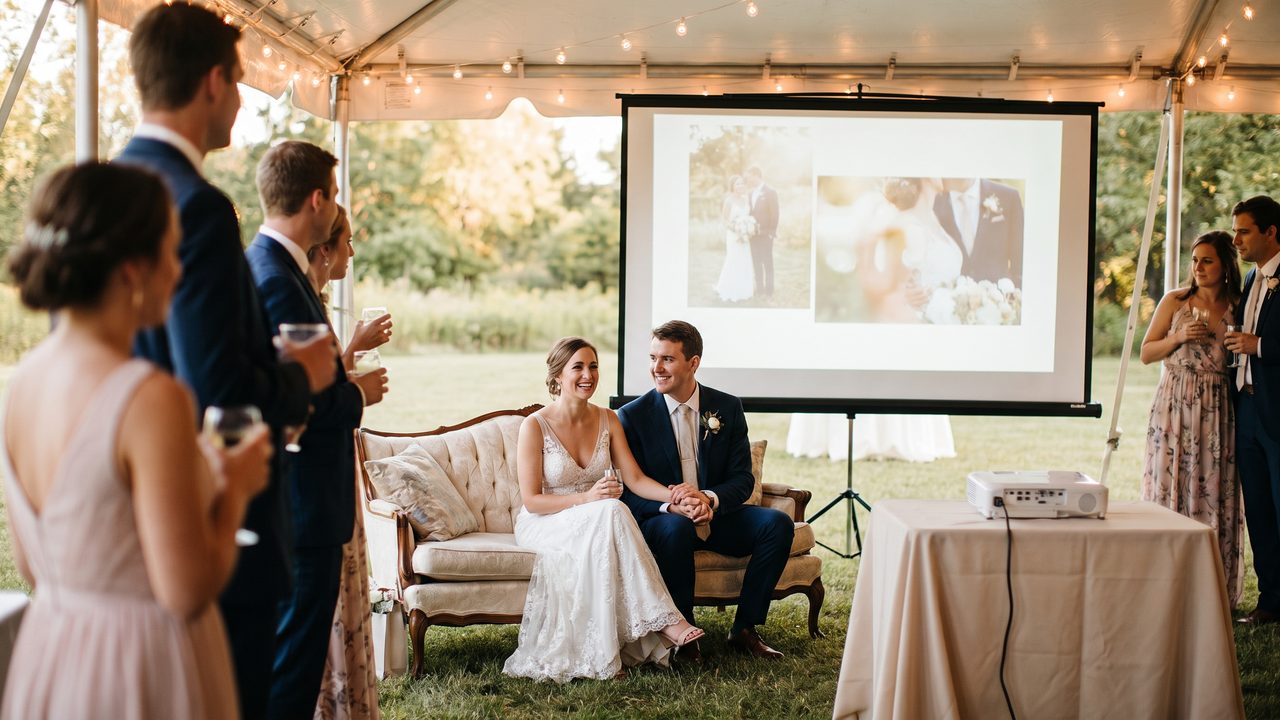
A 3-5 minute slideshow video is perfect for sharing with family, posting on social media, and screening at anniversary parties. It's a format everyone can watch and enjoy.
3. They're Emotional
There's something about seeing your photos come alive with music that triggers deep emotion. Photos + motion + music = tears. Every time.
4. AI Has Made Them Accessible
Creating a professional-quality slideshow used to require expensive software and editing skills. Now, AI tools handle everything automatically — from selecting the best photos to adding cinematic effects and synchronizing music.
Types of Wedding Slideshow Videos
The Story Slideshow
Organized chronologically — from getting ready to the last dance. It tells the story of your day in order. This is the most popular format and works great as a highlight video alternative.
The Thematic Slideshow
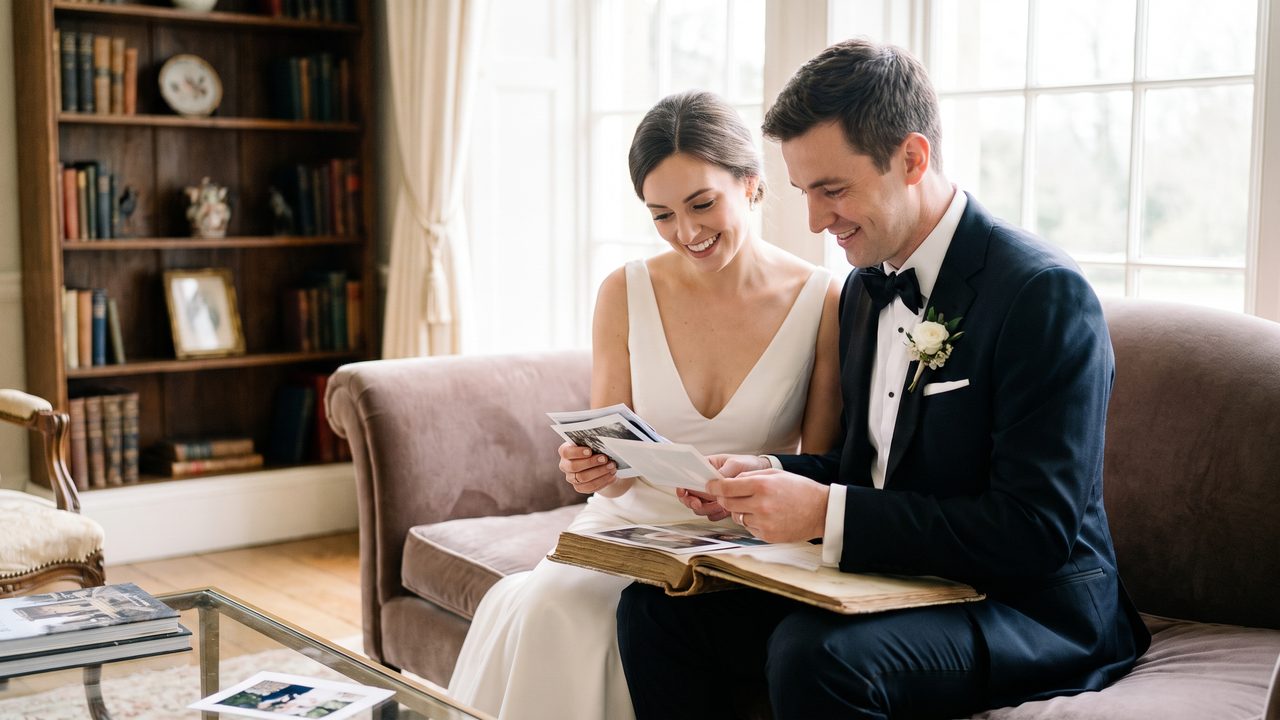
Organized by theme rather than timeline. Examples:
- "Our Favorite Moments" — curated best-of shots
- "The Details" — close-ups of rings, flowers, decor
- "Our People" — portraits of family and friends
- "The Dance Floor" — all the party energy
The Growth/Memory Slideshow
Includes photos from across your relationship — not just the wedding day. Childhood photos, dating milestones, engagement shots, and wedding day images all woven together. This is incredibly popular for couple growth memory videos.
The Tribute Slideshow
Focused on specific people — parents, grandparents, absent loved ones. Often played during the reception as a tribute. These can be deeply moving, especially when combined with family message services.
How to Create a Wedding Photo Slideshow Video
Step 1: Curate Your Photos
This is the most important step. Don't dump all 800 photos into the slideshow. Curate ruthlessly.
**How many photos to include:**
| Slideshow Length | Recommended Photos |
|-----------------|-------------------|
| 2-3 minutes | 30-50 photos |
| 4-5 minutes | 60-80 photos |
| 6-8 minutes | 80-120 photos |
**What to prioritize:**
- Emotional moments (vows, tears, laughter)
- Key people (immediate family, wedding party)
- Beautiful portraits and couple shots
- Detail shots that add context (venue, decor, food)
- Candid moments that capture genuine feelings
**What to cut:**
- Duplicate or very similar shots
- Blurry or poorly exposed photos
- Random group shots where you don't know half the people
- Photos that don't contribute to the story
Step 2: Organize and Sequence
Once you've curated, arrange your photos in a logical order. For a story slideshow:
- Pre-wedding anticipation (getting ready, details)
- Ceremony (processional, vows, rings, kiss)
- Post-ceremony (confetti, portraits, family photos)
- Reception (entrance, first dance, toasts, cake)
- Party (dancing, fun moments)
- Closing (last dance, exit, quiet moment)
Step 3: Choose Your Music
Music selection is critical. Here are approaches:
**Single Song Approach:**
One song for the entire slideshow. Simple, cohesive, easy to sync. Best for shorter slideshows (2-3 minutes).
**Multi-Song Approach:**
2-3 songs that match different sections. More work to sync, but allows for emotional variety. Best for longer slideshows (5+ minutes).
**Tips for music selection:**
- Choose songs meaningful to you as a couple
- Match the energy arc — slow build, emotional peak, celebration
- Consider instrumental versions for cleaner transitions
- Ensure proper licensing for social media posting
Step 4: Add Cinematic Effects
This is where modern slideshows diverge from the PowerPoint era. The key effects:
**Pan and Zoom (Ken Burns Effect)**
Slowly panning across a photo or zooming into a detail. This creates the illusion of camera movement in a still image. Essential for every slideshow.
**Parallax Depth**
Separating a photo into foreground and background layers that move at different speeds. Creates a 3D effect that's incredibly cinematic.
**Speed Ramping**
Varying the playback speed — faster during energetic moments, slower during emotional ones.
**Transitions**
Crossfades between photos. Avoid cheesy transitions (star wipes, page curls). Stick to clean, simple transitions.
Step 5: Add Text and Titles
Optional but effective:
- Opening title with your names and date
- Section titles ("The Ceremony," "The Celebration")
- Meaningful quotes or vow excerpts
- Closing title with a thank-you message
Step 6: Export and Share
Export in multiple formats for different platforms:
- Full resolution for archiving and TV viewing
- Compressed version for email
- Vertical format for Instagram/TikTok
- Square format for Instagram feed
Using AI for Wedding Photo Slideshows
AI has fundamentally changed how slideshows are created. Here's what modern AI tools can do:
Automatic Photo Selection
AI analyzes your photo collection and selects the best shots based on:
- Technical quality (sharpness, exposure, composition)
- Emotional content (smiles, tears, laughter detected via facial analysis)
- Variety (avoiding duplicate compositions)
- Story flow (ensuring balanced coverage of the day)
Intelligent Sequencing
AI arranges photos for maximum emotional impact, following narrative principles rather than just chronological order.
Cinematic Effects
AI adds professional-quality camera movements, transitions, and effects automatically. No keyframes, no manual editing.
Music Synchronization
AI analyzes the music's beats, tempo, and emotional arc, then matches photo transitions and effects to the rhythm. The result feels perfectly synchronized without any manual work.
One-Click Generation
Upload photos, choose a style and music, click generate. A process that used to take 8-15 hours of manual editing now takes minutes.
WeddingAI's video generator handles all of this automatically. Upload your photos and get a cinematic slideshow video in minutes.
Slideshow Video Ideas and Styles
Classic Romance
Warm tones, soft transitions, timeless music. Think: string quartet, golden hour portraits, candle-lit reception. Elegant and traditional.
Modern Minimalist
Clean, sharp, minimal transitions. Contemporary music. Lots of white space. For couples with a modern aesthetic.
Vintage Film
Warm, desaturated colors, film grain overlay, classic songs. Nostalgic and timeless. Pair with vintage restoration for a cohesive look.
Fun & Energetic
Upbeat music, fast transitions, playful effects. Emphasizes the party and celebration. Great for couples who want their slideshow to feel like a celebration.
Documentary Style
Natural audio (vows, toasts, laughter) layered under minimal music. Raw and authentic. Focuses on real moments over polished production.
Tips for a Better Slideshow Video
Don't Overdo the Effects
A few well-placed effects are better than constant motion. Let photos breathe. Not every image needs a dramatic zoom.
Mix Shot Types
Alternate between wide shots, close-ups, portraits, and details. Variety keeps viewers engaged.
Include Candid Moments
The posed portraits are beautiful, but the candid moments — your partner's reaction seeing you for the first time, your flower girl picking her nose, your grandparents dancing — are what make a slideshow truly special.
Use High-Resolution Photos
Slideshow effects like pan and zoom work best with high-resolution images. Low-res photos will look blurry when zoomed in.
Watch It Before Sharing
Always watch the entire slideshow before sharing. Check for:
- Awkward photo sequencing
- Photos that look out of place
- Music volume issues
- Text spelling errors
- Overall pacing
When to Show Your Slideshow
At the Reception
A slideshow playing during dinner or between courses is a classic touch. Keep it under 5 minutes — guests want to eat and socialize.
At an Anniversary Party
Anniversary slideshows that include photos from across the years are incredibly moving. They're especially powerful at milestone anniversaries (10th, 25th, 50th).
On Social Media
A 60-90 second version of your slideshow, optimized for vertical viewing, can be a beautiful social media share.
At Family Gatherings
A slideshow video is a perfect thing to pull up at family holidays and reunions. It's a shared experience that brings everyone together.
Real Couples, Real Slideshows
> "We had 600 photos from our photographer and no videographer. WeddingAI turned them into a 4-minute slideshow video that felt like a real movie. My dad watched it six times at the reception." — **Rachel & Kevin, 2026**
> "The slideshow video was the hit of our anniversary party. Seeing 25 years of photos come alive with music... there wasn't a dry eye in the room." — **Linda & Robert, 2025**
> "I'm a photographer and I now offer slideshow video creation as a standard deliverable. My couples love it, and it takes me zero extra work because I use AI." — **Marcus Williams, Wedding Photographer**
Create Your Wedding Slideshow Video
Ready to transform your photos into a cinematic slideshow? It's easier than you think.
**Create Your Slideshow Video with WeddingAI →**
Upload your photos, choose your style, select your music, and let AI create a professional-quality slideshow video in minutes.
Related Services
- Couple Growth Memory Video — Include photos from your entire relationship
- Wedding Trailer — A shorter teaser version
- Family Tribute Video — Honor loved ones with a tribute slideshow
---
*WeddingAI helps couples create cinematic slideshow videos from photos using AI. No editing skills required. Learn more →*
Pronto para transformar suas memórias de casamento?
Conte-nos sobre o seu projeto e retornaremos em 24 horas com um orçamento gratuito.
Faça um orçamento grátis →