
Blog WeddingAI.video
How to Create Stunning Slow-Motion Wedding Videos with AI
10 minutos de leitura
There's a reason slow motion has been a filmmaker's secret weapon for decades. A veil caught mid-flutter. Confetti suspended in golden light. The exact moment a groom's eyes well up as his partner walks down the aisle. These split-second flashes of pure emotion deserve more than a blink-and-miss-it treatment — they deserve to breathe.
Professional cinematographers have long relied on expensive high-speed cameras costing tens of thousands of dollars to capture buttery smooth slow-motion footage. But what if you could achieve that same cinematic quality from ordinary wedding video — even smartphone footage — using artificial intelligence?
That's exactly what AI-powered slow-motion technology delivers. And it's changing the way couples experience and share their wedding memories forever.
What Is AI Slow-Motion Video Enhancement?
Traditional slow motion works by recording video at a high frame rate — say 120 or 240 frames per second — and then playing it back at the standard 24 or 30 fps. The result is naturally smooth, dreamy footage. The catch? You need specialized cameras and you have to decide *in the moment* what to shoot in slow-mo.
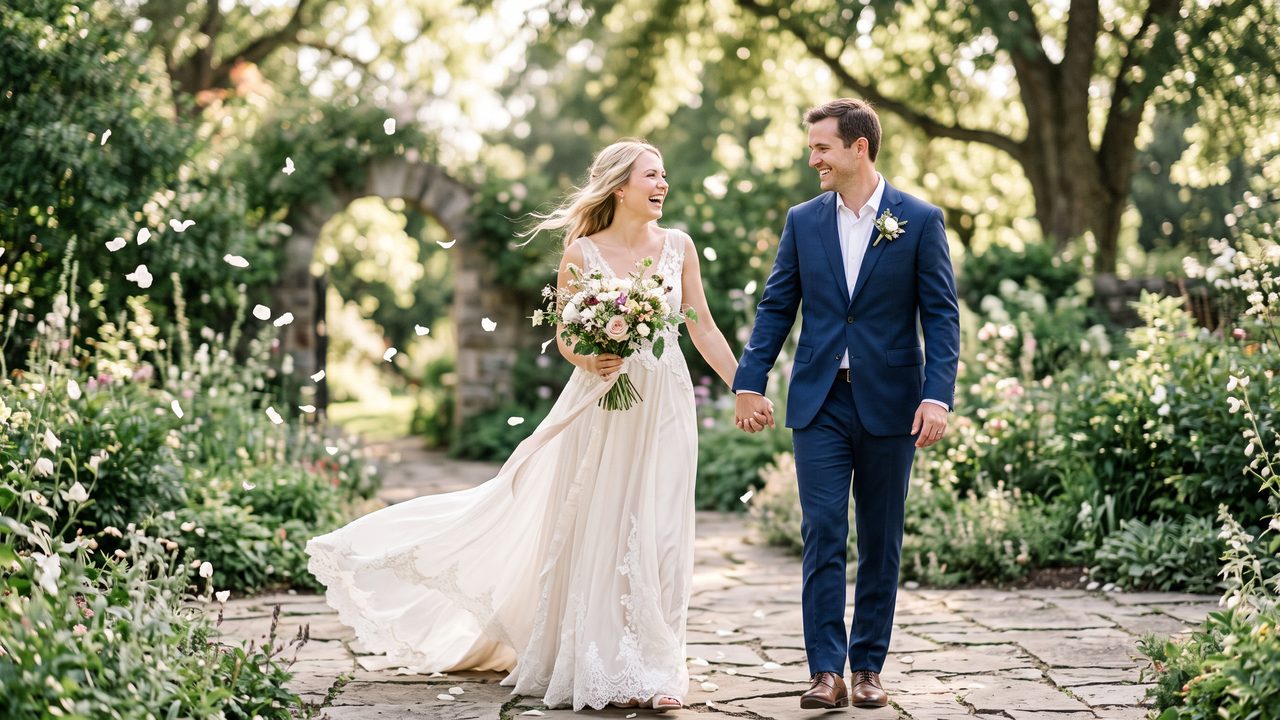
AI slow-motion enhancement flips this limitation on its head. Instead of requiring high-speed capture at the point of recording, artificial intelligence analyzes your existing footage and intelligently generates the missing intermediate frames. A 30fps clip can become a silky 120fps or even 240fps slow-motion sequence — all in post-production.
This isn't simple frame duplication or basic blending, which produces choppy, ghostly results. Modern AI models are trained on millions of hours of video to understand how objects move, how light shifts, and how motion works in the real world. They predict what *should* exist between each frame and synthesize it with remarkable accuracy.
How It Works Under the Hood
The technology relies on a technique called **optical flow estimation** combined with deep neural networks. Here's a simplified breakdown:
- **Motion Analysis** — The AI examines two consecutive frames and maps how every pixel moves between them
- **Trajectory Prediction** — It calculates the precise path each element would follow during the gap
- **Frame Synthesis** — New intermediate frames are generated by warping and blending the original frames along predicted motion paths
- **Refinement** — A neural network fills in occluded areas (parts of the scene that were hidden behind moving objects) and corrects artifacts
The best part? This entire process takes minutes, not hours of manual rotoscoping and compositing.
Why Slow Motion Transforms Wedding Videos
Weddings are bursting with micro-moments that happen too fast for the naked eye to fully appreciate. Slow motion doesn't just slow down time — it amplifies emotion.
The First Look
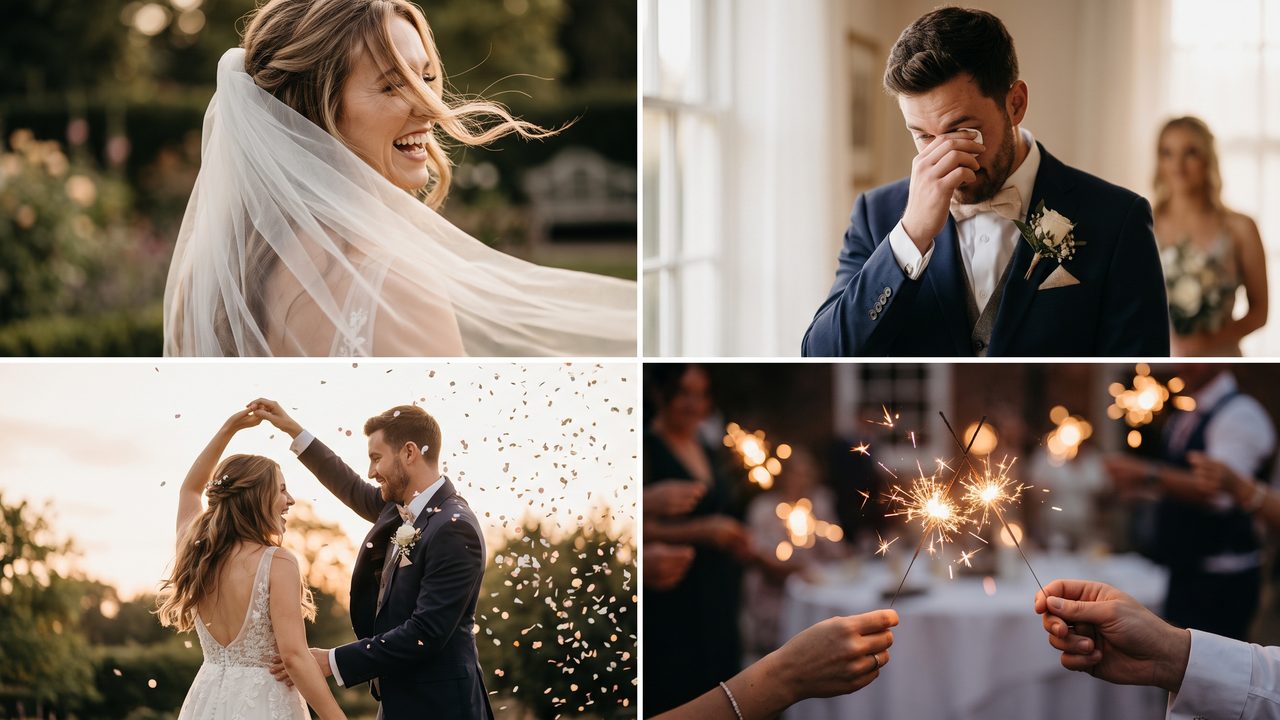
That instant when a couple sees each other for the first time — the sharp inhale, the involuntary smile, the tears forming at the corners of eyes. At normal speed, it's over in two seconds. In slow motion, it becomes a scene that gives everyone chills.
The First Dance
Watch the subtle shifts in a couple's embrace during their first dance. The way one partner's hand gently adjusts on the other's back. The quiet laughter when a step goes slightly wrong. Slow motion reveals the tenderness hidden inside what looks, at full speed, like simple swaying.
The Ceremony Highlights
- The ring exchange — fingers trembling slightly
- The officiant announcing "You may kiss" — that suspended moment before their lips meet
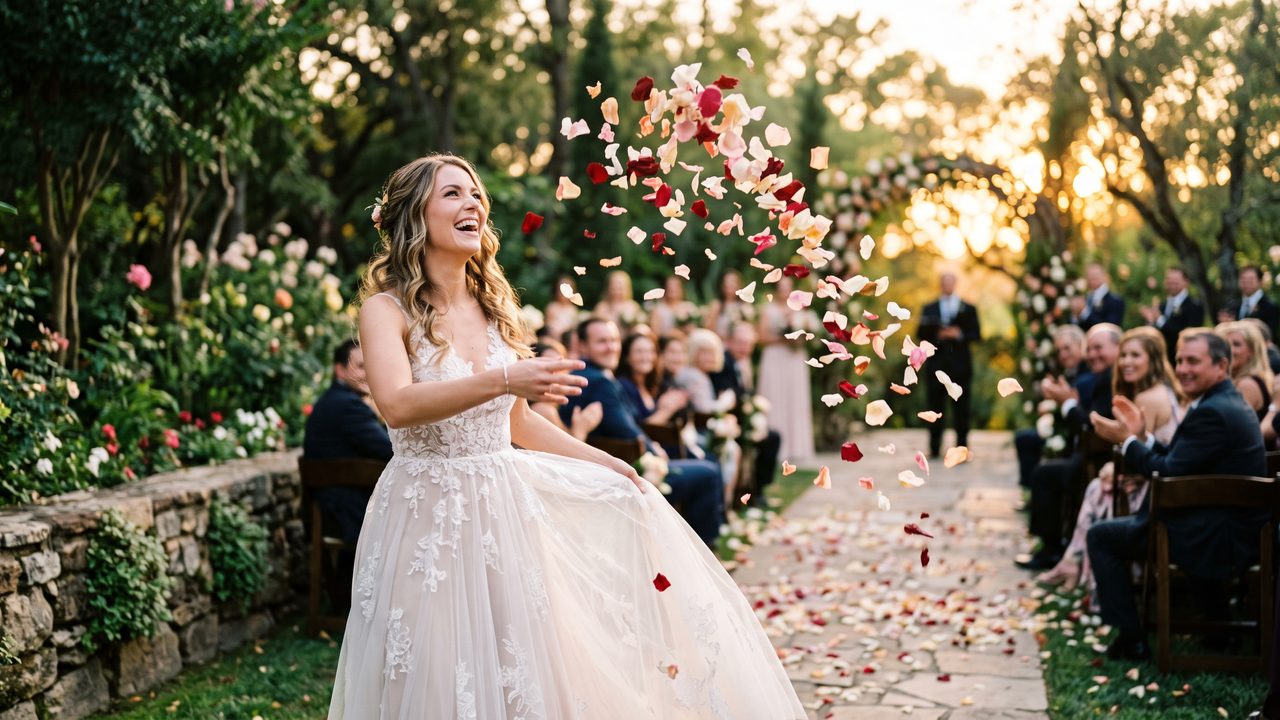
- Guests throwing petals — each one catching light differently
- The couple walking back up the aisle together for the first time — pure, unfiltered joy
Candid Guest Moments
Some of the best slow-motion moments are the ones you didn't plan. A flower girl spinning in her dress. A grandmother wiping away tears. Friends erupting in cheers. These spontaneous reactions carry enormous emotional weight when given room to unfold.
Choosing the Right Moments for Slow Motion
Not every second of your wedding video should be in slow motion. Overuse dilutes the impact and makes your video feel sluggish. The key is strategic selection.
Best Candidates for Slow-Motion Treatment
**High-emotion moments:**
- Vow exchanges
- Ring placement
- The first kiss
- Parent reactions during speeches
**Movement-rich scenes:**
- Veil and dress flowing
- Confetti or petal toss
- Dancing — especially energetic moments
- Sparkler exits
**Detail shots:**
- Close-ups of hands, rings, flowers
- Champagne pouring or toast clinking
- Hair and makeup wind-blown moments
Moments to Keep at Normal Speed
- Speeches and toasts (audio matters — slow-mo makes voices sound unnatural)
- Wide establishing shots of the venue
- Walking sequences (can feel like floating if slowed)
- Any moment where dialogue or ambient sound is important
A skilled editor — or a smart AI tool — will weave slow-motion segments into a normal-speed timeline rhythmically, creating contrast that makes both speeds feel more impactful.
How to Create AI Slow-Motion Wedding Videos with WeddingAI
At WeddingAI, our slow-motion enhancement service is built specifically for wedding footage. Unlike generic video tools, our AI understands the unique dynamics of wedding scenes — the flowing fabrics, the emotional expressions, the variable lighting of indoor ceremonies and outdoor receptions.
Step 1: Upload Your Footage
Start by uploading your raw wedding clips to our platform. We accept footage from any source — professional cameras, smartphones, GoPros, drones. Our system handles all major formats including MP4, MOV, and AVI.
Step 2: Select Your Slow-Motion Segments
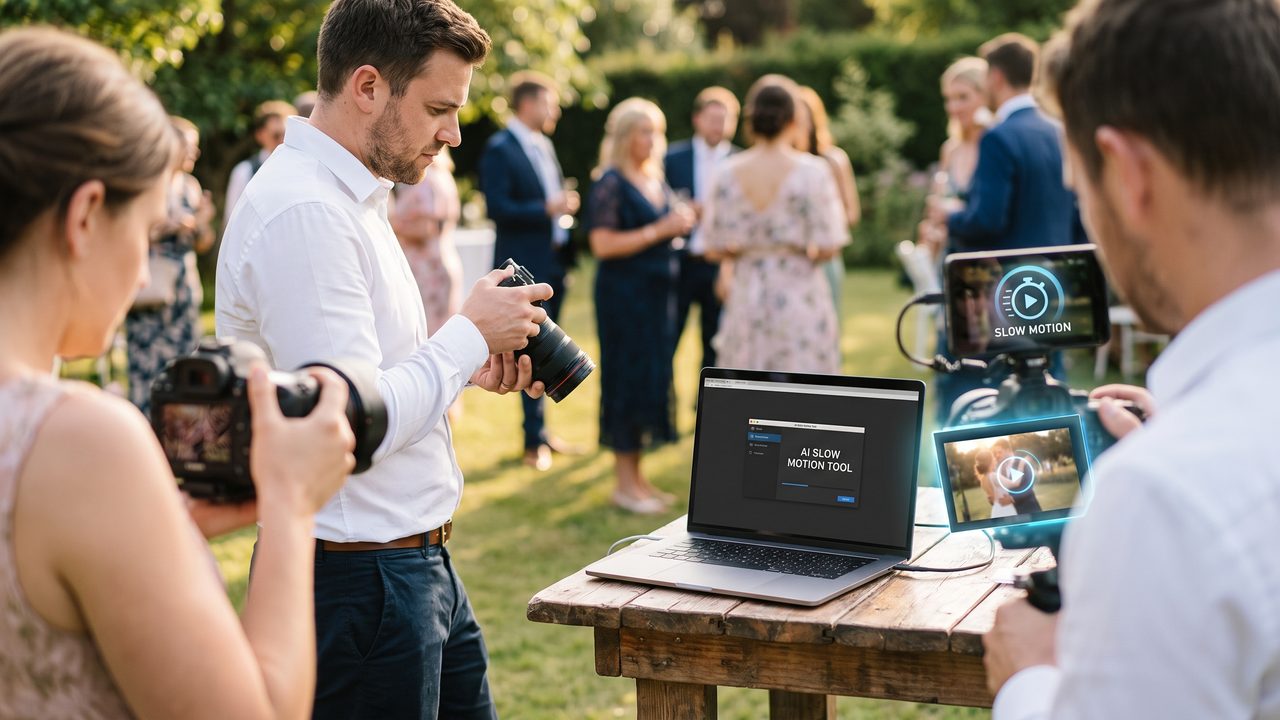
Use our intuitive timeline editor to mark the portions you want slowed down. Our AI can also **auto-detect** the best slow-motion candidates by identifying:
- Emotional peaks (facial expressions, tears, laughter)
- Dynamic movement (veil toss, dance moves, confetti)
- Key ceremony moments (ring exchange, first kiss)
This auto-detection feature alone saves hours of scrubbing through footage.
Step 3: Choose Your Speed
Select your desired slow-motion factor:
- **2x slow** — Subtle, natural feel, great for dancing and walking
- **4x slow** — Dramatic, cinematic quality, ideal for emotional moments
- **8x slow** — Ultra-dramatic, perfect for single-moment highlights like the veil toss or ring exchange
Step 4: Let AI Do the Heavy Lifting
Our system processes your footage using frame interpolation specifically optimized for wedding scenes. The AI recognizes:
- **Fabric motion** — Veils, dresses, and suits are handled with specialized models
- **Facial expressions** — Micro-expressions are preserved without distortion
- **Variable lighting** — From dim reception halls to bright outdoor ceremonies
- **Multiple subjects** — Groups, couples, and crowd scenes all work smoothly
Step 5: Review and Export
Preview your enhanced footage in real-time. Fine-tune speed, adjust the in and out points of each slow-motion segment, and export in 4K quality ready for sharing or professional editing.
Technical Tips for the Best Results
While AI can work wonders, the quality of your source footage still matters. Here are some tips to get the best slow-motion results:
Shoot with Slow Motion in Mind
Even if you're not using a high-speed camera, these habits help AI produce better results:
- **Steady footage wins** — Use a gimbal or tripod when possible. AI slow-mo amplifies camera shake
- **Higher frame rate is better** — If your phone supports 60fps, use it. More source frames = smoother interpolation
- **Good lighting helps** — Well-lit scenes give the AI more data to work with
- **Avoid rapid panning** — Quick camera movements create motion blur that AI can't fully resolve
Ideal Source Settings
| Source Quality | AI Enhancement Result |
|---|---|
| 4K / 60fps / Good light | Excellent — near-professional quality |
| 1080p / 30fps / Good light | Very good — smooth and cinematic |
| 1080p / 30fps / Low light | Good — minor softness possible |
| 720p / 30fps / Any light | Decent — best for social media sharing |
Post-Processing Enhancement
After applying slow motion, consider these finishing touches available on our platform:
- **Color grading** — Warm tones enhance romantic moments; cool tones add drama
- **Music synchronization** — Time your slow-mo segments to musical beats for maximum emotional impact
- **Speed ramping** — Gradually transition from normal to slow speed for a professional cinematic feel
- **Vignette and grain** — Subtle film-like effects complement slow motion beautifully
Real Couples, Real Results
> *"We shot our entire wedding on iPhones. I was honestly nervous about the quality. But when WeddingAI added slow motion to my wife walking down the aisle, I cried all over again. It looked like something out of a movie."*
> — **James & Priya**, married October 2025
> *"The sparkler exit was chaos in real time — everyone was laughing and waving them around too fast. The slow-motion version? Pure magic. Every spark looked like a tiny firework. Our families couldn't stop sharing it."*
> — **Tomás & Lin**, married March 2026
> *"I'm a professional videographer and I was skeptical about AI slow-mo. I tested it on a ceremony recessional shot and the result genuinely impressed me. The fabric motion on the dress was flawless — no ghosting, no artifacts. I now use it as part of my standard workflow."*
> — **Rachel Kim**, wedding videographer, Seattle
Slow Motion Ideas by Wedding Segment
Need inspiration? Here are curated slow-motion ideas for each part of your wedding day:
Getting Ready
- Zipping up the dress — the finality of that moment
- Adjusting the veil — delicate hands, flowing fabric
- Buttoning the suit jacket — a quiet, focused moment
- The reveal to bridesmaids — pure reaction gold
Ceremony
- Walking down the aisle — each step, a lifetime of anticipation
- Ring exchange — trembling fingers, gleaming metal
- The first kiss — the culmination of everything
- Walking back up the aisle — newly married, beaming
Reception
- First dance — intimate and tender
- Bouquet toss — suspense and hilarity
- Cake cutting — teamwork (or playful smashing)
- Speech reactions — tears, laughter, surprise
Send-Off
- Sparkler tunnel — thousands of tiny lights
- Confetti shower — a kaleidoscope of color
- Last dance — bittersweet and beautiful
- Car departure — waving goodbye, starting a new chapter
Combining Slow Motion with Other AI Features
Slow motion is just one tool in the WeddingAI arsenal. For truly cinematic results, combine it with:
- **AI Video Enhancement** — Upscale and sharpen footage before applying slow motion for crystal-clear results
- **Vintage Restoration** — Restore and slow down family wedding footage from decades past
- **Wedding Trailer** — Build a cinematic trailer that uses slow-motion as its emotional backbone
- **AI Video Generator** — Create a complete highlight reel with perfectly timed slow-motion accents
Frequently Asked Questions
**Does AI slow motion work on all types of footage?**
Yes, though results vary with source quality. 60fps footage produces the smoothest results, but even 24fps smartphone clips can be beautifully enhanced.
**Will slow motion distort faces or create artifacts?**
Our wedding-optimized AI models are specifically trained to handle facial expressions and human movement. Artifacts are rare and typically only appear in extremely fast, chaotic motion.
**Can I apply slow motion to footage from decades ago?**
Absolutely. Our vintage restoration service can restore old footage first, then apply slow-motion enhancement for a stunning result.
**How long does processing take?**
Most clips are processed within 5–15 minutes depending on length and resolution. 4K footage takes slightly longer.
**Is there a limit to how many clips I can enhance?**
Our plans are flexible. Check our pricing page for details on clip allowances and unlimited options.
Start Creating Your Slow-Motion Masterpiece
Your wedding happened in real time, but that doesn't mean your memories have to stay at that speed. With AI-powered slow-motion enhancement, you can rediscover moments you barely noticed on the day itself — the quiet glance, the subtle gesture, the split-second reaction that says everything.
These are the moments that make people cry at wedding videos. And now, you don't need a $50,000 (≈ R$270.000) cinema camera to capture them.
**Try WeddingAI's Slow-Motion Enhancement →**
Transform your wedding footage into cinematic art. Upload your first clip today and see the difference slow motion makes — no technical skills required.
Pronto para transformar suas memórias de casamento?
Conte-nos sobre o seu projeto e retornaremos em 24 horas com um orçamento gratuito.
Faça um orçamento grátis →