

WeddingAI.video Блог
Couple Growth Memory Video Templates: Tell Your Love Story from the Beginning
Create a couple growth memory video using templates. From childhood photos to wedding day — tell your complete love story as a cinematic video.
10 минут чтения
*"We started the video with a photo of me as a baby and a photo of him as a baby. Then photos from childhood, teenage years, college, meeting each other, dating, engagement, and finally — the wedding. By the time we got to 'I do,' there wasn't a dry eye in the house."*
That's the power of a couple growth memory video. It doesn't just show your wedding — it shows the entire journey that led to it.
In 2026, creating these videos is easier than ever, thanks to AI-powered templates that transform decades of photos into a cinematic love story.
What Is a Couple Growth Memory Video?
A couple growth memory video (sometimes called a "love story video" or "couple timeline video") is a slideshow or video that traces both partners' lives from childhood through their wedding day. It typically includes:

- Baby and childhood photos of both partners
- School and teenage years
- College or early career
- How they met
- Dating milestones (first trip, first holiday together)
- Engagement
- Wedding day
The result is a deeply personal narrative that shows guests — and the couple themselves — the full arc of two lives converging into one.
Why Growth Memory Videos Are So Popular
They Add Context to the Wedding
Your wedding guests see you as you are now. A growth video shows them who you were — the awkward phases, the milestones, the moments that shaped you. It transforms a wedding from an event into a story.
They Honor Both Families
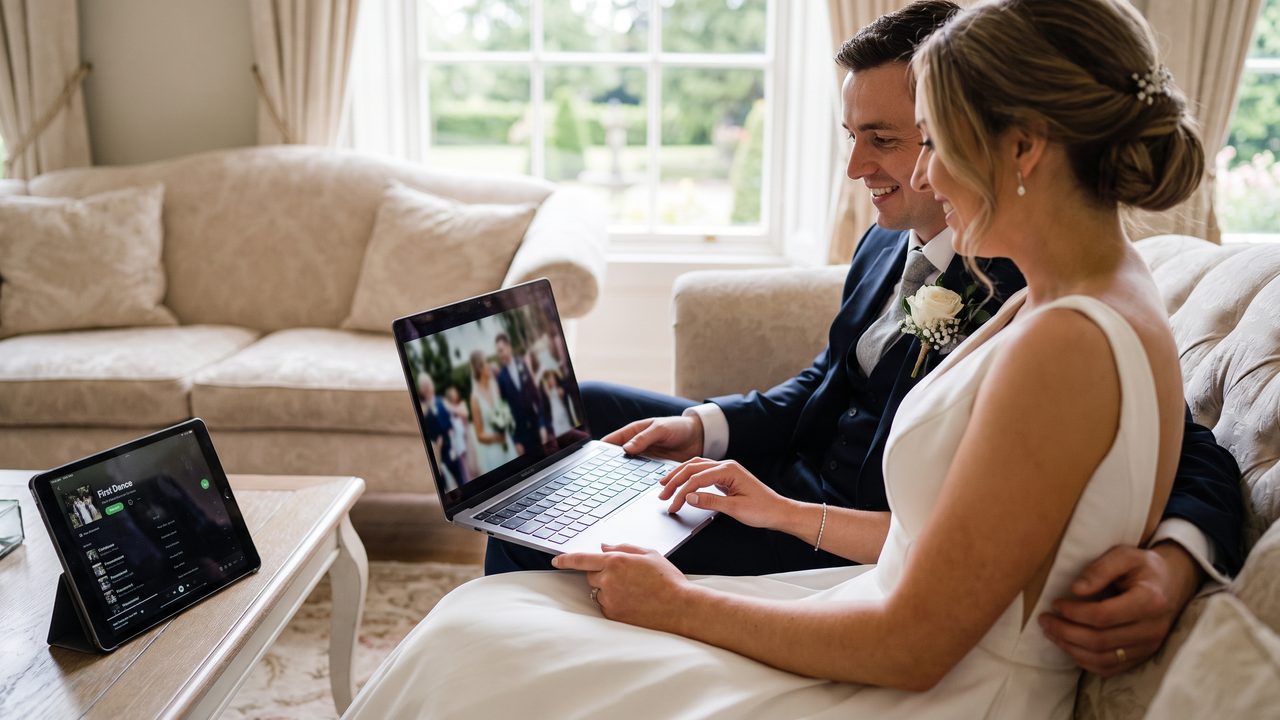
By including childhood photos, you naturally honor both families. Parents and grandparents see their own memories woven into the celebration. It's a gift to the families, not just the couple.
They Create Emotional Depth
A growth video has a built-in emotional arc that a wedding-only video can't match. Watching two babies grow into two adults who find each other — that's inherently moving.
They're Conversation Starters
"Wait, is that a bowl cut?!" "Oh my God, look at those braces!" Growth videos generate laughter, nostalgia, and conversation. They're icebreakers that bring guests together.
Types of Growth Memory Video Templates
The Parallel Timeline
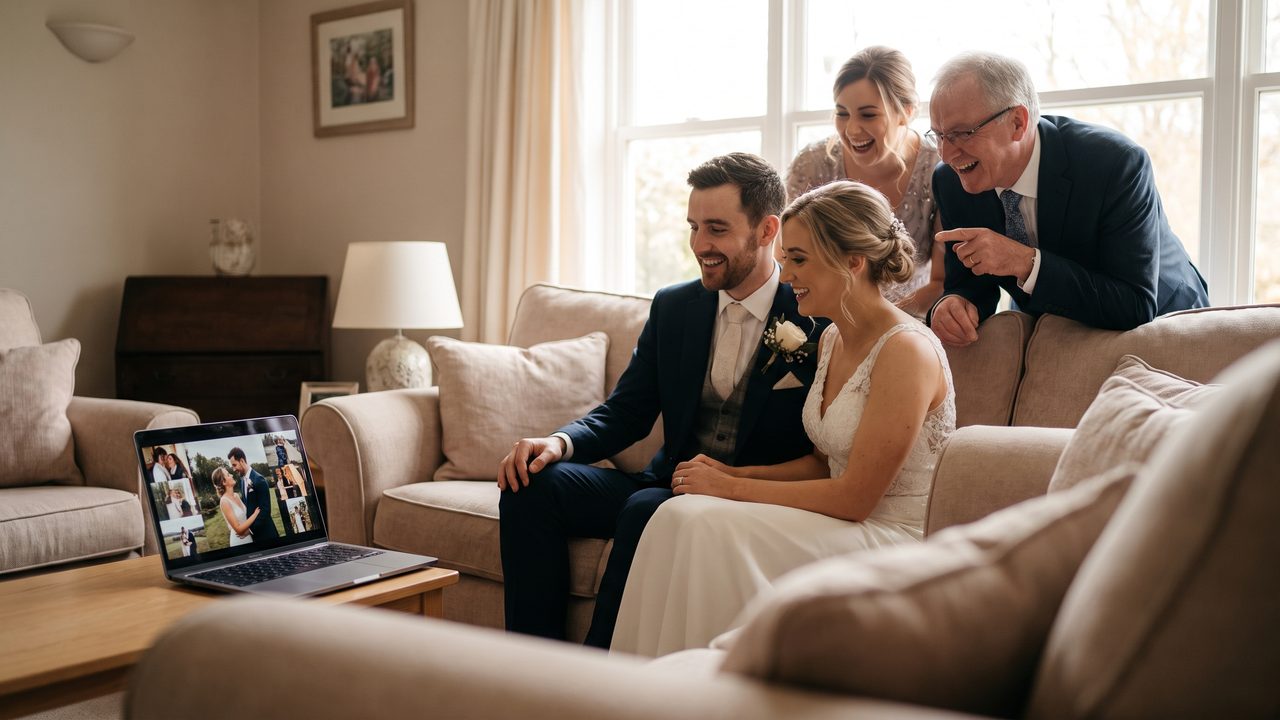
Both partners' photos are shown side by side or alternating, progressing through the same life stages simultaneously. They "meet" in the middle of the video and converge into wedding photos.
**Best for:** Couples who want to emphasize how two separate paths led to one shared life.
The Chronological Journey
Photos are arranged in strict chronological order, mixing both partners' images. It reads like a shared biography.
**Best for:** Couples who've known each other since childhood or high school.
The Chapter Format
The video is divided into labeled chapters:
- Chapter 1: "Two Kids" (childhood)
- Chapter 2: "Growing Up" (teenage years)
- Chapter 3: "The Meeting" (how they met)
- Chapter 4: "The Journey" (dating)
- Chapter 5: "The Question" (engagement)
- Chapter 6: "Forever" (wedding)
**Best for:** Couples who want a clear narrative structure.
The Music-Driven Timeline
One song per life era — the music changes as the timeline progresses, reflecting the changing times and emotions.
**Best for:** Couples who are passionate about music and want the soundtrack to drive the story.
How to Create a Couple Growth Memory Video
Step 1: Gather Photos from Both Partners
This is the biggest task. You'll need to collect photos from:
- **Both partners' parents** — childhood, school, family vacations
- **School yearbooks** — class photos, team photos
- **Personal archives** — phone photos, social media, old albums
- **Friends** — group photos from college, parties, trips
- **Professional photos** — engagement session, wedding day
**How many photos to aim for:**
| Video Length | Recommended Photos |
|-------------|-------------------|
| 2-3 minutes | 40-60 photos |
| 4-5 minutes | 60-100 photos |
| 6-8 minutes | 100-150 photos |
Step 2: Curate and Organize
Not every photo makes the cut. Curate ruthlessly:
- **Include**: Key milestones, emotionally significant moments, photos that show personality
- **Exclude**: Blurry shots, duplicates, photos that don't tell a story
- **Balance**: Aim for roughly equal representation of both partners
Organize by era/chapter to make editing easier.
Step 3: Choose a Template
AI-powered tools like WeddingAI offer pre-built templates specifically designed for growth memory videos. Choose one that matches your style:
- **Classic Romance**: Warm tones, soft transitions, timeless music
- **Modern Minimalist**: Clean lines, contemporary music, crisp design
- **Vintage Nostalgic**: Film grain, warm colors, classic songs
- **Fun & Playful**: Bright colors, upbeat music, animated transitions
Step 4: Customize and Personalize
While templates provide the structure, personalization makes it yours:
- **Add text overlays**: Names, dates, locations for each era
- **Include meaningful quotes**: Song lyrics, book quotes, inside jokes
- **Add voiceover**: Record yourselves telling the story (optional but powerful)
- **Choose music carefully**: The soundtrack should evolve with the timeline
Step 5: Add the Wedding Day
The final section should feature your best wedding photos — the ceremony, the celebration, the quiet moments. This is the climax of the story, and it should feel like a culmination.
Consider ending with a wedding highlight video or a final photo with a meaningful quote or message.
Step 6: Review and Refine
Watch the video multiple times:
- Does the pacing feel right?
- Are there any awkward transitions?
- Does the music match the emotional arc?
- Is there enough variety in photo types?
- Does it tell a coherent story?
Get feedback from both families before finalizing.
Tips for a Standout Growth Memory Video
Start with a Hook
Open with something unexpected or intriguing:
- Side-by-side baby photos: "Two strangers, born 500 miles apart"
- A blank screen with text: "Every love story has a beginning"
- A childhood photo with voiceover: "This is the day I was born. I didn't know it yet, but my future wife was born the same week"
Use Variety in Photo Types
Mix posed portraits with candid shots, formal photos with silly ones, solo shots with group photos. Variety keeps the video visually interesting.
Handle the "Awkward Years" with Humor
Everyone has photos from their awkward phase. Lean into it. A brief, funny montage of braces, bad haircuts, and questionable fashion choices adds warmth and relatability.
Include Meaningful Details
Small details carry big emotional weight:
- A childhood home
- A family pet
- A first car
- A college dorm room
- The restaurant where you had your first date
End Strong
The final moments should be the most emotionally powerful. A stunning wedding photo. A meaningful quote. A final message to each other. Don't let it fizzle out.
Growth Memory Video Ideas for Different Situations
High School Sweethearts
You have the advantage of shared history. Include photos from school dances, prom, graduation, and all the milestones you experienced together.
College Sweethearts
Campus photos, dorm life, study sessions, graduation — the college years are rich with visual memories.
Met Online
Include screenshots of your first messages, your dating profile photos, your first video call. It's a modern love story that deserves to be told.
Long-Distance Relationship
Photos from visits, airport reunions, screenshots of video calls. The distance makes the ending — the wedding — even more powerful.
Second Marriage / Blended Family
Include photos from both partners' previous chapters, emphasizing the journey that led to finding each other again. Include children prominently.
Common Mistakes to Avoid
Too Many Photos from One Era
Balance is key. Don't spend 3 minutes on childhood and 30 seconds on the dating years. Each era should get proportional screen time.
Poor Quality Old Photos
Old photos are often low resolution. AI upscaling tools can help, but some photos simply won't work in video. Choose quality over quantity.
Forgetting the Partner
A growth video should be about *both* partners. If one person has significantly more photos, actively seek out more from the other side.
Making It Too Long
A growth video should be 3-5 minutes maximum. Over 7 minutes and you'll lose your audience, no matter how cute the baby photos are.
Ignoring Music
The music should evolve with the timeline. A single pop song for the entire video doesn't work when you're spanning 30 years.
Using AI Templates for Growth Memory Videos
Modern AI tools make creating growth memory videos dramatically easier:
Pre-Built Timeline Templates
Upload your photos organized by era, and the AI arranges them into a professionally designed timeline template. No design skills needed.
Automatic Transitions
AI generates smooth, cinematic transitions between eras — dissolving from childhood to adulthood with elegant visual continuity.
Face Detection and Framing
AI identifies faces in photos and ensures they're properly centered and framed, even in group shots or cropped images.
Music Synchronization
AI matches photo transitions to the beats and emotional arc of your chosen music, creating a rhythm that feels natural and intentional.
Style Transfer
Apply a consistent visual style across all photos — ensuring that a faded 1990s photo and a crisp 2026 professional shot look like they belong in the same video.
WeddingAI's video generator offers all of these features, with templates specifically designed for couple growth memory videos.
Real Couples, Real Growth Videos
> "We collected photos from both our parents, scanned old albums, dug through Facebook archives. WeddingAI's template turned 30 years of photos into a 4-minute video that told our entire love story. My grandmother said it was the best wedding gift she'd ever received." — **Anika & Ryan, 2026**
> "The growth video was the surprise hit of our wedding. We played it during dinner and the whole room went quiet. People laughed at the awkward teenage photos and cried at the wedding footage. It was everything." — **Tom & Wei, 2025**
> "As a photographer, I now offer growth video creation as a premium service. I collect photos from both families during the planning process and deliver a finished video before the wedding. It's become my most requested add-on." — **Jessica Park, Wedding Photographer**
Start Your Growth Memory Video
Ready to tell your complete love story? It starts with gathering photos and choosing a template.
**Create Your Couple Growth Memory Video →**
Upload your photos from across the years, choose a cinematic template, and let AI transform your journey into a video that will make everyone cry.
Related Services
- Wedding Slideshow Guide — Tips for creating any wedding slideshow
- Wedding Trailer — A shorter teaser of your story
- Vintage Restoration — Restore old family photos for your video
---
*WeddingAI helps couples create cinematic growth memory videos from photos spanning a lifetime. Tell your story. Learn more →*
Готовы изменить свои свадебные воспоминания?
Расскажите нам о своем проекте, и мы свяжемся с вами в течение 24 часов и предоставим бесплатное ценовое предложение.
Получить бесплатное предложение →