
WeddingAI.video Блог
How to Make Professional Videos from Phone Footage (2026)
Turn your smartphone wedding footage into professional-quality videos with AI. Complete guide to filming, editing, and enhancing phone videos in 2026.
11 минут чтения
Your smartphone has a better camera than most professional video equipment from ten years ago. The iPhone 16 Pro shoots in 4K at 120fps. The Samsung Galaxy S25 Ultra has a 200-megapixel sensor. Modern phone cameras are genuinely incredible.
So why do most phone videos still look... amateur?
The answer isn't the camera. It's the filming technique, the editing, and the post-production. A professional videographer with a $500 (≈ ₽45 000) camera will produce better results than an amateur with a $5,000 (≈ ₽450 000) camera — because they know how to frame shots, manage lighting, and edit footage into a compelling story.
But here's the exciting part: in 2026, AI bridges that gap. You can film your wedding (or any event) on a phone, and AI video tools can transform that footage into something that looks genuinely professional. This guide shows you how.
Why Phone Footage Works for Wedding Videos
Everyone Has a Phone
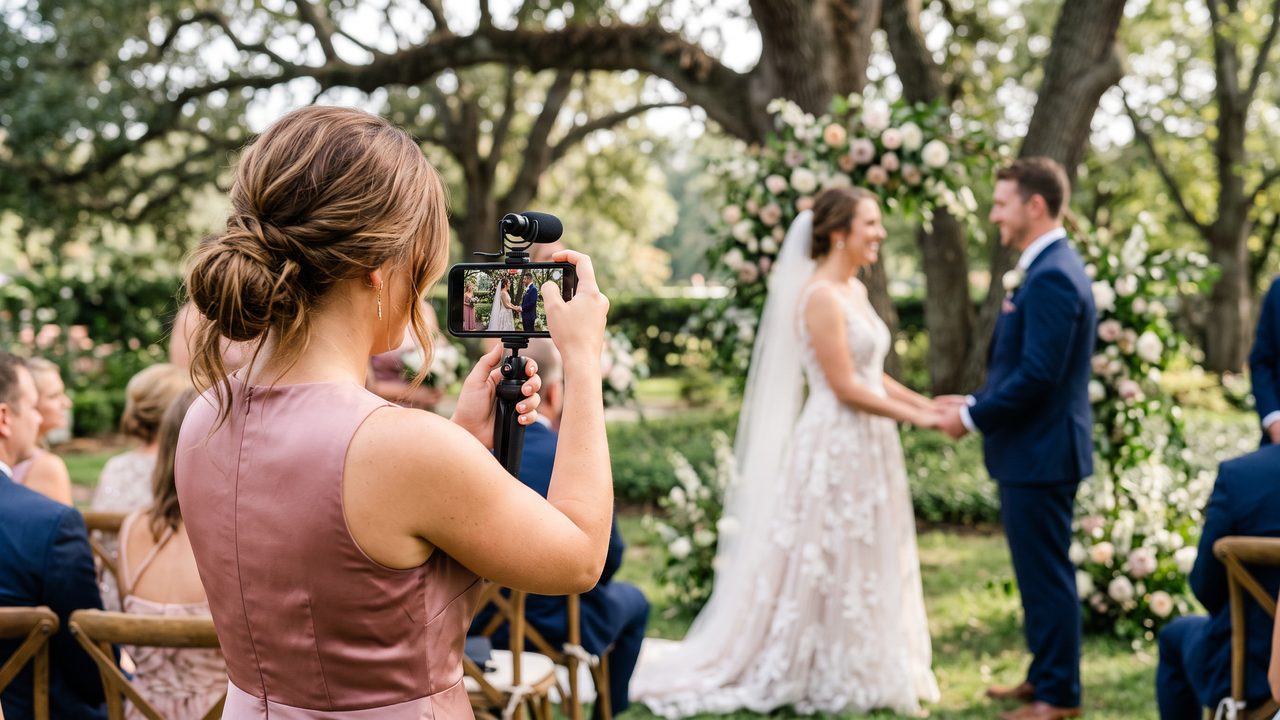
At a typical wedding, there are 50-200 phones in attendance. That means 50-200 potential camera angles, perspectives, and moments being captured simultaneously. No professional videographer can be everywhere at once — but your guests can.
Phones Are Non-Intrusive
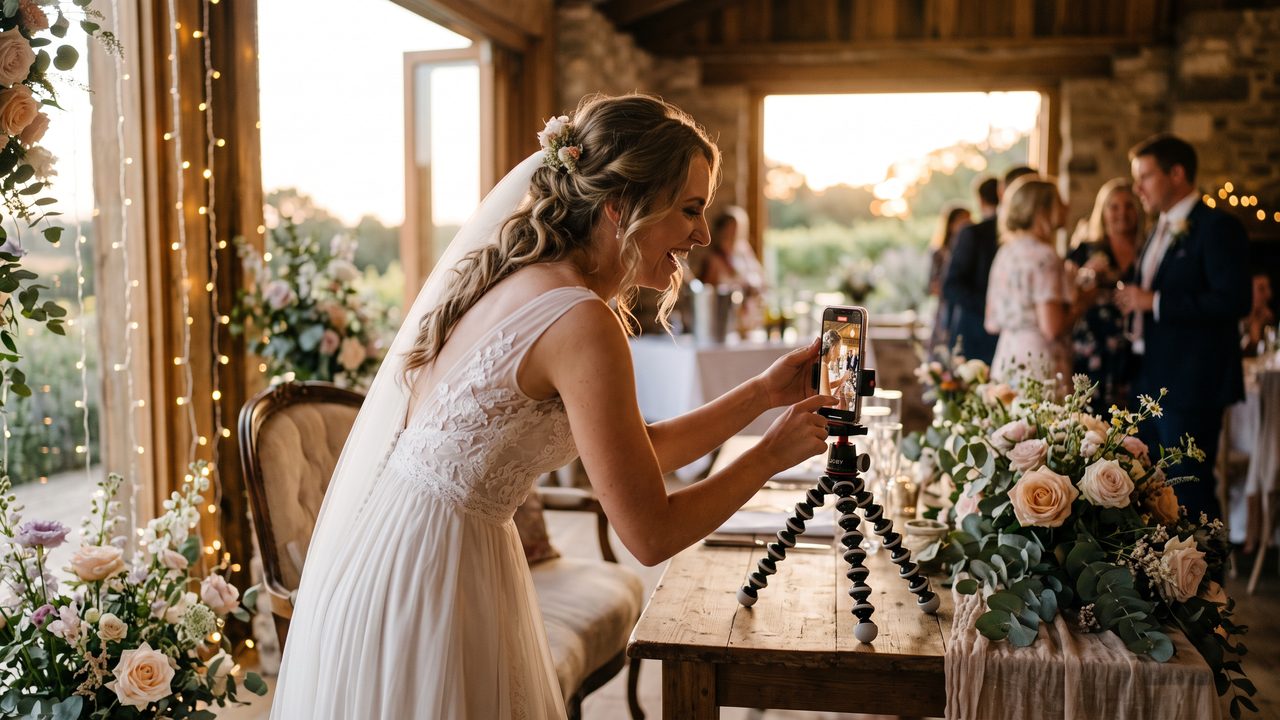
A professional videographer with a large camera rig can be intimidating and distracting. A phone is small, familiar, and unobtrusive. Guests barely notice when someone pulls out a phone, which means more natural, authentic footage.
Modern Phone Quality Is Excellent
Today's smartphones shoot 4K video with optical image stabilization, excellent dynamic range, and impressive low-light performance. The quality gap between phone footage and professional camera footage has narrowed dramatically.
AI Closes the Remaining Gap
The quality difference that remains between phone and professional footage — stabilization, color grading, editing, audio — is exactly what AI video tools excel at fixing. Check our guide on making wedding videos without a videographer for more on this approach.
How to Film Wedding Videos on Your Phone
Before You Start
**Clean your lens.** This sounds obvious, but fingerprints and smudges are the #1 cause of soft, hazy phone video. Wipe the lens with a soft cloth before filming.
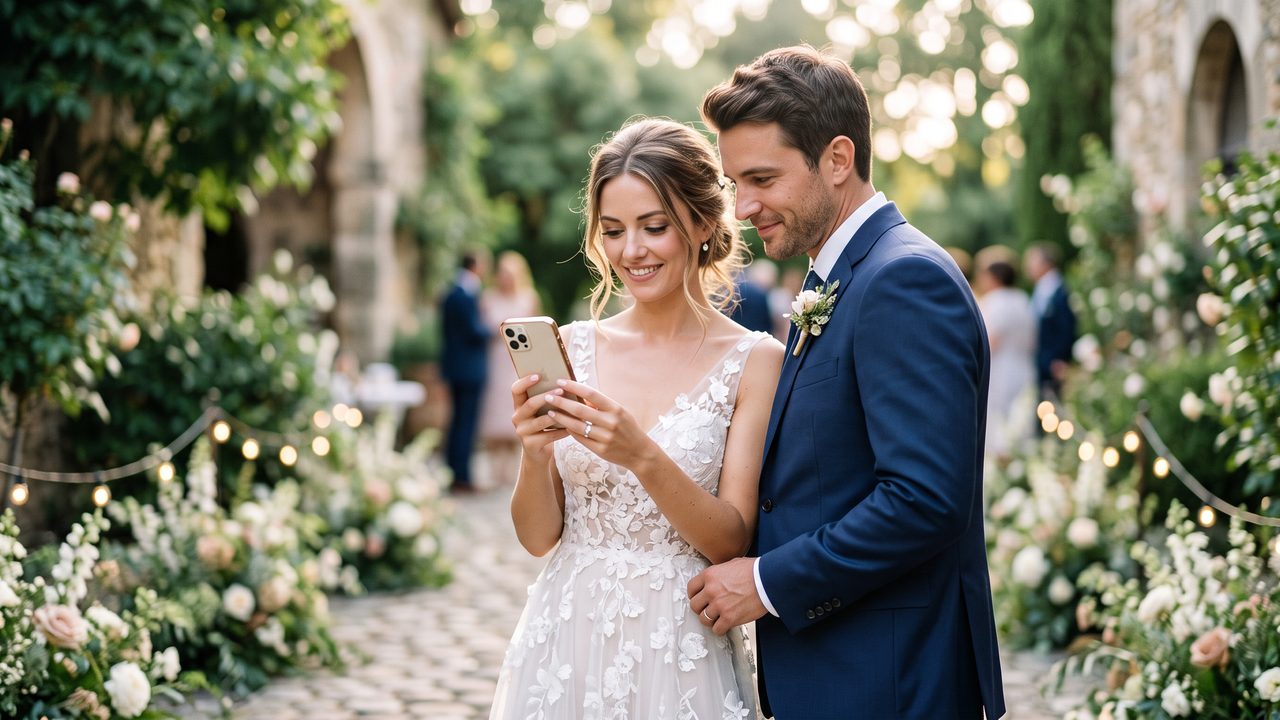
**Charge your battery.** Video drains batteries fast. Start at 100% or bring a portable charger.
**Free up storage.** 4K video uses about 400MB per minute. Make sure you have at least 20-30GB free before a wedding.
**Turn off notifications.** Nothing ruins a video like a text message popup in the middle of the vows. Enable Do Not Disturb mode.
Camera Settings
**Resolution:** 4K if your phone supports it. The higher the resolution, the more flexibility AI has in post-production (cropping, stabilizing, zooming).
**Frame rate:** 30fps for normal footage, 60fps if you plan to create slow-motion. Some phones offer 120fps or 240fps for dramatic slow-mo — use this sparingly for specific moments like the first kiss or ring exchange.
**Orientation:** Landscape (horizontal) for most footage. This matches the aspect ratio of final video output. Portrait is fine for social media clips but not for a full wedding video.
**Exposure lock:** Tap and hold on the subject to lock exposure and focus. This prevents the camera from constantly adjusting mid-shot, which creates distracting brightness changes.
**HDR:** Leave it on for most situations. HDR captures more detail in both shadows and highlights, giving AI more data to work with.
Filming Techniques
**The 10-Second Rule:** Hold each shot for at least 10 seconds. Short clips are hard to edit. Give the AI (and yourself) plenty of usable footage.
**Variety of Shots:**
- **Wide shots** — Capture the full scene (venue, ceremony setup, reception hall)
- **Medium shots** — Waist-up framing of people (great for speeches and conversations)
- **Close-ups** — Faces, hands, rings, details (the emotional core of a wedding video)
- **Detail shots** — Flowers, food, decorations, invitations (B-roll that adds production value)
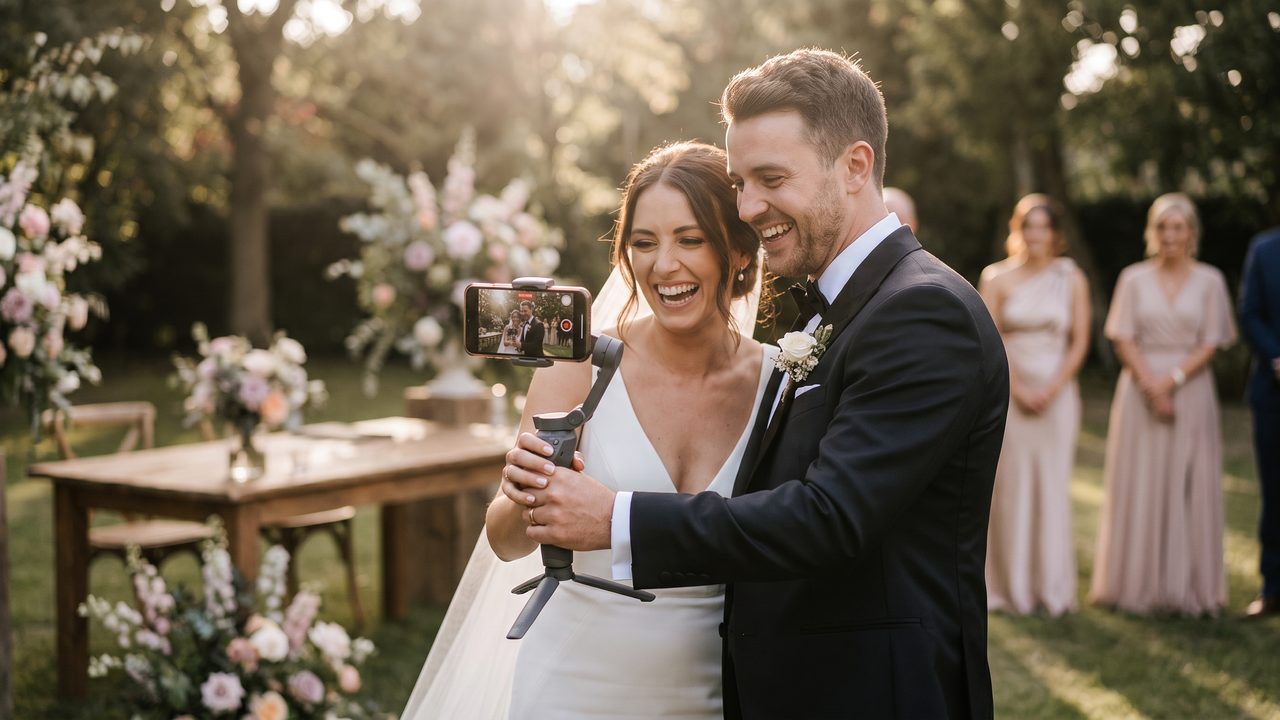
**Steady Movement:** If you need to move while filming, walk slowly with bent knees (like a ninja). This reduces bounce. Better yet, use a phone gimbal ($50 (≈ ₽4 500)-100) for buttery-smooth movement.
**Natural Light:** Film near windows and open doors whenever possible. Natural light is the most flattering light for faces. Avoid standing subjects against bright windows (backlighting makes faces dark).
**Audio Awareness:** Be aware of what the microphone is picking up. Wind, music, and crowd noise can overwhelm speech. For ceremony vows, get as close as possible or use a wireless microphone.
What to Film at a Wedding
Here's a comprehensive shot list for phone videographers:
**Getting Ready:**
- Bride/groom getting dressed
- Hair and makeup
- Putting on jewelry
- Emotional moments with parents/bridal party
- Venue details as they're being set up
**Ceremony:**
- Guests arriving and being seated
- The processional (wide shot)
- The couple at the altar (medium shot)
- Vow exchange (close-up if possible)
- Ring exchange
- The first kiss
- The recessional
- Guest reactions throughout
**Reception:**
- Venue and table details
- Grand entrance
- First dance
- Parent dances
- Speeches and toasts
- Cake cutting
- Bouquet/garter toss
- Dancing and celebrations
- Send-off
How AI Transforms Phone Footage into Professional Video
Once you've collected all the footage, here's what AI does:
1. Stabilization
AI video stabilization analyzes the motion in each clip and counteracts unwanted camera movement. The result is footage that looks like it was shot on a professional stabilizer or gimbal — even if it was handheld.
This is particularly important for phone footage, which tends to be shakier than camera footage due to the lighter weight and smaller grip.
2. Color Grading
AI applies consistent color grading across all clips, creating a unified look regardless of which phone captured the footage or what the lighting conditions were. This is the single biggest factor that separates amateur video from professional — consistent, intentional color.
3. Intelligent Editing
AI analyzes all your footage and automatically:
- Identifies the best moments from each scene
- Selects the sharpest, best-composed frames
- Removes blurry, redundant, or poorly-framed clips
- Arranges everything in chronological order
- Creates smooth transitions between scenes
4. Music Synchronization
AI matches video cuts to music beats, creating a rhythm that makes the video feel dynamic and engaging. This synchronization is one of the hallmarks of professional video editing — and AI does it automatically.
5. Audio Enhancement
AI cleans up the audio track by reducing background noise, normalizing volume levels, and enhancing speech clarity. The barely-audible vows become clear and emotional.
6. Slow-Motion Enhancement
AI can create smooth slow-motion from standard footage, adding dramatic emphasis to key moments. Our slow-motion enhancement service can convert your 30fps phone footage into cinematic slow motion.
Common Phone Filming Mistakes (and How to Avoid Them)
Vertical Video Syndrome
Filming in portrait mode when you intend to create a landscape video. This results in black bars on the sides or awkward cropping. Solution: Always film in landscape for wedding videos.
The Zoom Trap
Digital zoom on phones is terrible — it just crops and enlarges the image, reducing quality. Solution: Move closer instead of zooming. If you can't get closer, stay wide and let AI crop in post-production (4K footage gives you this flexibility).
Shaky Walking Shots
Walking while filming creates nauseating bounce. Solution: Walk slowly with bent knees, or use a gimbal. Better yet, find a stable position and film from there.
Forgetting Audio
Beautiful video of the vows with no audio is heartbreaking. Solution: Position the phone close enough to capture clear audio, or invest in a wireless microphone.
Too Much Panning
Constantly panning left and right makes viewers dizzy. Solution: Choose a frame and hold it. Pan slowly and deliberately only when necessary.
Not Getting Enough Footage
Being too selective with what you film means missing key moments. Solution: When in doubt, press record. You can always delete later, but you can't go back and refilm.
Building Your Complete Phone-Filmed Wedding Video
The Short Version (3-5 minutes)
A highlight reel of the best moments: getting ready, ceremony highlights, first dance, key emotional moments, and the send-off. Perfect for social media and sharing with friends.
The Medium Version (8-12 minutes)
A more complete story covering all major events: full ceremony, reception highlights, speeches, dancing, and candid moments. Great for sharing with family.
The Long Version (20-30 minutes)
A comprehensive documentary of the entire day, from morning preparations to the final send-off. This is the version you'll watch on anniversaries for years to come.
AI video generators can create all three versions from the same footage — you don't need to choose just one.
Recommended Phone Accessories for Wedding Filming
Essential ($30 (≈ ₽2 700)-50)
- Phone tripod with flexible legs
- Portable battery pack
- Lens cleaning cloth
Recommended ($100 (≈ ₽9 000)-200)
- Phone gimbal (DJI OM7 or similar)
- Wireless lavalier microphone
- Wide-angle lens attachment
Nice to Have ($200 (≈ ₽18 000)-400)
- Second phone for dual-angle filming
- Ring light for getting-ready shots
- Portable LED panel for dark venues
Make Your Phone Footage Shine with WeddingAI
You've captured the moments. Now let WeddingAI transform them into a professional wedding video:
- **AI stabilization** smooths out every shake
- **Automatic color grading** creates a consistent, cinematic look
- **Smart editing** assembles the perfect story from your clips
- **Professional music sync** adds rhythm and emotion
- **Slow-motion enhancement** for dramatic key moments
Your phone captured the memories. WeddingAI makes them beautiful.
**Transform your phone footage into a cinematic wedding video →**
The best camera is the one you have with you. The best editing tool is the one that does the work for you.
Готовы изменить свои свадебные воспоминания?
Расскажите нам о своем проекте, и мы свяжемся с вами в течение 24 часов и предоставим бесплатное ценовое предложение.
Получить бесплатное предложение →