
WeddingAI.videoบล็อก
Too Much Wedding Footage? AI Automatic Editing Guide (2026)
Overwhelmed by hours of wedding footage? AI automatic editing tools can create a beautiful wedding video in minutes. Complete guide to effortless wedding video editing.
อ่าน 10 นาที
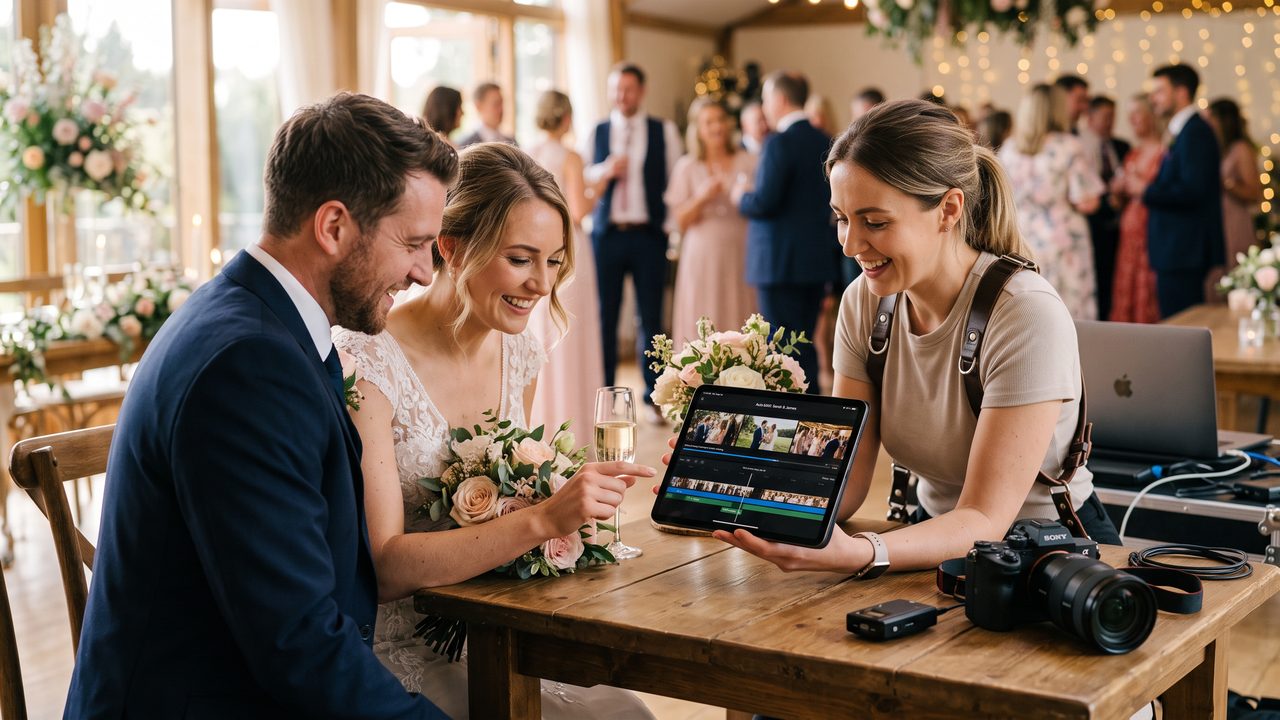
You did it. You collected every piece of wedding footage — from your professional photographer's video clips, your guests' phones, your own recordings, and maybe even a drone shot or two. You have hours and hours of raw video.
Now what?
The traditional answer is: hire a professional editor ($500-$2,000 (≈ ฿17,500)), learn video editing software (weeks of learning), or let the footage sit on a hard drive forever (the most common choice, unfortunately).
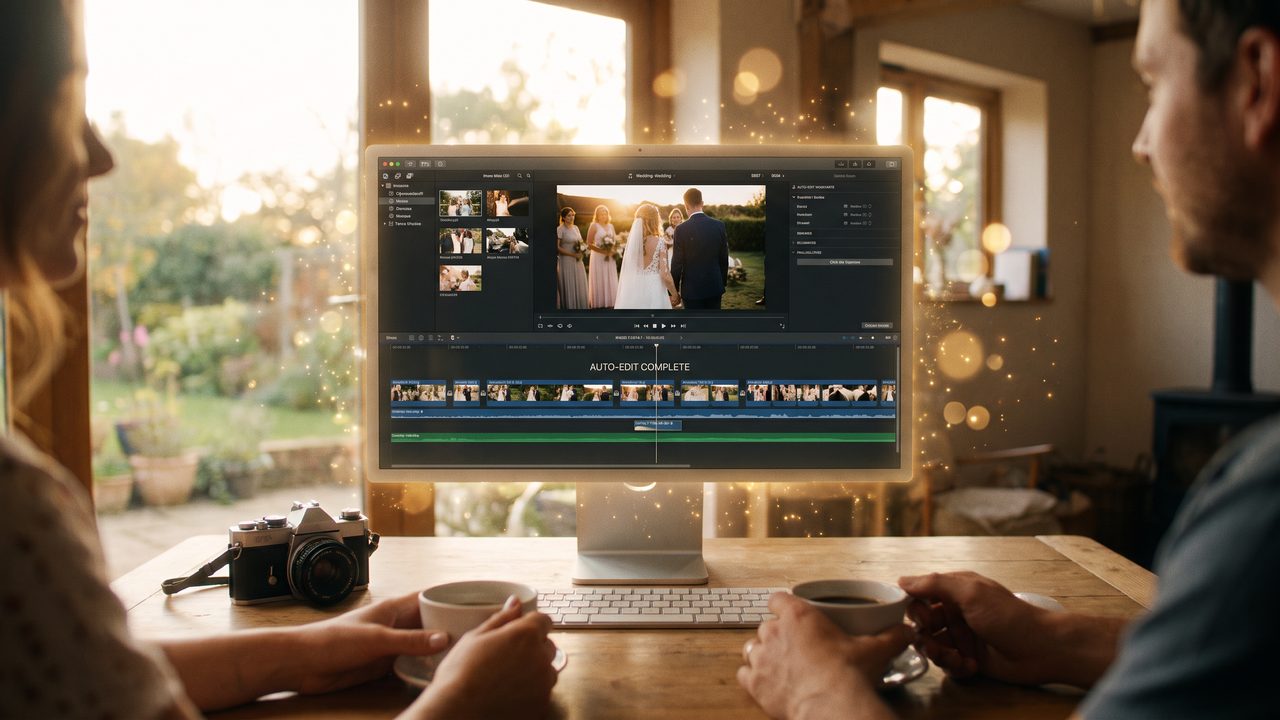
But in 2026, there's a better answer: let AI do it. Automatic wedding video editing tools can analyze your entire library of footage, identify the best moments, assemble a compelling story, add music and transitions, and deliver a polished final video — all in minutes instead of weeks.
This guide explains exactly how AI automatic editing works and how to get the best results from your wedding footage.
The Wedding Footage Problem
Let's quantify the challenge. A typical wedding generates:
| Source | Duration | Clips |
|--------|----------|-------|
| Professional videographer | 4-8 hours | 50-200 clips |
| Guest phones (10-20 guests) | 2-5 hours total | 100-500 clips |
| Couple's own recordings | 30-60 minutes | 10-50 clips |
| Drone footage | 15-30 minutes | 5-20 clips |
| **Total** | **7-14 hours** | **165-770 clips** |
That's potentially 14 hours of footage and 770 individual clips to sort through. Even a professional editor would spend 40-80 hours creating a wedding video from this much raw material.
No wonder most couples never get around to editing their wedding video. The task feels overwhelming before you even start.
How AI Automatic Editing Works
AI automatic editing uses several technologies working together to transform raw footage into a polished video:
Step 1: Content Analysis
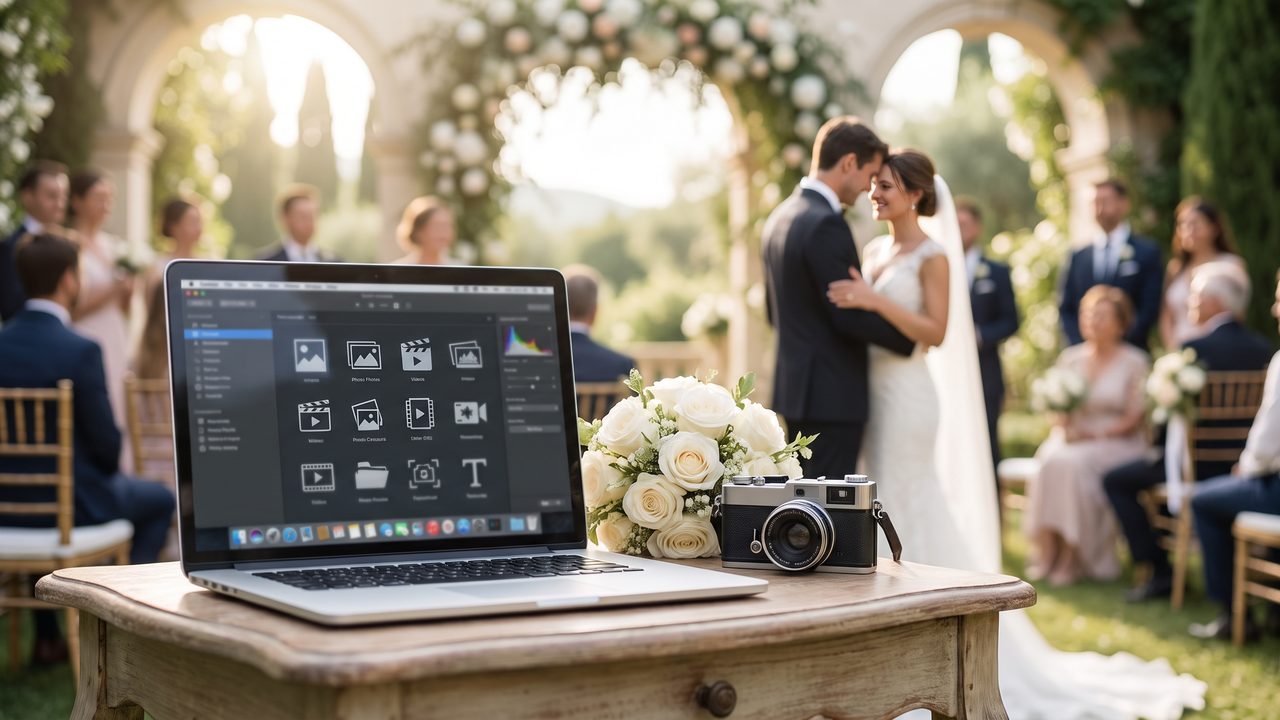
The AI analyzes every frame of every clip, identifying:
- **Faces and people** — Who's in each clip, their expressions, and emotions
- **Scenes and settings** — Ceremony, reception, outdoor, indoor, getting ready
- **Key moments** — Vows, first kiss, first dance, speeches, cake cutting
- **Visual quality** — Sharpness, exposure, composition, stability
- **Emotional content** — Smiles, tears, laughter, surprise, joy
This analysis creates a detailed "map" of your entire footage library, with every moment tagged and scored.
Step 2: Moment Selection
Based on the analysis, the AI selects the best version of each moment. If 8 guests filmed the first kiss, the AI picks the sharpest, best-composed, most emotionally resonant version. If your photographer captured the ceremony from 3 angles, the AI selects the best angle for each beat of the ceremony.
This selection process is what makes AI editing so powerful. A human editor would need to watch all 14 hours to find the best moments. The AI identifies them in minutes.
Step 3: Story Assembly
The AI arranges the selected moments into a narrative structure:
- **Opening** — Setting the scene (venue, getting ready)
- **Build-up** — Anticipation (guests arriving, final preparations)
- **Climax** — The ceremony (processional, vows, rings, kiss)
- **Celebration** — The reception (entrance, first dance, toasts, cake)
- **Resolution** — Final moments (dancing, send-off)
This narrative arc creates an emotional journey that mirrors the actual wedding day. It's the same structure that professional editors use — just automated.
Step 4: Transitions and Effects
The AI adds:
- **Smooth transitions** between scenes (crossfades, dissolves, cuts on action)
- **Color grading** for a consistent, professional look
- **Speed adjustments** — Slow motion for key moments, normal speed for the rest
- **Stabilization** for any shaky footage
Step 5: Music Synchronization
The AI selects or matches music to the video, synchronizing cuts to beats and adjusting the music's intensity to match the emotional content of each scene. Quiet, gentle music for the vows. Building energy for the reception. Euphoric crescendo for the first dance.
Getting the Best Results from AI Automatic Editing
Provide Plenty of Raw Material
The more footage the AI has to work with, the better the final result. Even short, imperfect clips contribute options. Don't pre-filter your footage too aggressively — let the AI decide what's usable.
Organize by Event (If Possible)
If you can label or folder your clips by event (ceremony, reception, getting ready), it helps the AI understand the structure faster. Most AI tools can figure this out automatically, but explicit organization speeds things up.
Include a Variety of Angles
Multiple perspectives of the same moment give the AI more options. If three people filmed the first dance from different positions, include all three. The AI will pick the best or intercut between them.
Don't Forget B-Roll
Detail shots of flowers, the cake, decorations, the venue, and guests add production value. These "B-roll" clips give the AI material for transitions and scene-setting.
Specify Your Preferences
Most AI editing tools let you set preferences:
- **Video length** — 5 minutes, 10 minutes, or 20 minutes
- **Style** — Cinematic, romantic, fun, documentary
- **Music mood** — Upbeat, emotional, classical, modern
- **Key moments** — Prioritize specific events (speeches, vows, etc.)
These preferences guide the AI's decisions and ensure the final video matches your vision.
AI Editing vs. Professional Human Editing
| Factor | AI Editing | Professional Editor |
|--------|-----------|-------------------|
| Time | Minutes to hours | 2-6 weeks |
| Cost | $10-$100 (≈ ฿350) | $500-$3,000 (≈ ฿17,500) |
| Consistency | Very consistent | Varies by editor |
| Customization | Template-based | Fully custom |
| Creative decisions | Algorithmic | Human intuition |
| Emotional nuance | Good | Excellent |
| Revision rounds | Unlimited (re-run) | Limited (2-3 typically) |
When AI Is Better
- You want a video quickly
- You're on a tight budget
- You have a lot of footage to sort through
- You want multiple versions (highlight reel, full video, social media clips)
- You don't have specific creative requirements
When a Human Editor Is Better
- You want a highly personalized, artistic video
- You have specific storytelling preferences
- You want custom animations or graphics
- Budget isn't a primary concern
- You value the creative collaboration process
The Best of Both Worlds
Many couples in 2026 use a hybrid approach: let AI create the initial edit, then have a human editor refine it. This saves the editor hours of tedious sorting and assembly, letting them focus on creative refinement. The result is a faster turnaround and lower cost than traditional editing, with the polish of human creativity.
Step-by-Step: Using AI Automatic Editing
Step 1: Collect All Footage
Gather video from every source:
- Professional videographer files
- Guest phone videos (use a shared album or file-sharing service)
- Your own recordings
- Drone footage
- Any other video (engagement shoot, rehearsal dinner, etc.)
Step 2: Upload to an AI Video Platform
Upload all footage to the AI editing platform. Most platforms accept all common video formats and can handle large uploads. If you have many gigabytes of footage, expect the upload to take some time.
Step 3: Set Your Preferences
Tell the AI what you want:
- **Video length:** "Create a 10-minute highlight video"
- **Style:** "Cinematic and romantic"
- **Key moments:** "Prioritize the ceremony vows and first dance"
- **Music:** "Gentle acoustic, building to upbeat"
- **Exclude:** "Skip the garter toss" or "Minimize footage of Uncle Bob"
Step 4: Let the AI Work
The AI will process your footage — analyzing, selecting, assembling, and polishing. This typically takes 5-30 minutes depending on the amount of footage and the platform.
Step 5: Review the First Draft
Watch the AI-generated video. Note what you love and what you'd change. Most platforms allow easy adjustments:
- Rearrange scenes
- Swap music
- Adjust pacing
- Add/remove specific moments
- Change the style or color grading
Step 6: Refine and Export
Make your adjustments and generate the final version. Export in your desired resolution and format. Most platforms offer multiple export options for different uses (social media, large screen, archival).
What If You Have Too MUCH Footage?
Yes, this is a real problem. If you have 50+ gigabytes of footage:
- **Don't try to watch it all yourself** — That's what AI is for
- **Upload everything** — The AI can handle large libraries
- **Use keywords/tags** — If your platform supports it, tag key events
- **Create multiple videos** — Ask the AI to create a highlight reel AND a full-length video
- **Archive the raw footage** — Back it up separately for future use
Our complete wedding video guide covers the full process from raw footage to finished video.
Common Concerns About AI Editing
"Will it miss important moments?"
AI is very good at identifying key moments — often better than a distracted human editor. It won't get tired, won't have personal preferences that bias the selection, and won't accidentally skip a moment because it was checking its phone.
"Will all AI-edited videos look the same?"
Modern AI tools offer extensive customization. Different templates, styles, music choices, and pacing options mean your video can look very different from someone else's — even if you used the same tool.
"Can I still make changes after the AI generates a video?"
Absolutely. AI-generated videos are starting points, not final products. You can adjust everything — scene order, music, pacing, effects — until it's perfect.
"What about privacy?"
Reputable AI video platforms have strict privacy policies. Your footage is processed securely and deleted after video generation. Always check the platform's privacy policy before uploading.
Start Editing Your Wedding Footage with AI
Stop letting your wedding footage collect digital dust. WeddingAI's automatic editing tool can transform your hours of raw footage into a beautiful, professionally edited wedding video in minutes.
- **Automatic moment detection** finds the best parts of your footage
- **Smart story assembly** creates a compelling narrative
- **Professional music sync** adds emotion and rhythm
- **One-click export** in any format you need
**Start automatic wedding video editing →**
Your footage is ready. Let AI turn it into the wedding video you've been dreaming of.
พร้อมที่จะเปลี่ยนความทรงจำในงานแต่งงานของคุณแล้วหรือยัง?
บอกเราเกี่ยวกับโครงการของคุณ แล้วเราจะติดต่อกลับภายใน 24 ชั่วโมงพร้อมเสนอราคาฟรี
รับใบเสนอราคาฟรี →