
WeddingAI.videoบล็อก
WeddingAI Video Complete Guide: Everything You Need to Know
The complete guide to WeddingAI Video. Learn how to create stunning AI wedding videos, explore all features, and get expert tips for perfect results every time.
อ่าน 10 นาที
There's a moment that happens almost universally when couples first see their AI-generated wedding video. It's a sharp intake of breath, followed by silence, and then — very often — tears.
"That's... that's really our wedding," said Rachel, watching her highlight reel for the first time. "But it looks like a movie. How did it know to focus on that moment with my dad?"
The answer is both simple and profound: WeddingAI Video was built specifically to understand weddings. Not just video editing — weddings. The emotions, the arc, the moments that matter. It's the difference between a tool that processes footage and a tool that understands love stories.
This guide covers everything you need to know about WeddingAI Video — from first upload to final share, from basic features to advanced techniques. Whether you're a complete beginner or looking to get more out of the platform, this is your definitive resource.
What Is WeddingAI Video?
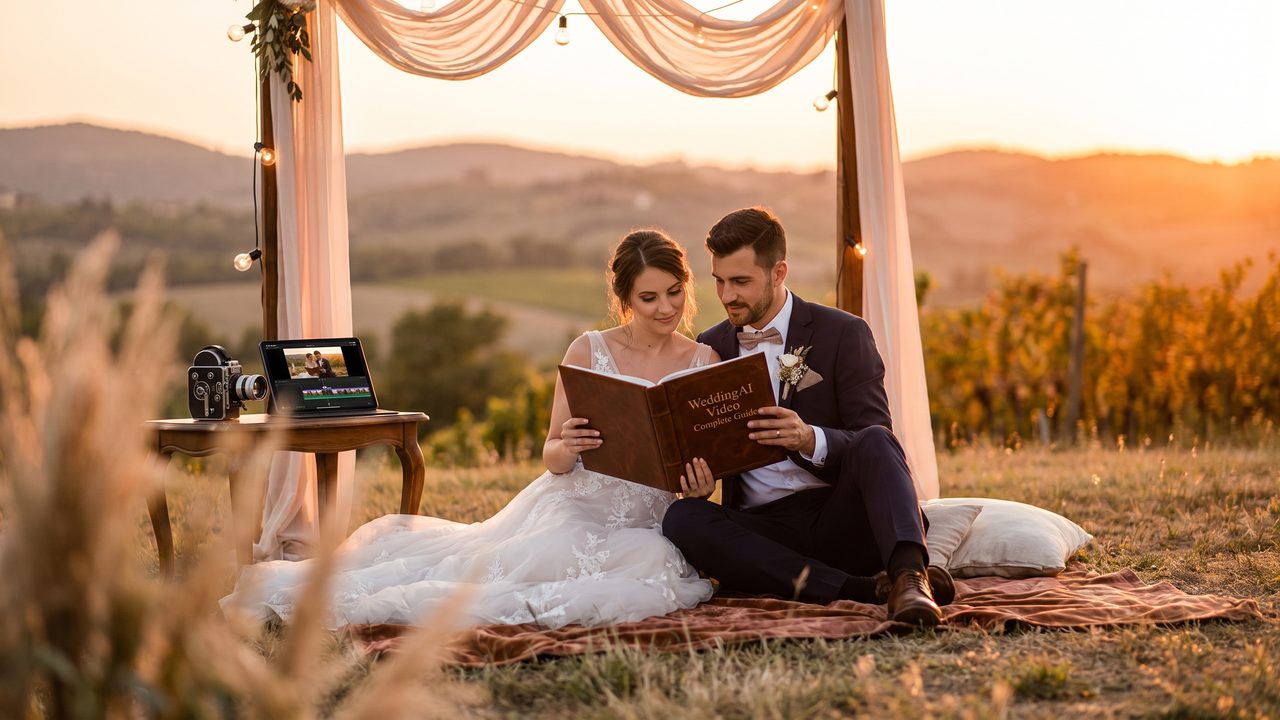
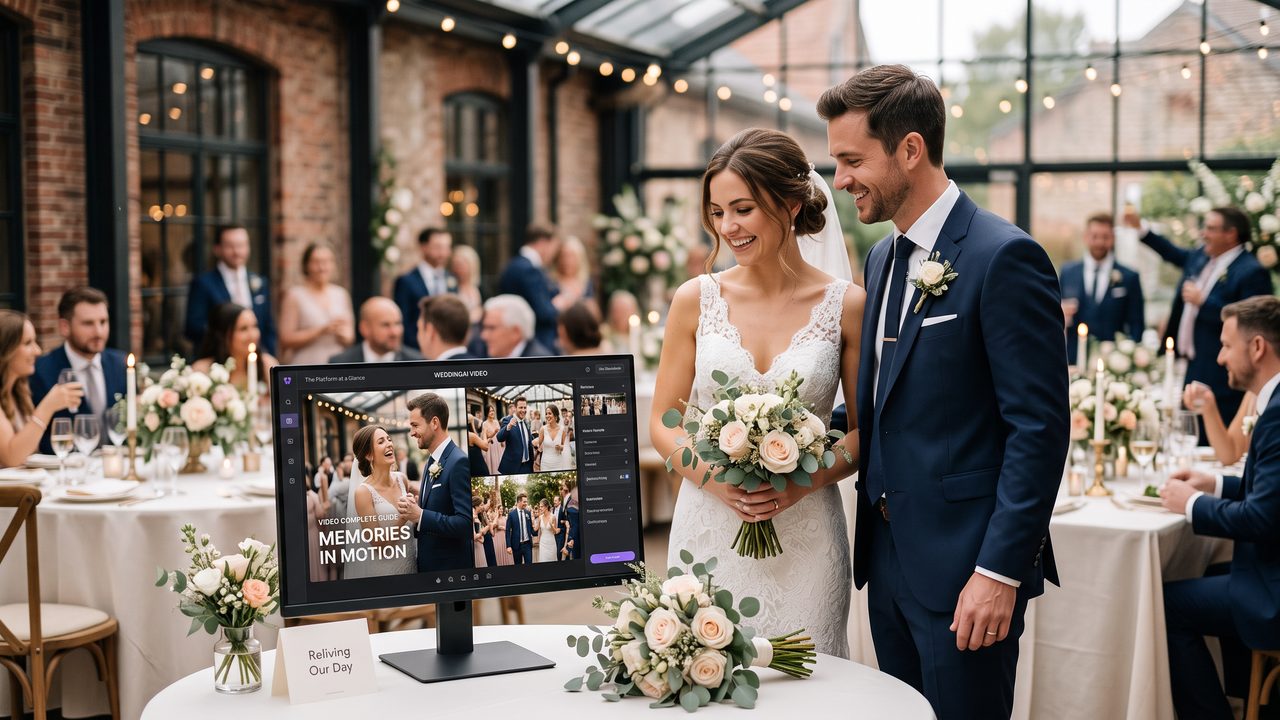
The Platform at a Glance
WeddingAI Video is an AI-powered video creation platform designed exclusively for wedding content. Unlike general-purpose video editors that treat wedding footage the same as vacation clips or product demos, WeddingAI Video is trained specifically on wedding content and understands:
- The emotional arc of a wedding day
- Which moments carry the most significance
- How to pace a video that tells a love story
- What styles and aesthetics couples prefer
- How to balance music, ambient sound, and speech
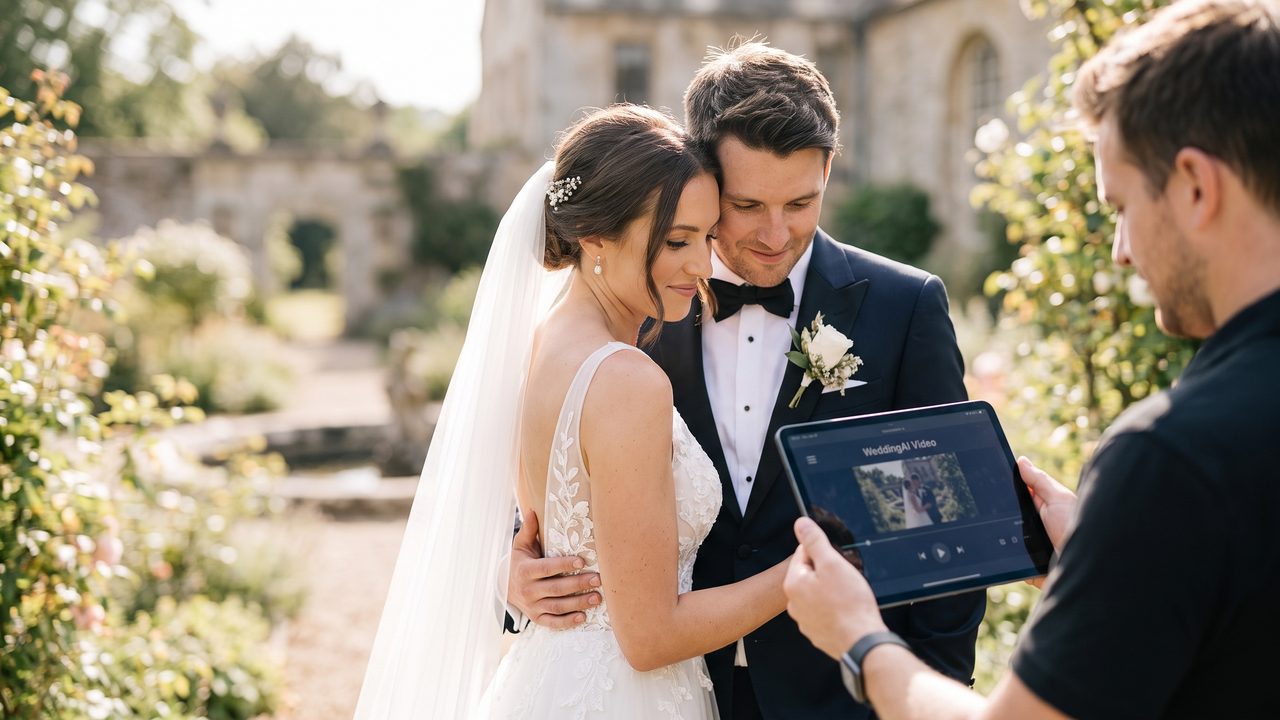
The result is a platform that doesn't just edit your video — it *interprets* your wedding and creates a narrative that captures its essence.
How It Works (The Technology Behind the Magic)
WeddingAI Video uses a combination of advanced AI technologies:
**Computer Vision** — Analyzes every frame of your footage to detect faces, emotions, scenes, and key moments. It identifies the first kiss, the father-daughter dance, the ring exchange, and dozens of other significant moments automatically.
**Natural Language Processing** — When your footage includes speeches, vows, or toasts, the AI transcribes and analyzes the content to identify the most emotionally impactful segments.
**Music Intelligence** — The platform analyzes your chosen music's structure (intro, verse, chorus, bridge, climax) and synchronizes video cuts, transitions, and pacing to match.
**Style Transfer** — Applies cinematic color grading, film emulation, and visual styles that give your footage a professional, cohesive look regardless of the original recording quality.
**Narrative Construction** — Perhaps most impressively, the AI constructs a story arc from your footage, ensuring the video has a beginning, middle, and end that feels natural and emotionally satisfying.
Your Complete Service Menu
Video Enhancement Services
WeddingAI Video offers several enhancement services that elevate your footage beyond basic editing:
Transform key moments into breathtaking slow-motion sequences. The AI identifies the best moments for slow-motion treatment — the veil toss, the first kiss, the confetti throw — and applies smooth, cinematic slow motion that looks like it was shot on a high-end camera.
**When to use it:**
- First dance highlights
- Ceremony moments (ring exchange, first kiss, vows)
- Emotional reactions (tears, laughter, surprise)
- Dance floor action shots
- Bouquet and garter tosses
**Pro tip:** Less is more with slow motion. Use it for 3-5 key moments in a highlight reel, not the entire video. Overuse kills the impact.
If you have footage from older weddings — parents' wedding videos, grandparents' ceremony clips, or even your own engagement footage shot on older devices — the vintage restoration service can:
- Stabilize shaky footage
- Improve color and contrast
- Reduce noise and grain (while preserving intentional film grain aesthetics)
- Upscale resolution where possible
- Apply period-appropriate color grading
**When to use it:**
- Incorporating parents' or grandparents' wedding footage into your video
- Restoring old family video clips for a family tribute
- Creating a nostalgic aesthetic for your own wedding video
- Preparing archival footage for a multi-generational montage
Personalization Services
This is where WeddingAI Video truly shines. The personalization suite lets you create videos that are uniquely, unmistakably yours:
#### Wedding Trailer
A cinematic 1-3 minute trailer that tells your wedding story with the drama and polish of a movie preview. Perfect for:
- Social media announcements
- Rehearsal dinner screenings
- Anniversary gifts
- Shareable keepsakes that give a taste of the full video
The trailer service uses advanced pacing techniques — building anticipation, establishing characters (you!), creating emotional tension, and delivering a satisfying conclusion — all in under three minutes.
#### AI Video Generator
The core engine that powers all WeddingAI Video creation. Feed it your footage, choose your settings, and receive a professionally edited video. Features include:
- Multiple cinematic style presets
- Automatic scene detection and selection
- Music synchronization
- Color grading and visual unification
- Multi-format export (social media, widescreen, mobile)
Your pets are family. This service identifies and highlights your furry (or feathered, or scaled) family members in your wedding footage:
- Automatic pet detection and tracking
- Dedicated pet moment compilation
- Pet-centric highlight options
- Integration with the main wedding video
Because let's be honest — the flower dog deserves its own highlight reel.
For multicultural couples and families, this service adds professionally styled subtitles in multiple languages:
- Support for 50+ languages
- Automatic speech detection and transcription
- Culturally appropriate subtitle styling
- Multiple language tracks for the same video
**Essential for:** Couples where families speak different languages, destination weddings with international guests, and anyone who wants their video accessible to a global audience.
#### Cartoon Style
Transform your wedding footage into a charming animated version:
- Multiple animation styles (watercolor, comic book, anime, classic cartoon)
- Maintains recognizable likenesses
- Perfect for unique save-the-date videos, thank-you cards, or fun social media content
- Creates a whimsical, artistic interpretation of your day
#### Meme Generator
Turn your funniest wedding moments into shareable memes:
- Automatic detection of humorous moments
- Template-based meme creation
- Social media-optimized formats
- Perfect for extending the wedding fun to your broader social circle
Absence Compensation Services
Some of the most emotionally powerful WeddingAI Video features address a painful reality: not everyone can be at your wedding.
#### Family Tribute Video
Create a beautiful tribute video honoring family members who couldn't attend or who have passed:
- Weaves archival photos and video into the wedding footage
- Creates a seamless narrative that includes absent loved ones
- Multiple tribute styles (celebratory, memorial, honorific)
- Perfect for grandparents who couldn't travel, deployed military family members, or memorializing those who've passed
#### Family Message Integration
Integrate recorded messages from absent loved ones into your wedding video:
- Collect video messages from family members worldwide
- AI seamlessly weaves messages into the narrative flow
- Professional styling and transitions between messages and wedding footage
- Creates a powerful emotional bridge between those who were there and those who couldn't be
#### Celebrity Message
Add a fun, surprising element to your video with AI-generated celebrity-style messages:
- Choose from a library of celebrity voice styles
- Custom message scripting
- Tasteful integration into the video
- Perfect for surprise reveals, rehearsal dinner entertainment, or just a good laugh
Step-by-Step: Creating Your WeddingAI Video
Phase 1: Preparation (10-15 minutes)
**1. Gather your footage**
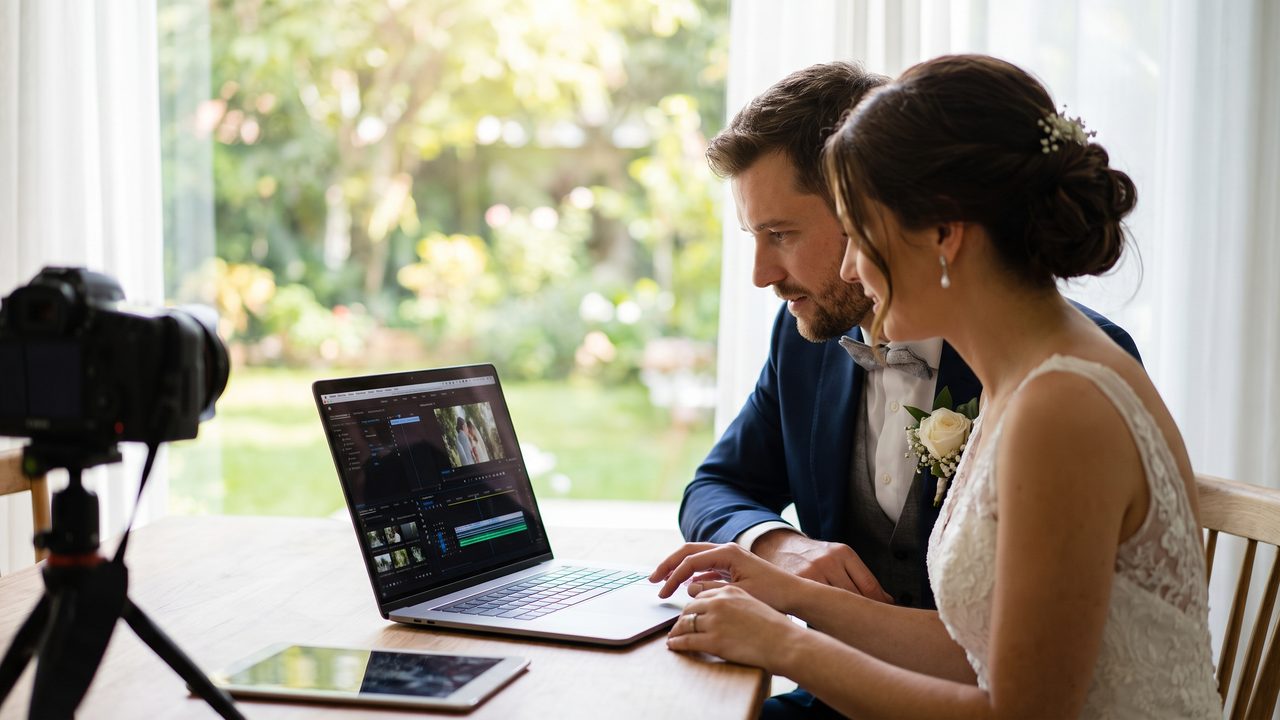
Collect all video clips into a single folder. Include everything — ceremony, reception, preparation, candid moments, guest recordings. The more material the AI has, the better the result.
**2. Optional: Gather photos**
If you want to include still photos in your video, collect your favorites. Professional photos work best, but smartphone photos are welcome too.
**3. Choose your music**
Think about the mood you want:
- Romantic and emotional? Choose a slow, heartfelt ballad
- Fun and energetic? Pick an upbeat celebration anthem
- Cinematic and dramatic? Look for orchestral or ambient tracks
- Personal and meaningful? Use "your song" or a track from your relationship
**4. Decide on your format**
Consider where you'll primarily watch and share the video:
- Social media? Choose vertical (9:16) or square (1:1)
- TV/laptop viewing? Choose widescreen (16:9)
- Multiple destinations? Create multiple versions
Phase 2: Upload and Configure (5-10 minutes)
**1. Upload your footage**
Navigate to the upload area and add your clips. The platform accepts all common video formats and will automatically handle conversion if needed.
**2. Select your service(s)**
Choose from the service menu based on what you want:
- Basic highlight reel? Use the AI Video Generator
- Cinematic trailer? Add the Wedding Trailer service
- Enhanced moments? Add Slow Motion or Vintage Restoration
- Personal touches? Add Pet Wedding, Multilingual, or Family Message services
**3. Configure your settings**
Set your preferences:
- Video style (cinematic, romantic, vintage, energetic, minimalist, fun)
- Duration (short teaser, highlight reel, or full-length edit)
- Music selection
- Output format and resolution
Phase 3: AI Processing (5-30 minutes)
This is where you step back and let the AI work. During processing:
- The AI analyzes every frame of your footage
- It identifies key moments, emotions, and narrative elements
- It constructs a story arc with proper pacing
- It synchronizes cuts to your chosen music
- It applies your selected style and color grading
- It integrates any additional services (subtitles, pet features, family messages)
- It renders the final output in your chosen format
Processing time depends on video length and selected services:
- Simple highlight reel: 5-10 minutes
- Trailer with enhancements: 10-20 minutes
- Full-length edit with all services: 20-45 minutes
Phase 4: Review and Refine (10-30 minutes)
**1. Watch the first draft**
Watch through once without making notes. Experience it as a viewer first.
**2. Note adjustments**
Common refinements:
- Swap music tracks
- Adjust pacing (faster/slower)
- Add or remove specific moments
- Change the visual style
- Adjust subtitle placement or language
**3. Iterate**
Make changes and regenerate. Most adjustments take just a few minutes to process.
**4. Create variants**
Consider making multiple versions:
- Family version (longer, includes ceremony)
- Friends version (energetic, reception-focused)
- Social media versions (optimized for each platform)
- Multilingual versions for different family branches
Phase 5: Export and Share (5 minutes)
**1. Export your final video(s)**
Choose the appropriate resolution and format for each destination.
**2. Download and back up**
Download to your computer and back up to at least one cloud service.
**3. Share with the world**
Post, email, message, or screen your video wherever your audience is.
Expert Tips for Stunning Results
Tip 1: Let the AI Do Its Job First
The biggest mistake new users make is over-configuring before seeing what the AI produces. Upload your footage, choose basic settings, and see what the AI creates. You might be surprised — and delighted — by moments it highlights that you'd forgotten about.
Tip 2: Music Is Your Most Powerful Lever
If you change one thing, change the music. The same footage set to different songs produces dramatically different emotional effects. Experiment with 3-4 different tracks before settling on one.
Tip 3: Use Enhancement Services Strategically
Don't add every service to every video. Instead:
- **Highlight reel:** AI Video Generator + Slow Motion for 2-3 key moments
- **Family video:** AI Video Generator + Family Message + Multilingual subtitles
- **Fun social content:** AI Video Generator + Meme Generator + Cartoon Style
- **Memorial tribute:** AI Video Generator + Family Tribute + Vintage Restoration
Tip 4: Quality In, Quality Out
While AI can enhance mediocre footage, it can't create detail that isn't there. Upload the highest quality source files available. If you have both 4K and 1080p versions of the same clip, upload the 4K.
Tip 5: Don't Neglect the Audio
If your ceremony footage has clear audio of vows or speeches, consider keeping some of that audio in the mix rather than drowning it entirely with music. A few seconds of real vow audio, transitioning into music, can be incredibly powerful.
Tip 6: Create for Your Audience
Different viewers want different things:
- **Your parents** want to see the ceremony, the family moments, the tradition
- **Your friends** want to see the party, the dancing, the funny moments
- **Social media followers** want something quick, polished, and shareable
- **Future you** wants everything — the emotions, the details, the moments you'll forget
Create versions that serve each audience rather than one video that tries to please everyone.
Troubleshooting Common Issues
"The AI missed an important moment"
If the AI didn't include a moment you consider essential:
- Check if the moment exists in your uploaded footage
- Use the "boost moment" feature to increase its priority
- Re-process with the adjustment applied
"The video feels too fast/slow"
Adjust the pacing setting:
- For a more leisurely feel, reduce the tempo setting
- For more energy, increase the tempo
- Try changing the music — often what feels like a pacing issue is actually a music mismatch
"Colors look inconsistent across clips"
This is common when footage comes from multiple devices. The AI's color grading usually handles this, but if you notice issues:
- Try a different style preset (some handle color variation better than others)
- Use the "color unification" enhancement option
- Upload the original, unedited clips if you applied filters on your phone
"The exported video quality doesn't look as good as the preview"
This can happen if:
- You exported at a lower resolution than the preview
- Your playback device or app is compressing the video
- The export settings don't match your viewing platform
Solution: Export at the highest available resolution and play using a quality video player (VLC, native device player) rather than through a messaging app.
Pricing and Plans
Free Tier
- Upload up to 30 minutes of footage
- Generate preview-quality highlight reels
- Basic style options
- 720p export
- Watermark on final export
Standard Plan
- Upload up to 2 hours of footage
- Full HD (1080p) export
- All basic styles
- No watermark
- Music library access
- One enhancement service included
Premium Plan
- Upload up to 10 hours of footage
- 4K export
- All styles and enhancements
- Multiple output formats
- Priority processing
- Unlimited revisions
- All personalization services included
À La Carte
Individual services can be purchased separately:
- Slow Motion Enhancement
- Vintage Restoration
- Wedding Trailer
- Pet Wedding Integration
- Multilingual Subtitles
- Cartoon Style
- Meme Generator
- Family Tribute
- Family Message
- Celebrity Message
Getting Started Right Now
You've read the guide. You know the options. Now it's time to create.
**Start Your WeddingAI Video →**
Upload your footage, choose your style, and let AI tell your love story. Your first preview is free — no commitment, no credit card, no technical expertise required.
Your wedding was a once-in-a-lifetime event. Your video should capture it that way.
---
*Ready to dive deeper? Explore our case studies to see real results from real couples, or check out our guide to making your first AI wedding video for a hands-on walkthrough.*
พร้อมที่จะเปลี่ยนความทรงจำในงานแต่งงานของคุณแล้วหรือยัง?
บอกเราเกี่ยวกับโครงการของคุณ แล้วเราจะติดต่อกลับภายใน 24 ชั่วโมงพร้อมเสนอราคาฟรี
รับใบเสนอราคาฟรี →