

WeddingAI.videoบล็อก
Best AI Wedding Video Tools 2026: Complete Comparison Guide
Discover the best AI wedding video tools of 2026. Compare features, pricing, and quality to find the perfect AI video generator for your wedding memories.
อ่าน 10 นาที
The AI wedding video space has exploded. What was a niche curiosity in 2024 is now a legitimate industry, with dozens of tools promising to transform your raw wedding footage into cinematic masterpieces. But not all AI video tools are created equal. Some produce stunning results; others deliver generic, cookie-cutter outputs that look like every other AI-generated video on the internet.
As someone who's tested and compared the leading platforms, I'm going to walk you through the best AI wedding video tools available in 2026 — what they do well, where they fall short, and which one is right for your specific needs.
What Makes a Great AI Wedding Video Tool?
Before diving into specific tools, let's establish what actually matters:
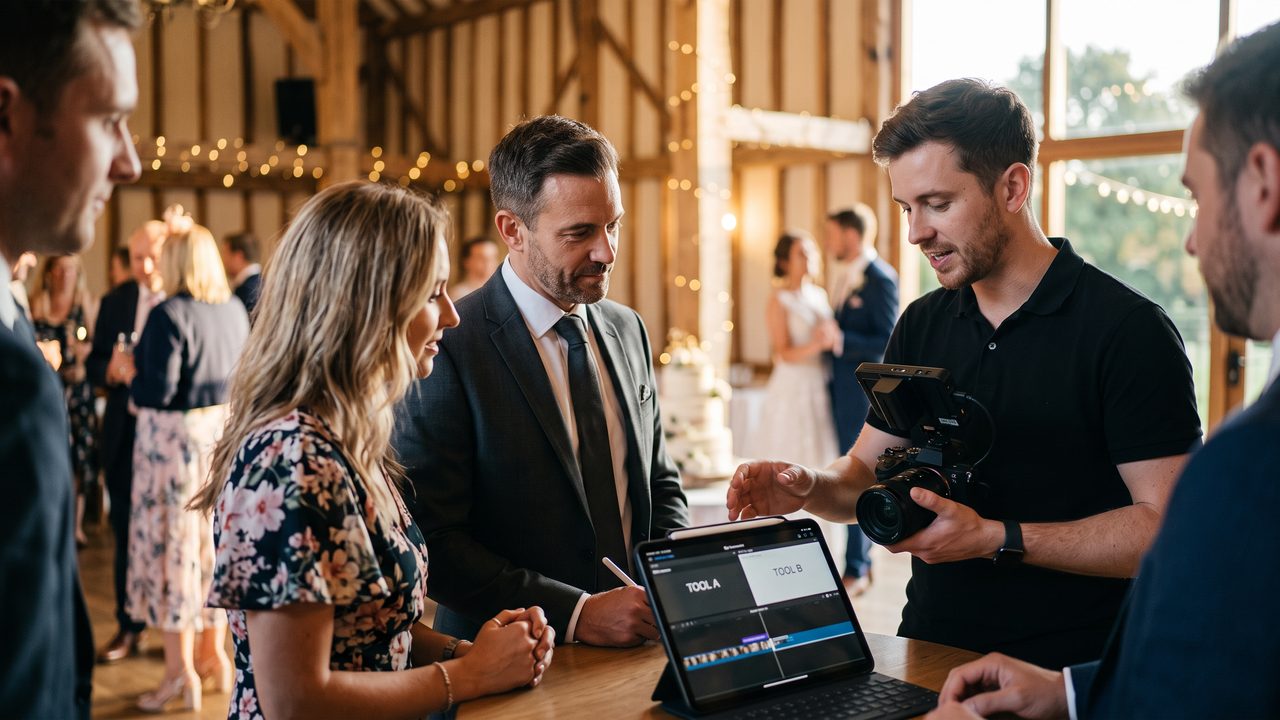
Core Criteria
- **Output quality** — Does the final video look professional? Is the color grading consistent? Are transitions smooth?
- **Ease of use** — Can a non-technical person use it without watching hours of tutorials?
- **Customization** — Can you control the style, music, pacing, and structure?
- **Turnaround time** — How long from upload to final video?
- **Specialized features** — Does it offer wedding-specific tools like slow-motion, vintage restoration, or multilingual subtitles?
- **Pricing** — Is it transparent? Are there hidden costs?
- **Support** — What happens when something goes wrong?
Top AI Wedding Video Tools in 2026
1. WeddingAI Video
**Best for:** Comprehensive wedding video creation with specialized features
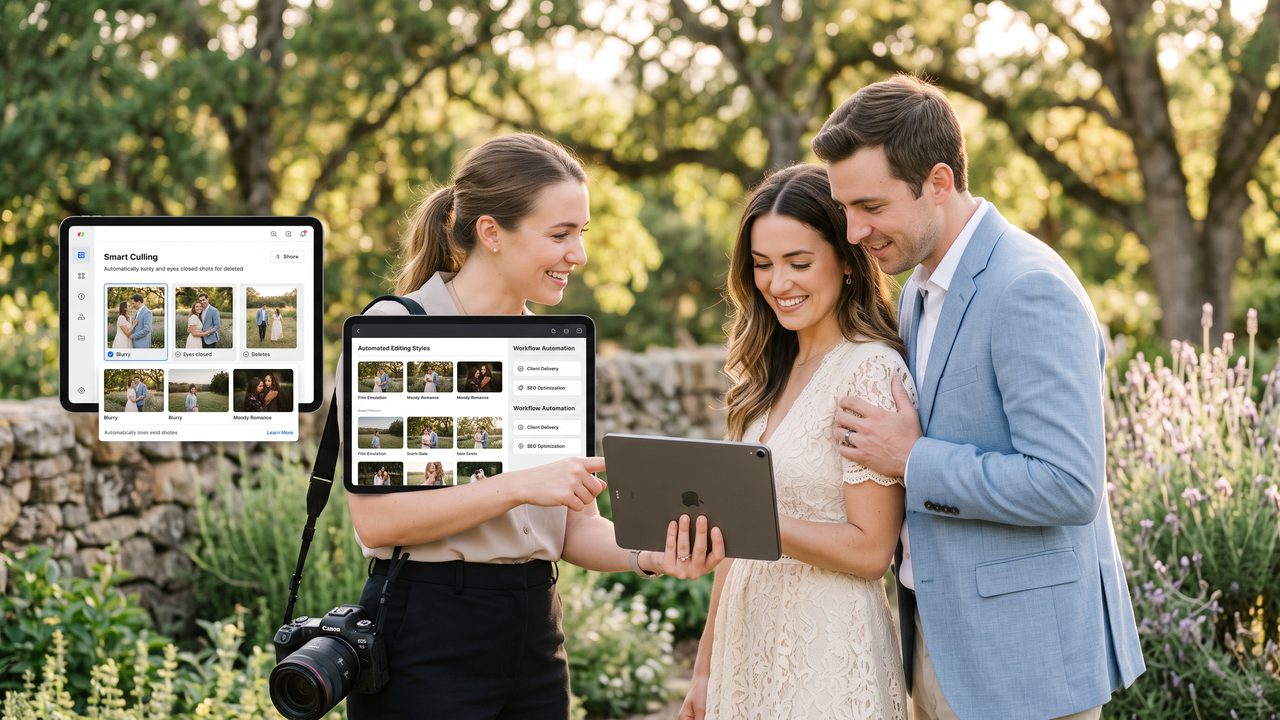
WeddingAI Video has positioned itself as the go-to platform specifically for wedding content. Unlike general-purpose AI video tools, everything about this platform is designed for weddings — from the template library to the AI models trained specifically on wedding footage.
**Key Features:**
- AI-powered editing that understands wedding ceremony structure (processional, vows, first kiss, reception)
- Slow-motion enhancement for dramatic moments
- Vintage restoration for old family footage
- Multilingual subtitle generation in 30+ languages
- Cartoon and anime style conversion
- Pet wedding features for couples who want their animals in the spotlight
- Family tribute integration for absent loved ones
- Wedding trailer generation for social media
**Pricing:** Packages start from $29 (≈ ฿1,015) for basic editing, with premium packages at $99-$299 (≈ ฿3,465) for full-feature access.
**Turnaround:** 15 minutes to 2 hours depending on complexity.
**Pros:** Wedding-specific AI models produce more contextually appropriate edits. The specialized features (slow-motion, vintage restoration) are genuinely useful. Multilingual subtitles are a standout for international couples.
**Cons:** Only works for wedding content — you can't use it for other video projects. Some advanced features require premium packages.
**Verdict:** If you want a tool built specifically for wedding videos, this is the clear leader. The wedding-trained AI produces noticeably better results than general-purpose tools when it comes to understanding ceremony flow and emotional moments. Try WeddingAI Video →
2. Runway ML
**Best for:** Creative, artistic wedding videos with experimental effects
Runway ML is a powerful general-purpose AI video platform that many couples have adopted for wedding content. Its strength lies in its generative AI capabilities — you can create effects and transformations that no other tool offers.
**Key Features:**
- Gen-3 video generation and editing
- Style transfer (apply artistic styles to your footage)
- Background removal and replacement
- Motion tracking and object isolation
**Pricing:** Free tier available; paid plans from $12 (≈ ฿420)/month.
**Turnaround:** Varies widely depending on the effect. Simple edits in minutes; complex generations can take hours.
**Pros:** Incredible creative possibilities. If you want a watercolor-style wedding video or a dreamy, ethereal look, Runway can do it.
**Cons:** Steep learning curve. Not wedding-specific — you'll need to manually structure your edits. Requires some video editing knowledge to get good results.
**Verdict:** Best for tech-savvy couples who want unique, artistic results and are willing to invest time learning the platform.
3. CapCut (with AI Features)
**Best for:** Budget-conscious couples who want quick, social-media-ready edits
CapCut has evolved from a simple mobile editor into a surprisingly capable AI-powered platform. Its AI features — auto-editing, music sync, template-based creation — make it accessible to anyone with a smartphone.
**Key Features:**
- AI-powered auto-edit with music sync
- Extensive template library (including wedding templates)
- Auto-captions and subtitles
- Background removal
- Direct social media export
**Pricing:** Free with optional Pro subscription ($7.99 (≈ ฿280)/month).
**Turnaround:** Minutes for template-based edits; longer for custom projects.
**Pros:** Free or very cheap. Mobile-friendly. Huge template library. Good for social media content.
**Cons:** Limited customization. Templates can feel generic. Output quality doesn't match dedicated wedding video tools. Watermark on free tier.
**Verdict:** Great for quick social media edits and couples on a tight budget. Not ideal for a comprehensive wedding film.
4. Pictory
**Best for:** Turning long ceremony footage into short highlight reels
Pictory specializes in condensing long videos into shorter, engaging clips. For couples who have hours of ceremony footage but want a 5-minute highlight reel, Pictory's AI can identify the most emotional and visually interesting moments.
**Key Features:**
- AI-powered highlight extraction
- Automatic caption generation
- Brand and style customization
- Text-to-video capabilities
**Pricing:** Plans from $19 (≈ ฿665)/month.
**Turnaround:** 10-30 minutes for highlight extraction.
**Pros:** Excellent at identifying key moments in long footage. Good caption generation.
**Cons:** Limited creative control. The AI sometimes misses important moments or includes irrelevant clips. Not wedding-specific.
**Verdict:** Useful as a supplementary tool for creating highlight reels, but not comprehensive enough as a primary wedding video solution.
5. Synthesia
**Best for:** Creating wedding-related talking-head content (not ceremony footage)
Synthesia creates AI-generated videos with virtual presenters. While it's not suitable for editing actual wedding footage, it's useful for creating related content like:
- Wedding website welcome videos
- Thank-you messages to guests
- Save-the-date announcements with AI presenters
- Celebrity message videos
**Pricing:** From $22 (≈ ฿770)/month.
**Turnaround:** Minutes for generated content.
**Pros:** Unique capability for creating presenter-led content without filming.
**Cons:** Not suitable for actual wedding footage editing. AI presenters can feel uncanny.
**Verdict:** Niche use case. Consider it for supplementary wedding content, not your main video.
Comparison Table
| Feature | WeddingAI Video | Runway ML | CapCut | Pictory | Synthesia |
|---------|----------------|-----------|--------|---------|-----------|
| Wedding-specific | ✅ | ❌ | Partial | ❌ | ❌ |
| Slow-motion enhancement | ✅ | ✅ | ❌ | ❌ | ❌ |
| Vintage restoration | ✅ | ❌ | ❌ | ❌ | ❌ |
| Multilingual subtitles | ✅ | ❌ | ✅ | ✅ | ✅ |
| Cartoon style | ✅ | ✅ | ❌ | ❌ | ❌ |
| Pet features | ✅ | ❌ | ❌ | ❌ | ❌ |
| Family tribute | ✅ | ❌ | ❌ | ❌ | ❌ |
| Ease of use | ⭐⭐⭐⭐⭐ | ⭐⭐⭐ | ⭐⭐⭐⭐⭐ | ⭐⭐⭐⭐ | ⭐⭐⭐⭐ |
| Price range | $29-$299 (≈ ฿1,015) | $0-$76 (≈ ฿0)/mo | $0-$8 (≈ ฿0)/mo | $19 (≈ ฿665)/mo+ | $22 (≈ ฿770)/mo+ |
How to Choose the Right Tool
Choose WeddingAI Video if:
- You want a tool specifically designed for weddings
- You need specialized features like slow-motion, vintage restoration, or multilingual subtitles
- You want professional results without a steep learning curve
- You're creating multiple video versions (highlight reel, full ceremony, social media trailer)
Choose Runway ML if:
- You want unique, artistic effects
- You're comfortable with video editing software
- Creative experimentation is your priority
- Budget is flexible
Choose CapCut if:
- You're on a tight budget (or want free)
- Your primary goal is social media content
- You want quick, template-based edits
- You're editing on your phone
Choose a combination if:
- You want the best possible results
- You're creating multiple types of wedding content
- You want to experiment with different styles
The Future of AI Wedding Video
The AI wedding video space is evolving rapidly. Here's what we expect to see in the coming years:
- **Real-time editing:** AI that can edit your wedding video live during the ceremony
- **Voice cloning:** AI-generated narration in your own voice
- **Emotion detection:** AI that identifies the most emotional moments automatically
- **3D reconstruction:** Turning 2D footage into 3D scenes you can explore
- **Integration with wearables:** AI that edits footage from guest-worn cameras
These advancements will make AI wedding video tools even more powerful and accessible.
Testimonials
> "I tried three different AI tools before settling on WeddingAI Video. The difference in quality was obvious — it actually understood that the ceremony had a structure, not just random clips." — **Michelle & Ryan, married 2025**
> "We used CapCut for our Instagram reel and WeddingAI Video for our full wedding film. Different tools for different purposes, and both worked great." — **Sophia & Alex, married 2026**
> "The vintage restoration feature brought my grandmother's 1960s wedding footage back to life. I cried. Worth every penny." — **James, married 2025**
Start Creating Your Wedding Video
The best tool is the one that fits your needs, budget, and technical comfort level. But if you want a platform that's built from the ground up for wedding videos — with specialized features you won't find anywhere else — WeddingAI Video is the place to start.
พร้อมที่จะเปลี่ยนความทรงจำในงานแต่งงานของคุณแล้วหรือยัง?
บอกเราเกี่ยวกับโครงการของคุณ แล้วเราจะติดต่อกลับภายใน 24 ชั่วโมงพร้อมเสนอราคาฟรี
รับใบเสนอราคาฟรี →