
WeddingAI.video 博客
How AI Turns Wedding Photos Into Cinematic Videos
Discover the AI technology that transforms static wedding photos into cinematic videos with realistic motion, professional transitions, and emotional storytelling.
阅读时间 11 分钟
You have hundreds of beautiful wedding photos. They're stunning — perfectly composed, beautifully lit, capturing every important moment. But they're still images. They don't move. They don't have sound. They can't convey the energy, the emotion, the full experience of your wedding day.
What if you could bring those photos to life? Not in a cheesy, slideshow-with-transitions way, but in a genuinely cinematic way — with subtle motion, professional effects, and emotional storytelling that makes viewers feel like they're watching actual video footage?
That's exactly what AI does in 2026. And it's nothing short of remarkable.
The Technology Behind the Magic
Let's pull back the curtain on how AI actually transforms static photos into moving video. Understanding the technology will help you appreciate the results and get better output from the tools you use.
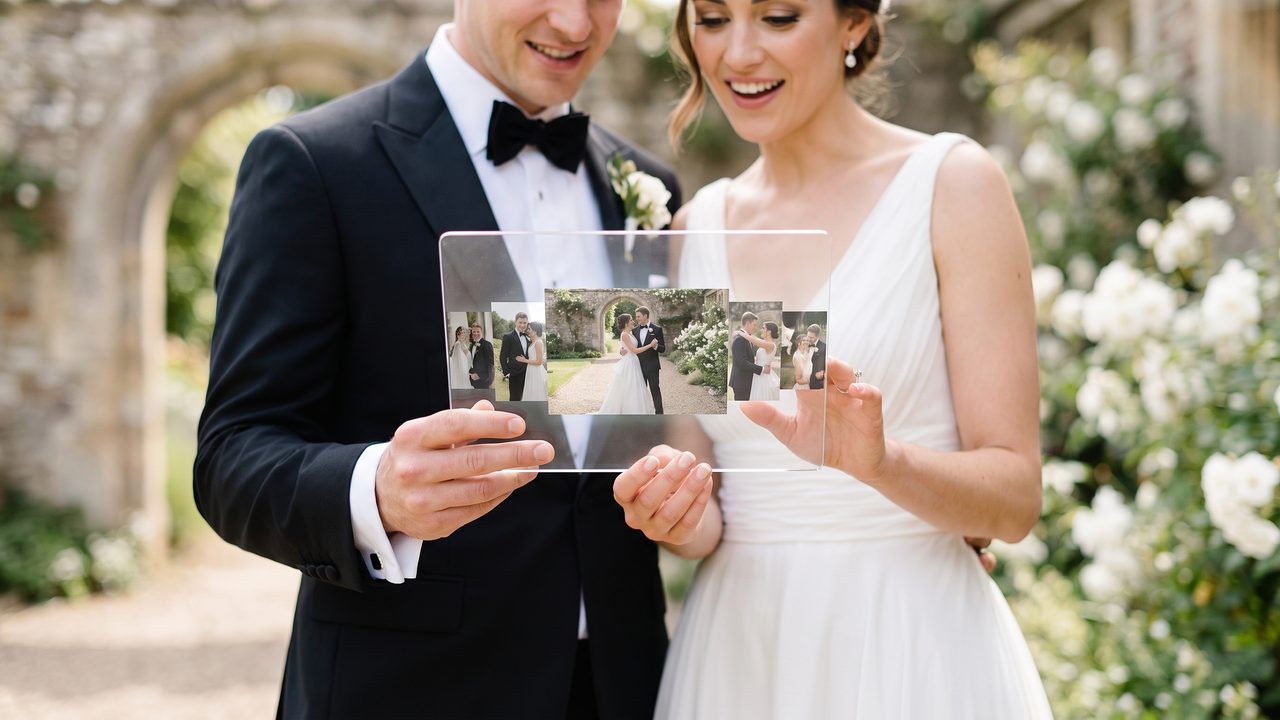
Photo Animation: Adding Realistic Motion
The core technology is called "image animation" or "photo-to-video synthesis." Here's how it works:
The AI analyzes each photo and identifies elements that should move naturally — hair, fabric, water, clouds, foliage, fire, and even subtle camera movement. It then generates realistic motion for these elements while keeping the rest of the image stable.
The result is a photo that appears to be a video clip. Hair blows gently in the wind. A bride's veil flows. Candles flicker. Water ripples. The camera slowly pans or zooms. It's subtle, tasteful, and incredibly effective.
Maria from Chicago shared her reaction: "When I saw my wedding photos turned into video, I literally gasped. The AI added this gentle breeze that made my veil flow, and it looked like a real video clip. My mom thought we'd hired a secret videographer."
Parallax Depth Effect: Creating 3D from 2D
Another technique AI uses is parallax animation. The AI estimates the depth of different elements in a photo (foreground, midground, background) and creates a 3D-like effect where closer objects move differently than distant ones.
This creates a beautiful sense of depth and dimension. Imagine your wedding photo where you're in the foreground and the venue is behind you — the AI can create a subtle zoom effect where you slightly separate from the background, creating a three-dimensional feel.
Scene Composition: Building a Narrative
Individual animated photos are impressive, but the real power comes when AI compiles them into a cohesive video with narrative structure. The AI:
- **Orders photos** to tell a chronological story
- **Identifies emotional peaks** and places them at key moments
- **Varies the pacing** — slower for emotional moments, faster for energetic ones
- **Adds transitions** that feel natural and cinematic
- **Synchronizes everything** with music
This is what separates an AI-generated wedding video from a simple photo slideshow. The AI isn't just displaying your photos in order — it's crafting a story.
For a deeper dive into the technology, see our complete guide to AI wedding video generators.
What Makes a Great Source Photo
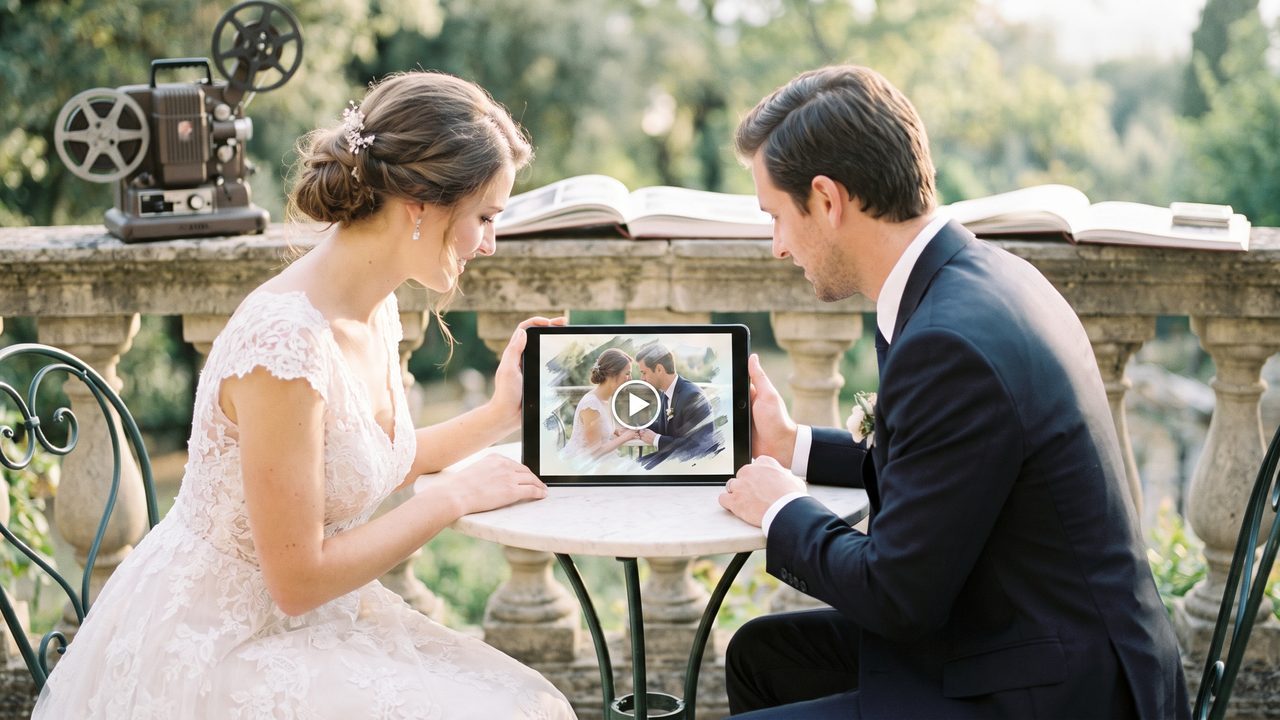
Not all photos produce equal results. Here's how to choose the best photos for AI video conversion:
Photos That Work Best
- **Wide and medium shots** that show the full scene and environment
- **Photos with natural elements** (hair, fabric, water, foliage) that the AI can animate
- **Well-lit images** with good exposure and color balance
- **Photos with depth** (foreground and background elements)
- **Emotional moments** (first kiss, laughter, tears, dancing)
- **Environmental shots** (venue, decorations, landscape)
Photos to Avoid
- **Extreme close-ups** with no environmental context
- **Very dark or overexposed images** where detail is lost
- **Heavily filtered photos** where colors are unnatural
- **Blurry or out-of-focus images** (though AI can sometimes fix this)
- **Group photos with too many faces** (the AI may struggle with animation)
The Ideal Mix
For a 3-5 minute wedding video, aim for:
- 30-50 high-quality photos
- A mix of wide, medium, and close-up shots
- Coverage of all key moments (preparation, ceremony, reception)
- Variety in composition and angle
- At least a few "wow" shots that will anchor the video
Our wedding video photo checklist provides a complete list of recommended shots for the best AI video results.
Step-by-Step: Creating Your AI Wedding Video
Here's the complete process for turning your wedding photos into a cinematic video:
Step 1: Curate Your Photos
Go through your wedding photos and select the best 30-50 images. Focus on quality over quantity — 30 great photos will produce a better video than 100 mediocre ones.
Organize them chronologically:
- Getting ready (5-8 photos)
- Ceremony (8-12 photos)
- Post-ceremony portraits (5-8 photos)
- Reception (8-12 photos)
- Dancing and celebration (5-8 photos)
- Final moments (2-4 photos)
Step 2: Upload to the AI Platform
Upload your curated photos to the AI video generator. Make sure to upload the highest resolution versions available — the AI works better with more detail.
Step 3: Set Your Preferences
Choose your video style:
- **Cinematic:** Warm colors, slow transitions, emotional pacing
- **Modern:** Clean, fast-paced, contemporary feel
- **Vintage:** Film grain, warm tones, nostalgic aesthetic
- **Romantic:** Soft focus, gentle motion, dreamy atmosphere
Select your preferred length (2-5 minutes is typical for a highlight video) and music style.
Step 4: Let the AI Work
The AI will:
- Analyze each photo for content, quality, and animation potential
- Generate motion effects for each image
- Create transitions between photos
- Apply color grading and visual effects
- Synchronize with music
- Generate a preview
This typically takes 10-30 minutes.
Step 5: Review and Customize
Watch the preview and make adjustments:
- Rearrange scenes if the order doesn't feel right
- Adjust the pacing (faster or slower)
- Change the music if it doesn't match your vision
- Add text overlays (names, dates, locations)
- Include subtitles if needed
- Adjust individual photo animations
Step 6: Export Your Video
Download your finished video in full HD or 4K resolution. Most platforms also generate optimized versions for social media (vertical for TikTok/Reels, square for Instagram).
For a more detailed walkthrough, see our step-by-step wedding video guide.
Beyond Photos: Combining Photos and Video Clips
The best AI wedding videos combine animated photos with actual video clips. If you or your guests captured any video footage — even short phone clips — the AI can weave these together with your animated photos for an even more dynamic result.
Here's how to combine both:
- **Upload your photos** for animation
- **Upload your video clips** for AI editing and enhancement
- **Let the AI create a unified video** that seamlessly blends animated photos with real footage
The AI handles the transition between photo and video sections smoothly, so the viewer experiences a cohesive film rather than a jarring mix of media types.
Our AI Video Generator from Photos service handles this automatically. And if you have phone footage that needs enhancement, check out our guide on making professional videos from phone footage.
Adding Special Effects and Enhancements
Once you have your base video, AI can add additional effects to make it even more cinematic:
Slow Motion
AI frame interpolation can create smooth slow-motion effects from any footage or even animated photos. Imagine your first dance in gorgeous slow motion, every detail visible and beautiful. Learn more about AI Slow Motion →
Vintage Restoration
If you have old family wedding photos or footage, AI can restore them and incorporate them into your video. Imagine a sequence that transitions from your grandparents' wedding photo (restored and animated) to your own. Vintage Restoration →
Multilingual Subtitles
For cross-cultural families, AI can add subtitles in over 50 languages. This is especially meaningful when sharing your video with international family members. Multilingual Videos →
Cartoon and Artistic Styles
Transform your photos into cartoon, watercolor, oil painting, or other artistic styles for unique, creative video segments. Cartoon Style →
Real Couples, Real Results
Here are more stories from couples who turned their photos into cinematic videos:
**Wei and James, San Francisco:** "We're both software engineers, so we were skeptical about AI video quality. We uploaded 40 photos from our photographer and were blown away. The AI added this beautiful parallax effect to our ceremony photos that made it look like a professional drone shot. Our families in China and the UK both cried watching it."
**Sarah and Tom, Austin:** "We had a tiny backyard wedding with just 15 guests. Our 'photographer' was my sister with a good camera. We thought there was no way to make a decent video from those photos. The AI proved us wrong — the video it created was genuinely cinematic. Our friends who had $5,000 (≈ ¥36,000) videographers were shocked."
**Rachel and David, Boston:** "What I loved most was the storytelling. The AI didn't just animate our photos — it arranged them into a story with a beginning, middle, and end. It identified the emotional peaks and placed them perfectly. It felt like watching a short film about our wedding, not just a slideshow."
Tips for the Best Results
- **Choose photos with natural motion elements.** Hair blowing, fabric flowing, water, and fire all animate beautifully.
- **Include environmental shots.** Wide shots of the venue, decorations, and landscape add context and look great when animated with camera movement.
- **Vary your compositions.** Mix wide, medium, and close-up shots for visual variety.
- **Select emotionally resonant moments.** The AI can enhance emotion, but it can't create it. Choose photos that already convey feeling.
- **Don't over-filter your photos.** The AI works best with natural-looking images. Save the heavy filters for social media.
- **Include a mix of people and scenes.** A video with only portraits gets monotonous. Include venue shots, detail shots, and candid moments.
- **Use the highest resolution available.** More pixels = more detail = better animation.
For more tips on preparing your content, see our wedding video photo checklist.
The Emotional Impact
Let's end with what really matters: the emotional impact.
Photos capture moments. Videos capture experiences. When AI turns your wedding photos into a cinematic video, it bridges that gap. It takes your most precious moments and adds the dimension of time — making them feel lived-in, real, and emotionally resonant.
Jennifer from Denver told us: "I thought the photos were enough. Then I watched the AI video and I was sobbing within 30 seconds. Seeing my photos come to life — the gentle movement, the music, the way the AI arranged everything into a story — it was like reliving the day. It was the most emotional experience I've had since the wedding itself."
That's the power of turning photos into video. And in 2026, AI makes it possible for every couple.
Bring Your Wedding Photos to Life
Your wedding photos are beautiful. But they could be so much more. With AI video generation, your photos can become a cinematic film that captures the full emotion and experience of your wedding day.
**Try the AI Video Generator from Photos →** and see your wedding memories come alive.