

WeddingAI.video 博客
如何消除婚礼视频音频中的背景噪音
使用经过验证的工具和技术修复嘈杂的婚礼视频音频。消除婚礼镜头中的风声、杂音和回声。今天就获得清晰的音频!
9 min read
没有什么比埋在风声下的低沉誓言或与隆隆的空调声竞争的第一支舞配乐更快地毁掉一段美丽的婚礼视频了。糟糕的音频是新人在婚礼镜头中面临的头号质量问题——与抖动的视频不同,你不能直接将其裁剪掉。好消息?现代工具甚至可以拯救最吵闹的婚礼音频,而且您不需要成为音响工程师即可使用它们。
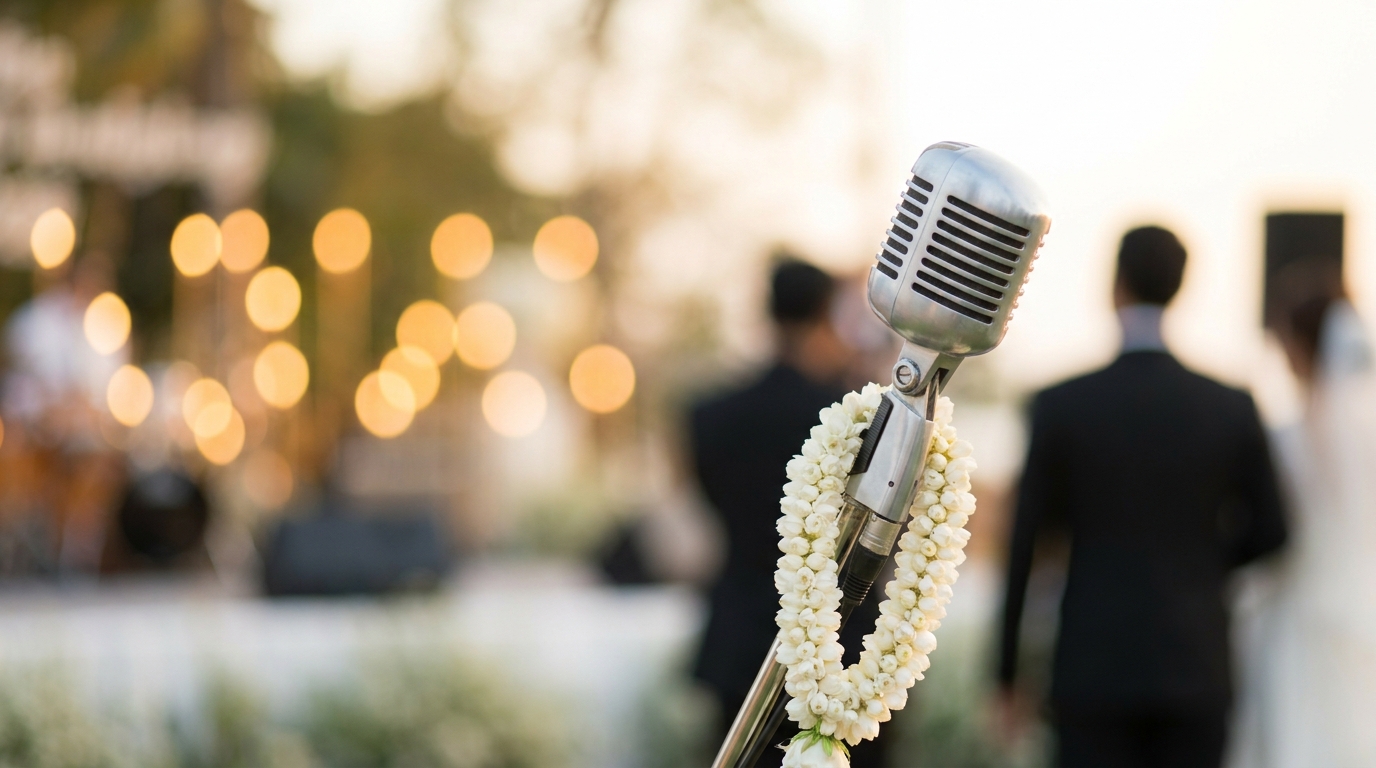
为什么婚礼音频如此难以捕捉

婚礼是一场声学噩梦。专业摄像师知道这一点并有所准备,配备外接麦克风、防风罩和备用录音机。但即使是最好的设备在典型的婚礼上也面临挑战:
环境噪音
户外仪式要与风、交通、鸟类和建筑作斗争。室内场地会因暖通空调系统而产生回声和嗡嗡声,并放大每一次椅子刮擦和咳嗽的声音。海滩婚礼尤其残酷——海浪会产生持续的低频噪音,吞噬言语。
距离问题
主礼人和夫妇通常站得离摄像师可以放置麦克风的地方较远。即使使用无线领夹麦克风,信号干扰和距离也会造成音频退化。如果您的摄像师在主礼人身上放了一个麦克风,但新郎低声说出他的誓言,您可能几乎听不到。
人群噪音
客人不是录音室。他们咳嗽、低语、翻动节目单、拖脚。在情感强烈的时刻,您可能会听到哭声、笑声或掌声盖过实际的仪式音频。儿童的音频尤其不可预测。
设备限制
并不是每场婚礼都有专业的摄像师。许多情侣依赖客人的电话录音、GoPro 相机或基本的单反麦克风。这些内置麦克风专为一般用途而设计,无法在有风的条件下在 50 英尺处捕捉清晰的语音。
评估您的婚礼视频音频问题
在修复音频之前,您需要诊断具体问题。播放您的婚礼视频并注意这些常见问题:风噪、回声、音量低、爆音。
风噪— 低沉的隆隆声或嘶嘶声,尤其是在户外镜头中。它通常位于低频(低于 200 Hz)并且可以显着降低。
背景喋喋不休— 宾客交谈,尤其是在仪式较为安静的时刻。这更难消除,因为人声的频率范围重叠。
回声和混响— 大型室内场所、教堂和宴会厅中常见的空洞、弹跳的声音。音频听起来很遥远或“飘忽不定”。
嗡嗡声和嗡嗡声— 电气设备、照明装置或 HVAC 系统发出持续、稳定的音调。通常为 50/60 Hz 及其谐波。这是最容易消除的噪音。
削波和失真— 录音期间音频电平过高时会出现刺耳的噼啪声。这是最难修复的问题,因为原始音频数据会被永久损坏。
婚礼视频音频修复的免费工具
您不需要昂贵的软件来改善您的婚礼音频。以下是最好的免费选项:
大胆
降噪功能其工作原理是对“噪声配置文件”(纯背景噪声的一部分)进行采样,然后从整个音轨中减去该配置文件。
如何使用 Audacity 降噪:
- 从视频文件中提取音频
- 选择 2-3 秒的部分,其中只能听到背景噪音(无语音)
- 转到效果→降噪→“获取噪声配置文件”
- 选择整个音轨
- 应用降噪设置:12 dB 降低、6 灵敏度、3 平滑
- 预览并调整,直至噪音降低,且不会使声音听起来像机械人
- 导出清理后的音频并与您的视频重新同步
达芬奇解决(Fairlight Audio)
大多数人都知道 DaVinci Resolve 是一款免费视频编辑器,但它的 Fairlight 音频选项卡是一款专业级音频工作站。它包括内置的降噪、均衡和动态处理功能,可与付费软件相媲美。
Adobe 播客(增强语音)
Adobe 的免费网络工具使用人工智能来提高语音清晰度。上传您的音频,它会处理整个曲目,减少背景噪音,同时提高语音清晰度。它在仪式音频上效果非常好,尽管在音乐较多的部分听起来有点做作。
用于严肃音频修复的专业工具
如果免费工具不能解决问题,这些专业选项可以提供卓越的结果:
iZotope RX
音频修复的行业标准。iZotope RX 包括专门的去噪、去混响、去风和去哼声模块。其频谱编辑视图让您可以视觉识别和移除特定声音——比如宣誓时的咳嗽——而不影响周围音频。
Elements 版本(约 30 美元)可以处理大多数婚礼音频问题。标准版(300 美元)增加了针对严重问题的高级功能。
Adobe试镜
作为 Creative Cloud 套件的一部分,Audition 通过其“自适应降噪”效果提供出色的降噪效果。
Final Cut Pro / Logic Pro
Mac 用户可以利用 Apple 的内置音频修复工具。 Logic Pro 包括噪声门、频谱编辑和 AI 驱动的音频增强功能,可与 Final Cut Pro 视频编辑无缝集成。
分步:解决常见的婚礼音频问题
让我们逐步解决三个最常见的婚礼音频问题。
消除风噪
风噪声是掩盖语音的低频能量。
- 应用高通滤波器80-100 Hz 以消除最低的隆隆频率。这不会影响语音,语音主要工作在 300 Hz 到 3 kHz 之间。
- 使用除风插件如果可用(iZotope RX 有专用模块)。
- 应用温和的降噪针对风的频率范围。
- 提高语音频率(1-4 kHz) 稍微提高清晰度。
减少背景噪音
人群噪音比较棘手,因为它与您想要保留的声音共享频率:
- 使用噪声门减少静音时刻(句子之间、停顿)的音频。
- 应用光谱降噪小心——太多的处理会使声音在水下听起来。
- 考虑隔离特定时刻而不是处理整个轨道。有时,只清理誓言和第一支舞比过度处理一切要好。
修复回声和混响
混响是最难解决的常见问题,因为从技术上讲,它不是“噪音”——而是从墙壁上弹回的所需音频:
- 使用去混响插件(在 iZotope RX 和 Adobe Audition 中可用)。
- 轻轻按压使安静部分的音量更接近大声部分。
- 添加微妙的温暖稍微提升 200-400 Hz 左右的频率,以抵消重混响产生的细弱、遥远的声音。
当 DIY 音频维修还不够时
有些音频问题超出了软件可以修复的范围:
- 音频严重削波波形是平顶的
- 完全听不见的讲话在竞争噪音下
- 音频丢失录音被简单地切断
- 多个重叠扬声器没有干净的音频可供使用
修复婚礼视频抖动的问题涵盖视频质量问题的类似恢复技术。
视频增强服务将专业音频清理作为我们处理流程的一部分。我们的人工智能可以将语音与噪音分离、增强清晰度并自动平衡音频电平。
防止未来视频中出现音频问题
最好的音频修复是防患于未然。如果您正在策划婚礼或帮助某人:投资优质麦克风、测试设备。
用于户外仪式
- 使用无线领夹式麦克风一个在司仪上,一个在新郎上
- 放置枪式麦克风尽可能靠近夫妻俩
- 选择避风的位置— 靠近建筑物墙壁或建筑物下方
- 有一个备份录音机放置在仪式区附近
适用于室内仪式
- 请求使用场地的音响系统并点击直接音频源
- 将录音机放在扬声器附近如果场地使用公共广播系统
- 测试音频电平排练期间
- 带隔音板如果场地特别回声
适用于 DIY 和电话录音
- 使用外接麦克风插入您的手机(Rode、Shure 和 Boya 都是经济实惠的选择)
- 以飞行模式录制防止通知声音
- 水平握住手机并保持稳定
- 录制多个镜头从不同的位置
婚礼音频增强的人工智能方法
人工智能驱动的音频工具正在彻底改变我们修复婚礼视频音频的方式。与从信号中减去噪声的传统降噪不同,人工智能工具可以:
- 将语音与噪音分开使用经过数百万个音频样本训练的神经网络
- 重建损坏的音频通过预测干净的信号听起来应该是什么样子
- 平衡多个音频源自动地
- 增强语音清晰度无需引入工件
WeddingAI.video 使用人工智能音频处理,可以从大多数传统工具放弃的镜头中恢复音频。该技术分析您的特定噪声模式并应用有针对性的校正,而不是一揽子处理。
📸 图片建议 1:并排比较显示嘈杂的仪式音频波形与干净的音频波形。替代文字:“降噪前后的婚礼视频音频修复”
📸 图片建议 2:一个人在笔记本电脑上使用 Audacity 软件来编辑婚礼音频。替代文字:“使用免费的音频编辑软件消除婚礼视频中的噪音”
常见问题解答
我可以在手机上修复婚礼视频音频吗?
可以。Dolby On、Voloco 和 Ferrite Recording Studio 等应用在移动设备上提供基本的降噪和音频增强功能。对于简单的风声或背景嗡声消除,这些应用效果出奇地好。
降噪会让我的音频听起来机械化吗?
过度处理会产生听起来像金属或机器人的伪影。关键是微妙——轻柔地应用降噪,在声音开始变得不自然之前停止。对音频修复来说,少即是多。
专业婚礼音响维修要多少钱?
专业音频维修服务的收费通常为每小时 50-200 美元,大多数婚礼音频需要 2-4 小时才能正确清理。
人工智能可以完全消除婚礼视频中的背景噪音吗?
人工智能工具在将语音与背景噪音分离方面非常有效,但它们并不是魔法。如果噪音完全淹没了语音——比如持续的交通或建筑噪音——即使是 AI 也难以恢复。
我应该自己修复音频还是聘请专业人士?
对于基本的噪音问题(风声、嗡嗡声、轻微的颤动声),像 Audacity 这样的 DIY 工具效果很好。
轻松获得清晰的婚礼音频
不要让糟糕的音频毁掉您的婚礼回忆。无论您要处理风噪声、背景噪音还是回声场地音响效果,正确的工具都可以将低沉的镜头转变成清晰、情感丰富的婚礼影片。
今天上传您的婚礼视频并听出差异。