

WeddingAI.video Blog
Wedding Video Formats — MP4 for Couples (Universal Playback)
Learn about wedding video formats, file types, and resolution options. Know exactly what to ask your videographer to get the best quality film. Read the guide!
8 min read · Updated 2026-09-10
The Complete Guide to Wedding Video Formats: What to Ask Your Videographer
You've booked your videographer, picked your playlist, and planned every shot. But there's one detail most couples overlook until it's too late: the wedding video format your footage is delivered in. The difference between a high-quality file and a compressed mess often comes down to format choices made before the camera even starts rolling.
Understanding wedding video formats isn't just for tech enthusiasts. The format determines how your video looks on a 4K TV, how easily you can share it online, and whether you can re-edit it years from now. This guide breaks down everything you need to know — in plain language — so you can have the right conversation with your videographer.
Why Wedding Video Formats Matter
Think of a video format like a container. Inside that container are different streams — the visual data, the audio, and metadata. Some containers preserve every detail. Others compress the file to make it smaller, sacrificing quality in the process.
Here's why this matters for your wedding video:
- Quality preservation: Your wedding footage was shot in high resolution. The wrong format can degrade that quality permanently.
- Future-proofing: Formats evolve. Choosing a widely supported format ensures you can watch your video in 10, 20, or 50 years.
- Editing flexibility: If you ever want to re-edit clips, create ahighlight reel, or use your footage for afamily tribute, you need editable source files.
- Sharing capability: Different platforms (YouTube, Instagram, TikTok) have different format requirements.
Common Wedding Video File Types Explained
Let's look at the formats you're most likely to encounter.
MP4 (H.264/H.265)
MP4 is the most universally supported video format. Nearly every device, platform, and media player can open it. Most videographers deliver final edited videos in MP4 because it offers a good balance between quality and file size.
Best for: Final delivery, sharing online, watching on any device.Limitation: Not ideal for re-editing because the compression discards some visual data.
MOV (Apple QuickTime)
MOV files are commonly used by professional videographers, especially those shooting on Canon, Sony, or Blackmagic cameras. MOV supports higher quality codecs and is the preferred format for editing in software like Final Cut Pro and DaVinci Resolve.
Best for: Professional editing workflows, Apple ecosystem users.Limitation: Larger file sizes than MP4. May require conversion for some devices.
AVI
digitizing old wedding videos, AVI files may come up.
Best for: Legacy compatibility.Limitation: Very large files, limited compression options, being phased out.
MKV (Matroska)
MKV is an open-source container that can hold virtually any type of video, audio, and subtitle stream. It's popular among tech enthusiasts but not widely supported by default on most devices.
Best for: Archival storage when you want to preserve multiple audio tracks and subtitles.Limitation: Requires specific media players; not universally supported.
ProRes and RAW Formats
Professional videographers may shoot in ProRes (Apple) or camera-specific RAW formats. These preserve the maximum amount of visual data, giving editors full control over color grading and effects. However, the files are enormous — often 10-20 times larger than MP4.
Best for: Maximum editing flexibility, cinematic quality.Limitation: Huge file sizes, requires professional software to work with.
Understanding Video Resolution for Weddings
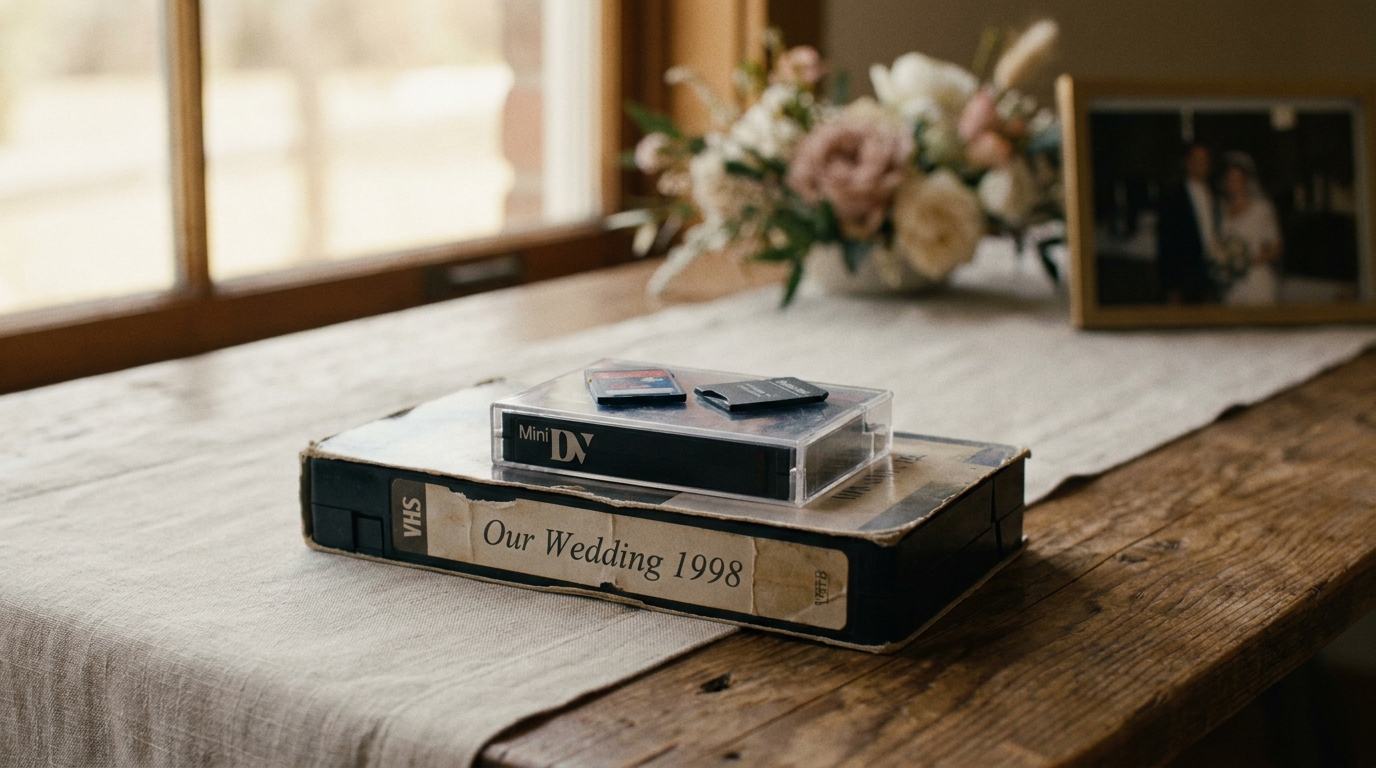
Resolution determines how many pixels make up each frame of your video. More pixels means more detail.
| Resolution | Pixel Count | Common Name | Best Use | |-----------|-------------|-------------|----------| | 1920×1080 | ~2 million | Full HD (1080p) | Standard delivery, social media | | 3840×2160 | ~8 million | 4K UHD | High-quality delivery, large screens | | 4096×2160 | ~9 million | Cinema 4K (DCI) | Professional cinema production | | 7680×4320 | ~33 million | 8K | Future-proofing, extreme detail |
4K is the sweet spotin 2026. It's widely supported by modern TVs and monitors, offers noticeably better detail than 1080p, and is becoming the standard for professional wedding videography. According toTechRadar's guide to video resolution, 4K content has become the baseline expectation for professional video production.
If your videographer shoots in 4K, always request the 4K master file — even if you primarily watch in 1080p. You can always downscale, but you can't upscale without quality loss.
Frame Rates: What You Need to Know
Frame rate (measured in fps — frames per second) affects how smooth your video looks and whether you can create slow-motion effects.
- 24 fps: The cinematic standard. Gives your video that "movie" feel with natural motion blur.
- 30 fps: Standard for television and online video. Slightly smoother than 24 fps.
- 60 fps: Very smooth, often used for sports or action footage. Can look overly realistic for wedding films.
- 120 fps / 240 fps: High frame rates used specifically for slow-motion shots. When played back at 24 or 30 fps, the footage becomes buttery smooth slow motion.
slow-motion sequencesin post-production.
What to Ask Your Videographer About Formats

Before your wedding, have this conversation with your videographer. Here are the exact questions to ask:
About Shooting Format
- "What resolution and frame rate do you shoot in?" (Ideal: 4K at 24/30fps, with 120fps for slow-motion shots)
- "What codec do you use?" (ProRes, H.265, or camera-native RAW are all good answers)
- "Do you shoot in a flat/log color profile?" (This preserves more detail for color grading)
About Delivery Format
- "What format will my final edited video be delivered in?" (MP4 with H.264 or H.265 codec is standard)
- "Will I receive the raw, unedited footage as well?" (Important for future re-editing)
- "What resolution will the final delivery be?" (Request 4K if they shoot in 4K)
About File Management
- "How will the files be delivered?" (Hard drive, cloud download, or both)
- "How long do you keep backups of the raw footage?" (Some videographers delete after 6-12 months)
- "Can I get the project files for future editing?" (Most won't provide this, but it's worth asking)
About Archival
- "What's the best way to archive my wedding video for long-term storage?"
This last question is crucial. Hard drives fail, cloud services shut down, and formats become obsolete. The best strategy is the 3-2-1 rule: keep 3 copies, on 2 different types of media, with 1 stored offsite (like a cloud backup).
Best Format for Wedding Video by Use Case
Different situations call for different formats. Here's a quick reference:
| Use Case | Recommended Format | Resolution | Notes | |----------|-------------------|------------|-------| | Watching on TV | MP4 (H.265) | 4K | Best quality-to-size ratio | | Social media sharing | MP4 (H.264) | 1080p | Platform-optimized | | Long-term archival | MOV (ProRes) or MP4 (H.265) | 4K | Keep highest quality master | | Re-editing later | Original camera files | Native | Ask your videographer for these | | Emailing to family | MP4 (H.264) | 720p | Small file size for easy sending |
wedding traileror incorporating it into afamily message video— always keep the highest quality source files available.
The Future of Wedding Video Formats
The video format landscape is evolving quickly. Here's what's coming:
- H.266/VVC: The successor to H.265, offering 50% better compression at the same quality. Adoption is beginning in 2026.
- AV1: An open-source codec backed by Google, Apple, and Mozilla. Increasingly supported for web video.
- 8K delivery: While still niche, 8K cameras are becoming more accessible. Some couples are requesting 8K masters for future-proofing.
For now, H.265 in an MP4 container at 4K resolution is the most future-proof combination for wedding videos. It balances quality, compatibility, and file size in a way that should remain viable for years to come.
When Format Problems Arise
Sometimes things go wrong. Here are common issues and solutions:
- "My video looks pixelated on my TV": You may have received a low-resolution file. Ask your videographer for the 4K version.
- "I can't play the file on my computer": The format may be MOV or MKV. Download VLC Media Player (free), which plays virtually every format.
- "The colors look different than I expected": This can happen when a flat/log color profile isn't properly graded. Ask your videographer to check their color pipeline.
- "The file is too large to share": Use avideo compression toolor ask for a social-media-optimized version at a smaller resolution.
Making the Most of Your Wedding Footage
social media clips, anniversary montages, or even transform your photos into acinematic AI video. The key is starting with the best quality files and understanding what you have.
Frequently Asked Questions
What is the best format for wedding video delivery?
MP4 with H.265 codec at 4K resolution is the best all-around format for wedding video delivery in 2026. It offers excellent quality, reasonable file sizes, and near-universal compatibility with modern devices and platforms.
Should I ask for raw footage from my videographer?
Yes, absolutely. Raw footage gives you the flexibility to re-edit your wedding video in the future, create new cuts, or use clips for other projects. Some videographers charge extra for raw footage delivery, but it's worth the investment for long-term value.
How large is a typical wedding video file?
A full-length wedding video (30-60 minutes) in 4K MP4 format is typically 5-15 GB. Raw camera files from a full wedding day can range from 100-500 GB depending on the resolution and codec used. Always have adequate storage planned before the wedding.
Can I convert my wedding video to a different format?
Yes, free tools like HandBrake can convert between common formats. However, converting from a compressed format (like MP4) to a higher-quality format (like ProRes) won't restore lost detail. Always keep the highest quality original files and convert down, never up.
What if my videographer only delivers in one format?
WeddingAI.videocan help.
Get Your Wedding Video in the Perfect Format
old family videosthat need digitizing, getting the format right is the foundation of a wedding film you'll enjoy for decades.
slow-motion enhancementto completeAI-generated wedding films.
Ready to Transform Your Wedding Memories?
Tell us about your project and we'll get back within 24 hours with a free quote.
Get a Free Quote →