

WeddingAI.video Blog
How to Make a Wedding Video from Photos (AI in 48h from $9.9)
Make a stunning wedding video from photos only — no videographer needed. Step-by-step guide with AI tools. Start creating yours today!
9 min read · Updated 2026-09-02
Wedding Video From Photos Only? Here's How to Make It Look Professional
You didn't hire a videographer. Maybe the budget didn't allow it, maybe you had an intimate ceremony, or maybe you just didn't think you'd want video. Now you're looking at your gorgeous wedding photos and thinking: "I wish I had a video."
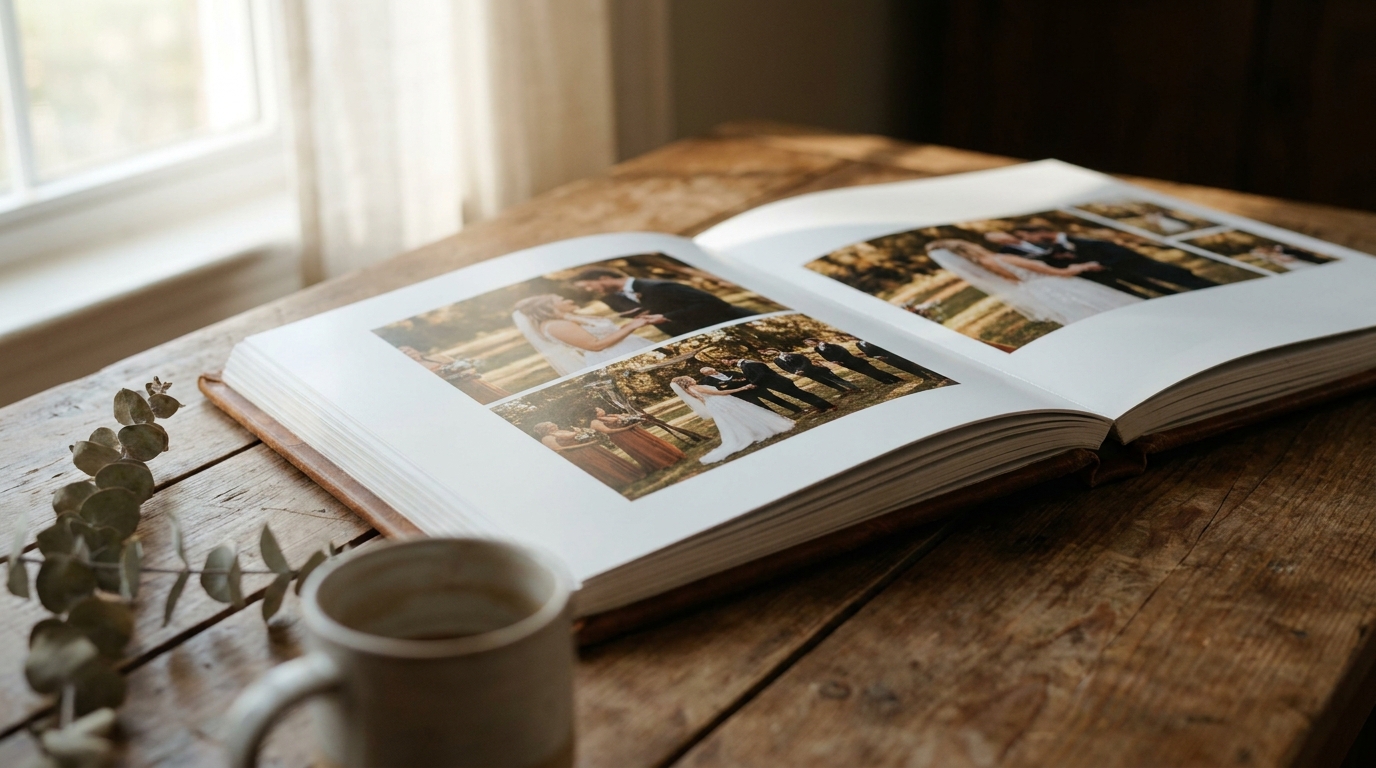
Here's the thing — you do have the material for one. Your photos, combined with today's AI technology, can produce a wedding video that looks cinematic, emotional, and genuinely professional. Not a slideshow with cheesy transitions. An actual film.
This guide shows you exactly how to create a professional wedding video from photos alone, even if you have zero video editing experience.
The Difference Between a Slideshow and a Video
Let's be clear about what we're building here, because there's a massive difference between a wedding slideshow and a wedding video:
A slideshowdisplays photos one after another with basic transitions — fades, wipes, maybe some Ken Burns zoom effects. It's what your uncle puts together in PowerPoint. Serviceable, but not cinematic.
A wedding video from photosuses AI to create actual camera movement within each image. Subjects come alive with subtle motion. Transitions feel organic and purposeful. The pacing follows the emotional arc of the music. It feels like watching a film, not flipping through an album.
The technology gap between these two approaches is enormous, and the difference in emotional impact is even bigger.
Why Professional Photos Are Your Secret Weapon
If you hired a professional photographer, you're in a better position than you might think. Professional wedding photos have several qualities that make them perfect for video generation:
High resolution:Modern cameras produce 20-50 megapixel images. This gives AI tools enormous amounts of detail to work with when creating camera movements and zoom effects.
Professional composition:Experienced photographers frame shots with cinematic principles in mind — rule of thirds, leading lines, depth of field. These compositions translate beautifully to video.
Consistent lighting:A photographer who shot your entire wedding in a consistent style gives the AI a cohesive visual palette to work with, resulting in a more unified-looking video.
Variety of shots:Professional albums typically include wide establishing shots, intimate close-ups, detail shots, and candid moments — exactly the variety needed for a compelling video narrative.
Even if your photos are from smartphones or point-and-shoot cameras, you can still create a beautiful video. The results just won't be quite as polished as with professional images.
Step-by-Step: Creating Your Wedding Video From Photos
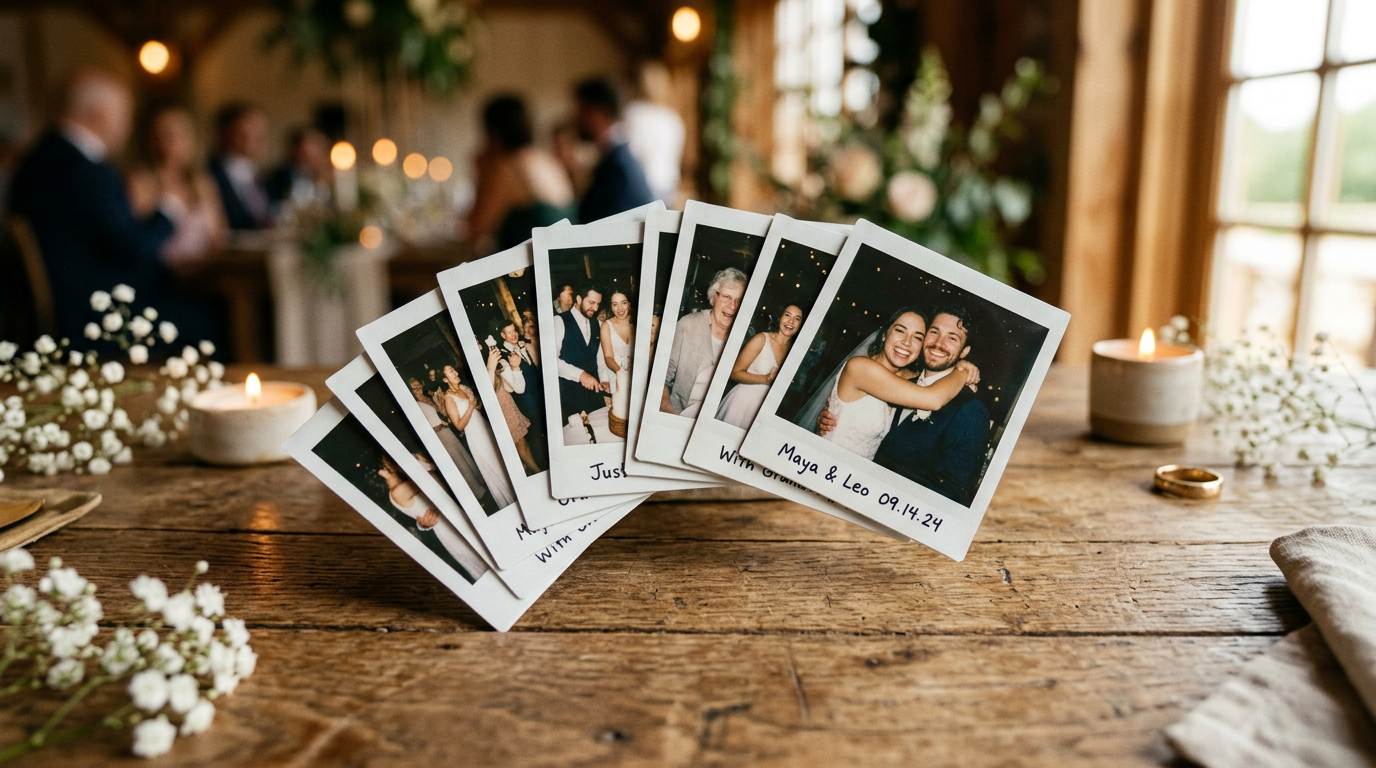
Step 1: Curate Your Photo Collection
This is the most important step, and most people rush through it. Take your time selecting photos that tell a story.
Aim for 40-80 photosorganized into these categories:
- Pre-ceremony (5-10 photos):Getting ready, detail shots of rings and flowers, first look
- Ceremony (10-15 photos):Walking down the aisle, vows, ring exchange, the kiss, recessional
- Post-ceremony (5-10 photos):Couple portraits, family group shots, wedding party
- Reception (10-20 photos):First dance, toasts, cake cutting, candid moments
- Celebration (5-10 photos):Dancing, laughing, the exit
Pro tip:Include at least 5-8 close-up portraits of faces. These create the most emotional impact in video form and are what viewers connect with most strongly.
Step 2: Arrange Your Story
Before uploading anything, think about the narrative arc. The most emotionally effective wedding videos follow this structure:
- Anticipation— building excitement with preparation shots
- The Moment— the ceremony as the emotional peak
- Celebration— the joy of being married
- Intimacy— quiet moments between the couple
- Joy— the fun and energy of the celebration
WeddingWire's annual survey, 42% of couples who didn't hire a videographer later regretted it. This isn't rigid — your wedding is unique and your video should reflect that. But having a general emotional arc prevents the video from feeling like a random collection of pretty pictures.
Step 3: Choose Your Video Style
The style you choose dramatically affects the final result. Common options include:
Classic Cinematic:Warm tones, golden hour color grading, slow and graceful camera movements. This is the safe choice — elegant and timeless.
Modern Documentary:Natural colors, slightly faster pacing, more dynamic camera movements. Feels contemporary and authentic.
Romantic Soft:Pastel tones, soft focus effects, dreamy atmosphere. Perfect for garden weddings and spring ceremonies.
Dramatic Film:High contrast, desaturated colors, bold compositions. Suits urban weddings and modern venues.
Vintage Nostalgic:Film grain, light leaks, warm amber tones. Ideal for couples who want a retro feel.
Step 4: Select Your Music
Music transforms photos into emotion. Your track choice is arguably more important than the visual style. Consider:
Your first dance song— deeply personal and meaningful, though it may not have the pacing needed for videoA cinematic instrumental— builds emotion without distracting lyricsA meaningful song— the track that was playing when you met, your proposal song, or a lyric that captures your relationshipTrending audio— if the video is primarily for social media, current trending sounds can boost visibility
Match the music tempo to your desired pacing. Slow ballads for emotional, lingering videos. Upbeat tracks for energetic highlight reels.
Step 5: Generate Your Video
With your photos selected, arranged, and your style and music chosen, it's time to generate the video. Here's where AI does its work:
- Upload your curated photos in your chosen sequence
- Select your cinematic style
- Upload or choose your music track
- Specify your desired length (2-4 minutes is ideal for sharing)
- Choose your aspect ratio (16:9 for TV/YouTube, 9:16 for Instagram/TikTok, 1:1 for general social)
- Let the AI process your video
Processing typically takes 24-72 hours depending on the service and complexity.
Step 6: Review and Refine
The first output is rarely perfect. Good services offer revision rounds where you can:
- Adjust the pacing (faster or slower transitions)
- Swap photos in or out
- Change the timing of specific transitions to sync with music beats
- Tweak the color grading
- Request different camera movements for specific shots
Don't be afraid to request changes. This is your wedding video — it should be exactly how you want it.
Common Mistakes to Avoid
Including Too Many Photos
More isn't better. Cramming 200 photos into a 3-minute video means each image gets less than a second of screen time, creating a frantic, overwhelming experience. Be selective. Quality over quantity.
Choosing the Wrong Music
A high-energy pop song might be fun, but it can clash with the intimate, emotional nature of wedding footage. Conversely, a slow ballad might make an energetic reception feel lifeless. Match the music to the mood of your images.
Ignoring Photo Quality
Blurry, dark, or poorly composed photos will produce a blurry, dark, poorly composed video. AI can enhance images to a degree, but it can't create detail that isn't there. Leave out the subpar shots.
Not Telling a Story
Random photo order produces random-feeling video. Even a simple chronological arrangement is better than scattering images without thought.
Skipping the Review Process
Accepting the first output without requesting refinements is leaving quality on the table. Most services include revisions — use them.
Wedding Slideshow vs. AI Video: A Direct Comparison
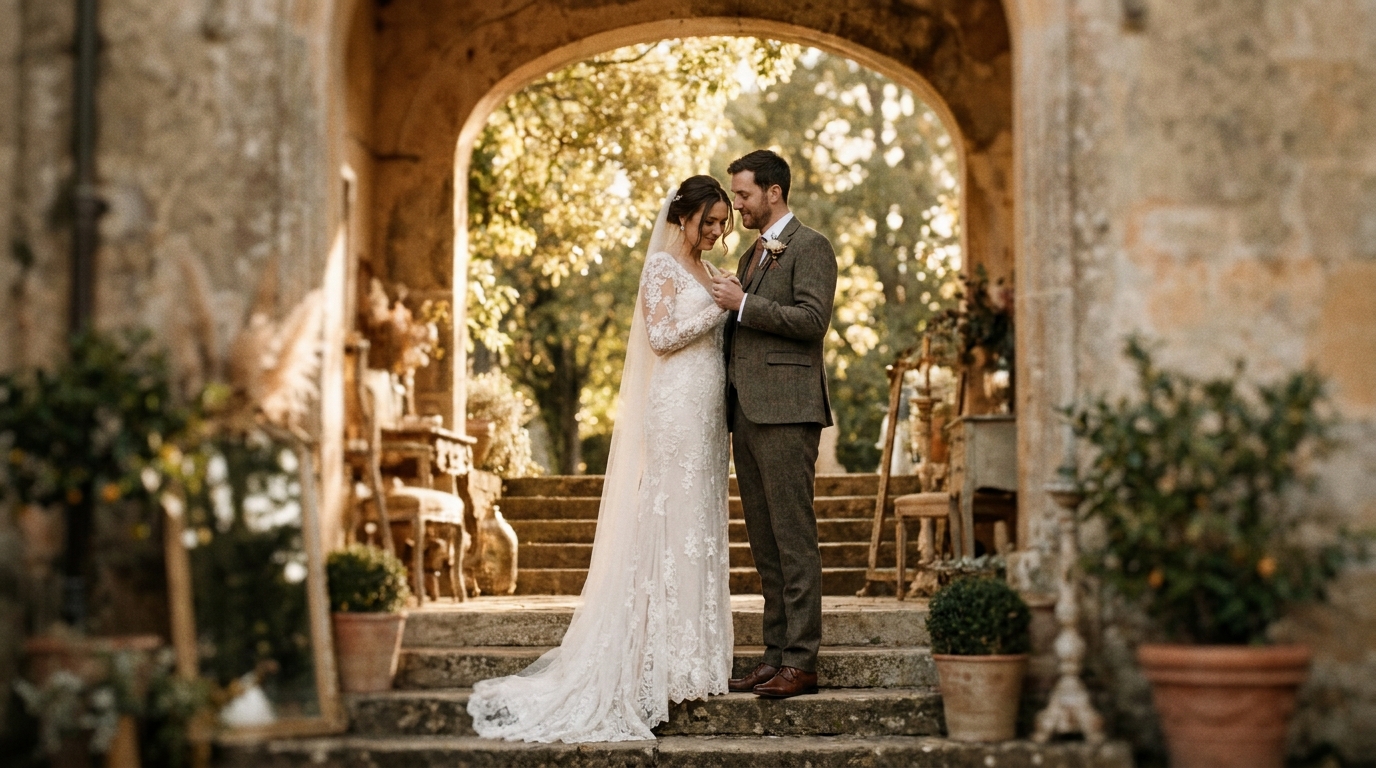
Camera movement| Basic zoom/pan only | Full cinematic motion | |Transitions| Simple fades/wipes | Organic, seamless transitions | |Photo animation| Static with zoom | Dynamic parallax and motion | |Music sync| Manual timing | AI-synchronized | |Production time| 1-3 hours of manual work | Upload and wait | |Skill required| Moderate (software knowledge) | None (upload photos) | |Emotional impact| Moderate | High | |Cost| $0-$50 (software) | $149-$399 | |Professional appearance| Varies with skill | Consistently cinematic |
When to Consider Adding Video Clips
If you have any video clips at all — even short ones from guests' phones — consider including them alongside your photos. Short video clips mixed with AI-generated sequences create an incredibly rich viewing experience.
Sources for unexpected video clips:
- Guest smartphones— ask your guests if they recorded anything
- Venue security cameras— some venues will provide footage if you ask
- Social media posts— guests may have posted Stories or Reels from your wedding
- Ring doorbell or home cameras— if you got ready at home
Even 2-3 short video clips interspersed among the AI-generated sequences add authenticity and variety.
The Cost of Creating a Wedding Video From Photos
One of the biggest advantages of this approach is cost. A traditional videographer charges $1,500-$5,000+. Creating a wedding video from photos costs a fraction of that:
- Basic AI video (2-3 minutes):$149-$199
- Premium AI video (3-5 minutes, multiple styles):$249-$349
- Cinematic AI video with advanced effects:$299-$399
- Add slow motion and enhancement:$9.9-$149 extra
Compare that to the average videographer cost of $2,500, and the value proposition is clear. You're getting a cinematic wedding video for roughly 10-15% of what a videographer charges.
budget wedding video guidehas additional money-saving strategies.
Beyond the Wedding: Other Uses for Photo-to-Video
Once you see what's possible, you'll find uses beyond your own wedding:
- Parents' anniversary gift— convert their wedding photos into a video for a milestone anniversary
- Memorial tributes— honor deceased loved ones by turning their photos into a tribute video. Learn more abouthonoring deceased parents at weddings.
- Engagement announcement— convert your engagement photos into a shareable video
- Save-the-date— a video save-the-date stands out in any inbox
- Rehearsal dinner— play a photo video during dinner for an emotional preview of the next day
AI video generator servicehandles all of these use cases and more.
Frequently Asked Questions
Can I make a wedding video from phone photos only?
Yes, absolutely. Modern smartphone photos (from iPhones 12 and newer, Samsung Galaxy S21 and newer, Google Pixel 6 and newer) have sufficient resolution for excellent AI video generation. The key is making sure your photos are well-lit and in focus. Avoid using heavily filtered or compressed social media versions — use the original high-resolution files.
How long should a wedding video from photos be?
For sharing on social media, 60-90 seconds performs best. For a personal keepsake or family viewing, 2-4 minutes is the sweet spot — long enough to tell your story, short enough to hold attention. Anything over 5 minutes risks losing viewers unless every moment is compelling.
Will AI-generated video look fake or unnatural?
Modern AI video generation produces remarkably natural results. The camera movements, parallax effects, and transitions closely mimic real cinematography. Most viewers won't realize the video was generated from photos unless you tell them. The technology has improved dramatically in the past two years.
Can I add text or captions to my wedding video?
multilingual wedding video servicecan help.
What if I only have a few photos?
Even 15-20 photos can make a beautiful 60-90 second video. Focus on quality over quantity and choose your absolute best images. A short, polished video with 20 excellent photos is far better than a long video with 100 mediocre ones.
Your Photos Deserve to Move
Those wedding photos sitting in your cloud storage are more than images — they're moments frozen in time. With AI video generation, those moments can breathe again. Camera movements reveal details you've never noticed. Transitions connect moments into a story. Music transforms stillness into emotion.
You don't need a videographer to have a wedding video. You just need your photos and the right technology.
Ready to Transform Your Wedding Memories?
Tell us about your project and we'll get back within 24 hours with a free quote.
Get a Free Quote →