

WeddingAI.video Blog
Budget Wedding Video — $9.9 AI Is the Budget Solution
Get a professional wedding video without breaking the bank. Proven strategies for affordable wedding videography that still looks amazing. Start saving today!
9 min read · Updated 2026-09-09
Wedding Video on a Budget: Professional Results Without Breaking the Bank
You don't need to spend $5,000 to get a wedding video you'll love forever. The wedding industry has conditioned us to believe that quality requires a premium price tag, but the truth is more nuanced. Smart couples are finding ways to capture their wedding day beautifully while keeping video costs under $500 — and the results are often more personal and creative than what traditional videographers deliver. Here's how to get a professional wedding video on a real-world budget.
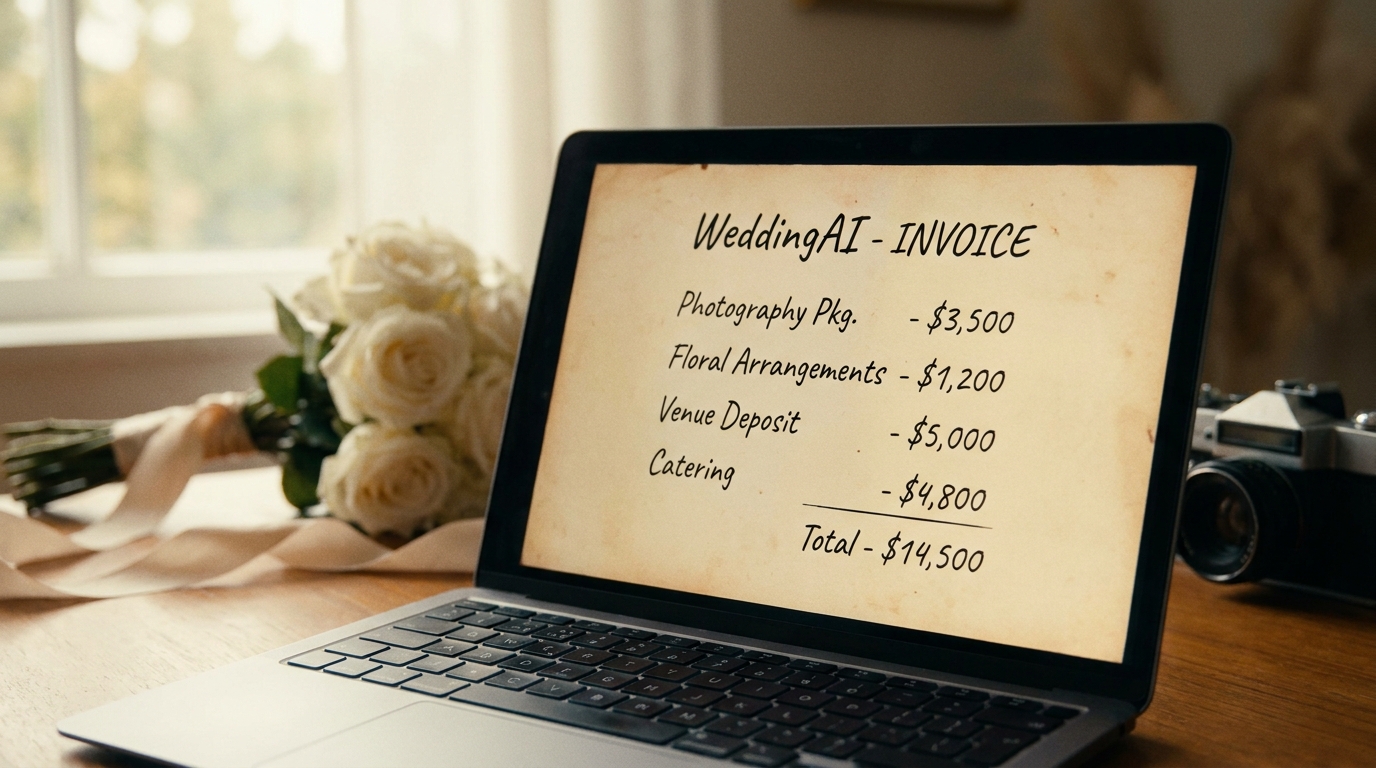
The Real Cost of Wedding Video (And Why It's Often Too High)
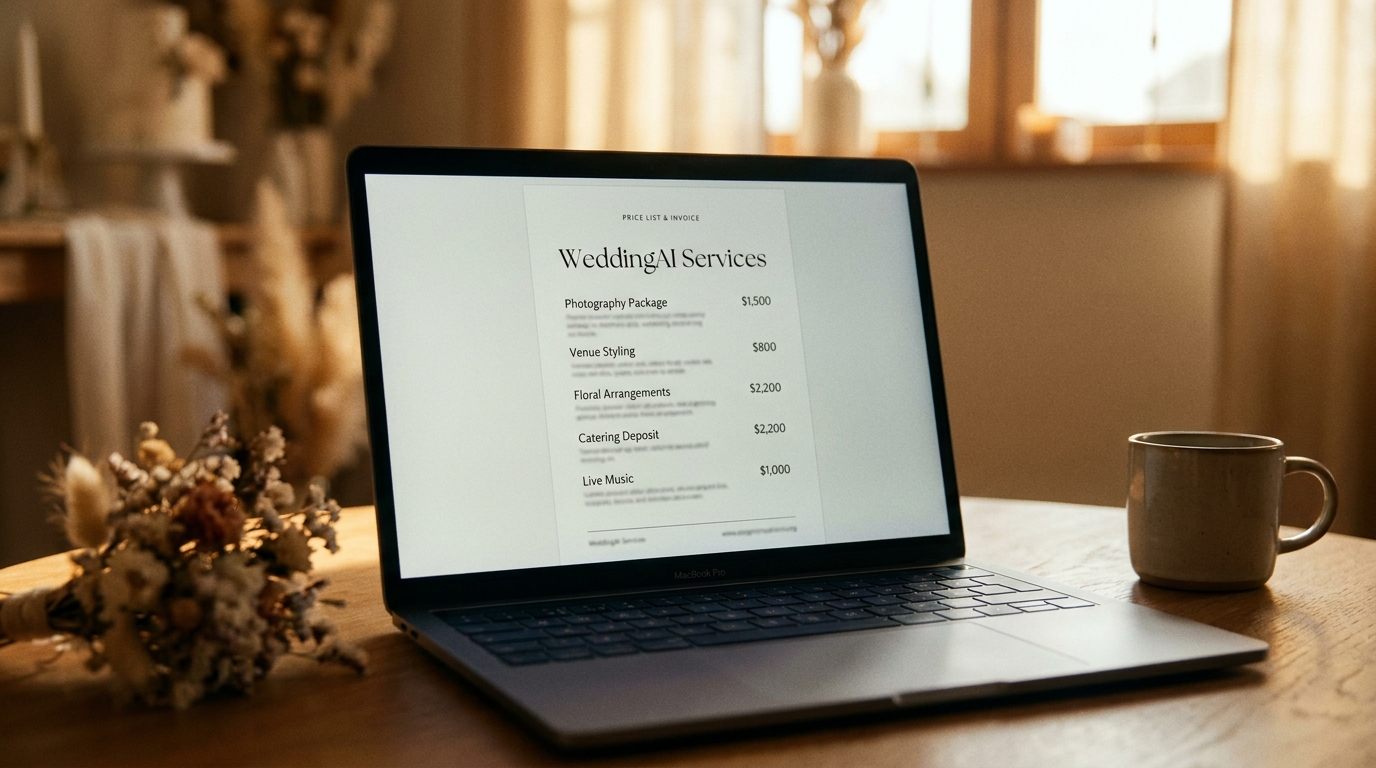
Let's address the elephant in the room: traditional wedding videography is overpriced for what many couples actually need. The average videographer charges $2,500-$5,000 for a package that includes 8-10 hours of coverage, a highlight reel, and a full-length edit. That's a significant percentage of the average US wedding budget of $30,000.
Where Your Money Actually Goes
When you hire a traditional videographer, you're paying for:
- Labor: 60-80 hours of combined shooting and editing time
- Equipment: $10,000-$50,000 in cameras, lenses, audio gear, and drones
- Overhead: Insurance, marketing, software subscriptions, studio space
- Profit margin: Videographers are running a business
allof these components to get a wedding video you'll cherish.
The Budget Reality Check
WeddingWire's annual survey, nearly 40% of couples go over budget on their wedding. Video is often the first category to get cut when numbers get tight, and many couples skip it entirely — only to regret it later.
The good news? You have options that didn't exist five years ago.
Strategy 1: The AI-Powered Approach ($150-$500)
This is the most effective budget strategy for most couples. The concept is simple: capture footage using what you already have (phones, guest recordings, consumer cameras), then let AI transform it into a professional wedding film.
📸 Image Suggestion 1: A budget breakdown infographic showing the $229-$579 total cost of the AI approach. Alt text: "budget wedding video cost breakdown using AI services"
📸 Image Suggestion 2: Before and after of phone footage enhanced by AI — showing stabilization and color grading improvements. Alt text: "AI enhanced wedding video before and after from phone footage"
How It Works
- Designate 3-5 gueststo capture specific moments with their phones
- Provide basic filming guidance(landscape mode, steady hands, no zooming)
- Collect all footageafter the wedding via Google Drive or AirDrop
- Upload to WeddingAI.videofor AI-powered editing and enhancement
- Receive your finished videoin 1-2 weeks
What It Costs
Total | $229-$579 |
What You Get
- A professionally edited, cinematic wedding video
- AI-enhanced resolution, stabilization, and color grading
- Multiple delivery formats (highlight reel, full ceremony, social media clips)
- Music-matched soundtrack
- 1-2 week delivery time
AI wedding video generatorguide walks through the process step by step. You can also exploreslow motion enhancement and wedding trailerservices for additional creative options.
Strategy 2: The Hybrid Approach ($800-$2,000)
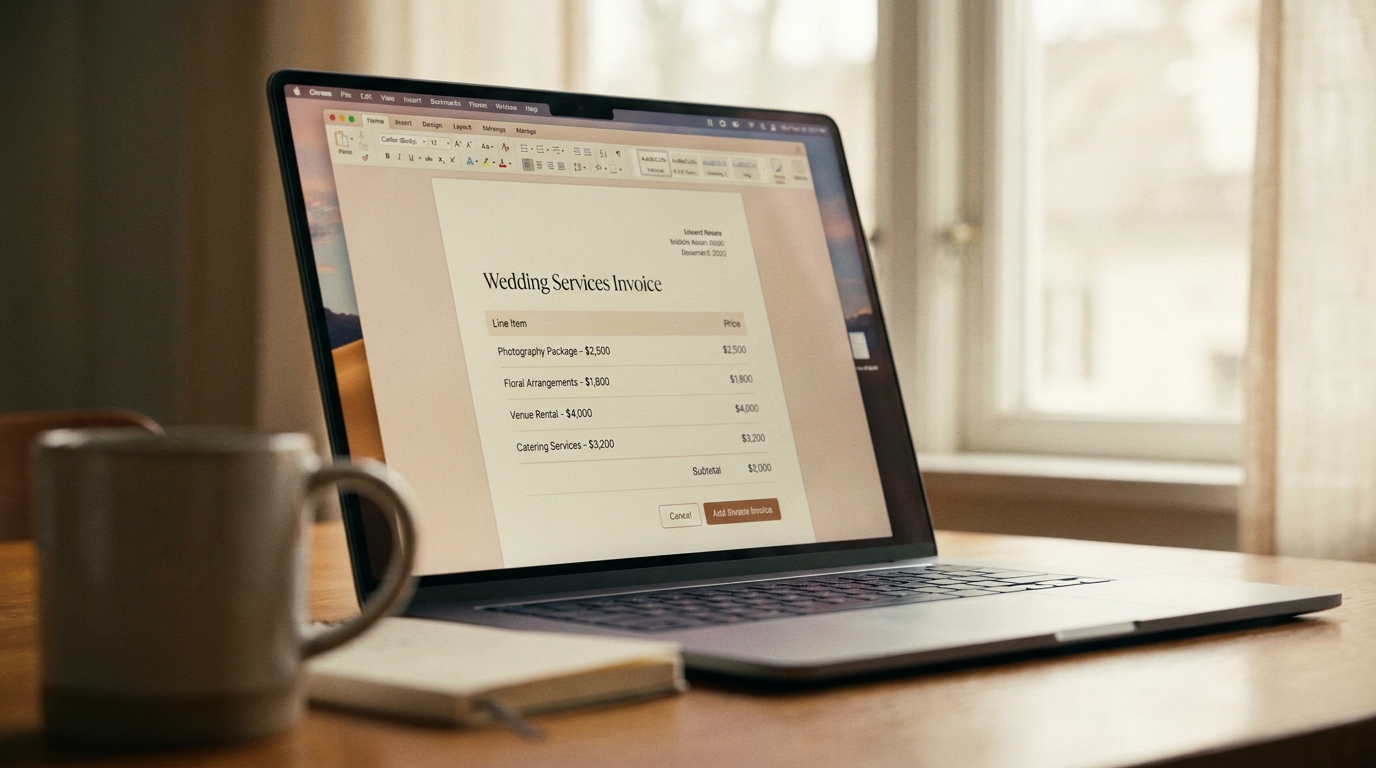
If you want some professional coverage but can't justify a full videographer package, the hybrid approach splits the difference:
Option A: Student or Emerging Videographer + AI Enhancement
- Hire a film studentor emerging videographer for the ceremony only ($400-$800)
- Use WeddingAI.videoto enhance their footage and create additional deliverables ($150-$400)
- Total: $550-$1,200
Film students often have excellent technical skills and creative vision — they just lack the wedding industry experience and portfolio to charge premium rates. Many are eager to build their wedding portfolio and will deliver excellent work.
Option B: Photographer's Video Add-On + AI Enhancement
Many wedding photographers now offer video add-ons — either as a second shooter capturing video alongside the photographer, or as drone video coverage:
- Photographer's video add-on: $500-$1,000
- WeddingAI.video processing and enhancement: $150-$400
- Total: $650-$1,400
This approach works well because your photographer already knows the timeline, the venue, and the key moments. Adding video to their workflow is seamless.
Option C: Partial Professional Coverage + Guest Footage
- Hire a videographer for 3-4 hourscovering ceremony and key reception events ($800-$1,500)
- Have guests capturethe rest (getting ready, cocktail hour, dance floor)
- Use WeddingAI.videoto combine professional and guest footage ($150-$300)
- Total: $950-$1,800
wedding video timelineguide helps you plan what to capture and when.
Strategy 3: Maximize a Minimal Videographer Budget ($1,000-$2,000)
If you're set on hiring a traditional videographer but working with a limited budget, these strategies stretch your dollars:
Book During Off-Season
Videographers charge less during their slow months (November-March in most regions). You can save 20-30% by booking a winter wedding or a Friday/Sunday date.
Negotiate the Package
Most videographers will customize their packages. Tell them your budget and ask what they can offer. Common negotiations:
- Reduce hours from 8 to 6 (save $300-$600)
- Skip the physical USB drive (save $100-$200)
- Remove the full-length edit and keep only the highlight reel (save $300-$800)
- Accept a newer videographer at a lower rate
Hire for Ceremony Only
Book the videographer for just the ceremony and immediate post-ceremony moments (2-3 hours). This is the most important footage anyway — vows, rings, first kiss, recessional. Have guests capture the reception.
Ask About Elopement Packages
Many videographers offer elopement or micro-wedding packages at reduced rates, even if your wedding is slightly larger than a true elopement. These packages typically cover 2-4 hours and cost $800-$1,500.
choosing a wedding videographer.
Strategy 4: The Free Approach (With Caveats)
It's possible to get a wedding video for $0 in direct costs, though it requires effort:
Crowdsourced Footage
Ask every guest to film a few minutes of video on their phones and share it with you afterward. Create a shared Google Drive folder and send the link to all guests. You'll end up with dozens of clips from every angle imaginable.
Free Editing Software
Use free tools to compile the footage:
- iMovie(Mac/iPhone): Simple, capable, and free
- DaVinci Resolve: Professional-grade free video editor
- CapCut: Free mobile editor with surprisingly powerful features
The Trade-Off
The free approach works, but be prepared for:
- Inconsistent video qualityacross different phones and skill levels
- Significant time investment(40-80 hours of editing for a beginner)
- Amateur editing results— transitions, pacing, and color won't match professional work
- Audio challenges— phone microphones struggle with ceremony audio
If you choose this route, consider at minimum having WeddingAI.video process the footage for you. At $149-$399, it eliminates the biggest weakness of DIY (amateur editing) while preserving the biggest strength (free, multi-angle footage).
Budget-Friendly Filming Tips
Regardless of which strategy you choose, these tips improve your footage quality at no extra cost:
Lighting Is Everything
- Outdoor ceremonies: Schedule for "golden hour" (1-2 hours before sunset) for the most flattering natural light
- Indoor ceremonies: Ask the venue to turn up the lights during key moments
- Reception: Avoid filming directly under harsh overhead lights; position subjects near windows or soft light sources
Audio Matters More Than Video Quality
Viewers forgive slightly shaky or poorly composed video. They don't forgive inaudible audio. Prioritize audio capture:
- One wireless lavalier mic on the officiant($30-$80) is the single best investment for any budget wedding video
- Position your stationary camera (phone on tripod) as close to the ceremony as possible
- During the reception, capture toasts from multiple angles — one close to the speaker
Assign Specific Angles
Don't have everyone film the same thing. Assign each member of your filming team a specific role and angle. This ensures you get diverse coverage without redundancy.
Film More Than You Think You Need
Storage is cheap. Film everything. The 30 minutes of "boring" footage between the ceremony and reception might contain the candid moment that becomes the emotional highlight of your entire video.
What Budget Wedding Video Looks Like in 2026
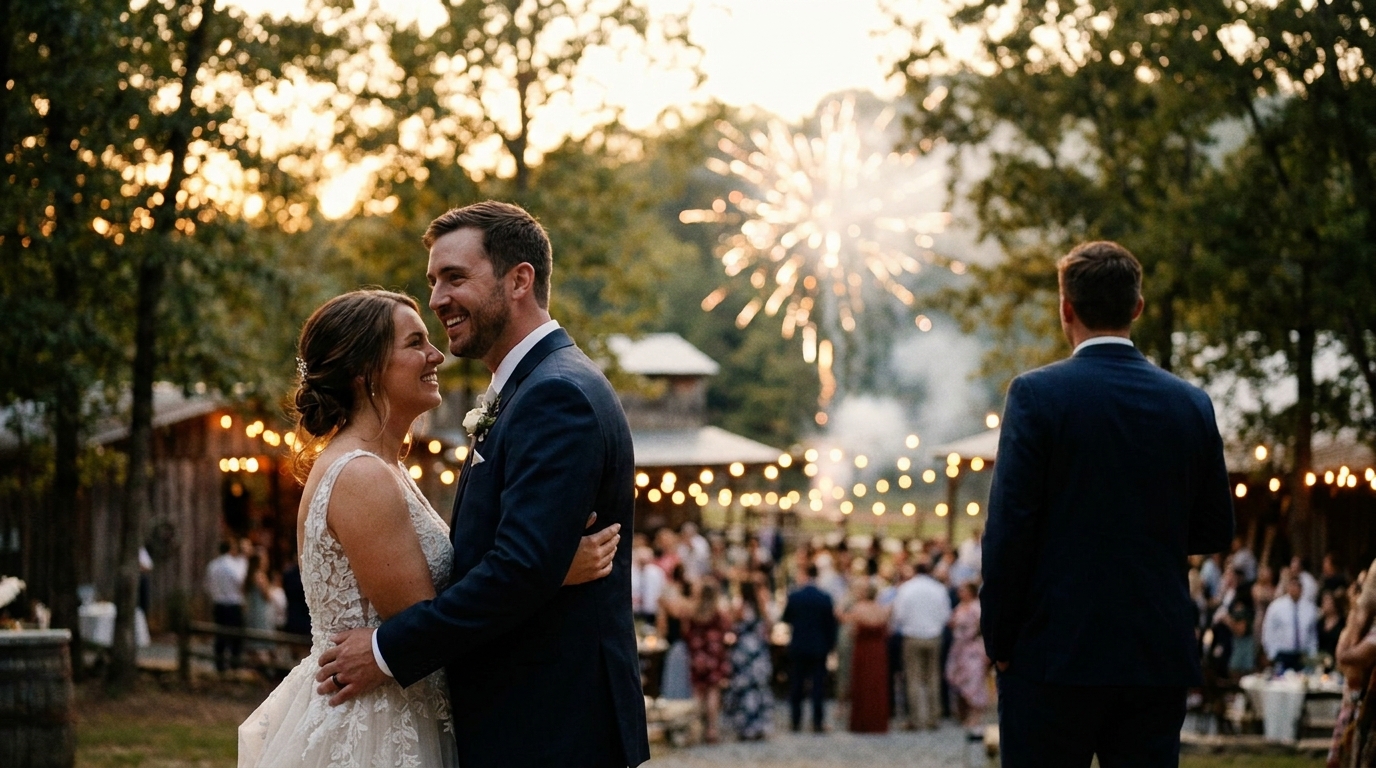
The perception of "budget" wedding video has changed dramatically. In 2020, budget meant a shaky phone video edited in iMovie. In 2026, budget means:
- 4K footage from modern smartphonesthat rivals consumer cameras from five years ago
- AI-enhanced stabilization and color gradingthat eliminates amateur-looking footage
- Professional music matching and pacingthat creates cinematic flow
- Multiple format deliveryoptimized for TV, phone, and social media
- 1-2 week turnaroundinstead of the 3-month traditional wait
The gap between "budget" and "professional" has narrowed to the point where, for highlight reels and shorter edits, most viewers can't tell the difference.
Real Budget Breakdowns From Real Couples
Here are actual budget breakdowns from couples who got great wedding videos without overspending:
Couple 1: The Minimalists ($214 total)
- 3 friends filmed with iPhones
- 2 phone tripods ($30)
- 1 wireless mic ($35)
- WeddingAI.video AI Video Generator ($149)
- Result: 8-minute highlight reel + full ceremony edit, delivered in 10 days
Couple 2: The Smart Splurgers ($875 total)
- Film student videographer for ceremony ($500)
- WeddingAI.video slow-motion enhancement ($149)
- WeddingAI.video family tribute video ($149)
- Guest footage for reception (free)
- WeddingAI.video combined edit ($77)
- Result: Professional ceremony film + family tribute + enhanced slow-motion moments
Couple 3: The DIY-Plus ($340 total)
- Borrowed a friend's GoPro for ceremony ($0)
- 4 friends filmed with phones ($0)
- Tripods and mic ($60)
- WeddingAI.video full processing package ($280)
- Result: 15-minute cinematic wedding film + social media trailer + 5 memes
These couples saved $2,000-$4,000 compared to traditional videography while getting wedding videos they're proud to share and rewatch.
Beyond the Wedding: Getting Maximum Value
Your wedding video budget should also consider long-term value:
Future Enhancements
With WeddingAI.video, you can always add services later:
- Anniversary videosusing your wedding footage — ourwedding anniversary video ideasguide shows you how
- Family tribute videosas family situations change
- Multilingual subtitleswhen sharing with international relatives
- Cartoon or animated versionsfor fun future gifts
Social Media Content
Your wedding video isn't just a keepsake — it's content. A well-edited wedding highlight reel can be repurposed into:
- Instagram Reels and TikToks
- Facebook anniversary posts
- YouTube family channel content
- Holiday greeting cards with video messages
wedding video social mediaguide for ideas on maximizing the reach of your wedding footage.
Frequently Asked Questions
Can I really get a good wedding video for under $500?
Yes. Modern smartphones shoot excellent 4K video, and AI-powered editing services like WeddingAI.video transform that footage into professional-quality results. The key is good planning — assigning filming roles, capturing clean audio, and letting AI handle the technical editing.
Is a budget wedding video worth having?
Absolutely. Any wedding video is infinitely better than no wedding video. Couples consistently report that their wedding video is one of their most treasured possessions, regardless of how it was produced. The memories it preserves are irreplaceable.
What's the cheapest way to get a wedding video?
The cheapest option is to have guests film with their phones and edit the footage yourself using free software (iMovie, CapCut, DaVinci Resolve). This costs $0 but requires 40-80 hours of your time. The smartest cheap option is guest footage + WeddingAI.video processing ($149-$399) for professional results with minimal effort.
Will guests know how to film a wedding properly?
wedding video timelineguide includes a printable filming assignment sheet.
Can WeddingAI.video make phone footage look professional?
Yes. WeddingAI.video's AI enhances resolution, stabilizes shaky footage, corrects color, matches music, and applies professional editing techniques. Modern phone footage (iPhone 12+, Samsung Galaxy S21+) is already high enough quality that AI processing produces results comparable to consumer camera footage.
Start Your Budget Wedding Video Today
A beautiful wedding video doesn't require a massive budget. With smart planning, modern smartphone cameras, and AI-powered editing, you can create a cinematic wedding film for under $500 — or even under $250.
WeddingAI.video has helped over 500 couples across 12 countries create professional wedding videos at budget-friendly prices. Whether you have existing footage to enhance or need guidance on capturing new content, we're here to help.
Ready to Transform Your Wedding Memories?
Tell us about your project and we'll get back within 24 hours with a free quote.
Get a Free Quote →