

Blog WeddingAI.video
Vidéo de mariage affordable avec l'IA : guide 2026
Vidéo de mariage IA de qualité professionnelle et abordable. Pas besoin d'embaucher une équipe coûteuse.
10 minutes de lecture
Vous rêvez d'une vidéo de mariage digne d'un film, mais votre budget ne vous le permet pas ? Vous n'êtes pas seul. En France, le coût moyen d'un vidéoaste de mariage se situe entre 1 500 € et 4 000 €, un investissement que beaucoup de couples peinent à justifier face aux autres dépenses du grand jour. Et si la technologie pouvait offrir une alternative crédible, abordable et magnifique ?
L'intelligence artificielle redéfinit les règles du jeu. Aujourd'hui, il est possible de transformer vos photos et clips bruts en une vidéo de mariage cinématique, le tout pour une fraction du prix traditionnel. Dans ce guide, nous allons explorer comment l'IA rend la vidéo de mariage accessible à tous, sans sacrifier l'émotion ni la qualité.
Pourquoi la vidéo de mariage traditionnel coûte si cher
Le travail invisible derrière la caméra
Une vidéo de mariage professionnelle ne se contente pas de pointer une caméra. Son travail commence bien avant la cérémonie et se prolonge longtemps après. Voici ce qui justifie son tarif :
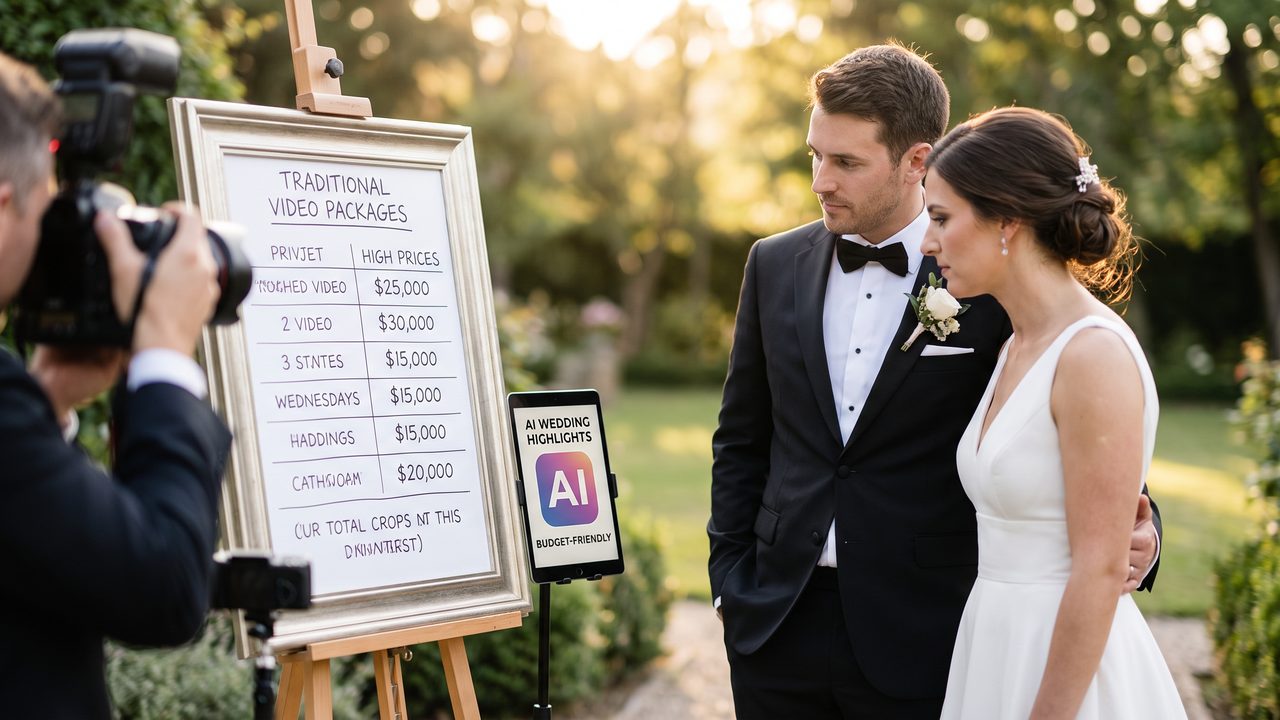
- Préparation : Repérage des lieux, scénarisation, coordination avec le photographe et le DJ
- Jour J : 8 à 12 heures de tournage avec un ou deux opérateurs
- Post-production : 20 à 40 heures de montage, étalonnage sonore, mixage audio, correction colorimétrique
- Équipement : Caméras 4K, drones, stabilisateurs, microphones-cravates, éclairage professionnel
Le prix reflète donc une expertise technique et artistique considérable. Mais tous les couples n'ont pas besoin — ni les moyens — d'un résultat niveau blockbuster hollywoodien.
Des alternatives traditionnelles peu convaincantes
Face au coût, certains couples se tournent vers des solutions de réponse souvent décevantes :
- Demander à un ami : Résultats aléatoires, moments clés manqués, qualité sonore médiocre
- Loueur de caméras pour les invités : Montage chaotique, incohérence visuelle, zéro direction artistique
- Montage DIY : Des heures de travail pour un résultat amateur, logiciels complexes à maîtriser
C'est précisément dans cet écart — entre le professionnel hors de prix et le DIY insatisfaisant — que l'IA intervient.
Comment l'IA révolutionne la vidéo de mariage abordable
Le principe : vos photos et vidéos deviennent un film
La technologie derrière WeddingAI.video repose sur un concept simple mais puissant : vous fournissez vos photos (celles du photographe, celles des invités, vos selfies) et vos clips vidéo bruts, et l'IA s'occupe du reste.
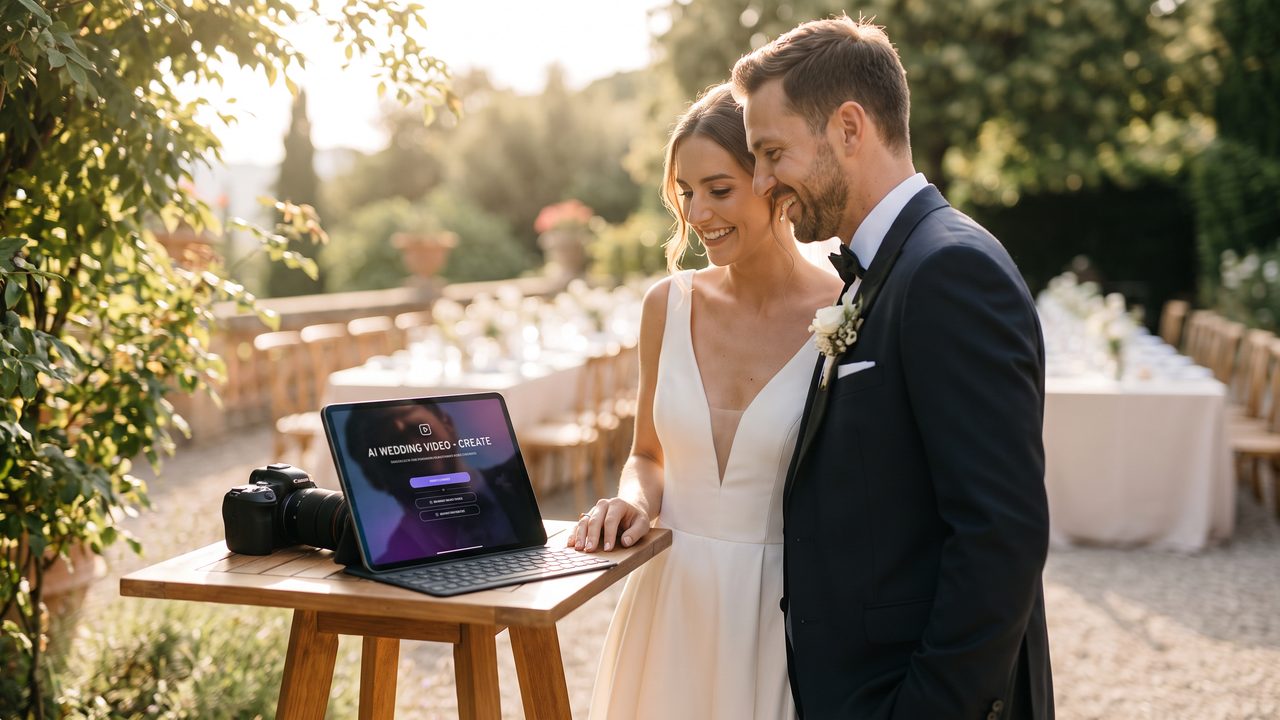
Voici ce que fait concrètement l'IA :
- Analyse des visages : L'IA identifie les mariés, la famille et les invités dans chaque image
- Sélection intelligente : Parmi des centaines de photos, elle choisit les meilleurs moments
- Transitions cinématiques : Zoom, parallaxe, fondu enchaîné — chaque transition est soigneusement orchestrée
- Synchronisation musicale : Les coupures et les mouvements suivent le rythme de la musique choisie
- Effets professionnels : Ralenti, stabilisation, correction colorimétrique automatique
Le résultat ? Une vidéo qui *ressemble* à celle d'un professionnel, créée en quelques heures au lieu de plusieurs semaines.
Comparaison des coûts
| Options | Coût moyen | Délai | Qualité |
|--------|-----------|-------|---------|
| Vidéoaste professionnel | 2 000 € – 4 000 € | 4 à 8 semaines | Excellente |
| Vidéoaste débutant | 800 € – 1 500 € | 2 à 6 semaines | Variables |
| IA (MariageAI) | 49 € – 149 € | 24 à 48 heures | Professionnelle |
| DIY avec logiciel | Gratuit (votre temps) | Des dizaines d'heures | Amateurs |
L'économie est spectaculaire : jusqu'à 95 % de moins qu'un vidéaste traditionnel, avec des résultats qui rivalisent sur de nombreux aspects.
Ce que l'IA peut faire (et ce qu'elle ne peut pas)
Les points forts de l'IA pour les vidéos de mariage
L’intelligence artificielle excelle dans plusieurs domaines cruciaux :
Montage automatique intelligent : L'IA analyse des milliers de combinaisons possibles pour créer un récit visuel fluide. Elle sait placer le plan grand avant le gros plan, alterner les sourires et les larmes d'émotion, et maintenir un rythme captivant.
Transitions et effets : Les effets de parallaxe (qui donnent du mouvement à une photo fixe), les zooms fluides et les transitions musicales sont des spécialités de l'IA. Ce sont exactement les effets que les vidéoastes passent des heures à créer manuellement.
Correction automatique : Photos sous-exposées ? Les couleurs s'estompent ? L'IA ajuste automatiquement la luminosité, le contraste et la saturation pour un rendu homogène et professionnel.
Personnalisation musicale : Choisissez votre chanson, et l'IA adapta le rythme du montage à la musique. Les moments forts de la vidéo coïncident avec les montées musicales.
Les limites à connaître
Soyons honnêtes : l'IA ne remplace pas entièrement un vidéaste humain dans certaines situations :
- Captation en direct : L'IA travaille à partir de fichiers existants. Si personne ne filme la cérémonie, il n'y a rien à transformer. La solution : désigner un ou deux proches avec des smartphones modernes pour capturer les moments clés.
- Direction artistique complexe : Un vidéaste expérimenté peut créer un concept narratif unique. L'IA propose des styles prédéfinis, mais offre moins de flexibilité créative sur mesure.
- Audio ambiant : Les discours, les vœux et les rires sont captés par vos clips vidéo. L'IA peut les intégrer, mais la qualité dépend de celle de vos enregistrements originaux.
Pour en savoir plus sur les capacités et limites de l'IA dans ce domaine, consultez notre article L'IA remplacera-t-elle les photographes ?.
Guide pas à pas : créer votre vidéo de mariage abordable
Étape 1 : Rassembler vos médias (avant le mariage)
La qualité de votre vidéo finale dépend directement de la qualité de vos sources. Voici comment bien préparer :
Avec votre photographe :
- Demandez-lui de partager les photos en haute résolution
- Négociez l'inclusion de quelques clips vidéo courts dans votre forfait
- Beaucoup de photographes proposent désormais des forfaits photo + clips vidéo courts
Avec vos invités :
- Créez un album partagé (Google Photos, Dropbox) et partagez le lien sur vos faire-part
- Demandez spécifiquement de filmer les moments importants : arrivée de la mariée, échange des vœux, première danse
- Conseillez-leur de photographier en mode paysage (horizontal) et de rester stable
Avec vos smartphones :
- Désignez 2-3 « vidéastes amateurs » parmi vos proches
- Donnez-leur une liste de plans à capturer (voir notre guide des plans essentiels)
- Activez la stabilisation vidéo sur tous les appareils
Étape 2 : Choisir votre style
WeddingAI propose plusieurs styles prédéfinis, chacun adapté à une ambiance différente :
- Cinématique classique : Plans larges, transitions douces, musique orchestrale — intemporel et élégant
- Moderne & dynamique : Coupes rapides, effets de zoom, musique pop — parfait pour les couples énergiques
- Vintage romantique : tons chauds, grain de film, transitions en fondu — nostalgie et douceur
- Documentaire : Intégrer les discours et les moments parlés, narration chronologique — pour ceux qui veulent revivre chaque instant
- Dessin animé : Transformez vos photos en univers animé — original et mémorable. Découvrez comment dans notre article Transformer des photos de mariage en dessin animé
Étape 3 : Uploader et personnaliser
Le processus sur WeddingAI est conçu pour être simple :
- Uploadez vos photos et vidéos (glisser & déposer, importer depuis Google Photos ou iCloud)
- Sélectionnez votre style et votre musique
- Personnalisez l'ordre des scènes si vous le souhaitez
- Laissez l'IA travailler — le rendu est prêt en 24 à 48 heures
- Prévisualisez et ajustez — vous pouvez modifier des transitions, changer la musique ou réorganiser des séquences
Étape 4 : Partager et conserver
Votre vidéo est prête ! Voici comment en profiter pleinement :
- Réception : Projetez-la lors du dîner ou de l'after-party — un moment d'émotion garanti
- Réseaux sociaux : Partagez une version courte (1-2 minutes) sur Instagram ou TikTok
- Famille : Envoyez la version complète aux proches qui n'ont pas pu assister
- Archivage : Conservez le fichier haute résolution pour le regarder dans 10, 20, 30 ans
Témoignages de couples qui ont choisi l'IA
> *« On avait un budget serré après le mariage. Le vidéoaste nous avait dit 2 500 €, c'était impossible. Avec WeddingAI, on a utilisé les photos de notre photographe et les vidéos filmées par nos témoins. Le résultat nous a fait pleurer — de bonnes larmes ! »*
> — Marie & Thomas, mariés à Lyon en 2025
> *« Je suis photographe de mariage et j'ai recommandé WeddingAI à plusieurs couples qui ne pouvaient pas s'offrir une vidéoaste. Ils étaient tous bluffés par la qualité. C'est devenu un complément naturel à mon service. »*
> — Sophie L., photographe professionnelle à Bordeaux
> *« Notre mariage était petit, seulement 30 invités. Pas de vidéoaste, juste des smartphones. L'IA a transformé ces clips en quelque chose de vraiment émouvant. Ma belle-mère a pleuré en le regardant trois fois. »*
> — Amina & Julien, mariés à Marseille en 2026
Questions fréquentes sur la vidéo de mariage abordable
L'IA peut-elle vraiment rivaliser avec un vidéaste professionnel ?
Pour un mariage intime ou de taille moyenne, oui — à condition d'avoir de bonnes sources (photos HD et clips vidéo stables). Pour un grand mariage avec des exigences cinématiques très élevées, un vidéoaste reste l'option premium. Mais l'IA offre un excellent rapport qualité-prix pour la majorité des couples.
Combien de photos et vidéos faut-il fournir ?
Idéalement, 100 à 300 photos et 10 à 30 clips vidéo de 15 à 60 secondes chacun. Plus vous fournissez de matériel, plus l'IA a de quoi créer une vidéo riche et variée.
Et si je n'ai pas de vidéos, seulement des photos ?
Pas de problème ! L'IA peut créer une vidéo entièrement à partir de photos en appliquant des effets de mouvement (zoom, parallaxe, rotation) qui donnent vie aux images fixes. C'est l'un des points forts de la technologie.
Pouvez-vous utiliser la musique correctement ?
Oui, la plupart des plateformes permettent de télécharger votre propre piste musicale. Choisissez une chanson qui a du sens pour vous — votre « chanson », celle de votre première danse, ou un morceau qui évoque votre histoire.
Conclusion : votre mariage mérite une vidéo, quel que soit votre budget
La vidéo de mariage n'est plus un luxe réservé aux couples aux gros budgets. Grâce à l'intelligence artificielle, chaque couple peut revivre son grand jour à travers une vidéo émouvante, professionnelle et abordable.
Ne laissez pas le budget dicter ce que vous pouvez ou ne pouvez pas avoir. Vos souvenirs méritent d'être filmés, et la technologie est là pour le rendre possible.
---
Prêt à créer votre vidéo de mariage abordable ? Commencez dès maintenant sur WeddingAI.video et transformez vos photos en un film mémorable. Votre histoire mérite d’être racontée magnifiquement — sans vous ruiner.
Prêt à transformer vos souvenirs de mariage ?
Parlez-nous de votre projet et nous vous répondrons dans les 24 heures avec un devis gratuit.
Obtenez un devis gratuit →