
WeddingAI.video ブログ
What Is an AI Wedding Video Generator? Complete Guide
Learn what an AI wedding video generator is, how it works, and why thousands of couples use them in 2026. Complete beginner's guide with examples and tips.
12 分で読めます
You've probably heard the term "AI video generator" thrown around a lot lately. Maybe a friend used one for their wedding. Maybe you saw a stunning wedding video on Instagram and the caption said it was "made with AI." Maybe you're just curious about whether this technology could work for your own wedding.
Whatever brought you here, you're in the right place. This guide will explain exactly what an AI wedding video generator is, how it works, what it can (and can't) do, and whether it's the right choice for your wedding. No hype, no jargon — just the honest information you need to make a decision.
The Simple Explanation
An AI wedding video generator is a software tool that uses artificial intelligence to create wedding videos from your photos, video clips, and other visual content. Instead of a human editor spending hours manually selecting clips, adding transitions, color grading, and syncing music, the AI does all of that automatically — often in minutes.
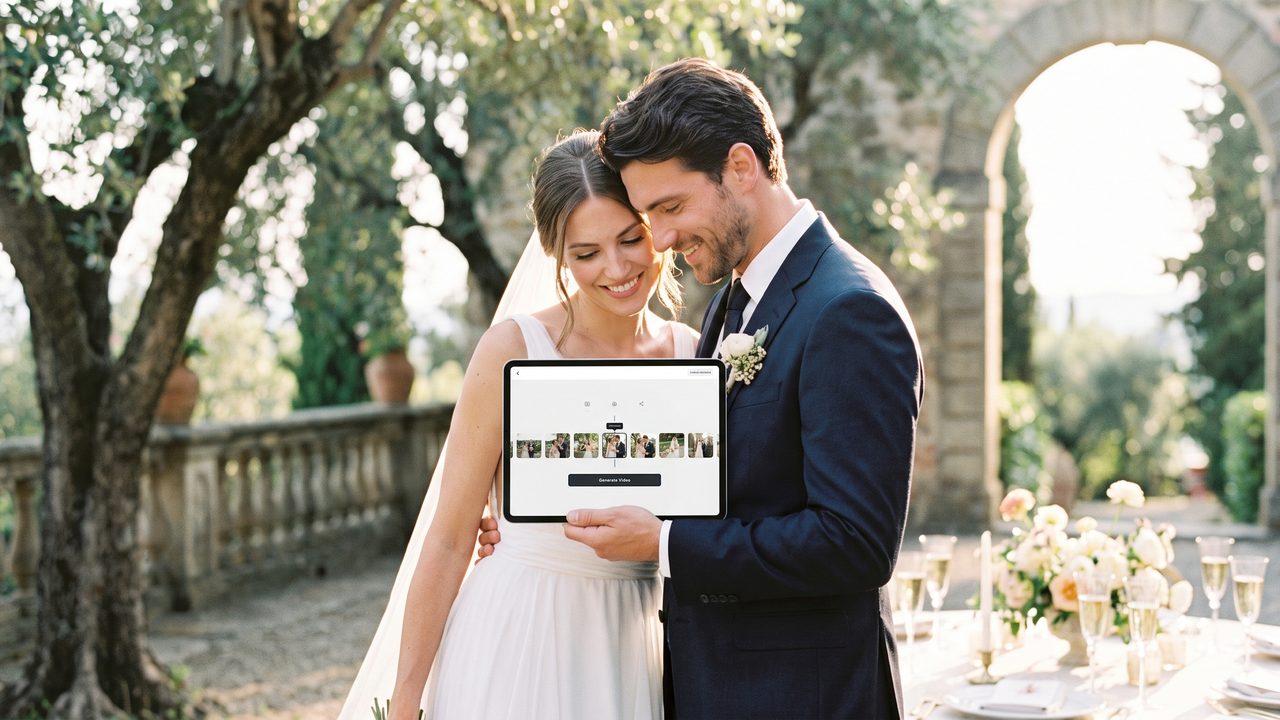
Think of it like having a professional video editor who never sleeps, never misses a deadline, and costs a fraction of the price. You give it your raw materials (photos, video clips, music preferences), and it produces a polished, professional wedding video.
But let's go deeper than that simple explanation, because the technology behind these tools is genuinely fascinating — and understanding it will help you get better results.
How AI Wedding Video Generators Actually Work
Under the hood, AI wedding video generators use several different AI technologies working together:
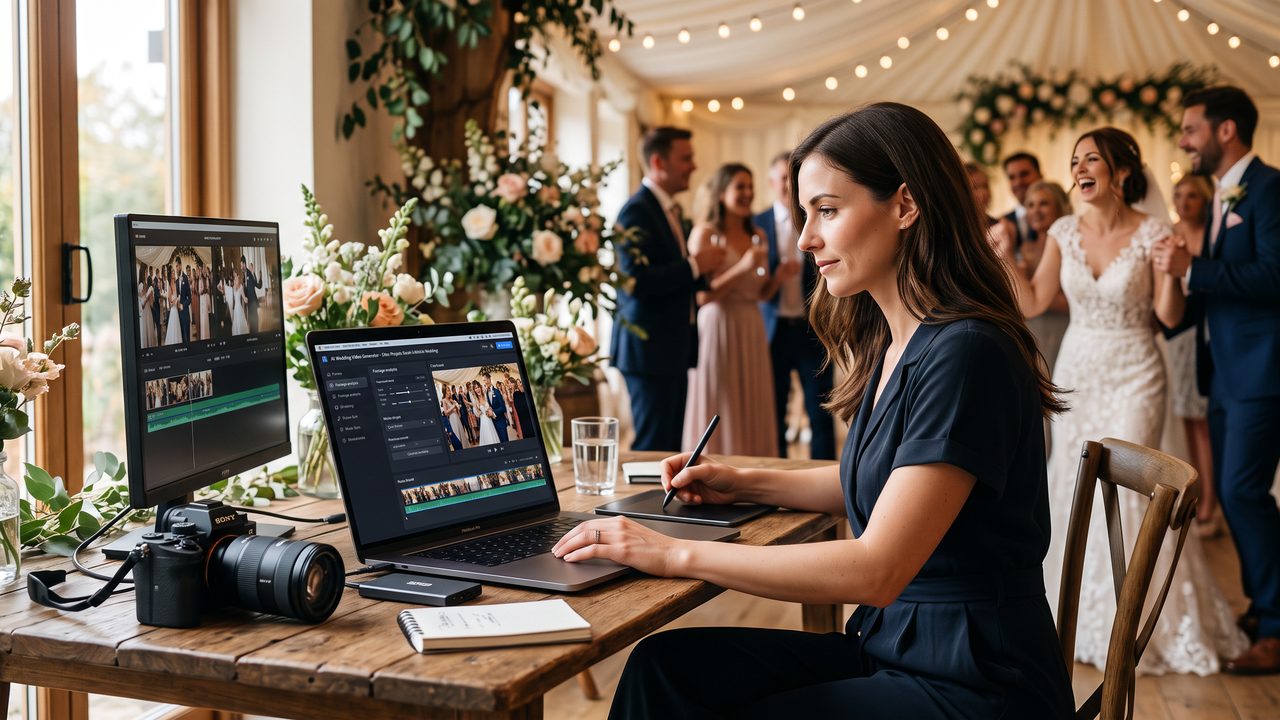
1. Computer Vision: Understanding Your Content
When you upload photos and videos, the AI uses computer vision to analyze every frame. It identifies:
- **Faces and people:** Who's in each photo/video, their expressions, and emotions
- **Scenes and settings:** Indoor vs. outdoor, ceremony vs. reception, daytime vs. evening
- **Key moments:** First kiss, ring exchange, dancing, speeches
- **Visual quality:** Lighting, composition, sharpness, and color balance
- **Emotional content:** Smiles, tears, laughter, and other emotional signals
This analysis is what allows the AI to make intelligent decisions about which moments to include, how to order them, and what effects to apply.
2. Storytelling AI: Crafting the Narrative
This is where the magic happens. The AI doesn't just randomly assemble clips — it creates a narrative arc. It understands that a wedding video typically follows a structure:
- **Opening:** Setting the scene (venue shots, getting ready)
- **Build-up:** Anticipation and preparation
- **Climax:** The ceremony, vows, first kiss
- **Celebration:** Reception, dancing, toasts
- **Resolution:** Final moments, send-off
The AI arranges your content to follow this arc, creating an emotional journey that mirrors the actual flow of your wedding day. Our guide on how AI turns wedding photos into cinematic videos explains this process in detail.
3. Style Transfer: Creating the Look
AI can analyze the visual style of professional wedding videos and apply similar aesthetics to your content. This includes:
- **Color grading:** Warm, romantic tones for ceremony footage; vibrant, energetic colors for reception
- **Transitions:** Smooth fades, wipes, and cuts that match the mood
- **Effects:** Lens flares, bokeh, vignettes, and other cinematic effects
- **Pacing:** Slower, more deliberate editing for emotional moments; faster cuts for energetic scenes
4. Audio Intelligence: Sound and Music
The AI also handles audio, which is crucial for an emotional wedding video:
- **Music synchronization:** Matching cuts and transitions to the beat of the music
- **Audio enhancement:** Cleaning up background noise from video clips
- **Sound balancing:** Ensuring vows and speeches are clear over background music
- **Emotional matching:** Selecting music that matches the mood of each scene
5. Motion Generation: Bringing Photos to Life
This is perhaps the most impressive capability. Modern AI can add realistic motion to still photos:
- Subtle camera movement (slow pans, zooms)
- Environmental motion (wind in hair, water rippling, clouds moving)
- Parallax effects (foreground and background moving at different speeds)
- Depth-based animation (creating a 3D effect from 2D photos)
This is what transforms a photo slideshow into a cinematic video experience. The motion is subtle and tasteful — it doesn't look gimmicky or artificial.
What You Can Create with an AI Wedding Video Generator
The range of content you can create is surprisingly diverse:
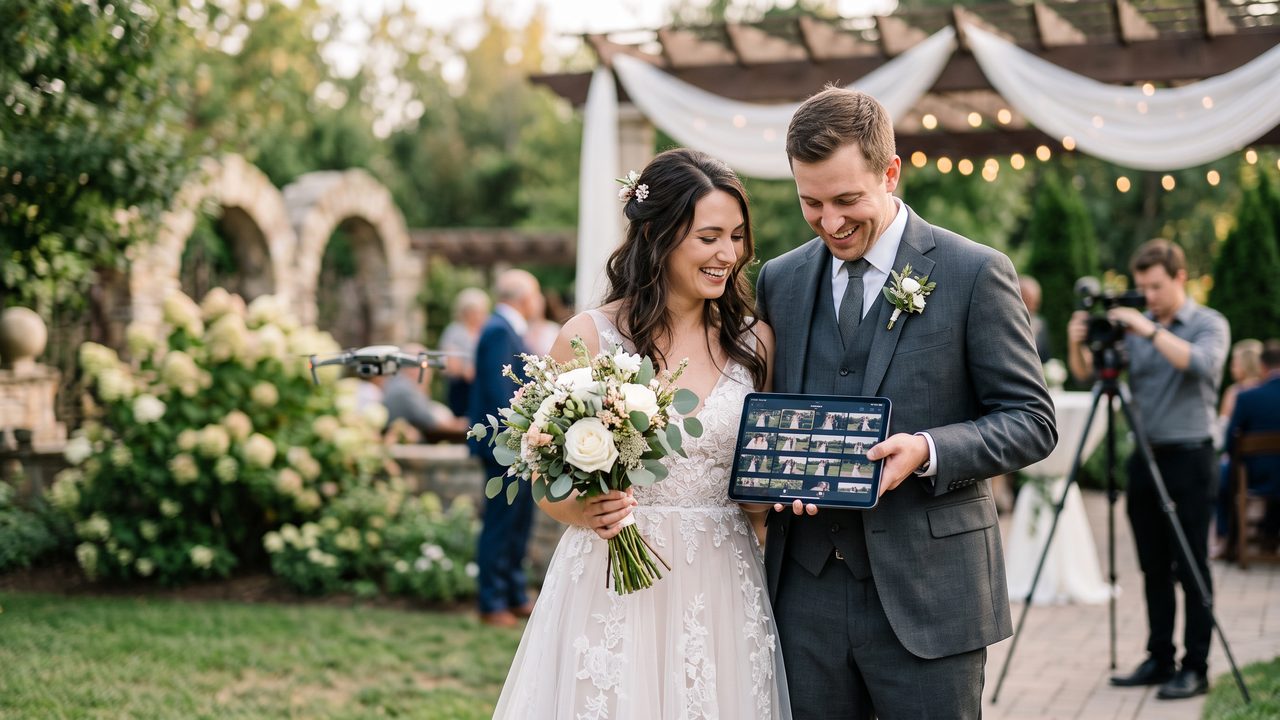
Highlight Reels
The most popular output — a 3-7 minute video that captures the best moments of your wedding day with music, transitions, and emotional pacing. This is what most couples think of when they think "wedding video."
Wedding Trailers
Short, punchy 60-90 second teasers designed for social media sharing. Our Wedding Trailer service creates these automatically from your content.
Full Ceremony Edits
Complete, unedited recordings of your ceremony with basic enhancements like stabilization, color correction, and audio cleanup.
Photo-to-Video Films
Cinematic videos created entirely from still photos, with AI-generated motion and transitions. Our AI Video Generator from Photos specializes in this.
Family Tributes
Compilation videos featuring messages from family members near and far. Our Family Tribute service and Family Message service create these beautifully.
Themed Videos
Videos in specific styles or themes:
- **Cartoon/animated versions** of your wedding story (Cartoon Style →)
- **Vintage film looks** using restored footage (Vintage Restoration →)
- **Slow-motion highlights** (Slow Motion →)
- **Multilingual versions** for international families (Multilingual →)
- **Funny memes and clips** for social media (Meme Generator →)
The Complete Workflow: From Upload to Download
Here's what the typical process looks like:
Step 1: Upload Your Content
Upload your photos and video clips to the platform. Most services accept common formats (JPEG, PNG, MP4, MOV) and support batch uploads. You can typically upload from your computer, phone, or cloud storage.
Step 2: Choose Your Style and Preferences
Select the style you want (cinematic, vintage, modern, romantic, etc.), the approximate length, and any specific preferences (music genre, color palette, etc.).
Step 3: AI Processing
The AI analyzes your content, identifies key moments, creates a narrative structure, applies visual effects, synchronizes music, and generates your video. This typically takes 5-30 minutes depending on the amount of content and the complexity of the output.
Step 4: Review and Customize
Preview your video and make adjustments:
- Rearrange scenes
- Change music
- Adjust pacing
- Add or remove effects
- Include text overlays
- Add subtitles
Step 5: Export and Share
Download your finished video in your preferred resolution and format. Most services offer multiple export options optimized for different platforms (YouTube, Instagram, TikTok, etc.).
For a detailed walkthrough with screenshots, see our AI Wedding Video Production Flow guide.
Choosing the Right AI Wedding Video Tool
Not all AI video generators are created equal. Here's what to look for:
Quality of Output
This is the most important factor. Look at sample videos and customer reviews. Does the output look professional? Is the motion realistic? Are the transitions smooth?
Ease of Use
The tool should be intuitive enough for anyone to use, regardless of technical skill. If you need a tutorial just to upload your photos, look elsewhere. Our guide on making wedding videos without editing skills evaluates tools based on ease of use.
Customization Options
The best AI tools let you customize the output — change music, rearrange scenes, adjust effects, and add personal touches. Avoid tools that only offer one-size-fits-all templates.
Privacy and Security
Your wedding photos and videos are deeply personal. Make sure the platform has strong privacy protections, doesn't use your content for training AI models without consent, and allows you to delete your data. Our AI wedding video privacy guide covers this in detail.
Pricing
Compare pricing across platforms, but don't just go for the cheapest option. Consider what's included — music licensing, export quality, number of revisions, and customer support.
For a comprehensive comparison, see our best AI wedding video tools 2026 guide.
Common Concerns (and Honest Answers)
"Will it look fake or artificial?"
Modern AI video generation is remarkably realistic. Motion effects on photos are subtle and tasteful, transitions are smooth, and the overall quality rivals professional editing. Most viewers can't tell the difference between AI-generated and human-edited wedding videos.
"Will it work with my photos?"
Yes. AI video generators work with any quality of photos, from professional DSLR shots to smartphone pictures. Higher-quality photos produce better results, but the AI can enhance and upscale lower-quality images.
"What if I'm not happy with the result?"
Most platforms offer preview capabilities and revision options. You can adjust the output before finalizing. Some services offer money-back guarantees if you're not satisfied.
"Is my data safe?"
This depends on the platform. Reputable services like WeddingAI.video have strong privacy policies, don't use your content for AI training, and allow data deletion. Always read the privacy policy before uploading.
"Can it handle different cultural weddings?"
Yes. AI video generators work with weddings of all cultures, traditions, and styles. The AI adapts to the content it receives rather than imposing a single aesthetic. Our multilingual service also supports subtitles in 50+ languages for cross-cultural celebrations.
The Future of AI Wedding Video
The technology is evolving rapidly. In the coming years, we expect to see:
- **Real-time AI editing** that processes footage during the wedding
- **Interactive video experiences** where viewers can choose different perspectives
- **AI-generated narration** that tells the story of your day
- **Virtual reality wedding experiences** created from standard footage
- **Even more realistic photo animation** that's indistinguishable from video
For now, 2026's AI wedding video tools are already powerful enough to create stunning results that rival professional videography. And they're only getting better.
Getting Started
Ready to see what AI can do with your wedding content? The best way to understand these tools is to try one. Most platforms offer previews or demos so you can see the quality before committing.
Our guide to making your first AI wedding video in 5 minutes is the perfect starting point. It walks you through the entire process from upload to download.
Try It for Yourself
Words can only do so much. The best way to understand what an AI wedding video generator can do is to see it in action.
**Try WeddingAI.video →** — upload your photos and see the magic happen. Your wedding memories deserve to be more than still images on a screen.