

WeddingAI.video 博客
与世界各地的家人分享您的婚礼视频
了解如何与全球各地的家人分享您的婚礼视频。在国际范围内发送大型视频文件的简单方法。今天分享你的爱情故事!
9 min read
如何与世界各地的家人分享您的婚礼视频
您的婚礼视频不仅仅是一个录音 - 它是您所爱的人和您生命中最重要的一天之间的一座桥梁。但是,当您的家人跨越各大洲时,分享该视频就成了一个后勤难题。文件大小巨大,互联网连接差异很大,您在菲律宾 85 岁的祖母可能不会浏览复杂的下载链接。

不用担心。有实用、优雅的解决方案可以与世界各地的家人分享您的婚礼视频,大多数都比您想象的更简单。
为什么分享婚礼视频比应有的更难
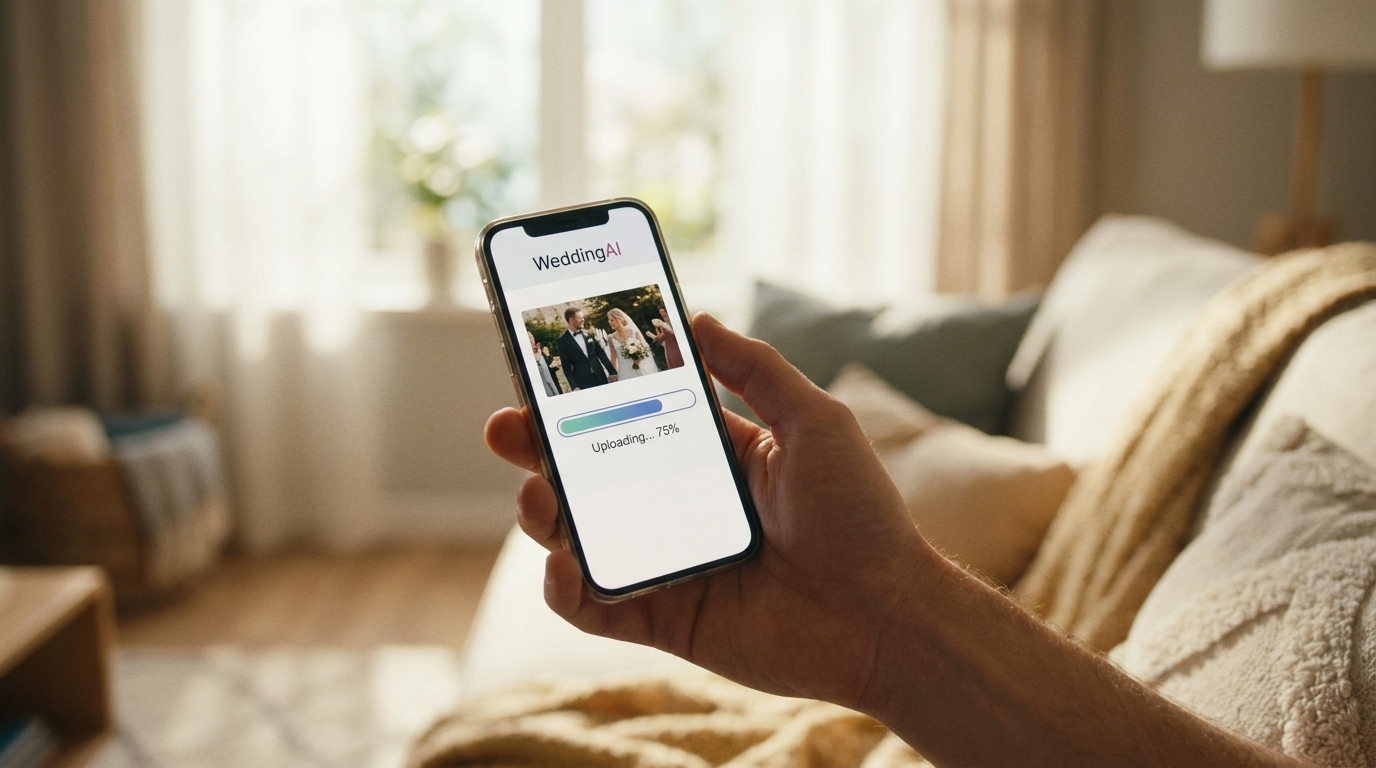
我们首先要诚实地对待这个问题。专业婚礼视频的大小范围可以从 2GB(精彩片段)到 50GB 以上(完整的原始素材)。即使是 10 分钟的压缩电影也有 500MB 到 2GB 的空间。这对于电子邮件来说太大了,对于大多数消息应用程序来说又太重了,而且在典型的家庭互联网连接上上传速度慢得令人沮丧。
再加上国际变量——不同的时区、不同的互联网速度、语言障碍和技术素养差距——你就会面临真正的挑战。您在印度农村的表弟的 4G 网络可能不稳定。您在德国的阿姨可能会拒绝安装其他应用程序。你的祖父可能根本没有智能手机。
好消息:每种情况都有一个解决方案。
方法一:云存储链接(对于大多数家庭来说最简单)
谷歌的支持文档解释如何与任何人安全地共享文件。以下是主要平台的比较:
| 平台 | 免费容量 | 最大文件 | 适合 | |------|---------|---------|------| | Google Drive | 15 GB | 5 TB | 已在用 Gmail 的家庭 | | Dropbox | 2 GB | 50 GB(付费)| 精通技术的家庭 | | iCloud | 5 GB | 50 GB | 苹果设备为主 | | OneDrive | 5 GB | 250 GB | 微软/Windows 家庭 |
如何做:
- 将您的视频上传到您喜欢的平台
- 创建可共享链接(将权限设置为“知道该链接的任何人都可以查看”)
- 通过电子邮件、WhatsApp 或短信发送链接
- 包含简单的说明:“单击此链接,然后点击播放按钮”
专业提示:创建一个名为“我们的婚礼视频”的共享文件夹,并添加所有婚礼内容 - 精彩片段、完整仪式、招待会精彩片段和任何照片幻灯片。家庭成员可以为该文件夹添加书签并随时重新访问。
对于分布在多个国家/地区的家庭,请考虑在非高峰时段(您所在时区的清晨或深夜)上传,此时互联网流量较低且上传速度较快。
方法二:专用视频分享平台

如果您想要比原始云链接更精致的体验,视频专用平台可以提供更好的播放、隐私控制和观看体验。投资于一个好的平台是值得的。
维梅奥是婚礼视频共享的黄金标准。与 YouTube 不同,Vimeo 提供:
- 受密码保护的视频(只有知道密码的人才能观看)
- 视频之前、期间或之后没有广告
- 压缩率更低,视频质量更高
- 可定制的播放器外观
- 查看分析,了解谁在观看
YouTube(未公开)非常适合精打细算的夫妇。将您的视频设置为“不公开”——只有拥有直接链接的人才能找到它。它是免费的,几乎适用于所有设备,而且大多数人已经知道如何使用它。缺点:偶尔出现广告和更激进的视频压缩。
谷歌照片是家庭共享的热门选择。上传您的视频、创建共享相册并通过电子邮件邀请家庭成员。他们不需要下载任何东西——它可以直接在他们的浏览器或谷歌照片应用程序中播放。针对不同连接速度的自动优化对于互联网有限地区的家庭成员特别有帮助。
多语言视频服务可以帮助您为使用不同语言的家庭成员创建带字幕或配音的婚礼视频版本。
方法三:实体媒体(针对祖父母)
并不是每个人都对数字化感到满意。对于年长的家庭成员来说,实体媒体仍然是最深思熟虑的选择。
USB 驱动器价格便宜且普遍兼容。订购带有您的婚礼日期和姓名的定制印刷 USB 驱动器,加载您的视频,然后邮寄。 32GB USB 驱动器的价格为 5-10 美元,可以容纳您完整的婚礼视频收藏。附上一张印有简单说明的卡片:“将其插入电视的 USB 端口并按播放键。”
DVD 和蓝光光盘仍然适用于拥有较旧电视设置的家庭。虽然刻录 DVD 需要一些技术知识,但许多当地印刷店和在线服务提供婚礼 DVD 制作,每份价格为 15-30 美元。
个性化视频礼盒将 USB 驱动器与打印的照片、感谢信或小礼物结合在一起。这会将您的婚礼视频变成家人会珍惜并实际观看的实物纪念品。
方法四:观看派对解决方案

有时,分享婚礼视频的最佳方式是一起观看,即使你们分开也是如此。
虚拟观看派对
与跨时区的家人安排视频通话、共享屏幕并一起实时观看视频。 Zoom、Google Meet 或 Teleparty(用于同步播放)等工具使这一切变得简单。共同的反应——你的妈妈哭了,你的叔叔笑了,你的表兄弟姐妹欢呼——成为了体验的一部分。
成功进行虚拟筛选的提示:
- 至少提前一周发送带有链接的日历邀请
- 如果您的家人遍布全球,请包括多个时区选项
- 预先测试您的屏幕共享设置
- 如果某人的连接中断,请制定备份计划
- 记录观看派对本身——这些反应是无价的
亲自筛查
为所在地区的家人举办一场小型放映会。架设投影仪,做爆米花,重现您婚礼日的魔幻。这在婚礼后几周尤其有效——当最初的兴奋已经平复,每个人都准备好重温回忆。
处理大文件
在海外分享婚礼视频最常见的障碍是文件大小。以下是实用的解决方案:
分享前先压缩。HandBrake(免费)等工具可以将视频文件大小减少 50-70%,同时将质量损失降至最低。以 1080p 导出而不是 4K 导出以共享副本 — 在大多数屏幕上,差异可以忽略不计。
分成章节。不要创建一个庞大的文件,而是为一天中的每个部分创建单独的文件:准备、仪式、接待和亮点。家庭成员可以一次下载并观看一节,这在网速较慢的情况下更容易。
使用文件传输服务。WeTransfer(高达 2GB 免费空间)、SendAnywhere 或 FileMail 等服务专为大文件而设计。它们会生成一个下载链接,您可以通过电子邮件或消息应用程序共享该链接。
让每个人都可以使用它

真正的无障碍意味着考虑每个家庭成员的情况,而不仅仅是精通技术的人。
语言注意事项
如果您的家人说多种语言,请考虑为您的婚礼视频添加字幕。这对双语家庭或与可能不会说仪式语言的姻亲分享时尤其有意义。
多语言配音和字幕服务可以添加任何语言的专业同步字幕,使您家谱的每个分支都可以访问您的婚礼视频。
带宽友好选项
对于网络有限的家庭成员,提供多种优质选择:
- 品质齐全(1080p 或 4K)适合快速连接的用户
- 标准品质(720p) 适用于平均连接数
- 适合移动设备(480p) 适合使用流量有限的手机观看的用户
辅助功能
考虑有听力或视力障碍的家庭成员。字幕帮助听力困难的人。关键视觉瞬间的音频描述可以让视频对视障家庭成员有意义。
隐私和安全
在国际上分享您的婚礼视频时,隐私很重要。
用密码保护您的视频。Vimeo 和一些云存储平台提供密码保护。使用家庭成员可以记住的简单密码(您的婚礼日期很好)并与链接分开共享。
控制下载权限。大多数平台允许您无需下载即可进行流式传输。这可以防止您的视频在未经您许可的情况下被重新分发。
设置到期日期。有些服务允许您创建在一定天数后过期的链接。这为您的内容增加了额外的控制层。
如果公开分享则加水印。如果您打算在社交媒体上分享剪辑,请考虑添加微妙的水印。我们的社交媒体视频指南涵盖在线分享婚礼内容的最佳实践。
创建家庭视频中心
为了获得终极共享体验,请创建一个集中的“婚礼视频中心”——所有家庭成员都可以访问所有内容的单个页面或文件夹。
包括:
- 精彩片段(3-5 分钟——每个人都会观看的)
- 完整仪式视频
- 接待亮点
- 照片幻灯片
- 宾客留言整理
- 家庭致敬视频你创造了
共享该中心一次,家庭成员就可以随时重新访问它。随着时间的推移,用周年纪念视频、家庭照片和其他里程碑来更新它。
常见问题解答
与年迈的祖父母分享婚礼视频的最佳方式是什么?
物理媒体通常是老年家庭成员的最佳选择。装有您的婚礼视频的 USB 驱动器,再加上打印的说明卡,可消除所有技术障碍。如果他们有智能电视,则只需按一下按钮即可直接插入 USB 并播放。对于住得很远的祖父母,请将 USB 放在装饰精美的包裹中并附上手写便条邮寄。
如何在国际范围内共享大型婚礼视频文件?
将您的视频上传到 Google Drive、Dropbox 或 Vimeo,并通过电子邮件或 WhatsApp 分享链接。对于网速较慢的家庭成员,请在上传前使用 HandBrake 将视频压缩至 720p。您还可以将视频分成较小的章节,以便他们一次可以下载一个部分。
我可以在 WhatsApp 上分享我的婚礼视频而不降低质量吗?
WhatsApp 严重压缩视频,从而降低了质量。相反,请将您的视频上传到 Google 云端硬盘或 YouTube(不公开)并在 WhatsApp 中分享链接。您的家人无需下载即可获得全质量播放,并且完全避免了压缩问题。
如何与不会说英语的家人分享我的婚礼视频?
多语言字幕服务可以添加任何语言的专业同步字幕。这使您的视频易于理解,并表现出您的非英语家庭将深深欣赏的体贴。
我应该在社交媒体上发布婚礼视频还是将其保密?
这是个人选择。如果您想公开分享,可以考虑在社交媒体上发布一段简短的精彩片段(1-2 分钟),同时将完整视频放在密码保护的平台上供家人观看。这给您两全其美——公开的庆祝和私密的亲密。
与每个重要的人分享您的故事
您的婚礼视频值得每一个爱您的人看到——无论他们是在街对面还是在大洋彼岸。使用正确的分发方式最大化其影响力。