How to Create a Wedding Photo Slideshow That Doesn't Bore Everyone

WeddingAI.video 博客

如何制作不让所有人无聊的婚礼照片幻灯片

创建宾客真正喜欢观看的婚礼照片幻灯片。有关节奏、音乐和讲故事的专业技巧。让您的幻灯片令人难忘!

阅读 11 分钟 · 更新于 2026-07-23

如何制作不让所有人无聊的婚礼照片幻灯片

说实话:大多数婚礼照片幻灯片都很痛苦。你已经经历了这些。数百张照片以 5 秒的间隔循环播放,下面播放着通用的乐器曲目。从幻灯片 47 开始,每个人都在检查自己的手机。在幻灯片 120 中,人们正在找借口去酒吧。
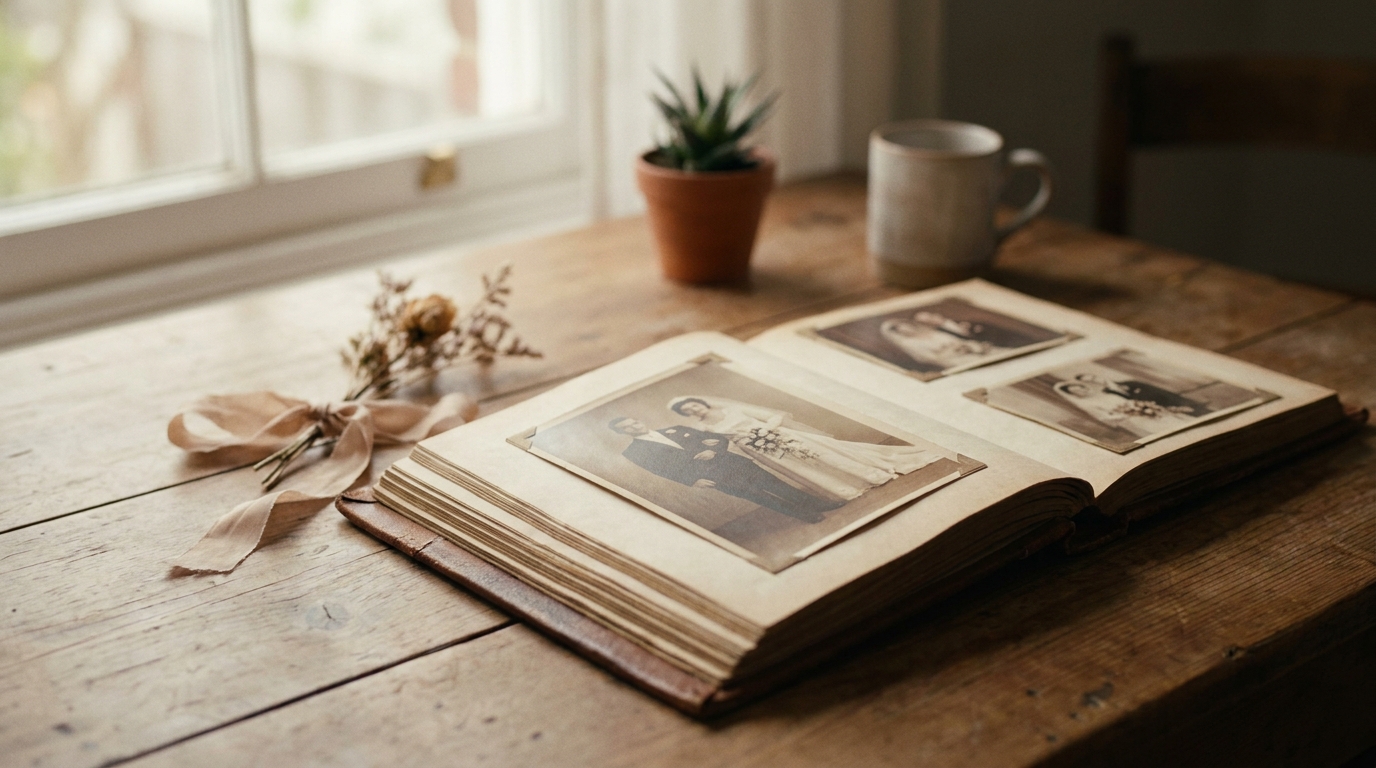
The Golden Rule: Less Is More — visual illustrating the the golden rule: less is more aspect of the article

事情不必如此。一部精心制作的婚礼照片幻灯片可以成为您庆典中最感人、最有趣、最难忘的部分之一。催眠之作和惊艳之作之间的区别归结为三件事:策展、节奏和讲故事。

以下是如何制作一个让每个人都观看的婚礼幻灯片,甚至可能让他们哭泣(以一种好的方式)。

黄金法则:少即是多
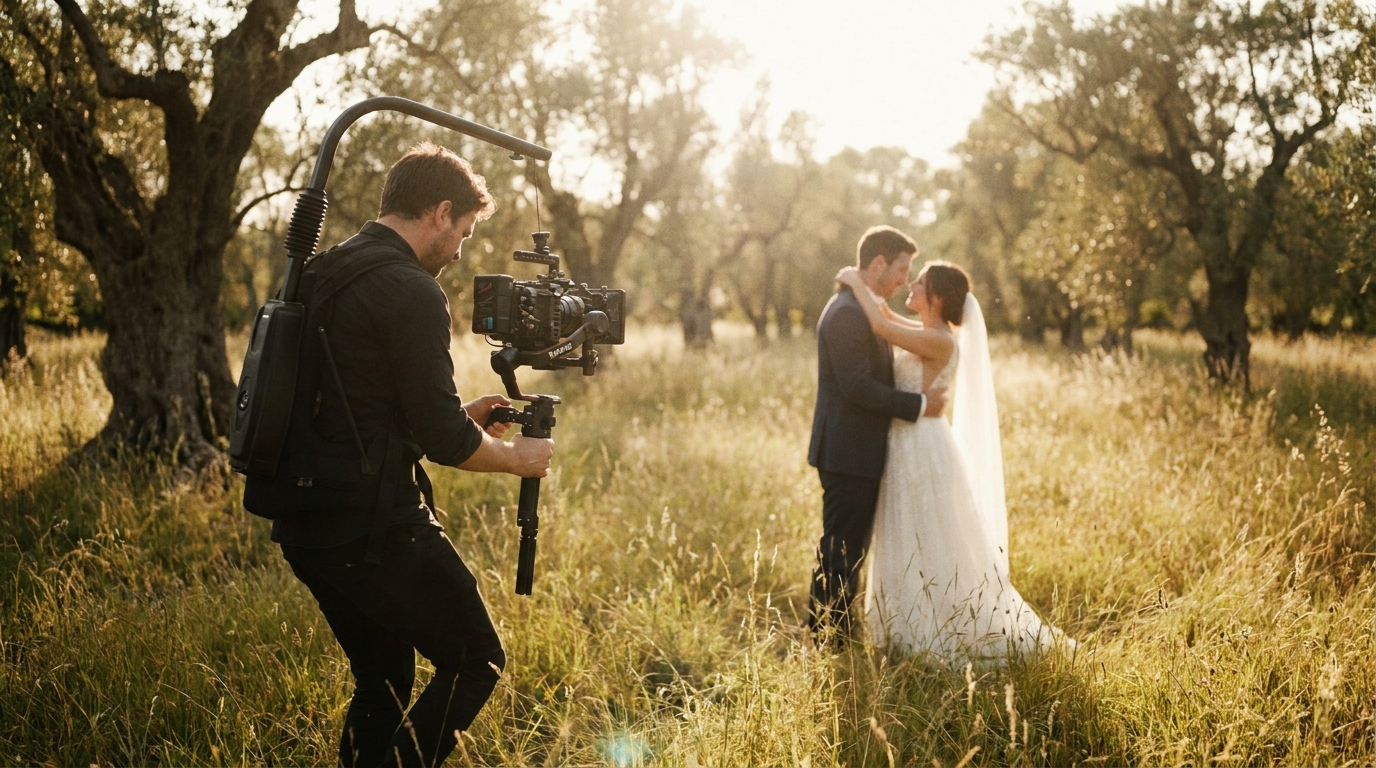
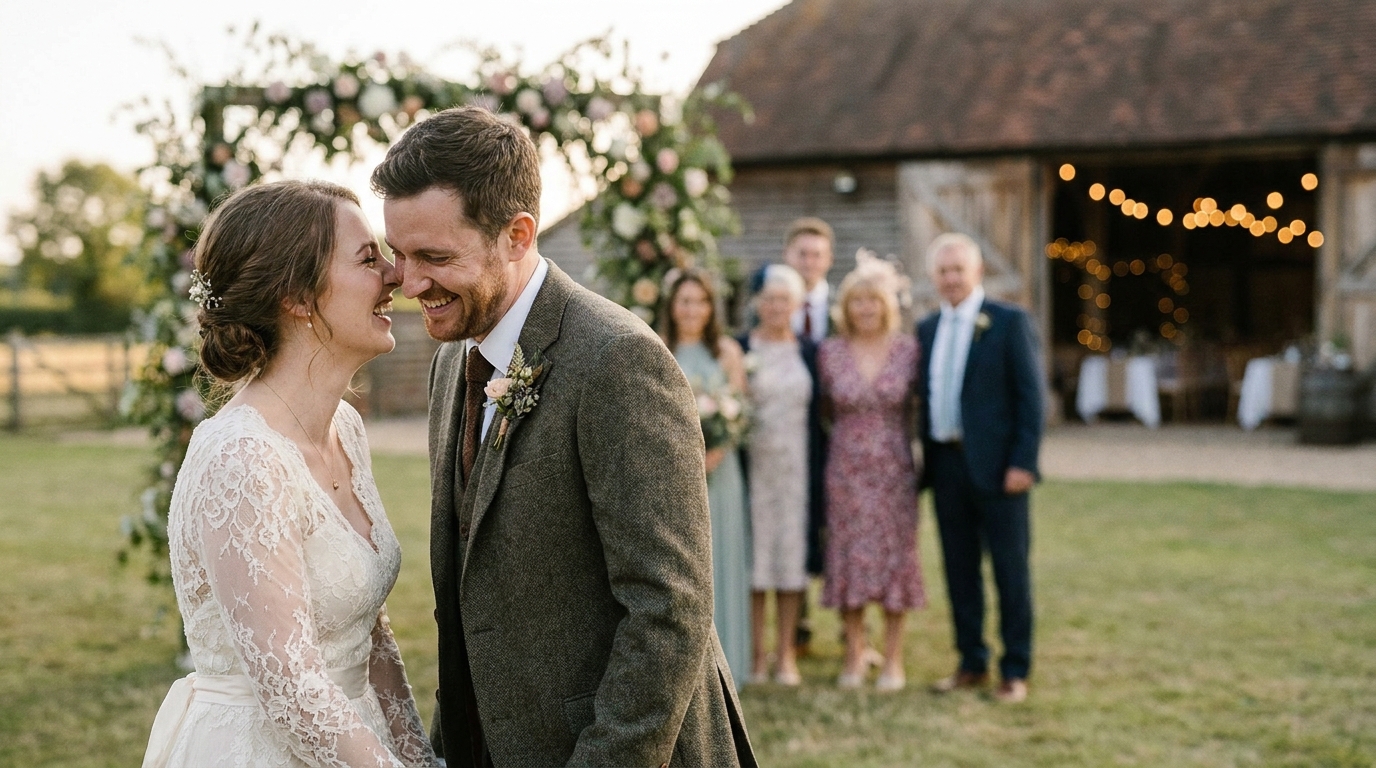
How to Choose Which Photos to Include — visual illustrating the how to choose which photos to include aspect of the article

婚礼幻灯片中最大的错误是包含太多照片。您有来自婚礼摄影师的 3,000 张照片。这对于您的个人档案来说非常棒。这对于幻灯片来说简直是一种折磨。

理想的幻灯片长度:

| 场合 | 时长 | 照片数 | |------|------|--------| | 彩排晚宴 | 3-5 分钟 | 40-80 张 | | 宴会(晚宴前)| 5-8 分钟 | 80-150 张 | | 宴会(舞会时)| 3-5 分钟 | 40-80 张 | | 社交媒体分享 | 1-3 分钟 | 20-50 张 | | 个人珍藏 | 8-12 分钟 | 150-250 张 |

Slidesgo 的演示文稿设计指南 confirms that pacing is the most critical factor in audience engagement. If a photo doesn't make the cut when you're being ruthless with curation, it doesn't belong in the slideshow.

如何选择要包含的照片

并非所有照片都适合幻灯片放映。应用这些过滤器:

包括:

  • 讲述故事或捕捉特定情感的照片
  • 构图强烈且光线良好的图像
  • 多人参与的时刻(集体照、互动)
  • 代表一天的弧线的图像(准备→仪式→接待)
  • 会引起反应的照片(童年回忆、有趣的时刻、惊喜)

排除:

  • 重复或接近重复的镜头
  • 关键人物闭着眼睛或看起来很尴尬的照片
  • 姿势过于正式的镜头(除非它们特别引人注目)
  • 光线不佳或构图无法修复的图像
  • 任何未经他人同意而使他人难堪的行为

像故事一样构建幻灯片

最好的幻灯片具有叙事结构。他们不只是展示照片,还带领观众踏上一段旅程。

三幕结构

第 1 幕:设置(幻灯片的 20-25%) Start with context. How did you meet? What was your early relationship like? Use childhood photos, early couple photos, and images from your dating years. This section builds emotional investment before the wedding day even begins.

第二幕:旅程(幻灯片的 50-60%) This is the main event. Cover the wedding day chronologically — getting ready, first look, ceremony, portraits, reception. Pace it like a movie: build tension before the ceremony, release emotion during the vows, celebrate during the reception.

第三幕:庆典(幻灯片的 20-25%) End on a high note. Dancing, laughter, candid joy, and a final image that encapsulates the day. Consider ending with a "where we are now" photo — a recent image that shows your life together continuing.

起搏技巧

改变节奏。 Don't show every photo at the same speed. Slow down for emotional moments (the first look, the vows, parent reactions) and speed up for energetic ones (dancing, group shots, party moments).

有意地使用过渡。 A simple fade between emotional moments. A quick cut between high-energy shots. A dissolve to signal a time jump. Avoid cheesy transitions (spins, page turns, star wipes) — they distract from the photos.

打造巅峰。 Structure your slideshow with emotional peaks and valleys. The ceremony is a peak. A quiet moment between dances is a valley. The final dance is the climax. This rhythm keeps viewers engaged.

独特的婚礼视频创意.

选择合适的音乐

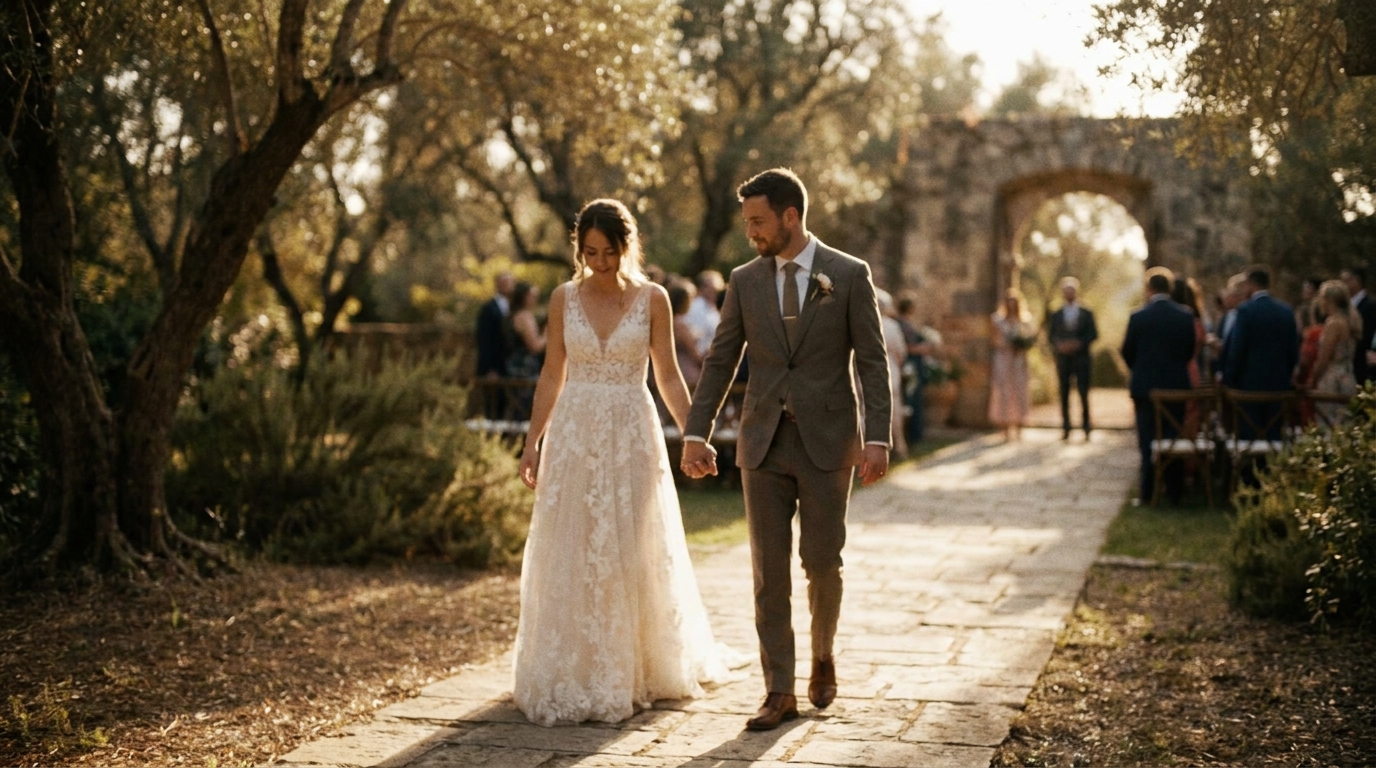
Structuring Your Slideshow Like a Story — visual illustrating the structuring your slideshow like a story aspect of the article

音乐成就或毁掉幻灯片。错误的歌曲将情感时刻变成背景噪音。正确的歌曲提升每张照片。

音乐选择原则

匹配心情,而不仅仅是类型。 A romantic acoustic ballad works for the ceremony section. An upbeat indie track works for the reception. Don't use one song for the entire slideshow unless it has enough dynamic range to support different emotional beats.

选择具有个人意义的歌曲。 Your first dance song, the song that was playing when you met, the one you always sing in the car. Personal significance hits harder than generic "wedding slideshow" playlists.

考虑使用乐器来集中注意力。 If you want the photos to be the star, instrumental tracks keep the focus on the images. Lyrics can compete with the visual narrative.

注意节奏。 Match photo pacing to the music's beat. Photos that land on the beat feel intentional and polished. Photos that ignore the beat feel random.

音乐授权

如果您要公开分享幻灯片(社交媒体、YouTube),则需要获得适当许可的音乐。选项包括:

  • 免版税音乐库 — Epidemic Sound, Artlist, Musicbed
  • 知识共享曲目 — free but with attribution requirements
  • 您的个人音乐收藏 — fine for private screenings, problematic for public sharing

婚礼视频音乐指南.

创建幻灯片的工具

您不需要专业软件来创建精美的幻灯片。以下是您的选择,从简单到高级:Canva、iMovie、Adobe Premiere。

初学者友好的工具

谷歌照片 — Free, simple, and surprisingly capable. Select photos, choose a theme, and Google's AI creates a slideshow with transitions and music. Best for: quick slideshows with minimal effort.

苹果照片 (iMovie) — Free on Mac and iPhone. Offers more control over timing, transitions, and music. Best for: Apple users who want more customization without complexity.

帆布 — Free tier available, with templates specifically designed for wedding slideshows. Drag-and-drop interface makes it accessible to anyone. Best for: visually polished slideshows with design elements.

中间工具

封盖切割 — Free video editor with excellent slideshow features, beat-sync, and effects. Surprisingly powerful for a free tool. Best for: social media-ready slideshows with modern effects.

Adobe Express — Simplified Adobe tool with professional templates. Good balance of ease and quality. Best for: polished slideshows with brand-consistent styling.

专业工具

Adobe Premiere Pro — Industry standard for video editing. Full control over every aspect of the slideshow. Best for: complex, multi-track slideshows with advanced effects.

达芬奇决心 — Free professional editor with color grading and audio tools. Best for: high-end slideshows with cinematic color treatment.

最终剪辑专业版 — Apple's professional editor with excellent slideshow templates. Best for: Mac users creating professional-grade presentations.

AI 驱动选项

AI视频生成器 can transform your photo collection into a cinematic slideshow with intelligent pacing, professional transitions, and music synchronization. The AI analyzes your photos for composition, emotion, and subject matter to create a naturally flowing narrative — no manual editing required.

常见的幻灯片错误(以及如何避免它们)

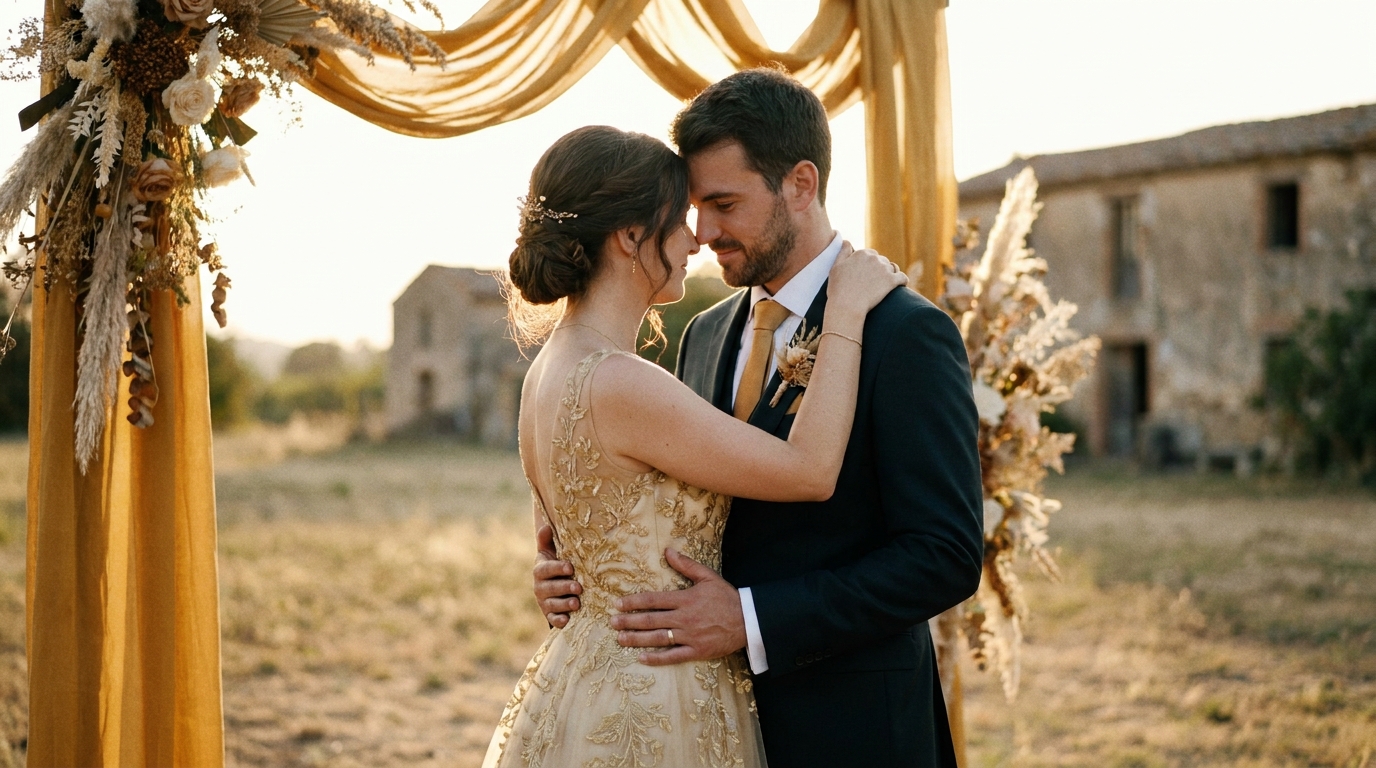
The Three-Act Structure — visual illustrating the the three-act structure aspect of the article

错误一:没完没了的幻灯片

问题: 300 photos at 5 seconds each = 25 minutes of audience torture. 解决方案: Cap it at 5-8 minutes for a reception screening. Save the full collection for personal viewing.

错误二:没有叙事弧线

问题: Random photos in random order with no emotional structure. 解决方案: Organize chronologically or thematically. Build to emotional peaks. Tell a story.

错误3:通用库存音乐

问题: Royalty-free piano music that sounds like a dentist's office. 解决方案: Choose music with personal significance or, at minimum, music that matches the emotional tone of each section.

错误4:相似照片太多

问题: 15 nearly identical shots of the same pose. 解决方案: Pick the single best version of each moment. Variety keeps viewers engaged.

错误五:忽视技术质量

问题: Low-resolution photos displayed on a large screen look pixelated and unprofessional. 解决方案: Use high-resolution originals. Check how the slideshow looks on a large display before the event.

错误六:没有备份计划

问题: The slideshow file won't play on the venue's equipment. 解决方案: Export in multiple formats (MP4, MOV), bring your own laptop and cables, and test the setup before guests arrive.

高级幻灯片技术

照片动画

为照片添加微妙的动态,而不是静态图像。 Ken Burns 效果(慢速变焦和平移)可产生吸引眼球的运动。现代工具使这一切变得简单 - 大多数幻灯片软件都包含内置动画预设。

AI视频生成器 can apply cinematic motion to your photos, creating a video-like experience from still images.

视频剪辑与照片混合

在照片中穿插短视频剪辑(3-10 秒)。第一支舞的视频、仪式的接吻、抛捧花——为静态幻灯片添加打破节奏的动态能量。

慢动作增强服务 can create slow-motion clips from your photos using AI, adding another dimension to your slideshow.

序列之前和之后

显示不同时间段的平行时刻:您的第一张约会照片放在您的婚礼当天,童年照片放在成人照片旁边,您父母的结婚照放在您的照片旁边。这些并置创造了强大的情感联系。

文字叠加

简短的文本叠加可以添加上下文而不会造成干扰:

  • 日期和地点
  • 集体照中的人物名字
  • 简短的引言或内部笑话
  • 里程碑标记(“3年后......”)

保持文本最少且可读。

分享您的幻灯片

Pacing Techniques — visual illustrating the pacing techniques aspect of the article

创建后,您的幻灯片将成为分享婚礼回忆的多功能资产。

在接待处

在鸡尾酒时间、晚餐前或作为活动之间的过渡期间展示它。投影仪或大电视屏幕效果最佳。与您的场地和 DJ 协调时间和音频。

作为礼物

送给父母的婚礼视频礼物 for presentation ideas.

在社交媒体上

导出 Instagram、TikTok 或 Facebook 的简短版本(1-2 分钟)。调整宽高比(Stories/TikTok 为 9:16,Instagram feed 为 1:1,YouTube/Facebook 为 16:9)并为观众在无声观看时添加字幕。

婚礼视频社交媒体指南.

作为纪念品

将完整幻灯片另存为高质量视频文件,并将其与官方婚礼视频和照片一起添加到您的婚礼档案中。

常见问题解答

婚礼幻灯片中应包含多少张照片?

对于接待放映,目标是在 5-8 分钟的幻灯片中包含 80-150 张照片。对于社交媒体共享,1-3 分钟内 20-50 张照片效果最佳。关键是严格的策展——只包含能够推动故事发展或唤起情感的照片。当有疑问时,减少更多。紧凑、引人入胜的幻灯片每次都胜过冗长、漫无目的的幻灯片。

制作婚纱照幻灯片最好的软件是什么?

AI视频生成器 creates professional slideshows from your photos automatically.

如何为我的婚礼幻灯片选择音乐?

婚礼视频音乐指南 for detailed recommendations.

我应该在婚礼幻灯片中加入童年照片吗?

是的,童年照片是婚礼幻灯片中最吸引人的内容之一。它们提供了背景、幽默和情感深度。在婚礼前的开头部分使用它们讲述您的故事。将童年照片限制为 10-15 张最好的照片,以保持节奏紧凑。

我可以通过手机创建婚礼幻灯片吗?

AI视频生成器 also works with uploaded photos from any device.

创建值得观看的幻灯片

您的婚礼照片不应该只是无聊、无休止的循环。通过精心策划、有意为之的节奏和合适的音乐,您的幻灯片将成为一场电影般的体验,吸引您的观众,并以最引人入胜的形式保存您的回忆。

AI视频生成器 analyzes your photos for composition and emotion, then creates a professionally paced, music-synced slideshow that looks like it was edited by a pro. No editing skills required.

立即创建您的婚礼照片幻灯片 →

准备好改变您的婚礼记忆了吗?

告诉我们您的项目,我们将在 24 小时内回复并提供免费报价。

获取免费报价 →