

WeddingAI.video 博客
婚礼慢动作效果:即使没有 60fps 也可以添加它
通过 AI 帧插值为您的婚礼视频添加令人惊叹的慢动作。不需要 60fps 的镜头。查看示例并立即开始!
8 min read
如何在您的婚礼视频中添加慢动作(即使您没有以 60 fps 拍摄)
面纱随风飘扬。第一个吻意犹未尽。五彩纸屑如雪花般飘落。慢动作将普通的婚礼画面转化为纯粹的电影——那些转瞬即逝的秒变成令人屏息的、情感充沛的时刻,您可以细细品味。
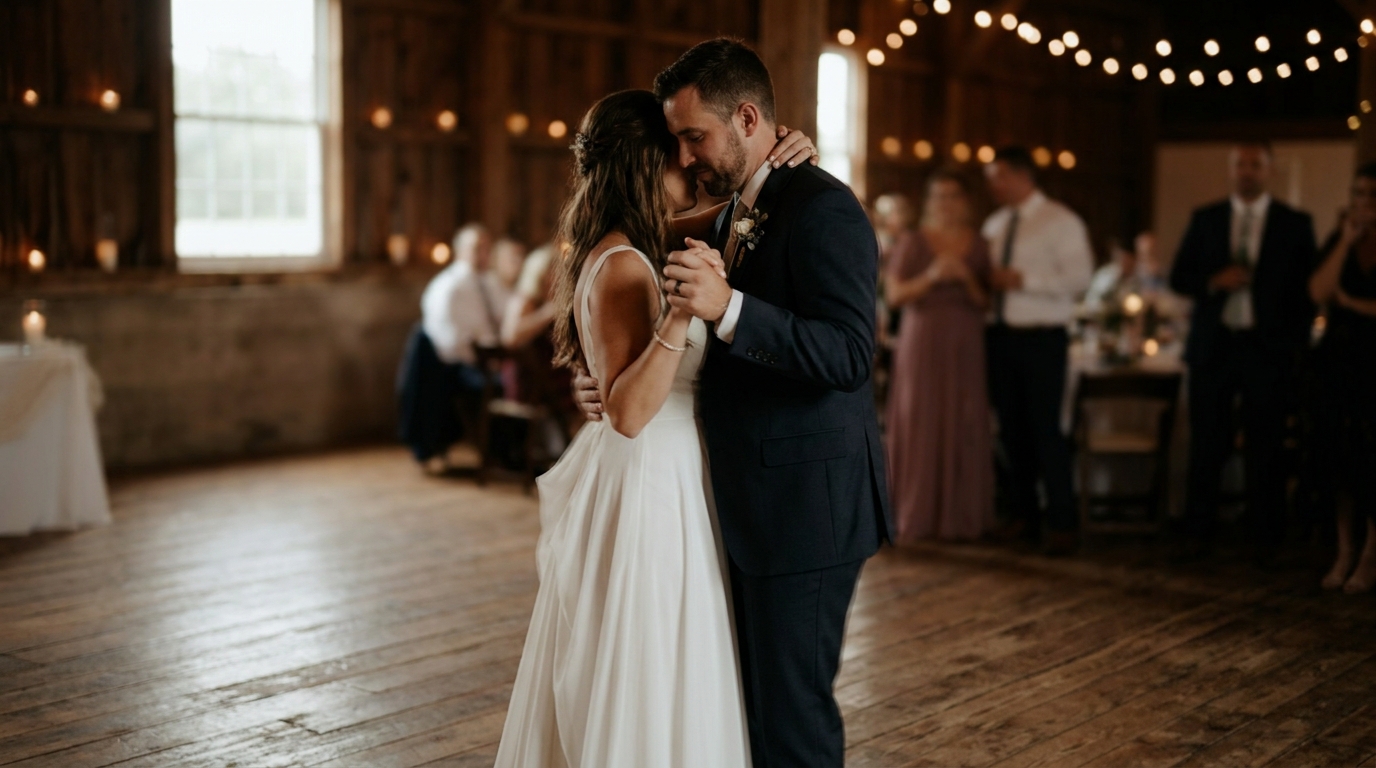
但问题是:优美的慢动作传统上需要以 60 fps 或更高的速度拍摄。如果您的婚礼摄像师以标准 24 fps 或 30 fps 拍摄,或者您的镜头来自旧相机或宾客电话,则放慢速度会产生断断续续、无法使用的视频。或者至少,过去是这样。
AI 帧插值改变了一切。在 2026 年,您可以为几乎任何婚礼视频添加令人惊叹的慢动作,无论它最初是如何拍摄的。以下是方法。
什么是慢动作以及为什么它看起来这么好?
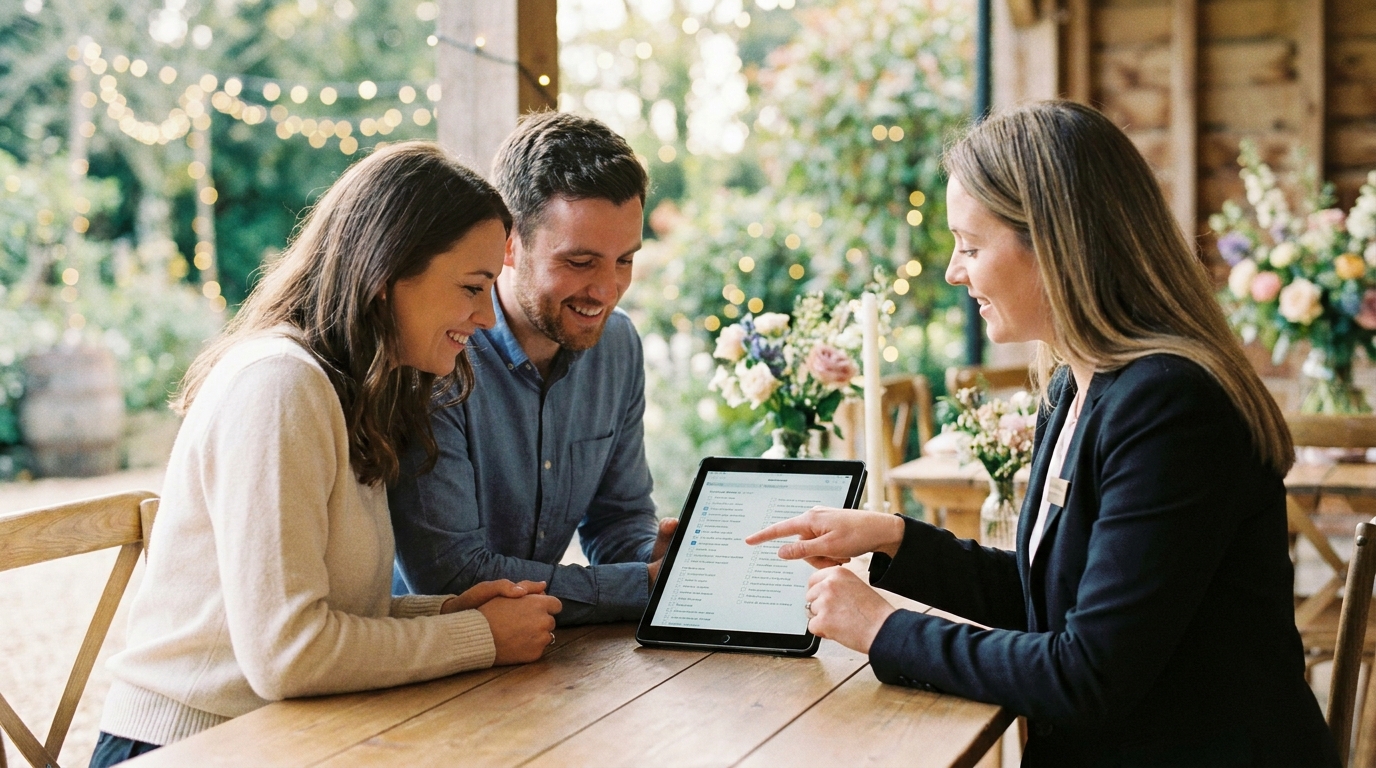
千万亿像素,AI帧插值已经变得如此先进,以至于专业电影制作人现在将其用于商业制作中。如果您以 120 fps 拍摄并以 30 fps 回放,您将获得 4 倍慢动作 — 实时的每一秒都需要四秒钟才能观看,并且每个时刻都流畅而细致。
为什么这在婚礼上看起来如此神奇?因为婚礼充满了微小的时刻,这些时刻发生得太快,无法实时欣赏:
- 誓言中泪水形成的确切时刻
- 在空气中流动的面纱或连衣裙的面料
- 第一眼的第一次接触
- 飞行中的花瓣、五彩纸屑或大米
- 戒指滑到手指上
- 父母看着孩子结婚的反应
这些瞬间在实时中只持续几分之一秒。慢动作让您沉浸在这些几分之一秒中,看到并感受速度让您无法注意到的细节。
传统方法:为何受到限制
在人工智能出现之前,向现有镜头添加慢动作是极其有限的:
帧混合复制现有帧来填充间隙,创建一种幽灵般的、模糊的外观,对于轻微的减速(可能是 50% 的速度)来说是可以接受的,但在真正的慢动作中就会崩溃。
光流分析帧之间的像素移动并生成中间位置。它比帧混合更好,但会在快速移动的对象、边缘以及对象出现或消失的区域周围产生可见的伪影。
Twixtor 和类似插件改进了光流,但仍然需要相对干净的镜头,并且难以处理复杂的场景——正是婚礼产生的那种复杂场景(飘逸的礼服、多个移动的人、五彩纸屑)。
根本问题是:传统方法试图根据数学模型猜测两帧之间发生了什么。AI 方法通过观察数百万个视频帧来学习运动实际看起来的样子。
AI 帧插值:游戏规则改变者
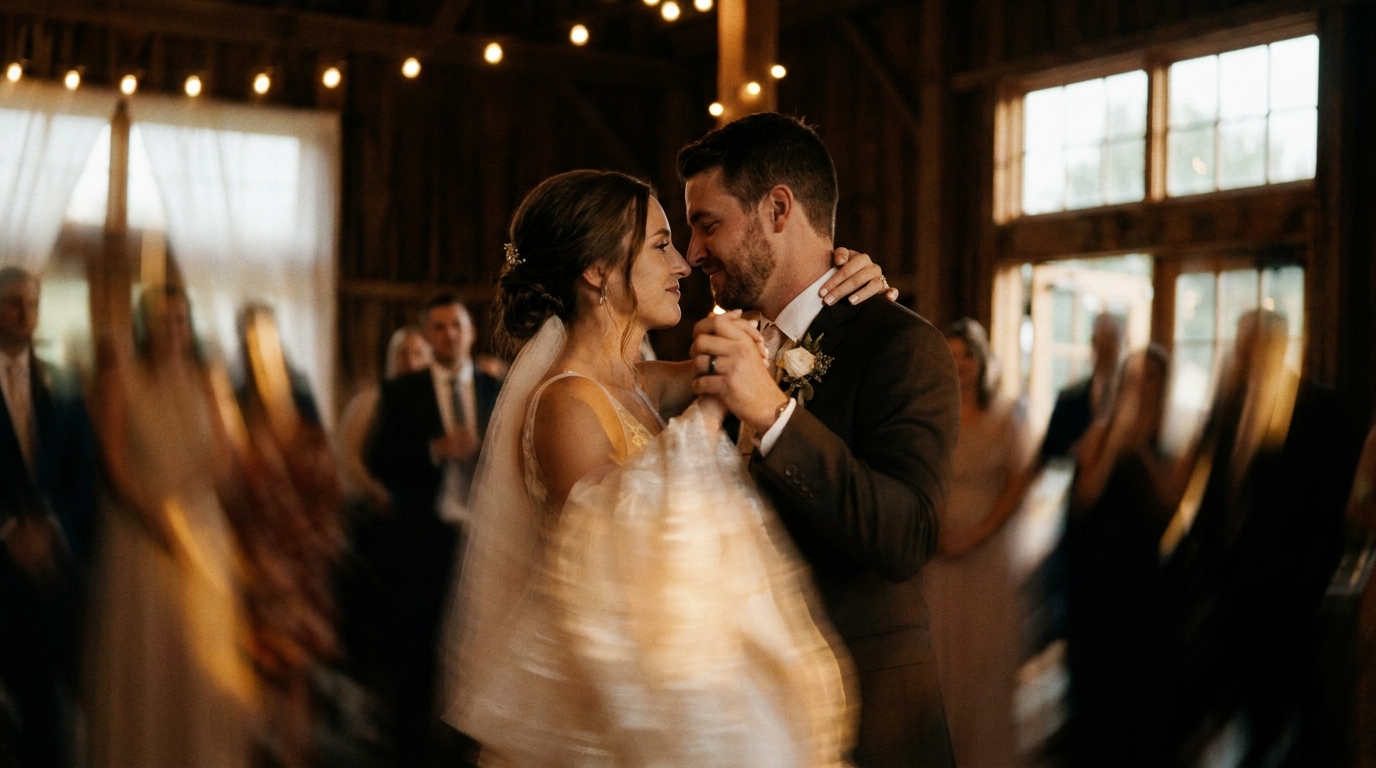
AI 帧插值采用了根本不同的方法。它不是数学地估算像素运动,而是使用经过数百万视频帧训练的深度神经网络来理解物体的外观、运动方式以及两帧之间应该实际包含的内容。
它是如何运作的
- 人工智能分析您的源视频逐帧了解每幅图像的内容
- 它识别物体、表面和运动模式— 认识到流动的面纱的行为与行走的人或掉落的五彩纸屑不同
- 它生成新的中间帧通过高精度预测相机在现有帧之间捕获的内容
- 它合成这些帧在像素级别,创建与源素材一致的真正新的视觉信息
- 结果是平滑、无伪影的慢动作来自从未被设计为放慢速度的镜头
现在有什么可能
现代人工智能帧插值可以:
- 将 24fps 素材转换为 60fps、120fps 甚至 240fps 等效值
- 以 2 倍、4 倍、8 倍甚至 10 倍减速产生平滑的慢动作
- 处理具有多个移动主体的复杂场景
- 处理流动的织物、头发和其他具有挑战性的元素
- 保持自然的运动模糊,使慢动作看起来像电影而不是机器人
结果通常与原生以高帧率拍摄的素材难以区分。在盲测中,专业剪辑师经常无法区分 AI 插值慢动作和真实的 120fps 素材。
应用慢动作的最佳时刻
并非婚礼视频的每一秒都应该是慢动作。策略性地使用,它能创造强调和情感。使用过度,它变得乏味。以下是受益最多的时刻:
必备的慢动作时刻
- 初吻——最重要的时刻,转瞬即逝。慢动作让您充分重温它。
- 走在过道上——新娘的到来值得细细品味,尤其是伴侣第一次见到她们的那一刻。
- 第一支舞— 慢动作揭示了实时观看可能会错过的优雅和亲密感。
- 戒指交换——戴上戒指的细节、握住的手、表情。
- 运动中的面纱或裙子— 飘逸的织物也许是最具标志性的慢动作婚礼镜头。
精彩的慢动作时刻
- 五彩纸屑或抛花瓣— 数十个独立的碎片悬浮在空中创造出神奇的效果
- 下降或上升跳舞时
- 父母的情绪反应— 泪流满面,双手紧握
- 烟火出口— 光迹变得更加迷人 放慢了速度
- 抛花束— 随着花束在空中划出弧线,悬念逐渐形成
实时记录的时刻
- 誓言和演讲— 慢动作让说话看起来很奇怪
- 坦诚的小组互动— 笑声和谈话感觉不自然地变慢了
- 一般步行— 将慢动作保存为有意义的步行(过道、出口),而不是随意的运动
- 吐司叮当作响,吃起来— 相信我们这一点
如何在婚礼视频中添加慢动作
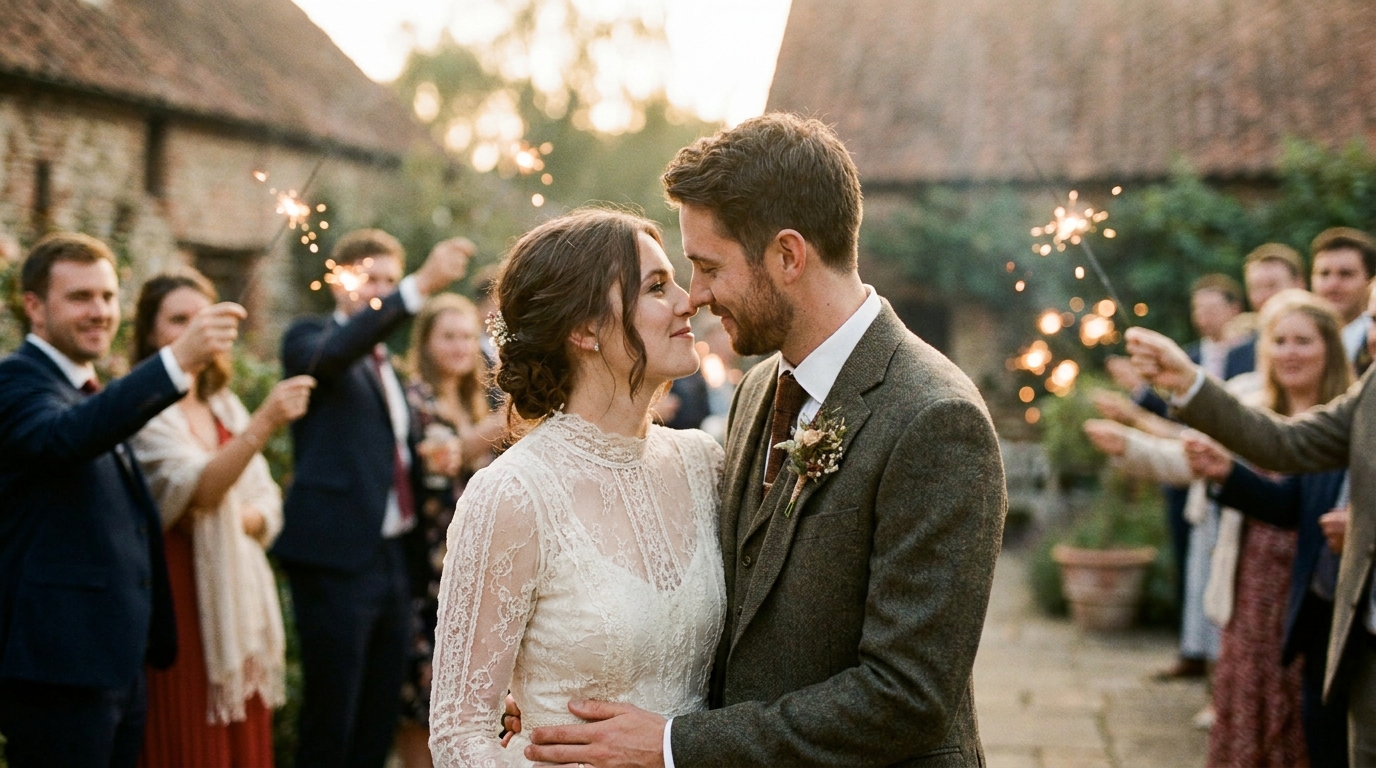
方案一:专业AI增强服务
最简单且最高质量的选择。上传您的素材,指定您想要慢动作的时刻和速度,让专业工具和编辑处理剩下的工作。
最适合:任何想要保证专业效果而不学习视频编辑的人。
典型成本:49-349 美元,具体取决于镜头长度和复杂程度。
回转:3-7 个工作日。
AI慢动作增强服务专注于婚礼素材并使用最新的帧插值技术。
选项 2:桌面软件
多个桌面应用程序现在包含 AI 帧插值:
- 黄玉视频人工智能— 被广泛认为是最佳消费者选择(一次性 299 美元)
- 达芬奇决心(免费)具有速度扭曲功能
- Adobe Premiere Pro具有光流和人工智能增强的时间重新映射
- RIFE-NCNN 火山— 开源、免费,但需要技术知识
最适合:希望控制流程并计划在未来进行更多视频编辑的精通技术的用户。
学习曲线:中到高。在取得良好结果之前,预计需要几个小时的学习和实验。
选项 3:移动应用程序
一些移动应用程序提供基本的 AI 帧插值:
- 封盖切割— 免费,包含 AI 慢动作功能
- 越南视频编辑器— 适合移动设备的良好品质
- 慢 快 慢— 专用慢动作应用程序
最适合:不需要完美的快速社交媒体编辑。
限制:与桌面或专业服务相比,移动处理能力限制了质量。结果适用于社交媒体,但可能无法在大屏幕上显示。
获得最佳结果的技术技巧
源素材质量很重要
AI 帧插值最适用于:
- 干净、曝光良好的镜头— 嘈杂、黑暗的镜头会产生嘈杂的慢动作
- 最小压缩- 高度压缩的视频(如低比特率的电话剪辑)可供人工智能使用的信息较少
- 稳定的镜头- 虽然稳定可以单独应用,但从相对稳定的镜头开始会有所帮助
- 更高的原始帧率— 30fps 到 120fps 插值看起来比 24fps 到 120fps 更好,因为需要更少的猜测
速度选择指南
| 源帧率 | 推荐最大慢放 | 结果帧率 | |--------|----------------|--------| | 24fps | 4 倍(实际 96fps)| 流畅 | | 30fps | 4 倍(实际 120fps)| 非常流畅 | | 60fps | 4 倍(实际 240fps)| 极致流畅 | | 60fps | 8 倍(实际 480fps)| 极慢动作 |
避免这些陷阱
- 不要放慢一切。选择性慢动作功能强大;持续的慢动作让人筋疲力尽。
- 不要在快速行动中使用极度减速。即使是人工智能,在快速移动时也会面临 10 倍的减速问题。大多数时候保持在 2-4 倍。
- 调色前的处理。首先应用慢动作,然后对输出进行颜色分级以获得最佳效果。
- 注意边缘伪影。当移动的主体遇到复杂的背景时,即使是人工智能也会陷入困境。在最终确定之前仔细预览。
社交媒体的慢动作
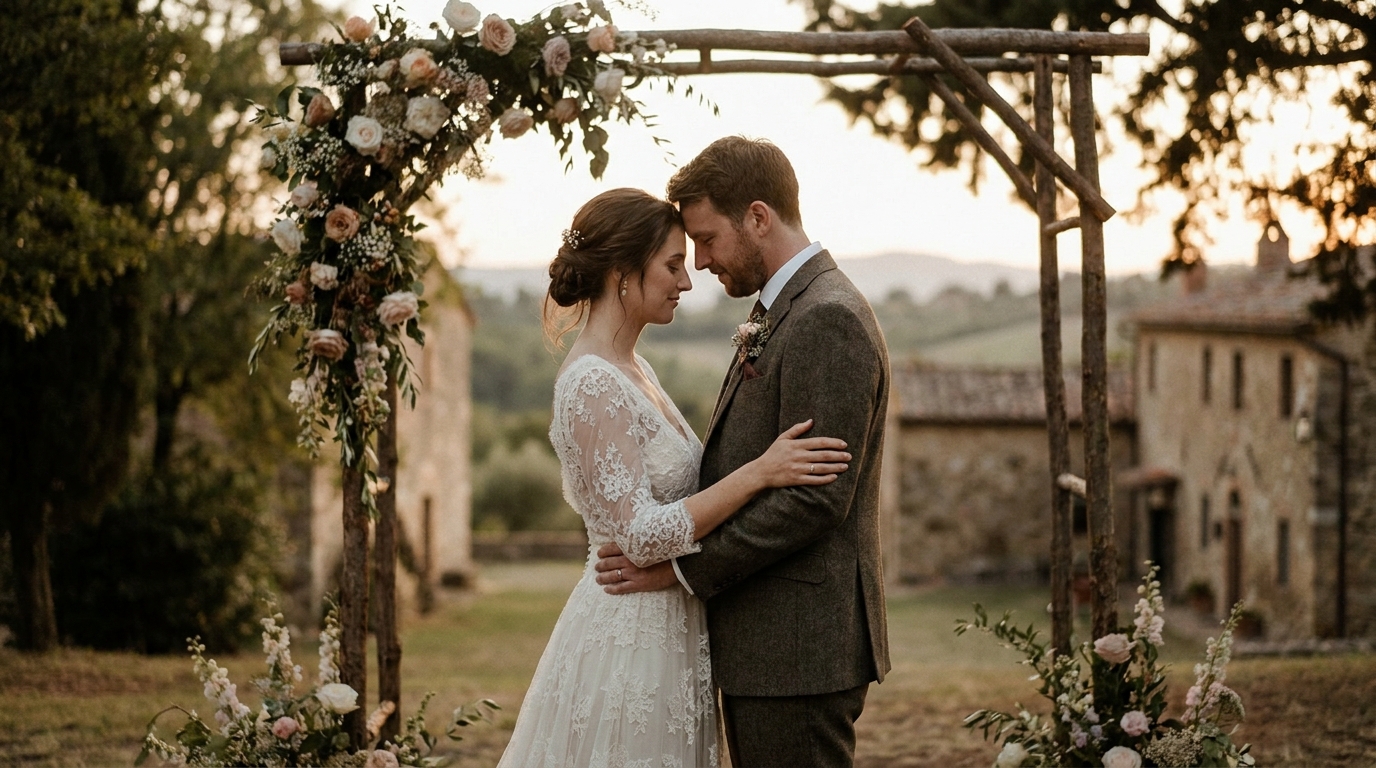
慢动作婚礼剪辑是社交媒体上表现最好的内容之一。以下是针对每个平台进行优化的方法:
Instagram 卷轴:9:16 垂直格式,15-30 秒,聚焦于一个戏剧性的慢动作时刻。初吻或抛五彩纸屑表现得非常好。
抖音:与 Reels 类似,但趋向于更快的编辑。 10 秒的慢动作片段与流行音频搭配可以迅速走红。
YouTube 短片:垂直,不到 60 秒。慢动作婚礼时刻与情感音乐在婚礼领域表现出色。
兴趣:慢动作垂直视频引脚越来越受欢迎。专注于视觉上引人注目的时刻——面纱、烟花、插花。
婚礼视频社交媒体策略有更多特定于平台的提示。
将慢动作与其他人工智能增强功能相结合
与其他 AI 增强功能结合使用时,慢动作效果最为强大:
- AI放大+慢动作:首先将您的素材升级到 4K,然后应用慢动作以获得最大细节
- 稳定+慢动作:稳定晃动的镜头,然后放慢速度以获得流畅的影院效果
- 调色+慢动作:将电影色彩分级应用于慢动作序列,打造好莱坞风格
- AI视频生成+慢动作: Use AI视频生成从照片创建视频,然后将慢动作效果应用于生成的素材
这些工具的组合甚至可以将普通的源素材转变成看起来专业制作的东西。结合 AI 增强与人工策划可以两全其美。
常见问题解答
我可以在手机拍摄的视频中添加慢动作吗?
是的——现代人工智能帧插值可以很好地处理手机镜头,尽管结果取决于手机的视频质量。 2020年以后的手机一般都会产生不错的效果。具有严重压缩视频的旧手机可能会显示一些伪像。为了获得手机镜头的最佳效果,请使用专业服务,在应用慢动作之前可以对视频进行预处理和清理。
慢动作会让我的视频看起来很专业吗?
当在正确的时刻战略性地使用时,绝对如此。慢动作是为婚礼镜头添加电影品质的最可靠的技术之一。关键是克制——在精彩片段中的 3-5 个关键时刻使用它,而不是整个视频。将其视为强调,而不是默认。
在婚礼镜头中添加慢动作需要多少钱?
专业人工智能慢动作增强功能的价格从短片 49 美元到完整婚礼影片 349 美元不等。 DIY 软件的价格为 0-299 美元(一次性购买),但需要您的时间和技术技能。对于像婚礼视频这样的一次性项目,专业服务通常可以提供更好的价值和有保证的结果。
AI 慢动作可以处理黑白镜头吗?
是的,AI 帧插值适用于素材,无论颜色如何。事实上,黑白慢动作看起来特别电影化且永恒。人工智能分析运动模式,而不是颜色,因此过程本质上是相同的。
我可以减慢镜头的速度是否有限制?
从技术上讲,您可以根据需要减慢镜头的速度,但质量会随着极度减慢而降低。对于大多数婚礼镜头,2-4 倍的减速可以实现戏剧效果和视觉质量的最佳平衡。超过 6-8 倍,即使是 AI 插值也开始出现伪影,并且镜头会感觉不自然地缓慢。
让您的婚礼时刻永恒
你们的婚礼日子就这么模糊地过去了。慢动作效果让您回到那些转瞬即逝的时刻并真实地体验它们——目光、触摸、泪水、喜悦。借助 AI 帧插值,您不需要昂贵的高速相机或技术专业知识。您只需要您的镜头和正确的技术。