

WeddingAI.video Blog
Elopement Video Ideas — $9.9 AI for Intimate Couples
Discover elopement video ideas to create a beautiful cinematic film without hiring a videographer. Capture your intimate wedding perfectly.
9 min read · Updated 2026-09-12
Elopement Video Ideas: How to Create a Beautiful Film Without a Videographer
You chose to elope because you wanted something intimate, personal, and free from the pressure of a big production. But that doesn't mean you want to lose the memories. The challenge: most elopements happen without a videographer, and you still want a film that captures the emotion of the day.
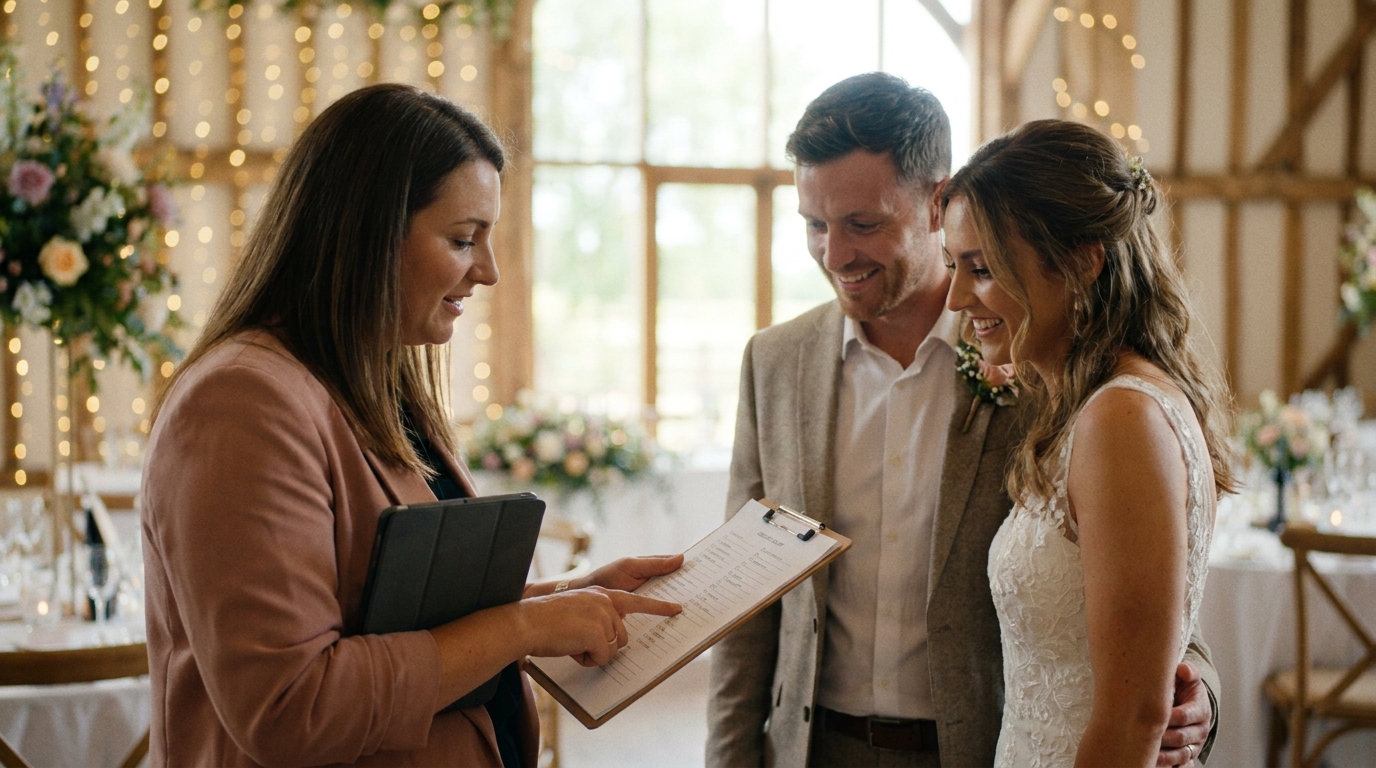
The good news is that creating a beautiful elopement video without a professional videographer is more achievable than ever. With the right planning, a few smart tools, and some creative elopement video ideas, you can produce a cinematic keepsake that rivals anything shot by a pro.
Why Elopements Deserve Video Just as Much as Traditional Weddings
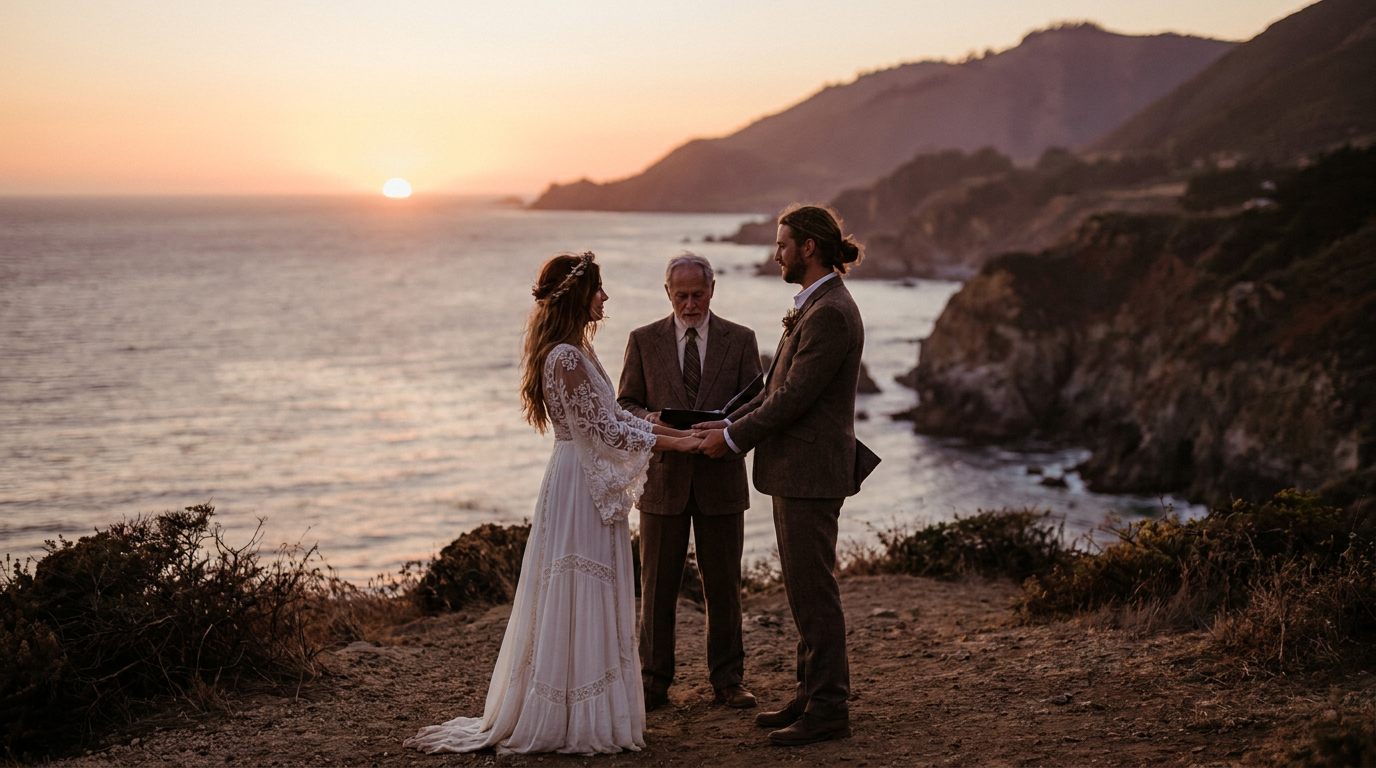
There's a persistent myth that elopements are "less than" traditional weddings — that because you skipped the ballroom and the 200-person guest list, the day matters less. That's simply not true.
Elopements often carry more emotional weight than large weddings. The vows are more raw. The settings are more dramatic. The intimacy between you and your partner is front and center, not filtered through a crowd. A well-crafted elopement video captures all of this — the quiet tears, the laughter during the ceremony, the way the wind caught your veil on a mountaintop.
The Knot's 2025 wedding survey, nearly 30% of couples who married in the past two years opted for intimate ceremonies or elopements. The demand for elopement video content is growing rapidly, and couples are finding creative ways to document their day.
Elopement Video Ideas Without a Videographer
1. Use Your Smartphone Strategically
Modern smartphones shoot stunning video. The iPhone 15 Pro and Samsung Galaxy S24 both record in 4K with excellent stabilization. Here's how to get the most from a phone:
- Use a gimbal or stabilizer: A $50-$100 phone gimbal eliminates shaky footage and creates smooth, cinematic movement.
- Shoot in 4K at 24fps: This frame rate gives video a film-like quality. Avoid 60fps unless you plan to slow it down later.
- Lock your exposure: Tap and hold on your subject to lock focus and exposure, preventing the camera from hunting mid-shot.
- Turn your phone sideways: Always shoot in landscape (horizontal) orientation for a more cinematic look.
- Capture more than you think you need: You can always trim later, but you can't recreate a moment you missed.
2. Set Up a Tripod for the Ceremony
For the ceremony itself, mount your phone or a GoPro on a tripod pointed at the two of you. This gives you a stable, wide shot of the entire ceremony without needing anyone to hold the camera.
Pro tip:Do a test recording at your elopement location the day before if possible. Check the framing, lighting, and audio. Adjust the angle so the background — whether it's a mountain, beach, or city skyline — is part of the story.
3. Ask a Friend or Family Member to Film
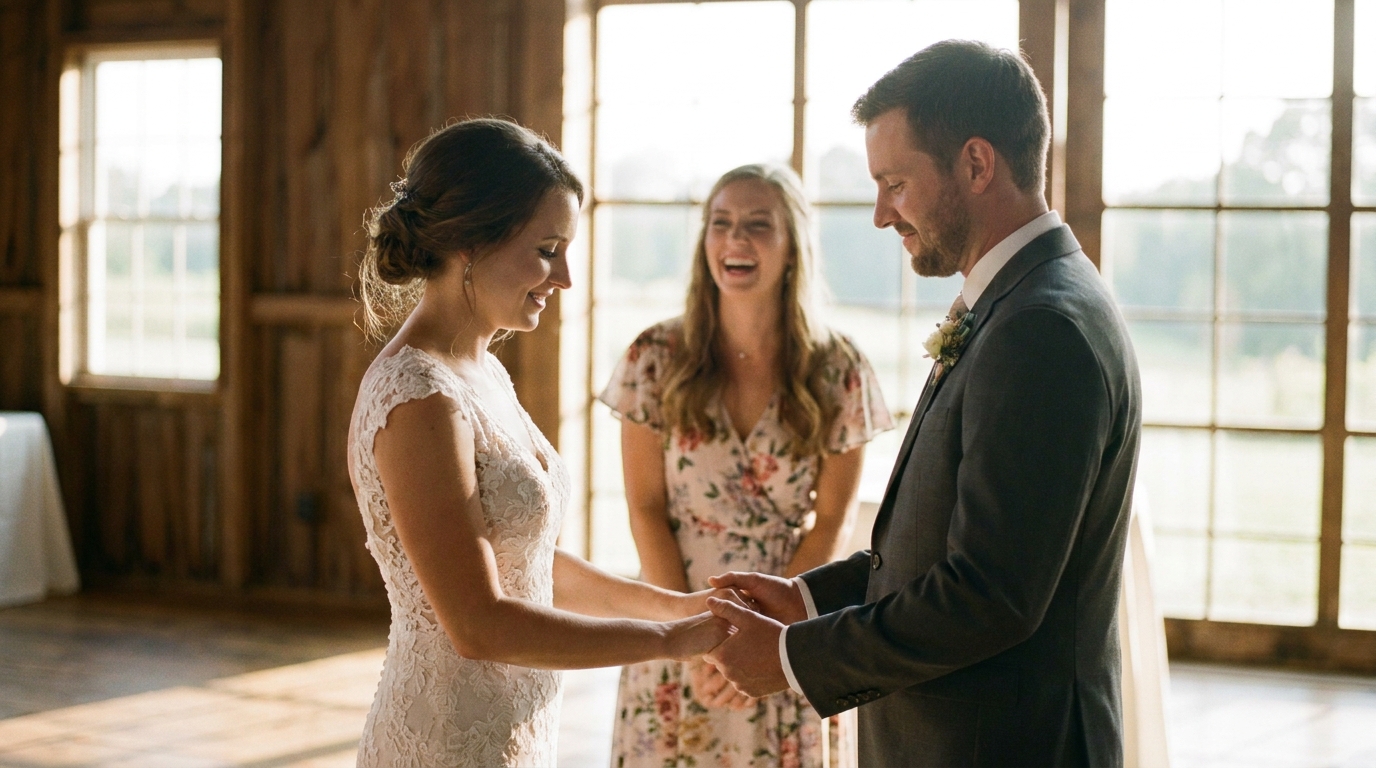
Even if you're eloping with just the two of you, many couples bring one friend or family member as a witness. That person can double as your videographer with a little guidance.
Create a simple shot list for them:
- Wide shot of the ceremony location before you arrive
- Close-ups of both of you during vows
- The ring exchange
- The kiss
- Walking away together after the ceremony
- Any candid moments before or after
Keep the list short and simple. You don't want your "videographer" stressed — you want them present and capturing naturally.
4. Use a GoPro or Action Camera
GoPros are perfect for adventurous elopements — hiking, helicopter rides, beach ceremonies, or any setting where a phone might be risky. They're waterproof, nearly indestructible, and shoot excellent 4K video.
Mount a GoPro on a chest harness for a first-person perspective during a hike to your ceremony spot. Place it on a rock for a wide establishing shot. Hold it at arm's length for a selfie-style "getting ready" clip.
5. Capture Audio Separately
Bad audio ruins great video. The built-in microphone on your phone or GoPro will pick up wind, traffic, and ambient noise. For clear vow audio:
- Use a wireless lavalier microphone: Devices like the Rode Wireless GO clip to your clothing and transmit clean audio to your phone or a recorder. Cost: $100-$200.
- Record a voice memo backup: Have your phone in a pocket recording audio as a backup.
- Read your vows into the camera afterward: If the ceremony audio doesn't come out clean, you can re-record your vows as a voiceover for the video. Many couples do this intentionally — it gives you a chance to say the words again with full emotion.
6. Capture B-Roll Throughout the Day
B-roll is the footage that tells the story between the big moments. For an elopement, powerful b-roll includes:
- Getting ready — zipping the dress, adjusting the tie, putting on shoes
- The drive or hike to the ceremony location
- Details — rings, flowers, handwritten vows, the marriage license
- The landscape and environment
- Candid moments — laughing, crying, holding hands
- Celebrating afterward — popping champagne, first dance on a cliff, dinner for two
This footage is what turns a simple ceremony recording into a cinematic elopement film. Spend time throughout the day capturing these small moments.
Turning Raw Footage Into a Cinematic Elopement Film
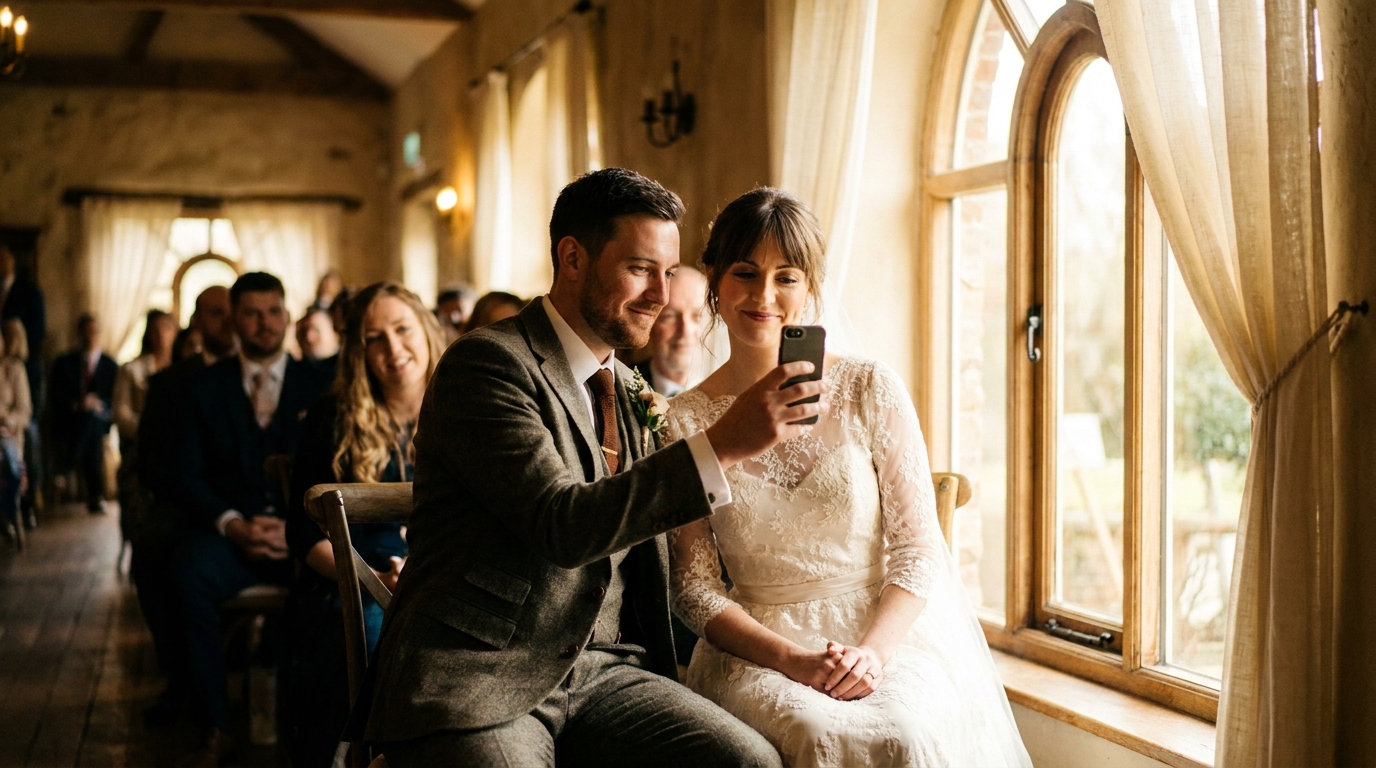
Once you have your footage, the magic happens in editing. Here's how to transform raw clips into a polished elopement video.
Choose Your Editing Approach
| Approach | Cost | Skill Needed | Quality | |----------|------|-------------|---------| | DIY with free apps (iMovie, CapCut) | Free | Beginner | Good | | Paid software (DaVinci Resolve, Premiere Pro) | Free–$20/month | Intermediate | Very Good | | AI video generation service | $149–$399 | None needed | Excellent | | Hire a freelance editor | $200–$1,000 | None needed | Varies |
AI wedding video generatorcan take your raw footage and photos and produce a cinematic film automatically. The AI handles color grading, transitions, pacing, and music synchronization.
Structure Your Elopement Video
A compelling elopement video typically follows this arc:
- Opening(30 seconds): Setting the scene — the location, the morning of, getting ready
- Anticipation(1 minute): Walking to the ceremony, nervous energy, the first look
- The Ceremony(2-3 minutes): Vows, ring exchange, the kiss — the emotional peak
- Celebration(1-2 minutes): Joy after the ceremony, exploring together, champagne toast
- Closing(30 seconds): A quiet moment together, a final shot of the landscape, fade to black
Total runtime: 4-7 minutes is the sweet spot for an elopement highlight film. Short enough to hold attention, long enough to tell the full story.
Add Music That Matches the Mood
Music transforms footage into emotion. For elopement videos, acoustic, indie, or ambient tracks work beautifully. Choose a song that's meaningful to you as a couple — maybe the song that was playing when you got engaged, or a track that captures the feeling of the day.
wedding video music optionsthat won't get flagged on social media.
Elopement Video Ideas for Different Settings
Mountain Elopement
- Use drone footage if regulations allow (check local rules for national parks)
- Capture the hike — the effort getting there is part of the story
- Film the wide landscape, then zoom into intimate close-ups
- Golden hour on a mountain is unbeatable — time your ceremony for late afternoon
Beach Elopement
- GoPro in waterproof housing for waves and water shots
- Capture barefoot walking on sand, wind in hair
- Sunset ceremonies provide dramatic lighting
- Record the sound of waves as natural ambient audio
City Elopement
- Use the urban environment — architecture, street art, neon signs
- Film the contrast between the bustling city and your quiet ceremony
- Capture the "just married" walk through the streets
- Night cityscapes make stunning backdrops
Backyard or Home Elopement
- Focus on personal details — the house, the garden, meaningful objects
- These settings are often the most emotionally resonant
- Less travel footage, more intimate moments
- family tribute videoto include loved ones who couldn't be there
Common Mistakes to Avoid
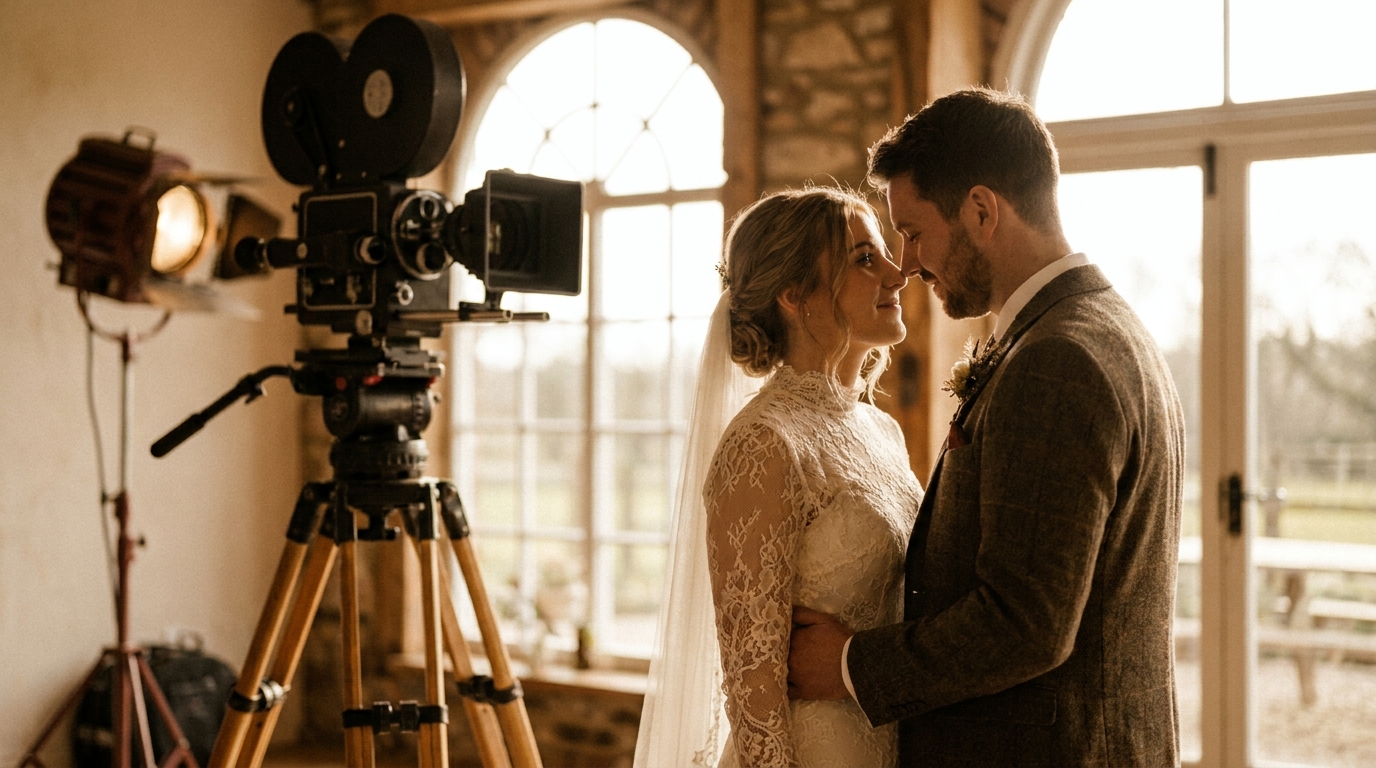
- Don't forget to hit record: It sounds obvious, but in the emotion of the moment, people forget. Assign someone to start recording before the ceremony begins.
- Don't shoot everything in close-up: You need wide shots to establish context and show the location.
- Don't ignore audio: Great visuals with terrible audio makes a video unwatchable.
- Don't over-edit: Resist the urge to add every transition and effect. Simple, clean editing lets the emotion speak for itself.
- Don't wait too long to edit: The longer you wait, the less motivated you'll be. Edit within a few weeks while the memories are fresh.
How to Share Your Elopement Video
Once your elopement video is complete, you'll want to share it. Here are the most popular options:
- Private link to family and friends: Use Google Drive, Dropbox, or a private YouTube link.
- Social media: Post a shorter 60-90 second version on Instagram or TikTok, with the full video on YouTube.
- Wedding website: Embed the video on your wedding site for guests who couldn't attend.
- Anniversary screening: Watch it together every year on your anniversary — it becomes a tradition.
how to share your wedding video with familyfor more detailed tips.
Frequently Asked Questions
Can I really get a good elopement video without a professional videographer?
Absolutely. Modern smartphones and action cameras produce excellent video quality. Combined with a gimbal for stability, a lavalier mic for audio, and some basic editing, you can create a film that captures the emotion and beauty of your elopement. Many couples prefer the authentic, unpolished feel of DIY footage over traditional videography.
How much footage should I capture during my elopement?
Plan to shoot about 30-60 minutes of raw footage for a 5-7 minute final video. This gives you plenty of options in editing without being overwhelming. Focus on quality moments rather than recording every second.
What's the best way to get clear audio during an outdoor elopement ceremony?
A wireless lavalier microphone is the single best investment for elopement audio. Clip it to your clothing near your chest, and it will capture your vows clearly even in windy conditions. Record a separate audio backup on your phone as insurance.
Should I use a drone for my elopement video?
Drone footage can add a stunning cinematic element, especially for outdoor elopements in mountains, beaches, or forests. However, check local regulations first — many national parks and protected areas prohibit drones. Also consider whether operating a drone will distract you from being present in the moment.
How do I edit my elopement footage into a polished video?
Free tools like iMovie or CapCut can produce great results for beginners. If you want professional-quality output without the learning curve, an AI video generator can take your raw clips and photos and automatically create a cinematic film with proper pacing, transitions, and music.
Start Creating Your Elopement Film
Your elopement deserves to be remembered — not just in photos, but in a living, breathing film that captures the sounds, the movement, and the raw emotion of the day. Whether you shoot it on a phone, a GoPro, or hand your camera to a friend, the most important thing is that you capture it at all.
Ready to turn your elopement footage into a cinematic masterpiece? WeddingAI.video can transform your raw clips and photos into a professionally edited film, complete with music, color grading, and cinematic pacing — no videographer required.
Ready to Transform Your Wedding Memories?
Tell us about your project and we'll get back within 24 hours with a free quote.
Get a Free Quote →