

WeddingAI.video Blog
Share Wedding Video With Family — AI $9.9 (Not Livestream)
Learn how to share your wedding video with family across the globe. Easy methods for sending large video files internationally. Share your love story today!
9 min read · Updated 2026-09-27
How to Share Your Wedding Video With Family Around the World
Your wedding video is more than a recording — it's a bridge between the people you love and the most important day of your life. But when your family spans continents, sharing that video becomes a logistical puzzle. File sizes are massive, internet connections vary wildly, and your 85-year-old grandmother in the Philippines probably isn't going to navigate a complex download link.

Don't worry. There are practical, elegant solutions for sharing your wedding video with family around the world, and most of them are simpler than you think.
Why Sharing Wedding Videos Is Harder Than It Should Be
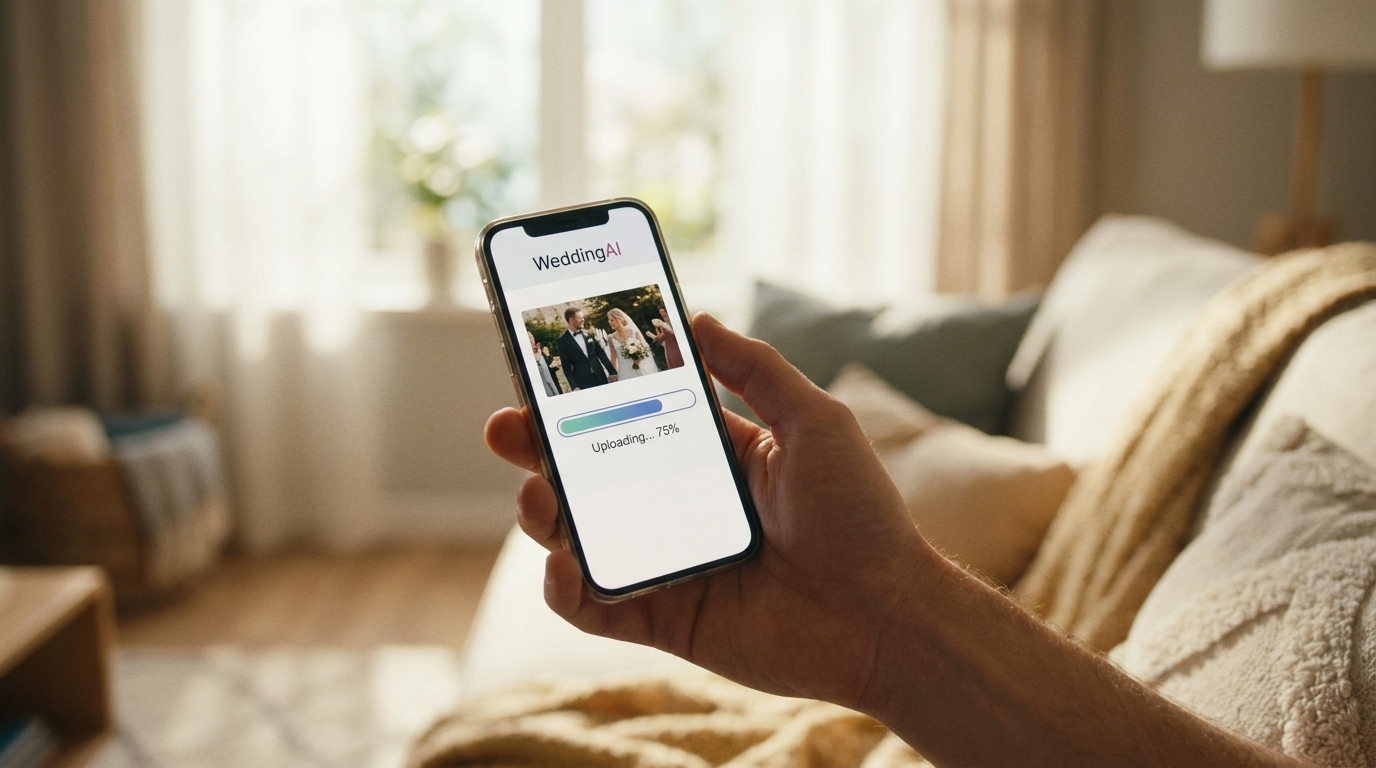
Let's be honest about the problem first. A professional wedding video can range from 2GB for a highlight reel to 50GB+ for full raw footage. Even a compressed 10-minute film runs 500MB to 2GB. That's too large for email, too heavy for most messaging apps, and frustratingly slow to upload on a typical home internet connection.
Add international variables — different time zones, varying internet speeds, language barriers, and tech literacy gaps — and you've got a real challenge. Your cousin in rural India might have spotty 4G. Your aunt in Germany might refuse to install another app. Your grandfather might not own a smartphone at all.
The good news: there's a solution for every scenario.
Method 1: Cloud Storage Links (Easiest for Most Families)
Google's support documentationexplains how to share files securely with anyone. Here's how the major platforms compare:
| Platform | Free Storage | Max File Size | Best For | |----------|-------------|---------------|----------| | Google Drive | 15 GB | 5 TB | Families already using Gmail | | Dropbox | 2 GB | 50 GB (paid) | Tech-savvy families | | iCloud | 5 GB | 50 GB | Apple-heavy families | | OneDrive | 5 GB | 250 GB | Microsoft/Windows families |
How to do it:
- Upload your video to your preferred platform
- Create a shareable link (set permissions to "anyone with the link can view")
- Send the link via email, WhatsApp, or text message
- Include simple instructions: "Click this link, then tap the play button"
Pro tip:Create a shared folder called "Our Wedding Videos" and add all your wedding content — highlight reel, full ceremony, reception highlights, and any photo slideshows. Family members can bookmark the folder and revisit it anytime.
For families spread across multiple countries, consider uploading during off-peak hours (early morning or late night in your time zone) when internet traffic is lower and uploads are faster.
Method 2: Dedicated Video Sharing Platforms
If you want a more polished experience than a raw cloud link, video-specific platforms offer better playback, privacy controls, and viewing experiences.
Vimeois the gold standard for wedding video sharing. Unlike YouTube, Vimeo offers:
- Password-protected videos (only people with the password can watch)
- No ads before, during, or after your video
- Higher video quality with less compression
- Customizable player appearance
- View analytics so you know who's watched
YouTube (Unlisted)works well for budget-conscious couples. Set your video to "Unlisted" — only people with the direct link can find it. It's free, works on virtually every device, and most people already know how to use it. The downside: occasional ads and more aggressive video compression.
Google Photosis a sleeper hit for family sharing. Upload your video, create a shared album, and invite family members via email. They don't need to download anything — it plays directly in their browser or the Google Photos app. The automatic optimization for different connection speeds is particularly helpful for family members in areas with limited internet.
multilingual video servicescan help you create versions of your wedding video with subtitles or dubbed audio for family members who speak different languages.
Method 3: Physical Media (For the Grandparents)
Not everyone is comfortable with digital. For older family members, physical media is still the most thoughtful option.
USB drivesare inexpensive and universally compatible. Order custom-printed USB drives with your wedding date and names, load your video, and mail them. A 32GB USB drive costs $5-10 and can hold your full wedding video collection. Include a printed card with simple instructions: "Plug this into your TV's USB port and press play."
DVDs and Blu-raysstill work for families with older TV setups. While burning DVDs requires some technical know-how, many local print shops and online services offer wedding DVD creation for $15-30 per copy.
Personalized video gift boxescombine a USB drive with printed photos, a thank-you note, and perhaps a small gift. This turns your wedding video into a physical keepsake that family members will treasure — and actually watch.
Method 4: Watch Party Solutions
Sometimes the best way to share your wedding video is to watch it together, even when you're apart.
Virtual Watch Party
Schedule a video call with family members across time zones, share your screen, and watch the video together in real time. Tools like Zoom, Google Meet, or Teleparty (for synchronized playback) make this easy. The shared reactions — your mom crying, your uncle laughing, your cousins cheering — become part of the experience.
Tips for a successful virtual screening:
- Send calendar invitations with the link at least a week in advance
- Include multiple time zone options if your family spans the globe
- Test your screen sharing setup beforehand
- Have a backup plan if someone's connection drops
- Record the watch party itself — those reactions are priceless
In-Person Screening
For family members in your area, host a small screening party. Set up a projector, make popcorn, and recreate the magic of your wedding day. This works especially well a few weeks after the wedding when the initial excitement has settled and everyone is ready to relive the memories.
Handling Large File Sizes
The most common obstacle in sharing wedding videos overseas is file size. Here are practical solutions:
Compress before sharing.Tools like HandBrake (free) can reduce your video file size by 50-70% with minimal quality loss. Export at 1080p instead of 4K for sharing copies — the difference is negligible on most screens.
Split into chapters.Instead of one massive file, create separate files for each part of the day: getting ready, ceremony, reception, and highlights. Family members can download and watch one section at a time, which is easier on slower connections.
Use a file transfer service.Services like WeTransfer (up to 2GB free), SendAnywhere, or FileMail are designed for large files. They generate a download link that you can share via email or messaging apps.
how to send large wedding video files.
Making It Accessible for Everyone
True accessibility means considering every family member's situation, not just the tech-savvy ones.
Language Considerations
If your family speaks multiple languages, consider adding subtitles to your wedding video. This is especially meaningful for bilingual families or when sharing with in-laws who may not speak the same language as the ceremony.
multilingual dubbing and subtitles servicecan add professionally synced subtitles in any language, making your wedding video accessible to every branch of your family tree.
Bandwidth-Friendly Options
For family members with limited internet, provide multiple quality options:
- Full quality(1080p or 4K) for those with fast connections
- Standard quality(720p) for average connections
- Mobile-friendly(480p) for those watching on phones with limited data
Accessibility Features
Consider family members with hearing or visual impairments. Subtitles help those who are hard of hearing. Audio descriptions of key visual moments can make the video meaningful for visually impaired family members.
Privacy and Security
When sharing your wedding video internationally, privacy matters.
Password-protect your videos.Vimeo and some cloud storage platforms offer password protection. Use a simple password that family members can remember (your wedding date works well) and share it separately from the link.
Control download permissions.Most platforms let you allow streaming without downloading. This prevents your video from being redistributed without your permission.
Set expiration dates.Some services let you create links that expire after a certain number of days. This adds an extra layer of control over your content.
Watermark if sharing publicly.If you plan to share clips on social media, consider adding a subtle watermark. Oursocial media video guidecovers best practices for sharing wedding content online.
Creating a Family Video Hub
For the ultimate sharing experience, create a centralized "wedding video hub" — a single page or folder where all family members can access everything.
Include:
- Highlight reel (3-5 minutes — the one everyone will watch)
- Full ceremony video
- Reception highlights
- Photo slideshow
- Guest message compilation
- family tribute videosyou created
Share the hub once, and family members can revisit it whenever they want. Update it over time with anniversary videos, family photos, and other milestones.
Frequently Asked Questions
What's the best way to share a wedding video with elderly grandparents?
Physical media is often the best choice for elderly family members. A USB drive loaded with your wedding video, paired with a printed instruction card, removes all technical barriers. If they have a smart TV, the USB plugs directly in and plays with a single button press. For grandparents who live far away, mail the USB in a decorated package with a handwritten note.
How do I share a large wedding video file internationally?
Upload your video to Google Drive, Dropbox, or Vimeo and share the link via email or WhatsApp. For family members with slow internet, compress the video to 720p using HandBrake before uploading. You can also split the video into smaller chapters so they can download one section at a time.
Can I share my wedding video on WhatsApp without losing quality?
WhatsApp compresses videos heavily, which degrades quality. Instead, upload your video to Google Drive or YouTube (unlisted) and share the link in WhatsApp. Your family gets full quality playback without downloading, and you avoid the compression issue entirely.
How do I share my wedding video with family who don't speak English?
multilingual subtitle servicecan add professionally synced captions in any language. This makes your video accessible and shows thoughtfulness that your non-English-speaking family will deeply appreciate.
Should I post my wedding video on social media or keep it private?
That's a personal choice. If you want to share publicly, consider posting a short highlight clip (1-2 minutes) on social media while keeping the full video on a password-protected platform for family. This gives you the best of both worlds — public celebration and private intimacy.
Share Your Story With Everyone Who Matters
Your wedding video deserves to be seen by every person who loves you — whether they're across the street or across the ocean. With the right sharing strategy, distance becomes irrelevant.
multilingual subtitlesthat break language barriers tofamily message integrationthat includes remote loved ones in your film, we make sure no one is left out.
Ready to Transform Your Wedding Memories?
Tell us about your project and we'll get back within 24 hours with a free quote.
Get a Free Quote →