

WeddingAI.video Blog
Wedding Video Timeline — AI Photo Schedule (6-8 Hours)
Plan your wedding video timeline with our expert guide. Know exactly what to film and when for a complete wedding film. Download our free template!
9 min read · Updated 2026-09-24
You've spent months planning every detail of your wedding day — the flowers, the food, the first dance. But have you planned what your videographer should film and when? A well-structured wedding video timeline ensures you capture every meaningful moment without the chaos of last-minute decisions. Whether you're hiring a professional or filming with friends and phones, a timeline is the difference between a complete wedding film and a collection of random clips.
Why You Need a Wedding Video Timeline
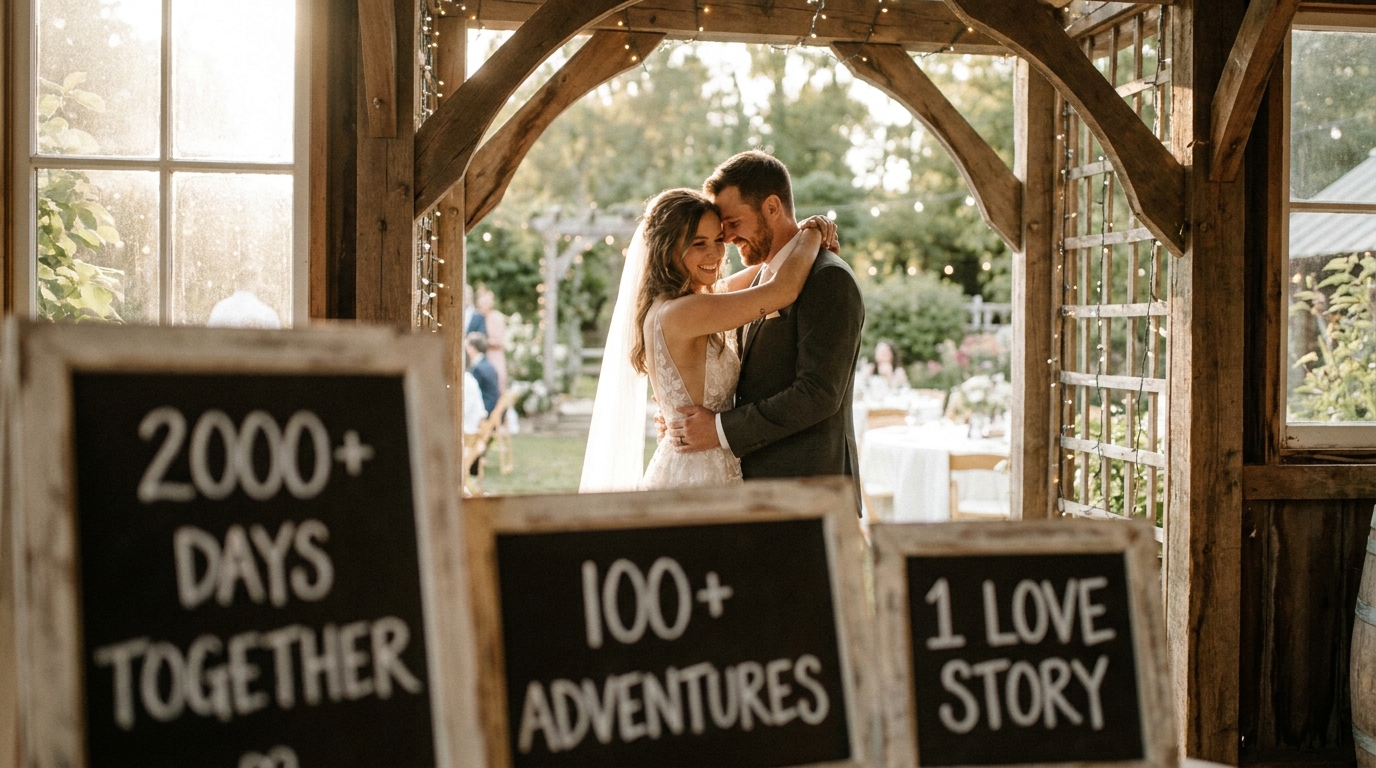
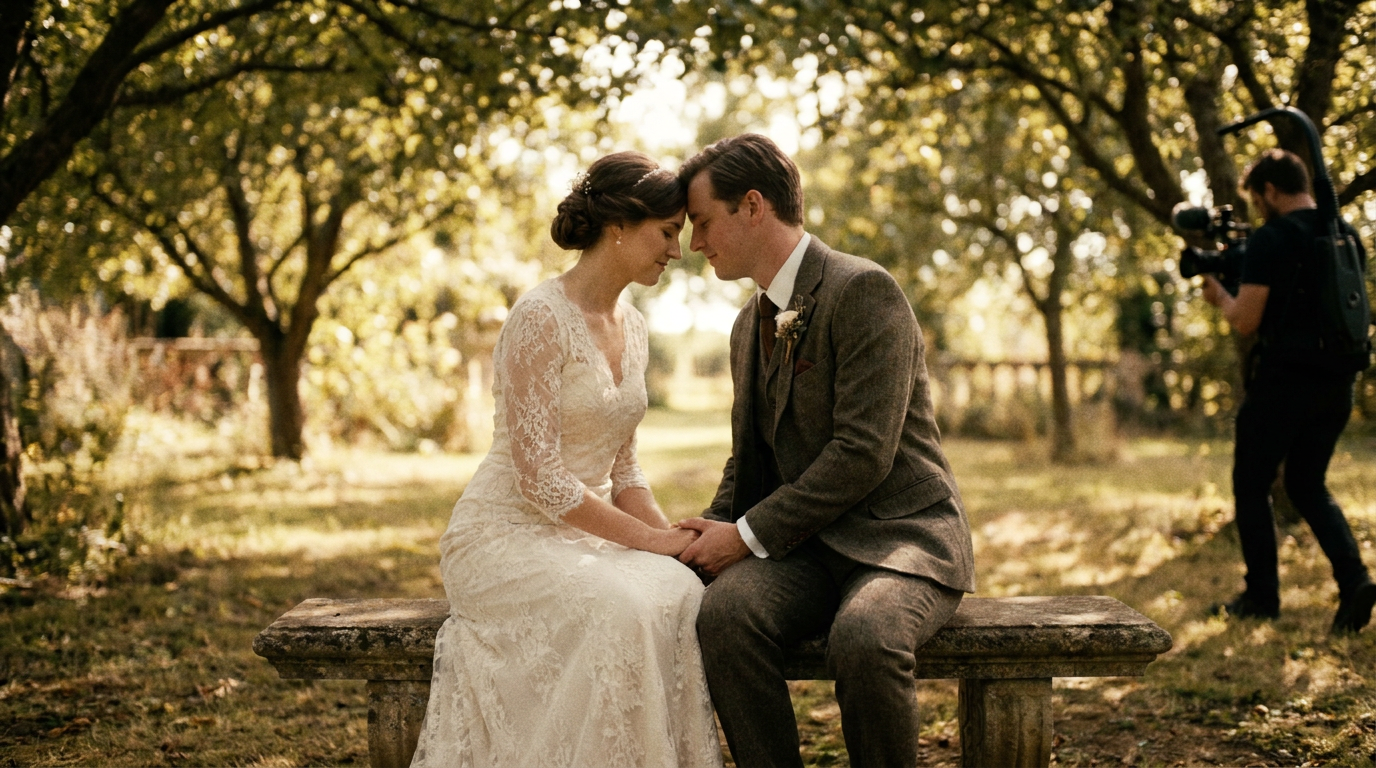
A wedding day moves fast. Between hair appointments, photo sessions, and cocktail hour, there are dozens of moments worth capturing — and dozens of ways to miss them. Without a timeline, you'll end up with beautiful footage of the reception but nothing from the morning preparations. Or you'll capture the ceremony perfectly but miss the quiet moment between the couple right before they walked down the aisle.
The Statistics Tell the Story
The Knot's Real Weddings Study, the average wedding lasts 5-6 hours (ceremony through reception), but the full wedding day spans 12-16 hours from first hair appointment to last dance. A timeline ensures your video captures the complete story, not just the public events.
What a Timeline Prevents
- Missing key momentsbecause nobody knew they were supposed to be filmed
- Overlapping prioritieswhere the videographer is in one room when something important happens in another
- Rushed footagebecause there wasn't enough time allocated for specific shots
- Gaps in the storywhere the video jumps from one event to the next without context
The Complete Wedding Video Timeline Template
Here's a detailed timeline that works for most traditional weddings. Adjust times based on your specific schedule, but keep the sequence and shot priorities consistent.
📸 Image Suggestion 1: A printable wedding day timeline infographic showing key filming moments from morning to night. Alt text: "wedding video timeline template showing what to film and when"
📸 Image Suggestion 2: A videographer filming a bride getting ready in a bridal suite. Alt text: "videographer capturing bride getting ready on wedding day"
Pre-Ceremony (Morning — 4-6 Hours Before)
Getting Ready — Bridal Suite (2-3 hours before ceremony)
| Time Before Ceremony | What to Film | Priority | |---|---|---| | 3 hours | Hair and makeup process — detail shots of brushes, products, mirror reflections | Medium | | 2.5 hours | Bride putting on jewelry, shoes, accessories | High | | 2 hours | Bridesmaids getting ready, group interactions | Medium | | 1.5 hours | Bride putting on the dress — the full reveal moment | Critical | | 1 hour | Bride with parents — emotional reactions, first look with dad | Critical | | 45 min | Bridal party group shots, candid moments | Medium |
Getting Ready — Groom's Suite (1.5-2 hours before ceremony)
| Time Before Ceremony | What to Film | Priority | |---|---|---| | 2 hours | Groom getting dressed, tying tie/cufflinks | High | | 1.5 hours | Groomsmen interactions, toasts, laughter | Medium | | 1 hour | Groom with parents — emotional moment with mom | Critical | | 45 min | Groomsmen group shots, candid moments | Medium |
First Look (Optional — 1-2 Hours Before Ceremony)
If you're doing a first look, this is one of the most emotionally powerful segments of your wedding video:
- The approach— groom waiting, anticipation building
- The reveal— the tap on the shoulder, the turn, the reaction
- The couple's private moment— 5-10 minutes alone together
- Couple portraits— natural, relaxed footage while the emotion is fresh
First looks produce incredible video content because the couple is relaxed, the lighting is usually great, and the emotions are raw and unfiltered.
Ceremony (30-60 Minutes)
The ceremony is the heart of your wedding video. Here's what to capture:
Pre-Ceremony (15-30 minutes before)
- Venue details — flowers, arch, aisle decorations
- Guests arriving and finding seats
- Officiant preparing
The Processional
- Groom's reaction watching the bridal party enter
- Flower girl and ring bearer (always entertaining)
- Parents being seated
- The bride's entrance— this is the most important single shot of the entire day
The Ceremony
- Wide shots of the full ceremony
- Close-ups during vows — both faces
- Ring exchange
- The first kiss
- The recessional — the couple walking back up the aisle
Pro tip:Allocate at least two camera angles for the ceremony if possible. One wide and one tight. If you're relying on guest recordings, assign specific people to specific angles. Our guide onwhat to film at a weddingbreaks this down further.
Post-Ceremony (30-60 Minutes)
- Candid congratulations— hugs, tears, laughter as guests greet the couple
- Couple portraits— golden hour shots if timing allows
- Family formal photos— these often have great candid moments between posed shots
- Bridal party photos— fun, relaxed group content
Cocktail Hour (45-60 Minutes)
- Guest interactions and mingling
- Venue ambiance shots
- Signature drinks being prepared
- Detail shots of centerpieces, table settings, favors
- Kids playing, candid guest moments
Reception (3-5 Hours)
| Event | What to Film | Duration | |---|---|---| | Grand entrance | Couple announced, walking into reception | 2-3 min | | First dance | Full dance, guest reactions | 3-5 min | | Parent dances | Father-daughter, mother-son | 5-10 min | | Toasts/speeches | Full speeches, couple's reactions | 15-30 min | | Dinner | Table shots, food close-ups, candid conversations | Throughout | | Cake cutting | The moment, feeding each other | 3-5 min | | Bouquet/garter toss | Full sequence, catch reactions | 5-10 min | | Dance floor | Party footage, guest dancing, energy | Throughout | | Special dances | Anniversary dance, cultural traditions | 5-10 min | | Send-off | Sparklers, bubbles, car departure | 5-10 min |
Adapting the Timeline for Different Wedding Styles

Not every wedding follows the traditional format. Here's how to adjust your video timeline:
Elopement Video Timeline
Elopements are simpler but still need planning:
- Preparation— getting ready at the hotel or Airbnb (30-45 min)
- Journey to location— the drive or hike (15-30 min)
- The ceremony— intimate vows in a stunning location (15-20 min)
- Celebration— champagne toast, exploring the location together (1-2 hours)
- Golden hour portraits— the money shots (30-60 min)
elopement video ideasguide.
Destination Wedding Timeline
Destination weddings add travel and cultural elements:
- Welcome dinnerthe night before
- Morning explorationof the destination
- Ceremony incorporating local traditions
- Multi-day celebrationfootage spanning 2-3 days
destination wedding videoguide covers these unique considerations in detail.
Micro-Wedding Timeline
Micro-weddings (under 30 guests) often compress the timeline:
- Shorter getting-ready period (1-2 hours)
- More intimate ceremony (15-20 minutes)
- Combined cocktail hour and reception
- More candid time with each guest
Working With Your Videographer on the Timeline
Your timeline is a communication tool between you and your videographer. Here's how to make it work:
Share It Early
Send your timeline to your videographer at least 2-4 weeks before the wedding. This gives them time to scout locations, plan equipment, and flag potential issues.
Include Contact Information
Your timeline should list key people and their phone numbers — the wedding planner, maid of best man, venue coordinator, and photographer. When the videographer needs to find someone quickly, they shouldn't have to guess.
Build in Buffer Time
Everything at a wedding takes longer than planned. Build 15-20 minute buffers between major events. This prevents the cascade effect where one delay pushes everything back, and the videographer has to choose between filming the end of cocktail hour or the start of the first dance.
Prioritize Your Must-Haves
Create a ranked list of your top 10 must-have video moments. Share this with your videographer so they know where to position themselves when conflicts arise. Your list might look like:
- Bride's entrance / groom's reaction
- Vows
- First kiss
- First dance
- Father-daughter dance
- Toasts
- Cake cutting
- Bouquet toss
- Dance floor highlights
- Send-off
DIY Wedding Video Timeline Tips
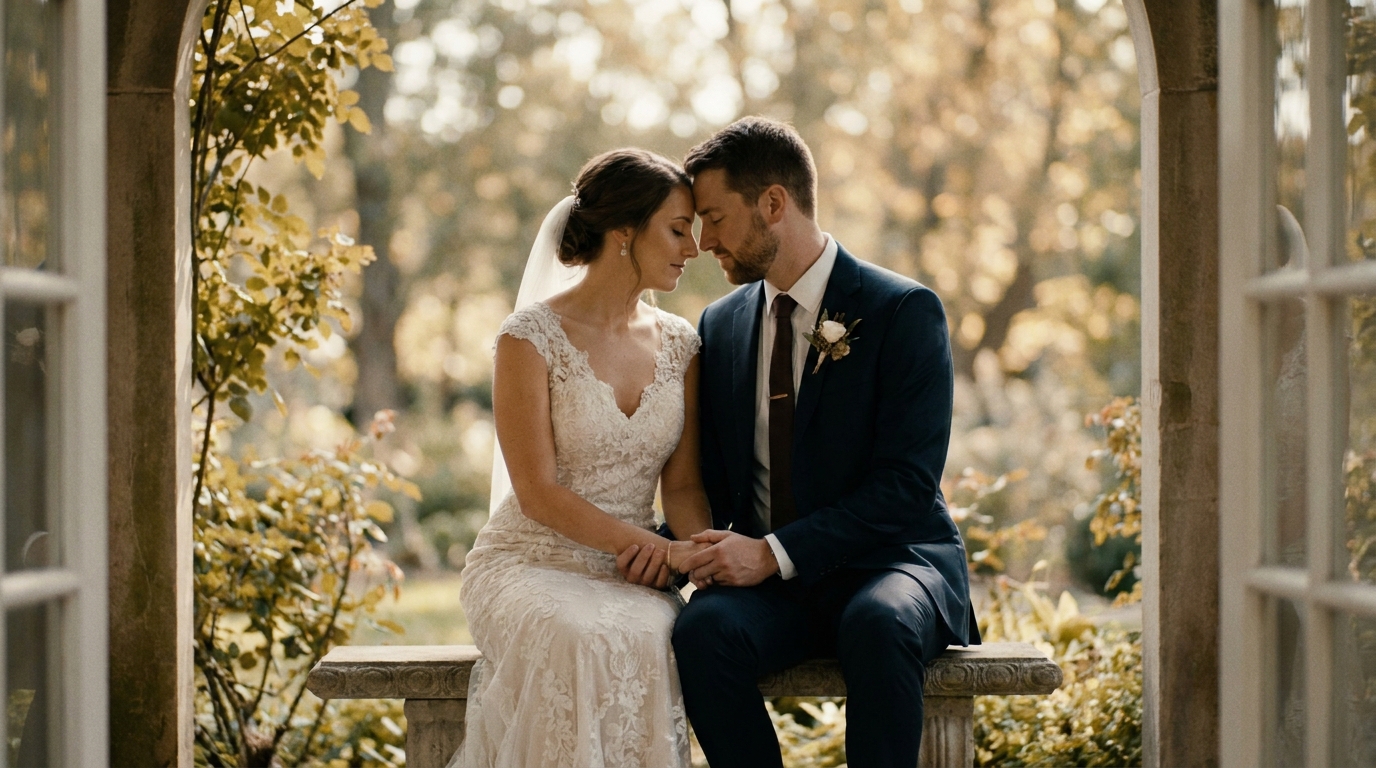
If you're filming your wedding with phones and consumer cameras instead of a professional videographer, your timeline becomes even more important:
Assign Filming Duties
Don't rely on one person to film everything. Assign 3-5 guests to specific moments:
- Person A: Ceremony (stationary, wide angle)
- Person B: Ceremony (mobile, close-ups)
- Person C: Getting ready + candid moments
- Person D: Reception events
- Person E: Dance floor and candid guest footage
Create a Shot List
Give each person a printed shot list with their specific assignments. Include the time, location, and exact shots they need. Vague instructions like "film the wedding" produce vague footage.
Do a Test Run
If possible, visit the venue before the wedding and test camera positions. Check lighting at the same time of day as your ceremony. Identify where power outlets are for charging. Note where the sun will be during outdoor events.
AI Video Generatorcan work with footage from multiple sources — phones, GoPros, and consumer cameras — and combine them into a cohesive wedding film. This is particularly valuable for DIY weddings where footage quality and style vary across devices.
Common Timeline Mistakes to Avoid
After helping hundreds of couples plan their wedding videos, we've seen these timeline mistakes repeatedly:
- Not allocating enough time for getting ready: The morning is full of emotional, intimate moments. Rushing through it means losing some of the best content.
- Scheduling portraits during golden hour AND cocktail hour: Pick one. If you're doing portraits during golden hour, your videographer can't also capture cocktail hour.
- Forgetting the in-between moments: The walk between ceremony and reception, the quiet moment in the hallway, the late-night conversation at a table. These unscripted moments often become the most treasured footage.
- No plan for the end of the night: The send-off is often chaotic and unplanned. Decide in advance what it looks like and make sure someone is filming it.
Frequently Asked Questions
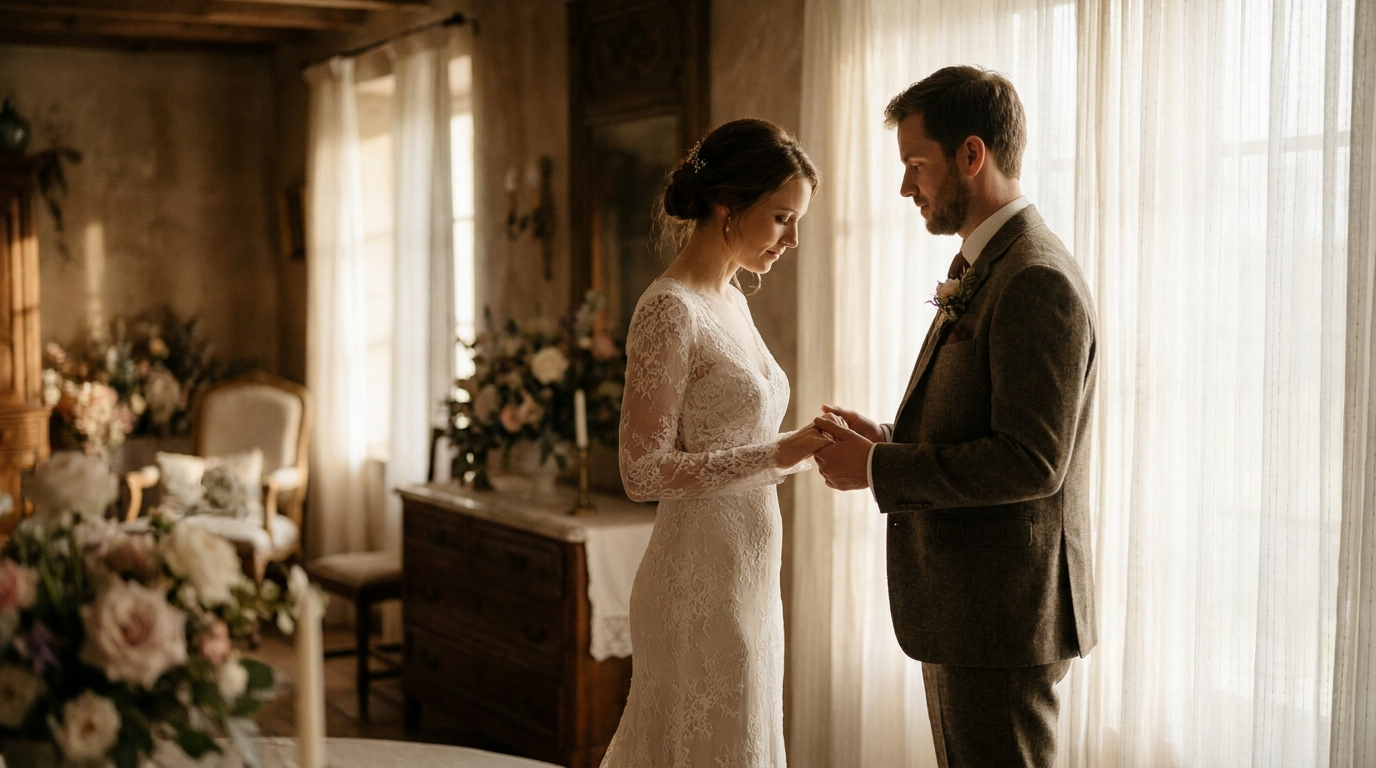
How far in advance should I create my wedding video timeline?
Create your timeline 4-6 weeks before the wedding. Share it with your videographer 2-4 weeks before the day. Finalize any last-minute changes 3-5 days before the event.
What if my wedding doesn't follow a traditional format?
Every wedding is unique. Use the template above as a starting point, then adjust for your specific events, cultural traditions, and personal priorities. The key principles — allocate time, assign priorities, and build in buffers — apply to any format.
How long should each part of the wedding video be?
A typical highlight reel runs 5-10 minutes and covers the entire day. A full-length film runs 45-90 minutes. Most videographers create both. For DIY footage, aim to capture at least 2-3 minutes of usable content per major event.
Can WeddingAI.video work with footage filmed on phones?
AI Video Generatoris designed to work with footage from any source — professional cameras, phones, GoPros, and guest recordings. The AI standardizes quality and combines clips into a cohesive film.
Should I include quiet moments in my timeline?
Absolutely. The quiet moments — a private conversation before the ceremony, a parent watching from across the room, a stolen kiss in a hallway — are often the most emotionally powerful footage in a wedding video. Build in 10-15 minutes of "unstructured" filming time for these spontaneous moments.
Plan Your Perfect Wedding Video Timeline
A great wedding video doesn't happen by accident. It's the result of careful planning, clear communication, and intentional timing. Use this guide to build your timeline, share it with your videographer, and ensure every meaningful moment of your wedding day is captured.
WeddingAI.videotransforms raw clips from any source into a professional wedding video, complete with AI-powered editing, music matching, and enhancement.
Ready to Transform Your Wedding Memories?
Tell us about your project and we'll get back within 24 hours with a free quote.
Get a Free Quote →