

WeddingAI.video Blog
Destination Wedding Video — AI From $9.9 (No Drone Needed)
Get a professional destination wedding video without the high cost. Tips for filming abroad, hiring local videographers, and AI editing solutions.
8 min read · Updated 2026-10-13
Destination Wedding Video: How to Get Professional Results on a Budget
You're getting married on a cliffside in Santorini, a vineyard in Tuscany, or a beach in Bali. The setting is breathtaking, the plans are in motion — but when you look at the cost of hiring a professional videographer to travel internationally, the numbers make your eyes water. Destination wedding videography can easily cost $5,000 to $15,000 when you factor in travel, accommodation, and the shoot itself.
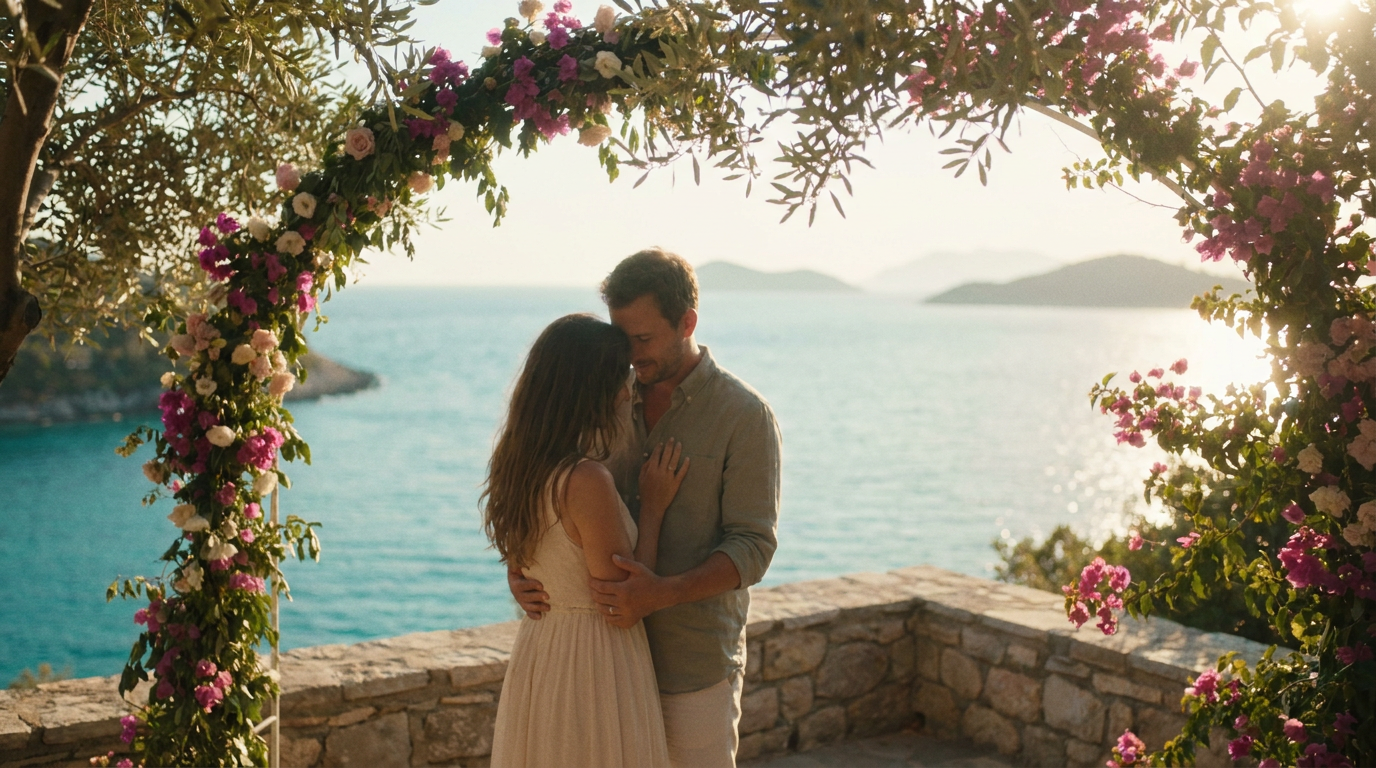
Here's the thing: you don't have to choose between a stunning destination wedding video and staying within budget. With the right strategy, you can capture professional-quality footage of your overseas wedding without the premium price tag.
The Real Cost of Destination Wedding Videography
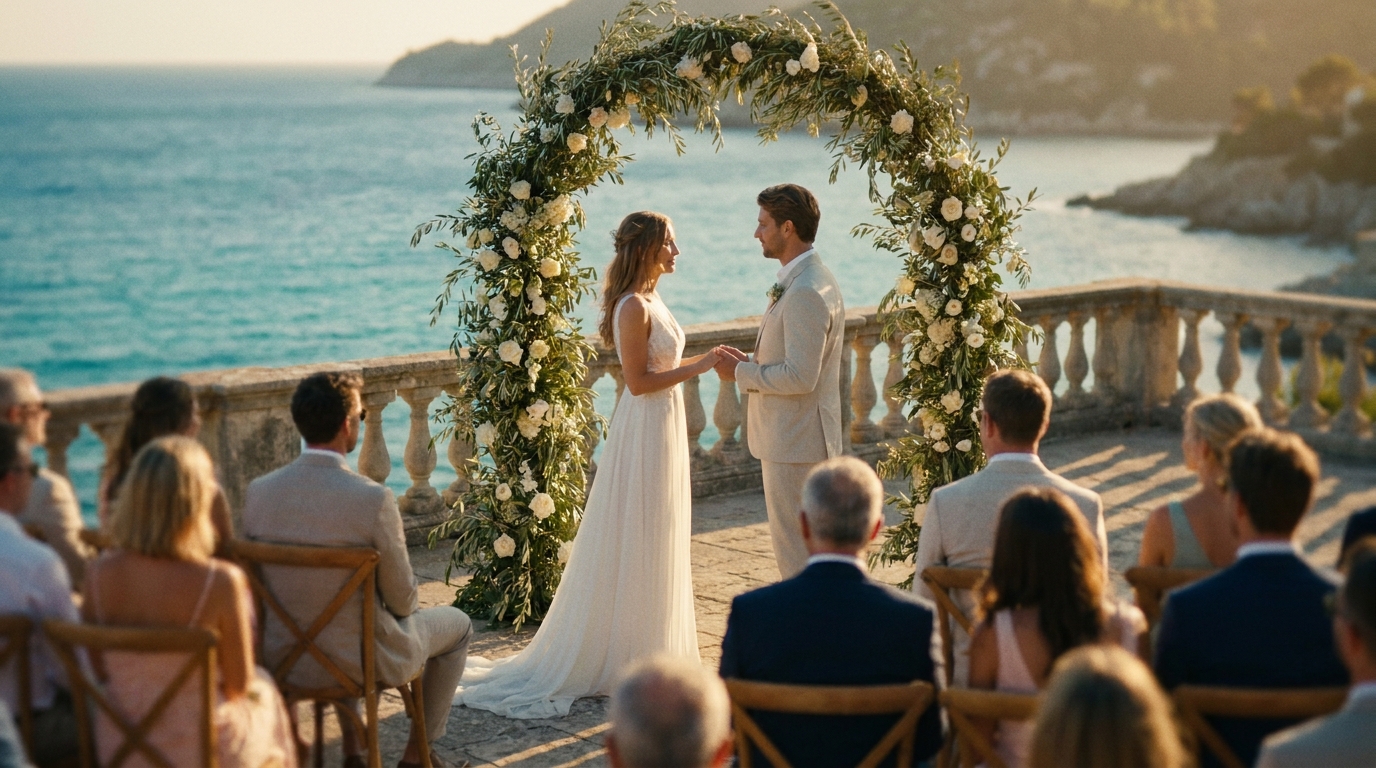
Let's break down what traditional destination wedding videography actually costs, so you understand where the money goes and where you can save.
Total | $3,200–$9,100 |
That's just for one videographer. Add a second shooter and you're potentially looking at double those travel costs. For many couples, this eats up a significant chunk of the destination wedding budget.
The good news? There are smart alternatives that deliver beautiful results.
Strategy 1: Hire a Local Videographer at Your Destination
The most straightforward way to cut costs is hiring a videographer who's already at your destination. No flights, no accommodation, no equipment shipping.
How to Find a Good Local Videographer
- Ask your wedding planner: If you're working with a destination wedding planner, they'll have trusted local vendor recommendations.
- Search Instagram and Vimeo: Use location-based hashtags (e.g., #santorinivideographer, #tuscanyweddingfilm) to find professionals whose style you love.
- Check wedding directories: Sites like Junebug Weddings, Style Me Pretty, and local wedding directories list vendors by location.
- Read reviews carefully: Look for reviews from international couples, not just locals. Communication style and reliability matter more when you're planning from a different time zone.
What to Watch Out For
Brides magazine, communication and contract clarity are the top two challenges couples face when hiring international vendors.
- Communication barriers: Time zone differences and language gaps can complicate planning. Start communicating months in advance.
- Different standards: Videography styles vary by country. Make sure their portfolio matches what you want.
- Payment and contracts: Use secure payment methods. Get everything in writing, including deliverables, timeline, and cancellation policy.
- No pre-wedding meeting: You're trusting someone you've never met in person. Schedule multiple video calls and review full wedding films (not just highlights).
Strategy 2: Combine a Local Videographer With DIY Footage
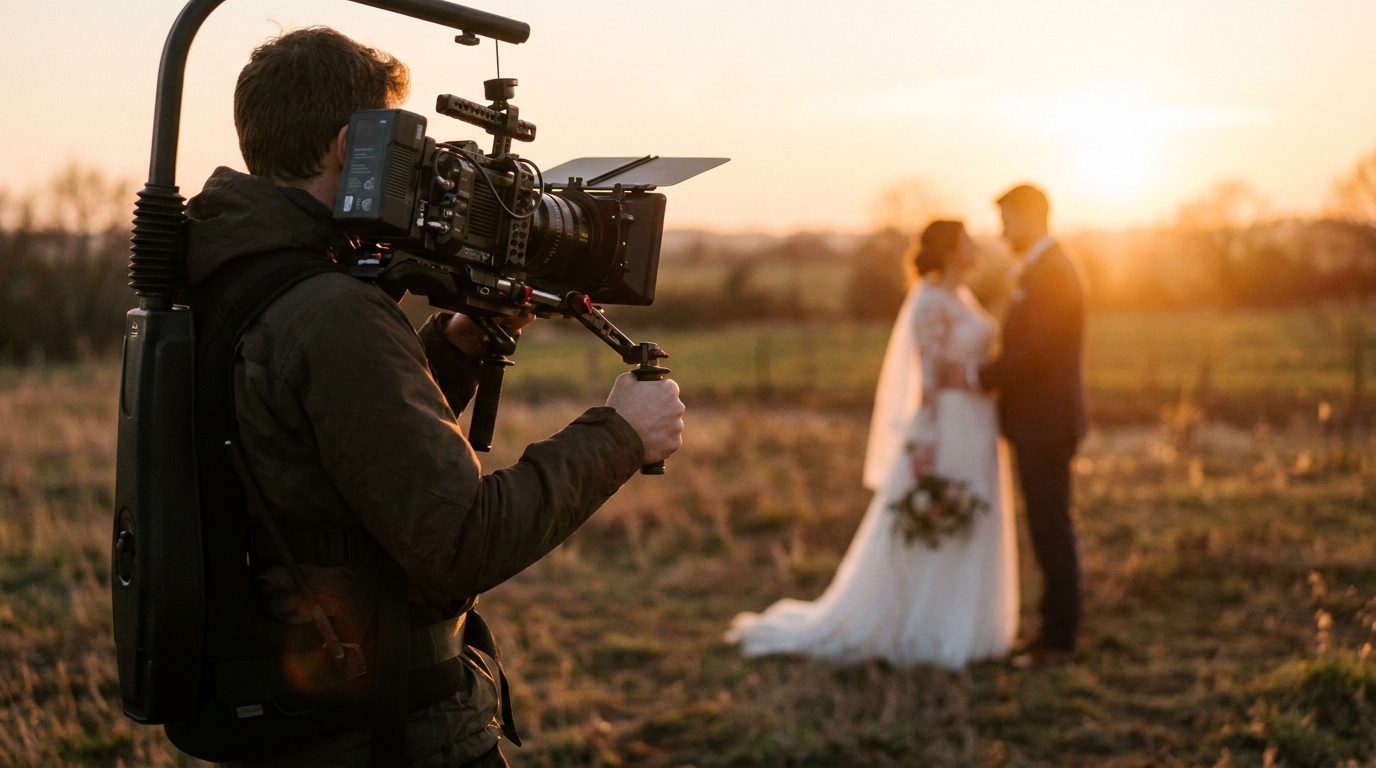
This hybrid approach gives you the best of both worlds. Hire a local videographer for the ceremony and key moments, then supplement with your own footage captured on smartphones and action cameras throughout the trip.
What the Videographer Covers
- Ceremony from multiple angles
- Professional audio recording of vows
- First dance and key reception moments
- Couple portraits in the destination setting
What You Cover With DIY
- Getting ready at the hotel or villa
- Pre-wedding exploration of the destination
- Guest arrivals and candid reactions
- Behind-the-scenes moments
- Post-wedding adventures (beach day, boat trip, exploring the town)
AI video generatorcan blend professionally shot and DIY footage seamlessly, applying consistent color grading, transitions, and pacing across all clips.
Strategy 3: Go Full DIY With Smart Planning
If your budget is truly tight, you can create a beautiful destination wedding video entirely on your own. This requires more planning and effort, but the results can be surprisingly polished.
Essential Gear for DIY Destination Wedding Video
- Smartphone with 4K capability: iPhone 15 Pro, Samsung Galaxy S24, or Google Pixel 8 Pro
- Phone gimbal: DJI OM 7 or Insta360 Flow ($80–$150)
- Wireless lavalier mic: Rode Wireless GO II ($200) for clear vow audio
- GoPro or action camera: For wide-angle shots, underwater footage, or adventurous settings
- Compact tripod: For stable ceremony shots when no one is behind the camera
- Extra batteries and storage: Bring at least 2-3 power banks and 256GB+ of storage
Create a Shot List
A shot list is essential for DIY destination wedding video. Without a professional guiding the shoot, you need to know exactly what you want to capture.
Pre-ceremony shots:
- The venue setup and decorations
- Getting ready — dress, suit, accessories, hair and makeup
- Detail shots — rings, invitation, flowers, shoes
- Guests arriving and mingling
Ceremony shots:
- Wide establishing shot (camera on tripod)
- Close-ups of both partners during vows
- Ring exchange
- The kiss
- Guest reactions
- Walking back down the aisle together
Post-ceremony shots:
- Couple portraits in the destination setting
- Candid celebrations
- Toasts and speeches
- First dance
- Dancing and party footage
Assign Camera Roles
If you have 2-3 friends willing to help, assign each person a specific role:
- Person A: Tripod camera for ceremony (wide shot, stays stationary)
- Person B: Roaming smartphone on gimbal (close-ups, reactions, movement shots)
- Person C: GoPro/action camera for unique angles and B-roll
Give each person a simple instruction card with their key shots. Don't overwhelm them — 5-6 specific shots per person is plenty.
How to Edit Your Destination Wedding Video
You've captured hours of footage in a stunning location. Now what?
The DIY Editing Route
Free tools like iMovie (Mac) or CapCut (any platform) can produce solid results. Focus on:
- Start with the strongest footage: Open with a breathtaking wide shot of your destination to set the scene.
- Tell the story chronologically: Getting ready → ceremony → celebration → departure.
- Keep it short: 5-8 minutes for a highlight film. Longer isn't always better.
- Add music that fits the destination: Acoustic guitar for a beach wedding, classical for a European chateau, etc.
- Color grade consistently: Different cameras and phones produce different color profiles. Apply a consistent look across all footage.
The AI Editing Route
If you want professional results without spending hours learning editing software, AI-powered video editing is the fastest path. Upload your footage, select a style, and the AI handles pacing, transitions, color grading, and music sync.
cinematic wedding traileror full highlight film without the editing headache.
Capturing the Destination Itself
The location is a major character in your destination wedding video. Don't just film the ceremony — film the place.
Establishing Shots
Before any wedding footage begins, include 15-30 seconds of the destination itself:
- Aerial or elevated views of the landscape
- The local architecture, streets, or coastline
- Sunrise or sunset over the venue
- Local details — flowers, food, markets, textures
These shots tell the viewer "this is where our love story took place" and add a cinematic quality that elevates the entire film.
Cultural Elements
If your destination wedding incorporates local traditions — a Hawaiian lei ceremony, a Greek Orthodox crowning, a Mexican lazo ceremony — make sure to capture these moments clearly. They're often the most memorable and unique parts of the video.
Sounds of the Place
Ambient audio adds immersion. The sound of waves at a beach wedding, birds in a garden ceremony, or church bells in a European village — these sounds transport viewers back to the moment. Don't filter them all out during editing.
Sharing Your Destination Wedding Video
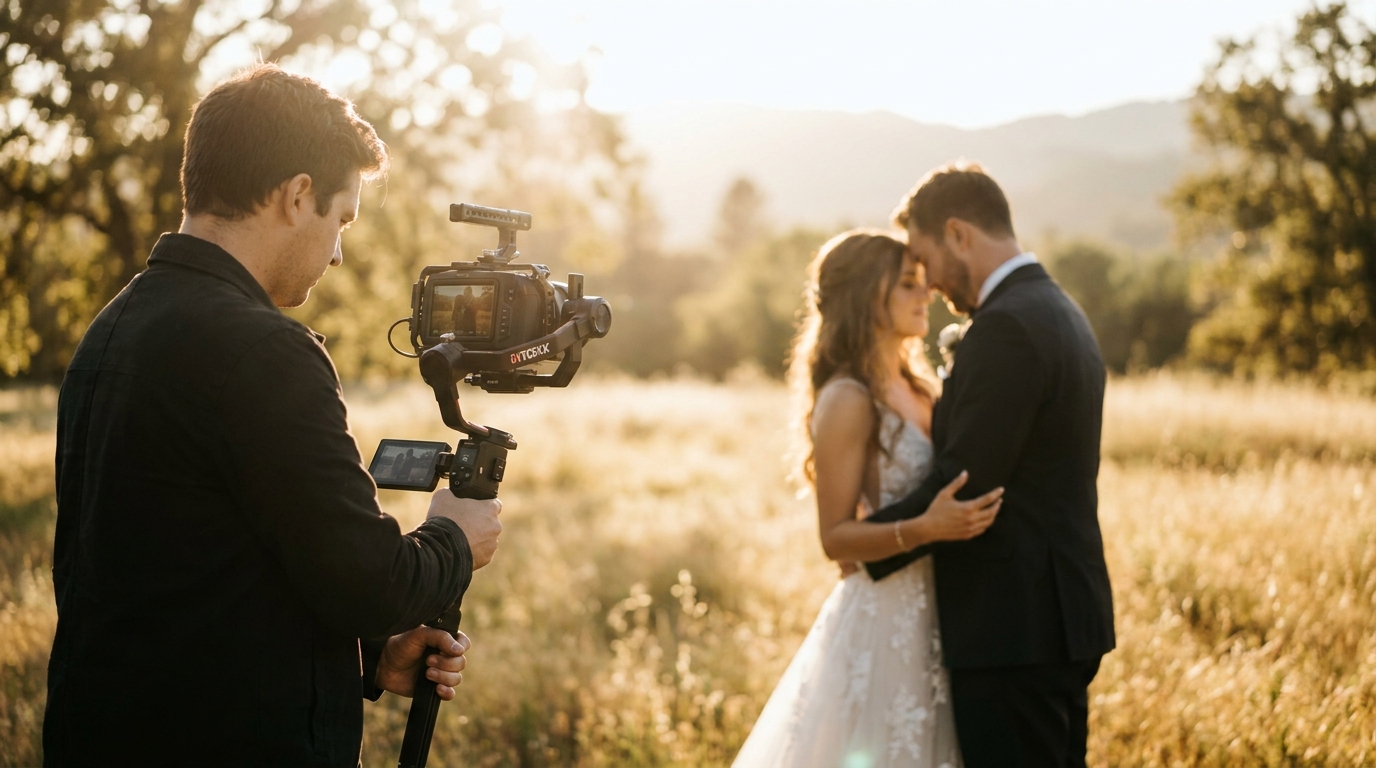
Your destination wedding video serves double duty: it's a memory keepsake for you, and it's how you share the experience with guests who couldn't travel.
For Guests Who Couldn't Attend
Create a shorter 2-3 minute version focused on the ceremony and celebration. Share it via a private link on your wedding website or through a group message. Many couples find that a destination wedding video eliminates the need for a separate reception back home — the video brings the destination to everyone.
For Social Media
sharing wedding video on social mediato maximize engagement.
For Your Home
The full-length highlight film deserves more than a phone screen. Watch it on your TV, project it at anniversary parties, or create a dedicated digital frame that plays it in your home.
Frequently Asked Questions
How much does a destination wedding video cost if I hire locally?
Hiring a local videographer at your destination typically costs $1,000–$3,000 depending on the country and the professional's experience. This is significantly less than flying a videographer from home, which can cost $5,000–$15,000 with travel expenses included.
Can I get good video quality from just a smartphone at my destination wedding?
Modern smartphones shoot excellent 4K video that, when paired with a gimbal stabilizer and proper technique, can produce results comparable to professional cameras. The key is stability, lighting, and audio — invest in a gimbal and a wireless lavalier microphone for the best results.
How do I find a trustworthy videographer in another country?
Start with recommendations from your wedding planner or venue. Search Instagram and wedding directories using location-specific terms. Always review full wedding films (not just highlight reels), schedule multiple video calls, and get a detailed contract before committing.
Should I bring my own equipment or rent at the destination?
Bring your own. Equipment rental abroad adds cost, introduces risk (unfamiliar gear, availability issues), and wastes valuable vacation time on pickups and returns. A smartphone, gimbal, lavalier mic, and GoPro fit in a small bag and cover most shooting scenarios.
How do I combine professional and DIY footage into one video?
AI video editing tools excel at blending footage from different cameras and quality levels. The AI applies consistent color grading, transitions, and pacing across all clips, creating a cohesive film regardless of the source. This is often more effective than manual editing, which requires significant skill to match different camera profiles.
Your Destination Wedding Deserves a Beautiful Film
A destination wedding is one of the most memorable experiences of your life. The setting, the adventure, the intimacy of celebrating with your closest people in an extraordinary place — all of it deserves to be captured in a film you'll watch for decades.
Whether you hire a local videographer, go full DIY, or combine both approaches, the most important thing is that you document the day. And when you're ready to turn that footage into a polished, cinematic video, WeddingAI.video can help — no matter where in the world you said "I do."
Ready to Transform Your Wedding Memories?
Tell us about your project and we'll get back within 24 hours with a free quote.
Get a Free Quote →