

WeddingAI.video Blog
Restore VHS Wedding Footage: $9.9 + Modern Style (vs Topaz $300/yr)
Learn how to restore old wedding videos from VHS, 8mm, and Hi8 tapes. Step-by-step guide with AI tools. Get your free quote today!
9 min read · Updated 2026-10-05
How to Restore Old Wedding Videos: The Complete 2026 Guide (VHS, 8mm, Hi8)
Your parents' wedding video sits in a dusty box in the attic. The tape is decades old, the quality is fading, and you're terrified that one day it won't play at all. You're not alone — millions of families face the same anxiety about their irreplaceable wedding memories trapped on deteriorating formats.
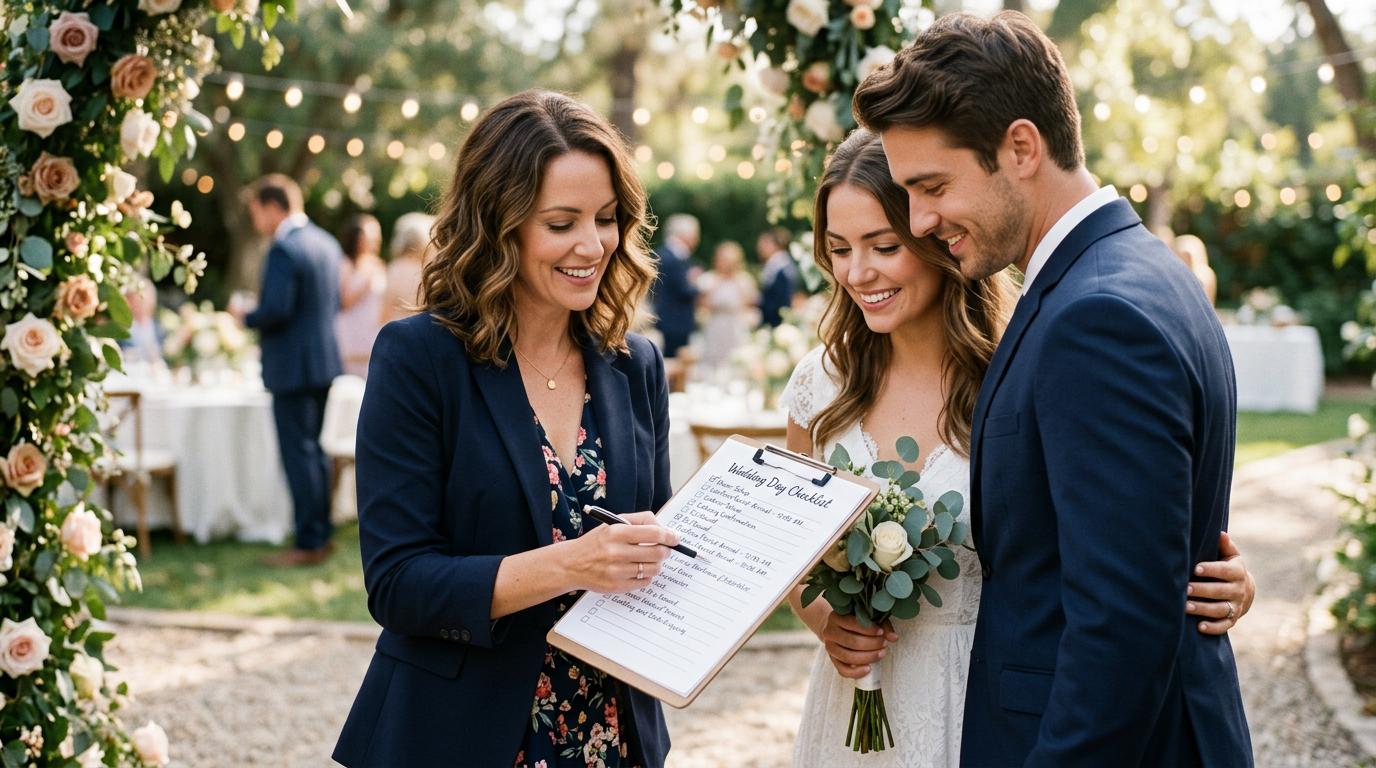
The good news? Restoring old wedding videos has never been more accessible or affordable. Whether your footage lives on VHS, 8mm film, Hi8, or MiniDV, modern technology — especially AI-powered restoration — can bring those memories back to life with stunning clarity.
Why Your Old Wedding Tapes Are Disappearing Right Now
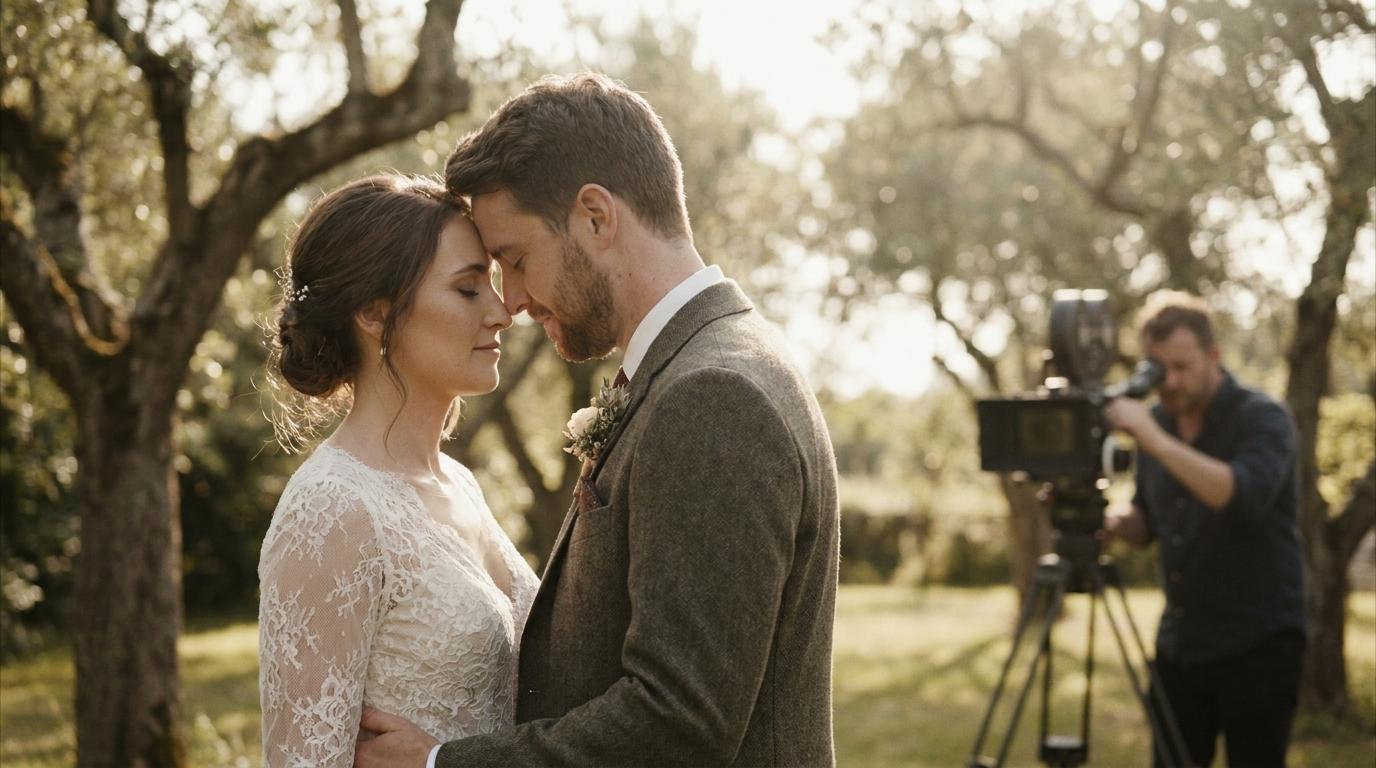
National Archives, VHS tapes have an expected lifespan of 10-30 years under ideal storage conditions. Most family tapes weren't stored under ideal conditions.
Common signs of tape degradation include:
- Color bleeding— reds and blues shift and smear across the image
- Dropout lines— white horizontal lines that flicker through the frame
- Tracking issues— the image rolls or wobbles uncontrollably
- Audio warping— sound becomes muffled, distorted, or drops out entirely
- Mold and sticky shed— the tape physically deteriorates, making playback impossible
Every year you wait, the quality gets worse. The magnetic particles that hold your memories are literally falling off the tape. If you have old wedding tapes sitting in a closet, the time to restore them is now — not next year.
Understanding Different Wedding Video Formats
Before you can restore an old wedding video, you need to know what you're working with. Each format has its own challenges and restoration approaches.
VHS and VHS-C
VHS was the dominant home video format from the 1980s through the early 2000s. VHS-C is the compact version used in smaller camcorders. Both record analog video on magnetic tape at roughly 240 lines of resolution — about a quarter of modern HD.
Restoration challenges:VHS is particularly susceptible to tracking errors, color shifts, and dropout. The low resolution means there's limited detail to recover, but AI upscaling can still produce remarkably improved results.
8mm, Hi8, and Digital8
These smaller tape formats were popular in the 1990s and 2000s. 8mm and Hi8 are analog; Digital8 records digital video on the same physical tape.
Restoration challenges:The smaller tape size means the magnetic tracks are narrower, making these formats even more vulnerable to degradation than VHS. Hi8 offered improved resolution (400+ lines) but still falls well short of modern standards.
MiniDV and HDV
MiniDV arrived in the late 1990s and became the go-to format for prosumer camcorders. It records digital video at standard definition, while HDV captures in 720p or 1080i.
Restoration challenges:Being digital formats, MiniDV and HDV hold up better over time. However, they still suffer from compression artifacts, and the tapes can develop dropouts that manifest as pixel corruption rather than analog noise.
Film (Super 8, Regular 8)
Some couples had their weddings shot on actual film stock. While film can last decades when stored properly, it's susceptible to color fading, scratching, and shrinkage.
Restoration challenges:Film restoration requires specialized scanning at high resolution, followed by digital cleanup. It's labor-intensive but can yield the most dramatic improvements due to film's inherently high resolution.
The Step-by-Step Process to Restore Old Wedding Videos
Restoring an old wedding video involves several stages, from physical tape handling to AI-enhanced output. Here's how the process works:
Step 1: Assess the Physical Condition
Before attempting playback, inspect your tapes for visible damage:
- Look for mold on the tape surface (white or green fuzzy patches)
- Check if the tape feels sticky or has a vinegar smell (a sign of acetate breakdown)
- Ensure the cassette housing isn't cracked or warped
- Gently wind the tape forward and back to check for tension issues
If you notice mold or sticky-shed syndrome, do not attempt to play the tape — you could damage both the tape and your playback equipment. These require professional cleaning first.
Step 2: Digitize the Footage
You need to convert the analog signal to a digital file. There are three approaches:
DIY digitizationrequires a working playback deck, an analog-to-digital converter (like the Elgato Video Capture or ClearClick), and capture software. This costs $50-$150 in equipment but demands technical know-how.
Professional digitization serviceshandle everything for you. Companies like Legacybox or iMemories charge $15-$35 per tape, but turnaround times can stretch to 6-8 weeks.
AI-powered serviceslike WeddingAI.video combine digitization with restoration in one step, saving time and often producing better results since the footage doesn't undergo multiple conversion stages.
Step 3: Clean Up the Digital File
Once digitized, the raw file will still contain all the original artifacts. This is where restoration begins:
- Noise reductionremoves the grain and snow typical of old tapes
- Color correctionrestores faded colors and fixes white balance shifts
- Stabilizationsmooths out shaky handheld footage
- Tracking correctioneliminates wobble and horizontal displacement
- Audio cleanupreduces hiss, hum, and volume inconsistencies
Step 4: Enhance with AI
This is where modern technology truly shines. AI-powered tools can do things that were impossible even five years ago:
- AI upscalingincreases resolution from 480p to 1080p or even 4K by intelligently filling in missing detail
- AI frame interpolationcreates smoother motion by generating intermediate frames
- AI colorizationcan add natural color to black-and-white footage
- Facial enhancementspecifically improves the clarity of faces, which are typically the most important part of wedding footage
- AI slow motionconverts standard footage into cinematic slow motion by generating new frames
wedding slow motion effectsto see what's possible with AI frame interpolation.
Step 5: Export and Preserve
Finally, export your restored video in modern formats. We recommend:
- MP4 (H.264)for universal compatibility
- ProRes or H.265for archival quality
- Store copies in at least two locations (local drive + cloud)
DIY vs. Professional Restoration: What's Right for You?
Cost| $50-$300 (equipment + software) | $100-$500+ per tape | |Time| 10-20 hours per tape | 1-3 weeks turnaround | |Quality| Depends on your skill | Consistent, professional results | |AI capabilities| Limited (consumer software) | Full suite of AI tools | |Risk of damage| Higher if inexperienced | Low — trained professionals | |Best for| Tech-savvy users with 1-2 tapes | Multiple tapes, damaged footage, or anyone who wants guaranteed results |
For most families, professional restoration makes the most sense. The risk of damaging irreplaceable footage with DIY methods is real, and the quality difference with professional AI tools is significant.
How Much Does It Cost to Restore Old Wedding Videos?
Costs vary depending on the format, condition, and level of restoration needed:
- Basic digitization only:$15-$35 per tape
- Digitization + standard cleanup:$50-$150 per tape
- Full AI restoration (digitization + enhancement + upscaling):$100-$500 per tape
- Severely damaged tapes requiring physical repair:Add $50-$100
When you consider that these are once-in-a-lifetime memories, the investment is remarkably reasonable. As one of our clients put it: "I spent $200 to restore my parents' wedding video. My mom cried when she saw it. Worth every penny."
Tips for Getting the Best Results
To maximize the quality of your restoration:
- Act now— tapes degrade every year. Don't wait for a "perfect time."
- Don't play damaged tapes— a single playback on a damaged tape can destroy it permanently.
- Provide context— tell your restoration service about the original recording conditions (indoor/outdoor, lighting, camera used).
- Share reference photos— if you have still photos from the same wedding, they can help AI color correction algorithms match the true colors.
- Request multiple formats— get your restored video as both a high-quality master file and a compressed version for easy sharing.
- Back up immediately— once you receive your restored files, create at least two backup copies before doing anything else.
Real Stories: Couples Who Restored Their Family Wedding Videos
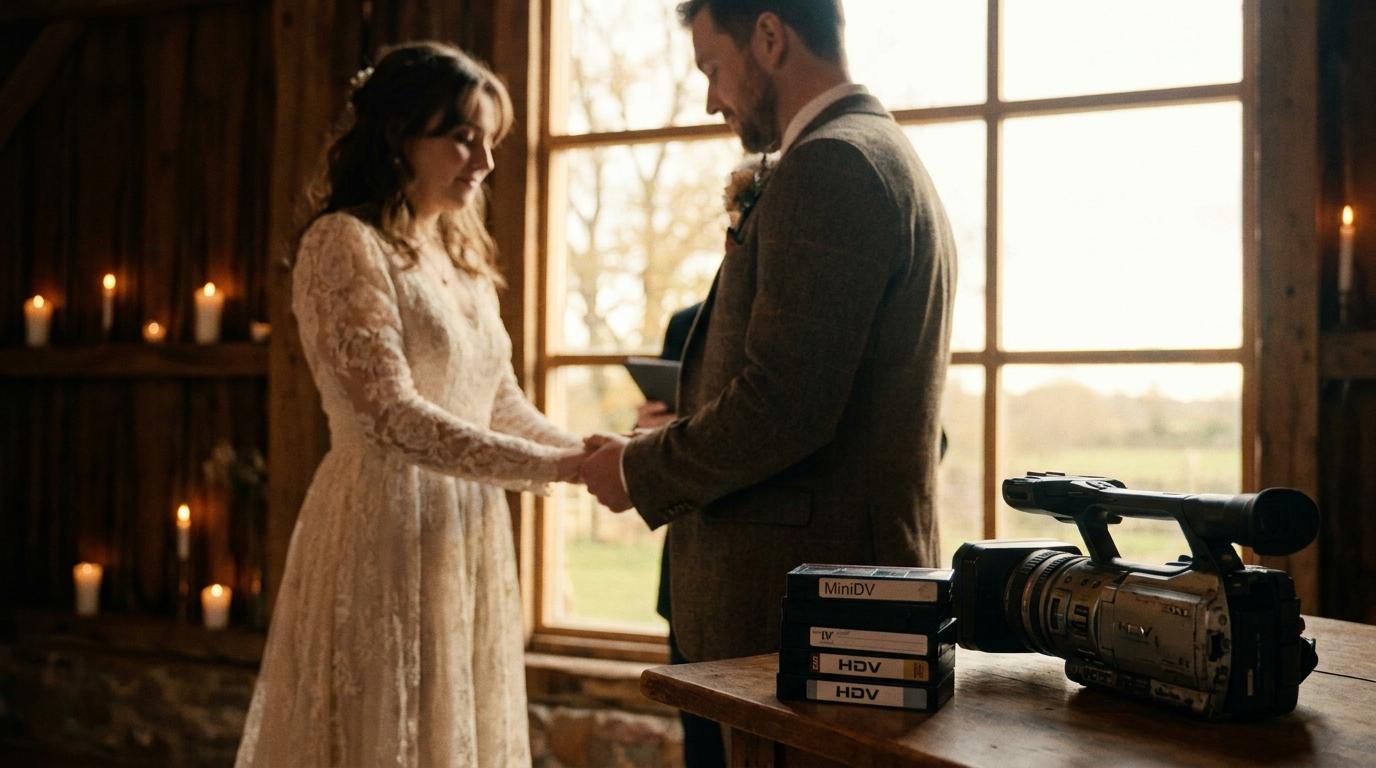
The Martinez Family:Maria found her grandparents' 1972 Super 8 wedding film in a shoebox after her grandmother passed away. The film had significant color fading and several splices. After AI restoration, the family could see details they'd never noticed — her grandmother's lace veil, the flower arrangements, the handwritten sign on the getaway car. "It was like meeting them on their wedding day for the first time," Maria told us.
The Johnsons:A VHS tape from 1994 had been stored in a garage in Texas for 28 years. The heat had caused severe warping and color distortion. Our team was able to stabilize the footage, correct the colors, and upscale it to HD. The couple's daughter, who was two years old at the wedding, saw herself as a flower girl for the first time in crystal-clear quality.
The Patels:This family had Hi8 tapes from three generations of weddings — 1991, 2003, and 2015. Restoring all three and presenting them together at a family reunion created an incredibly emotional experience. "Seeing three generations of love stories side by side was unforgettable," they shared.
If you have old wedding footage that needs restoring, whether it's your own wedding or a family heirloom, our team at WeddingAI.video specializes in bringing these precious memories back to life. We've restored over 500 wedding videos across 12 countries with a 99% satisfaction rate.
AI video enhancement services or explore our galleryto see real before-and-after restoration results.
Frequently Asked Questions
How long does it take to restore an old wedding video?
Standard restoration typically takes 5-10 business days depending on the tape's condition and length. Severely damaged tapes may require additional time for physical repair before digitization. Rush services are often available for an additional fee.
Can you restore a wedding video that has mold on it?
In many cases, yes. Moldy tapes require professional cleaning before playback, which involves carefully removing mold and treating the tape surface. However, if the mold has eaten through the magnetic layer, those sections may be unrecoverable. Early intervention gives the best results.
Is it worth restoring a VHS wedding video that's already been copied to DVD?
Absolutely. DVDs are also aging (disc rot is real), and the quality of a VHS-to-DVD transfer done years ago was likely poor. Starting fresh from the original tape with modern AI tools produces dramatically better results than any previous conversion.
Can AI really improve video quality that much?
Yes — modern AI restoration is genuinely remarkable. AI upscaling can increase resolution by 4x or more while adding realistic detail. AI noise reduction removes grain while preserving important details. AI color correction can restore faded colors to their original vibrancy. The results often look better than the original footage looked when it was first recorded.
What's the best format to save my restored wedding video?
We recommend MP4 (H.265/HEVC) for a balance of quality and file size, plus ProRes 422 for an archival master copy. Always keep at least two copies in different locations — one local and one in cloud storage. Hard drives fail and clouds aren't guaranteed forever, so redundancy is essential.
Ready to Restore Your Family's Wedding Memories?
Don't let another year go by while your irreplaceable wedding footage continues to deteriorate. Whether it's a VHS tape from the '80s, an 8mm film from the '60s, or a Hi8 cassette from the '90s, our AI-powered restoration team can bring it back to life with stunning clarity.
Ready to Transform Your Wedding Memories?
Tell us about your project and we'll get back within 24 hours with a free quote.
Get a Free Quote →