

WeddingAI.video Blog
Wedding Photo Slideshow — AI Auto-Pairs Music (Royalty-Free)
Create a wedding photo slideshow that guests actually enjoy watching. Pro tips for pacing, music, and storytelling. Make your slideshow unforgettable!
9 min read · Updated 2026-10-15
Let's be honest: most wedding photo slideshows are painful. You've sat through them. Hundreds of photos cycling at 5-second intervals with a generic instrumental track playing underneath. By slide 47, everyone's checking their phones. By slide 120, people are making excuses to visit the bar.
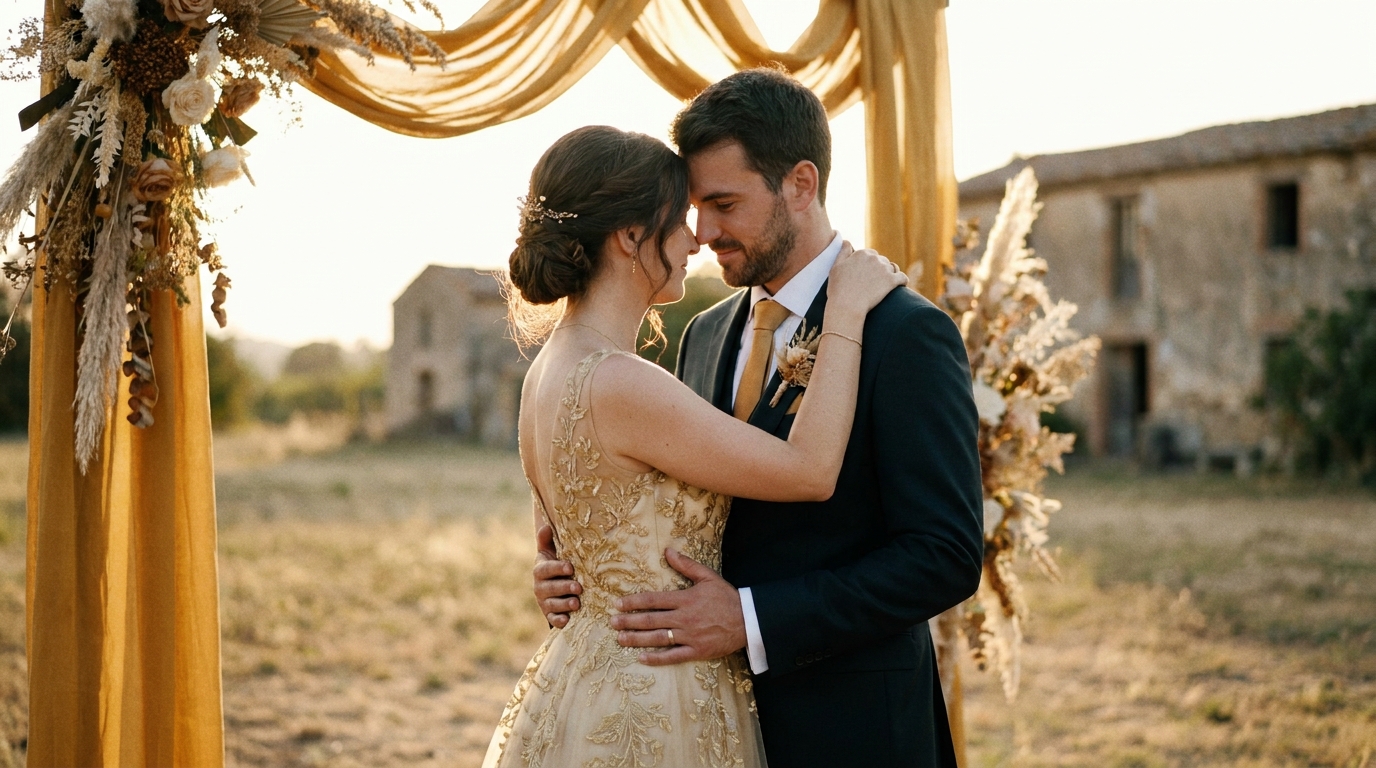
It doesn't have to be this way. A well-crafted wedding photo slideshow can be one of the most emotional, entertaining, and memorable parts of your celebration. The difference between a snooze-fest and a showstopper comes down to three things: curation, pacing, and storytelling.
Here's how to create a wedding slideshow that keeps everyone watching — and maybe even makes them cry (in a good way).
The Golden Rule: Less Is More
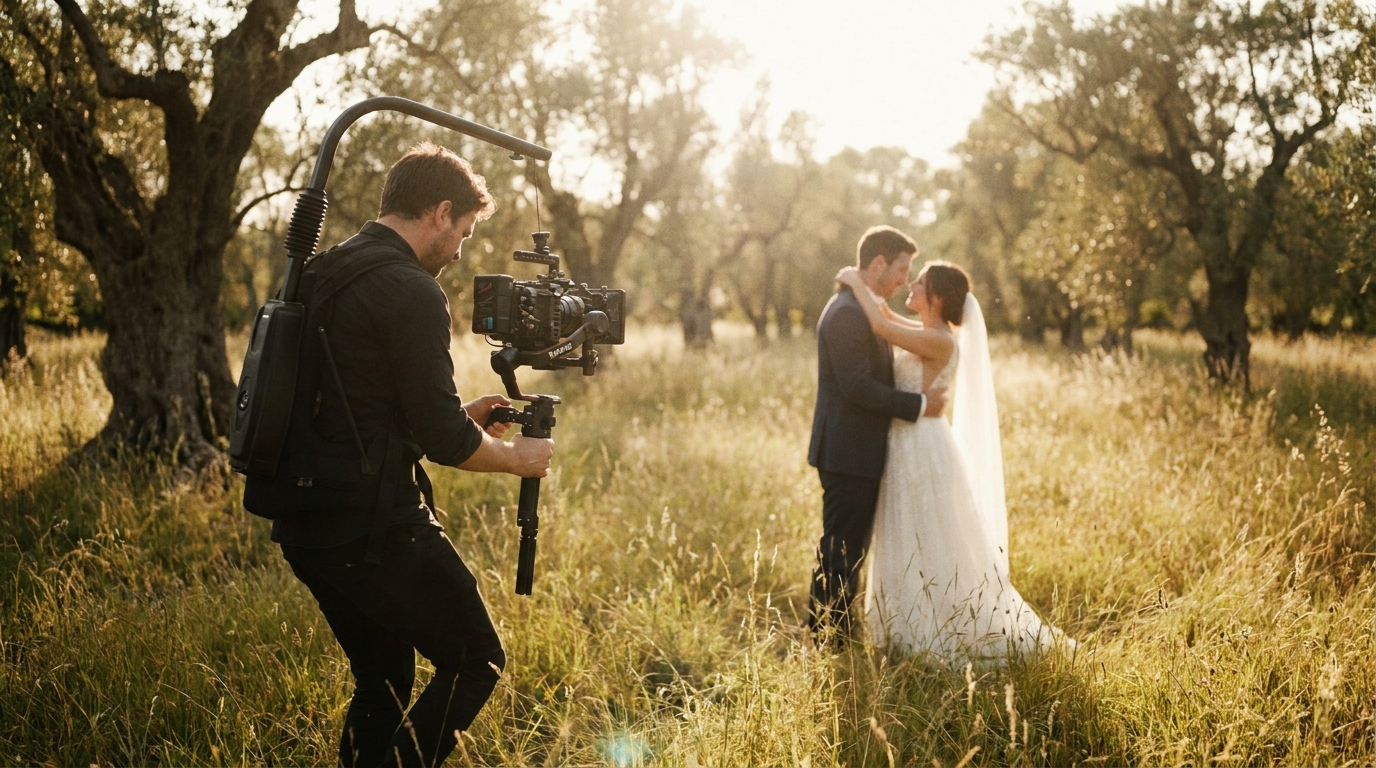
The single biggest mistake in wedding slideshows is including too many photos. You have 3,000 photos from your wedding photographer. That's wonderful for your personal archive. It's torture for a slideshow.
The ideal slideshow length:
| Occasion | Duration | Photo Count | |----------|----------|-------------| | Rehearsal dinner | 3-5 minutes | 40-80 photos | | Reception (before dinner) | 5-8 minutes | 80-150 photos | | Reception (during dancing) | 3-5 minutes | 40-80 photos | | Social media share | 1-3 minutes | 20-50 photos | | Personal keepsake | 8-12 minutes | 150-250 photos |
Slidesgo's presentation design guideconfirms that pacing is the most critical factor in audience engagement. If a photo doesn't make the cut when you're being ruthless with curation, it doesn't belong in the slideshow.
How to Choose Which Photos to Include
Not all photos are slideshow-worthy. Apply these filters:
Include:
- Photos that tell a story or capture a specific emotion
- Images with strong composition and good lighting
- Moments that involve multiple people (group shots, interactions)
- Images that represent the arc of the day (getting ready → ceremony → reception)
- Photos that will get a reaction (childhood throwbacks, funny moments, surprise reveals)
Exclude:
- Duplicate or near-duplicate shots
- Photos where key people have their eyes closed or look awkward
- Overly posed formal shots (unless they're particularly striking)
- Images with poor lighting or composition that can't be fixed
- Anything that embarrasses someone without their consent
Structuring Your Slideshow Like a Story
The best slideshows have narrative structure. They don't just show photos — they take the audience on a journey.
The Three-Act Structure
Act 1: The Setup (20-25% of slideshow)Start with context. How did you meet? What was your early relationship like? Use childhood photos, early couple photos, and images from your dating years. This section builds emotional investment before the wedding day even begins.
Act 2: The Journey (50-60% of slideshow)This is the main event. Cover the wedding day chronologically — getting ready, first look, ceremony, portraits, reception. Pace it like a movie: build tension before the ceremony, release emotion during the vows, celebrate during the reception.
Act 3: The Celebration (20-25% of slideshow)End on a high note. Dancing, laughter, candid joy, and a final image that encapsulates the day. Consider ending with a "where we are now" photo — a recent image that shows your life together continuing.
Pacing Techniques
Vary the rhythm.Don't show every photo at the same speed. Slow down for emotional moments (the first look, the vows, parent reactions) and speed up for energetic ones (dancing, group shots, party moments).
Use transitions intentionally.A simple fade between emotional moments. A quick cut between high-energy shots. A dissolve to signal a time jump. Avoid cheesy transitions (spins, page turns, star wipes) — they distract from the photos.
Build to peaks.Structure your slideshow with emotional peaks and valleys. The ceremony is a peak. A quiet moment between dances is a valley. The final dance is the climax. This rhythm keeps viewers engaged.
Choosing the Right Music
Music makes or breaks a slideshow. The wrong song turns emotional moments into background noise. The right song elevates every photo.
Music Selection Principles
Match the mood, not just the genre.A romantic acoustic ballad works for the ceremony section. An upbeat indie track works for the reception. Don't use one song for the entire slideshow unless it has enough dynamic range to support different emotional beats.
Choose songs with personal meaning.Your first dance song, the song that was playing when you met, the one you always sing in the car. Personal significance hits harder than generic "wedding slideshow" playlists.
Consider instrumentals for focus.If you want the photos to be the star, instrumental tracks keep the focus on the images. Lyrics can compete with the visual narrative.
Mind the tempo.Match photo pacing to the music's beat. Photos that land on the beat feel intentional and polished. Photos that ignore the beat feel random.
Music Licensing
If you're sharing your slideshow publicly (social media, YouTube), you need properly licensed music. Options include:
- Royalty-free music libraries— Epidemic Sound, Artlist, Musicbed
- Creative Commons tracks— free but with attribution requirements
- Your personal music collection— fine for private screenings, problematic for public sharing
Tools for Creating Your Slideshow
You don't need professional software to create a beautiful slideshow. Here are your options, from simple to advanced.
Beginner-Friendly Tools
Google Photos— Free, simple, and surprisingly capable. Select photos, choose a theme, and Google's AI creates a slideshow with transitions and music. Best for: quick slideshows with minimal effort.
Apple Photos (iMovie)— Free on Mac and iPhone. Offers more control over timing, transitions, and music. Best for: Apple users who want more customization without complexity.
Canva— Free tier available, with templates specifically designed for wedding slideshows. Drag-and-drop interface makes it accessible to anyone. Best for: visually polished slideshows with design elements.
Intermediate Tools
CapCut— Free video editor with excellent slideshow features, beat-sync, and effects. Surprisingly powerful for a free tool. Best for: social media-ready slideshows with modern effects.
Adobe Express— Simplified Adobe tool with professional templates. Good balance of ease and quality. Best for: polished slideshows with brand-consistent styling.
Professional Tools
Adobe Premiere Pro— Industry standard for video editing. Full control over every aspect of the slideshow. Best for: complex, multi-track slideshows with advanced effects.
DaVinci Resolve— Free professional editor with color grading and audio tools. Best for: high-end slideshows with cinematic color treatment.
Final Cut Pro— Apple's professional editor with excellent slideshow templates. Best for: Mac users creating professional-grade presentations.
AI-Powered Option
AI video generatorcan transform your photo collection into a cinematic slideshow with intelligent pacing, professional transitions, and music synchronization. The AI analyzes your photos for composition, emotion, and subject matter to create a naturally flowing narrative — no manual editing required.
Common Slideshow Mistakes (And How to Avoid Them)
Mistake 1: The Never-Ending Slideshow
Problem:300 photos at 5 seconds each = 25 minutes of audience torture.Solution:Cap it at 5-8 minutes for a reception screening. Save the full collection for personal viewing.
Mistake 2: No Narrative Arc
Problem:Random photos in random order with no emotional structure.Solution:Organize chronologically or thematically. Build to emotional peaks. Tell a story.
Mistake 3: Generic Stock Music
Problem:Royalty-free piano music that sounds like a dentist's office.Solution:Choose music with personal significance or, at minimum, music that matches the emotional tone of each section.
Mistake 4: Too Many Similar Photos
Problem:15 nearly identical shots of the same pose.Solution:Pick the single best version of each moment. Variety keeps viewers engaged.
Mistake 5: Ignoring Technical Quality
Problem:Low-resolution photos displayed on a large screen look pixelated and unprofessional.Solution:Use high-resolution originals. Check how the slideshow looks on a large display before the event.
Mistake 6: No Backup Plan
Problem:The slideshow file won't play on the venue's equipment.Solution:Export in multiple formats (MP4, MOV), bring your own laptop and cables, and test the setup before guests arrive.
Advanced Slideshow Techniques
Photo Animation
Instead of static images, add subtle motion to your photos. The Ken Burns effect (slow zoom and pan) creates movement that keeps the eye engaged. Modern tools make this easy — most slideshow software includes built-in animation presets.
AI video generatorcan apply cinematic motion to your photos, creating a video-like experience from still images.
Video Clips Mixed With Photos
Intersperse short video clips (3-10 seconds) among your photos. A video of the first dance, the ceremony kiss, or the bouquet toss adds dynamic energy that breaks up the photo-to-photo rhythm.
slow motion enhancement servicecan create slow-motion clips from your photos using AI, adding another dimension to your slideshow.
Before and After Sequences
Show parallel moments across time: your first date photo next to your wedding day, childhood photos next to adult ones, your parents' wedding photo next to yours. These juxtapositions create powerful emotional connections.
Text Overlays
Brief text overlays can add context without being intrusive:
- Dates and locations
- Names of people in group shots
- Short quotes or inside jokes
- Milestone markers ("3 years later...")
Keep text minimal and readable. White text with a subtle shadow works on most backgrounds.
Sharing Your Slideshow
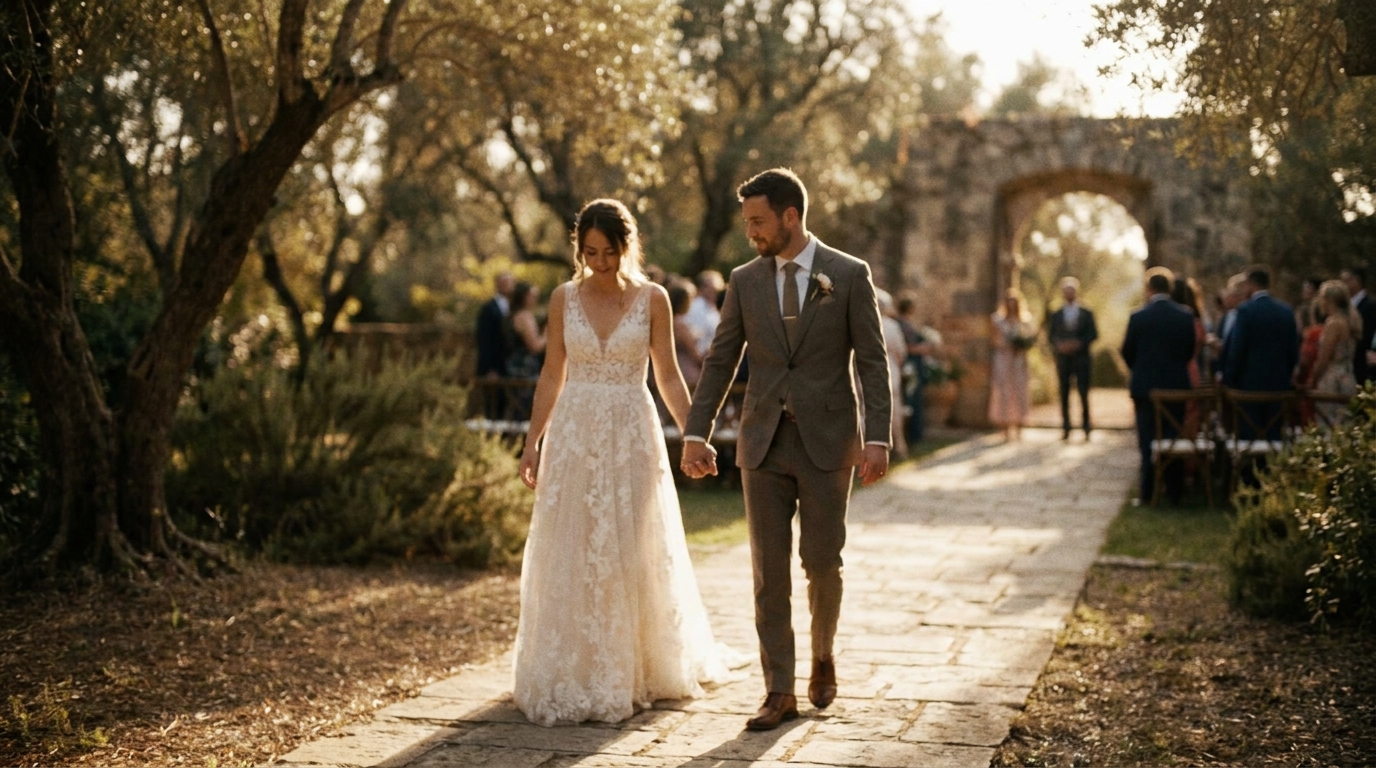
Once created, your slideshow becomes a versatile asset for sharing your wedding memories.
At the Reception
Display it during cocktail hour, before dinner, or as a transition between events. A projector or large TV screen works best. Coordinate with your venue and DJ for timing and audio.
As a Gift
wedding video gifts for parentsfor presentation ideas.
On Social Media
Export a short version (1-2 minutes) for Instagram, TikTok, or Facebook. Adjust the aspect ratio (9:16 for Stories/TikTok, 1:1 for Instagram feed, 16:9 for YouTube/Facebook) and add captions for viewers watching without sound.
wedding video social media guide.
As a Keepsake
Save the full slideshow as a high-quality video file and include it in your wedding archive alongside your official wedding video and photos.
Frequently Asked Questions
How many photos should be in a wedding slideshow?
For a reception screening, aim for 80-150 photos in a 5-8 minute slideshow. For social media sharing, 20-50 photos in 1-3 minutes works best. The key is ruthless curation — include only photos that advance the story or evoke emotion. When in doubt, cut more. A tight, engaging slideshow beats a long, wandering one every time.
What's the best software for making a wedding photo slideshow?
AI video generatorcreates professional slideshows from your photos automatically.
How do I choose music for my wedding slideshow?
wedding video music guidefor detailed recommendations.
Should I include childhood photos in my wedding slideshow?
Yes — childhood photos are some of the most engaging content in a wedding slideshow. They provide context, humor, and emotional depth. Use them in the opening section to tell your story before the wedding day. Limit childhood photos to 10-15 of the best ones to keep the pacing tight.
Can I create a wedding slideshow from my phone?
AI video generatoralso works with uploaded photos from any device.
Create a Slideshow Worth Watching
Your wedding photos deserve more than a boring, endless loop. With thoughtful curation, intentional pacing, and the right music, your slideshow becomes a cinematic experience that captivates your audience and preserves your memories in the most engaging format possible.
AI video generatoranalyzes your photos for composition and emotion, then creates a professionally paced, music-synced slideshow that looks like it was edited by a pro. No editing skills required.
Ready to Transform Your Wedding Memories?
Tell us about your project and we'll get back within 24 hours with a free quote.
Get a Free Quote →