

WeddingAI.video Blog
Wedding Video Subtitles — Burn-In Captions From $9.9 (5 Styles)
Add subtitles to your wedding video for multilingual family members. Step-by-step guide for wedding video translation and captioning. Add subtitles now!
9 min read · Updated 2026-10-16
How to Add Subtitles to Your Wedding Video (For Multilingual Families)
Your wedding brought together two families, two cultures, and possibly two (or more) languages. Your grandmother gave a blessing in Mandarin. Your partner's mother read a poem in Spanish. The officiant spoke in English. And somewhere in the audience, your uncle was whispering translations to your aunt because she couldn't follow the ceremony.

Subtitles solve this problem permanently. They transform your wedding video from something that excludes non-English speakers into a film that everyone in your family can fully experience — regardless of what language they speak.
Why Subtitles Matter for Wedding Videos
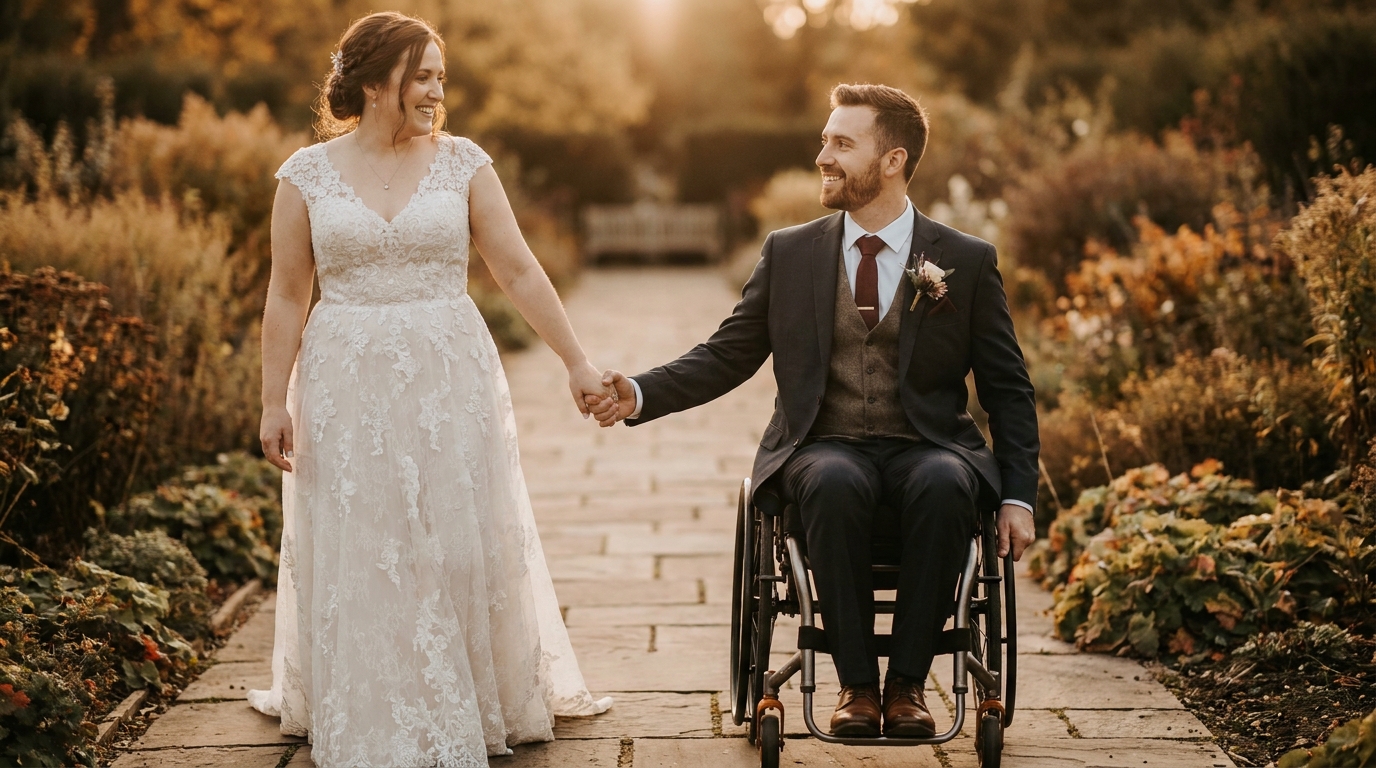
Subtitles aren't just a nice addition for multilingual families. They serve multiple purposes that make your wedding video more accessible, more shareable, and more valuable over time.
Accessibility
World Health Organization, over 1.5 billion people worldwide live with some degree of hearing loss. Subtitles make your wedding video accessible to family members with hearing impairments, ensuring they don't miss a single vow, toast, or heartfelt moment.
Multilingual Inclusion
In multicultural families, different members speak different languages. Your wedding might be conducted in English, but your parents might be more comfortable in Korean, your in-laws in Portuguese, and your grandparents in Italian. Subtitles in multiple languages ensure everyone feels included.
Clarity Even for Native Speakers
Even native English speakers benefit from subtitles. Wedding audio can be challenging — outdoor ceremonies with wind noise, reception halls with background music, emotional vows delivered through tears. Subtitles ensure every word is clear, regardless of audio quality.
Social Media Compatibility
multiple platform studies. If you're sharing clips from your wedding video on Instagram, TikTok, or Facebook, subtitles are essential for engagement. Viewers who scroll past a silent video will stop and watch one with captions.
wedding video social media guide.
Methods for Adding Subtitles
There are several approaches to adding subtitles to your wedding video, ranging from fully automated to professionally crafted.
Method 1: AI Auto-Generated Subtitles
Modern AI transcription tools can generate subtitles automatically with impressive accuracy. This is the fastest and most affordable option.
Best tools for AI subtitle generation:
- CapCut(free) — auto-generates subtitles with high accuracy, supports multiple languages
- Descript— transcription-based video editor, excellent accuracy, easy correction
- YouTube Studio— free auto-captioning for uploaded videos (can export SRT files)
- Otter.ai— specialized transcription service, great for ceremony audio
- Rev.com— AI + human verification for near-perfect accuracy
Process:
- Upload your wedding video to the platform
- Select the source language (the language being spoken in the video)
- Let the AI generate subtitles (usually takes 5-15 minutes for a full wedding video)
- Review and correct errors (AI accuracy is typically 85-95%, but wedding-specific terms, names, and emotional speech may need manual fixes)
- Export the subtitles as a separate file (SRT or VTT format) or burn them into the video
Accuracy tips:
- audio fix guide)
- Names, places, and non-English words are the most common errors — review these carefully
- Emotional speech (crying, laughing, whispering) challenges AI — expect more corrections in these moments
Method 2: Professional Subtitle Services
For the highest quality, professional subtitle services combine AI transcription with human review.
What professional services offer:
- Human-reviewed transcription for 99%+ accuracy
- Proper timing and synchronization
- Speaker identification (distinguishing between the officiant, couple, and guests)
- Style customization (font, size, position, color)
- Multiple language translations from a single source
When to choose professional:
- Your wedding has multiple languages spoken
- Audio quality is poor and AI transcription struggles
- You want subtitles in languages you don't speak
- You're creating a final, archival version of your video
multilingual subtitles and dubbing serviceprovides professionally crafted subtitles in any language, synchronized to your video and styled to match your wedding aesthetic.
Method 3: DIY Manual Subtitles
If you want complete control, you can create subtitles manually using free tools.
Tools for manual subtitling:
- Aegisub(free) — powerful subtitle editor with precise timing controls
- Subtitle Edit(free) — Windows-based subtitle editor with many features
- HandBrake(free) — can burn subtitles into video during export
Process:
- Watch the video and transcribe each line of dialogue
- Time each subtitle to match the spoken words (start time, end time)
- Format the text for readability (2 lines max, 42 characters per line)
- Export as an SRT file
- Burn into the video or keep as a separate file
Manual subtitling is time-intensive (expect 3-5x the video length in editing time) but gives you pixel-perfect control over every caption.
Adding Subtitles in Multiple Languages
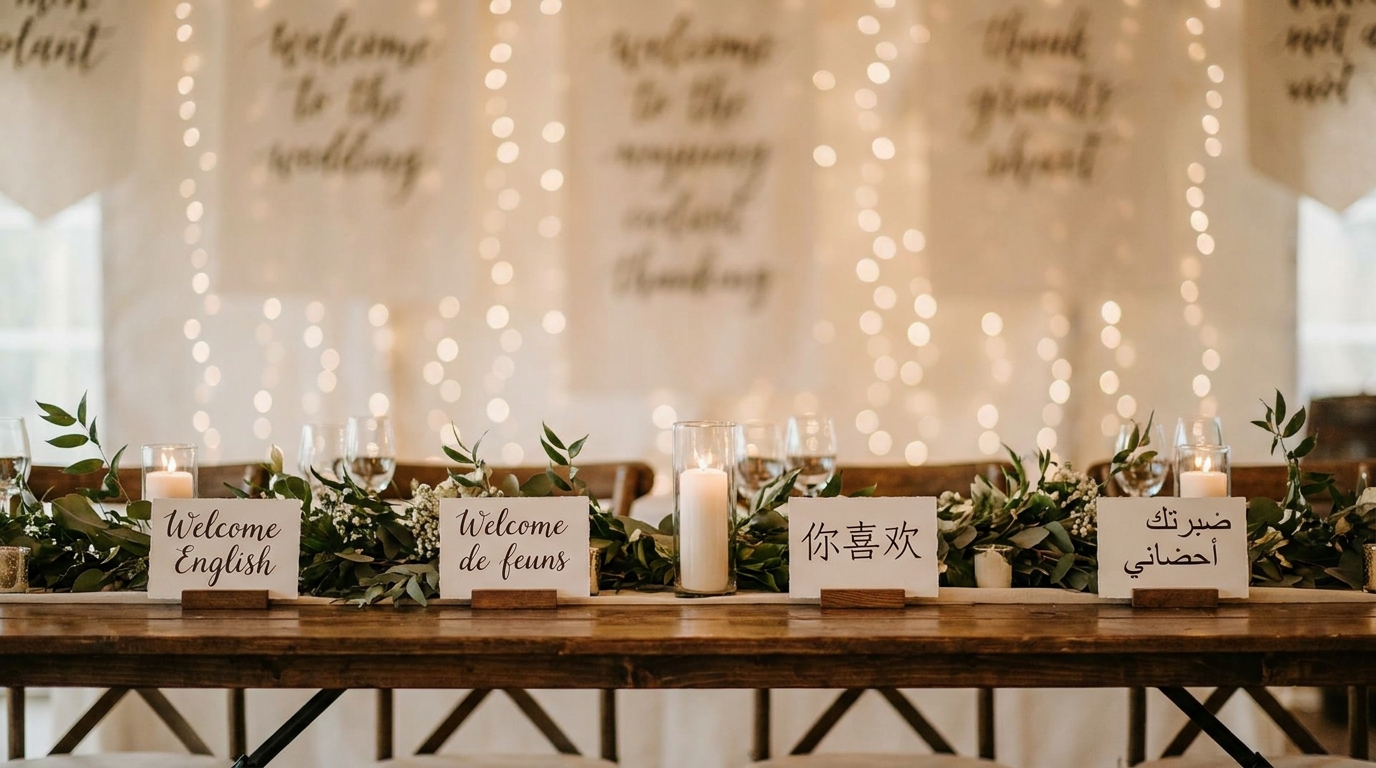
For multilingual families, you may need subtitles in two or more languages. Here's how to approach this.
Option 1: Single-Language Subtitles
Add subtitles in one language — typically the language of the ceremony or the language most family members speak. This is the simplest approach and works well when most viewers share a common language.
Option 2: Dual-Language Subtitles
Display two languages simultaneously. The primary language appears on the bottom line, and the translation appears above it (or vice versa). This approach works well for bilingual families but can feel cluttered on screen.
Formatting for dual subtitles:
- Use different colors for each language (e.g., white for English, yellow for Spanish)
- Position one language at the bottom and one at the top of the frame
- Keep both lines short to avoid overwhelming the viewer
Option 3: Separate Versions
Create separate subtitle files for each language. Viewers select their preferred language when watching. This is the cleanest approach and is standard practice in professional video distribution.
How to implement:
- Create an SRT file for each language
- Upload to a platform that supports multiple subtitle tracks (YouTube, Vimeo)
- Viewers select their language from the subtitle menu
multilingual servicehandles translation, timing, and formatting for any number of languages.
Subtitle Best Practices for Wedding Videos
Readability
- Font:Use a clean, sans-serif font (Arial, Helvetica, or Open Sans)
- Size:Large enough to read on a phone screen — typically 48-60px for burned-in subtitles
- Color:White text with a dark outline or shadow for visibility on any background
- Position:Bottom-center of the frame, avoiding important visual elements
- Duration:Each subtitle should display for at least 1.5 seconds, even if the spoken words are faster
Timing
- Sync preciselywith the spoken words — subtitles that appear too early or too late are disorienting
- Break at natural pauses— at the end of sentences, after commas, at breath points
- Don't split phrases awkwardly— keep subject and verb together, don't break names across lines
Content Decisions
What to subtitle:
- All spoken dialogue (vows, toasts, readings, conversations)
- Song lyrics if they're meaningful to the scene
- Important non-speech audio ("[applause]", "[laughter]", "[music playing]")
What to skip:
- Background conversations that aren't central to the scene
- Mumbled or inaudible speech (mark as "[inaudible]" if including)
- Music that doesn't have relevant lyrics
Style Consistency
Maintain consistent styling throughout the video:
- Same font, size, and color for all subtitles
- Same position on screen (unless visual elements require repositioning)
- Same formatting for speaker identification (e.g., "Grandma Chen:" before her blessing)
Common Challenges and Solutions
Challenge: Multiple Languages in One Scene
At multicultural weddings, it's common for speakers to switch languages mid-sentence or for different speakers to use different languages in the same scene (one parent speaks Mandarin, the other speaks English).
Solution:Use color coding or speaker labels to distinguish languages. Consider translating everything into one "subtitle language" so all viewers can follow, regardless of which language is being spoken.
Challenge: Emotional or Inaudible Speech
Crying during vows, whispering, mumbling, or speaking through tears creates audio that's difficult to transcribe.
Solution:AI tools struggle most with emotional speech. For these critical moments, manual review is essential. If words are truly inaudible, use "[emotional speech]" or "[whispered]" rather than guessing — inaccurate subtitles are worse than no subtitles.
Challenge: Background Noise and Music
Reception toasts with background music, outdoor ceremonies with wind, and crowded dance floors all create audio challenges.
Solution:Reduce background noise before transcription using audio editing tools. Ouraudio fix guidecovers techniques for isolating speech from background noise. Professional subtitle services can also work with challenging audio more effectively than AI alone.
Challenge: Cultural Expressions and Idioms
Multilingual weddings often include cultural expressions, idioms, or terms that don't translate directly.
Solution:Translate the meaning, not the literal words. Add brief context when needed ("[traditional blessing]" or "[family proverb]"). For culturally significant moments, consider adding a brief translator's note.
Subtitle File Formats
Understanding subtitle formats helps you work with different tools and platforms.
| Format | Best For | Features | |--------|----------|----------| | SRT (.srt) | Universal compatibility | Simple timing + text, supported everywhere | | VTT (.vtt) | Web players | Supports styling, positioning, and metadata | | ASS/SSA (.ass) | Advanced styling | Custom fonts, colors, positions, and effects | | Burned-in | Permanent display | Subtitles become part of the video, no file needed |
Recommendation:Create your subtitles as SRT files for maximum compatibility, then burn them into the video for your final archival copy. Keep the SRT files as separate, editable backups.
Frequently Asked Questions
How much does it cost to add subtitles to a wedding video?
multilingual subtitle serviceincludes translation and professional formatting starting at a competitive per-minute rate. For a full wedding video (60-120 minutes), expect $50-300 depending on the number of languages and level of customization.
Can AI accurately transcribe wedding vows?
AI transcription accuracy for clear, English speech is typically 90-95%. Wedding vows — especially emotional ones with crying, whispering, or unique phrasing — may reduce accuracy to 80-90%. Always review AI-generated subtitles manually, paying special attention to vows, toasts, and non-English speech. For critical moments, professional review ensures accuracy.
How do I add subtitles in two languages to my wedding video?
multilingual servicehandles translation and formatting for any language pair.
Should I burn subtitles into the video or keep them separate?
Burn subtitles into your final archival copy for guaranteed playback on any device. Keep separate SRT files as editable backups. For platforms like YouTube and Vimeo that support subtitle tracks, upload separate files so viewers can toggle subtitles on/off and select their language.
What if some parts of my wedding are in a language I don't speak?
Upload the video to a transcription service and identify the foreign language sections. Use a translation service or AI tool to translate those sections into your preferred language. For complex multilingual scenarios, professional subtitle services handle multiple source languages and produce unified subtitles in your target language.
Make Your Wedding Video Universal
Your wedding video should be understood by everyone who loves you — regardless of what language they speak. Subtitles transform your film from a monolingual recording into a multilingual celebration that bridges cultures and generations.
multilingual subtitles and dubbing serviceadds professionally crafted subtitles in any language, ensuring your vows, toasts, and celebrations are understood by everyone — from your grandmother in Shanghai to your cousin in São Paulo.
Ready to Transform Your Wedding Memories?
Tell us about your project and we'll get back within 24 hours with a free quote.
Get a Free Quote →