

WeddingAI.video 博客
如何从视频创建婚礼模因和 GIF
将您的婚礼视频变成搞笑的模因和 GIF。学习简单的工具和技巧来创建您的客人会喜欢的婚礼模因。今天就开始创造吧!
9 min read
你的婚礼视频充满了金光——你的花童脸埋进蛋糕的那一刻,你的伴郎在宣誓时惊得下巴都掉下来的那一刻,或者你奶奶做出的令人意想不到的动作。这些片段在您的家庭群聊中成为传奇。将它们变成婚礼模因和 GIF 比您想象的要容易,而且这是在最后一支舞结束后让庆祝活动持续很长时间的完美方式。
为什么婚礼模因是终极的婚后纪念品
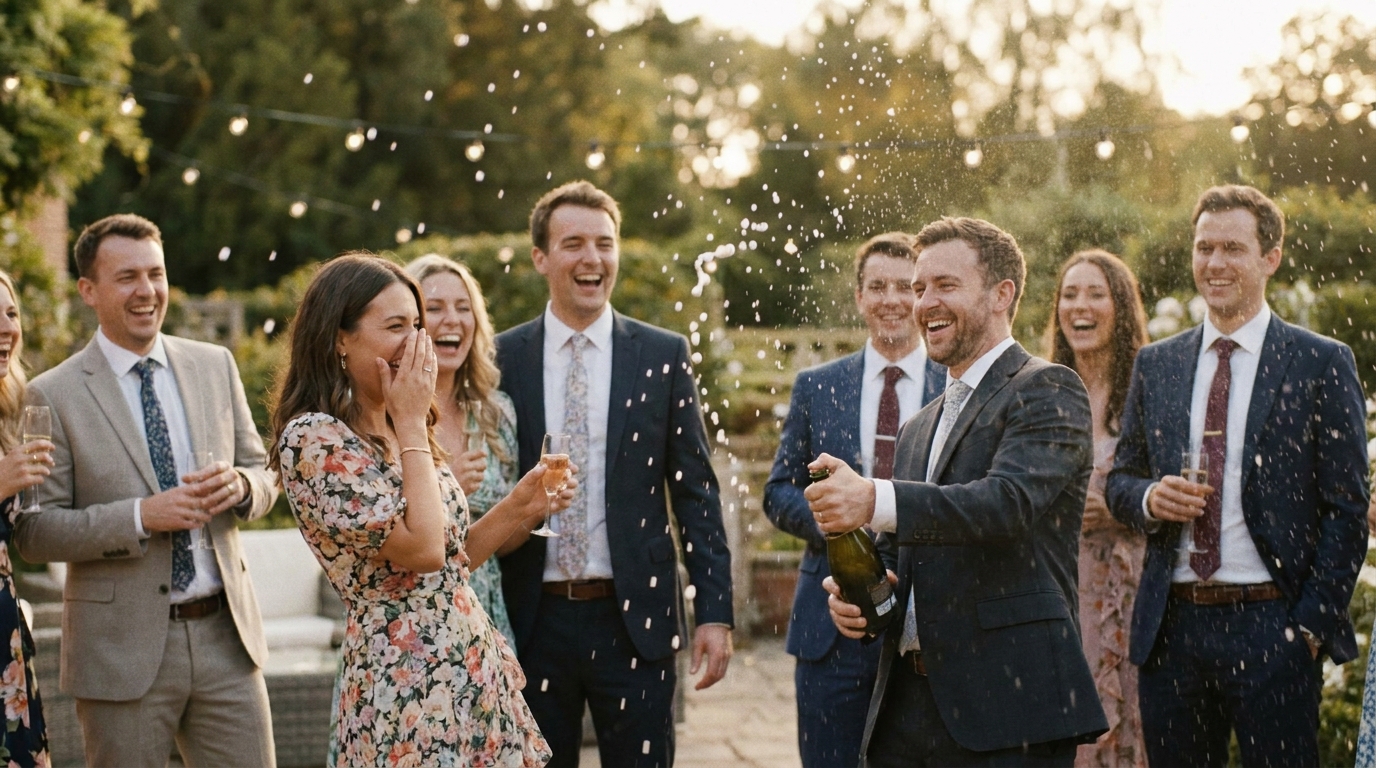
反应。当你的伴侣第一次看到你时的那一瞬间,父女跳舞时你父亲脸上的表情,或者伴娘肯定喝了太多的香槟笛子——这些微时刻都是喜剧黄金。
皮尤研究中心超过 80% 的 50 岁以下成年人经常使用社交媒体,而婚礼内容一直位居最受分享的类别之列。一张适时的婚礼 GIF 可以在几天内获得数千次分享。
但除了社交媒体影响力之外,婚礼模因还有更深层次的目的:
- 他们让记忆永存以有趣且易于理解的形式
- 他们给缺席的客人品味气氛
- 他们制造内部笑话让您的婚礼持续多年
- 他们制作你的婚礼相册感觉不那么正式,更多你
什么才是伟大的婚礼模因?
并非每个剪辑都值得模因。最好的婚礼模因有一些共同的关键特征:
相关情绪
最有趣的婚礼梗图触及普遍体验。每个人都了解抢捧花时的恐慌、与陌生人同桌的尴尬、或 DJ 放错歌时的困惑。当您的剪辑捕捉到数千人都能识别的感受时,它就超越了您的个人婚礼,成为可分享的内容。
完美时机
梗图的生死取决于时机。您需要将剪辑剪到恰到好处的瞬间——通常 GIF 为 2-6 秒,视频梗图不超过 30 秒。太长会失去笑点。太短则丢失上下文。
正确的标题
文字叠加可以成就或破坏婚礼模因。经典格式包括:
- 之前/之后:“开吧之前的我” → “开吧之后的我”
- 期望与现实:展示 Pinterest 完美的第一支舞与实际的绊倒
- 反应镜头:用诙谐的标题捕捉某人的脸部
- 歌曲歌词叠加:将有趣的时刻与热门音频剪辑配对
如何提取有趣的婚礼视频剪辑
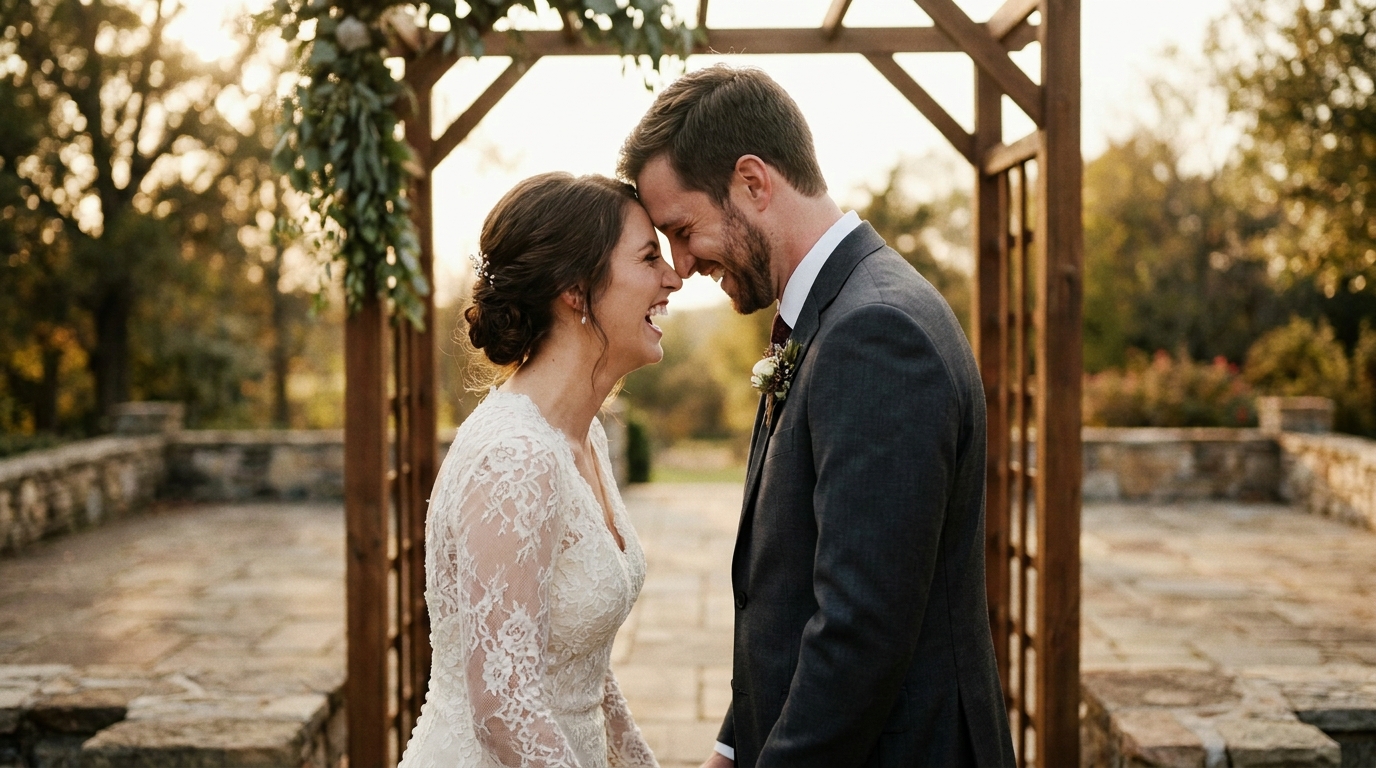
在制作模因之前,您需要原材料。以下是如何从婚礼镜头中提取最佳时刻的方法。
第 1 步:查看完整的素材
如果您聘请了摄像师,您可能会有数小时的原始素材。与您的伴侣坐下来观看,并记下(带时间戳的)让您发笑的瞬间。寻找:
- 客人的意外反应
- 孩子们做不可预测的事情
- 舞池的失败与胜利
- 情感时刻兼具健康模因
- 宾客从未见过的幕后混乱
第 2 步:修剪并导出剪辑
使用手机的内置视频编辑器或 CapCut 等免费工具来修剪您想要的确切时刻。将每个剪辑导出为单独的文件。对于 GIF,目标是:
- 期间:2-6秒
- 分辨率:480p 至 720p(GIF 不需要 4K)
- 文件大小:小于10MB,轻松共享
对于视频表情包,请将其时长控制在 30 秒以内,并以 1080p 导出以供社交媒体使用。
第 3 步:使用人工智能工具
人工智能视频生成器可以自动识别婚礼视频中最吸引人的时刻。人工智能会分析面部表情、音频峰值和运动模式,以显示最有可能引起共鸣的剪辑。
制作婚礼模因和 GIF 的最佳工具
您不需要电影学位来创建专业的婚礼梗图。以下是适合每种技能水平的最佳工具:
对于初学者(免费选项)
- 吉菲:经典的 GIF 制作工具。上传您的剪辑、添加文本并立即分享。非常适合简单的反应 GIF。
- 帆布:对于视频模因来说非常强大。具有文本叠加和效果的拖放模板。
- Instagram 卷轴编辑器:内置文本、贴纸和流行音频。非常适合创建能够驾驭算法浪潮的模因。
对于中级创作者
- 封盖切割:免费、强大,并且包含自动字幕、速度斜坡和效果等模因友好的功能。
- 内景:移动优先编辑器,具有适用于每个平台的出色文本工具和宽高比控件。
- 易兹GIF:基于浏览器的 GIF 制作工具,具有精确的帧控制。提取完美循环的理想选择。
获得专业品质的结果
- Adobe 首映拉什:在简化的界面中进行桌面质量的编辑。
- 最终剪辑专业版:如果您是想要完全控制的 Mac 用户。
- 模因生成器:专为婚礼内容而设计,具有专为婚礼时刻设计的模板。
10 个婚礼模因创意让您入门
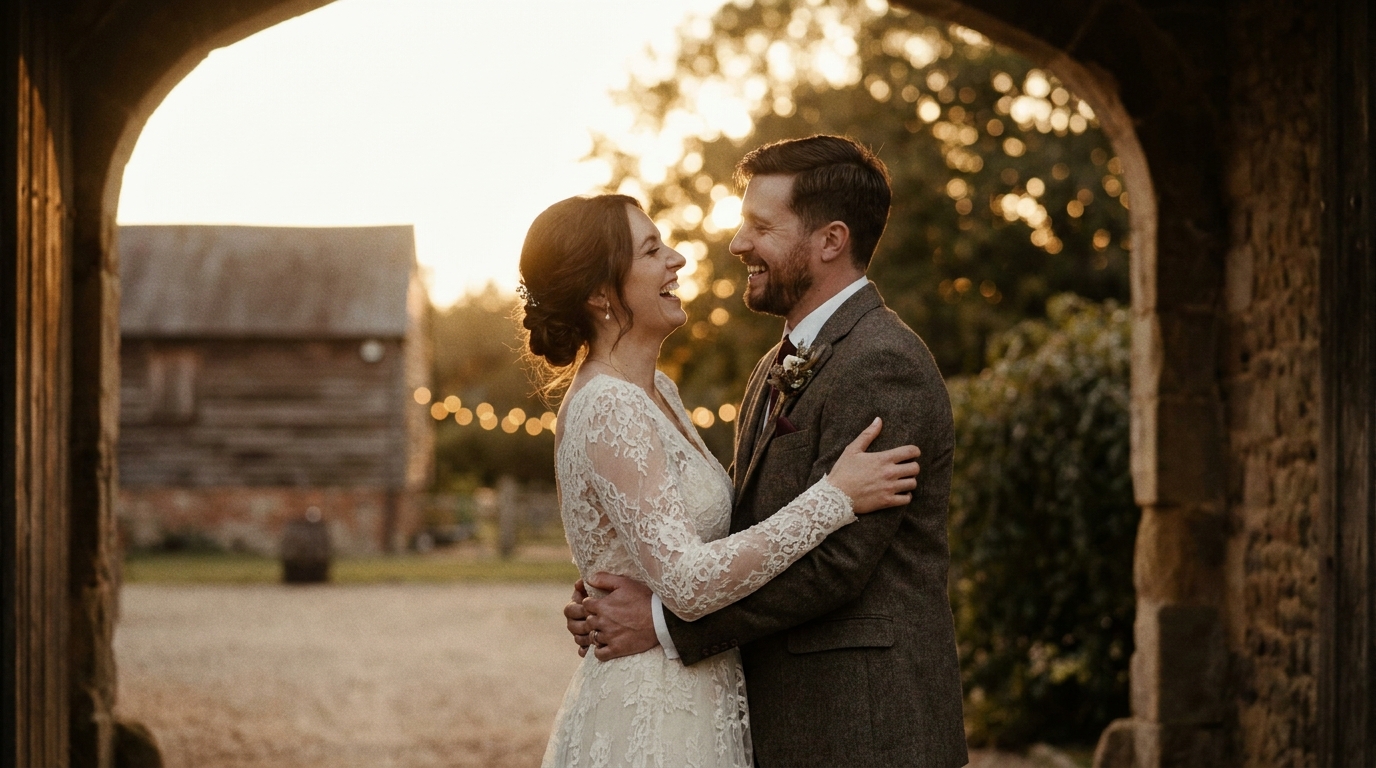
需要灵感吗?以下是经过验证的与婚礼素材完美配合的相同格式:
📸 图片建议 1:分屏婚礼模因,展示第一支舞的“期望与现实”。替代文字:“有趣的婚礼模因期望与现实第一支舞”
📸 图片建议 2:手机屏幕上显示在家庭群聊中共享的婚礼 GIF。 Alt 文字:“在家庭群聊中分享婚礼表情包和 GIF”
- “我没有哭”的反应— 有人在宣誓时明显流泪,标题是“我没有哭,你在哭”
- 舞池进化— 分屏显示傍晚正式舞会与晚上 11 点的混乱
- 花束躲闪— 嘉宾慢动作主动躲避抛花束
- 持戒者叛乱— 拒绝走上过道的孩子
- 摄影师的视角— 摄影师扭曲成奇怪姿势的幕后花絮
- 切蛋糕焦虑症——第一片之前犹豫的那一刻
- 宾客名单与实际宾客— 空荡荡的座位与拥挤的舞池
- DJ 请求— 当有人点歌时,DJ 的表情说明了一切
- 之后的第二天早上— 群聊截图,将新来的客人与深夜照片进行比较
- 家长反应——爸爸妈妈的情感历程浓缩为5秒
如何跨平台分享婚礼 GIF
创建模因就成功了一半。
家庭群聊
如需私人共享,请直接通过 WhatsApp、iMessage 或 Messenger 发送 GIF。这些平台具有内置 GIF 支持,因此您甚至可以将婚礼 GIF 上传到 GIPHY 并按名称搜索它们。
社交媒体
- Instagram:发布包含流行音频的 Reels,或使用 GIPHY 贴纸集成将 GIF 添加到您的故事中
- 抖音:婚礼内容在这里表现得非常好。使用相关主题标签,例如#WeddingMemes、#WeddingFail 和#MarriedLife
- Facebook:仍然是与大家庭和年长客人分享的首选平台
婚礼网站
将梗图画廊添加到您的婚礼网站。参加的客人会重温这些瞬间,而错过的人会得到这场庆典的搞笑预览。
婚礼视频社交媒体最大程度参与的策略。
利用人工智能协助创建婚礼模因
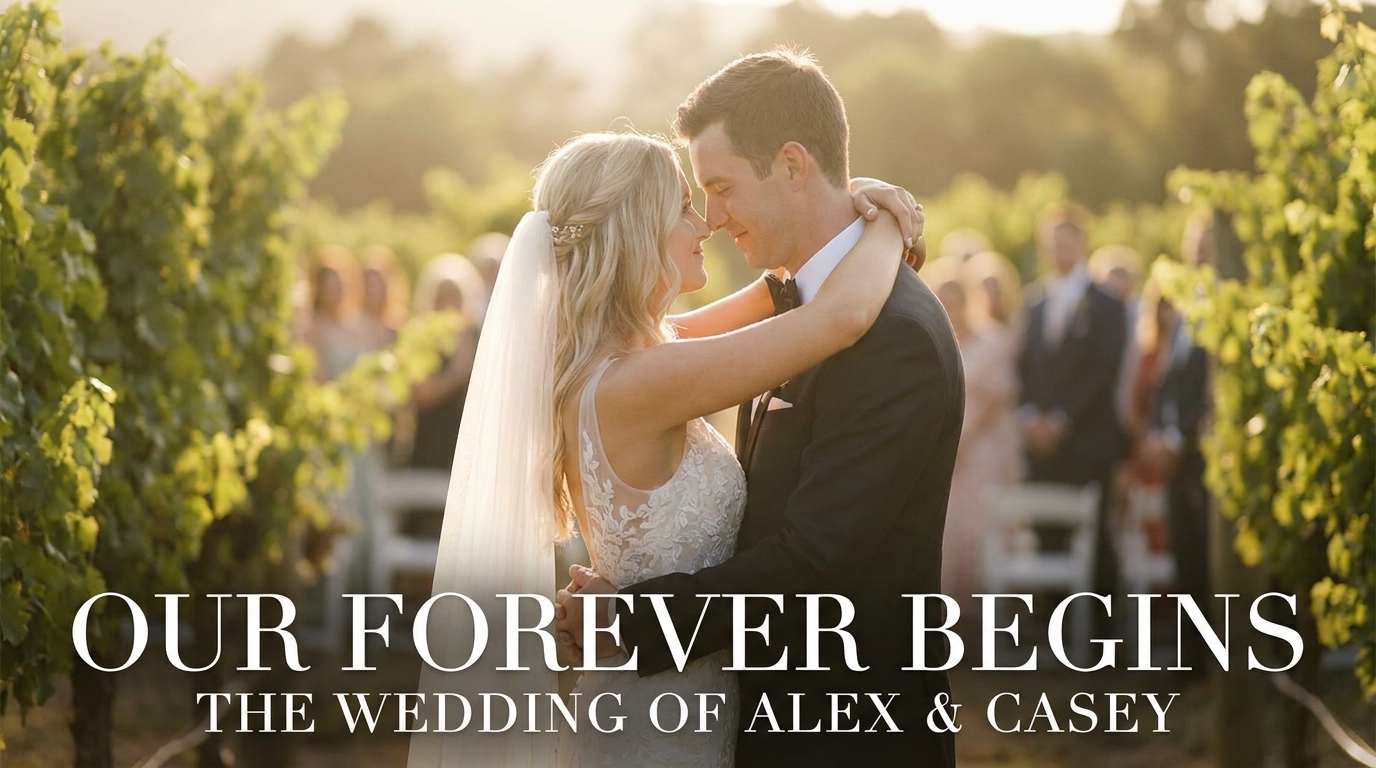
人工智能工具使模因创建比以往更快、更容易。以下是如何利用人工智能来打造婚礼模因:
自动力矩检测
人工智能无需逐帧观看数小时的镜头,而是可以扫描您的视频并标记情感投入最高的时刻——笑声、喘息、掌声和突然的动作。
智能修剪
人工智能可以识别有趣时刻的确切开始点和结束点,确保您的 GIF 完美循环,并且您的模因剪辑在正确的时刻点击。
模板匹配
现代人工智能模因生成器可以分析您的剪辑并建议与其配对的最佳模因格式。一脸震惊?这是一个反应模板。舞蹈失败?这是之前/之后的分屏。
模因生成器结合了所有这三种功能,让您可以在几分钟而不是几小时内创建专业品质的婚礼模因。如果您正在寻找更多方法来重新利用您的婚礼素材,请探索我们的原始婚礼素材创意指导。
法律和礼仪注意事项
在点击“发布”之前,请记住以下准则:
- 征得同意来自你模因中突出的任何人。快速发短信请求许可大有帮助。
- 保持友善——有趣是伟大的,卑鄙则不然。确保每个人都会跟着一起笑。
- 尊重隐私— 未经许可,避免分享揭示尴尬或敏感时刻的模因。
- 感谢您的摄像师如果您使用专业镜头。除非您的合同另有规定,否则他们拥有版权。
让你的婚礼模因走红的技巧
想让你的模因超越你的朋友圈吗?请遵循以下策略:
- 高峰时段发帖— 通常为工作日晚上 7 点至晚上 9 点,周末上午 10 点至中午 12 点
- 使用流行音频在 TikTok 和 Reels 上使用该算法
- 编写邀请评论的标题— 提出问题或标记朋友
- 创建一个系列—“周一婚礼模因”让人们流连忘返
- 跨站跨平台,每个平台的格式略有修改
常见问题解答
我可以用手机制作婚礼表情包吗?
完全可以。CapCut、InShot 甚至 Instagram 的内置编辑器让您可以在手机上制作出令人惊喜的精致视频。要做更高级的工作,DaVinci Resolve 在桌面上免费,专业人士都在用。这些工具已经走了很长的路。
婚礼 GIF 应该多长?
理想的婚礼 GIF 长度为 2-6 秒。这使得文件大小易于管理,以便在捕捉完整瞬间的同时进行共享。对于社交媒体上的视频表情包,15-30 秒效果最佳。
可以用我的婚礼视频制作表情包吗?
是的——这是你的视频和你的庆祝活动。只需确保在公开分享之前获得任何显着出现的人的同意即可。大多数客人都很高兴能出现在有趣的婚礼模因中。
WeddingAI.video 可以帮助我创建婚礼模因吗?
模因生成器它使用人工智能来识别婚礼镜头中最有趣的时刻,并帮助您在几分钟内创建可共享的表情包和 GIF。
婚礼模因应该采用什么格式?
GIF 最适合短的循环反应(6 秒以下)。 MP4 视频文件更适合带有音频或音乐的较长模因。大多数社交媒体平台更喜欢 1080p 分辨率的 MP4。
准备好将您的婚礼变成令人难忘的模因了吗?
您的婚礼视频充满了值得分享的时刻——从含泪的誓言到史诗般的舞池失败。使用正确的工具,您可以提取这些金矿。
WeddingAI.video 的模因生成器使整个过程快速、有趣且无挫折感。我们的人工智能可以识别最佳时刻,以便您可以专注于字幕。