

WeddingAI.video Blog
Raw Wedding Footage: AI Highlight Reel at $9.9 (9 Min) vs Premiere Pro DIY
Got raw wedding footage sitting on a hard drive? Discover 10 creative ways to turn unedited video into treasured keepsakes. Transform your footage today!
8 min read · Updated 2026-09-16
You have hours of raw wedding footage sitting on a hard drive. Maybe your videographer delivered the raw files along with the edited film. Maybe a guest handed you a USB stick full of clips. Maybe you shot it yourself on a phone or GoPro. Whatever the source, that unedited footage is a goldmine of potential — and most of it will never see the light of life unless you do something with it.
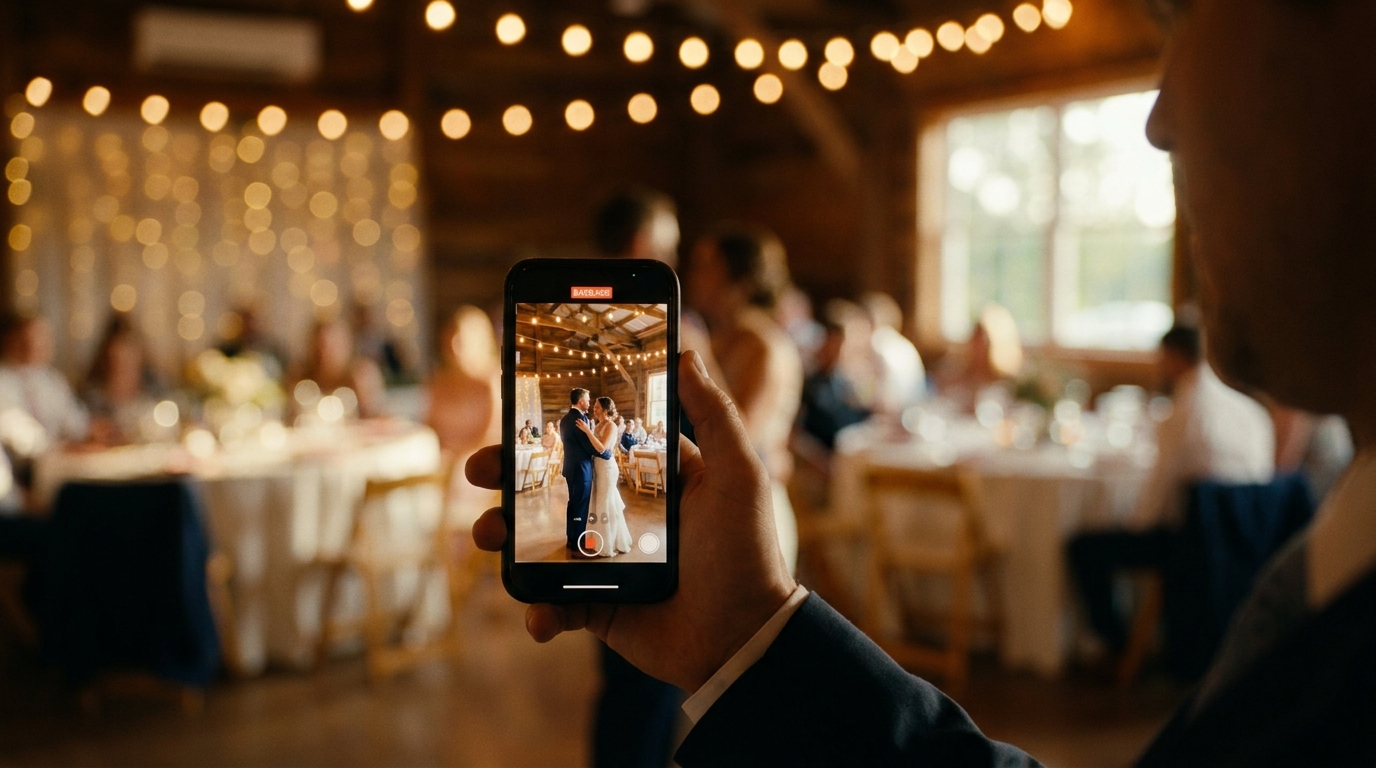
Raw wedding footage is like an uncut diamond. It contains every moment from your day — the beautiful, the awkward, the hilarious, and the deeply emotional. But without editing, it's just hours of unwatchable video. The good news is that you don't need to be a professional editor to turn that raw material into something meaningful.
Here are 10 creative ideas for what to do with unedited wedding video, ranging from simple projects you can do yourself to professional transformations that produce cinema-quality results.
1. Create a Highlight Reel
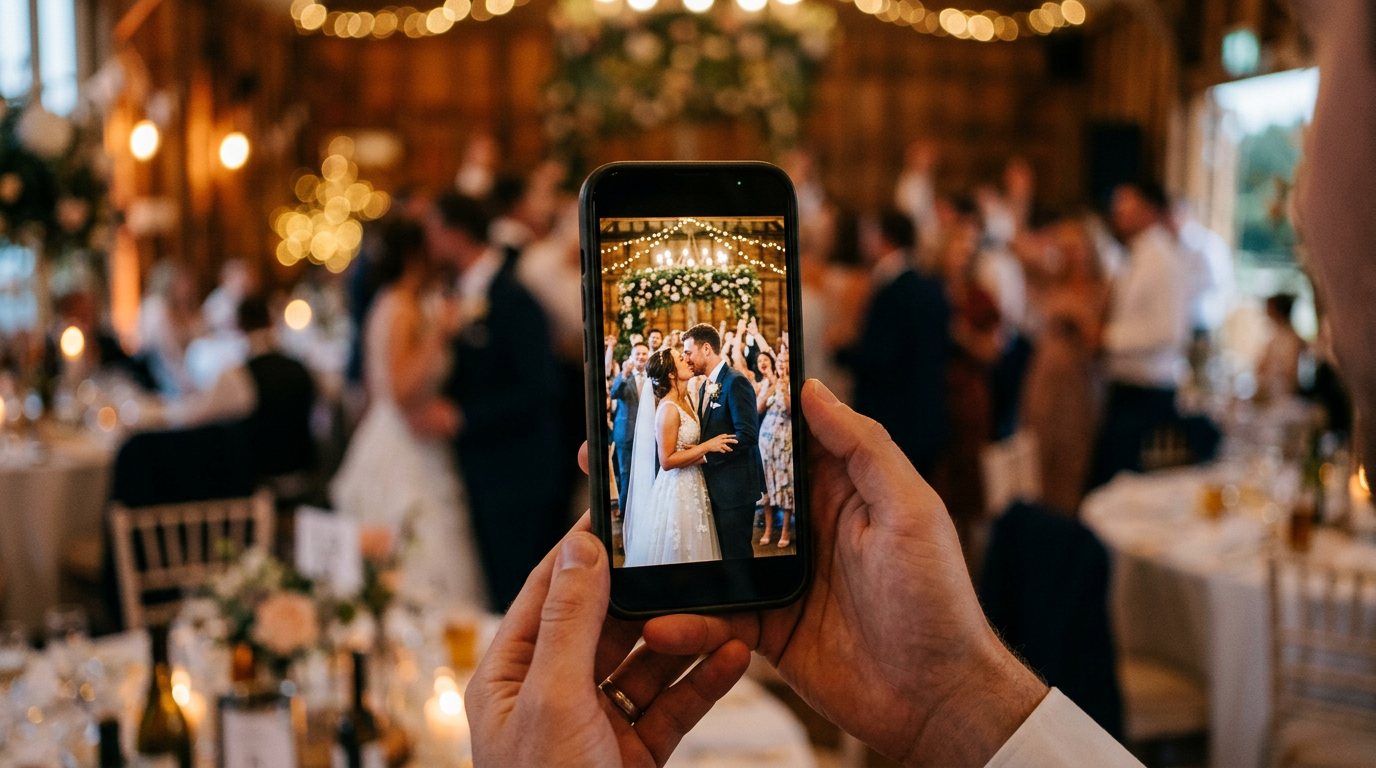
The most obvious and rewarding use of raw wedding footage is creating a highlight reel. This is a 3-5 minute edited film that captures the best moments of your day set to music.
If you have professional footage, the raw files will contain far more material than what appeared in your videographer's final edit. Those unused clips — the between-moments, the alternate angles, the quiet scenes — can become the foundation of a completely different highlight reel.
Digital Photography School guideconfirms that modern smartphone video quality has reached a level where professional editing can produce cinema-worthy results from mobile footage. The key is curation: select 20-30 of your best clips (each 3-8 seconds), arrange them chronologically, and set them to a meaningful song. Modern editing tools handle the transitions and color correction automatically.
AI-powered editing servicescan analyze your raw footage, identify the best moments, and produce a polished highlight reel automatically.
2. Make a Social Media Series
Your raw footage likely contains dozens of moments that work perfectly as standalone social media clips. A single wedding can produce 5-10 short-form videos for TikTok, Instagram Reels, and YouTube Shorts.
Ideas for social media clips from raw footage:
- The best reaction: A parent's face, a friend's scream, a grandparent's tears
- A funny moment: The flower girl's meltdown, the best man's stumble, a wardrobe malfunction
- A detail shot: Close-ups of rings, flowers, the venue, your outfit
- A transition clip: Getting ready to ceremony, day to night
- A dance floor moment: Your first dance, the party energy, a surprise performance
wedding video social media guide.
3. Create a Family Tribute
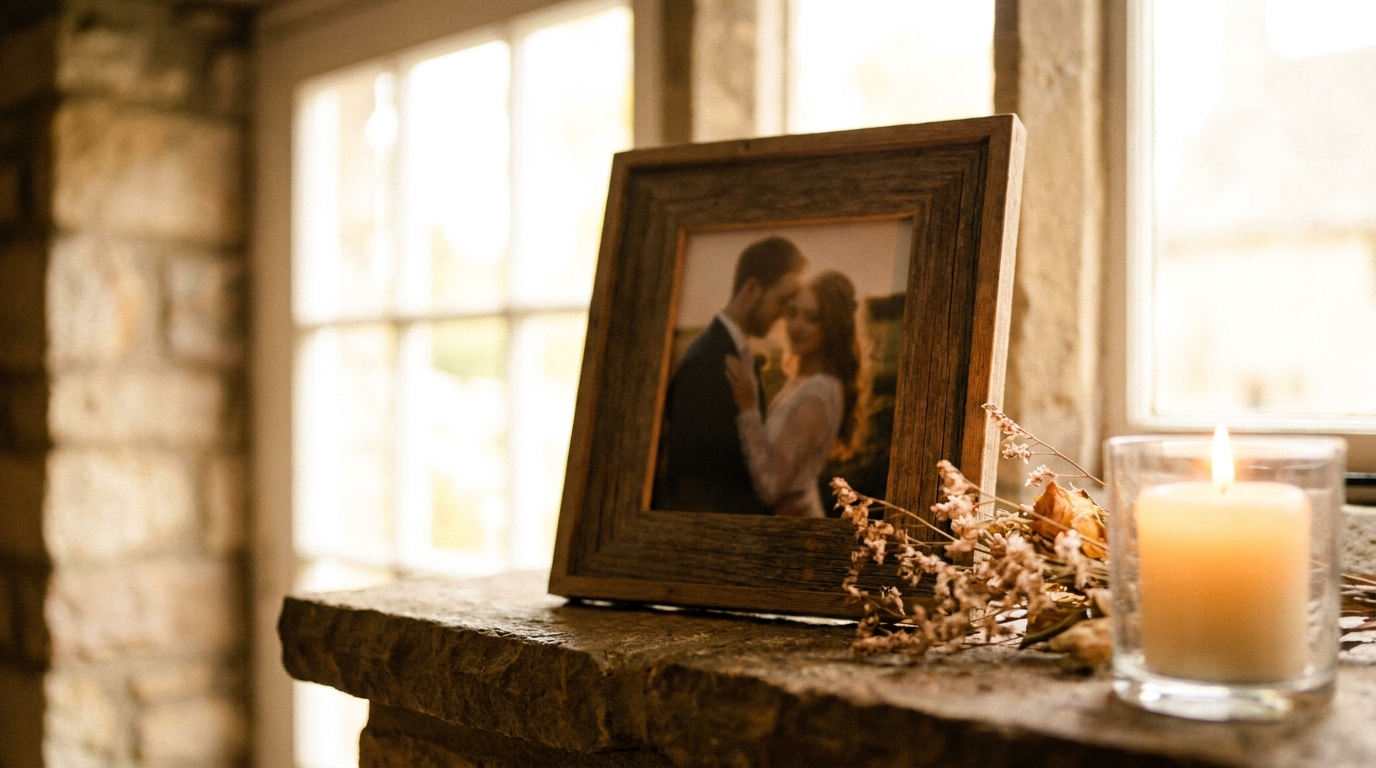
If your wedding included moments that honor deceased loved ones — empty chairs, photo displays, memorial candles — your raw footage captures these tributes in their full emotional weight.
family tribute videothat weaves together these memorial moments with old family photos and footage. This becomes a standalone video that family members can watch independently, separate from the full wedding film.
Even if your wedding didn't include formal memorials, raw footage often captures spontaneous moments of remembrance — a grandmother's chair, a toast to someone who's missing, a quiet moment of reflection. These clips, combined with old family footage, create powerful tribute videos.
4. Build an Anniversary Time Capsule
Here's a long-term project: create a video time capsule from your raw footage, designed to be opened on a future anniversary.
Start by editing together a short film (5-10 minutes) that includes:
- Key wedding moments
- Guest messages and well-wishes
- Your own recorded message to your future selves
- Predictions from guests about where you'll be in 5, 10, or 20 years
Store the video securely and set a calendar reminder to watch it on your chosen anniversary. Each year, you can add a new short clip to the collection, building a living documentary of your marriage.
5. Create Individual Films for Family Members
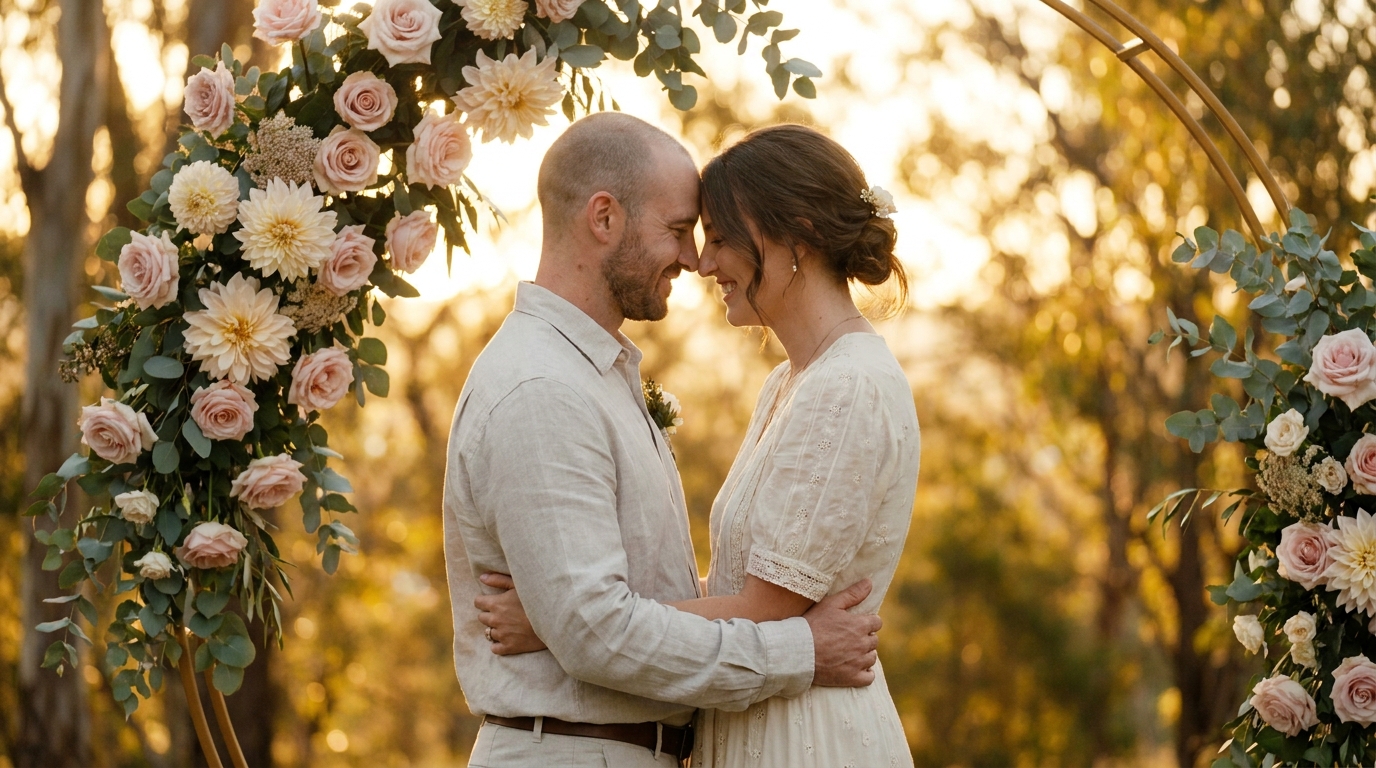
Your raw footage contains moments that are specifically meaningful to different people. Your mother might treasure the footage of her helping you get ready. Your father might want the full father-daughter dance. Your best friend might love the candid moments from the bridal suite.
Create personalized short films (2-3 minutes each) tailored to specific family members. Set each film to music that's meaningful to that relationship. These make incredibly thoughtful gifts — far more personal than a generic photo book.
This approach works especially well for parents and grandparents who may not want to watch a full wedding film but would love a curated selection of moments that feature them.
6. Produce a Wedding Documentary
If you have extensive raw footage — multiple cameras, behind-the-scenes clips, pre-wedding footage, and post-wedding moments — consider creating a longer-form wedding documentary.
Unlike a highlight reel that focuses on the best moments, a documentary tells the complete story. It includes the planning stress, the morning-of chaos, the ceremony solemnity, and the reception joy. It's honest, raw, and often more emotionally resonant than a polished highlight reel.
A 15-30 minute documentary format works well for:
- Destination weddings with travel footage
- Multi-day cultural celebrations
- Elopements with adventure elements
- Weddings with particularly compelling personal stories
7. Transform Footage Into Art
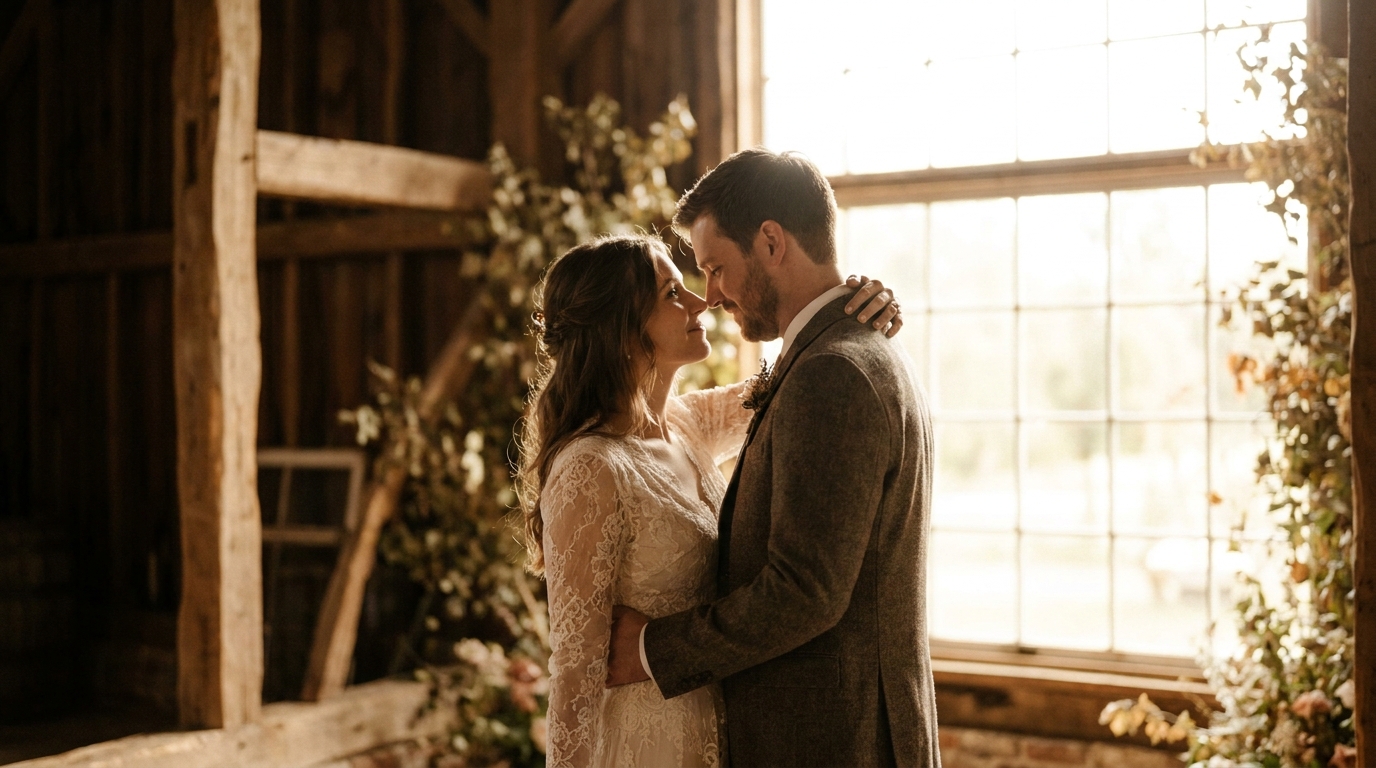
Raw wedding footage can become artistic pieces that serve as home décor:
- Slow-motion art loops: Extract a beautiful 5-second moment (veil flutter, confetti fall, candle glow) and loop it as a digital frame display
- Time-lapse compilations: Condense hours of setup and teardown footage into satisfying time-lapse videos
- Black-and-white cinema edits: Strip the color from your footage and add film grain for a classic, timeless aesthetic
- Split-screen compilations: Show simultaneous moments from different cameras side by side
professional enhancementcan interpolate standard footage up to 240fps, creating silky-smooth slow motion from footage that wasn't originally shot at high frame rates.
8. Create a "Director's Cut" of Your Wedding Film
If your videographer delivered a polished final edit, you might feel that some meaningful moments were cut for time or stylistic reasons. Raw footage gives you the freedom to create your own "director's cut" that includes the moments you personally value most.
Common additions to a director's cut:
- Extended ceremony footage with full vows
- Complete speeches that were trimmed in the original edit
- Candid moments that didn't fit the videographer's aesthetic
- Behind-the-scenes footage of setup and preparation
- Guest interactions and conversations
This is your wedding, and your director's cut can prioritize whatever matters to you — even if it's technically "imperfect" by professional standards.
9. Make a Video Message Compilation
If guests recorded video messages at your wedding (at a message station, during the reception, or on their own devices), compile these into a standalone message film.
Even without a formal message station, raw footage often captures spontaneous well-wishes, toasts, and words of advice from guests. Scour your raw files for these moments and compile them into a single film organized by relationship — family first, then friends, then colleagues.
This compilation becomes more valuable over time as relationships change and people move in and out of your life. It's a snapshot of your community at a specific moment in time.
10. Use AI to Generate New Content
The most exciting option for raw wedding footage in 2026 is AI-powered transformation. Modern AI tools can take your raw footage and create entirely new content:
- AI-generated highlight reels: The AI identifies the best moments and edits them together automatically
- Style-transformed versions: Turn your footage into watercolor, oil painting, or animated styles
- Enhanced footage: Improve resolution, stabilize shaky footage, and correct color issues
- Photo extraction: Pull high-quality still frames from video footage for printing
- Multilingual versions: Add subtitles or dubbed audio in different languages for international family members
AI video generationcan also create video from your wedding photos, combining still images with your raw footage to produce hybrid films that tell a richer story.
How to Get Started
Working with raw footage can feel overwhelming, especially if you have hours of material. Here's a practical starting workflow:
- Organize your files: Sort by event (getting ready, ceremony, reception) and camera source
- Watch everything once: Make notes of timestamps for the best moments
- Prioritize: Start with the project that matters most to you
- Start small: A 2-minute highlight reel is more achievable than a 30-minute documentary
- Get help if needed: Professional editors and AI tools exist for a reason
digitizing it firstbefore attempting any editing projects.
Frequently Asked Questions
Can I edit raw wedding footage myself without experience?
Yes, basic editing is more accessible than ever. Apps like CapCut, iMovie, and Adobe Premiere Rush offer intuitive interfaces for beginners. For simple projects like social media clips or photo slideshows, you don't need professional skills. For more complex edits like highlight reels or documentaries, consider using an AI-assisted editing service.
How do I organize hours of raw wedding footage?
Start by creating folders for each phase of the day: getting ready, ceremony, portraits, reception. Within each folder, sub-categorize by camera or angle. Watch through each section and mark the timestamps of your best moments. This organizational step makes every subsequent project much easier.
What's the best software for editing raw wedding footage?
For beginners, iMovie (Mac) and CapCut (mobile/desktop) are excellent free options. For more control, DaVinci Resolve offers professional-grade editing for free. Adobe Premiere Pro is the industry standard for professional work. For automated editing, AI-powered platforms can analyze your footage and create edits with minimal input.
Should I keep my raw wedding footage even if I have the edited version?
Absolutely. Raw footage is irreplaceable. Edited videos are derivative products — the raw files are the source material. Keep them stored safely with multiple backups. You'll find new uses for them over the years, from anniversary projects to gifts for family members.
Can raw phone footage be turned into a professional-looking video?
Yes. While phone footage has limitations compared to professional cameras, modern smartphones shoot high-quality video that can be significantly improved through editing. Color correction, stabilization, and careful editing can transform phone footage into a polished final product. Professional enhancement services can take it even further.
Transform Your Raw Footage Into Something Beautiful
Don't let your wedding footage collect dust on a hard drive. Whether you want a quick social media clip, a cinematic highlight reel, or a full documentary, that raw material is waiting to become something you'll treasure.
AI-generated videos to professional slow-motion enhancement, we've helped over 500 couples across 12 countries get the most out of their wedding footage.
Ready to Transform Your Wedding Memories?
Tell us about your project and we'll get back within 24 hours with a free quote.
Get a Free Quote →