

WeddingAI.video Blog
Wedding Memes Video — AI Comedy-Style From Bloopers ($9.9)
Turn your wedding video into hilarious memes and GIFs. Learn easy tools and tricks to create wedding memes your guests will love. Start creating today!
8 min read · Updated 2026-10-09
Your wedding video is full of gold — that moment your flower girl face-planted into the cake, your best man's jaw dropping during the vows, or your grandma busting moves nobody expected. These are the clips that become legendary in your family group chat. Turning them into wedding memes and GIFs is easier than you think, and it's the perfect way to keep the celebration going long after the last dance.
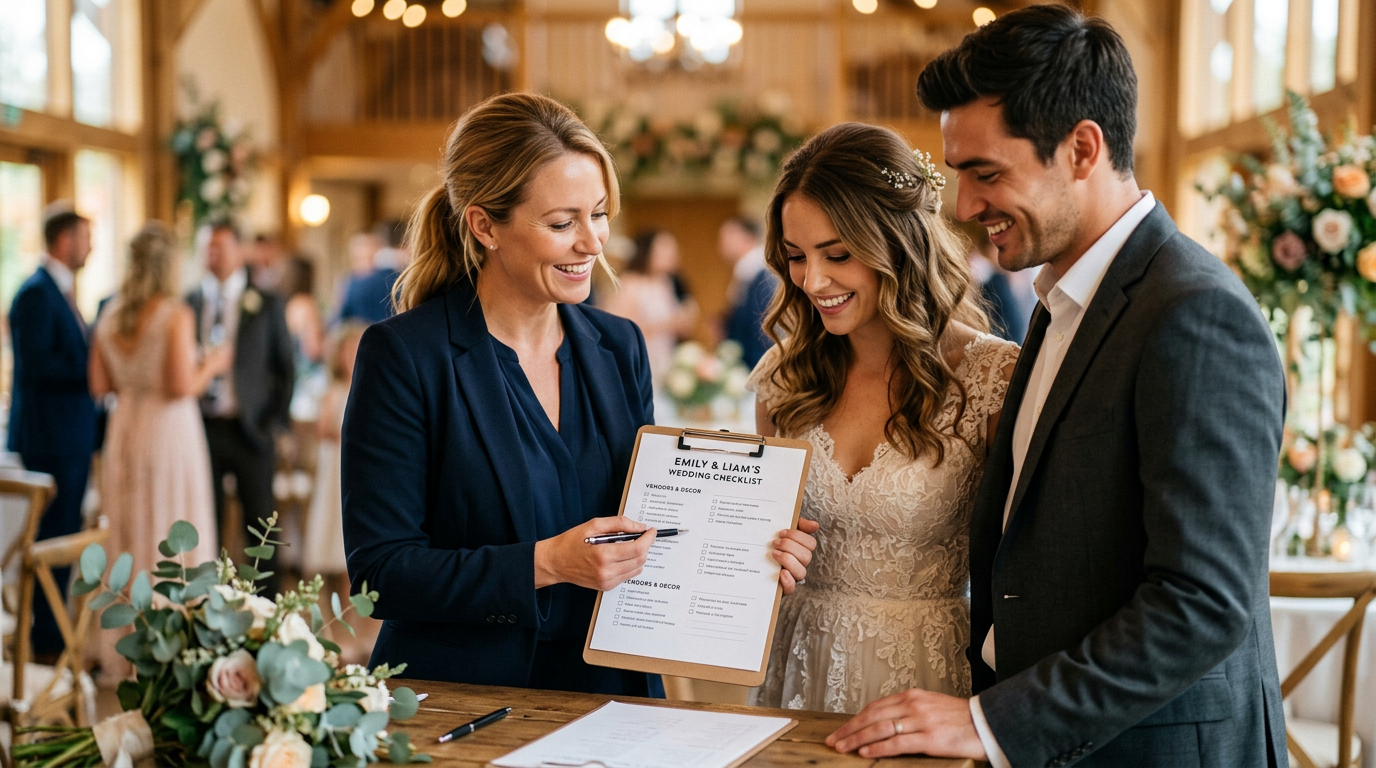
Why Wedding Memes Are the Ultimate Post-Wedding Keepsake
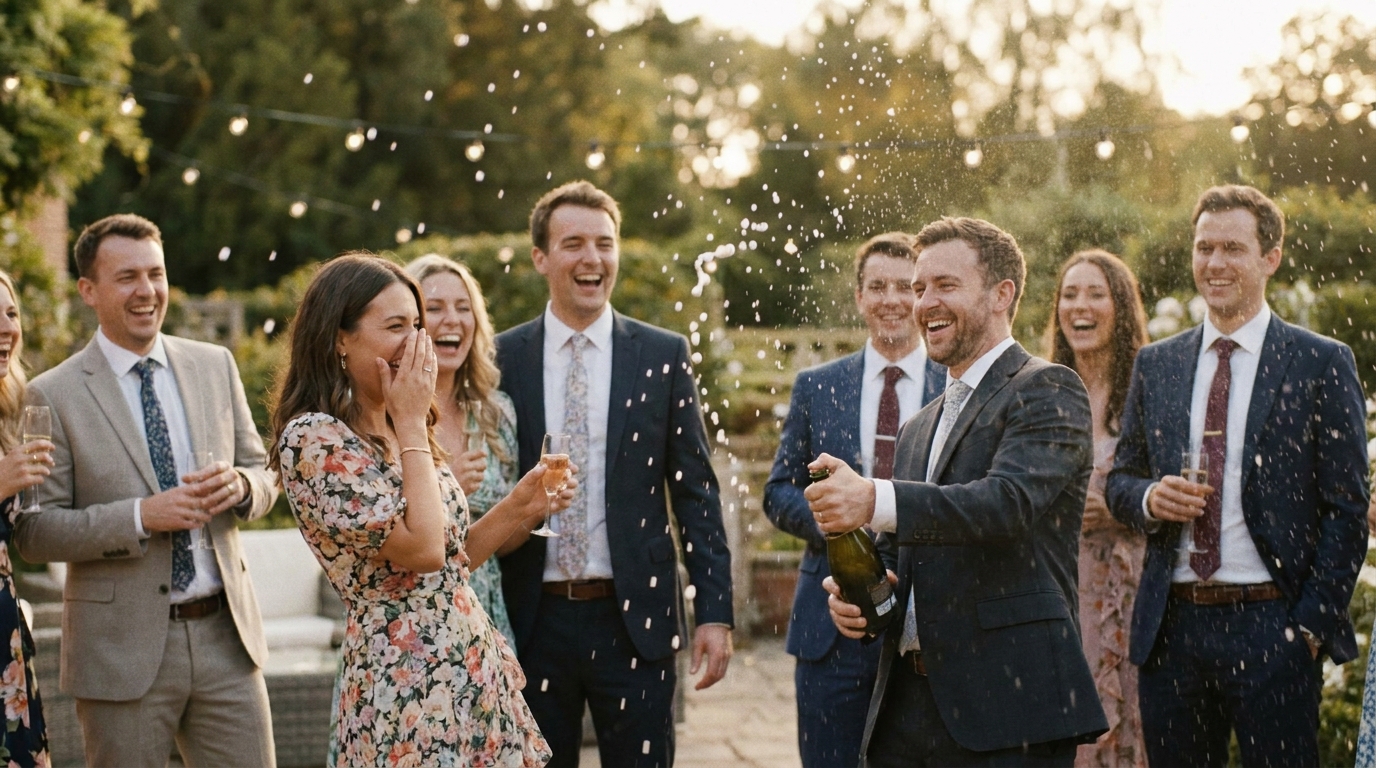
reactions. That split-second when your partner sees you for the first time, the look on your dad's face during the father-daughter dance, or the bridesmaid who definitely had one too many champagne flutes — these micro-moments are comedy gold.
Pew Research Center, over 80% of adults under 50 use social media regularly, and wedding content consistently ranks among the most shared categories. A well-timed wedding GIF can rack up thousands of shares within days.
But beyond social media clout, wedding memes serve a deeper purpose:
- They keep memories alivein a fun, accessible format
- They give absent guestsa taste of the atmosphere
- They create inside jokesthat bond your wedding party for years
- They make your wedding albumfeel less formal and moreyou
What Makes a Great Wedding Meme?
Not every clip is meme-worthy. The best wedding memes share a few key traits:
Relatable Emotions
The funniest wedding memes tap into universal experiences. Everyone knows the panic of catching the bouquet, the awkwardness of being seated with strangers, or the confusion when the DJ plays the wrong song. When your clip captures a feeling that thousands of people recognize, it transcends your personal wedding and becomes shareable content.
Perfect Timing
A meme lives or dies on timing. You need to trim the clip to the exact right moment — usually 2 to 6 seconds for a GIF, and under 30 seconds for a video meme. Too long and you lose the punchline. Too short and the context disappears.
The Right Caption
The text overlay makes or breaks a wedding meme. Classic formats include:
- Before/after: "Me before the open bar" → "Me after the open bar"
- Expectation vs. reality: Showing the Pinterest-perfect first dance vs. the actual stumble
- Reaction shots: Capturing someone's face with a witty caption
- Song lyric overlays: Pairing a funny moment with a trending audio clip
How to Extract Funny Wedding Video Clips
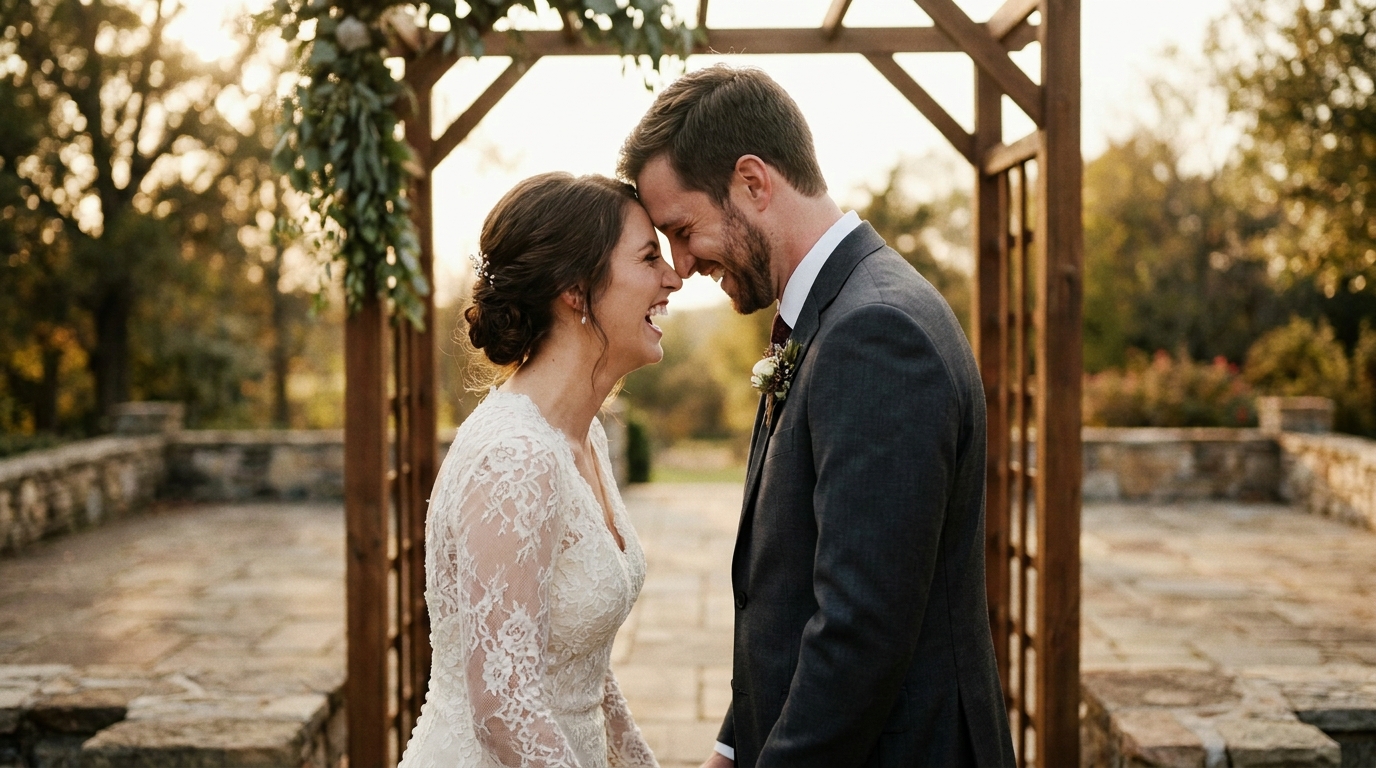
Before you can make memes, you need the raw material. Here's how to pull the best moments from your wedding footage.
Step 1: Review Your Full Footage
If you hired a videographer, you likely have hours of raw footage. Sit down with your partner and watch through it, keeping a notepad (or timestamp list) of the moments that made you laugh. Look for:
- Unexpected reactions from guests
- Kids doing unpredictable things
- Dance floor fails and triumphs
- Emotional moments that double as wholesome memes
- Behind-the-scenes chaos the guests never saw
Step 2: Trim and Export Clips
Use your phone's built-in video editor or a free tool like CapCut to trim the exact moments you want. Export each clip as a separate file. For GIFs, aim for:
- Duration: 2-6 seconds
- Resolution: 480p to 720p (GIFs don't need 4K)
- File size: Under 10MB for easy sharing
For video memes, keep them under 30 seconds and export at 1080p for social media.
Step 3: Use AI-Powered Tools
AI Video Generatorcan automatically identify the most engaging moments from your wedding video. The AI analyzes facial expressions, audio peaks, and movement patterns to surface the clips most likely to resonate.
Best Tools for Making Wedding Memes and GIFs
You don't need a film degree to create professional-looking wedding memes. Here are the best tools for every skill level:
For Beginners (Free Options)
- GIPHY: The classic GIF maker. Upload your clip, add text, and share instantly. Perfect for simple reaction GIFs.
- Canva: Surprisingly powerful for video memes. Drag-and-drop templates with text overlays and effects.
- Instagram Reels Editor: Built-in text, stickers, and trending audio. Great for creating memes that ride algorithm waves.
For Intermediate Creators
- CapCut: Free, powerful, and packed with meme-friendly features like auto-captions, speed ramps, and effects.
- InShot: Mobile-first editor with excellent text tools and aspect ratio controls for every platform.
- EZGIF: Browser-based GIF maker with precise frame control. Ideal for extracting the perfect loop.
For Professional-Quality Results
- Adobe Premiere Rush: Desktop-quality editing in a simplified interface.
- Final Cut Pro: If you're a Mac user who wants total control.
- Meme Generator: Purpose-built for wedding content with templates designed specifically for wedding moments.
10 Wedding Meme Ideas to Get You Started
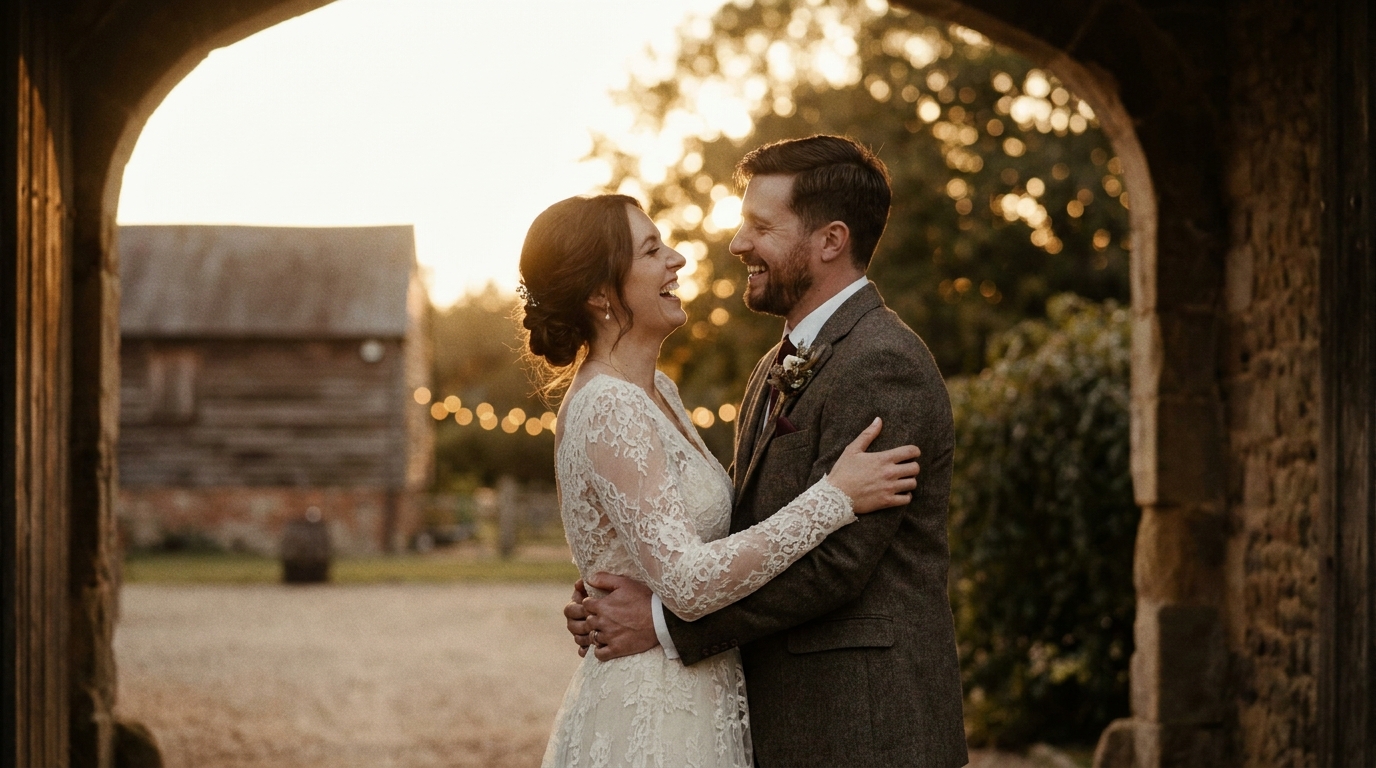
Need inspiration? Here are proven meme formats that work perfectly with wedding footage:
📸 Image Suggestion 1: A split-screen wedding meme showing “expectation vs. reality” of a first dance. Alt text: "funny wedding meme expectation vs reality first dance"
📸 Image Suggestion 2: A phone screen showing a wedding GIF being shared in a family group chat. Alt text: "sharing wedding memes and GIFs in family group chat"
- The "I'm not crying" reaction— Someone clearly tearing up during vows with the caption "I'm not crying, you're crying"
- Dance floor evolution— Split-screen showing formal early-evening dancing vs. 11 PM chaos
- The bouquet dodge— Slow-motion of guests actively avoiding the bouquet toss
- Ring bearer rebellion— Kids who refuse to walk down the aisle
- The photographer's perspective— Behind-the-scenes of your photographer contorting into weird positions
- Cake cutting anxiety— That moment of hesitation before the first slice
- Guest list vs. actual guests— The empty seats vs. the packed dance floor
- DJ requests— When someone requests a song and the DJ's face says everything
- The morning after— Group chat screenshots comparing fresh guests to end-of-night photos
- Parent reactions— Mom and dad's emotional journey condensed into 5 seconds
How to Share Wedding GIFs Across Platforms
Creating the meme is half the battle. Sharing it effectively is the other half.
Family Group Chats
For private sharing, send GIFs directly through WhatsApp, iMessage, or Messenger. These platforms have built-in GIF support, so you can even upload your wedding GIFs to GIPHY and search for them by name.
Social Media
- Instagram: Post Reels with trending audio, or add GIFs to your Stories using the GIPHY sticker integration
- TikTok: Wedding content performs exceptionally well here. Use relevant hashtags like #WeddingMemes, #WeddingFail, and #MarriedLife
- Facebook: Still the go-to platform for sharing with extended family and older guests
Wedding Website
Add a meme gallery to your wedding website. Guests who attended will relive the moments, and those who missed it get a hilarious preview of the celebration.
wedding video social mediastrategies for maximum engagement.
Creating Wedding Memes With AI Assistance
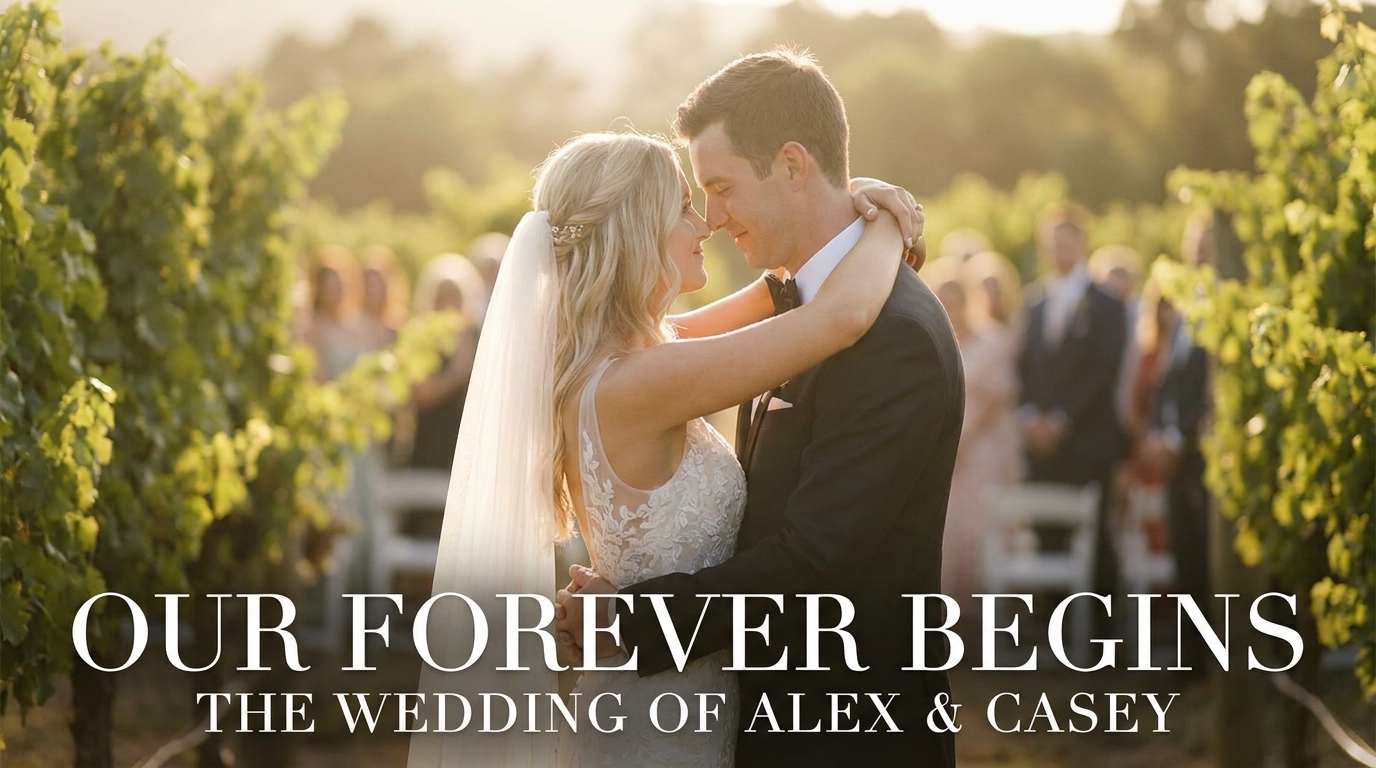
AI tools have made meme creation faster and more accessible than ever. Here's how to leverage AI for your wedding memes:
Automatic Moment Detection
Instead of watching hours of footage frame by frame, AI can scan your video and flag the moments with the highest emotional engagement — laughter spikes, gasps, applause, and sudden movements. This cuts your review time from hours to minutes.
Smart Trimming
AI can identify the exact start and end points of a funny moment, ensuring your GIF loops perfectly and your meme clip hits at just the right second.
Template Matching
Modern AI meme generators can analyze your clip and suggest the best meme format to pair with it. A shocked face? Here's a reaction template. A dance fail? Here's a before/after split-screen.
meme generatorcombines all three of these capabilities, letting you create professional-quality wedding memes in minutes rather than hours. And if you're looking for more ways to repurpose your wedding footage, explore ourraw wedding footage ideasguide.
Legal and Etiquette Considerations
Before you hit "post," keep these guidelines in mind:
- Get consentfrom anyone featured prominently in your memes. A quick text asking permission goes a long way.
- Keep it kind— funny is great, mean-spirited is not. Make sure everyone featured would laugh along.
- Respect privacy— avoid sharing memes that reveal embarrassing or sensitive moments without permission.
- Credit your videographerif you're using professional footage. They own the copyright unless your contract says otherwise.
Tips for Making Your Wedding Memes Go Viral
Want your memes to reach beyond your friend group? Follow these strategies:
- Post at peak hours— typically 7-9 PM on weekdays and 10 AM-12 PM on weekends
- Use trending audioon TikTok and Reels to ride the algorithm
- Write captions that invite comments— ask questions or tag friends
- Create a series— "Wedding Meme Monday" keeps people coming back
- Cross-postacross platforms with slight modifications for each one's format
Frequently Asked Questions
Can I make wedding memes from my phone?
Absolutely. Apps like CapCut, InShot, and even Instagram's built-in editor let you trim clips, add text, and export GIFs or video memes directly from your phone. No computer needed.
How long should a wedding GIF be?
The ideal wedding GIF is 2-6 seconds long. This keeps the file size manageable for sharing while capturing the full moment. For video memes on social media, 15-30 seconds works best.
Is it okay to make memes from my wedding video?
Yes — it's your video and your celebration. Just make sure to get consent from anyone who appears prominently before sharing publicly. Most guests are thrilled to be featured in a funny wedding meme.
Can WeddingAI.video help me create wedding memes?
meme generatorthat uses AI to identify the funniest moments in your wedding footage and helps you create shareable memes and GIFs in minutes.
What format should wedding memes be in?
GIFs work best for short, looping reactions (under 6 seconds). MP4 video files are better for longer memes with audio or music. Most social media platforms prefer MP4 at 1080p resolution.
Ready to Turn Your Wedding Into Memorable Memes?
Your wedding video is packed with moments worth sharing — from tearful vows to epic dance floor fails. With the right tools and a little creativity, you can transform those clips into wedding memes that your family and friends will share for years to come.
WeddingAI.video's meme generatormakes the process fast, fun, and frustration-free. Our AI identifies the best moments so you can focus on the captions.
Ready to Transform Your Wedding Memories?
Tell us about your project and we'll get back within 24 hours with a free quote.
Get a Free Quote →