

WeddingAI.video Blog
What to Do With Your Wedding Video — 10 Creative Uses
Learn what to do with your wedding video after the wedding. From sharing to editing to preserving, here's your complete post-wedding video plan.
9 min read · Updated 2026-10-11
What to Do With Your Wedding Video After the Big Day: A Complete Timeline
a survey by WeddingWire, nearly 40% of couples say they wish they'd done more with their wedding footage after the event. If you're like many couples, the footage sits on a hard drive or in a cloud folder, waiting for "someday" when you'll get around to doing something with it.
That someday is now. Your wedding video is one of the most valuable keepsakes from your wedding day — and the longer you wait to process, edit, and share it, the more likely it is to be forgotten or lost. This complete timeline walks you through exactly what to do with your wedding video from the week after the wedding to years down the road.
Week 1: Secure and Back Up Your Footage
The first priority after your wedding is making sure your footage is safe. Digital files are fragile — a crashed hard drive, an expired cloud subscription, or an accidental deletion can erase your wedding memories permanently.
Back Up Everything Immediately
- If a videographer shot your wedding: Confirm their backup policy. Ask when you'll receive raw footage and in what format. Get a timeline in writing.
- If you shot it yourself (phones, GoPros): Transfer all footage to a computer immediately. Then back it up to at least two locations — an external hard drive and a cloud service.
- If guests contributed clips: Collect them within the first week. People's phones fill up, and clips get deleted. Use a shared Google Drive, Dropbox link, or a service like The Guest to collect everything in one place.
The 3-2-1 Backup Rule
Keep your wedding footage safe with this proven strategy:
- 3 copiesof your footage
- 2 different storage types(e.g., external hard drive + cloud)
- 1 offsite backup(cloud storage or a drive stored at a different location)
This protects against hardware failure, theft, fire, and accidental deletion. It might seem like overkill now, but you'll be grateful in 20 years when you want to watch your wedding video with your kids.
Weeks 2-4: Review and Organize
Once your footage is backed up, it's time to review what you have.
Watch Everything
Sit down with your partner and watch all the raw footage — every clip from every camera. Yes, it takes time. But it accomplishes several things:
- You'll rediscover moments you missed on the wedding day
- You'll identify the best clips for editing
- You'll catch any quality issues (audio problems, focus issues, etc.)
- You'll start to see the narrative of your day emerging
Organize Your Clips
Create folders for different parts of the day:
- Getting ready (bride, groom, wedding party)
- First look / pre-ceremony
- Ceremony
- Post-ceremony portraits
- Reception entrance
- Toasts and speeches
- First dance
- Parent dances
- Open dancing / party
- Send-off / exit
Label the best clips in each category. This organization will save hours when you start editing.
Month 1-2: Create Your Wedding Video
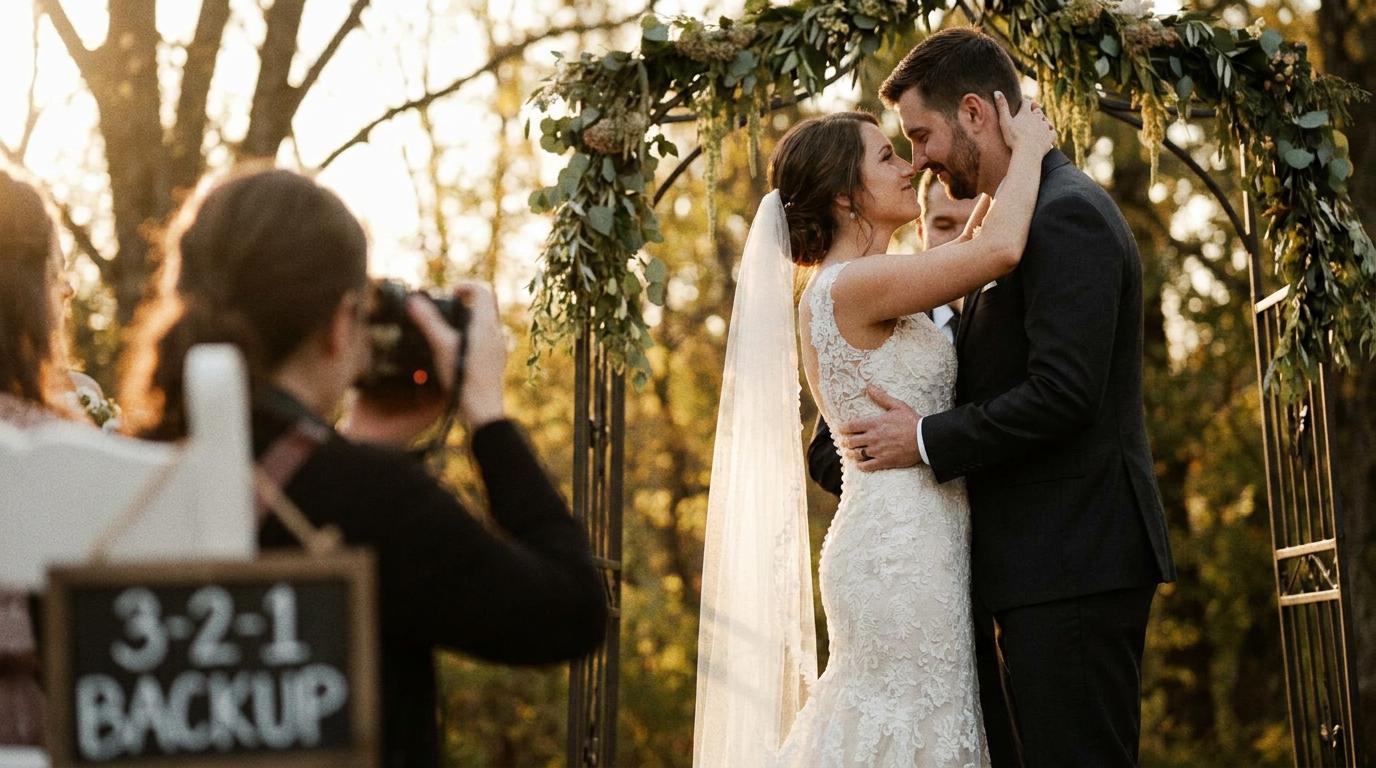
This is the most important step — and the one most couples procrastinate on. Don't let your footage sit unedited for months. The quality of your final video depends on timely editing, and the emotional connection to the footage fades over time.
Option 1: Professional Editing
If your videographer includes editing in their package, this is handled for you. Typical turnaround for a professional wedding video is 6-12 weeks. During this time:
- Respond promptly to any questions from your editor
- Provide your song preferences early
- Review draft cuts and give specific, constructive feedback
- Don't request endless revisions — a few rounds is normal, ten rounds is excessive
Option 2: AI-Powered Editing
AI video generationis the fastest path to a polished result. Upload your footage, select a style and music, and the AI creates a cinematic film.
Benefits:
- Results in minutes, not weeks
- Professional-quality color grading and transitions
- Automatic music synchronization
- Multiple format options (highlight reel, full documentary, social media clips)
Option 3: DIY Editing
If you want full creative control, edit the video yourself using:
- iMovie(free, Mac/iPhone): Great for beginners, produces clean results
- CapCut(free, any platform): Powerful and intuitive, excellent for social media formats
- DaVinci Resolve(free, desktop): Professional-grade with a steeper learning curve
Set aside a dedicated weekend for editing. Trying to do it in 30-minute increments leads to abandoned projects.
Month 2-3: Share Your Wedding Video
Once your wedding video is edited, it's time to share it with the people who matter.
Share With Family First
Before posting publicly, share the video with immediate family — parents, siblings, grandparents. Send a private link via email or a family group chat. This gives them the joy of seeing it before it goes public, and it prevents them from being surprised by it on social media.
Post to Social Media
Create a shorter version (60-90 seconds) for Instagram Reels, TikTok, and Facebook. The full-length video can live on YouTube or Vimeo as a private or unlisted link.
sharing wedding video on social media:
- Use a compelling thumbnail — a beautiful still from the video
- Write a caption that tells the story, not just "our wedding video"
- Tag your venue, vendors, and wedding party
- Use relevant hashtags (#weddingvideo, #justmarried, your wedding hashtag)
- Post during peak engagement hours (typically 6-9 PM on weekdays)
Create a Wedding Website Page
If you have a wedding website, add a page with the embedded video. This serves as a permanent, easily accessible home for your film. Guests who couldn't attend can watch it, and future family members can discover it.
Send to Your Wedding Party
Your bridesmaids, groomsmen, and other wedding party members will love seeing themselves in the video. Send them the link with a personal thank-you message.
Month 3-6: Create Additional Video Content
Your wedding footage can produce more than one video. Use the months after the wedding to create additional content.
Additional Videos to Consider
- A social media reel: Short, punchy, music-driven edit for Instagram and TikTok
- Individual tribute videos: Clips featuring each member of the wedding party, set to music — a meaningful gift for your closest friends
- A video for parents: A special edit focused on parent moments — walking down the aisle, parent dances, emotional reactions. Learn more aboutcreating a wedding video for parents.
- Pet wedding video: If your pet was part of the day, create a dedicatedpet wedding videostarring your furry friend.
- Family tribute: If a loved one couldn't attend or has passed away, create afamily tribute videothat honors their presence in spirit.
Month 6-12: Preserve and Archive
By the six-month mark, your wedding video should be finalized, shared, and backed up. Now it's time to think about long-term preservation.
Long-Term Storage Best Practices
- Cloud storage: Services like Google Photos, iCloud, or Amazon Photos offer affordable long-term storage. Ensure your subscription stays active.
- External hard drives: Store a copy on a reliable external drive. Replace it every 3-5 years as drives can fail over time.
- USB drives: Create a USB copy and store it in a fireproof safe or safety deposit box.
- Physical media: Some couples still want DVDs or Blu-rays. While physical media is declining, it's a tangible backup that doesn't depend on internet access or subscription services.
File Format Considerations
Keep your master files in the highest quality format possible:
- Master copy: ProRes, MOV, or MP4 at the original resolution (4K if available)
- Sharing copies: Compressed MP4 files at 1080p for everyday viewing
- Social media copies: Smaller, optimized files for each platform's specifications
wedding video formatsand which ones to use for different purposes.
Year 1 and Beyond: Your Wedding Video as a Living Keepsake
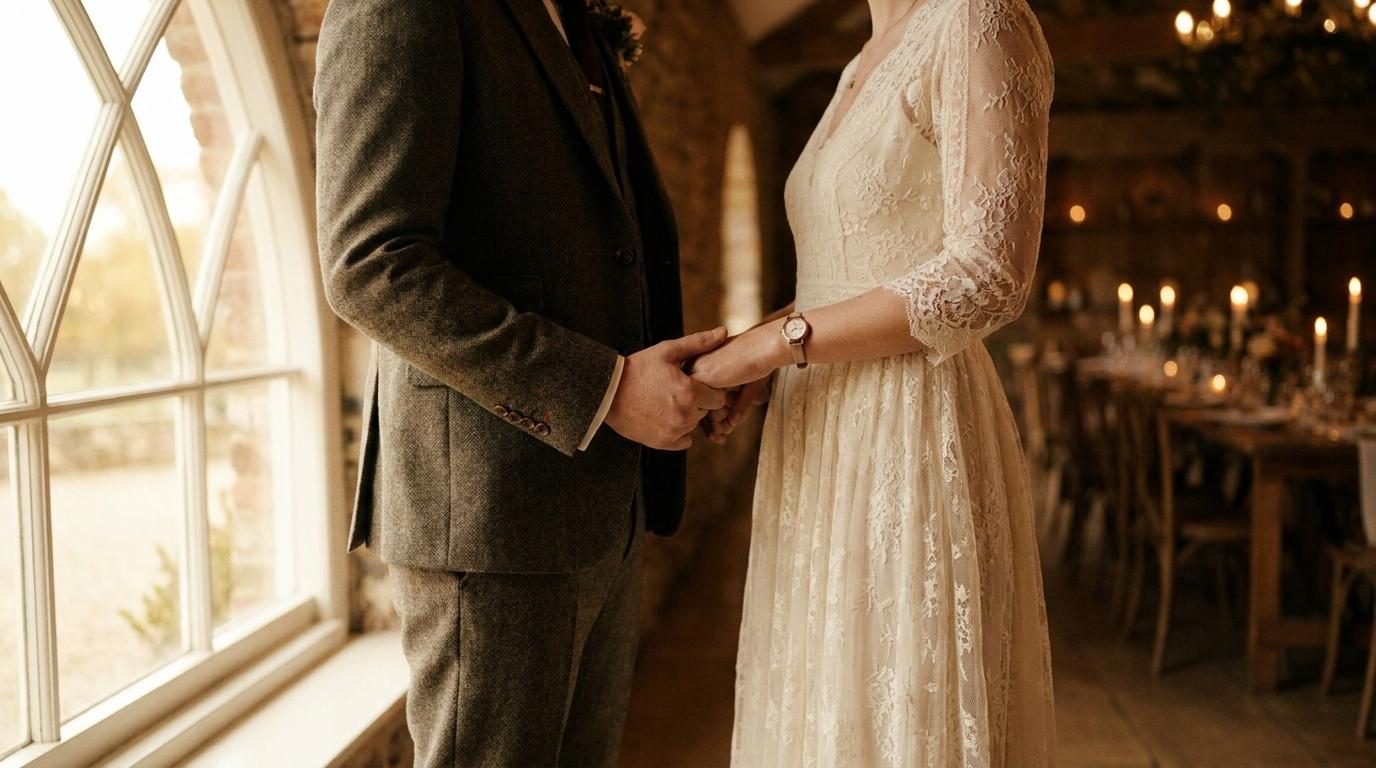
Your wedding video isn't a one-time project — it's a living document of your love story that grows in value over time.
Annual Anniversary Tradition
Watch your wedding video together every year on your anniversary. Many couples make this a tradition — opening a bottle of wine, watching the video, and reminiscing about the day. As years pass, this tradition becomes increasingly meaningful.
Create Anniversary Updates
Each year, add a new chapter to your wedding video story. Film a short clip on each anniversary — a message to each other, a reflection on the year, or a recreation of a wedding moment. Over time, these clips become a chronological love story.
wedding anniversary video ideasfor creative ways to celebrate your ongoing story.
Share With Future Generations
Your wedding video will one day be a treasured family heirloom. Children and grandchildren will watch it to see what their parents and grandparents looked like on one of the happiest days of their lives. Make sure the video is preserved in a format and location that future generations can access.
Enhance Old Footage With New Technology
AI restoration toolscan make your wedding video look better than the day it was shot.
Common Mistakes to Avoid
- Waiting too long to back up: Hard drives fail, phones get stolen, cloud subscriptions lapse. Back up immediately.
- Letting footage sit unedited for months: The longer you wait, the less motivated you'll be. Edit within the first 2 months.
- Only creating one version: Your footage can produce multiple videos — a highlight reel, a full documentary, social media clips, and gift videos for family.
- Not sharing with family: Your parents and grandparents want to see the video. Don't make them wait or find it on social media.
- Ignoring long-term preservation: Digital files require active maintenance. Check your backups annually and migrate to new storage as technology evolves.
Frequently Asked Questions
How long should I wait before editing my wedding video?
Don't wait longer than 2-3 months. Footage that sits unedited loses its emotional urgency, and you're more likely to abandon the project. If you're using AI editing, you can start within days of receiving the footage.
What's the best way to share a long wedding video with family?
wedding video for parentsas a special edit focused on family moments.
How many copies of my wedding video should I keep?
Follow the 3-2-1 rule: 3 copies, on 2 different types of storage, with 1 stored offsite (cloud or a drive at another location). Digital files can be lost through hardware failure, theft, or accidental deletion. Multiple backups ensure your wedding video survives for decades.
Can I improve my wedding video quality years later?
AI video restorationoptions.
Should I get my wedding video on DVD or USB?
USB is the more practical choice for modern use — it's easier to copy, share, and play on current devices. However, DVDs and Blu-rays don't require a computer to play and can last 20+ years if stored properly. Consider getting both: a USB for everyday use and a disc for long-term archival.
Don't Let Your Wedding Video Collect Dust
Your wedding video is a time machine. It takes you back to one of the most important days of your life — the emotions, the sounds, the people, the love. But only if you actually do something with it.
Follow this timeline: back up immediately, edit within two months, share with family and friends, create additional content, and preserve for the future. Your wedding video isn't just a file on a hard drive — it's a legacy.
AI video generatortransforms raw footage into cinematic films, and ourslow motion enhancementcan add that extra touch of magic.
Ready to Transform Your Wedding Memories?
Tell us about your project and we'll get back within 24 hours with a free quote.
Get a Free Quote →